1600mhz Memory
-
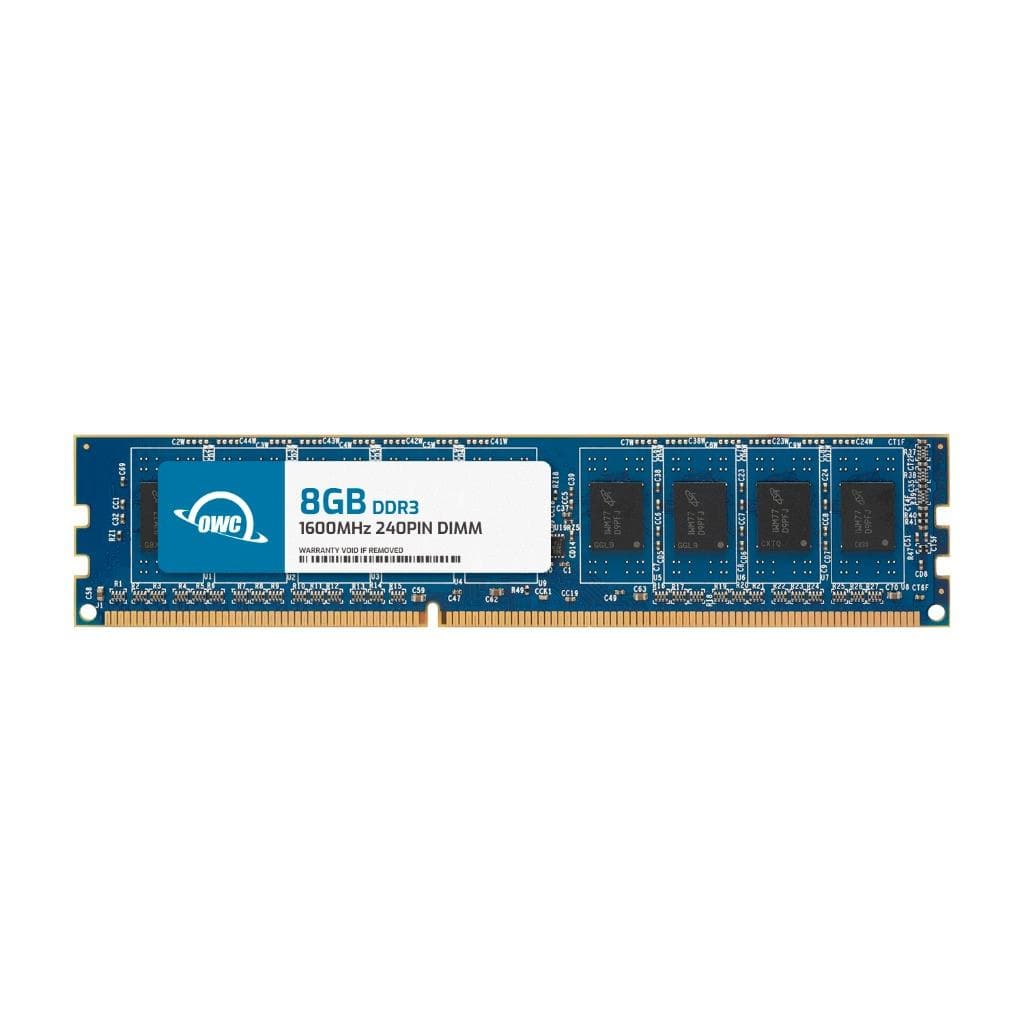
OWC - 8GB Memory RAM For Dell OptiPlex 9010 Desktop OptiPlex 9010 SFF OptiPlex 9010 Tower OptiPlex 7010 USFF - Black Chips
SKU: J3GWLFY88RSee all Computer Memory (RAM)Product Description
An 8GB DDR3 1600MHz non-ECC desktop memory module with black chips, compatible with select Dell OptiPlex models.Your price for this item is $33.99 -
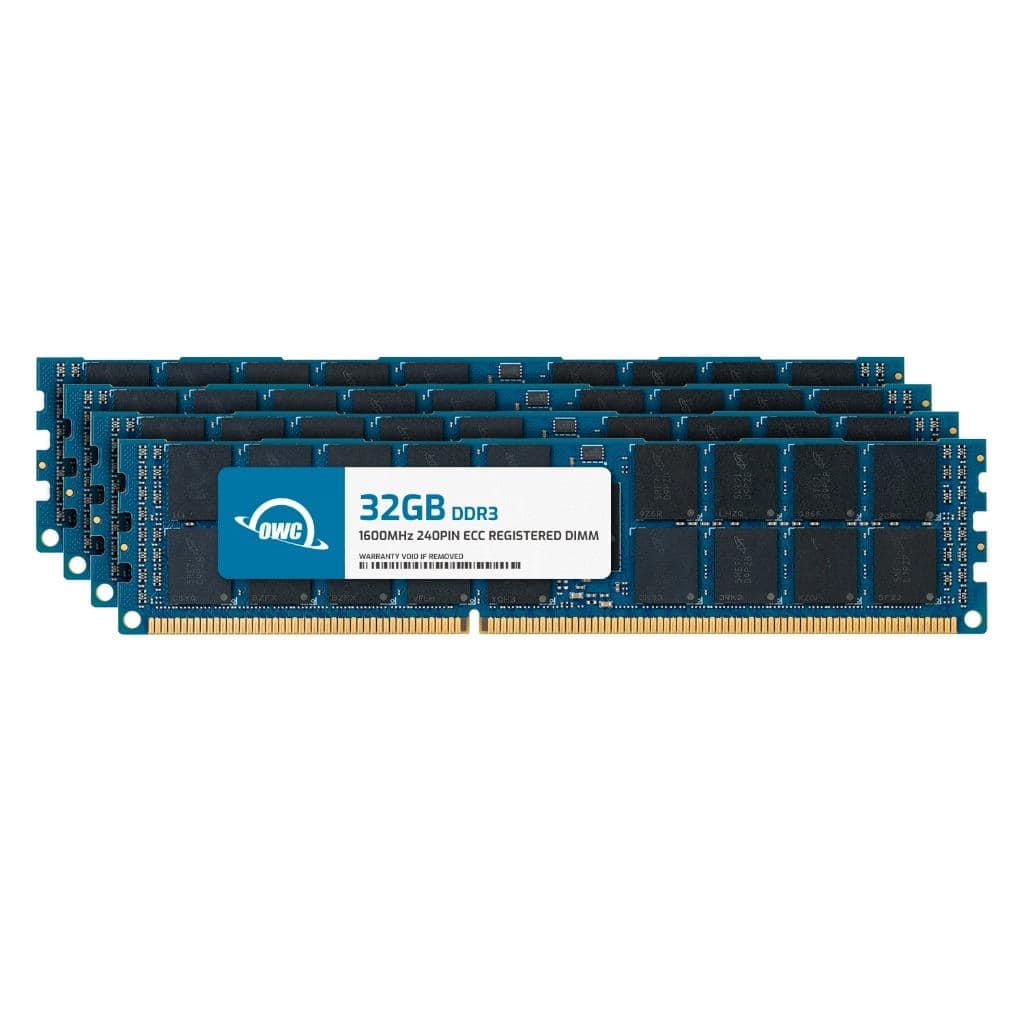
OWC - 128GB (4x32GB) DDR3 1600MHz 4Rx4 CL11 ECC Registered 240p RDIMM Memory RAM for Workstations, Servers, NAS Systems - Black Chips
SKU: J3GWLFYX3CSee all Computer Memory (RAM)Product Description
A 128GB DDR3 1600MHz ECC Registered RAM kit with black chips, ideal for workstations and servers.Your price for this item is $431.16 -
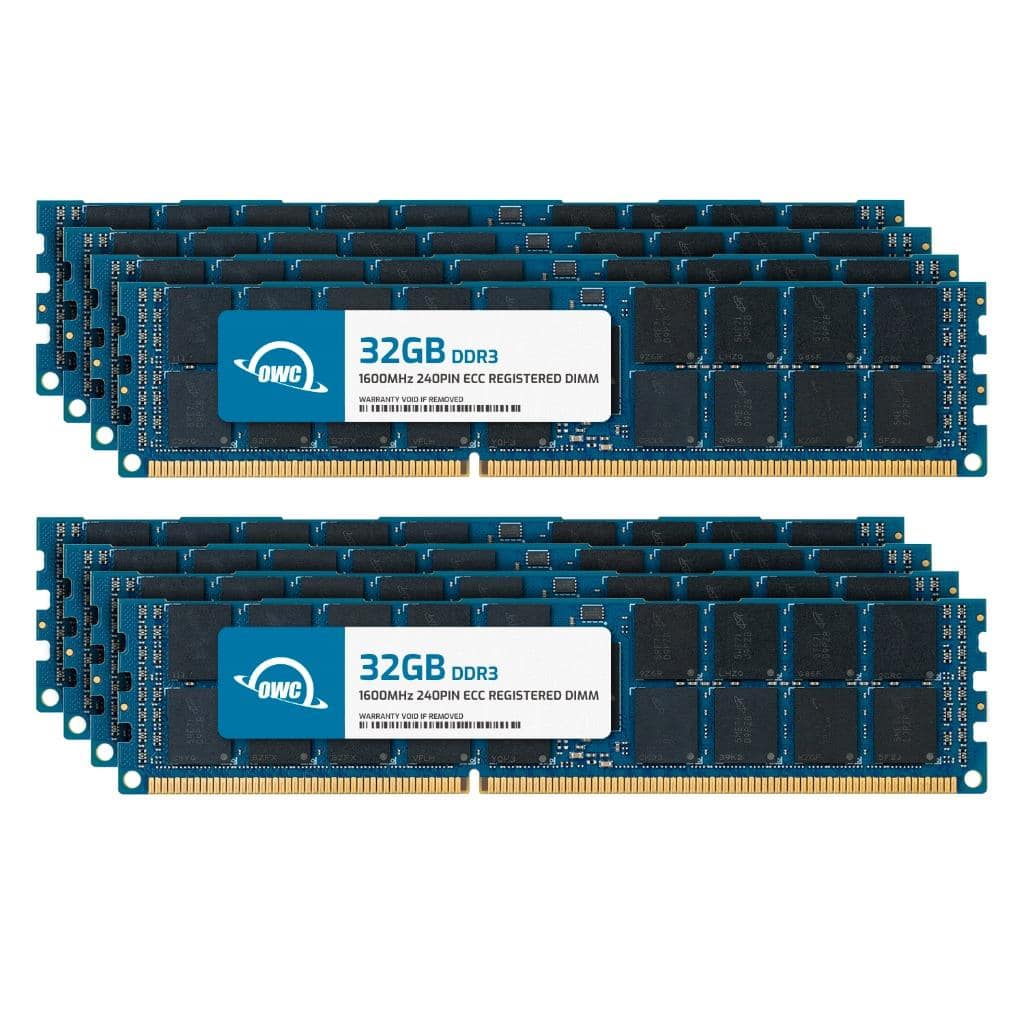
OWC - 256GB (8x32GB) DDR3 1600MHz 4Rx4 CL11 ECC Registered 240p RDIMM Memory RAM for Workstations, Servers, NAS Systems - Black Chips
SKU: J3GWLFYX3YSee all Computer Memory (RAM)Product Description
A high-performance 256GB DDR3 ECC Registered RAM kit with black chips, ideal for servers and workstations.Your price for this item is $862.32 -
OWC - 256GB (8x32GB) DDR3L 1600MHz 4Rx4 CL11 ECC Registered 240p RDIMM Memory RAM for Workstations, Servers, NAS Systems - Black Chips
SKU: J3GWLFYX7SSee all Computer Memory (RAM)Product Description
An ECC registered DDR3L memory kit with 256GB total capacity, 1600MHz speed, and black chips.Your price for this item is $862.32 -
OWC - 128GB (4x32GB) DDR3L 1600MHz 4Rx4 CL11 ECC Registered 240p RDIMM Memory RAM for Workstations, Servers, NAS Systems - Black Chips
SKU: J3GWLFYX7XSee all Computer Memory (RAM)Product Description
A 128GB DDR3L ECC Registered memory kit with black chips, 1600MHz speed, and 1.35V voltage.Your price for this item is $431.16 -
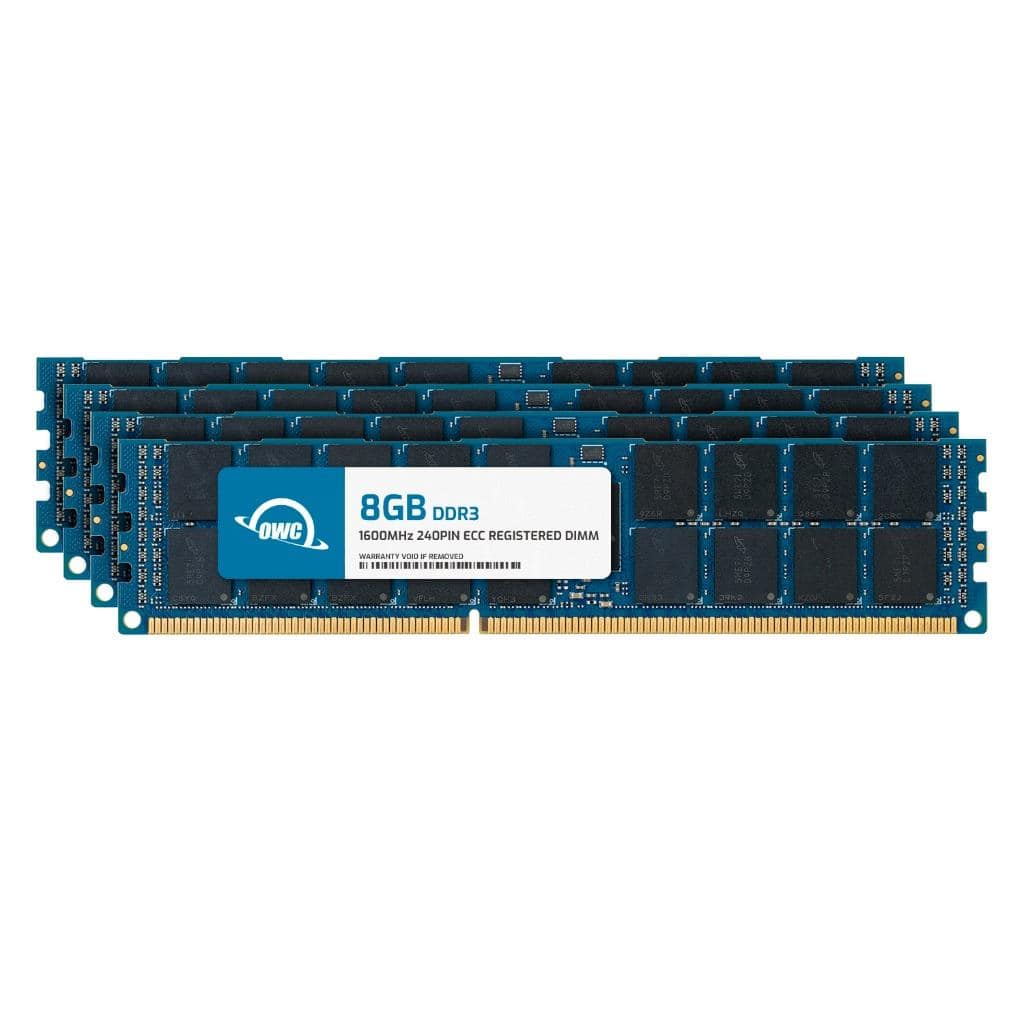
OWC - 32GB (4x8GB) DDR3 1600MHz 1Rx4 CL11 ECC Registered 240-pin RDIMM Memory RAM for Workstations, Servers, NAS Systems - Black Chips
SKU: J3GWLFYXJTSee all Computer Memory (RAM)Product Description
A 32GB DDR3 1600MHz ECC Registered RAM kit with black chips, ideal for workstations and servers.Your price for this item is $112.76 -
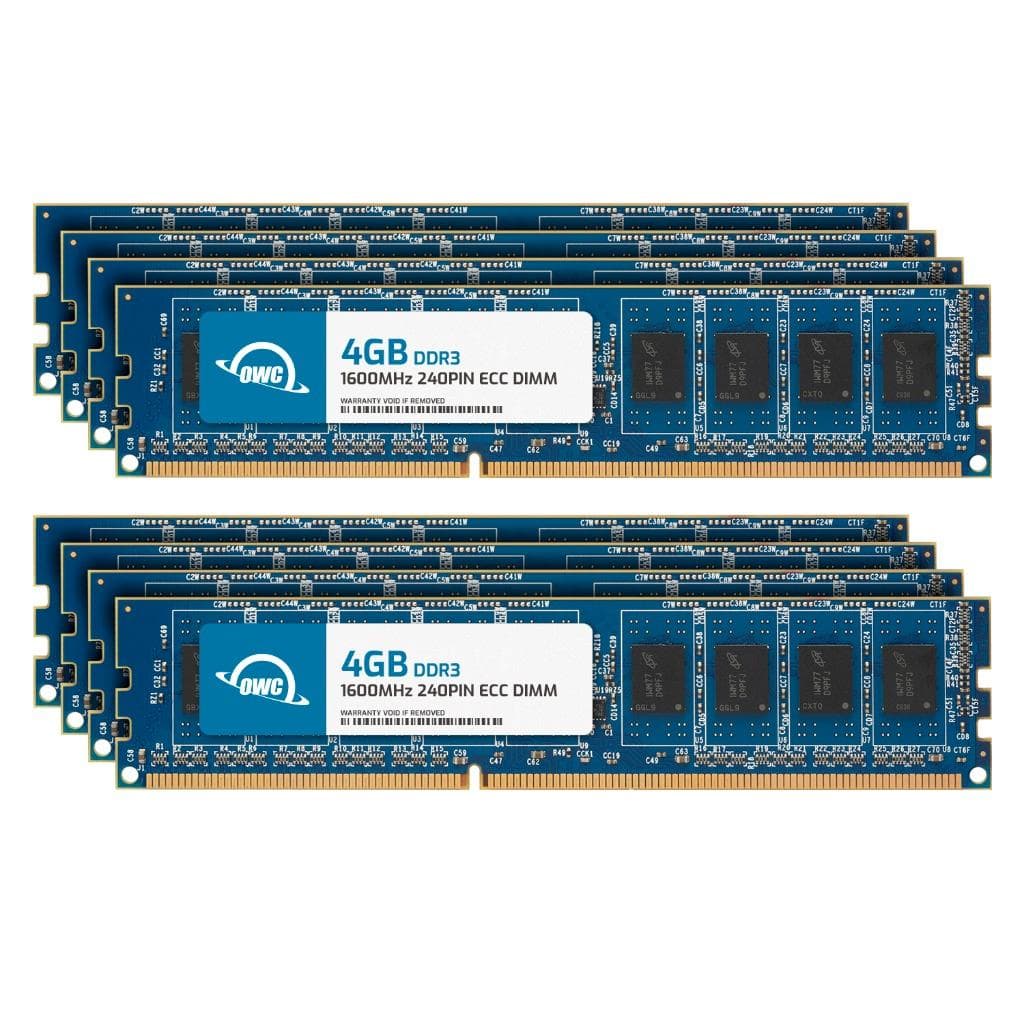
OWC - 32GB (8x4GB) DDR3L 1600MHz 1Rx8 CL11 ECC Unbuffered 240-pin DIMM Memory RAM for Workstations, Servers, NAS Systems - Black Chips
SKU: J3GWLFY2CHSee all Computer Memory (RAM)Product Description
A set of eight black DDR3L 4GB ECC unbuffered DIMMs for reliable workstation and server performance.Your price for this item is $156.74 -
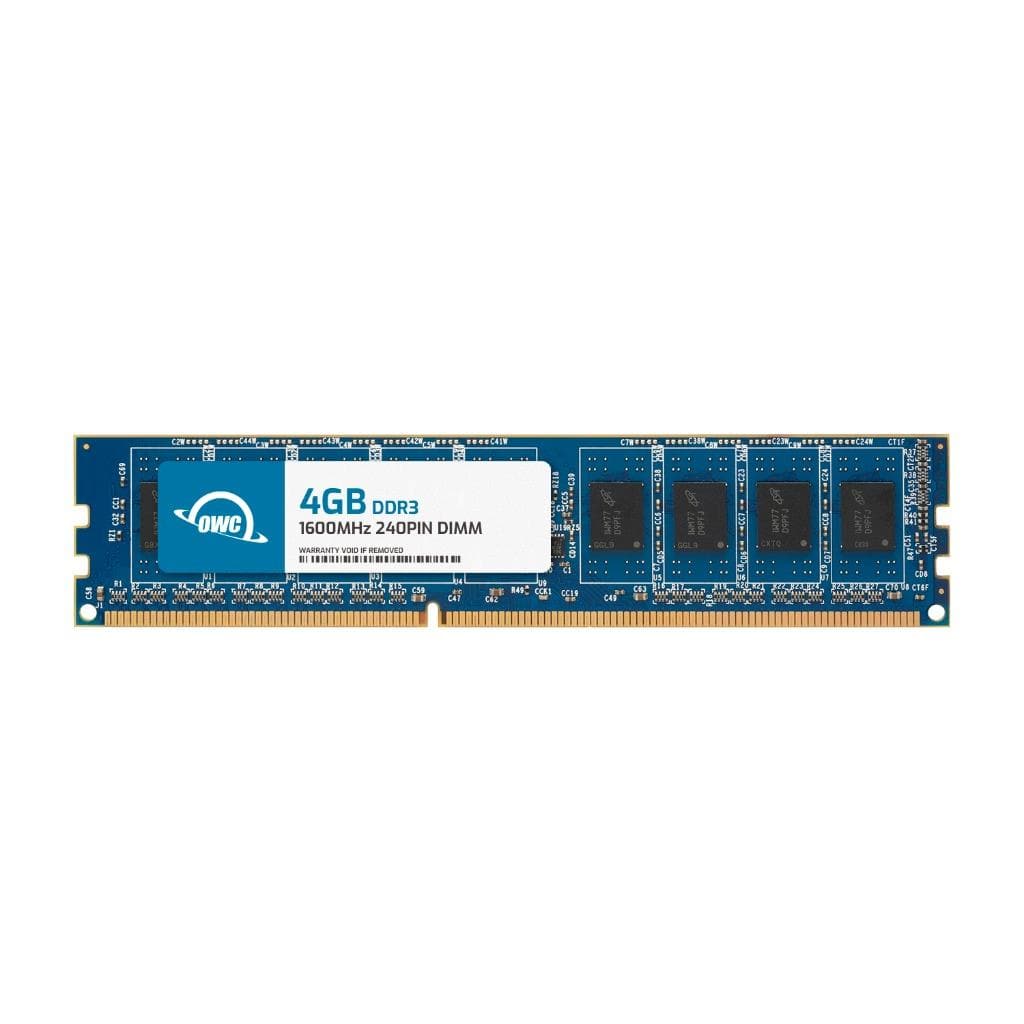
OWC - 4GB DDR3 1600 PC3-12800 CL11 2Rx8 240-pin 1.5V Non-ECC UDIMM Memory RAM Module - Black Chips
SKU: J3GWLFYJ54See all Computer Memory (RAM)Product Description
A 4GB DDR3 1600MHz desktop RAM module with black chips, 240-pin UDIMM, and 1.5V voltage.Your price for this item is $24.99 -
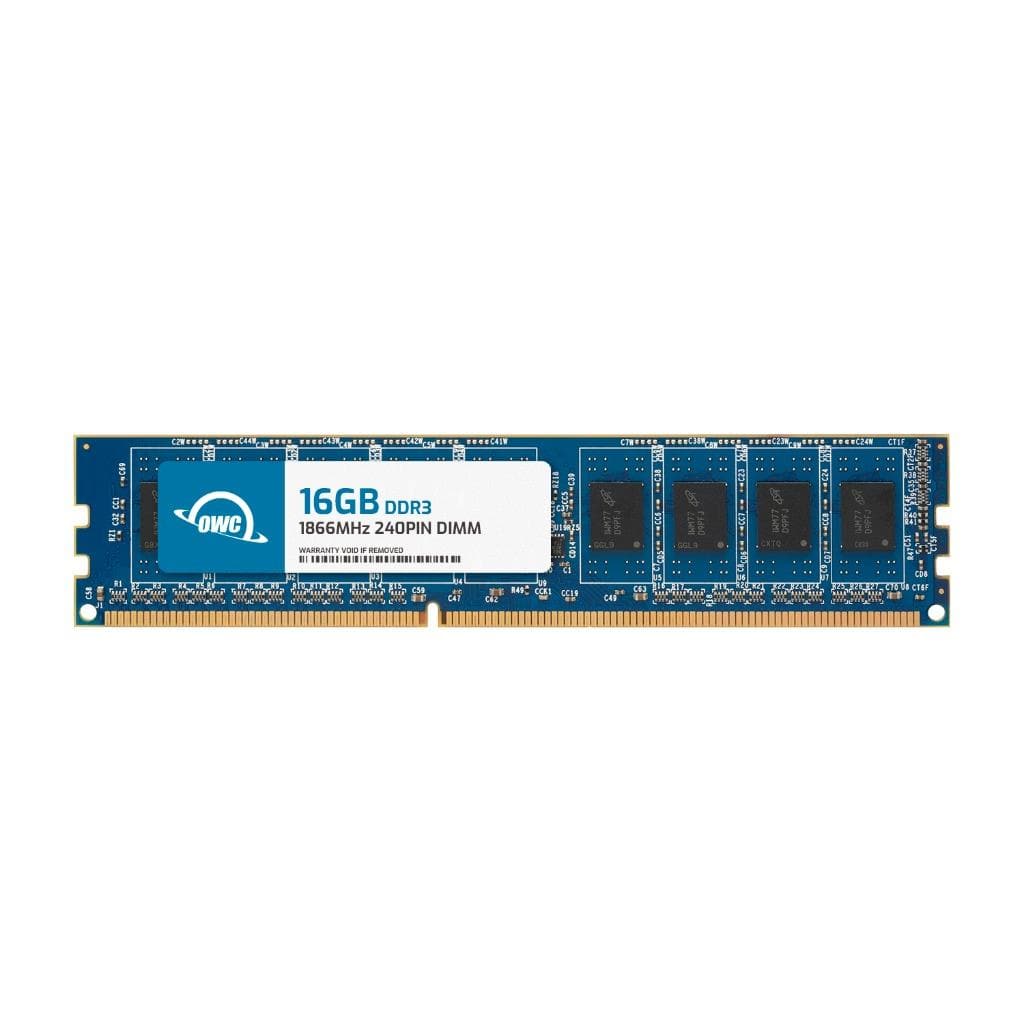
OWC - 16GB DDR3 1866 PC3-14900 CL13 2Rx8 240-pin 1.5V Non-ECC UDIMM Memory RAM Module - Black Chips
SKU: J3GWLFYCCYSee all Computer Memory (RAM)Product Description
A 16GB DDR3 1866MHz desktop RAM module with black chips, non-ECC, 240-pin, and 1.5V voltage.Your price for this item is $199.99 -
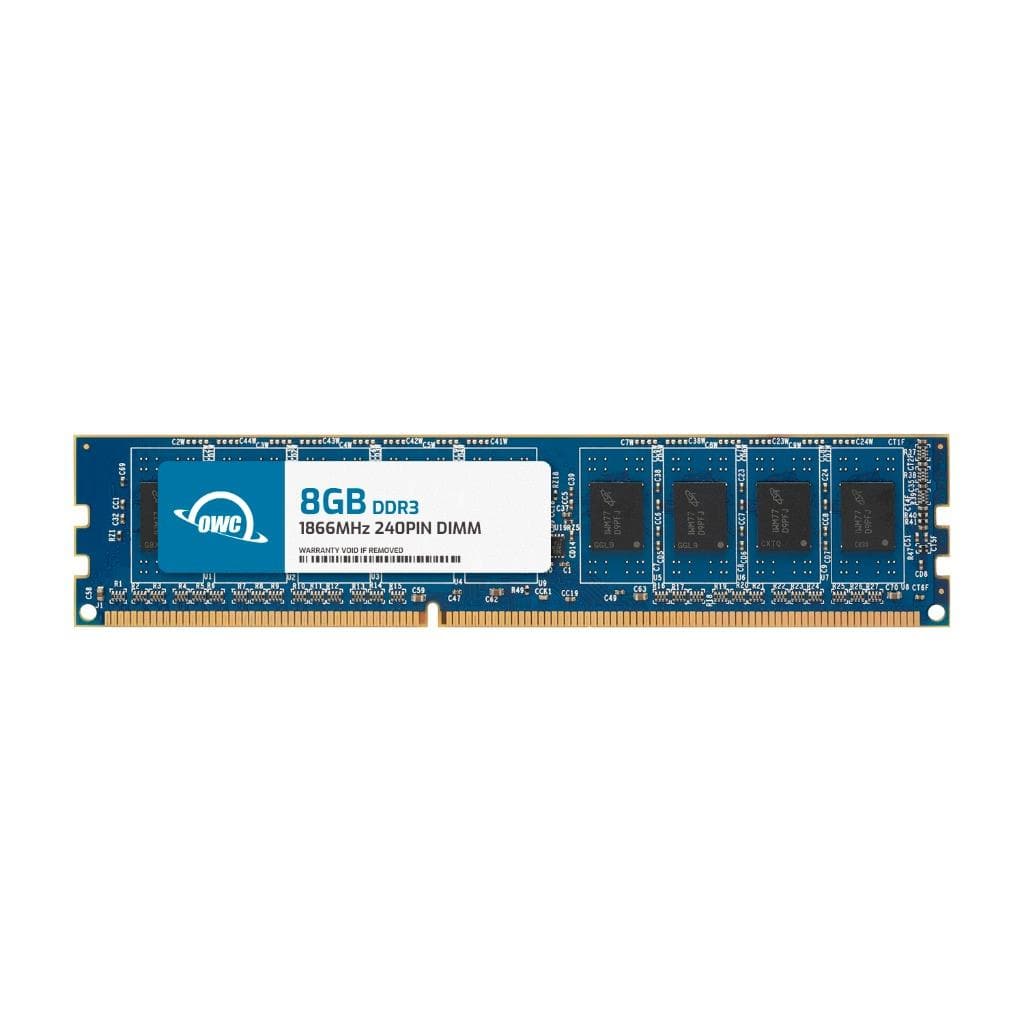
OWC - 8GB DDR3 1866 PC3-14900 CL13 2Rx8 240-pin 1.5V Non-ECC UDIMM Memory RAM Module - Black Chips
SKU: J3GWLFYCJ2See all Computer Memory (RAM)Product Description
An 8GB DDR3 1866MHz non-ECC UDIMM RAM module with black chips for enhanced desktop performance.Your price for this item is $33.99
Best Sellers


Related Pages







FAQ
1600MHz memory, also known as DDR3-1600 RAM, is commonly used in desktop and laptop computers to enhance system performance by providing faster data transfer rates compared to lower-speed memory modules.
While it is technically possible to mix 1600MHz memory with other RAM speeds, the system will operate all memory at the speed of the slowest module installed. For optimal performance, it's recommended to use memory modules of the same speed and specifications.
1600MHz memory is compatible with most motherboards that support DDR3 RAM. However, it's important to check your motherboard's specifications to ensure it supports DDR3-1600 modules.
Upgrading to 1600MHz memory can improve multitasking, increase system responsiveness, and enhance overall computing performance, especially for tasks like gaming, photo editing, and running multiple applications simultaneously.
Some systems may automatically detect and configure 1600MHz memory, while others may require you to manually set the memory speed in the BIOS. Refer to your motherboard's user manual for specific instructions on configuring memory settings.