240gb SSD Drive
-
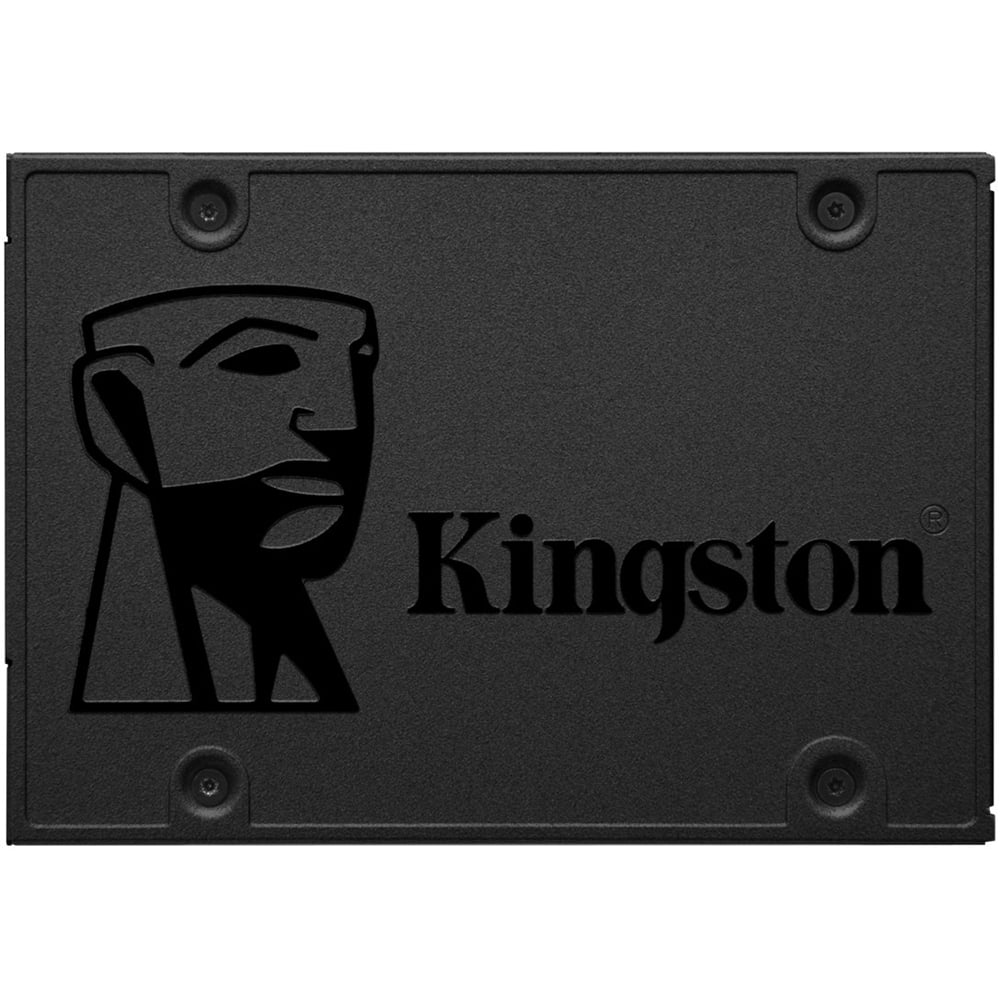
Kingston - A400 240GB Internal SSD SATA
SKU: JX4LR3XTFKcloned old HDD onto this Kingston SSD and installed in my Asus laptop-works great-much faster boot to
See all Internal SSDsProduct Description
A durable black internal SSD offering fast boot times, quiet operation, and 240GB of reliable storage.Your price for this item is $74.74Save $15The previous price was $89.99 -
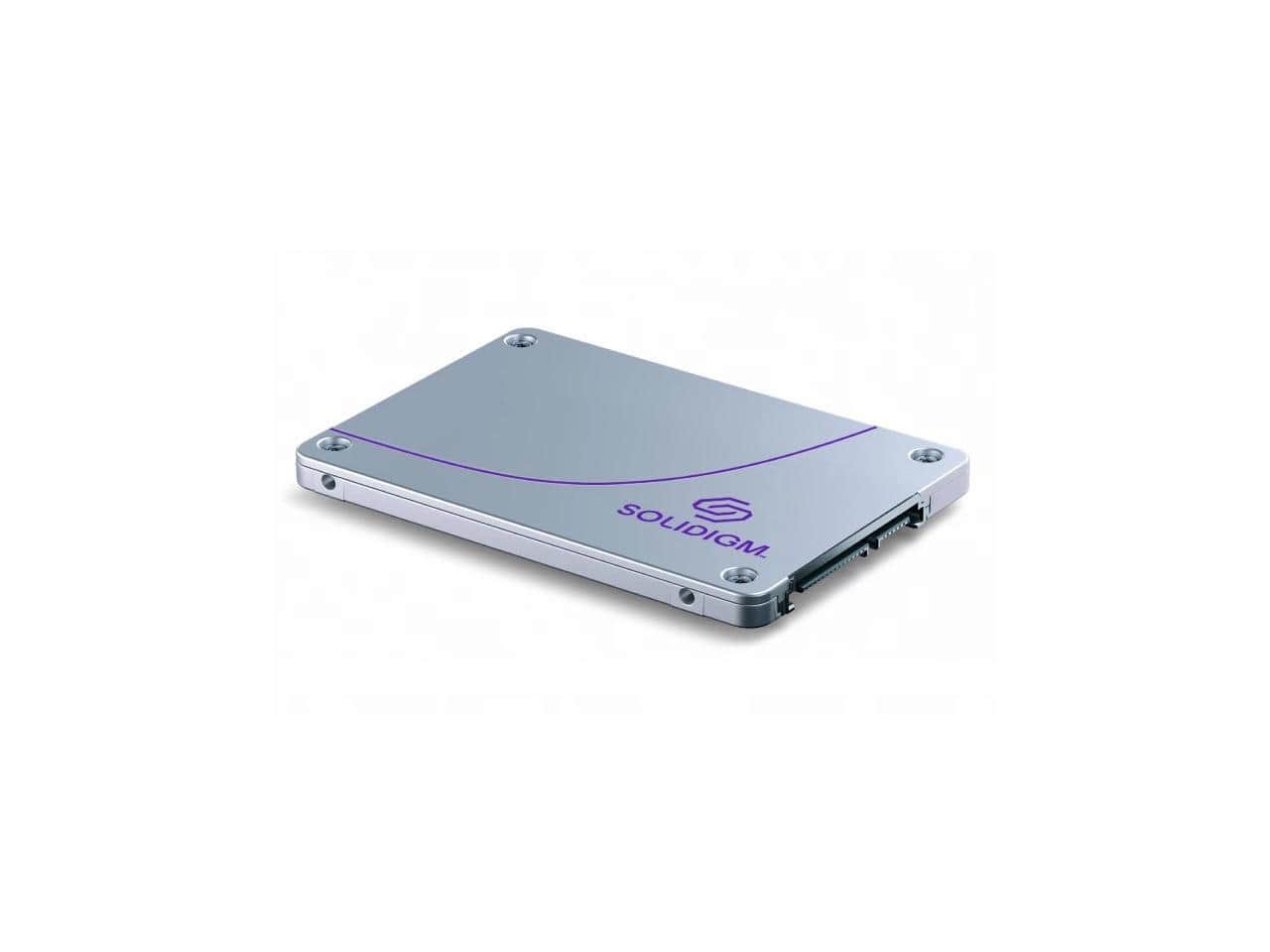
Solidigm - D3-S4520 240GB 2.5in SATA 3D4 TLC SSD (SSDSC2KB240GZ1Z)
SKU: J39H5STPPKSee all Internal SSDsProduct Description
A reliable 240GB internal SSD with 2.5-inch SATA interface and 3D4 TLC NAND for data centers.Your price for this item is $784.52Save $39The previous price was $823.75 -
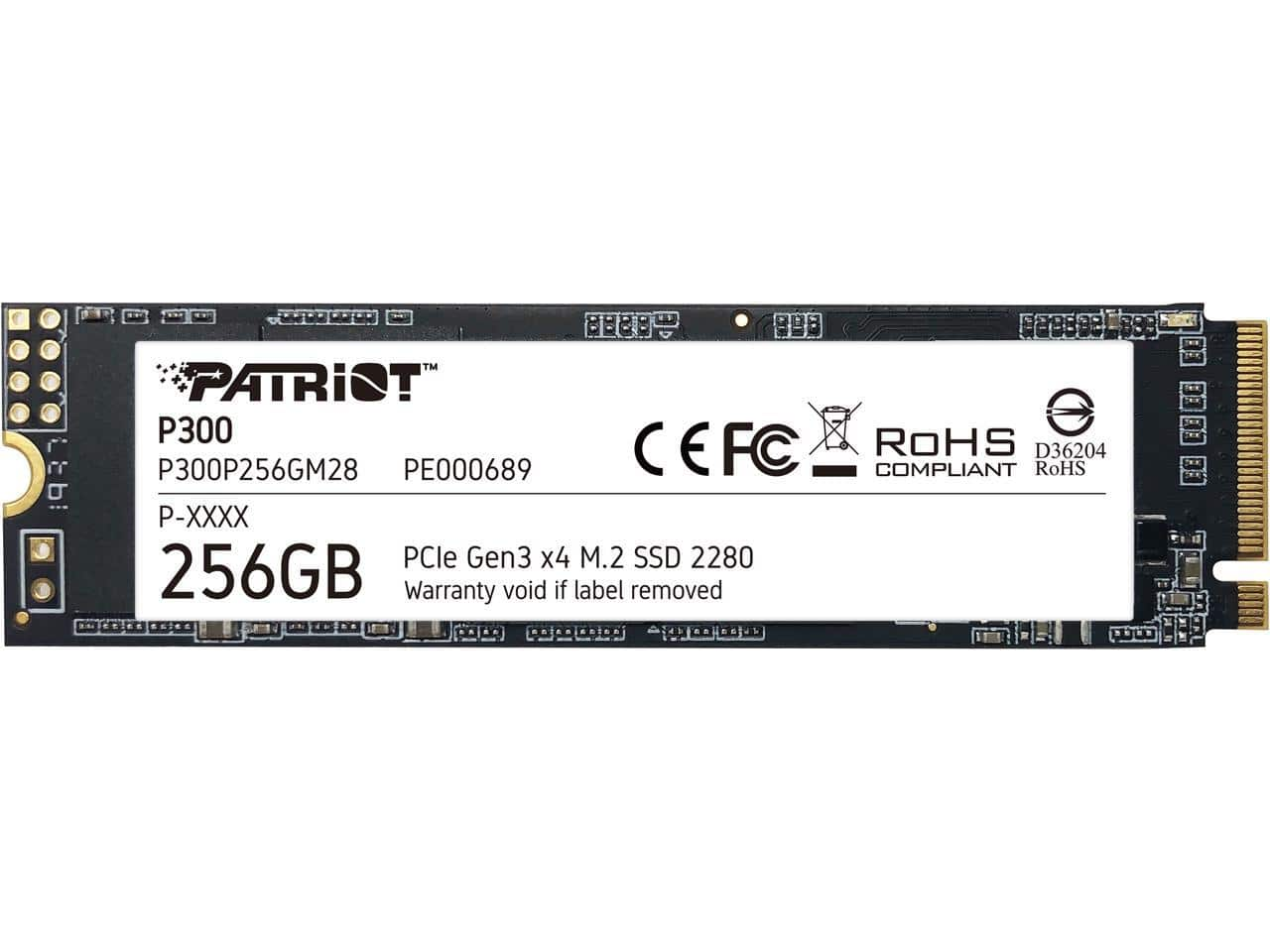
Patriot - P300 M.2 2280 256GB PCIe Gen3 x4, NVMe 1.3 Internal Solid State Drive (SSD) P300P256GM28
SKU: J3L95X5TPKGreat Budget SSD...Great SSD, quite fast, great price, works like any other NVMe at higher prices with the same speed rating
See all Internal SSDsProduct Description
A fast internal SSD with 256GB storage, M.2 2280 form factor, and PCIe Gen3 x4 NVMe 1.3 support.Your price for this item is $59.99Save $18The previous price was $78.17 -
Samsung - 870 EVO 250GB Internal SSD SATA
SKU: J3ZYGCHHXKGreat product, I found it easy to use, compact, love it...Love it
See all Internal SSDsProduct Description
An internal 250GB SSD offering fast read/write speeds, data encryption, and reliable performance for everyday use.Your price for this item is $163.99Save $60The previous price was $224.16 -
Kingston - A400 480GB Internal SSD SATA
SKU: JX4LR3X49TWorks great...all the space you need for applications, videos, photos and other important documents. it is really great...Very improved and great to have on hand for your drives....Great product overall....This...
See all Internal SSDsProduct Description
A fast black internal SSD offering 480GB storage with read speeds up to 500MB/sec and reliable endurance.Your price for this item is $123.92


Best Sellers





Related Pages




FAQ
Upgrading to a 240GB SSD drive can significantly improve your computer’s performance by decreasing boot times, speeding up application launches, and providing faster data transfer rates compared to traditional hard drives.
Yes, most 240GB SSD drives are designed to be compatible with both laptops and desktop computers, as long as they have the appropriate SATA or NVMe interface. Always check your device’s specifications for compatibility.
To install a 240GB SSD, power off your computer, open the case or access panel, connect the SSD to the correct port (SATA or NVMe), secure it in place, and then format or clone your operating system as needed. Refer to your device’s manual for detailed instructions.
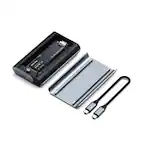
Yes, you can use a 240GB SSD as an external drive by placing it in a compatible external enclosure that connects via USB or another supported interface.
A 240GB SSD typically offers much faster read and write speeds than traditional hard drives, resulting in quicker boot times, faster file transfers, and improved overall system responsiveness.