4K TV As Monitor
-
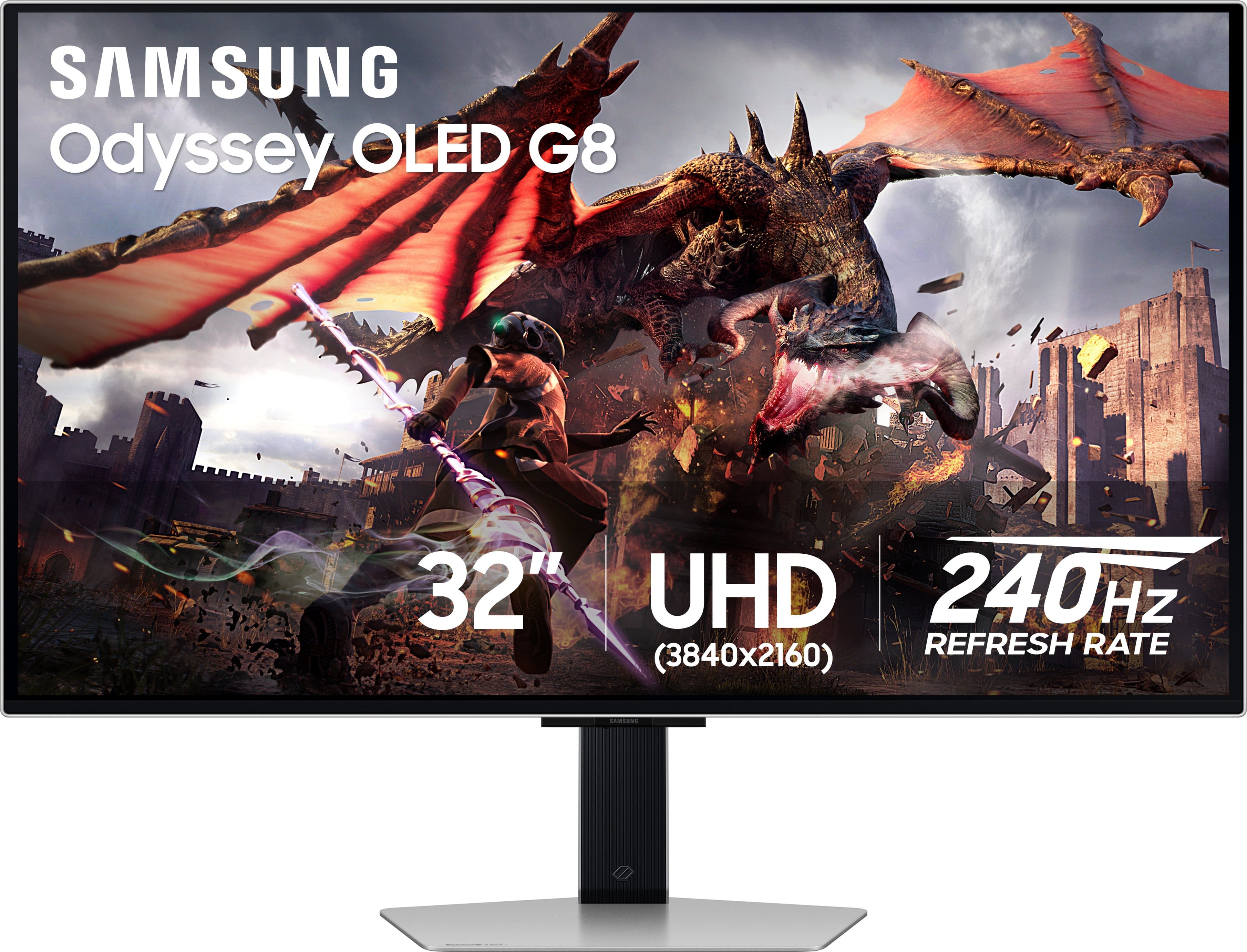
Samsung - 32" Odyssey OLED G8 (G80SD) 4K UHD 240Hz 0.03ms Smart Gaming Monitor with HDR - Silver
SKU: J3ZYG2TXQ5Best monitor...Great monitor fast great color love that its smart. love how thin the screen is...Gorgeous monitor I literally love it so much my best purchase
See all Gaming MonitorsProduct Description
A silver OLED gaming monitor featuring 4K UHD, 240Hz refresh rate, HDR10+, and ultra-fast 0.03ms response.Your price for this item is $899.99Save $400The previous price was $1,299.99 -
Samsung - 37" ViewFinity S8 S80UD LED 4K UHD High Resolution Monitor with HDR10, USB-C and Ergonomic Stand - Black
SKU: J3ZYG2FH67Best features...This 37 ViewFinity S80UD Hi-Res MonitorHas a great picture, I love all the features samsung has best...I love Samsung...Samsung has the best.
See all All MonitorsProduct Description
A black 4K UHD LED monitor with HDR10, USB-C charging, ergonomic stand, and built-in KVM switch.Your price for this item is $499.99Save $100The previous price was $599.99 -
Samsung - 32" Odyssey G7 (G70D) 4K UHD IPS AMD FreeSync Premium Pro and G-Sync Compatible Smart Gaming Monitor with HDR400 - Black
SKU: J3ZYG2ZQS2The best decision I have made in monitor purchasing....Love this monitor, my grandson was blown away by it....Love this
See all Gaming MonitorsProduct Description
A black IPS gaming monitor featuring 4K UHD resolution, 144Hz refresh rate, HDR400, and smart TV apps.Your price for this item is $599.99Save $200The previous price was $799.99 -
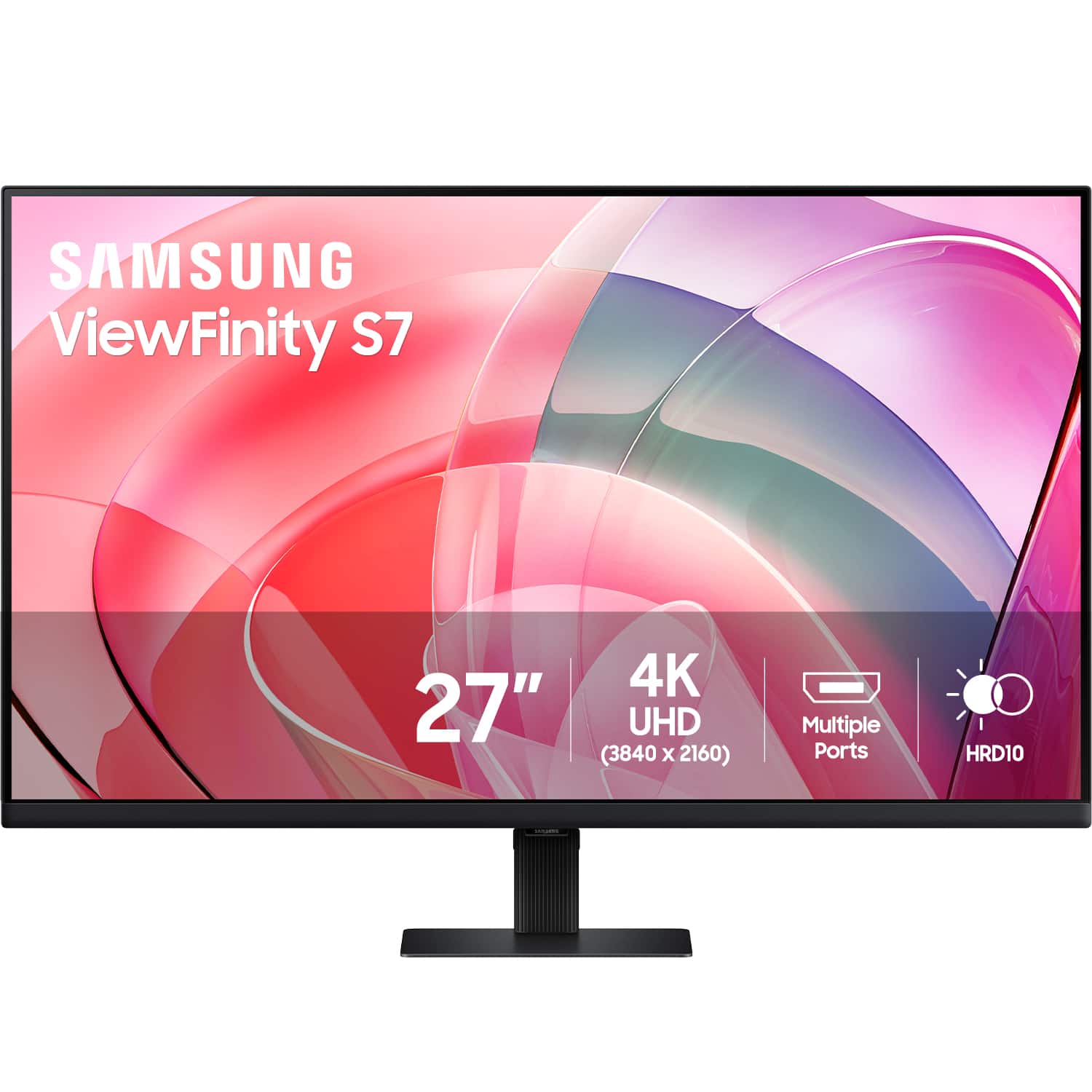
Samsung - 27” ViewFinity S7 LED 4k UHD 60Hz Monitor with HDR 10 (DisplayPort, HDMI) - Black
SKU: J3ZYG2T6FWLove it best graphics and size...Love it use for streaming and casual gaming. Would recommend.....Best monitor ever!...Definitely the best monitor I could ever ask for. Highly recomended.
See all All MonitorsProduct Description
A black LED monitor delivering 4K UHD resolution, HDR10, eye care features, and versatile connectivity options.Your price for this item is $349.99 -
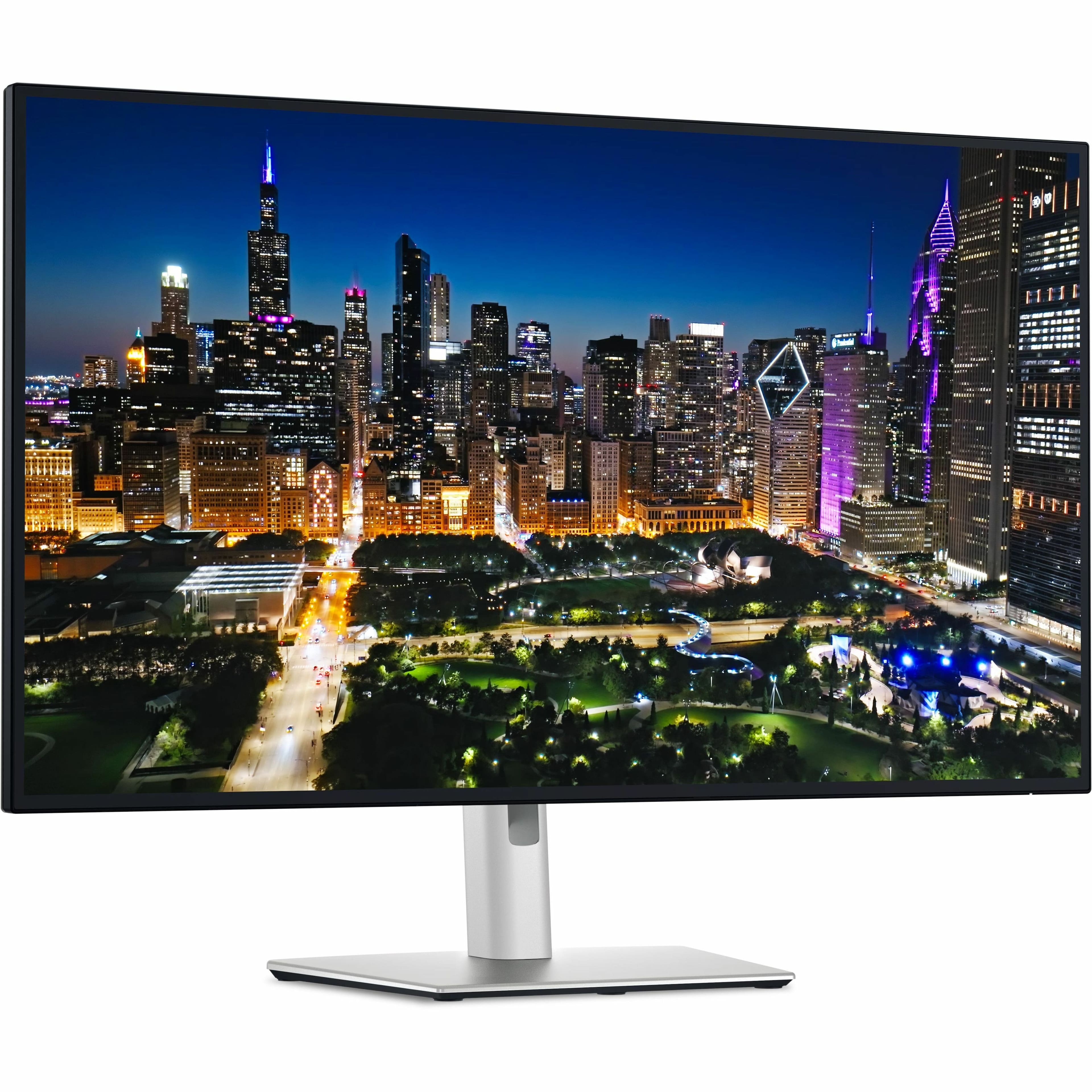
Dell - UltraSharp 31.5" IPS LED 4K UHD 120Hz Monitor with HDR (USB, HDMI) - Black, Silver, Dual Color
SKU: J3K4L637GSIt is great option for 4K 32" (actually 31.5", but same). Dell is perfect manufacturer for monitor.
See all All MonitorsProduct Description
An advanced dual-color 4K UHD IPS LED monitor with HDR, 120Hz refresh rate, and USB/HDMI connectivity.Your price for this item is $869.00Save $90The previous price was $959.99 -
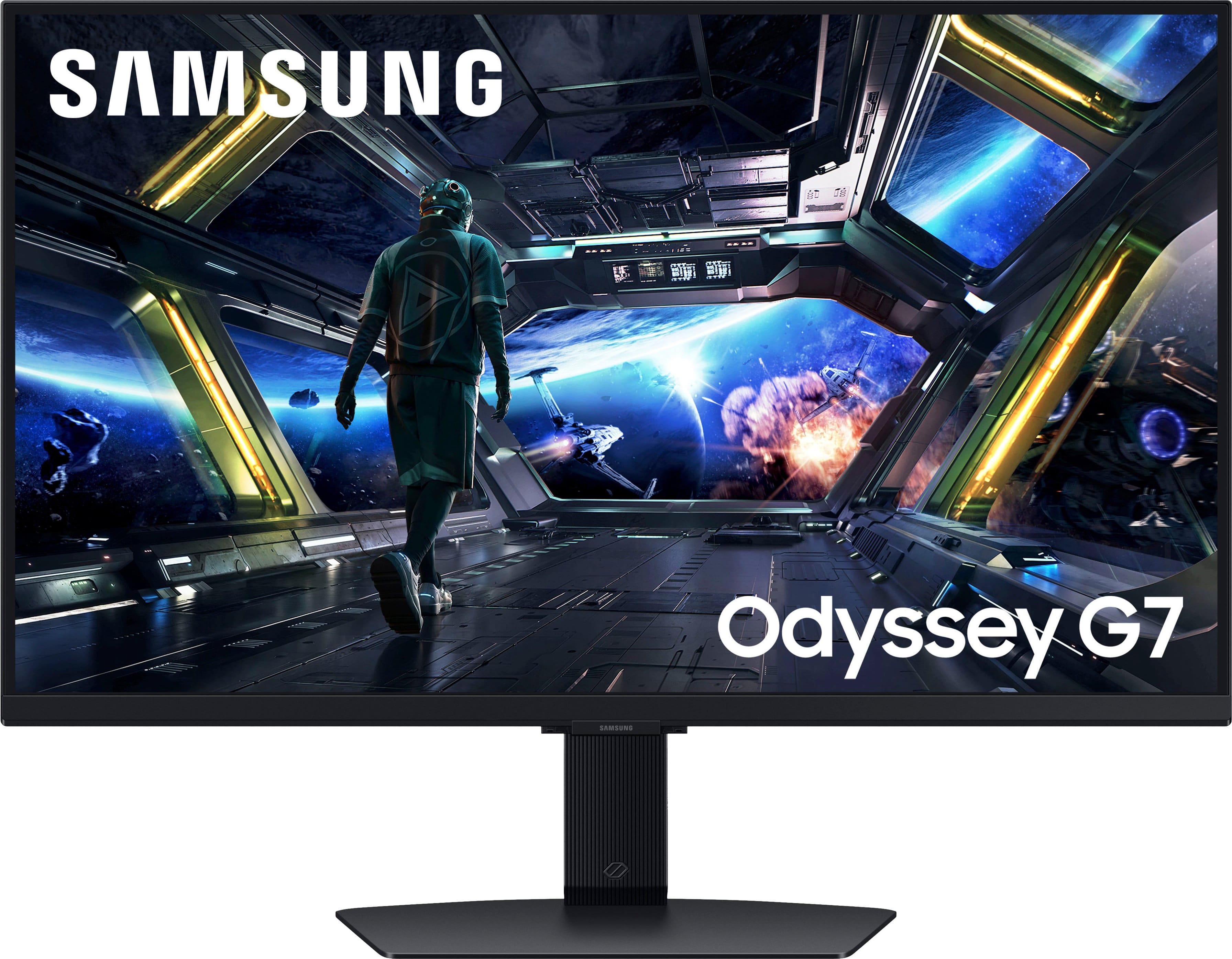
Samsung - 27" Odyssey G7 (G70D) 4K UHD IPS AMD FreeSync Premium Pro and G-Sync Compatible Smart Gaming Monitor with HDR400 - Black
SKU: J3ZYG2ZQY5Best monitor ever...Great monitor does everything from YouTube too chugging out those crispy frames we all love and enjoy
See all Gaming MonitorsProduct Description
A black IPS gaming monitor with 4K UHD, 144Hz refresh rate, HDR400, and smart streaming features.Your price for this item is $399.99 -
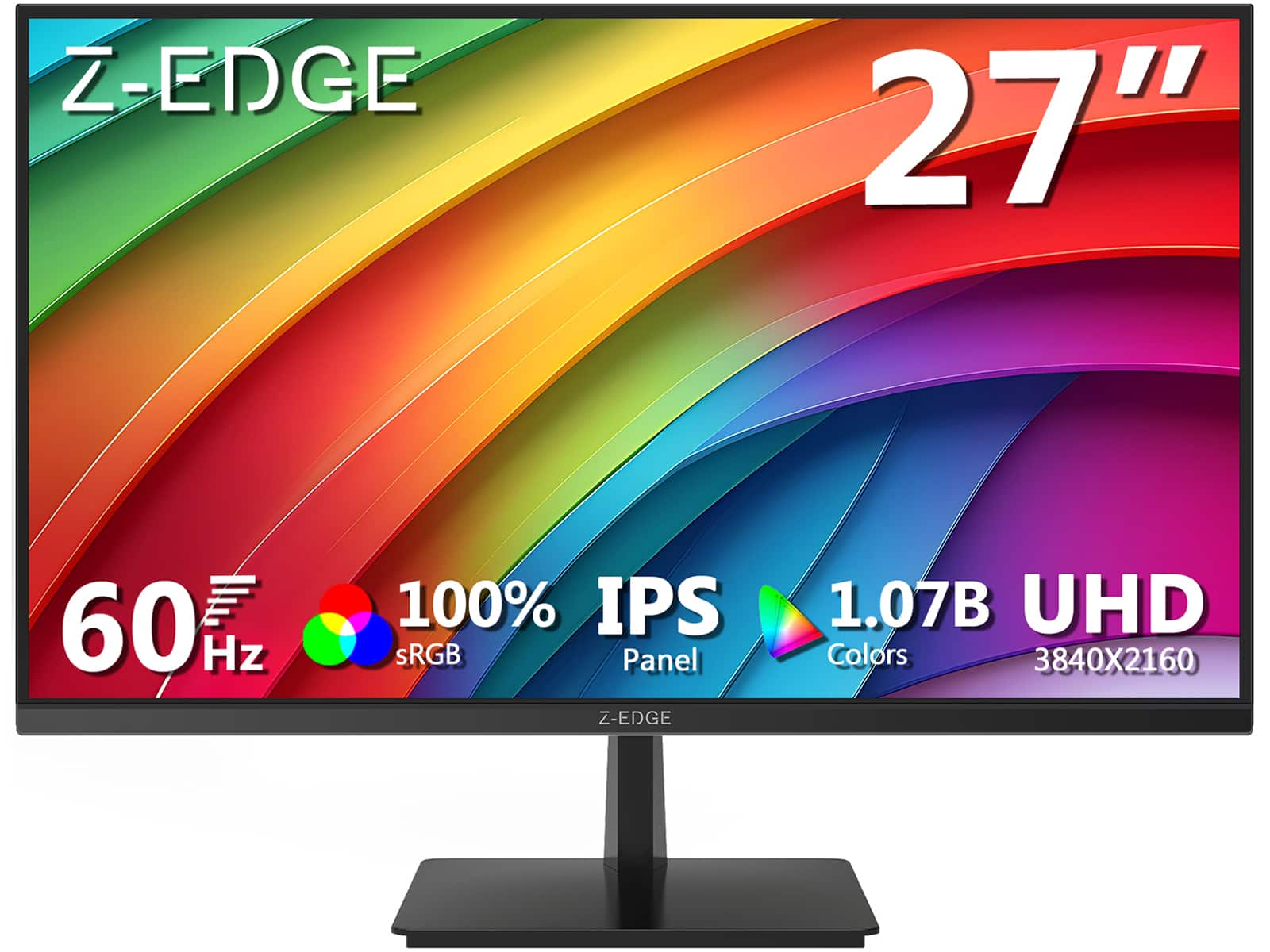
Z Z-Edge - 27" Ultra HD 3840 x 2160 100% sRGB 60Hz 5ms IPS 4K Monitor, HDR10, HDMI + DP, FreeSync Compatible - Black
SKU: J3LH5H8S3KSee all All MonitorsProduct Description
A black IPS 4K monitor featuring HDR10, 100% sRGB, FreeSync, and multiple HDMI and DisplayPort inputs.Your price for this item is $179.99Save $10The previous price was $189.99 -
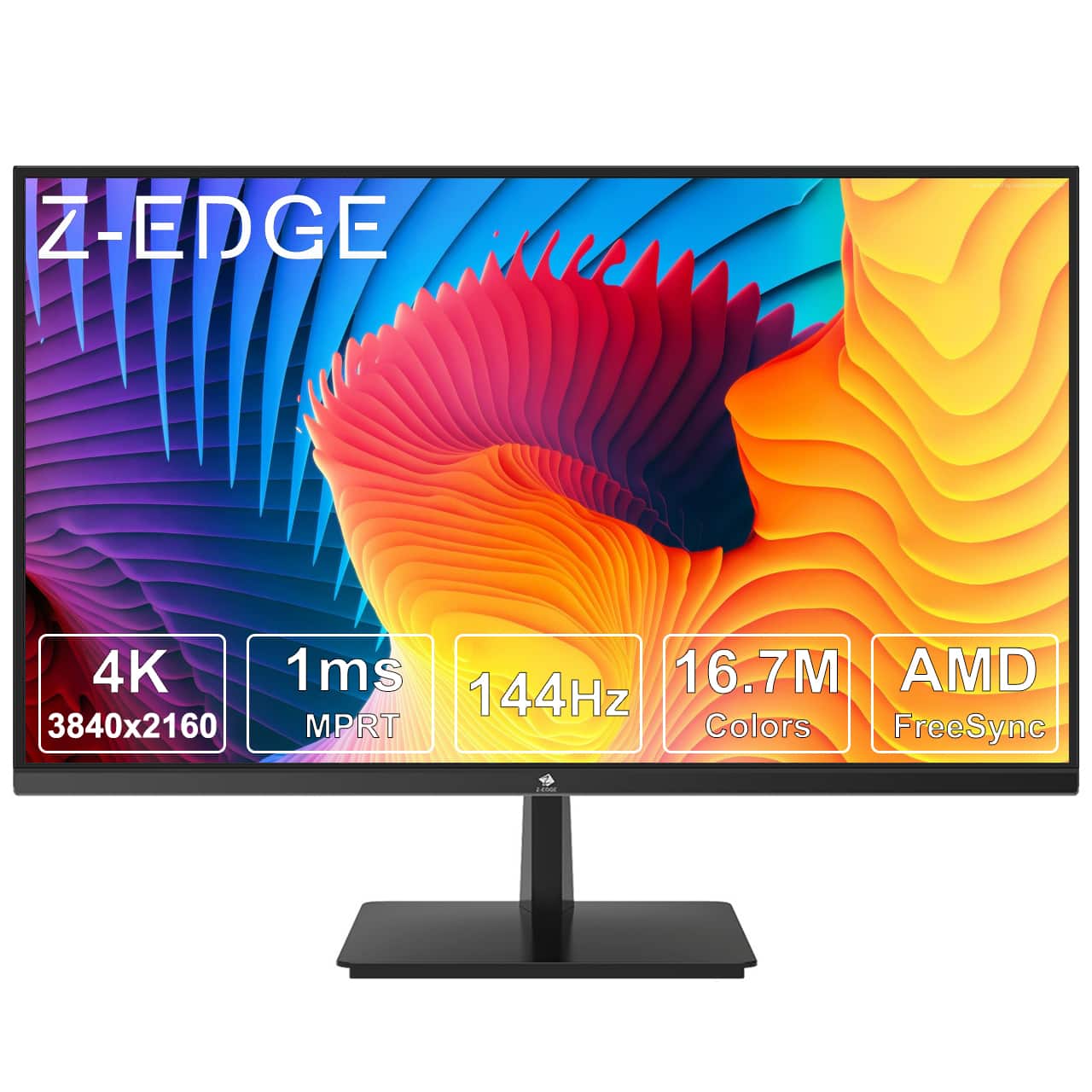
Z Z-Edge - U28I4K 28" Ultra HD 4K 3840 x 2160 144Hz 1ms IPS Gaming Monitor, HDMI x2, DP x2, FreeSync Compatible - Black
SKU: J3LH5H896TSee all Gaming MonitorsProduct Description
A sleek black IPS gaming monitor with 4K UHD resolution, 144Hz refresh rate, 1ms response, and FreeSync.Your price for this item is $249.99Save $30The previous price was $279.99 -
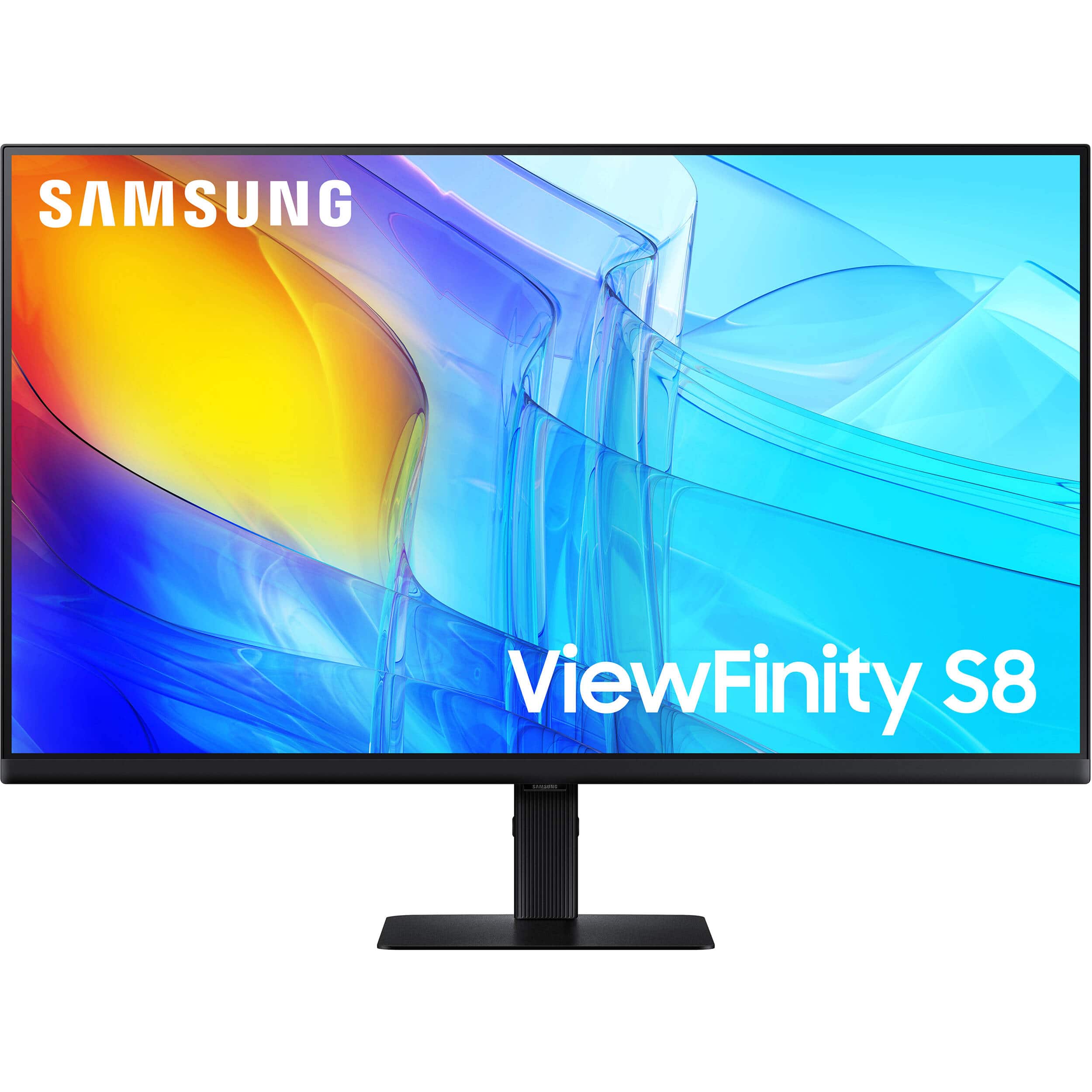
Samsung - 27" ViewFinity S8 (S80D) 4K UHD HDR10 High Resolution Monitor with Ergonomic Stand (DisplayPort, HDMI, USB) - Black
SKU: J3ZYG2T6ZJSee all All MonitorsProduct Description
A 4K UHD IPS monitor in black with HDR10, ergonomic stand, and versatile DisplayPort, HDMI, and USB connectivity.Your price for this item is $456.71 -
Z Z-Edge - U27P4K 27" IPS 4K Monitor, Ultra HD 3840 x 2160, 300 cd/m², 60Hz, HDMI + DP, 1.07B Colors, 100% sRGB - Black
SKU: J3LH5H8P8JSee all All MonitorsProduct Description
A sleek black 27-inch IPS 4K monitor with HDR10, 100% sRGB, FreeSync, HDMI, and DisplayPort connectivity.Your price for this item is $179.99Save $10The previous price was $189.99


Best Sellers






Related Pages


FAQ
Yes, you can use a 4K TV as a computer monitor. Most modern 4K TVs feature HDMI ports that are compatible with computers and laptops, allowing you to enjoy a larger display for work, gaming, or streaming.
Using a 4K TV as a monitor provides a larger viewing area, higher resolution for crisp visuals, and an immersive experience for gaming or multimedia tasks. It's also great for multitasking, as you can have multiple windows open side by side.
Yes, for the best experience, set your TV to 'Game Mode' or 'PC Mode' to reduce input lag and enhance image clarity. Adjust the sharpness and overscan settings to ensure the desktop fits properly and text remains clear.
Text and icons may appear smaller due to the high resolution, but you can adjust your computer’s display scaling settings to enlarge them for comfortable viewing. Most operating systems offer easy options for scaling up interface elements.
To achieve 4K resolution at higher refresh rates, it's recommended to use a high-speed HDMI cable (HDMI 2.0 or newer) or a DisplayPort-to-HDMI adapter if your computer supports it. This ensures optimal picture quality and smooth performance.