Affordable Laptops For Video Conferencing
Affordable laptops for video conferencing make it easy to stay connected with colleagues, friends, and family from anywhere. Whether you're joining virtual meetings for work or catching up with loved ones, these budget-friendly options provide reliable performance for all your video call needs. Explore a wide selection of affordable laptops designed to help you communicate clearly and efficiently, so you can focus on what matters most without breaking the bank.
Read More-
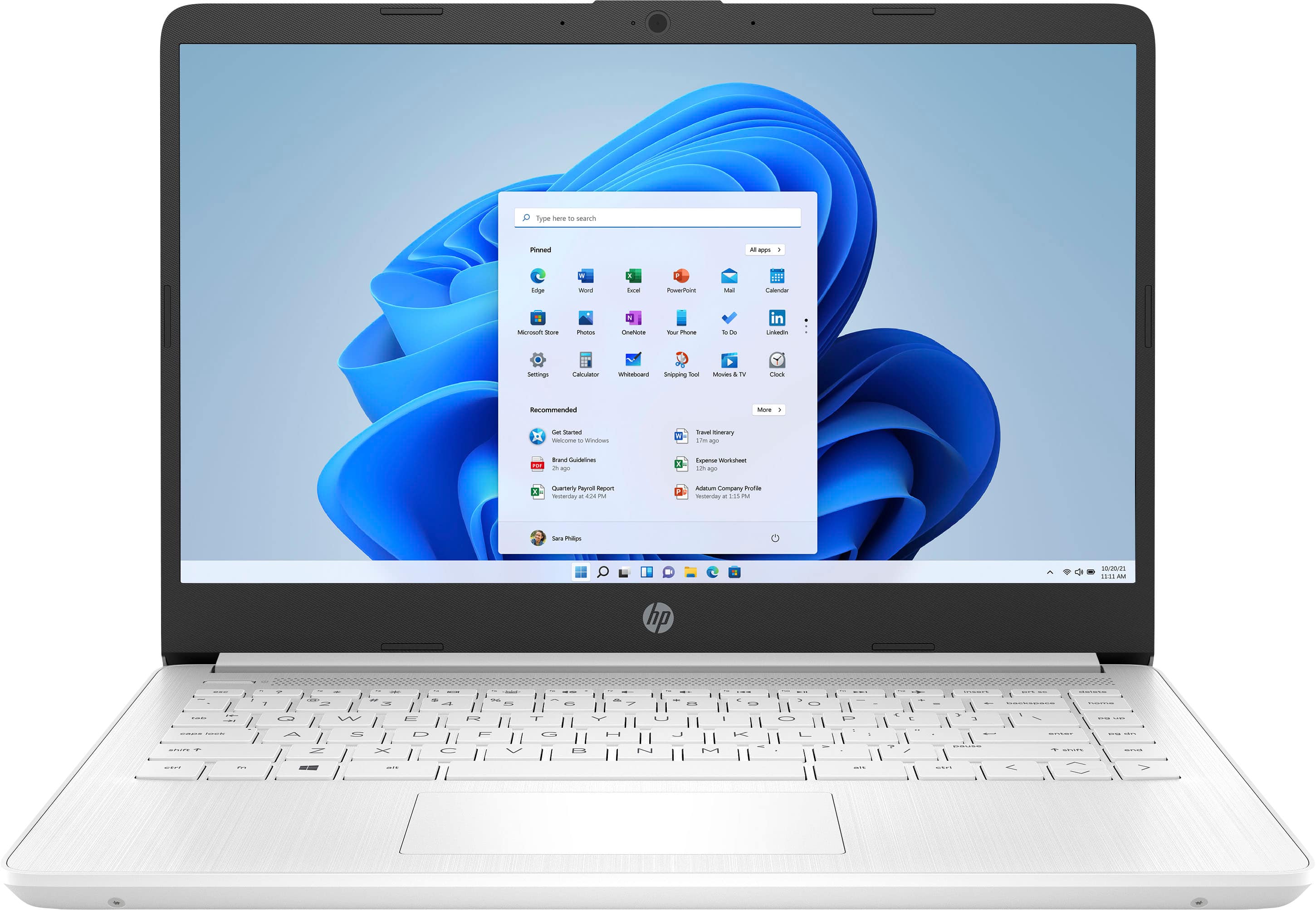
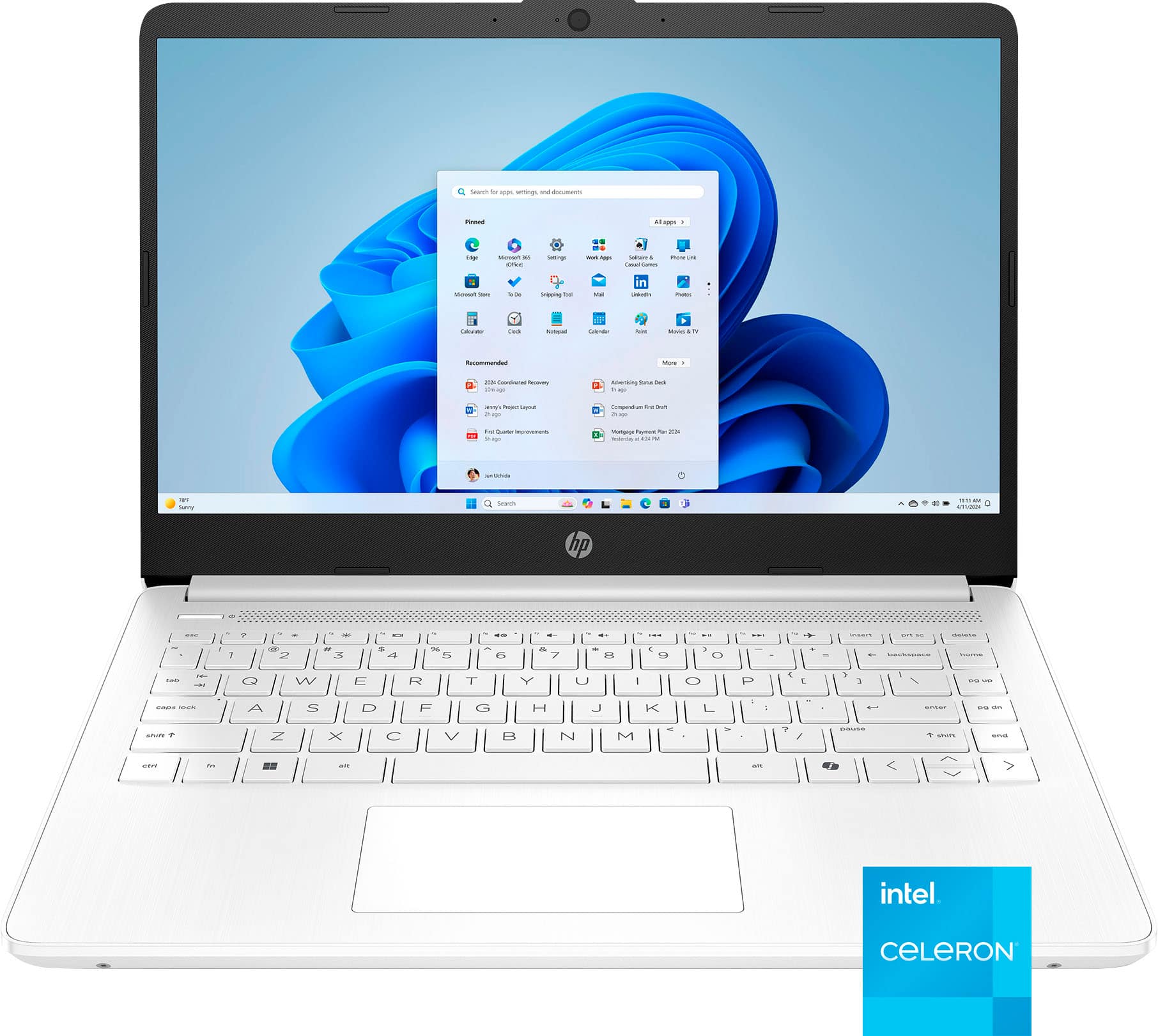
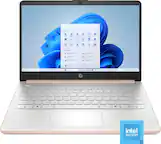
HP - 14" Laptop - Intel Celeron N4120 2019 - 4GB Memory - 64GB eMMC - Snowflake White
SKU: JJG3J6V6GTSee all Windows LaptopsProduct Description
A thin, lightweight white laptop featuring Intel Celeron, 4GB RAM, 64GB eMMC, and Windows 11.$259.00 Your price for this item is $259.00 -
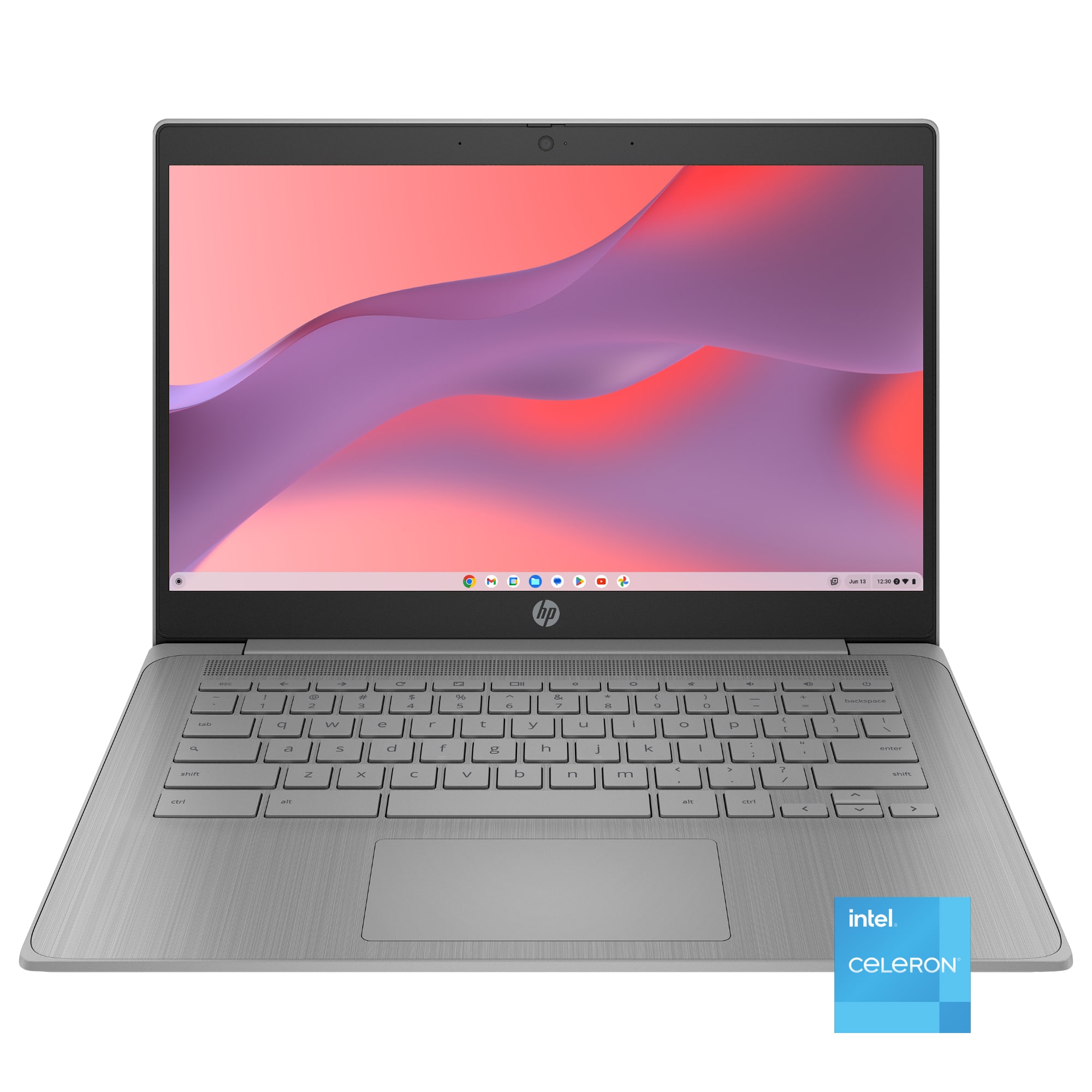
HP - 14" Chromebook Laptop - Intel Celeron N4120 2019 - 4GB Memory - 64GB eMMC - Modern Gray
SKU: JJG87F49GGSee all ChromebooksProduct Description
A sleek modern gray Chromebook featuring Intel Celeron, 4GB RAM, 64GB eMMC, and Chrome OS.$232.00 Your price for this item is $232.00 -
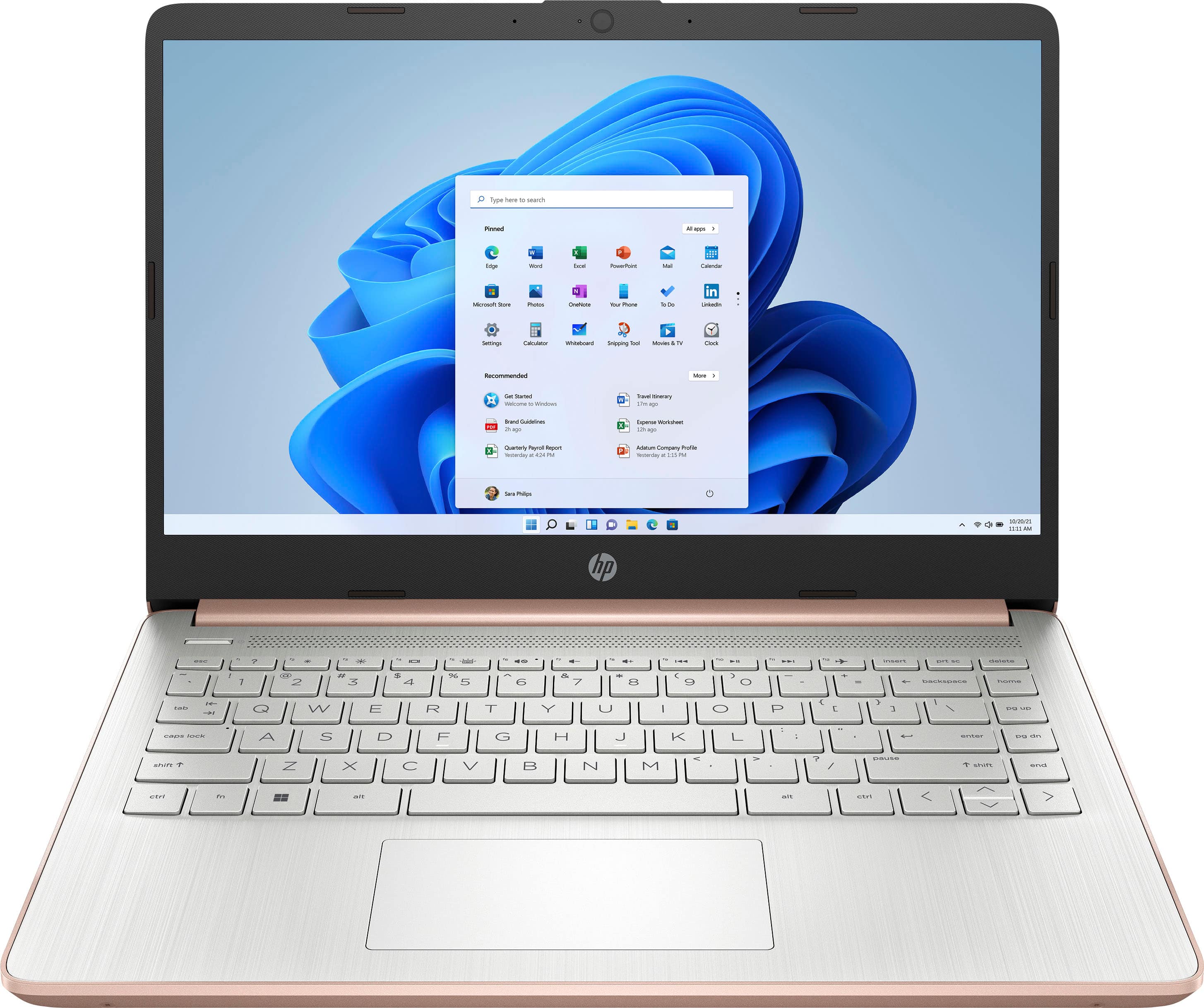
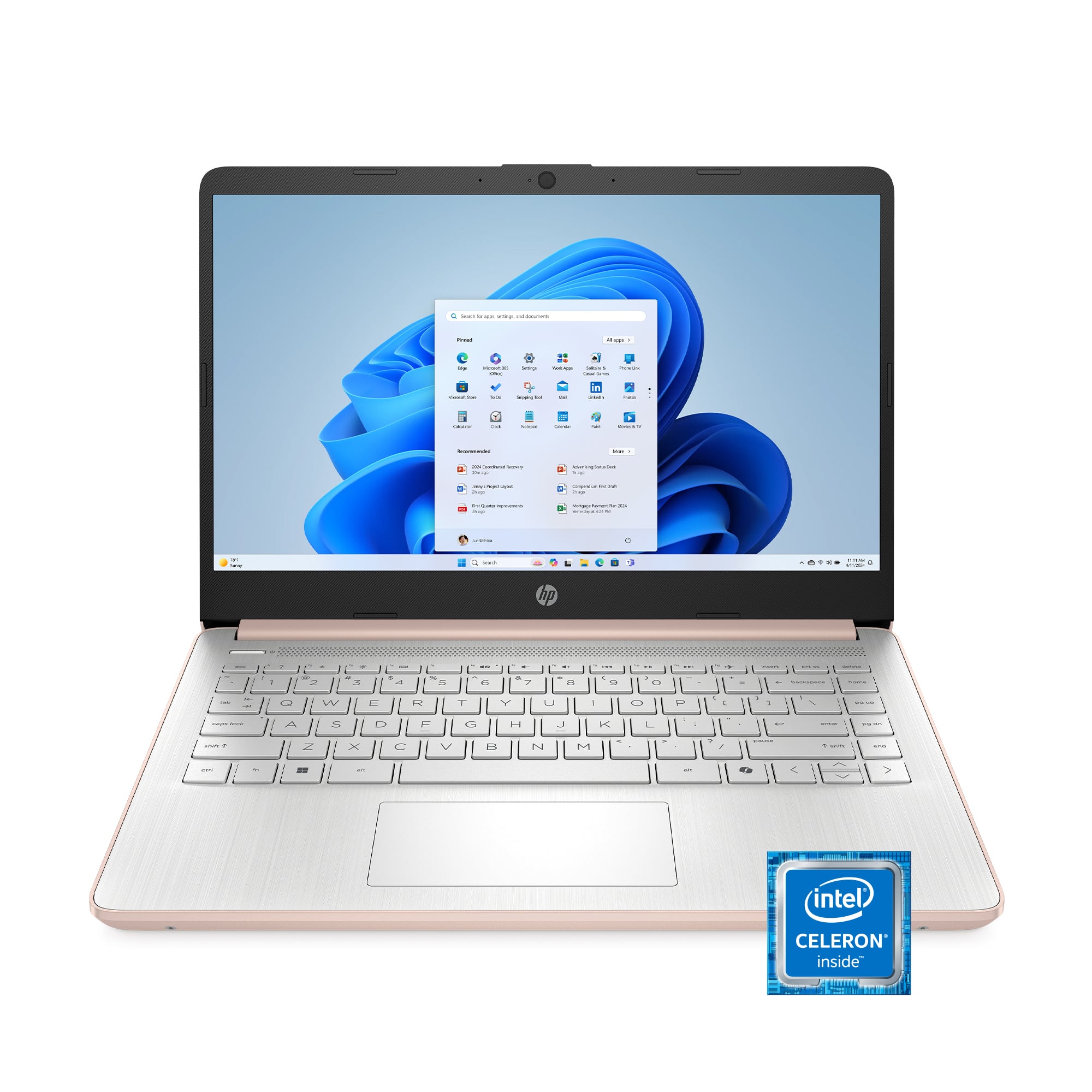
HP - 14" Laptop - Intel Celeron - 4GB Memory - 64GB eMMC - Rose Gold
SKU: JJG3J6V6YRSee all Windows LaptopsProduct Description
A slim rose gold laptop with Intel Celeron, 4GB RAM, 64GB eMMC, and Windows 11 Home.$269.00 Your price for this item is $269.00 -
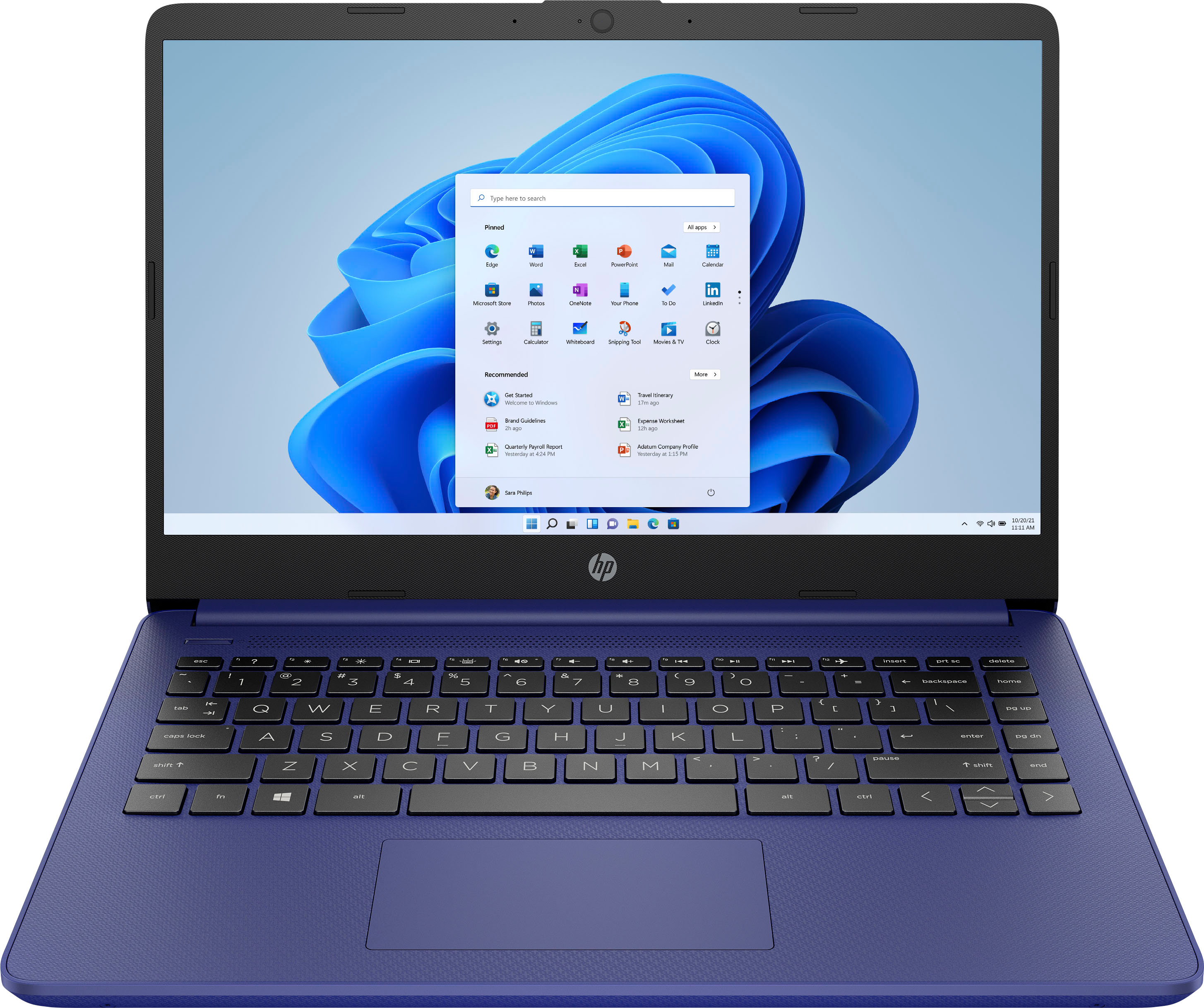
HP - 14" Laptop - Intel Celeron - 4GB Memory - 64GB eMMC - Indigo Blue
SKU: JJG3J6V6L5See all Windows LaptopsProduct Description
An indigo blue laptop featuring an Intel Celeron processor, 4GB memory, and 64GB eMMC storage.$259.00 Your price for this item is $259.00 -
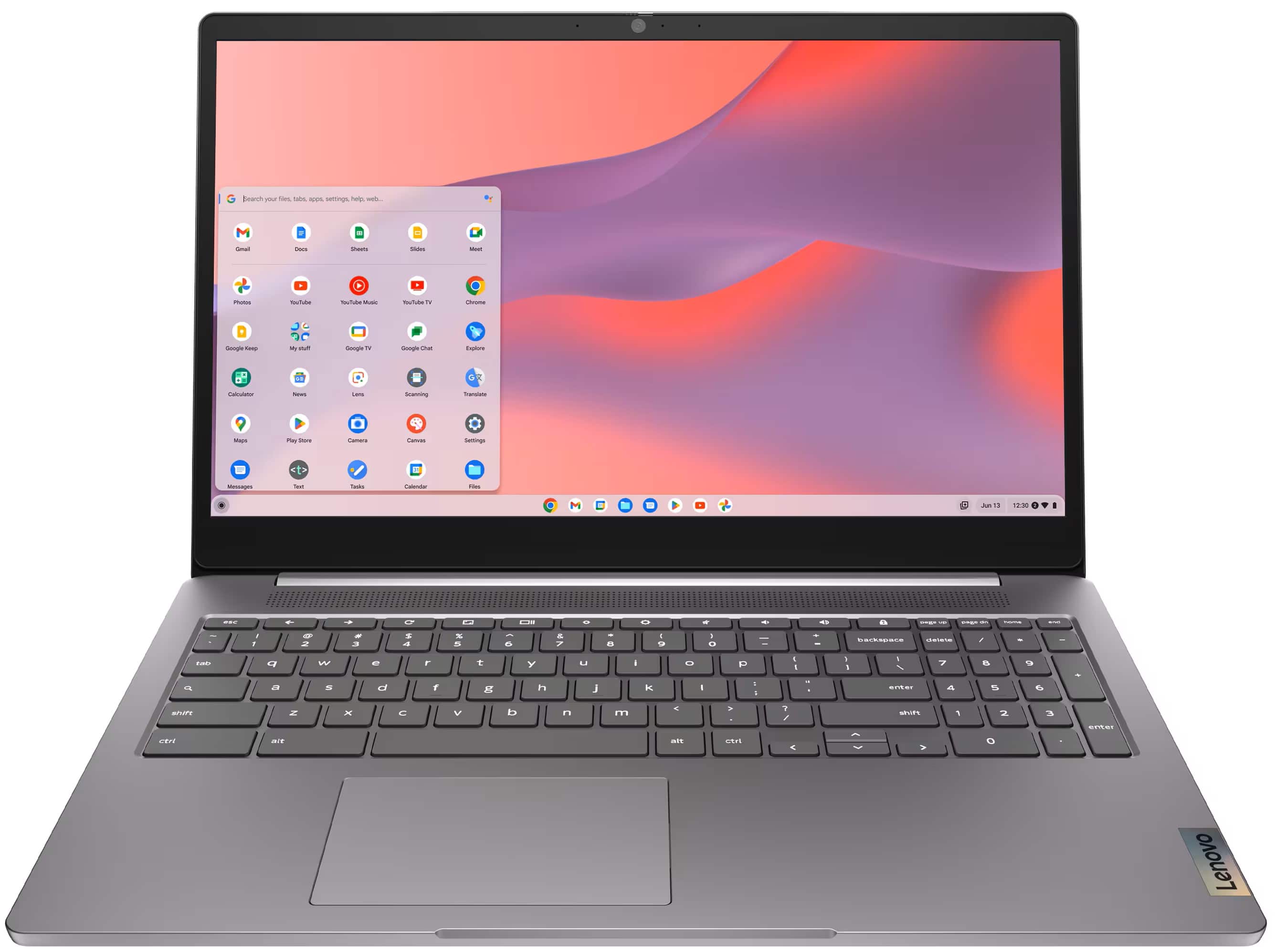
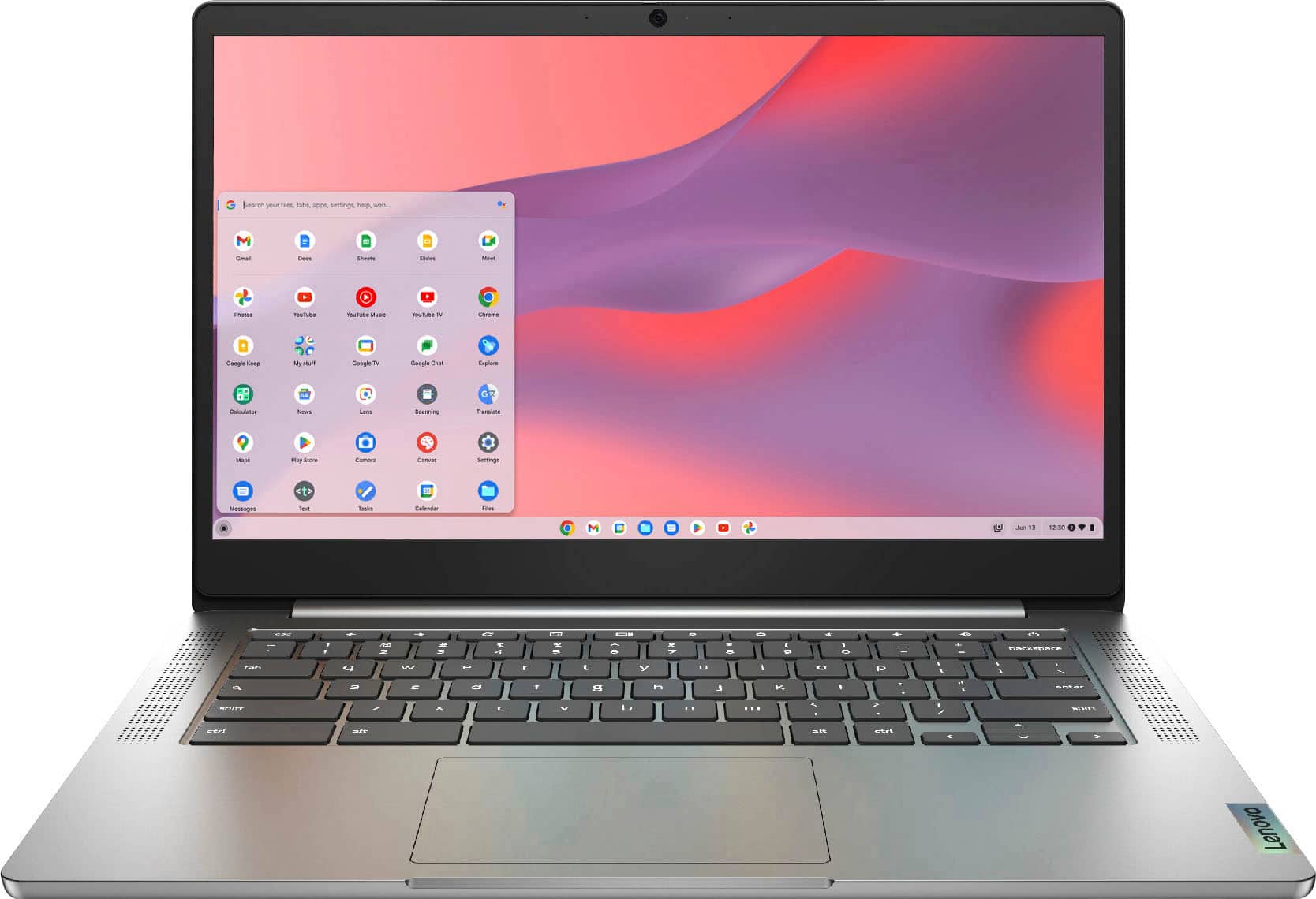
Lenovo - IdeaPad Chromebook 3 14" LCD Touchscreen Laptop - Mediatek MT8183 2019 - 4GB Memory - 64GB eMMC - Arctic Grey
SKU: JJG7HFYJWZbest laptop . We own three, issues....Use them for school and leisure , just great and love the touch screen...Amazing computer I love the quality is the best Lenovo is the best
See all Touchscreen ChromebooksProduct Description
A versatile Arctic Grey touchscreen laptop with 4GB memory, 64GB eMMC storage, and Chrome OS.$228.99 Your price for this item is $228.99Save $90Was $319.00The previous price was $319.00 -
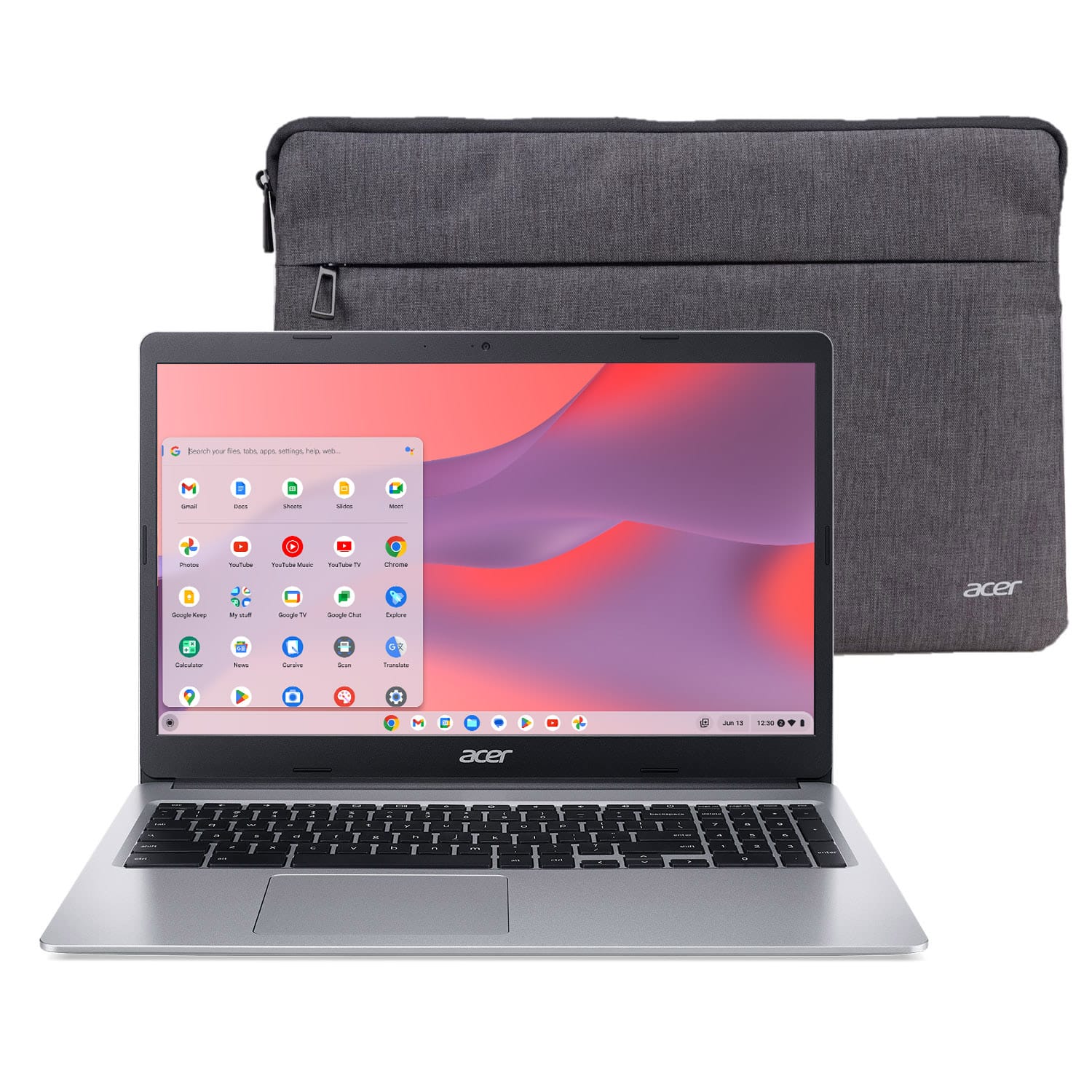
Acer - Chromebook 315 – 15.6" HD Display Laptop - Intel Celeron N4020 with 4GB LPDDR4 – 64GB eMMC - Silver
SKU: JJ8V8H7WXLSee all ChromebooksProduct Description
A lightweight silver laptop with a 15.6" HD display, Intel Celeron processor, and 64GB eMMC storage.$218.69 Your price for this item is $218.69Save $10Was $229.00The previous price was $229.00 -
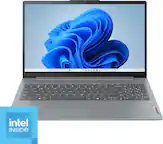
Lenovo - IdeaPad 3i Chromebook 15.6" Full HD Laptop - Intel Celeron 2021 - 4GB Memory with 64GB eMMC Storage - Arctic Grey
SKU: JJGSQF6VCXBest buy is it...I love how fast the computer works. The services where great....Shop Best buy!...Great product at a great price....Comparable to other products in performance at a great discounted price....
See all ChromebooksProduct Description
A user-friendly Arctic Grey Chromebook featuring a 15.6" Full HD display, Intel Celeron, and Wi-Fi 6.$179.99 Your price for this item is $179.99Save $69Was $249.00The previous price was $249.00 -
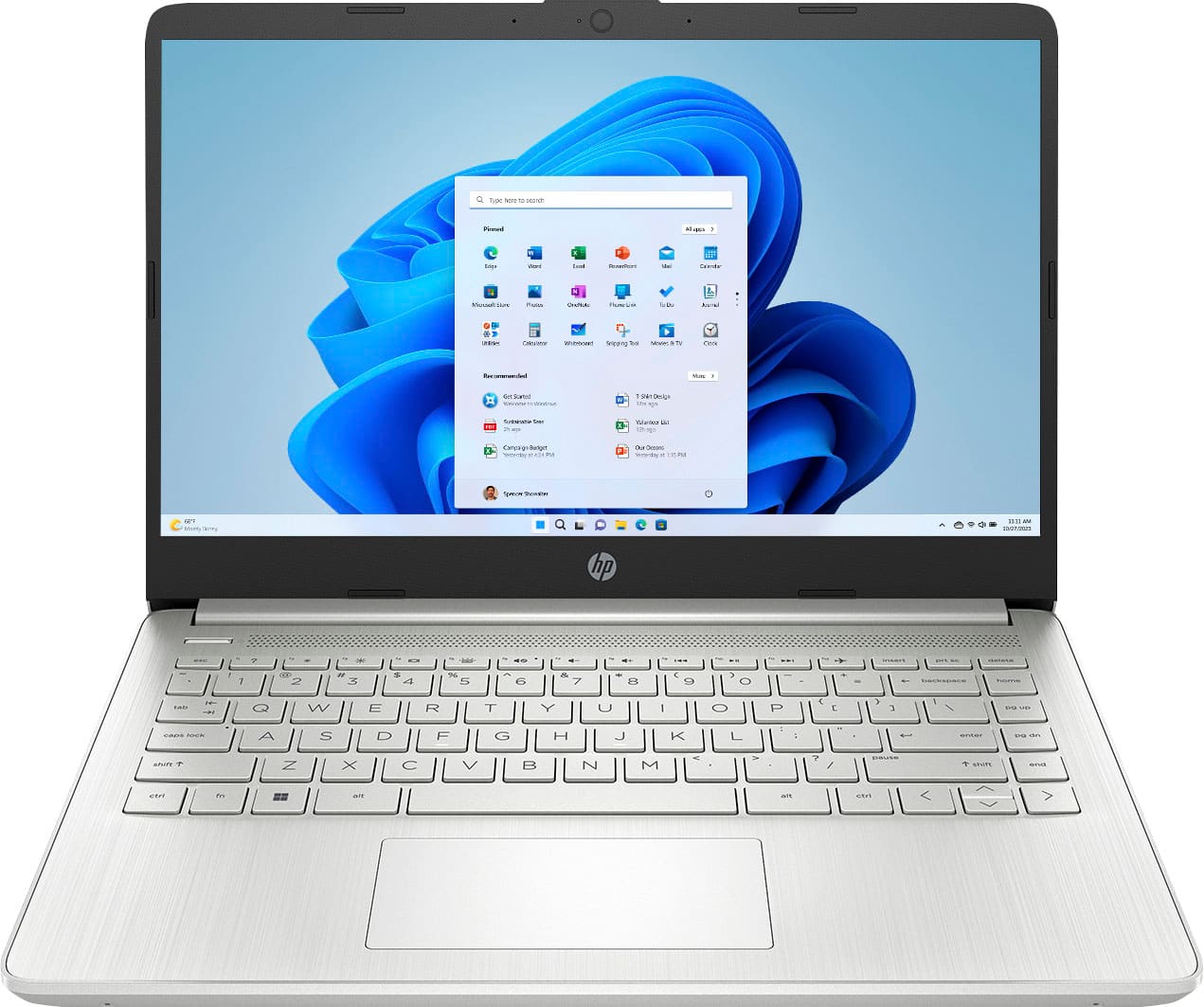
HP - 14" Laptop - Intel Celeron N4120 2019 - 4GB Memory - 128GB eMMC - Natural Silver
SKU: JJGP4GQ792Great buy...Bought a refurbished months ago and haven't experienced an issues, looks great...This is a great laptop if you just need something simple....I think this would be a great starter laptop if...
See all Windows LaptopsProduct Description
A slim natural silver laptop with Intel Celeron, 4GB RAM, 128GB eMMC, and Windows 11.$265.00 Your price for this item is $265.00 -
HP - 14" Laptop - Intel Celeron N4500 2021 - 4GB Memory - 64GB eMMC - Pale Rose Gold
SKU: JJGTWP63SHBest laptop...Great laptop...Love this laptop ! I haven’t had any problems with it Z
See all Windows LaptopsProduct Description
A thin, pale rose gold laptop with Intel Celeron, 4GB RAM, 64GB eMMC, and Windows 11.$258.51 Your price for this item is $258.51Save $4Was $263.00The previous price was $263.00 -
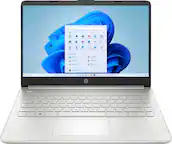
HP - 14" Laptop - Intel Celeron N4500 2021 - 4GB Memory - 64GB eMMC - Snowflake White
SKU: JJGRPJVG5SBest Buy has the best protection plans and the have never had an issue with returns....nice very affordable my son loves it. love shopping best buy...Great laptop. Reasonable price!...I love Best Buy......
See all Windows LaptopsProduct Description
A thin, portable white laptop with Intel Celeron, 4GB RAM, 64GB eMMC, and Windows 11 Home.$239.99 Your price for this item is $239.99
- 1
- 2
- ...
- 4
Affordable laptops for video conferencing make it easier to stay connected without stretching a household, student or small-business budget. The models collected on this page are suited to everyday online meetings, remote classes, virtual appointments, interviews, team check-ins and conversations with family members who live far away. A laptop for video calls does not need a dedicated gaming graphics card or an oversized amount of storage, but it should provide a dependable combination of camera quality, microphone performance, processing power and wireless connectivity. Look for an HD webcam, preferably with 720p or 1080p resolution, so faces and expressions remain clear even when the room lighting is not perfect. A physical privacy shutter is a useful extra, particularly for people who leave their laptop on a desk between meetings. Some models also include a dedicated microphone mute button, while noise-reduction features can help soften the hum of an air conditioner, the clatter of a nearby kitchen or the occasional sound of a busy household. For a closer look at options designed around online meetings, explore these Video Conferencing Laptops. An affordable model can be a practical choice for a college student attending lectures from a residence hall, a parent joining a school conference from the dining room or a professional moving between a home office and a shared workspace. It can also make a thoughtful gift for someone beginning a remote job, taking online courses or keeping in touch with relatives during the cooler months, when video calls often become an especially welcome way to share a little time together.
Memory is one of the most important specifications to consider when comparing budget-friendly laptops for Zoom, Microsoft Teams, Google Meet and other video conferencing platforms. For smooth everyday use, 8GB of RAM is a sensible starting point; it helps a laptop handle a meeting while a calendar, email inbox, browser tabs or shared documents remain open. Models with 16GB of RAM offer additional breathing room for multitasking, which may be valuable for someone who presents slides, works in cloud applications or switches among several programs throughout the day. A modern processor also helps meetings start promptly and keeps video, audio and screen sharing responsive, while a solid-state drive can make startup and file access feel much faster than older storage technology. Storage capacity still matters, although many meeting-focused users can do well with a modest drive if photos and documents are kept in cloud storage or on an external device. Screen size is another personal decision: a compact display is convenient for commuting and small desks, while a 15-inch-class screen can make faces, captions and shared spreadsheets easier to see. A full HD display can add clarity, but brightness and viewing comfort deserve attention too, especially for long classes or back-to-back appointments. Battery life is helpful for meetings away from an outlet, although real-world endurance varies with screen brightness, camera use, Wi-Fi strength and the number of applications running. A comfortable keyboard, a responsive touchpad and a hinge that lets the screen open to a natural angle can make just as much difference as a specification sheet. For a cleaner image, place the laptop near a window or soft lamp rather than directly in front of a bright background, and raise it on a stand or a few sturdy books so the camera sits closer to eye level.
Before choosing an affordable laptop for video conferencing, consider the operating system and the way the recipient already works. Windows laptops support a broad selection of meeting software, accessories and productivity applications, while ChromeOS models can be a strong fit for people who spend most of their time in a web browser, use cloud-based documents and want a simple setup. Other operating systems may appeal to users already invested in a particular collection of applications, phones or tablets, so familiarity can be more useful than a small difference in specifications. Check that the laptop has reliable Wi-Fi support, and consider Bluetooth for wireless headphones or a headset with a built-in microphone. USB ports, an HDMI connection or a memory card slot may be convenient for presentations, a second monitor, a mouse or classroom accessories; port selection varies widely among slim laptops, so it is worth matching the computer to the equipment already in the home or office. Security features also matter for remote work and schoolwork. Automatic updates, a strong password, a fingerprint reader where available and a camera privacy shutter can help protect personal information, while built-in microphones and cameras should be muted or covered when they are not in use. Affordable does not have to mean temporary: a laptop with sufficient memory, a current processor, a durable design and an accessible support ecosystem can remain useful for browsing, writing, streaming, online shopping and light productivity well beyond its first video call. Whether it sits on a quiet desk during a morning meeting, travels in a backpack for evening coursework or helps grandparents see familiar faces from across town, the right budget laptop can bring reliable communication into everyday routines without unnecessary extras.
Best Sellers
Related Pages
FAQ
When choosing an affordable laptop for video conferencing, look for a device with a reliable webcam, built-in microphone, at least 4GB of RAM, and a dual-core processor. A stable Wi-Fi connection and good battery life are also important for uninterrupted calls.
Yes, most affordable laptops running Windows, macOS, or Chrome OS can support popular video conferencing apps like Zoom, Microsoft Teams, Google Meet, and Skype. Always check the system requirements of your preferred app to ensure compatibility.
Many budget laptops come with built-in webcams that are sufficient for standard video calls. However, if you require higher video quality or additional features, you may consider using an external webcam.
Audio quality is crucial for clear communication during video conferences. Look for laptops with noise-cancelling microphones or consider using external headphones or headsets with built-in mics to enhance sound clarity.
Most affordable laptops allow basic multitasking such as browsing the web or taking notes during a video call. For smoother performance when running multiple applications simultaneously, opt for models with higher RAM and newer processors.