Early Black Friday Deals & DoorbustersEnds Nov. 8.Shop now

Main Content
Skip to contentGo to Product Search

Early Black Friday Deals & DoorbustersEnds Nov. 8.Shop now

Main Content
Categories & Filters

Premium Laptops For Video Conferencing

Premium laptops for video conferencing deliver the performance and reliability needed to stay connected in today’s fast-paced digital world. Whether you’re joining virtual meetings, collaborating with colleagues, or catching up with friends and family, these high-quality devices help ensure your communication is clear and seamless. Explore a range of premium laptops designed to elevate your video conferencing experience, offering advanced technology and sleek designs that fit effortlessly into any professional or personal setting. Find the ideal solution to help you make the most of every online interaction.

Read More
Results
Main Results
  1. Your price for this item is $1,399.99
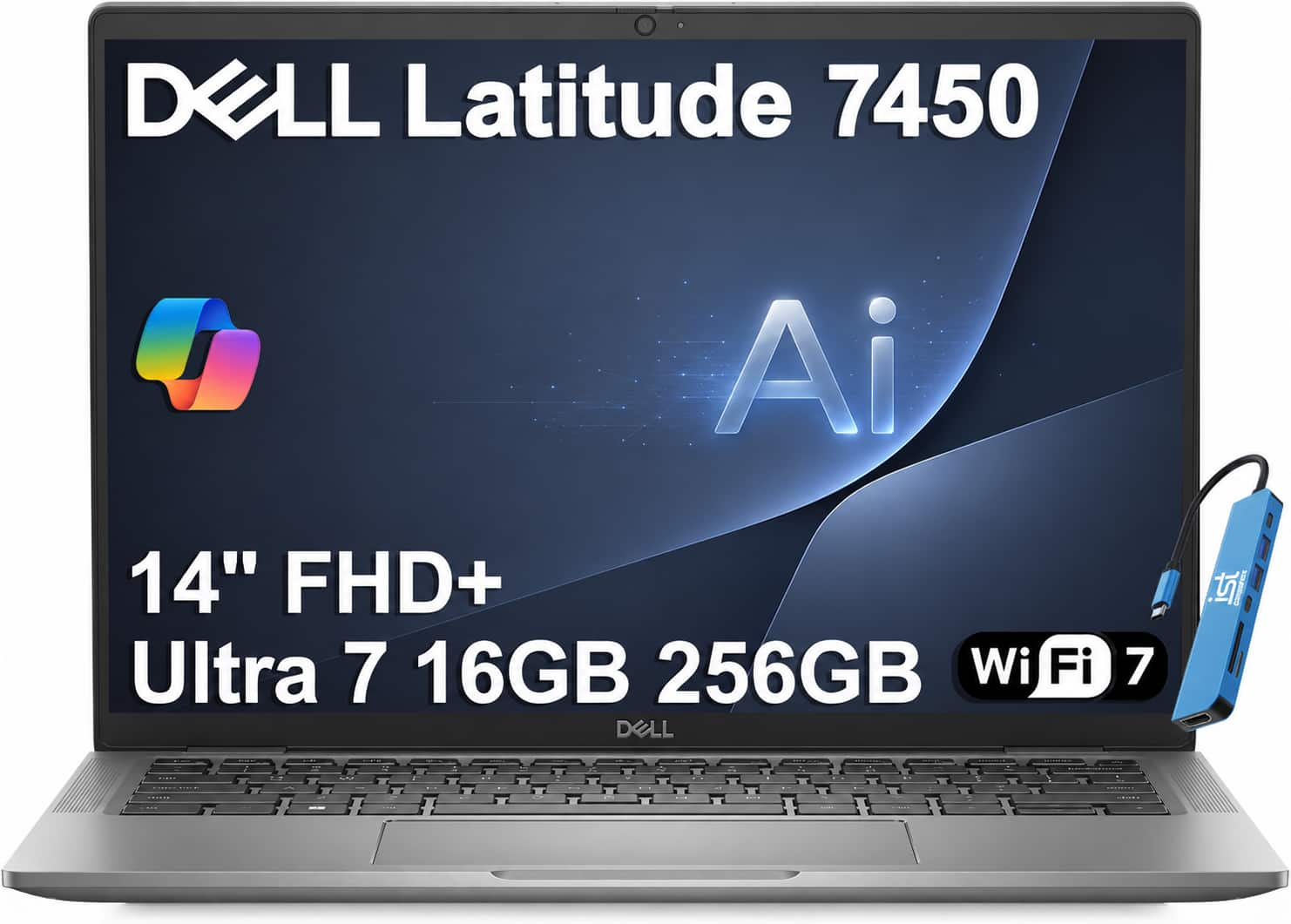
  2. Dell - Latitude 7450 14'' AI Business Laptop - Pro 14 Premium - Intel Core Ultra 7 165H - 16GB RAM - 256GB SSD - Thunderbolt - Gray

    SKU: J3GWT6QW8L

    Product Description

    A gray aluminum business laptop with Intel Core Ultra 7 processing, 16GB RAM, and 256GB SSD.
    See all Windows Laptops
    Your price for this item is $1,099.99
    Save $500
    The previous price was $1,599.99
  3. Apple - MacBook Air 13-inch Laptop - M5 chip with 10-core CPU and 8-core GPU - 16GB Memory - 512GB SSD - Sky Blue

    SKU: JJGCQLK8RP

    Love it! Great service from Best Buy. Will definitely be shopping here again...Best Mac book ever and simple to use great deal great best but...Best but

    Product Description

    A lightweight sky blue laptop featuring the M5 chip, 16GB memory, and 512GB SSD for high performance.
    See all MacBooks
    Your price for this item is $1,149.00
    Save $150
    The previous price was $1,299.00
  4. Your price for this item is $1,149.99
    Save $350
    The previous price was $1,499.99
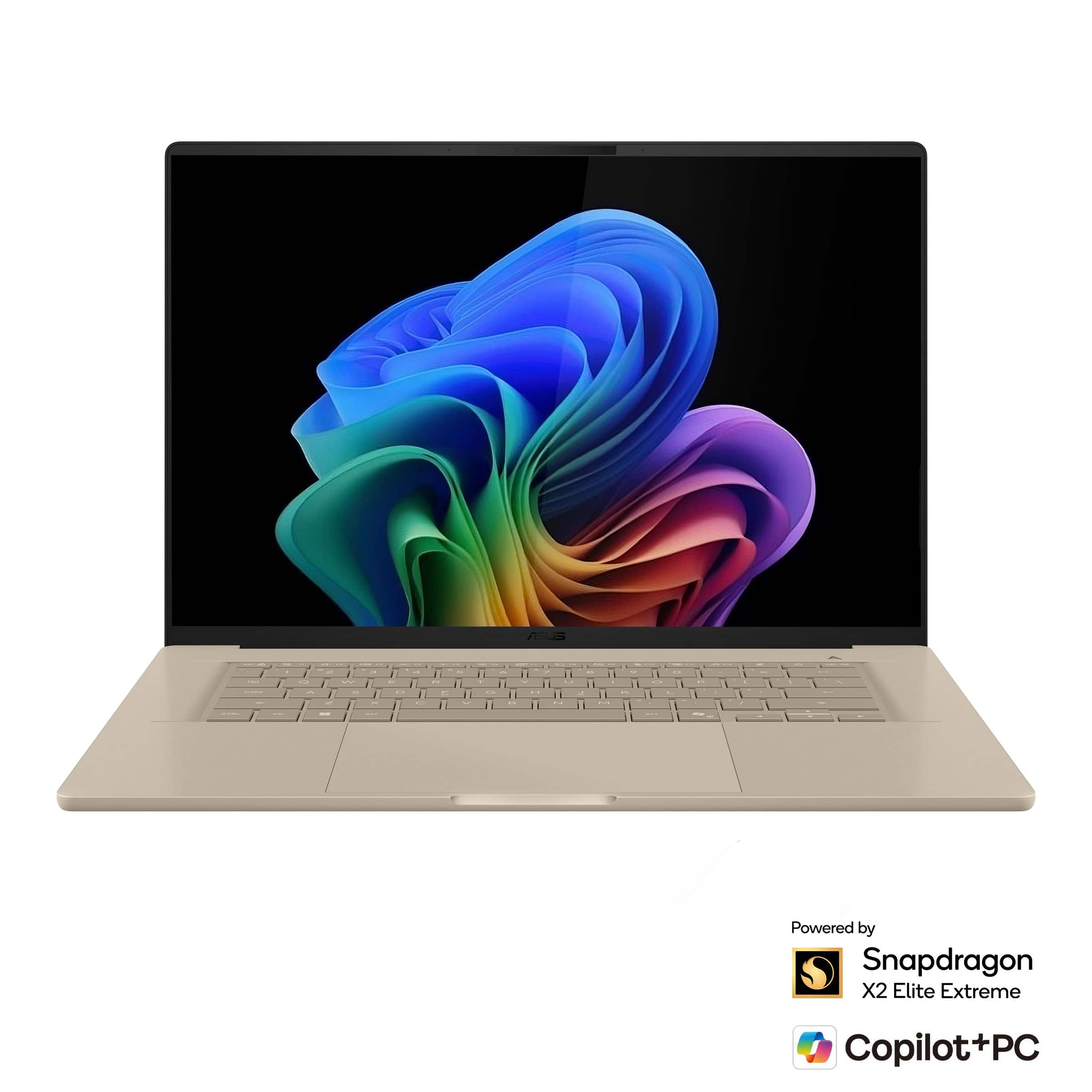
  5. ASUS - Zenbook A16 16" 3K OLED Touchscreen Laptop - Snapdragon X2 Elite Extreme 2026 - 48GB Memory - 512GB Storage -Copilot+ PC - Zabriskie Beige

    SKU: JJGHGSGFLJ

    Best Laptop...Love it...Love it................................................

    Product Description

    A beige ultra-light laptop with 3K OLED touch display, Snapdragon X2 Elite, 48GB RAM, and Copilot+ PC.
    See all Windows Laptops
    Your price for this item is $1,899.99
  6. Your price for this item is $2,469.99
  7. Your price for this item is $1,249.99
  8. Dell - Pro 14 14" IPS LCD 1920 x 1200 (Full HD Plus) Laptop - Intel Core Ultra 5 with 16GB Memory - 512 GB SSD - Platinum Silver, Silver

    SKU: J3K4L63LK6

    Product Description

    A sleek platinum silver laptop featuring Intel Core Ultra 5, 16GB RAM, 512GB SSD, and Windows 11 Pro.
    See all Windows Laptops
    Your price for this item is $1,059.00
    Save $190
    The previous price was $1,249.99
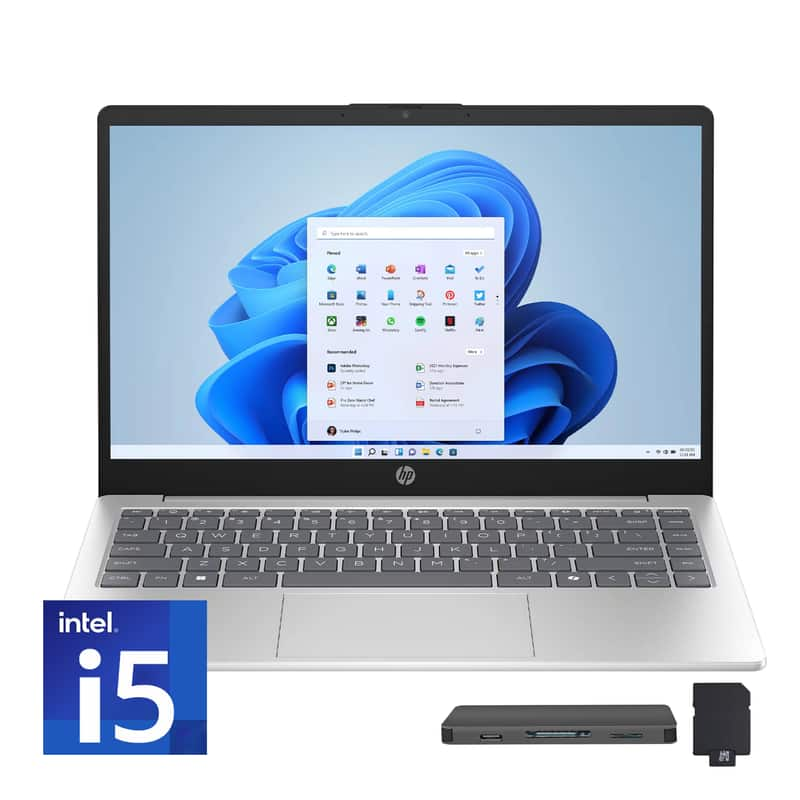
  9. HP - Upgraded - 15.6" Full HD Touch-Screen Laptop - Intel Core i5 1334U 2023 - 32GB Memory - 2TB SSD - Natural Silver

    SKU: JJG2RT27RY

    Product Description

    A natural silver touch-screen laptop with Intel Core i5, 32GB memory, and 2TB SSD storage.
    See all Windows Laptops
    Your price for this item is $1,279.00
  10. Dell - Pro 14 14" IPS LCD 1920 x 1200 (Full HD Plus) Laptop - Intel Core Ultra 7 with 16GB Memory - 512 GB SSD - Platinum, Gray

    SKU: J3K4L63SZT

    Product Description

    A sleek platinum gray laptop featuring Intel Core Ultra 7, 16GB RAM, 512GB SSD, and Windows 11 Pro.
    See all Windows Laptops
    Your price for this item is $1,964.99
    Save $175
    The previous price was $2,139.99
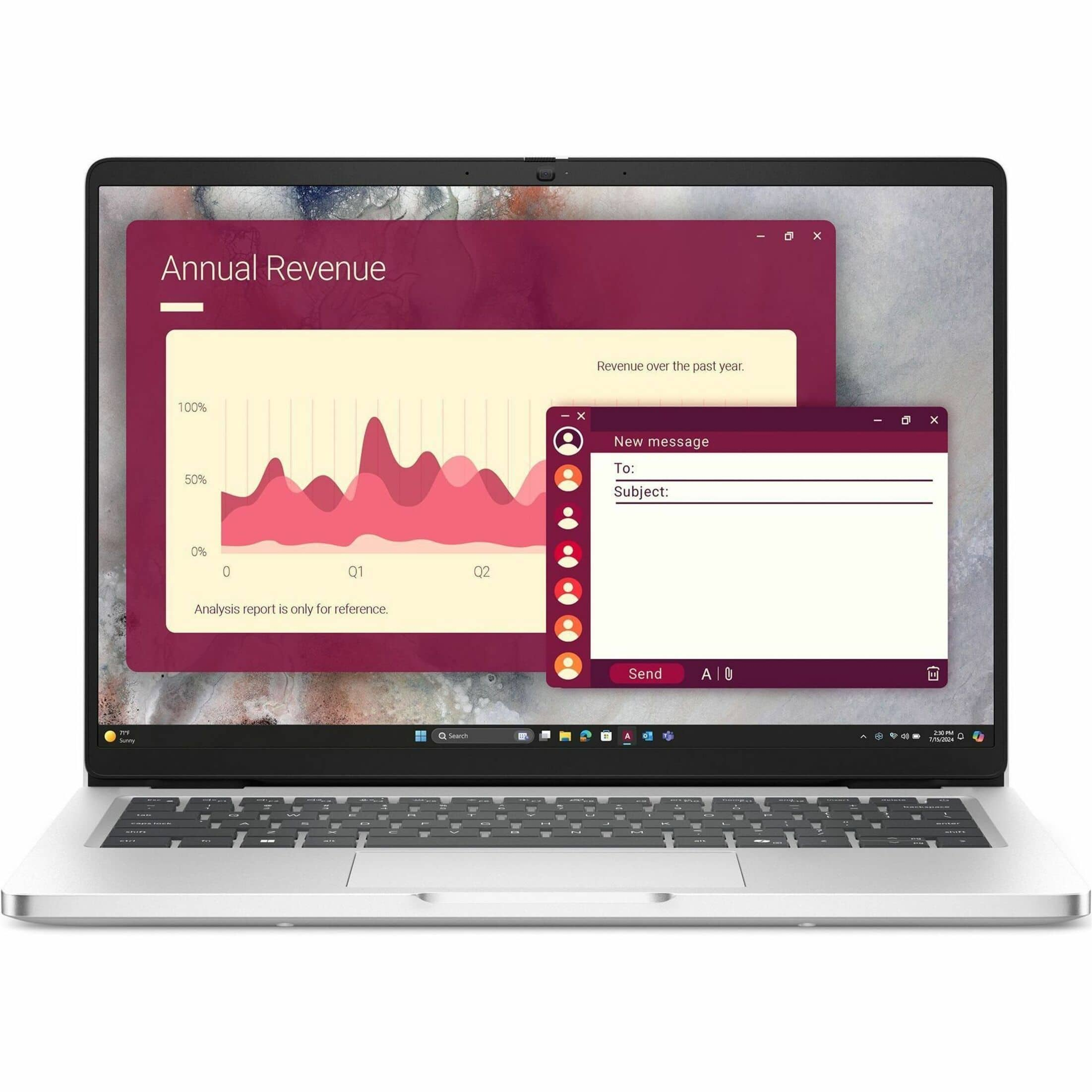
Premium laptops for video conferencing combine a sharp webcam, clear microphones, capable speakers, and responsive performance in a computer that feels comfortable throughout a full day of calls. A built-in 1080p or higher-resolution webcam is a useful starting point for detailed video, while good exposure control and image processing help keep faces visible against a bright window or under uneven indoor lighting. Resolution alone does not determine picture quality: sensor quality, lens design, and the way a camera handles contrast also influence how natural the image looks. Some premium laptops include infrared cameras for compatible facial sign-in, a convenience that is separate from the visible-light webcam’s ability to produce clear meeting video. Automatic framing can help keep a presenter centered when shifting in a chair, and background blur can reduce distractions behind a desk, though support and results vary by laptop and conferencing application. These details matter for remote employees presenting to clients, students contributing to online seminars, and consultants moving between individual conversations and larger group meetings. They also make everyday connections more comfortable, whether someone is catching up with relatives or attending a virtual community meeting. Integrated microphone arrays with noise reduction can make speech easier to understand by reducing sounds such as keyboard taps or a nearby fan, but no microphone system can remove every distraction without sometimes affecting voice quality. Well-positioned speakers help voices sound distinct, while a compatible headset remains useful in shared spaces or when conversations require privacy. A physical webcam shutter and an accessible microphone mute control add practical reassurance between calls; a camera activity light provides another visible cue. Within the broader selection of Video Conferencing Laptops, premium designs emphasize the combination of image quality, audio clarity, everyday responsiveness, and thoughtful construction rather than any single specification. The result is a category suited to people whose laptop serves as both a daily workspace and a regular point of connection.

A premium laptop for video calls also needs enough computing headroom for everything happening around the meeting. Screen sharing a detailed spreadsheet, keeping reference tabs open, taking notes, and receiving messages place different demands on a system than a simple one-to-one conversation. A modern multicore processor and 16GB of memory provide a practical starting point for this kind of multitasking; 32GB can offer additional room for larger projects, heavier applications, and more demanding workflows. Neither configuration guarantees a flawless call, since application behavior, internet service, and network congestion also affect the experience. Fast solid-state storage supports responsive file access and application loading, with capacity needs depending on whether documents and authorized recordings stay on the device or in cloud storage. Some laptops have dedicated neural processing hardware that can run supported camera and audio effects efficiently, although those benefits depend on the software and features involved. For typical meetings and office work, capable integrated graphics are generally sufficient; dedicated graphics are more relevant when the same computer also handles demanding creative or technical work. Display size shapes the workspace just as much as processor performance. A compact 13- or 14-inch laptop fits more easily into a commuting bag, while a 15- or 16-inch screen provides more room for a shared presentation beside meeting controls and notes. Taller display proportions can make documents easier to follow, and an antireflective finish can reduce distracting reflections. Higher-resolution panels bring finer text and more detailed images, but brightness settings, panel technology, and resolution can all influence battery use. Battery estimates deserve particular attention because continuous camera use, wireless networking, and video effects can consume more power than light browsing. Efficient cooling matters, too: a laptop that stays responsive without intrusive fan noise is more pleasant during a quiet conversation. A comfortable keyboard, accurate touchpad, and stable hinge round out the experience when a quick check-in becomes an afternoon of focused collaboration.

Construction, connectivity, and physical fit give premium conferencing laptops their everyday usefulness beyond the specification sheet. Aluminum and magnesium-alloy housings are common in this category, offering a rigid feel in designs intended for frequent carrying, although material alone does not establish durability. Hinge quality, chassis construction, and careful handling all contribute to how well a laptop holds up through repeated opening, packing, and travel. A slimmer computer may be easier to carry between a home office and a shared workspace, while a larger design may better suit someone who spends most of the day at one desk. Neither needs to be positioned flat on that desk for every call: a stable laptop stand can bring the webcam closer to eye level, with an external keyboard and mouse preserving a comfortable typing position. Ports become important when that setup includes a monitor, wired headset, or docking station. USB-C connections can support charging, displays, and accessories, but their capabilities differ, so compatibility depends on the specifications of both the laptop and the connected equipment. Reliable wireless networking supports flexible placement, while a compatible wired network connection can be useful in a fixed workspace. Call quality still depends on the full connection, including upload speed and the demands of other devices sharing the network. Software compatibility is equally important for workplace conferencing platforms, browser-based appointments, accessibility tools, and required security applications. Features such as live captions and keyboard shortcuts can make meetings more accessible when supported by the operating system or conferencing software. For graduates beginning remote roles or family members who regularly connect by video, a premium laptop can be a thoughtful gift when its size, software, and input preferences match the recipient’s needs. Routine care helps protect that usefulness: a padded sleeve limits contact with other objects in a bag, unobstructed vents support cooling, and manufacturer-recommended cleaning methods help protect the display and camera lens. Together, these practical details distinguish a laptop that simply joins a meeting from one that fits naturally into daily work, learning, and conversation.

FAQ

When choosing a premium laptop for video conferencing, look for features such as a high-resolution webcam, noise-cancelling microphones, powerful processors, ample RAM, and reliable Wi-Fi connectivity. These features ensure clear audio and video quality during calls.

Webcam quality is crucial for clear and professional-looking video calls. Premium laptops often offer HD or even Full HD webcams that provide sharp images and accurate color reproduction, making your presence more engaging during meetings.

Advanced microphone technology, such as built-in noise cancellation and multiple mic arrays, helps reduce background noise and captures your voice clearly. This ensures that you are heard distinctly by other participants during virtual meetings.

Yes, premium laptops typically come with the latest Wi-Fi standards (such as Wi-Fi 6) and Bluetooth capabilities, which provide faster and more stable connections—essential for uninterrupted video calls.

Absolutely. A high-quality display with good resolution and color accuracy enhances your ability to see other participants clearly and view shared content in detail, improving overall communication during conferences.