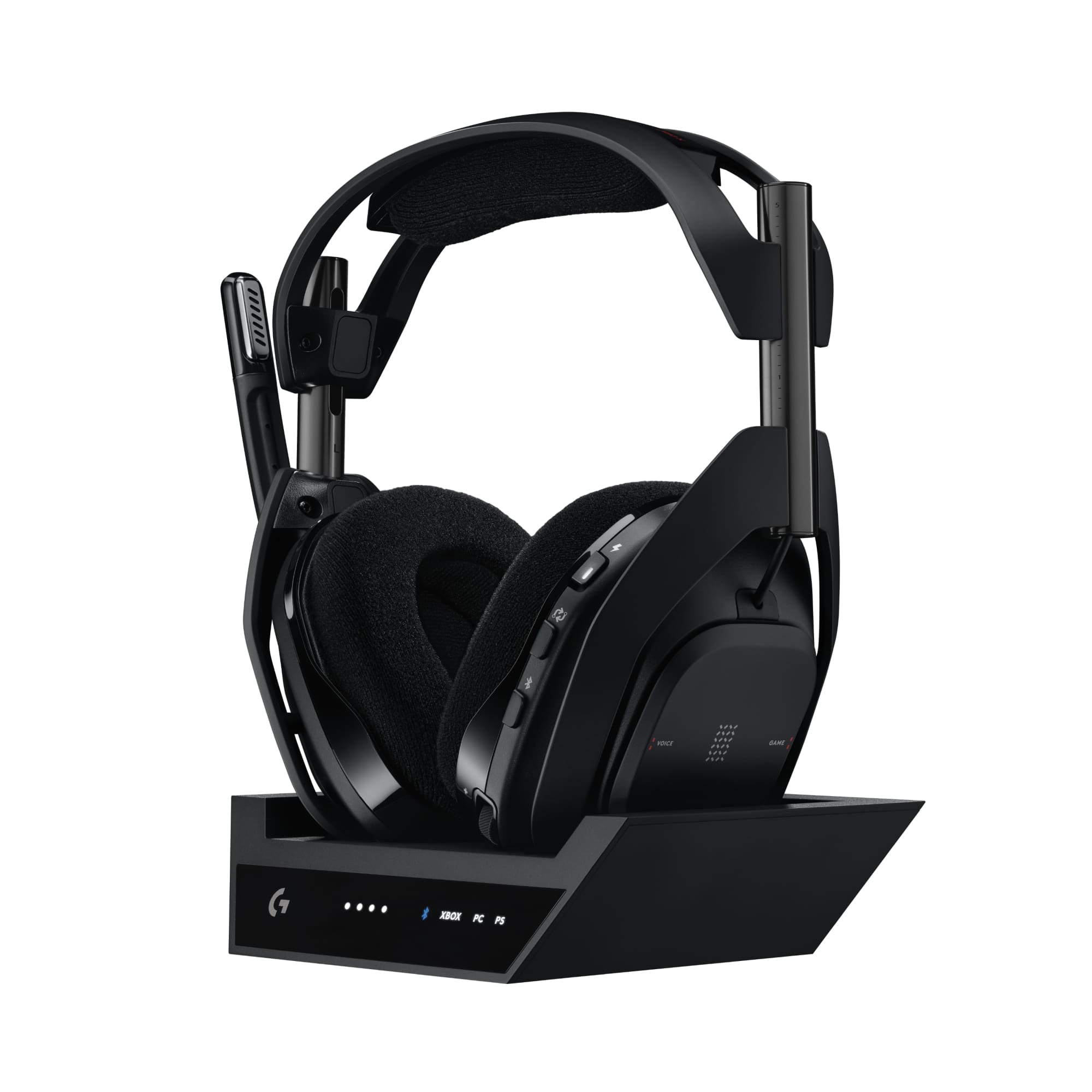
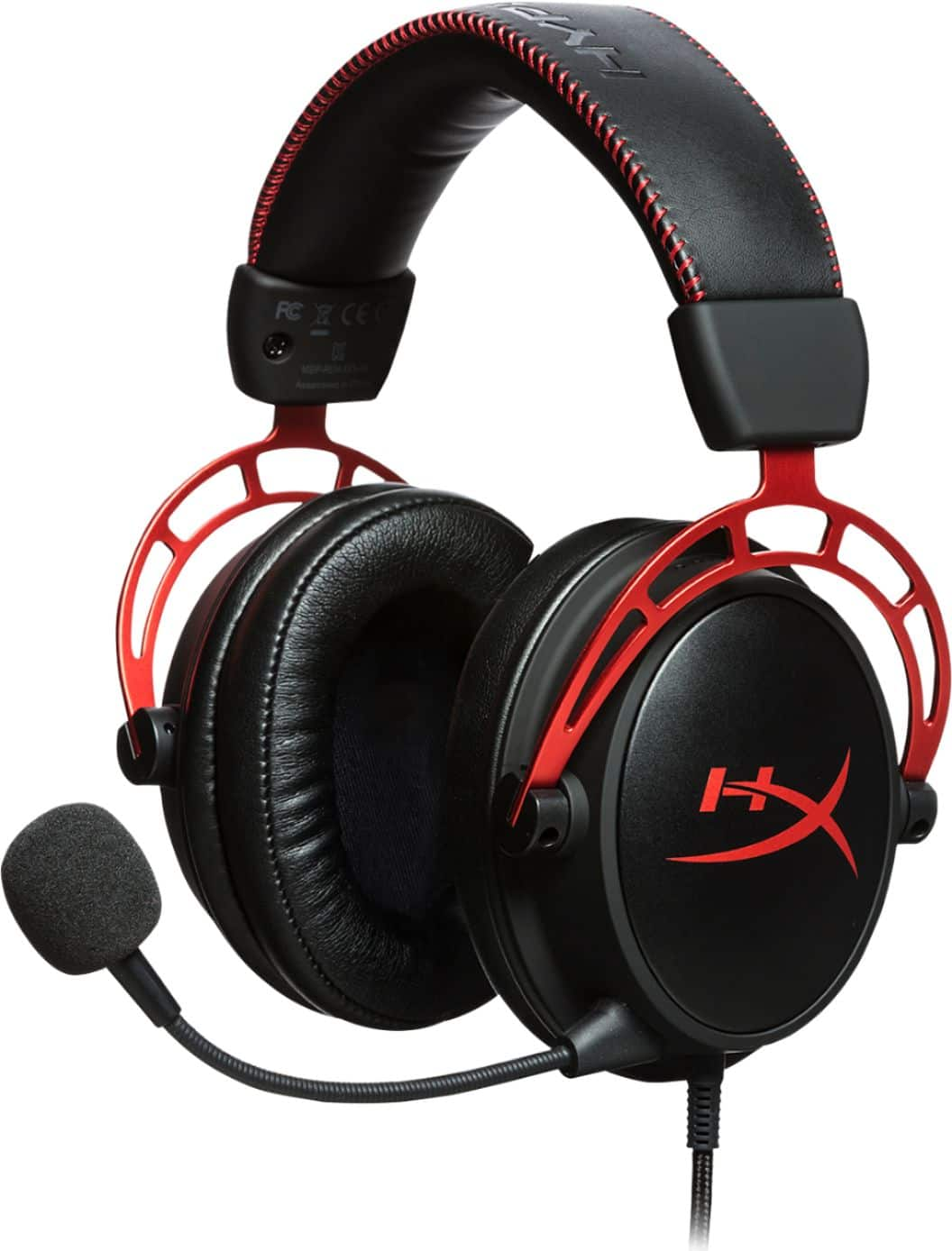
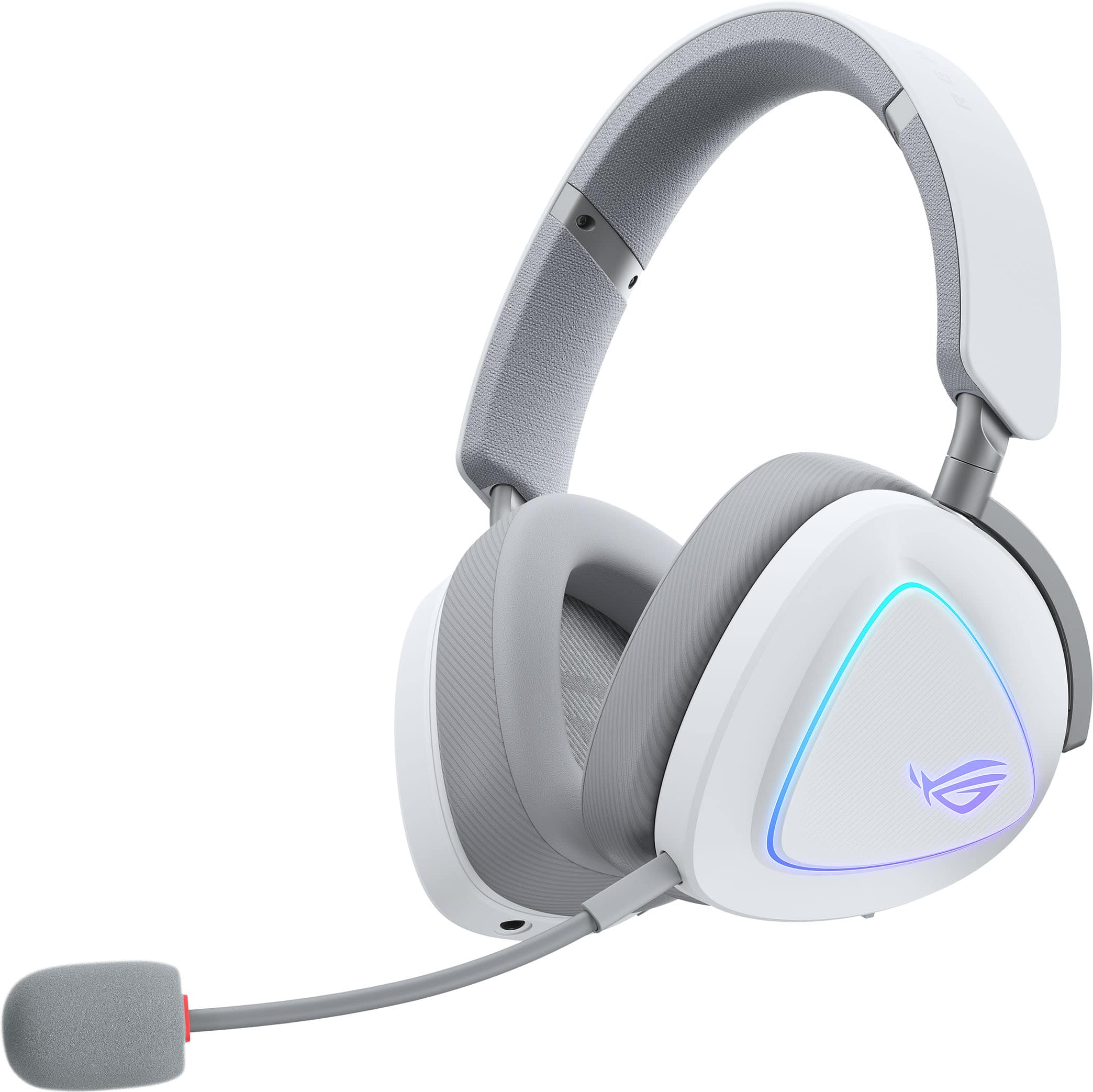
Astro A40
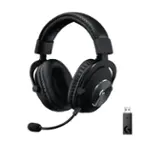
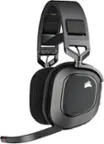
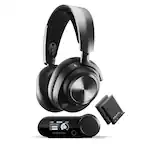
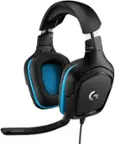
Explore Astro A40 gaming headsets for your gaming setup. Compare available options and check each listing for PC or console compatibility, connection requirements, and included accessories to understand what you’re getting and whether you’ll need anything else to connect.

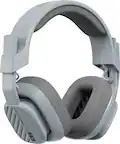

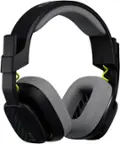

Astro A40
FAQs
Wired gaming headsets commonly connect through a 3.5mm audio jack or USB. Depending on the setup, the headset may plug into a controller, computer, or compatible audio accessory. Check compatibility with your gaming platform, including support for both headphone audio and microphone input.
Open-back gaming headsets allow sound to pass through the ear cups, so game audio may be audible to others and surrounding sounds can remain noticeable. Closed-back headsets use enclosed ear cups that limit sound passing between the headset and your surroundings.
A compatible mix amp acts as an audio control hub between a headset and a gaming system. Depending on its features and connections, it may offer volume adjustment, equalizer settings, microphone controls, and game-to-chat balance. Platform compatibility varies, so check the requirements for each component.
Game-to-chat balance adjusts the relative volume of game audio and voice chat. It lets you change how loud teammates sound compared with the game without adjusting each source separately. Availability depends on the headset, connected accessories, gaming platform, and software.
Many wired gaming headsets can play music and handle voice calls when connected to a compatible device. Audio playback and microphone support depend on the device’s ports, any adapters involved, and the app’s audio settings.