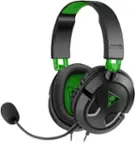
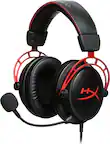
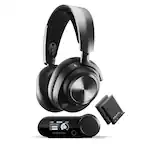
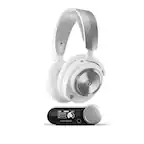
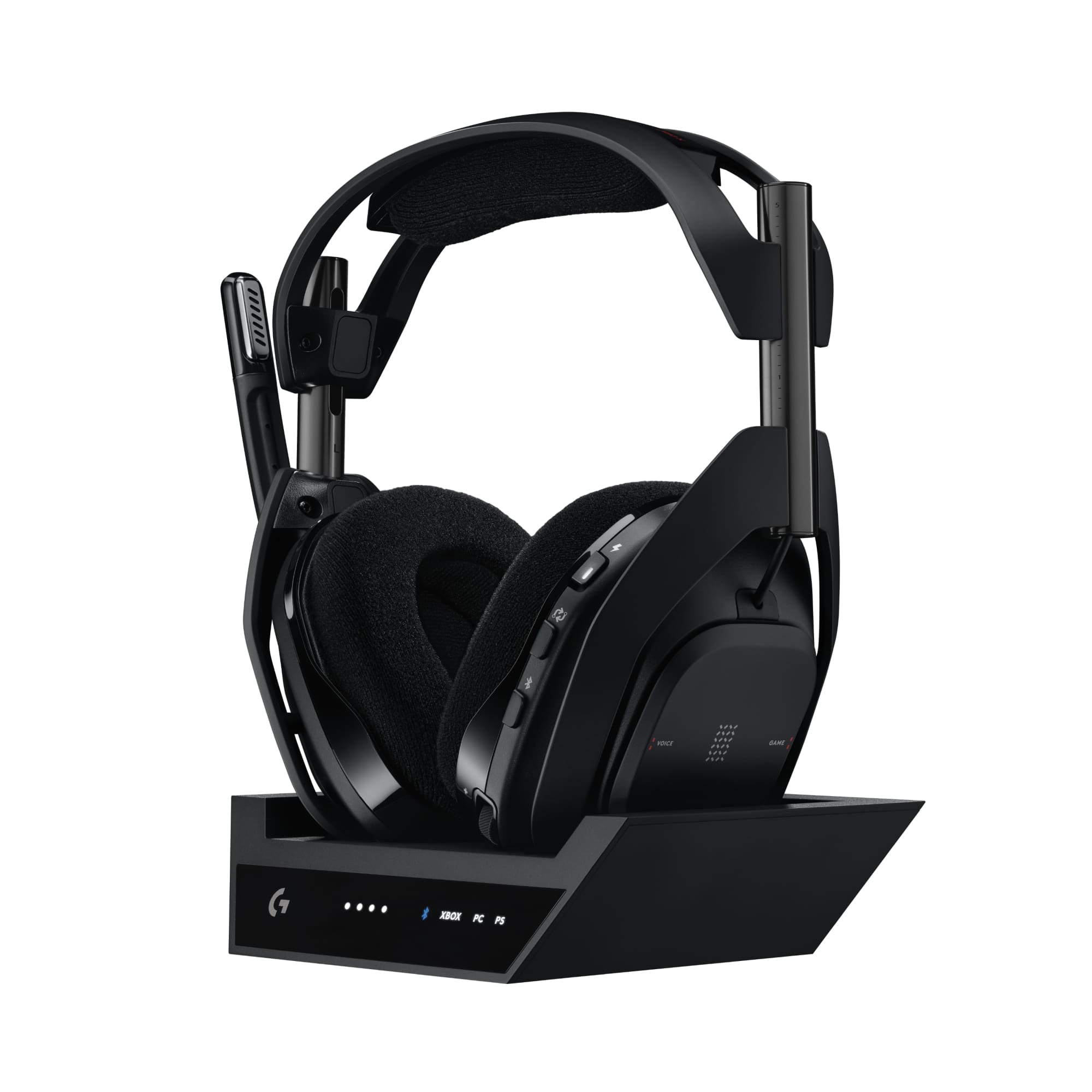
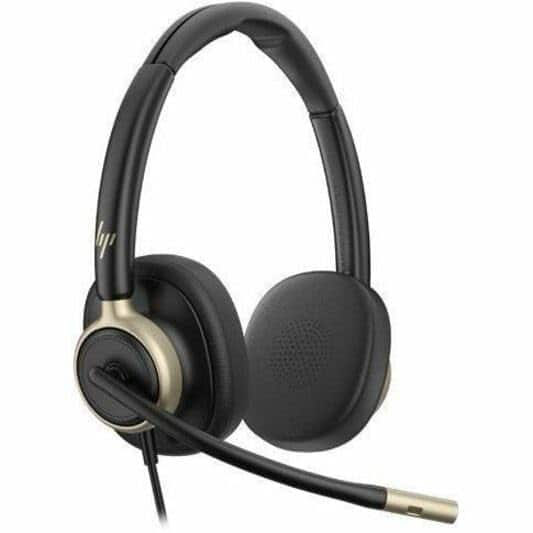
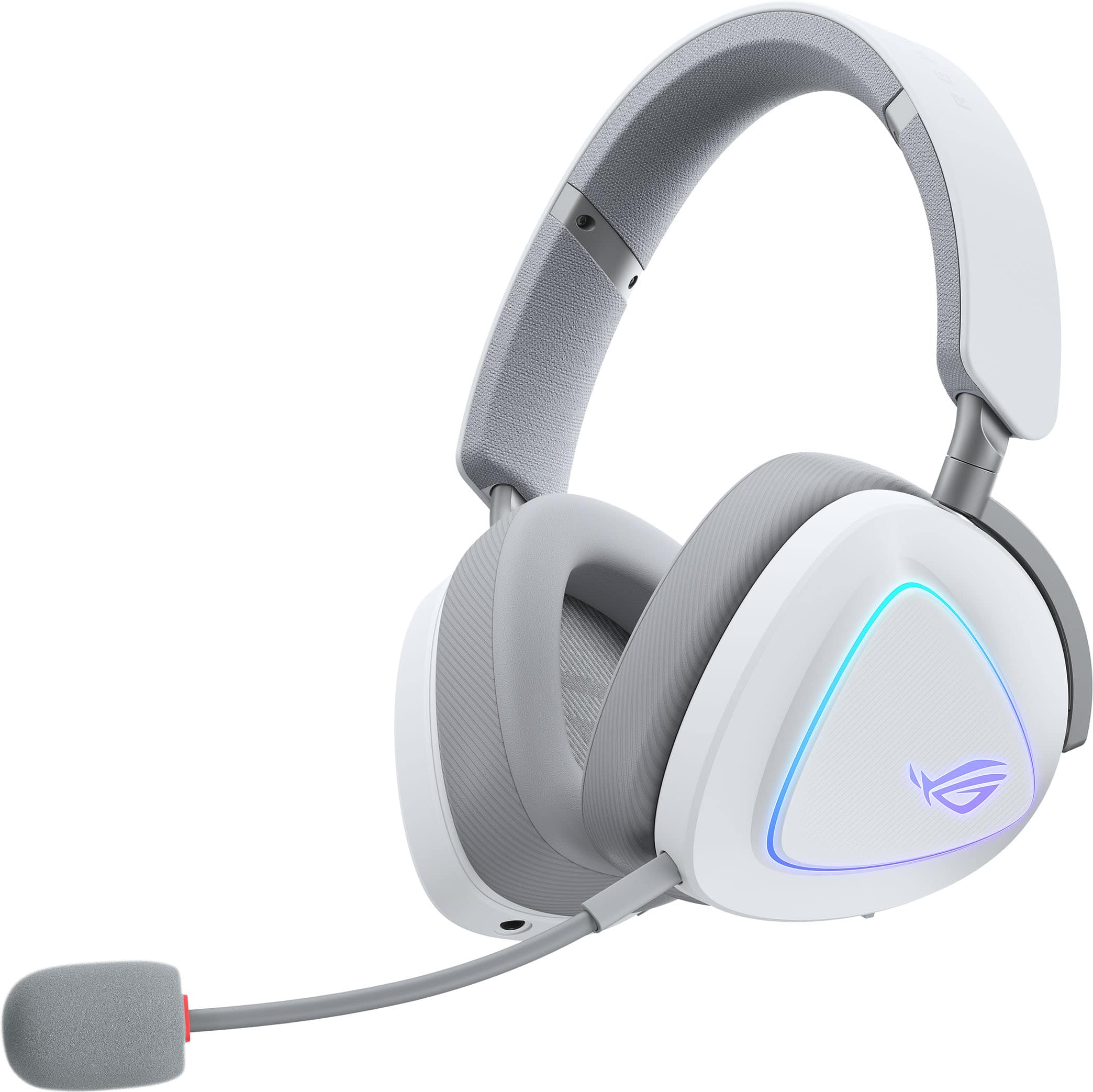
Astro Gaming Headset
Compare Astro gaming headsets to find an option that works with your console or PC. Check each model’s platform compatibility, connection requirements, fit, and microphone features to narrow your choice for game audio and team chat.
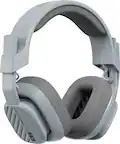
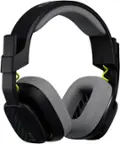
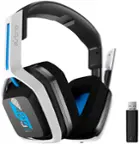

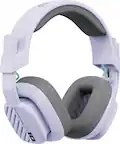


Astro Gaming Headset
FAQs
Compatibility varies by headset model and connection type. Check the listed support for your specific console or computer, including any requirements for a USB port, audio jack, adapter, or base station. Audio and microphone support may differ by platform.
A wired gaming headset connects through a cable, such as USB or a 3.5 mm audio connection. A wireless headset uses a compatible wireless connection and requires battery power. When comparing Astro gaming headsets, check the connection method and whether a receiver or base station is required.
Flip-to-mute means raising the microphone boom to a designated position mutes the microphone. Other headsets may use a mute button or switch instead. Check the microphone controls listed for the Astro gaming headset you are considering.
Common gaming headset controls include volume adjustment, microphone mute, and power controls on wireless models. Some models may also offer game-to-chat balance or audio preset selection. Available controls and their functions can depend on the headset and connected platform.
Software customization depends on the headset model and supported platform. Compatible software may provide equalizer settings, microphone adjustments, or firmware updates. Check the headset's software requirements to confirm which settings are available and whether a computer is needed to adjust them.