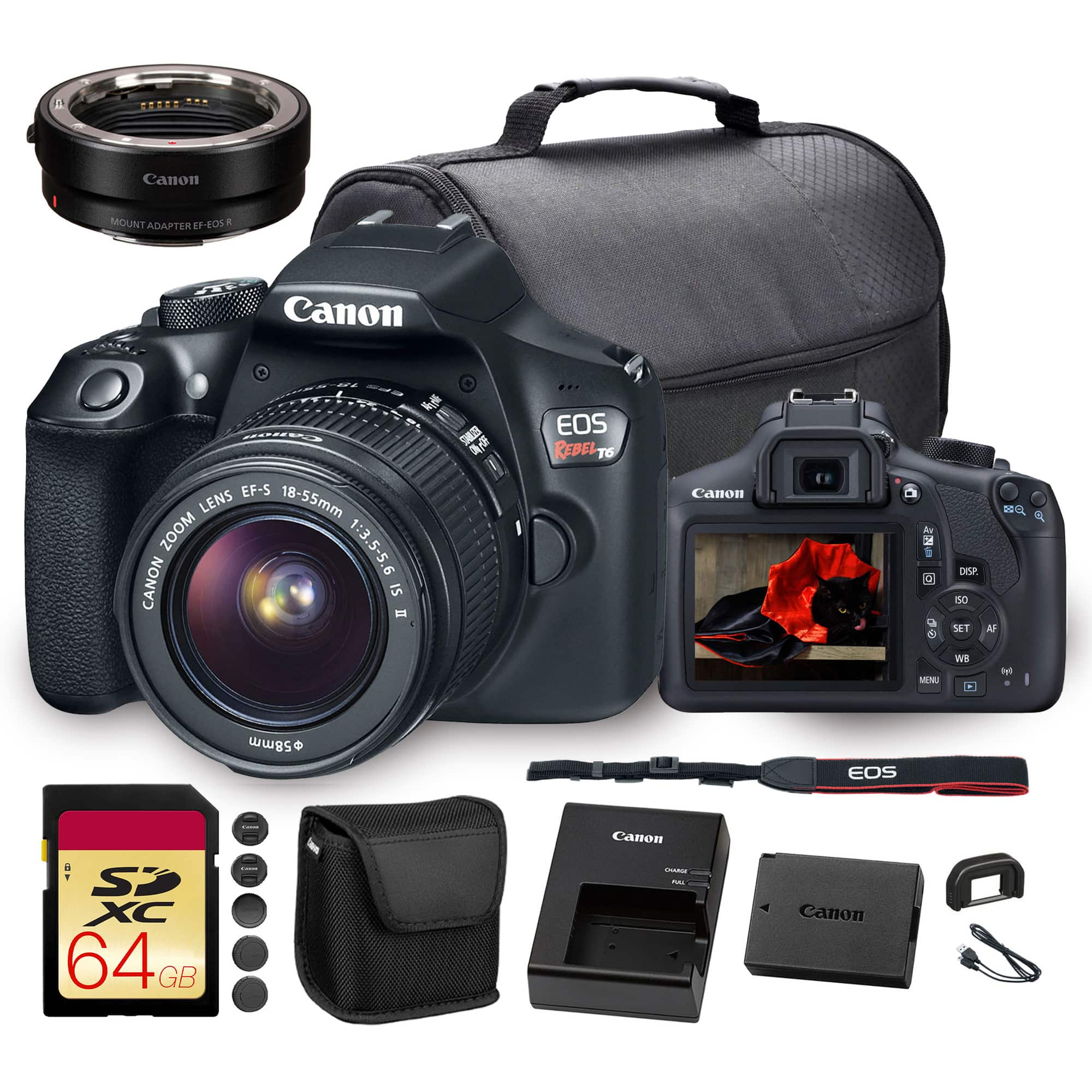
Top Rated Camera For Photo And Video
The best camera for photo and video depends on what you shoot and how you like to work. Explore cameras for still photography and video recording, comparing image quality, autofocus, video resolution, and portability. Consider lens compatibility and ease of use alongside your budget to narrow your options.
What to look for in the best camera for photo and video
Choosing the best camera for photo and video means balancing image quality, recording capabilities, focusing performance and ease of use.
1. Image Quality
2. Video Capabilities
3. Autofocus And Stabilization
4. Handling And Lens Options
-
1

Panasonic - LUMIX G100D Mirrorless Camera for Photo, 4K Video and Vlogging, 12-32mm Lens - Black
About this product
A compact mirrorless camera with 20.3MP sensor, 4K video, OZO Audio, and versatile metallic zoom lens.
What customers like
(40)$549.99Your price for this item is $549.99SAVE $200.00 -
2
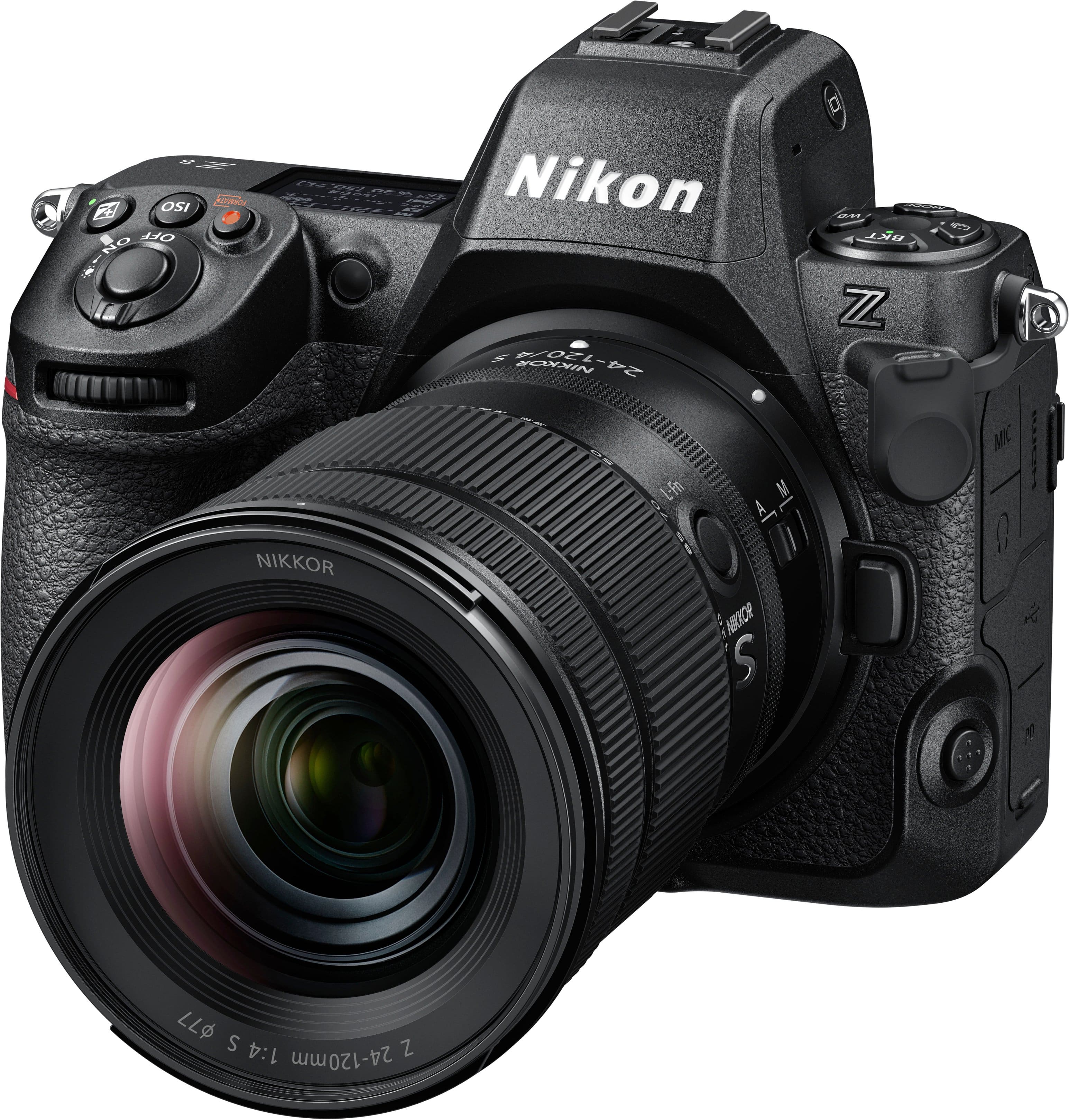
Nikon - Z 8 8K Video Mirrorless Camera with Wide Angle Zoom NIKKOR Z 24-120mm f/4 S lens - Black
About this product
A professional black mirrorless camera offering 45.7MP stills, 8K video, and a versatile 24-120mm f/4 lens.
(16)$4,099.95Your price for this item is $4,099.95SAVE $1,100.00 -
3
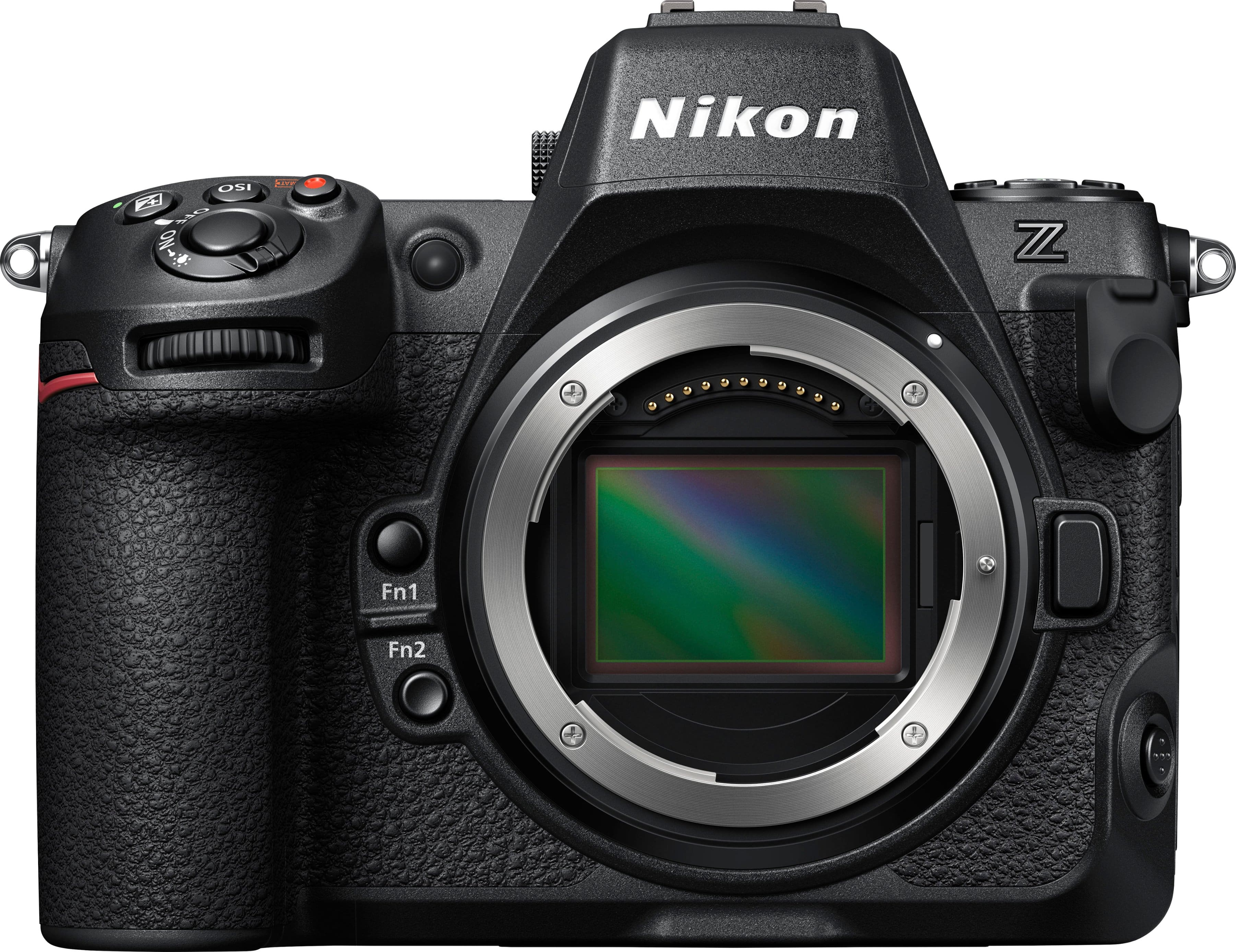
Nikon - Z 8 8K Video Mirrorless Camera (Body Only) - Black
About this product
A black mirrorless camera offering 45.7MP stacked CMOS sensor, 8K/60p video, and advanced autofocus.
What customers like
(194)$3,199.95Your price for this item is $3,199.95SAVE $1,100.00 -
4

Nikon - Z 6 II 4k Video Mirrorless Camera with NIKKOR Z 24-70mm f/4 Lens - Black
About this product
A black mirrorless camera with 24.5MP sensor, 4K video, fast autofocus, and versatile 24-70mm lens.
What customers like
(119)$1,899.95Your price for this item is $1,899.95SAVE $450.00 -
5
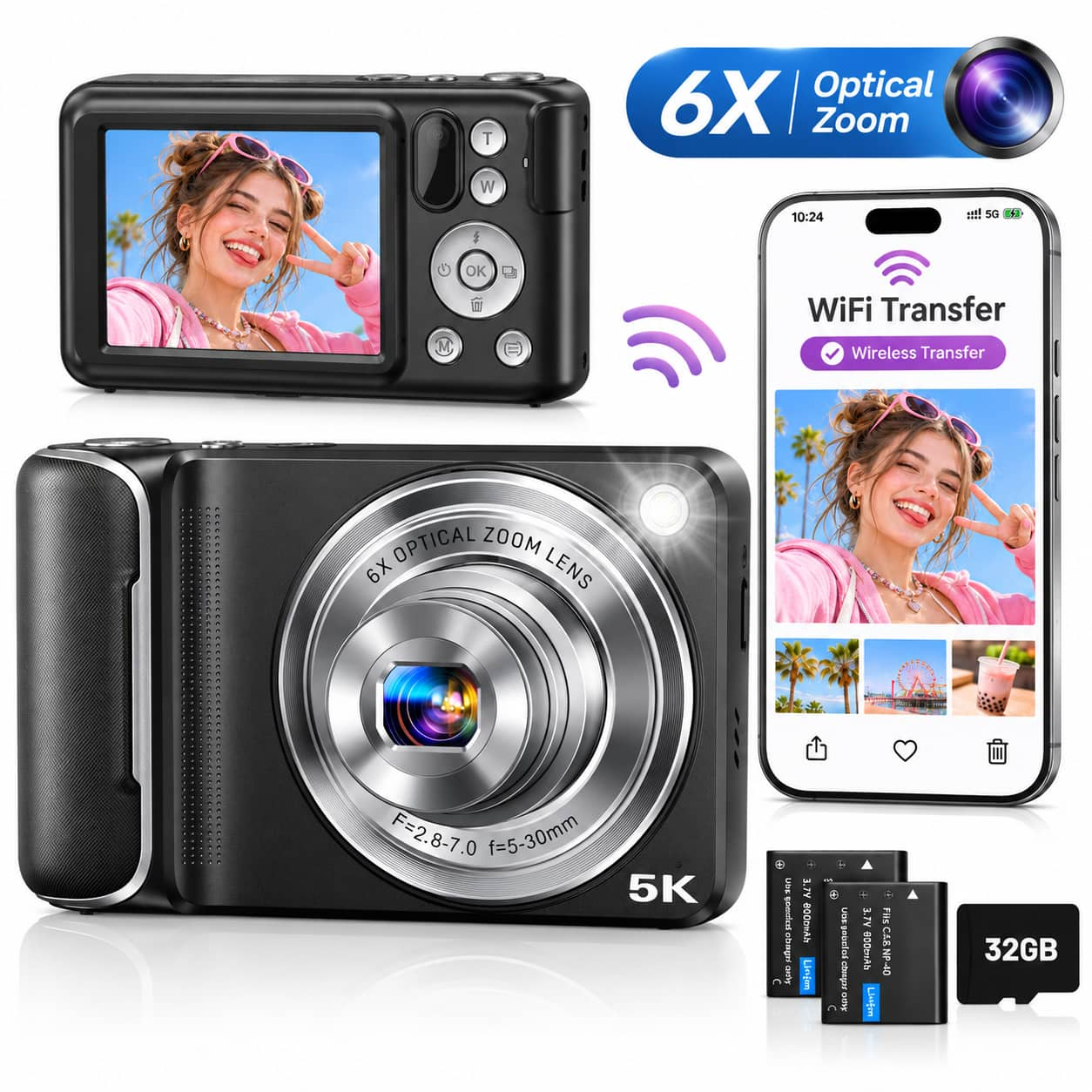
CAMKORY - 5K Digital Camera with Advanced 6X Optical Zoom, 64MP Autofocus, 16X Digital Zoom, WiFi & Touchscreen - Classic Black
About this product
A black point-and-shoot camera with 64MP imaging, 5K video, touchscreen, WiFi, autofocus, and dual lenses.
(0)$79.99Your price for this item is $79.99SAVE $90.00 -
6

Minolta - VLOG MND60V 64.0 Megapixel 4K Video Digital Camera Kit for Content Creators and Vloggers - Black
About this product
A black digital camera kit offering 64MP photos, 4K video, 16x zoom, tripod, and external microphone.
(9)$199.00Your price for this item is $199.00SAVE $0.99 -
7

Sony - RX10 V 20.1 Megapixel 4K Digital Camera with 8.3x Optical Zoom - Black
About this product
A black digital camera with 24–600mm zoom, 20.1MP sensor, AI autofocus, 30fps shooting, and 4K video.
(4)$2,299.99 Your price for this item is $2,299.99 -
8

Nikon - Z 6 II 4k Video Mirrorless Camera (Body only) - Black
About this product
A black mirrorless camera body with a 24.5MP full-frame sensor, 4K video, and advanced autofocus.
What customers like
(259)$1,299.95Your price for this item is $1,299.95SAVE $450.00 -
9

Minolta - 56 Mega Pixels Dual Lens Point & Shoot Digital Camera with 5X Optical Zoom & 5K Ultra HD Video - White
About this product
A compact white camera offering 56MP photos, 5K Ultra HD video, 5x optical zoom, and creative shooting modes.
(2)$179.00 Your price for this item is $179.00
Top Rated Camera For Photo And Video
FAQs
A hybrid camera combines still photography and video recording in one device. When comparing cameras for both uses, look at photo controls, video recording formats, autofocus modes, and how you switch between shooting modes.
Look for access to shutter speed, aperture, ISO, and white balance settings. Custom buttons and separate photo and video presets can let you save different settings for each type of shooting. A screen that tilts or rotates also offers more framing options.
An interchangeable-lens camera lets you choose different lenses for portraits, landscapes, close-ups, and other subjects. A fixed-lens camera has a built-in lens, so there is no need to swap lenses. Consider whether you want to build a lens collection or keep your setup self-contained.
JPEG files are commonly used for sharing photos, while RAW files allow more extensive editing. For video, check the camera’s recording formats and codecs against your editing software’s supported formats. Some cameras also offer log recording, which requires color correction during editing.
A microphone input lets you connect a compatible external microphone, while a headphone output lets you monitor audio during recording. Manual audio level controls and on-screen audio meters are also worth checking. Connection types and audio features vary by camera.