Best Case Fans
Find the best case fans for your PC build or cooling upgrade by comparing fan size, airflow, and noise levels. Browse computer cooling fans with your case’s mounting locations and available fan connections in mind, so you can choose compatible options that help circulate air through your system.
What to look for in case fans
The best case fans for your PC balance cooling performance, noise levels and compatibility with your build.
1. Size and Case Compatibility
2. Airflow and Static Pressure
3. Noise and Speed Control
4. Connections and Lighting
-
1
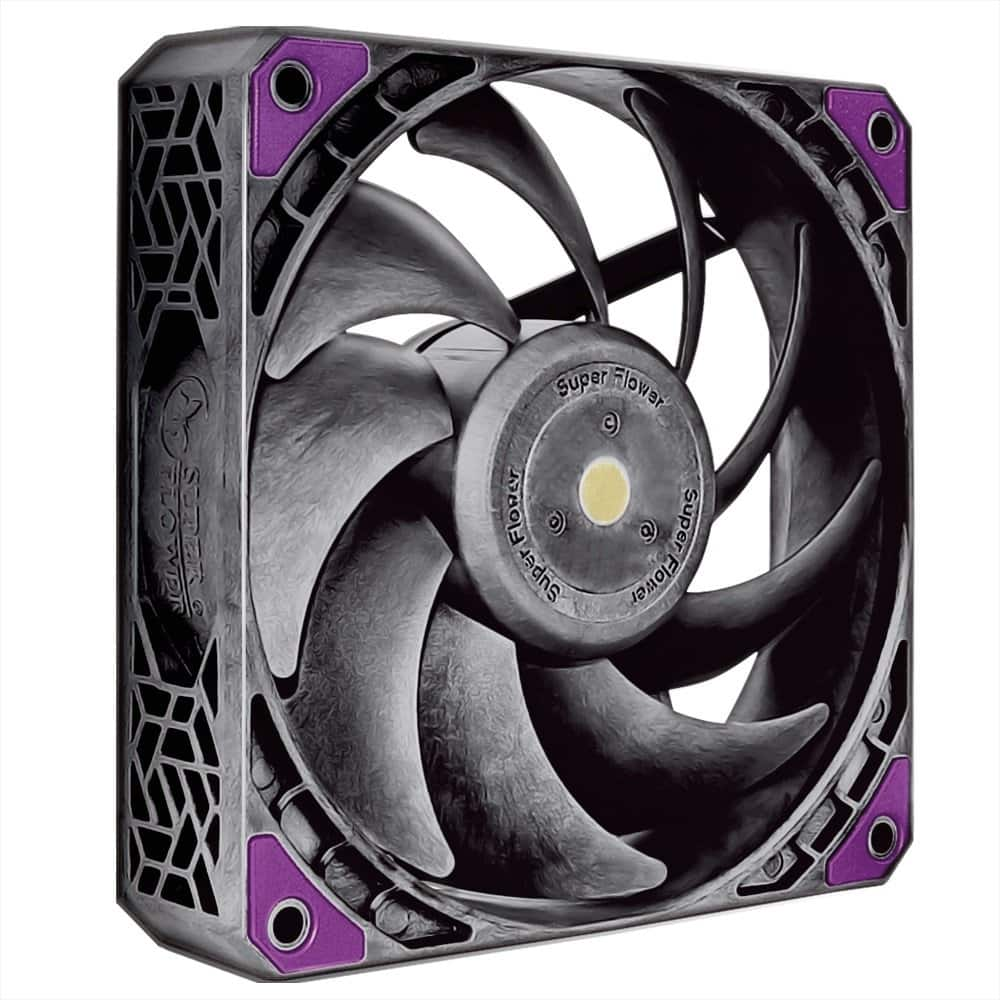
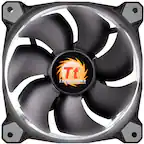
Super Flower - MEGACOOL 120mm fan, 12-pole motor design, extremely cooling performance, PWM, Computer Case Fan - Black
About this product
A black and gray PWM computer case fan featuring a 12-pole motor and anti-vibration mounting pads.
(0)$21.99Your price for this item is $21.99SAVE $12.00 -
2
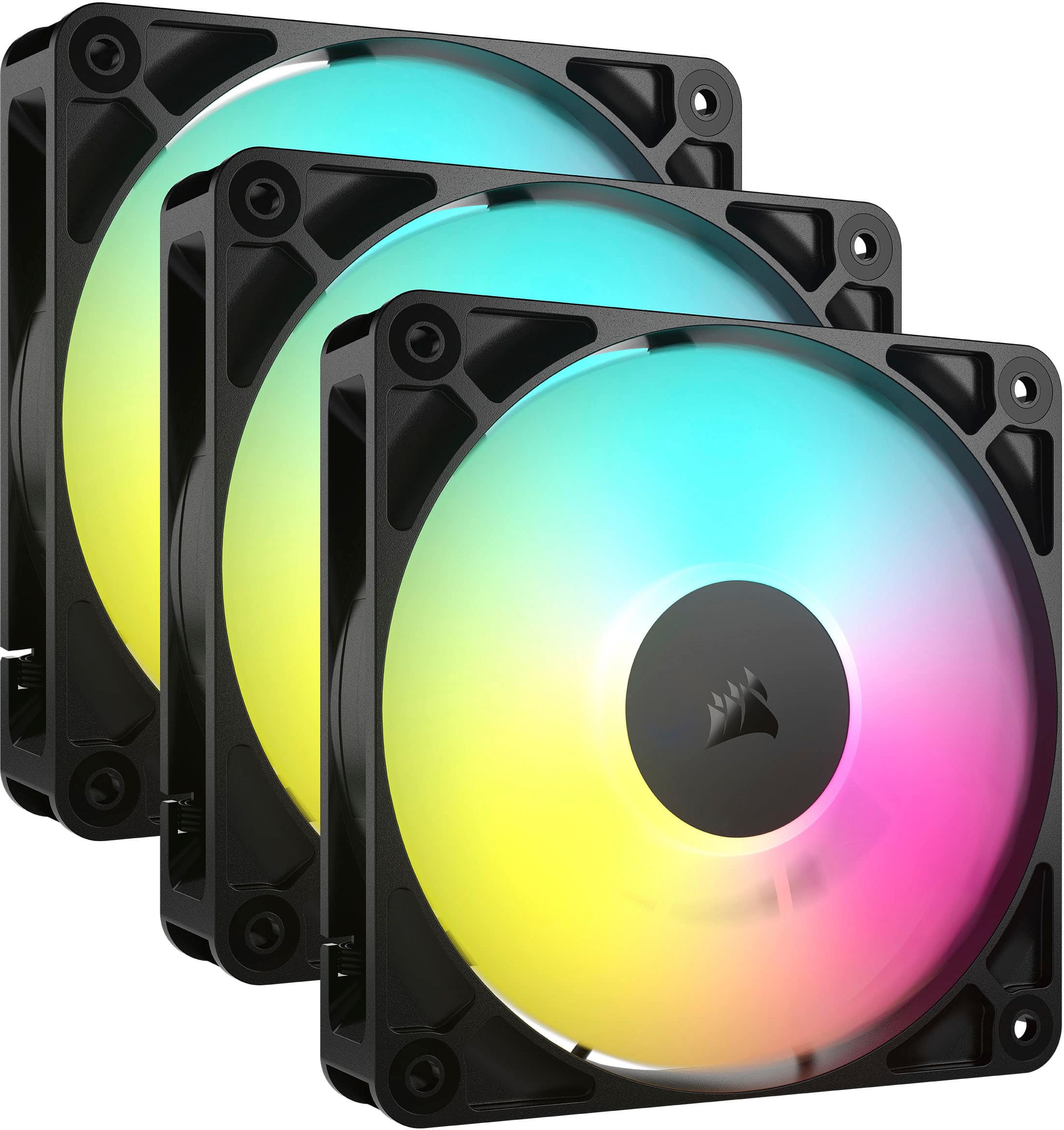
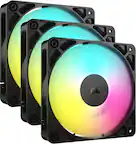
CORSAIR - RS120 ARGB 120mm PWM Case Fans (3-pack) - Black
About this product
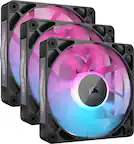
A black triple-pack of 120mm PWM fans with multicolor ARGB lighting and quiet, efficient cooling.
What customers like
(359)$59.99 Your price for this item is $59.99 -
3
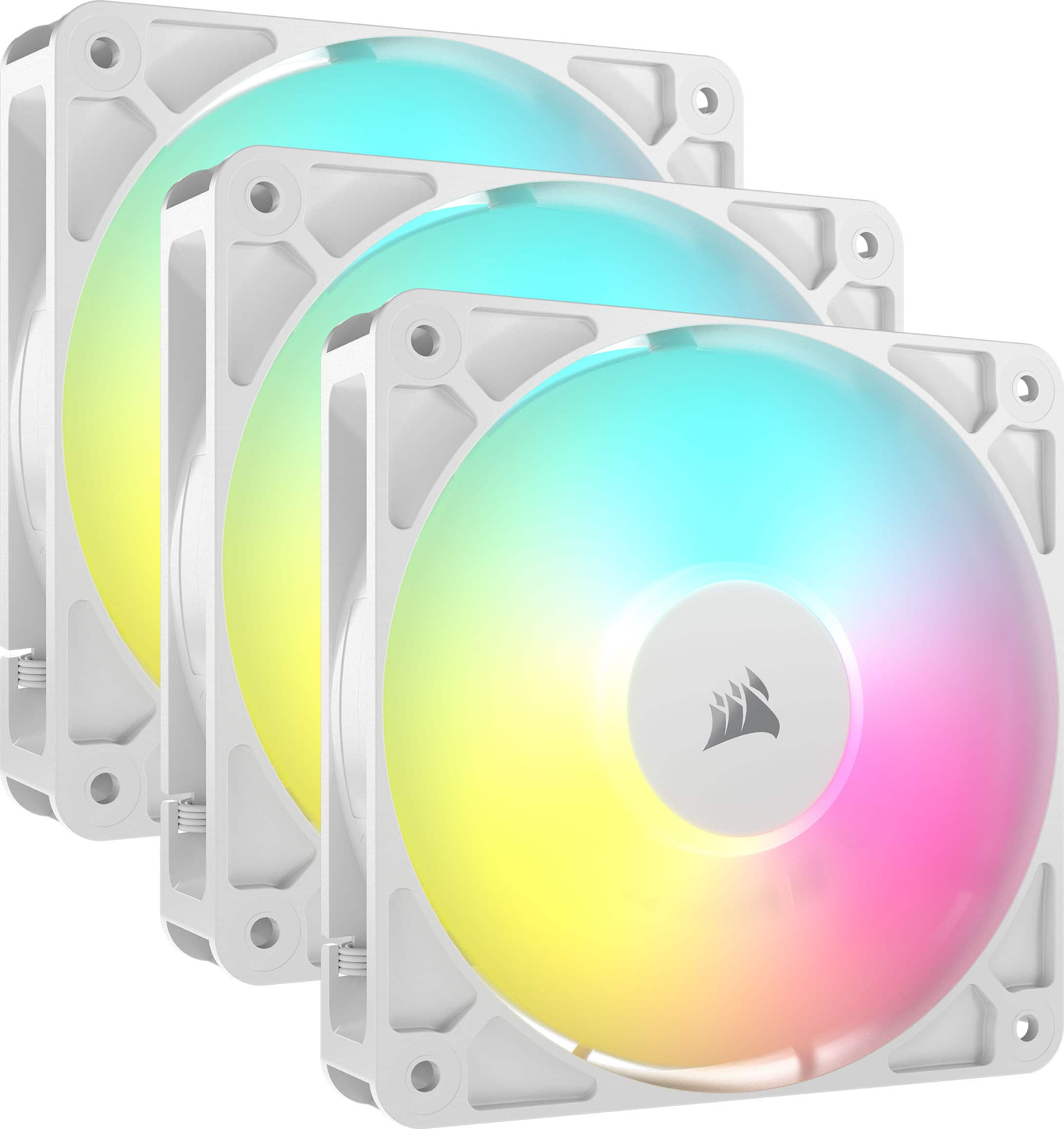
CORSAIR - RS120 ARGB 120mm PWM Case Fans (3-pack) - White
About this product
A set of three white 120mm ARGB PWM fans offering efficient cooling, quiet operation, and vibrant lighting.
What customers like
(359)$59.99 Your price for this item is $59.99 -
4

NZXT - F120 Duo RGB 120mm Computer Case Fan with Fluid Dynamic Bearings - White
About this product
A white 120mm case fan featuring fluid dynamic bearings and dual-sided customizable RGB lighting.
(12)$32.99 Your price for this item is $32.99 -
5

CORSAIR - iCUE LINK LX120-R RGB 120mm PWM Reverse Blade Computer Case Expansion Fan - Black
About this product
A black RGB 120mm PWM reverse blade fan with 18 LEDs, high airflow, and quiet magnetic bearings.
(11)$44.99 Your price for this item is $44.99 -
6

CORSAIR - RS120-R ARGB 120mm PWM Reverse Case Fans Triple Pack - White
About this product
A white triple-pack of 120mm ARGB PWM fans with reverse rotors, daisy-chain connectors, and quiet operation.
(5)$59.99 Your price for this item is $59.99 -
7

NZXT - F140 RGB Fan - 140mm PWM RGB Computer Case Fan with 8-LED Lighting - White
About this product
A white 140mm PWM case fan featuring 8 customizable RGB LEDs and quiet, efficient cooling performance.
(1)$36.95 Your price for this item is $36.95 -
8

Super Flower - MEGACOOL 120mm fan, Triple-Pack, 12-pole motor design, super cooling performance, PWM, Computer Case Fan, Remote Control - Black
About this product
A triple-pack of black 120mm case fans with 12-pole motors, PWM control, and remote operation.
(0)$54.99Your price for this item is $54.99SAVE $18.00 -
9

CORSAIR - RS120-R ARGB 120mm PWM Reverse Case Fans Triple Pack - Black
About this product
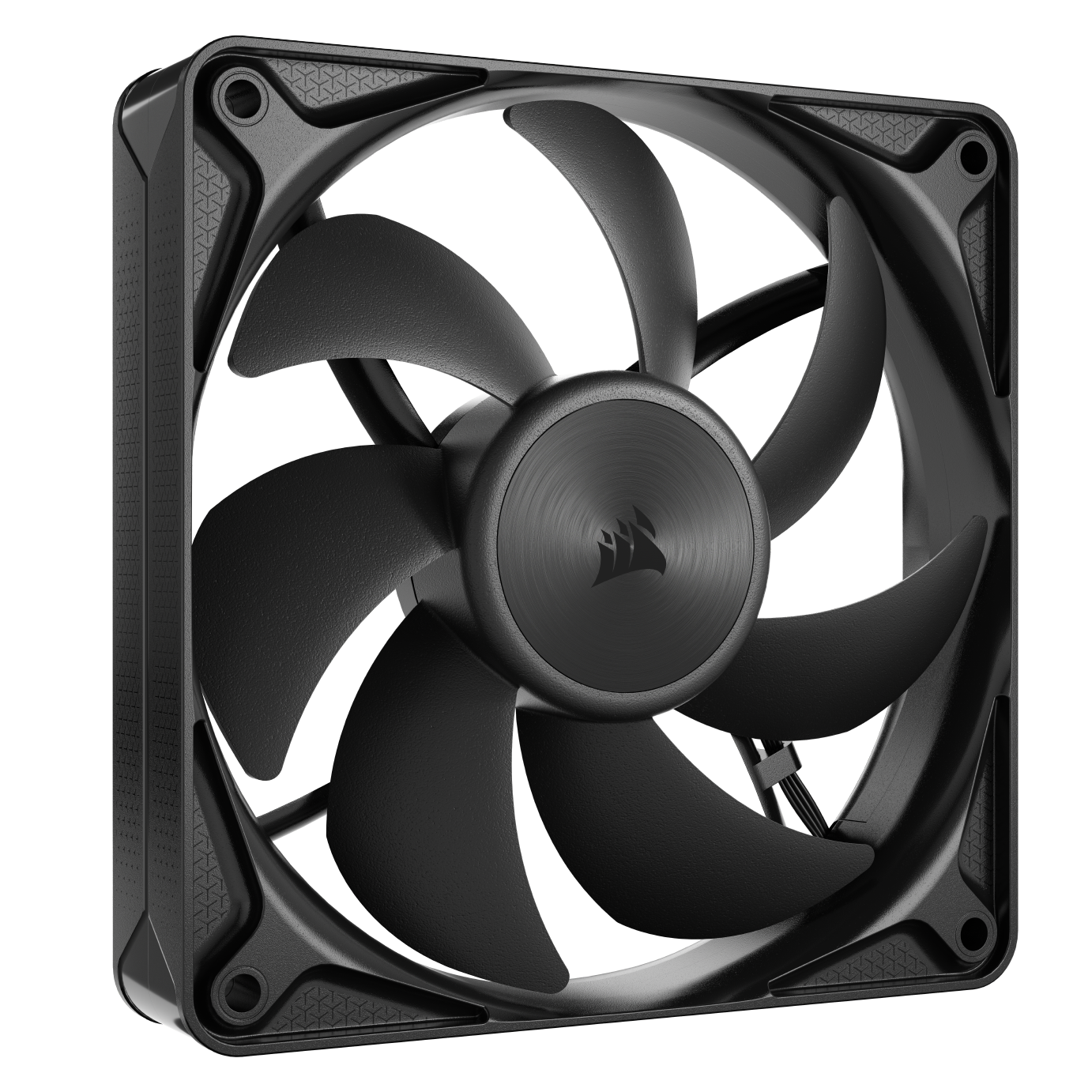
A black 3-pack of 120mm ARGB PWM fans with reverse rotors, daisy-chain connectors, and quiet operation.
(5)$51.99Your price for this item is $51.99SAVE $8.00 -
10

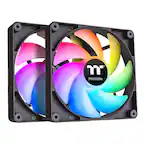
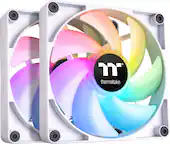
Thermaltake - CT120 EX ARGB Sync 120mm Computer Case Cooling Fan (3-Pack) - White
About this product
A white 3-pack of 120mm ARGB case fans with magnetic connection and customizable RGB lighting.
(3)$59.99 Your price for this item is $59.99
Best Case Fans
FAQs
PWM case fans typically use a four-pin fan connector and receive a dedicated signal to adjust their speed. DC case fans typically use a three-pin fan connector and adjust speed through changes in voltage. Check your motherboard or fan controller documentation to see which control modes it supports.
Standard RGB lighting generally displays the same color across all LEDs on a connected lighting channel. Addressable RGB, or ARGB, allows individual LEDs to display different colors for more detailed patterns and animations. Their lighting connections are different, so check compatibility with your motherboard or lighting controller.
A case fan hub provides connections for multiple fans, often sharing a control signal from one motherboard header. A fan controller adds a way to adjust fan settings through software or physical controls. Some devices combine both functions, and lighting control may use separate connections.
Many illuminated case fans have separate connections for the fan motor and lighting, allowing independent control when connected to compatible hardware. Other designs use a combined connector and require a matching hub or controller. Check the connection type and supported controls before choosing components.
Consider whether you prefer a non-illuminated look, illuminated blades, or lighting around the fan frame. Frame color and coordinated lighting effects can also help establish a consistent build theme. If you want synchronized lighting across components, check that they support the same lighting software or controller.