Best CPU Coolers
Find the best CPU cooler for your build by comparing processor socket compatibility, cooling capacity and case clearance. As you browse CPU cooling options, check dimensions and mounting requirements against your PC’s specifications, and consider noise levels if you prefer a quieter setup. These details help you narrow the selection before upgrading or building a desktop.
What to look for in CPU coolers
Finding the best CPU cooler for your PC means balancing compatibility, cooling performance, noise and installation needs.
1. Socket and Case Compatibility
2. Cooling Performance
3. Noise Levels
4. Installation and Maintenance
-
1

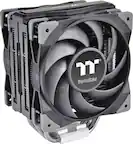
Thermaltake - TOUGHAIR 710 250W TDP CPU Cooler, Intel LGA 1700/1200, AMD AM5/AM4 Dual-Tower Copper Base 7 Heat Pipes - Black
About this product
A black dual-tower air CPU cooler with copper base, seven heat pipes, and two 120mm fans.
(0)$89.99Your price for this item is $89.99SAVE $7.50 -
2

PCCOOLER - G6BK High Performance Hydro Bearing 4 Pin PWM CPU Cooler - Black
About this product
A high-performance black hydro bearing CPU cooler with 4-pin PWM support for Intel and AMD sockets.
(1)$48.99 Your price for this item is $48.99 -
3

Cooler Master - V4 Alpha 3DHP CPU Air Cooler, 3D Heat Pipe, Dual 120mm PWM Fans, AMD AM5/AM4 & Intel LGA 1851/1700 - Black
About this product
A black CPU air cooler with 3D heat pipe technology, dual PWM fans, and quiet operation.
(2)$25.99Your price for this item is $25.99SAVE $28.00 -
4

be quiet! - Silent Loop 3 240mm Liquid CPU Cooler - Black
About this product
A virtually silent liquid CPU cooler in sleek black with RGB lighting and dual 120mm fans for efficient cooling.
(1)$124.99 Your price for this item is $124.99 -
5

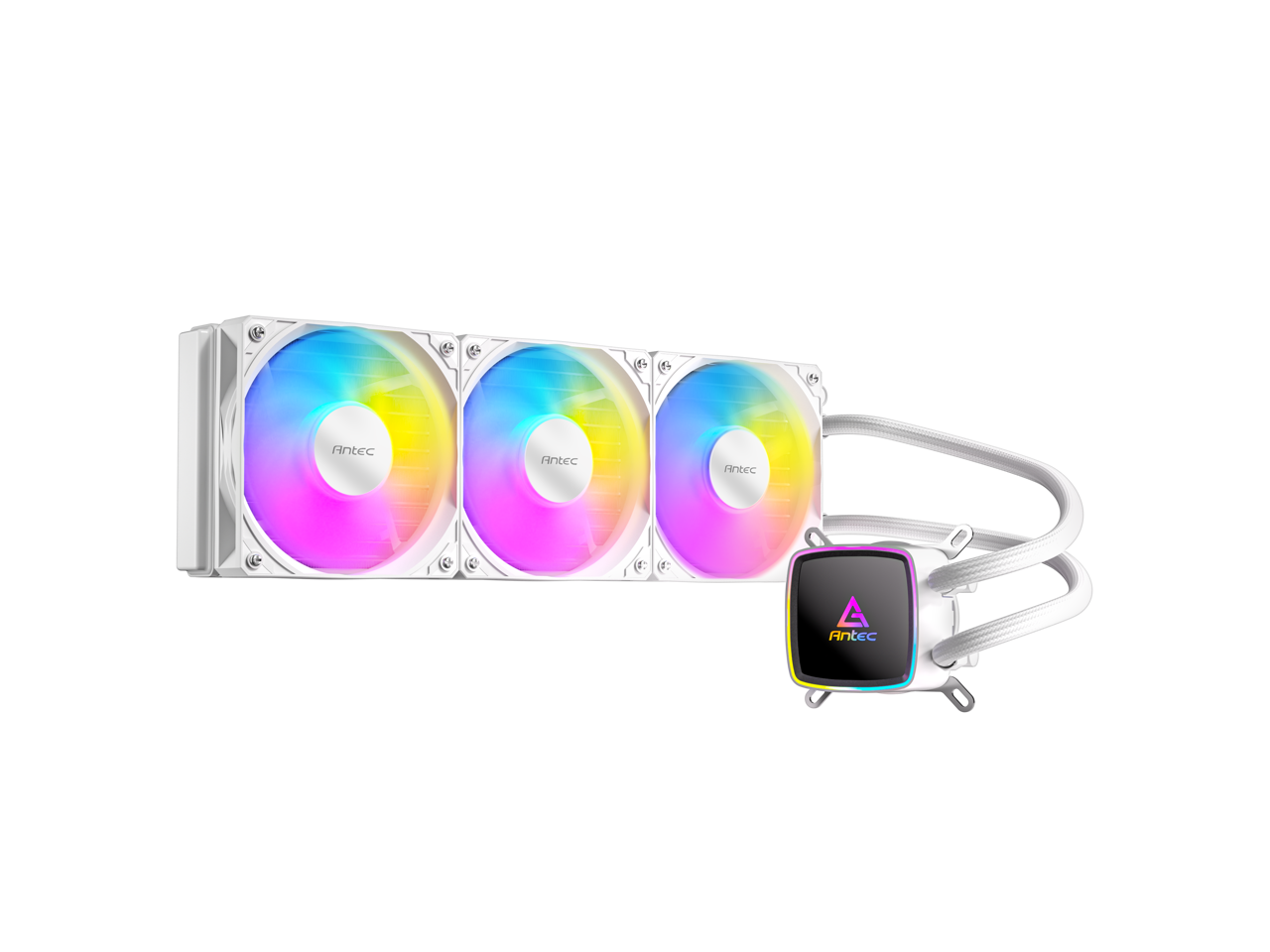
Arctic - Liquid Freezer III Pro 360 A-RGB Multi Compatible All-in-One CPU Water Cooler with A-RGB - Black
About this product
A black liquid CPU cooler with three 120mm A-RGB fans for powerful, quiet performance.
(2)$121.71Your price for this item is $121.71SAVE $3.75 -
6
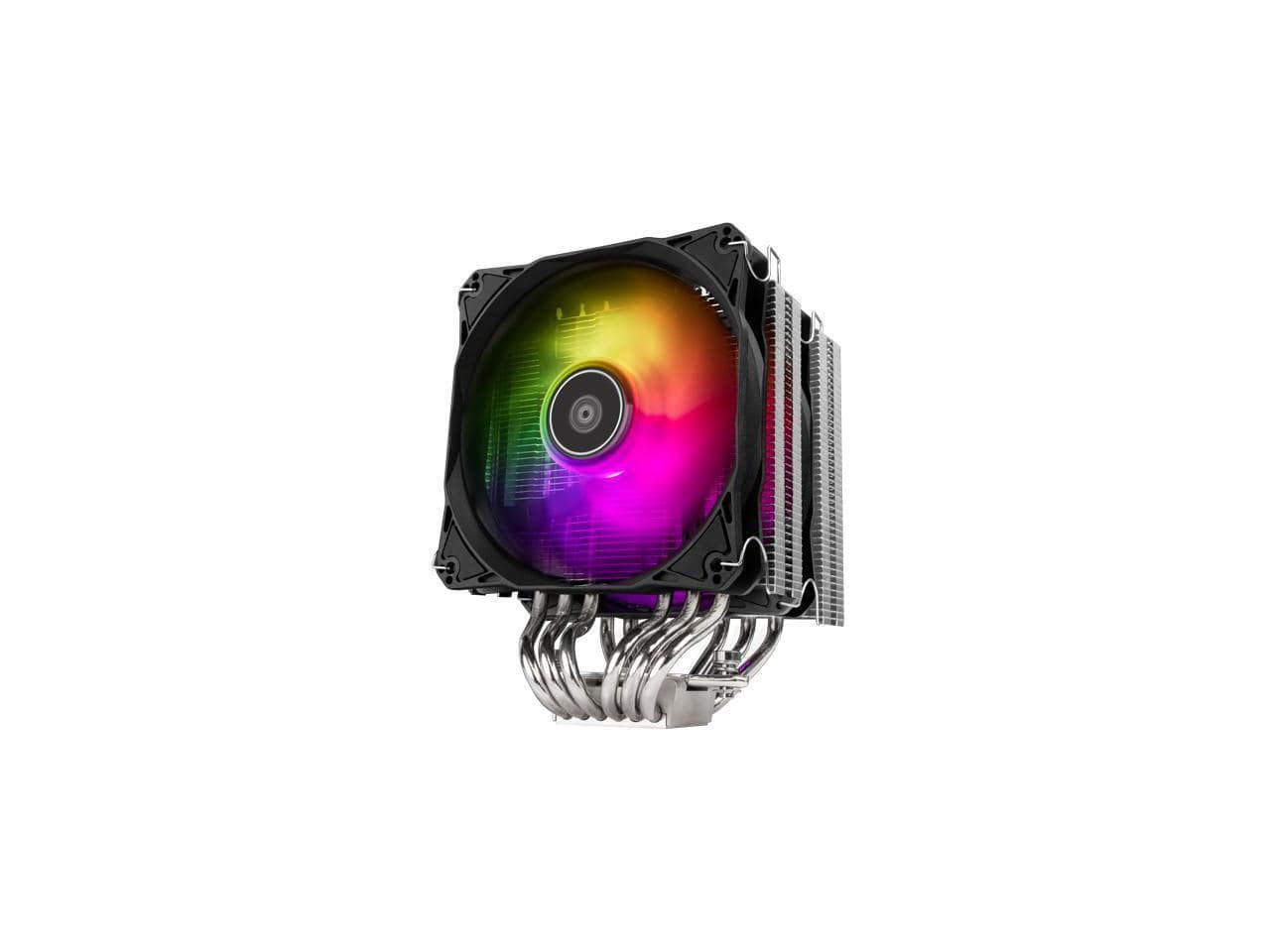
SilverStone - CPU cooler/Dual Tower/6 x 6 Heat pipe/12025 x 2/H160mm/Universal Intel & AMD socket solution - Black
About this product
A black dual-tower air cooler with six heat pipes, two 120mm fans, and universal socket compatibility.
(0)$59.49Your price for this item is $59.49SAVE $18.00 -
7

REDRAGON - CC-2177 CPU Air Cooler Mighty 260w CPU Cooler - Black
About this product
An all-black dual-tower CPU air cooler with 5 copper heat pipes and ARGB dual fans.
(0)$37.99 Your price for this item is $37.99 -
8
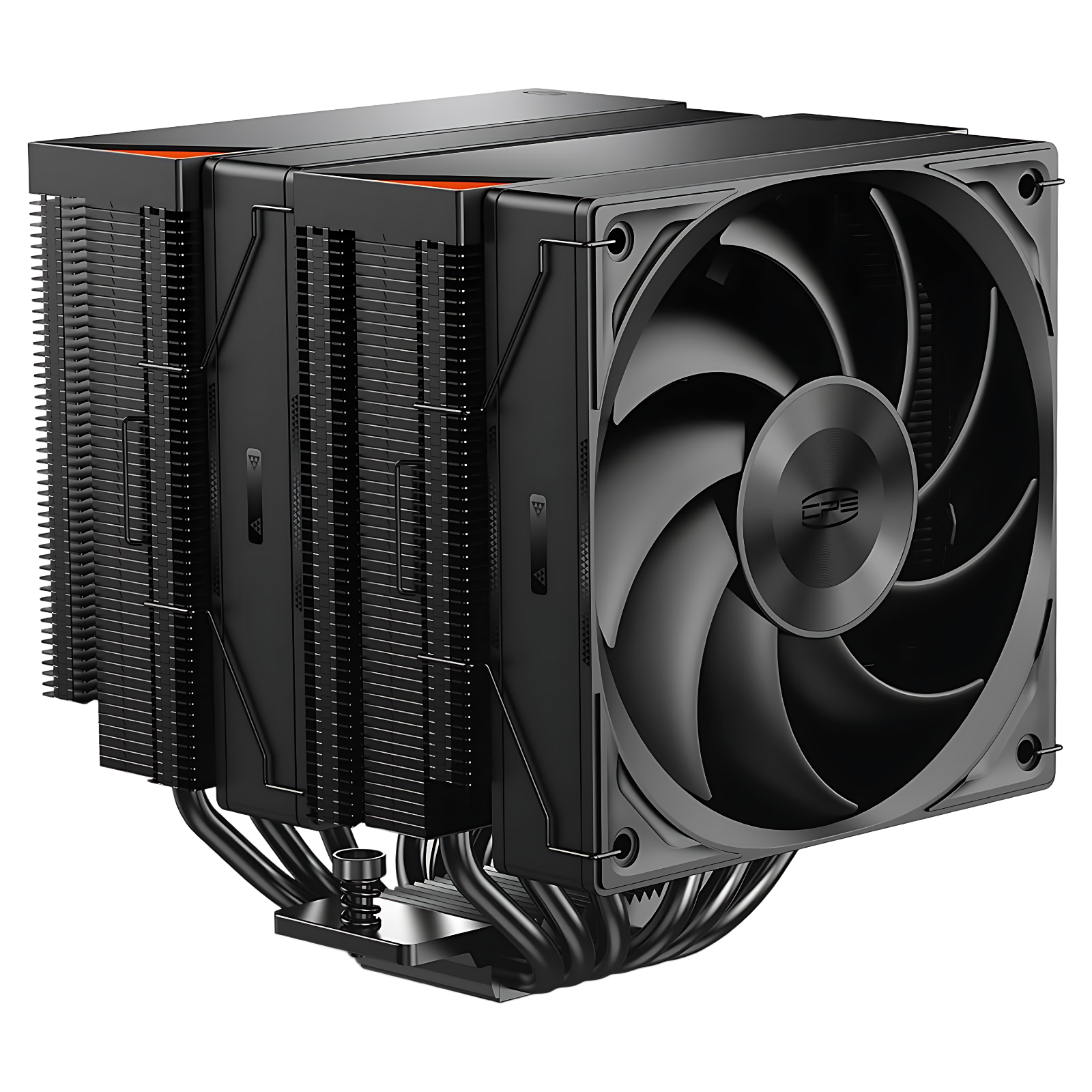
PCCOOLER - RZ620 Dual Tower CPU Air Cooler, 6 Heat Pipes, 275W TDP, Aluminum Top Cover, 157.5mm Tall, 120mm PWM Fans w/ 3 Modes - Black
About this product
A black dual-tower CPU air cooler with six heat pipes and three adjustable PWM fans for efficient cooling.
(0)$69.99 Your price for this item is $69.99 -
9

be quiet! - Silent Loop 3 360mm Liquid CPU Cooler - Black
About this product
A virtually silent black liquid CPU cooler with RGB lighting, three 120mm fans, and 360mm radiator.
(0)$144.99Your price for this item is $144.99SAVE $6.50 -
10

Cooler Master - Hyper 212 3DHP CPU Air Cooler - Black
About this product
A black air cooler with 3DHP technology for efficient, quiet CPU cooling and easy installation.
What customers like
(28)$29.99 Your price for this item is $29.99
Best CPU Coolers
FAQs
CPU coolers generally fall into two categories: air coolers and liquid coolers. Air coolers use a heat sink and fan assembly, while liquid coolers use a CPU block, pump, tubing, and radiator. Liquid-cooling options include all-in-one systems and custom loops.
Find your motherboard’s CPU socket designation, then compare it with the cooler’s supported socket list. Also check which mounting brackets are included and whether an additional mounting kit is required. Socket compatibility is an important starting point when comparing CPU coolers.
AIO stands for all-in-one. An AIO CPU cooler is a preassembled liquid-cooling system that combines a CPU block, pump, tubing, and radiator. Unlike a custom loop, it does not require you to select and assemble separate liquid-cooling components.
Lighting compatibility depends on the cooler’s connectors, controller, and supported software. Addressable RGB allows individual LED control, while standard RGB typically applies the same effect across connected LEDs. Compare the cooler’s lighting requirements with your motherboard or lighting controller before choosing.
CPU cooler fans commonly use PWM or DC control. PWM fans receive a dedicated control signal, while DC fans adjust speed through changes in supplied voltage. Depending on your hardware, you may configure fan settings through the motherboard’s BIOS or compatible software.