Best Digital To Analog Converter
Find the best digital-to-analog converter (DAC) for connecting your digital audio source to compatible analog audio equipment. As you compare converters, check that the input and output connections match your devices, then review supported audio formats and power requirements to choose an option that fits your setup.
What to look for in a digital-to-analog converter
The best digital-to-analog converter (DAC) for your setup depends on your audio sources, listening equipment and compatibility needs.
1. Connections and Compatibility
2. Audio Format Support
3. Headphone and Amplifier Needs
4. Size, Power and Controls
-
1
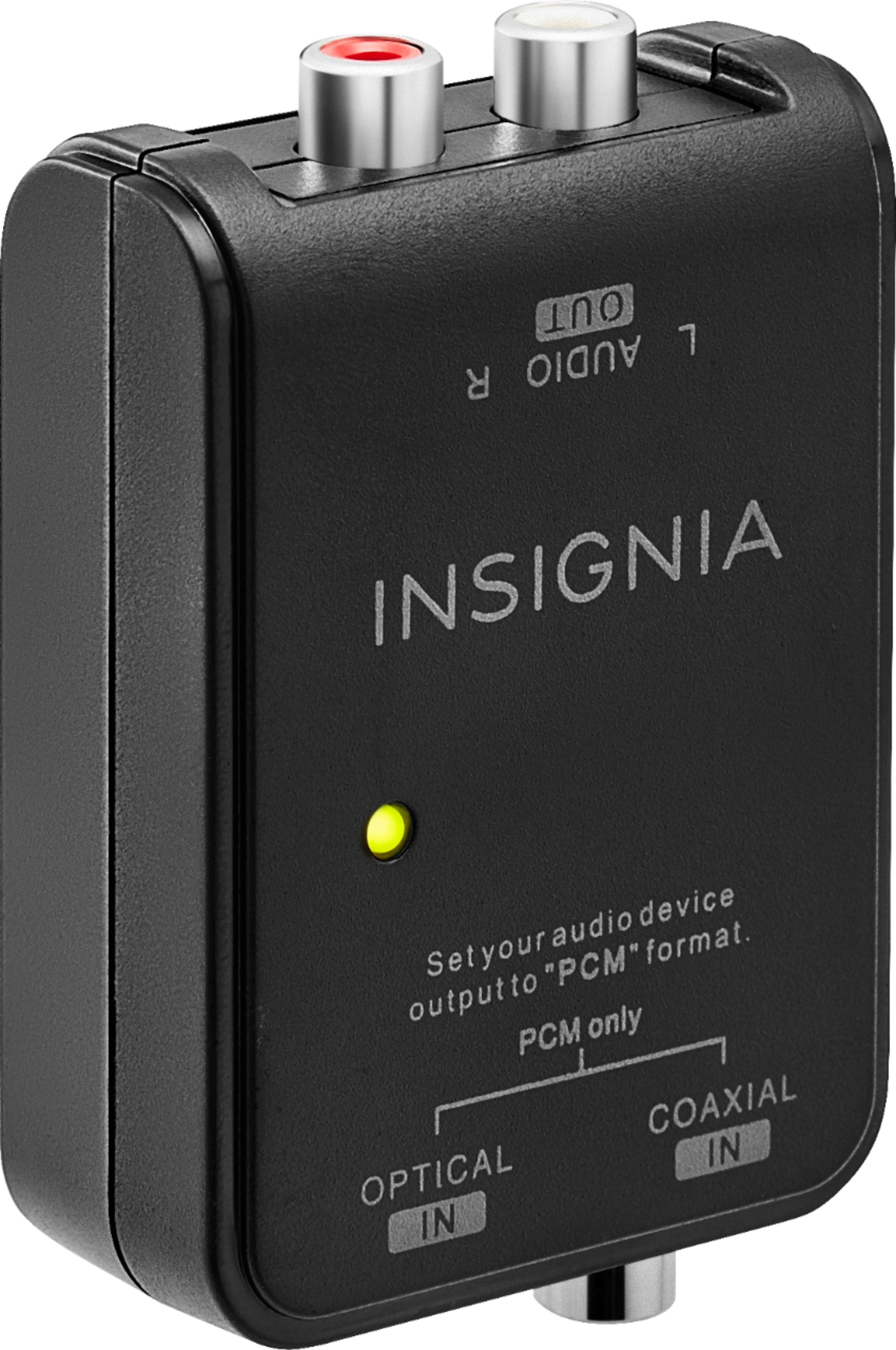
Insignia™ - Optical/Coaxial Digital-to-Analog Audio Converter - Black
About this product
A black digital-to-analog audio converter offering optical and coaxial inputs for versatile device compatibility.
What customers like
(3,122)$29.99 Your price for this item is $29.99 -
2

J-Tech Digital - Digital to Analog DAC Audio Converter with Bass and Volume Control - Black
About this product
A black digital-to-analog audio converter with 24-bit support, featuring bass and volume control functions.
(0)$32.39 Your price for this item is $32.39 -
3

EVERSOLO - DAC-Z10 Digital to Analog Converter & Preamplifier - Black
About this product
A fully balanced black DAC and preamplifier delivering ultra-low noise and authentic, detailed sound reproduction.
(0)$1,980.00 Your price for this item is $1,980.00 -
4

Orei - Digital to Analog Decoder Audio Converter-DA34 - White
About this product
A white digital-to-analog audio converter that decodes Dolby Digital 5.1 to 2.0 analog outputs.
(0)$44.99Your price for this item is $44.99SAVE $25.00 -
5

Sanoxy - Digital Optical Coax Coaxial Toslink to Analog Audio Converter Adapter 3.5mm L/R - Black
About this product
A black adapter that converts digital coaxial or Toslink audio to analog 3.5mm stereo output.
(0)$24.99 Your price for this item is $24.99 -
6
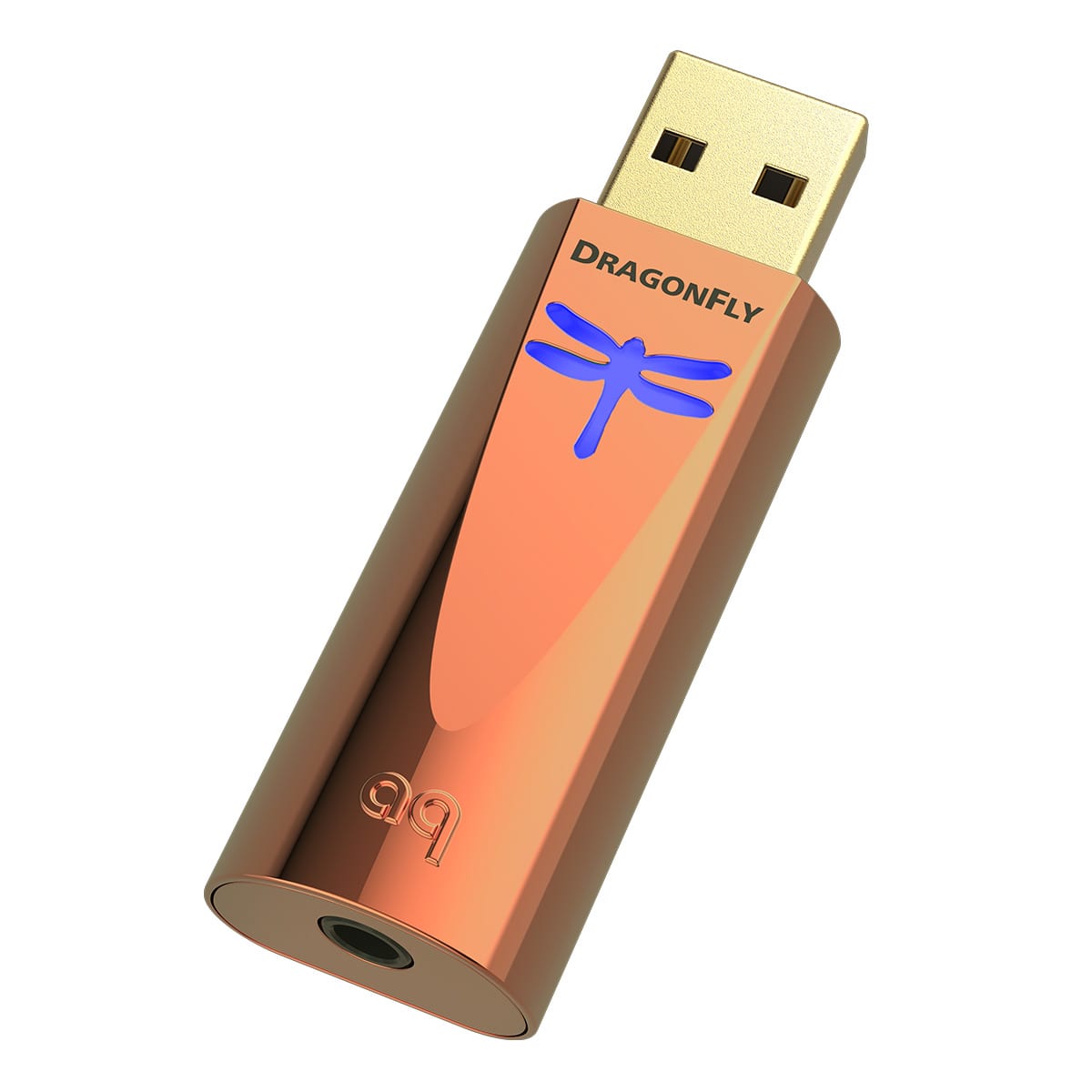
AudioQuest - DragonFly Copper USB Digital-to-Analog Converter - Black
About this product
A black copper USB DAC with a 32-bit ESS chip, reduced distortion, and headphone amplification.
(0)$250.00 Your price for this item is $250.00 -
7

Ethereal - Digital TOSLINK Optical SPDIF to RCA Audio Converter CS-DAC2 - Black
About this product
A black digital audio converter that transforms TOSLINK or SPDIF signals into analog RCA stereo output.
(0)$106.99 Your price for this item is $106.99 -
8

Ethereal - Analog to Digital Audio Converter CS-ATD - Black
About this product
An audio converter in black that transforms stereo RCA signals to digital PCM with optical and coaxial outputs.
(0)$39.99Your price for this item is $39.99SAVE $7.23 -
9

J-Tech Digital - 2-Channel Dante Digital to XLR Analog Audio Output Adapter - Black
About this product
A black adapter that converts two-channel Dante digital audio to balanced or unbalanced XLR analog output.
(0)$169.99 Your price for this item is $169.99 -
10

StarTech.com - USB Video Capture Adapter Cable - S-Video/Composite to USB 2.0 - TWAIN Support - Analog to Digital Converter
About this product
An easy-to-use adapter that converts analog S-Video or composite video and audio to digital via USB.
(0)$60.55Your price for this item is $60.55SAVE $2.87
Best Digital To Analog Converter
FAQs
A digital-to-analog converter, or DAC, converts digital audio from a computer, TV, phone or other source into an analog signal. That signal can then be sent to an amplifier, powered speakers or headphones, depending on the DAC’s outputs and whether it includes a headphone amplifier.
Match the DAC’s inputs to your audio source and its outputs to your listening equipment. Common digital inputs include USB, optical and coaxial, while analog outputs may include RCA, balanced connections or a headphone jack. Check both the connection type and compatibility with your devices before choosing a DAC.
A DAC converts digital audio into an analog signal, while a headphone amplifier supplies the power needed to drive headphones. Some devices combine both functions. A standalone DAC with only line-level outputs typically connects to a separate amplifier or powered speakers rather than directly to passive headphones.
Check the DAC’s supported audio formats, sample rates and bit depths against your source device and audio files. PCM is common, while support for formats such as DSD varies. For a TV connection, confirm whether the DAC accepts the TV’s output format; a PCM-only DAC generally requires the TV’s digital audio output to be set to PCM rather than Dolby Digital or DTS.
Software requirements depend on the DAC, connection and operating system. Many USB DACs work with built-in audio drivers, while others require a manufacturer-provided driver for certain features or audio formats. DACs connected through optical or coaxial inputs generally do not require a computer driver, but the source device may need its audio output settings adjusted.