Top Rated Encrypted Flash Drive
Find the best encrypted flash drive for your needs by comparing security features, storage capacity, and device compatibility. When browsing encrypted USB drives for storing and carrying sensitive files, check how encryption works, what’s required to unlock the drive, and whether it supports the devices you use.
What to look for in an encrypted flash drive
Choose the best encrypted flash drive for your needs by comparing security features, storage capacity, compatibility, and everyday usability.
1. Encryption and Access Protection
2. Storage Capacity and Speed
3. Device Compatibility
4. Recovery and Everyday Use
-
1
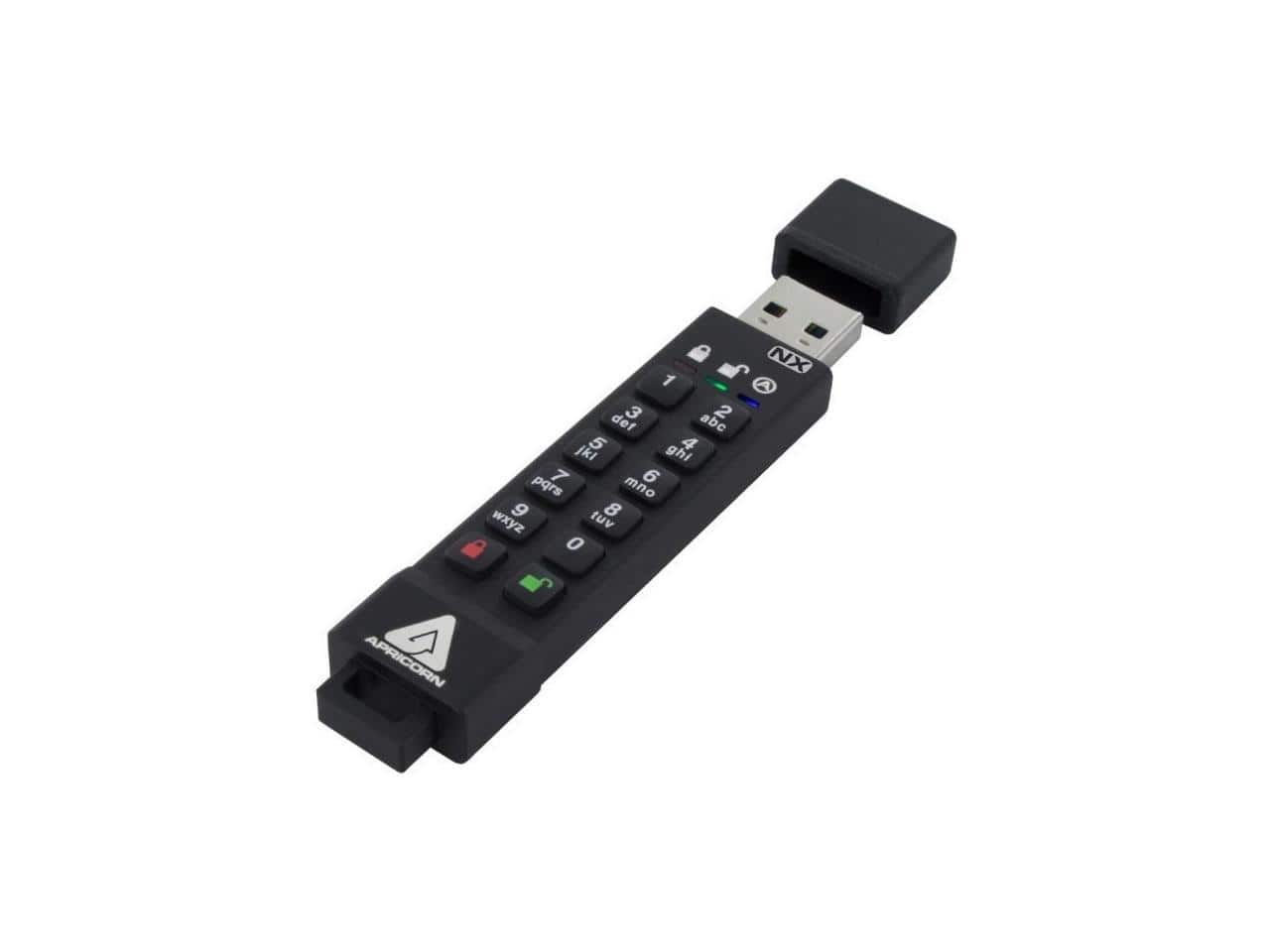
Apricorn - Apricon Aegis 16GB Secure Key 3NX - 256-Bit AES Encrypted USB 3.1 with FIPS 140-2 Level 3 & Keypad (ASK3-NX-16GB) - Black
About this product
A black USB 3.1 flash drive with 16GB storage, 256-bit AES encryption, and onboard keypad security.
(0)$151.98Your price for this item is $151.98SAVE $4.13 -
2
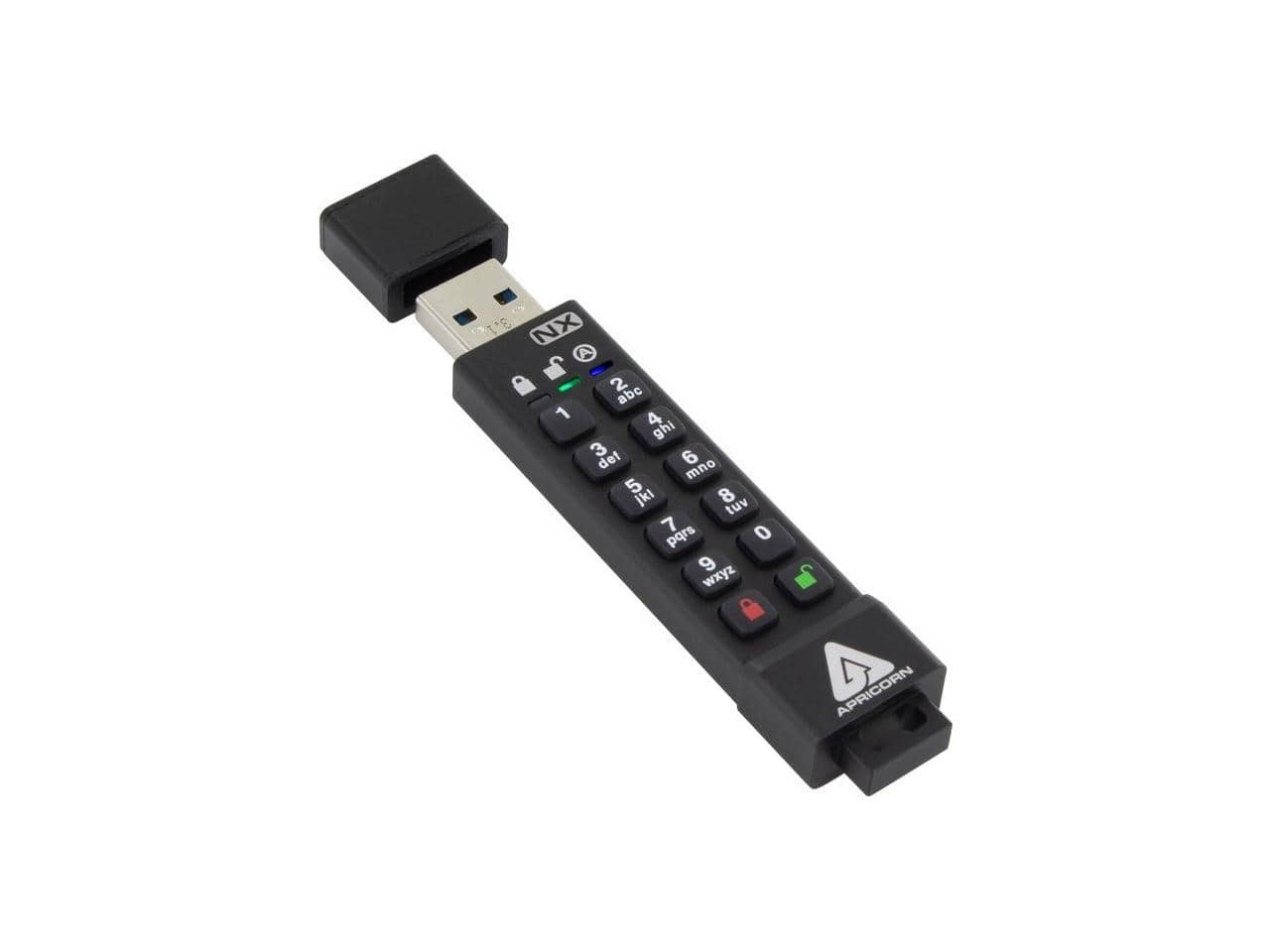
Apricorn - Apricon Aegis Secure Key 3NX 128GB - FIPS 140-2 Level 3, 256-Bit AES XTS Encrypted USB 3.1 with Keypad - Black
About this product
A black USB 3.1 flash drive with 128GB storage, keypad access, and 256-bit AES XTS encryption.
(0)$246.59 Your price for this item is $246.59 -
3
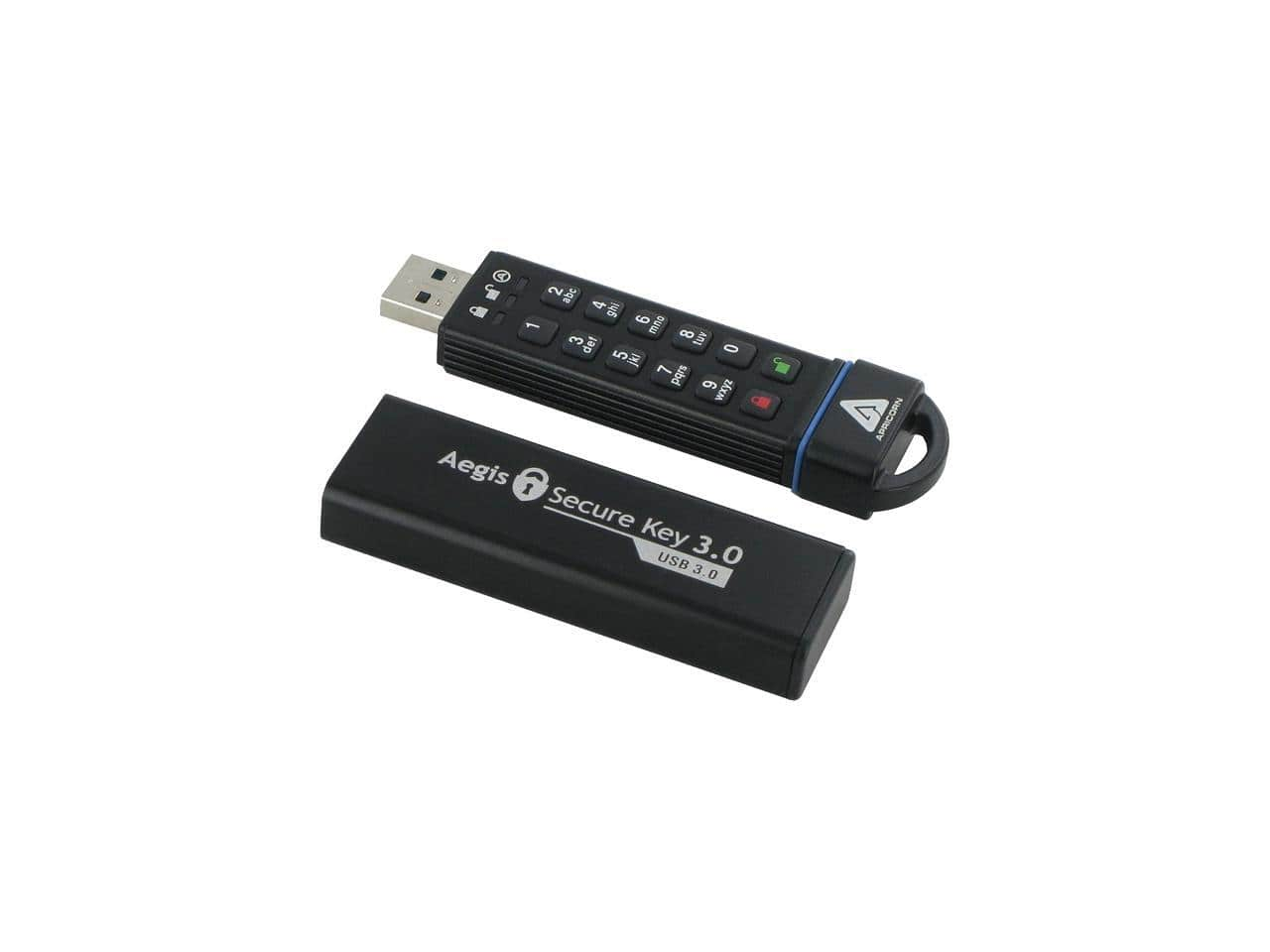
Apricorn - Aegis Secure Key 60GB FIPS 140-2 Level 3 USB 3.0 Flash Drive with PIN & 256bit AES Encryption - Black
About this product
A black USB 3.0 flash drive offering 60GB storage, PIN access, and 256-bit AES hardware encryption.
(0)$225.99 Your price for this item is $225.99 -
4
Apricorn - Aegis Secure Key 240GB FIPS 140-2 Level 3 USB 3.0 Flash Drive with PIN & 256bit AES Encryption - Black
About this product
A black USB 3.0 flash drive offering 240GB storage, PIN access, and 256-bit AES hardware encryption.
(0)$312.49 Your price for this item is $312.49 -
5
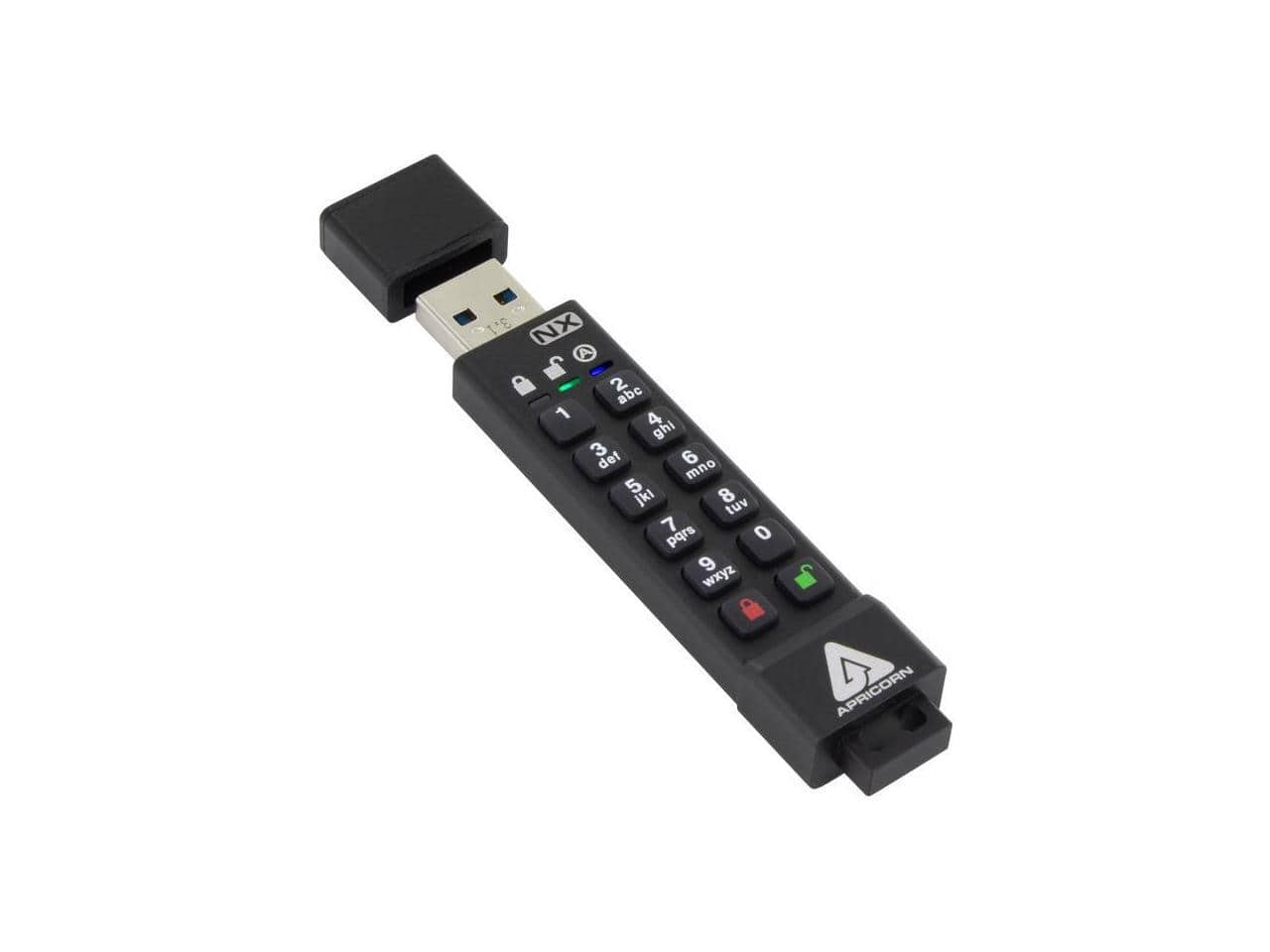
Apricorn - Apricon Aegis Secure Key 3NX 64GB - 256-Bit AES XTS Encrypted USB 3.1 with FIPS 140-2 Level 3 & Keypad - Black
About this product
A black USB 3.1 flash drive with 64GB storage, hardware keypad, and 256-bit AES XTS encryption.
(0)$189.70Your price for this item is $189.70SAVE $0.29 -
6
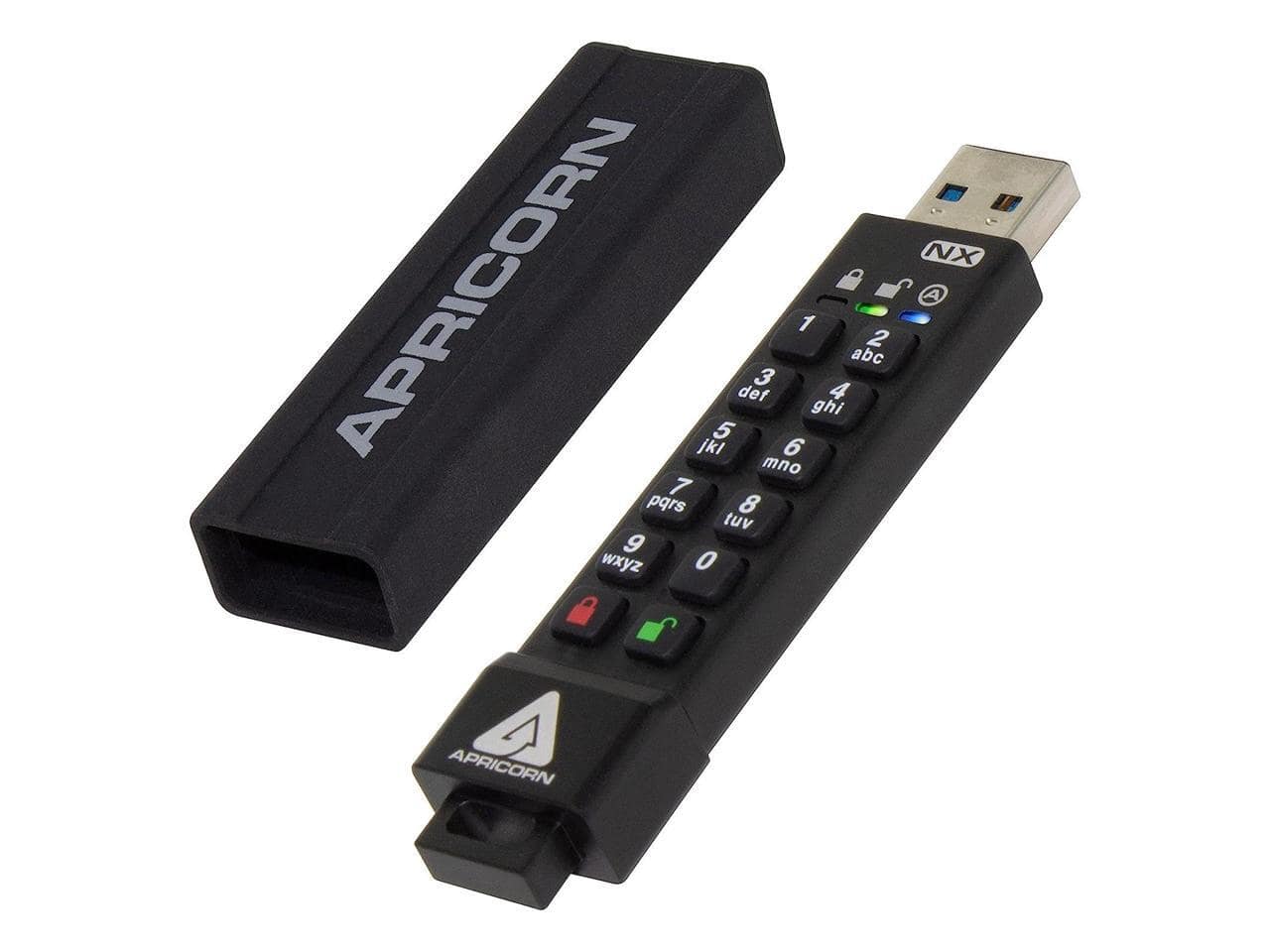
Apricorn - 256GB Aegis Secure Key Encrypted USB 3.0 Flash Drive ASK3-NX-256GB - Black
About this product
A black USB 3.0 flash drive offering 256GB of encrypted storage and secure data protection.
(0)$452.99 Your price for this item is $452.99 -
7
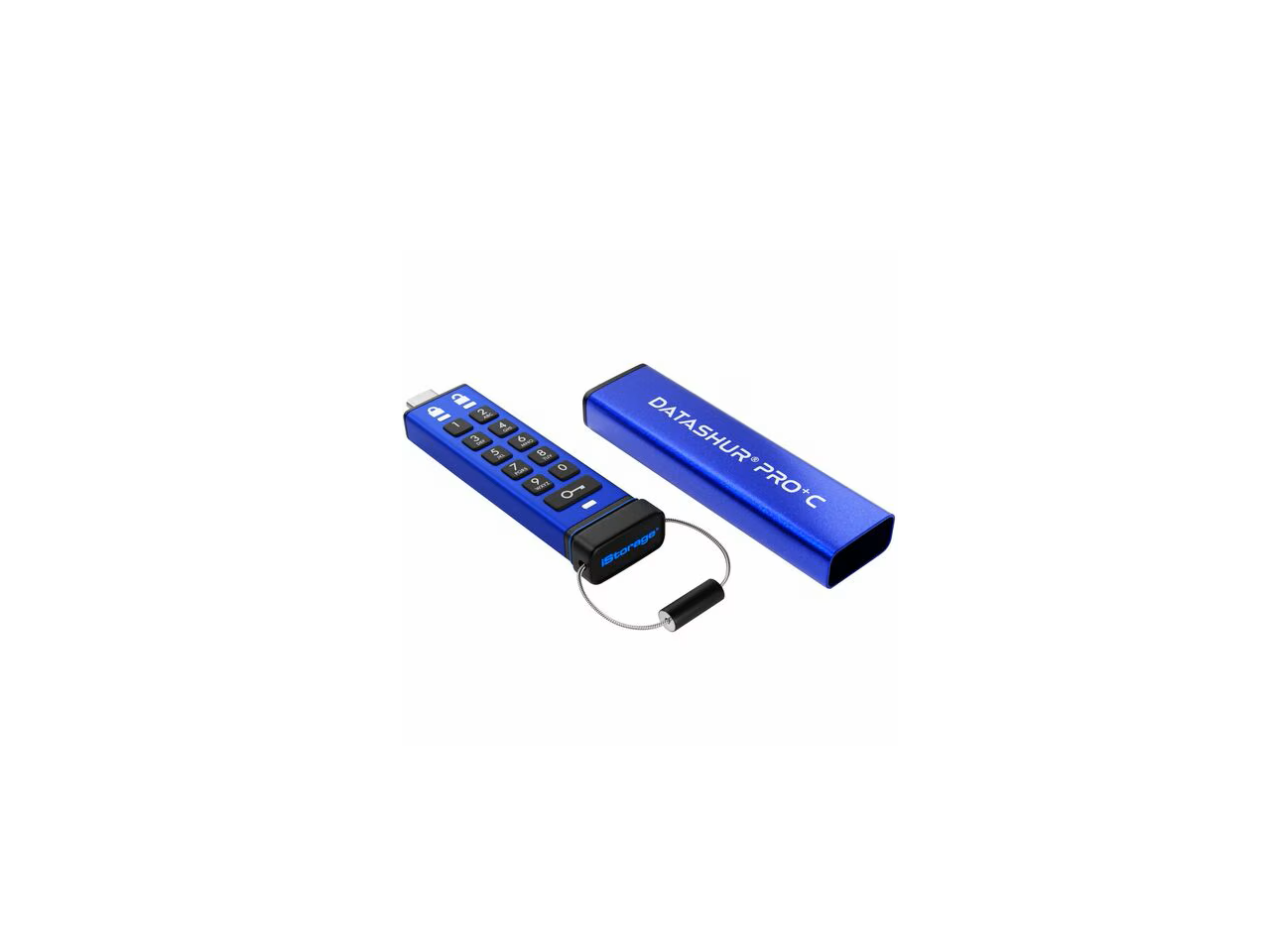
iStorage - datAshur PRO+C FIPS 140-3 Level 3 - AES XTS Encrypted - 32GB - USB 3.2 (Gen 1) Type C - IS-FL-DA3C-256-32 - Black
About this product
A black USB-C flash drive with 32GB storage, FIPS 140-3 Level 3, and AES XTS encryption.
(0)$212.84 Your price for this item is $212.84 -
8
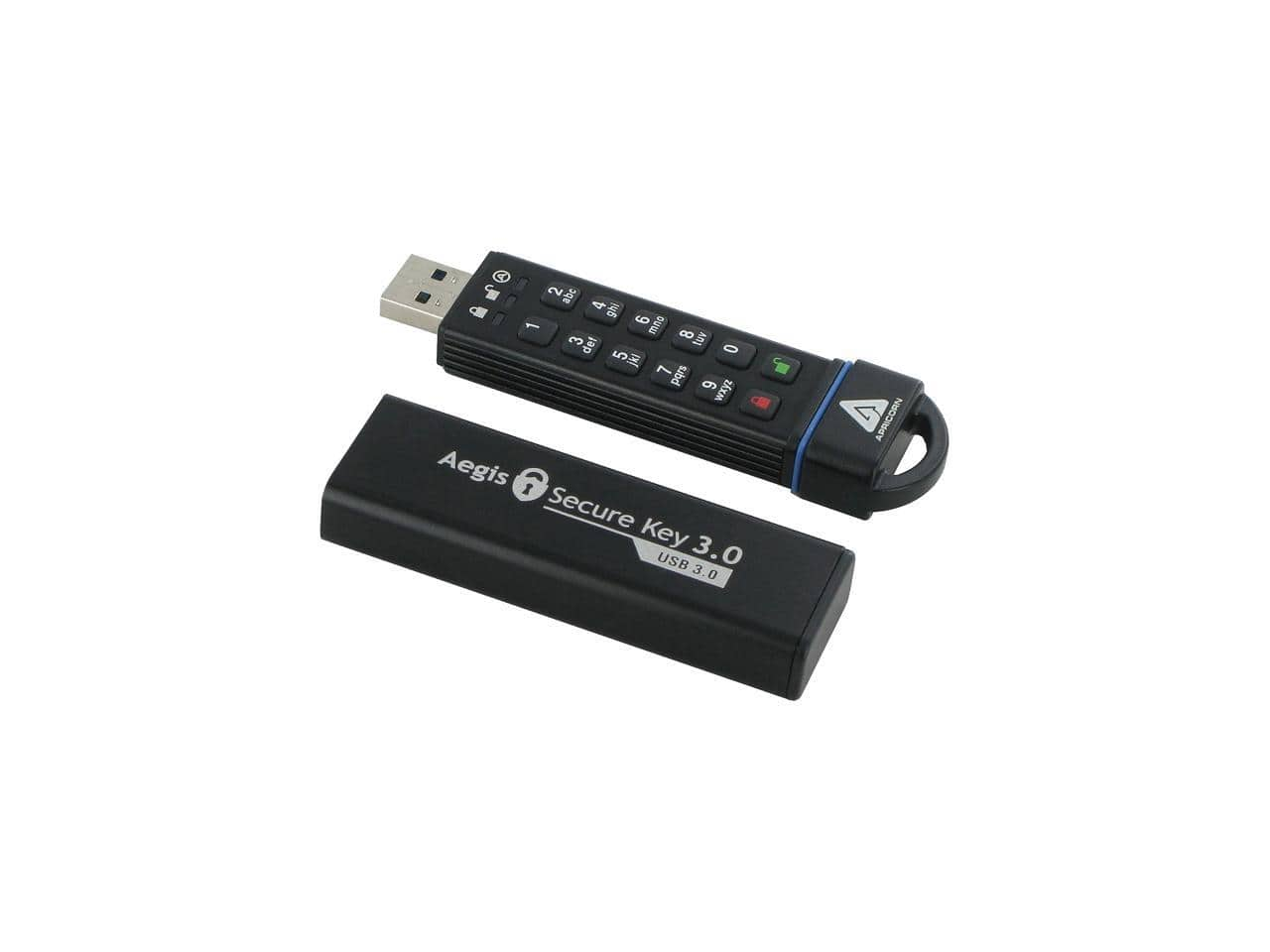
Apricorn - Aegis Secure Key 120GB FIPS 140-2 Level 3 USB 3.0 Flash Drive with PIN & 256bit AES Encryption - Black
About this product
A black USB 3.0 flash drive with 120GB storage, PIN access, and 256-bit AES hardware encryption.
(0)$227.74 Your price for this item is $227.74 -
9
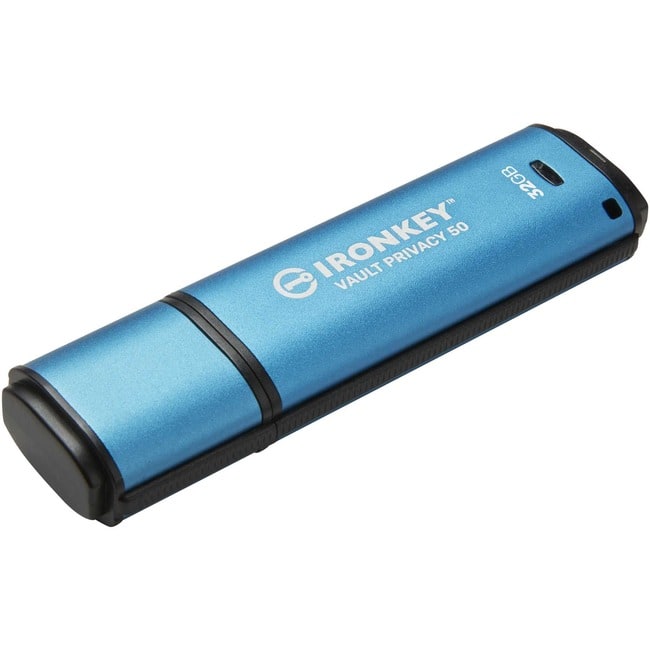
Kingston - IronKey Vault Privacy 50 Series 32GB USB 3.2 (Gen 1) Type A Flash Drive - 32 GB - USB 3.2 (Gen 1) Type A - 250 MB/s Read
About this product
A secure USB 3.2 flash drive with 32GB storage, XTS-AES 256-bit encryption, and brute force protection.
(0)$109.72 Your price for this item is $109.72 -
10
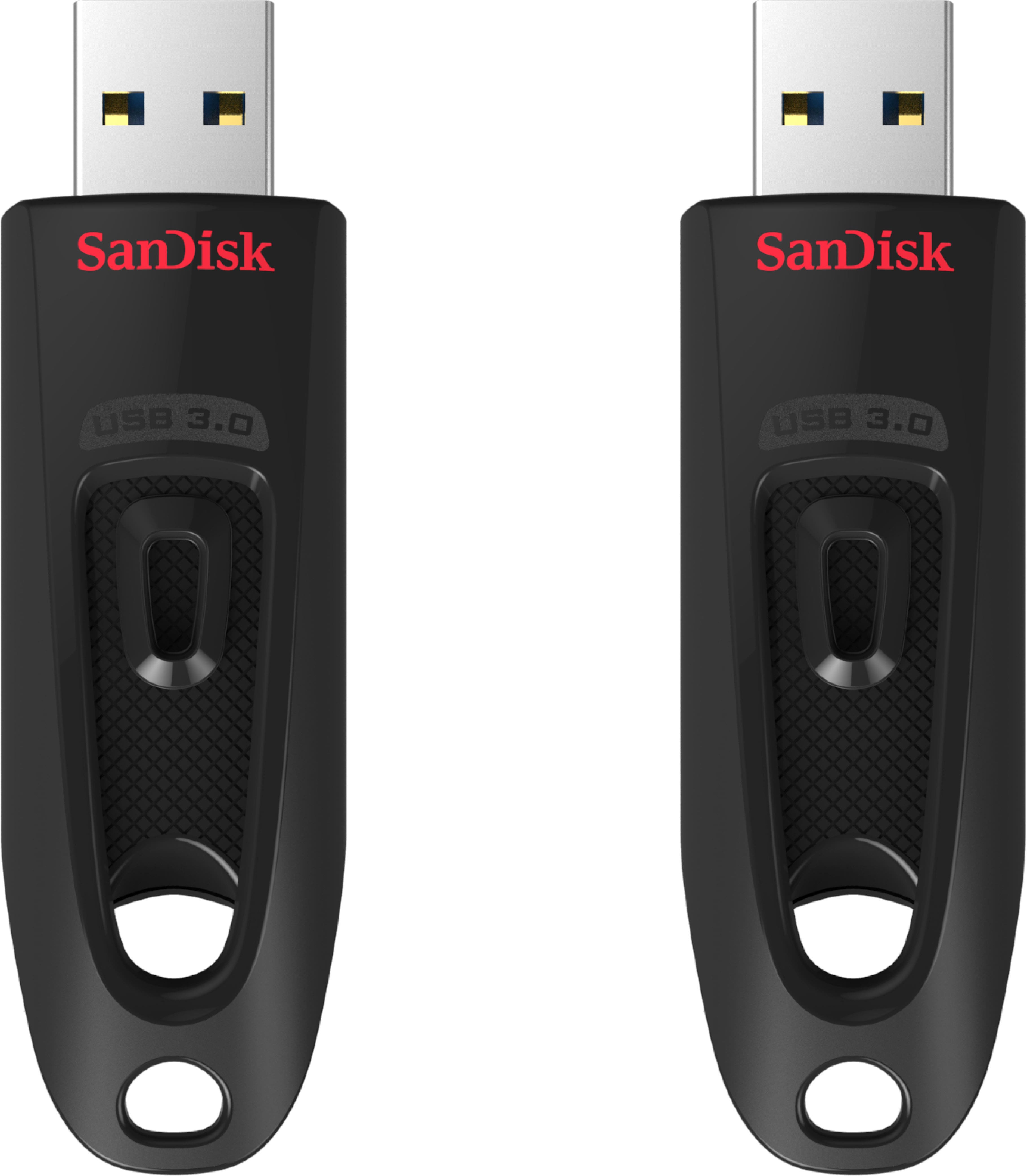
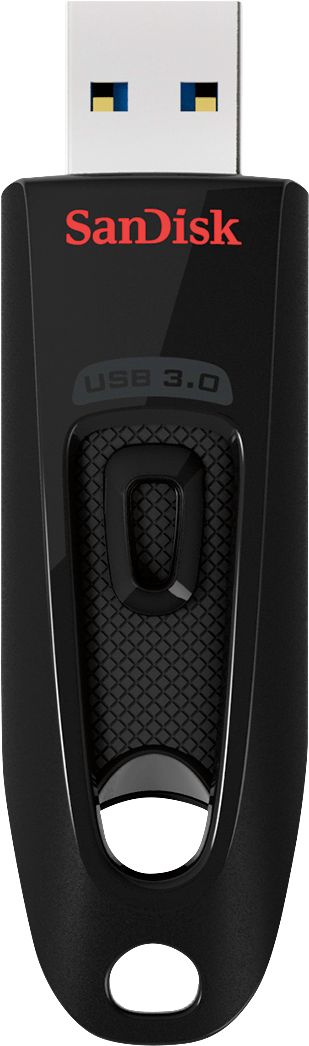
SANDISK - Ultra 64GB USB 3.0 Flash Drive with Hardware Encryption (2-Pack) - Black
About this product
A sleek black two-pack of 64GB USB 3.0 flash drives with hardware encryption and fast transfers.
What customers like
(124)$29.99Your price for this item is $29.99SAVE $14.00
Top Rated Encrypted Flash Drive
FAQs
Hardware encryption uses processing built into the flash drive to encrypt and decrypt data. Software encryption relies on an application running on the connected computer. Setup requirements and operating system compatibility vary by drive and encryption software.
Depending on the drive, you may enter a PIN on a built-in keypad, type a password in an application, or use another supported authentication method. Once unlocked, the drive typically appears as removable storage in your computer's file manager.
Check the drive's supported operating systems, any required unlocking software, and its file system. A drive that connects to your computer may still require compatible software to unlock or a supported file system to read and write files.
Connection options vary by drive. Choose a connector that matches your computer's USB port, or check whether a compatible adapter can be used. An adapter changes the physical connection but does not replace any required unlocking software or operating system support.
When available, read-only mode lets you open and copy existing files from the drive without adding, editing, or deleting files on it. Availability and the steps for enabling this setting depend on the drive and any administrator controls.