Early Black Friday Deals & DoorbustersEnds Nov. 15.Shop now

Main Content

Early Black Friday Deals & DoorbustersEnds Nov. 15.Shop now

Main Content

Best Internet Router

Choosing the best internet router for your home starts with your internet plan, home layout and connected devices. Browse wireless routers and compare supported Wi-Fi speeds, coverage and Ethernet ports to find an option suited to streaming, gaming and everyday browsing.

What to look for in an internet router

Finding the best internet router for your home starts with matching its speed, coverage and features to your connection and connected devices.

1. Speed and Wi-Fi Standard

Choose a router that supports your internet plan’s speed and the Wi-Fi standards used by your devices. Newer standards, such as Wi-Fi 6, Wi-Fi 6E and Wi-Fi 7, can improve performance with compatible devices, but a router cannot increase the speed provided by your internet plan.

2. Coverage and Home Layout

Consider your home’s size, number of floors and wall construction when comparing wireless routers. A mesh Wi-Fi system can help extend coverage across larger homes or into areas where a single router’s signal is weak.

3. Device Capacity and Wired Connections

Think about how many devices will connect at once, especially during streaming, gaming and video calls. Look for enough Ethernet ports for wired devices, and check both internet and local network port speeds if you need multigigabit connections.

4. Security and Network Management

Look for WPA3 security, automatic firmware updates and a guest network to help protect and manage your connection. Compare app controls and parental controls, and check whether any features require a paid subscription.

  1. 1

    About this product

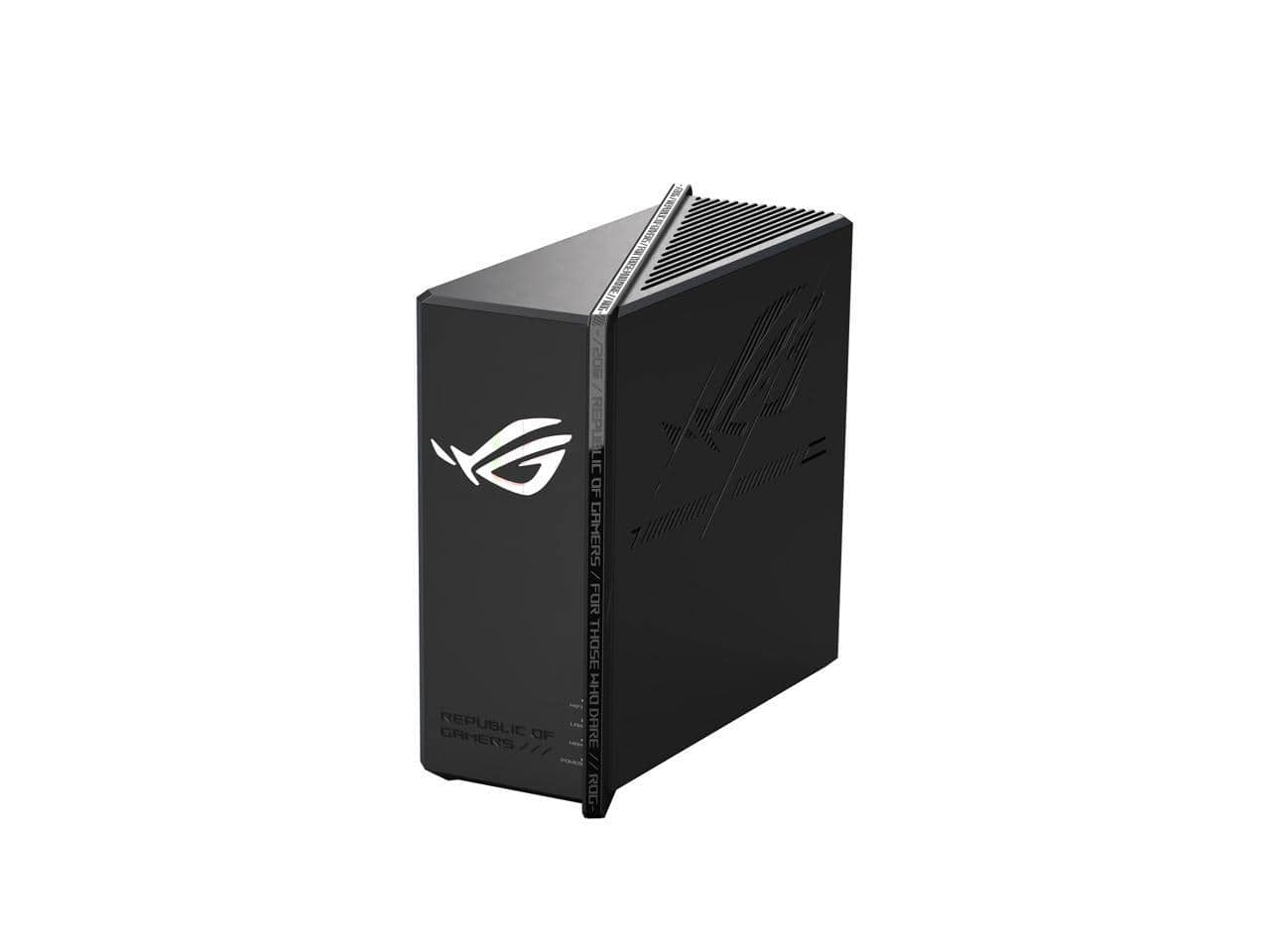
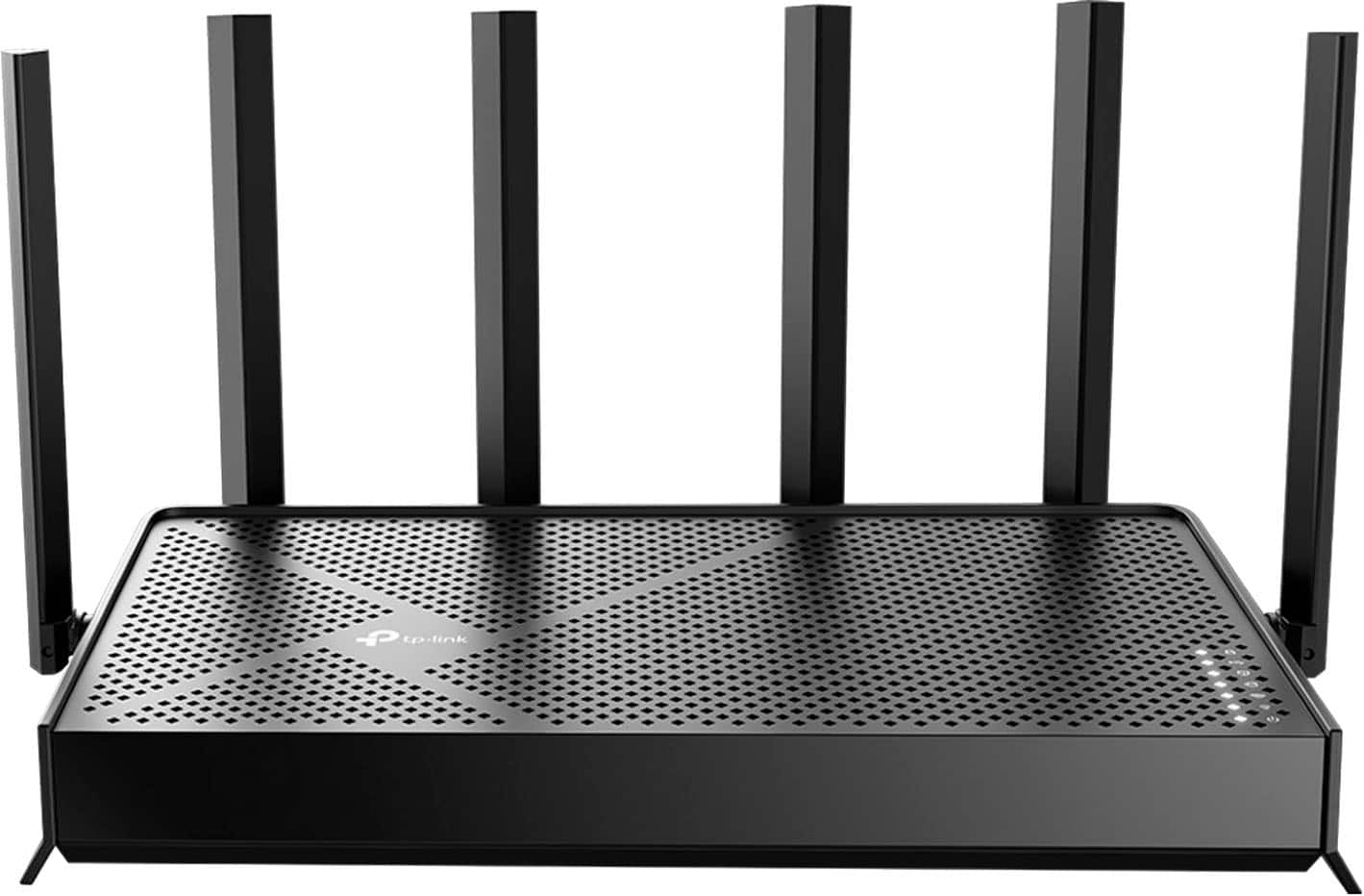
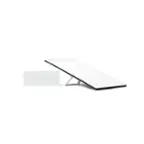
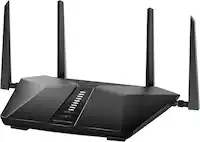
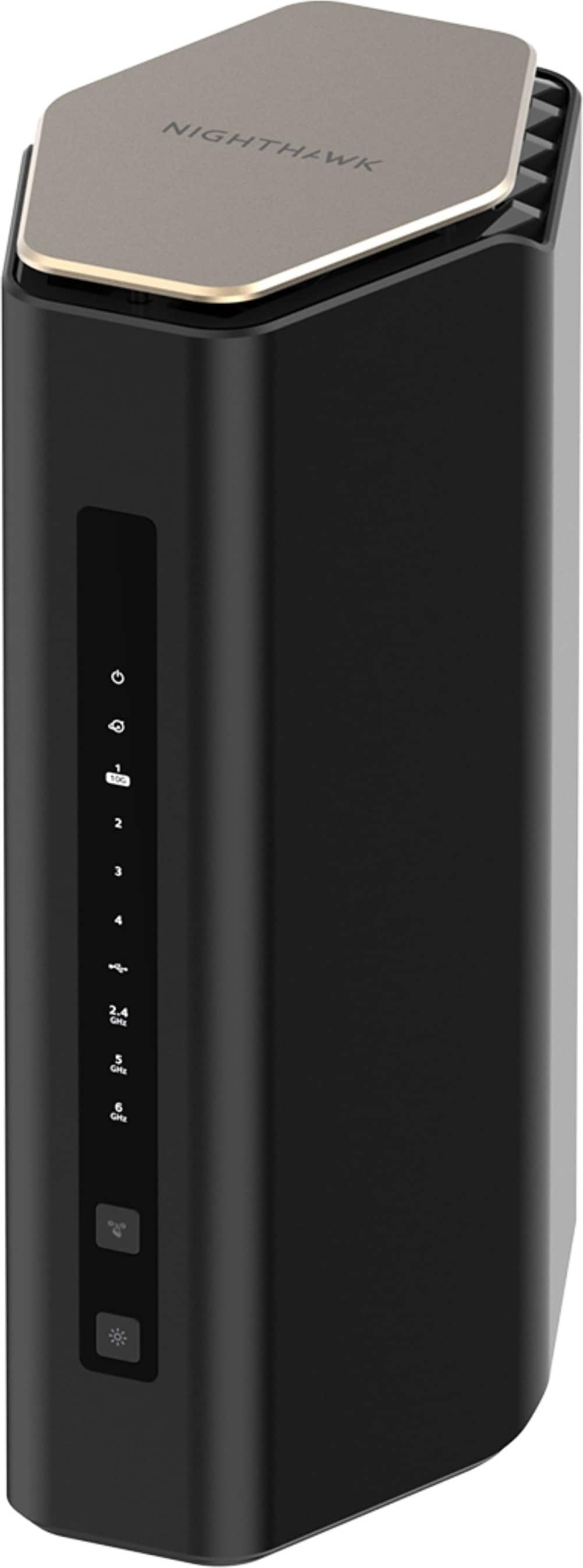
    A tri-band WiFi 7 router with 12000 Mbps speed, 20G wired, quad-core CPU, and triple security.

    A tri-band WiFi 7 router with 12000 Mbps speed, 20G wired, quad-core CPU, and triple security.

    (1)
    $349.99
    SAVE $50.00
    Your price for this item is $349.99
  2. 2

    About this product

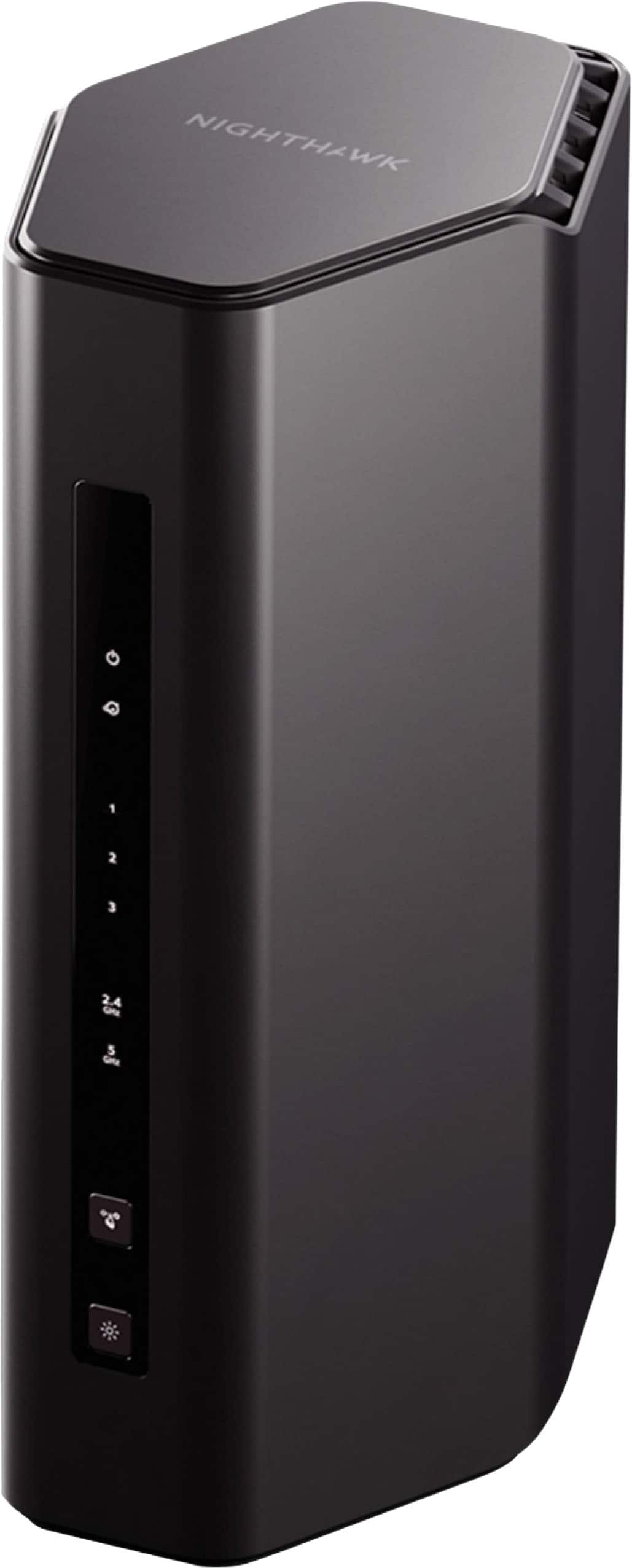
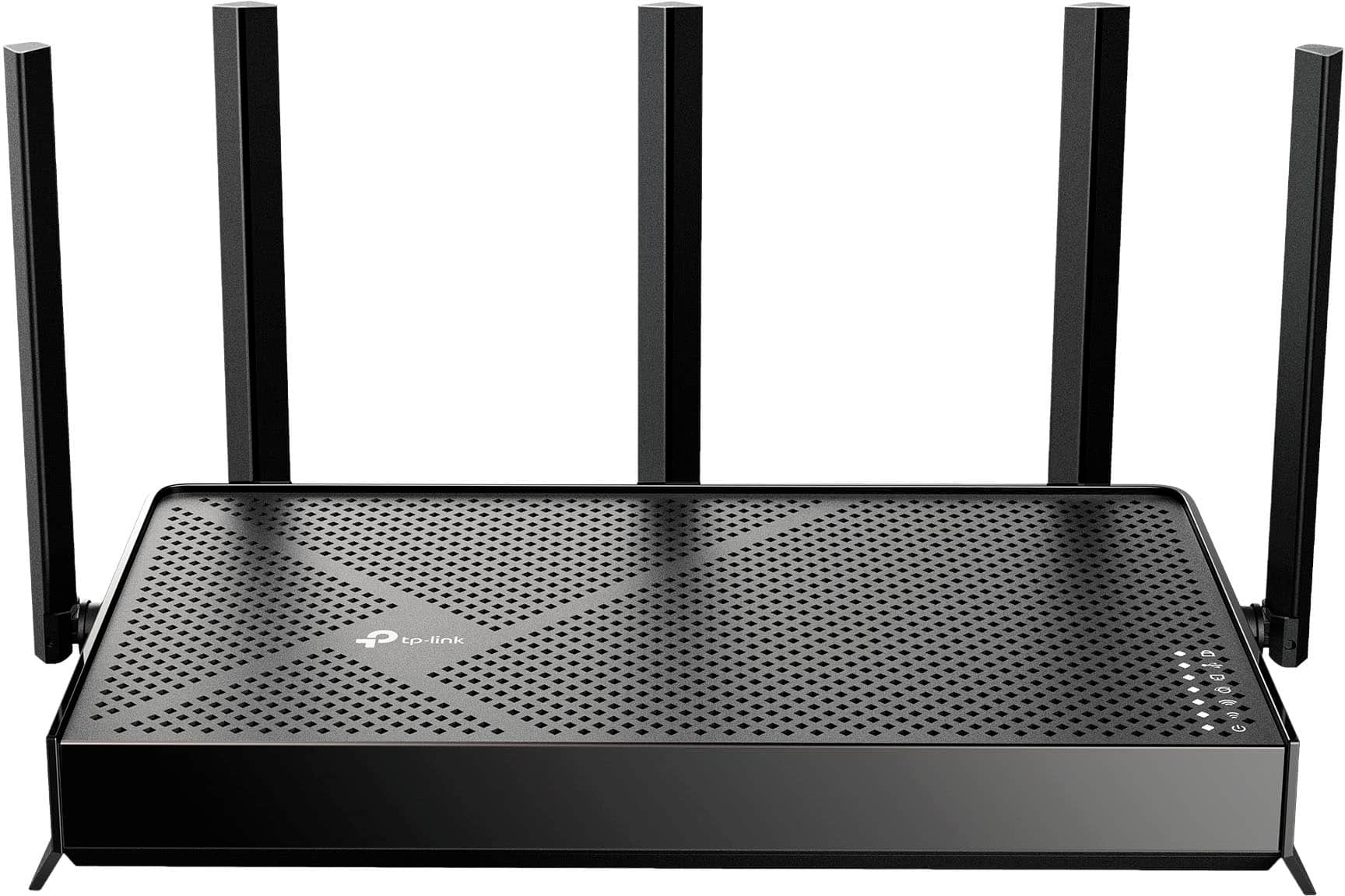
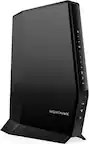
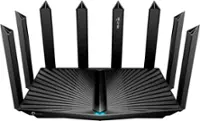
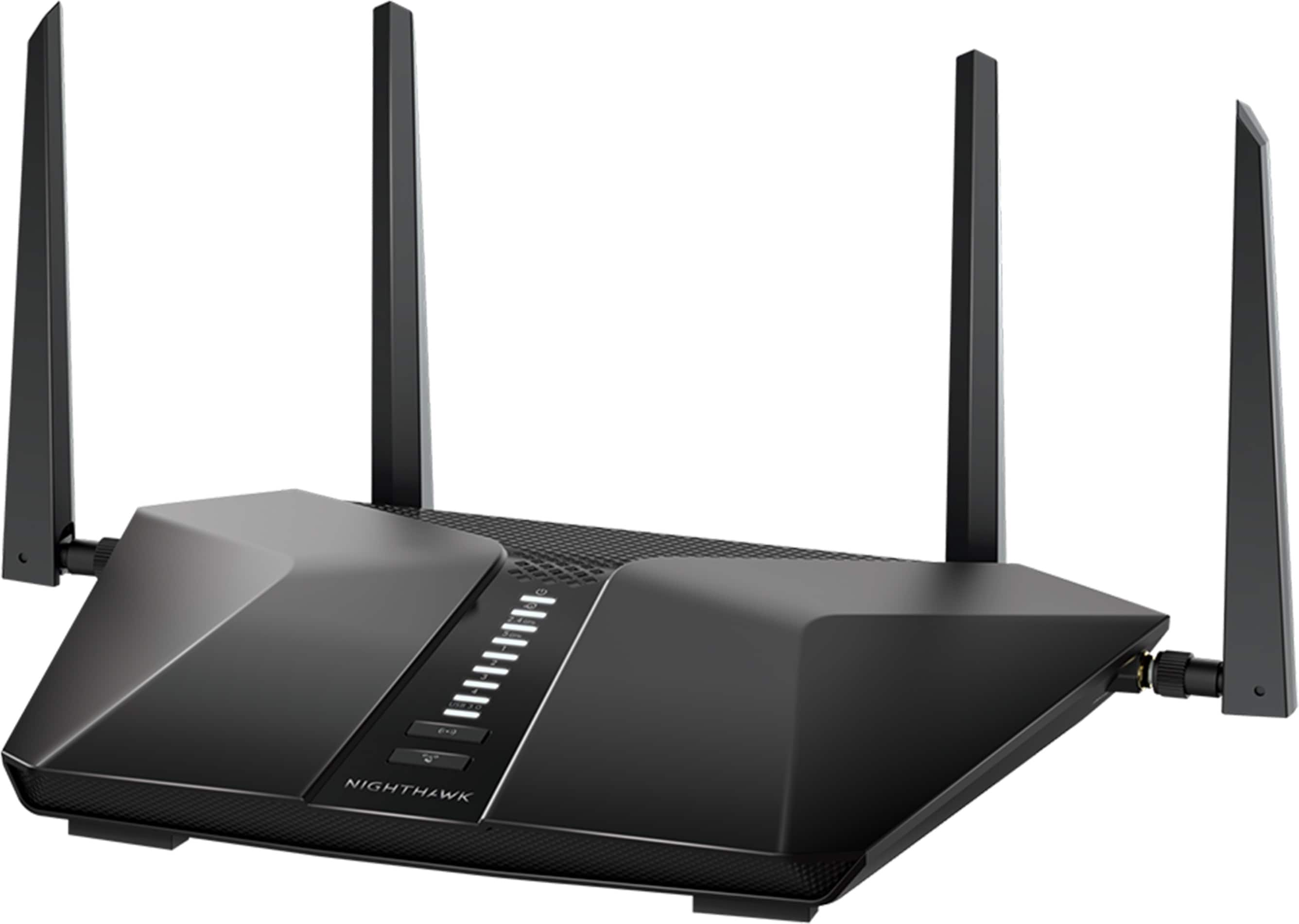
    A black dual-band Wi-Fi 7 router delivering up to 5 Gbps, four Ethernet ports, and coverage for 80 devices.

    A black dual-band Wi-Fi 7 router delivering up to 5 Gbps, four Ethernet ports, and coverage for 80 devices.

    What customers like

    • Easy and quick setup
    • Excellent range
    • Affordable price
    • Fast and reliable performance
    • User-friendly app and controls
    (87)
    $199.99 Your price for this item is $199.99
  3. 3

    About this product

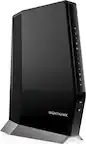
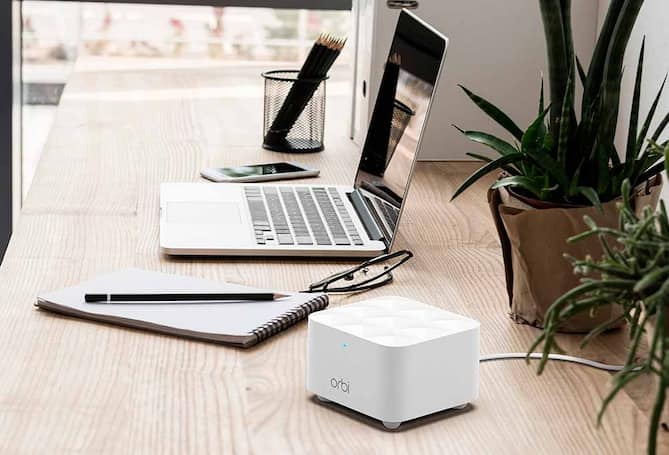
    A black dual-band Wi-Fi 6 mesh router with MU-MIMO, gigabit ports, and advanced VPN support.

    A black dual-band Wi-Fi 6 mesh router with MU-MIMO, gigabit ports, and advanced VPN support.

    (6)
    $49.99
    SAVE $37.03
    Your price for this item is $49.99
  4. 4

    About this product

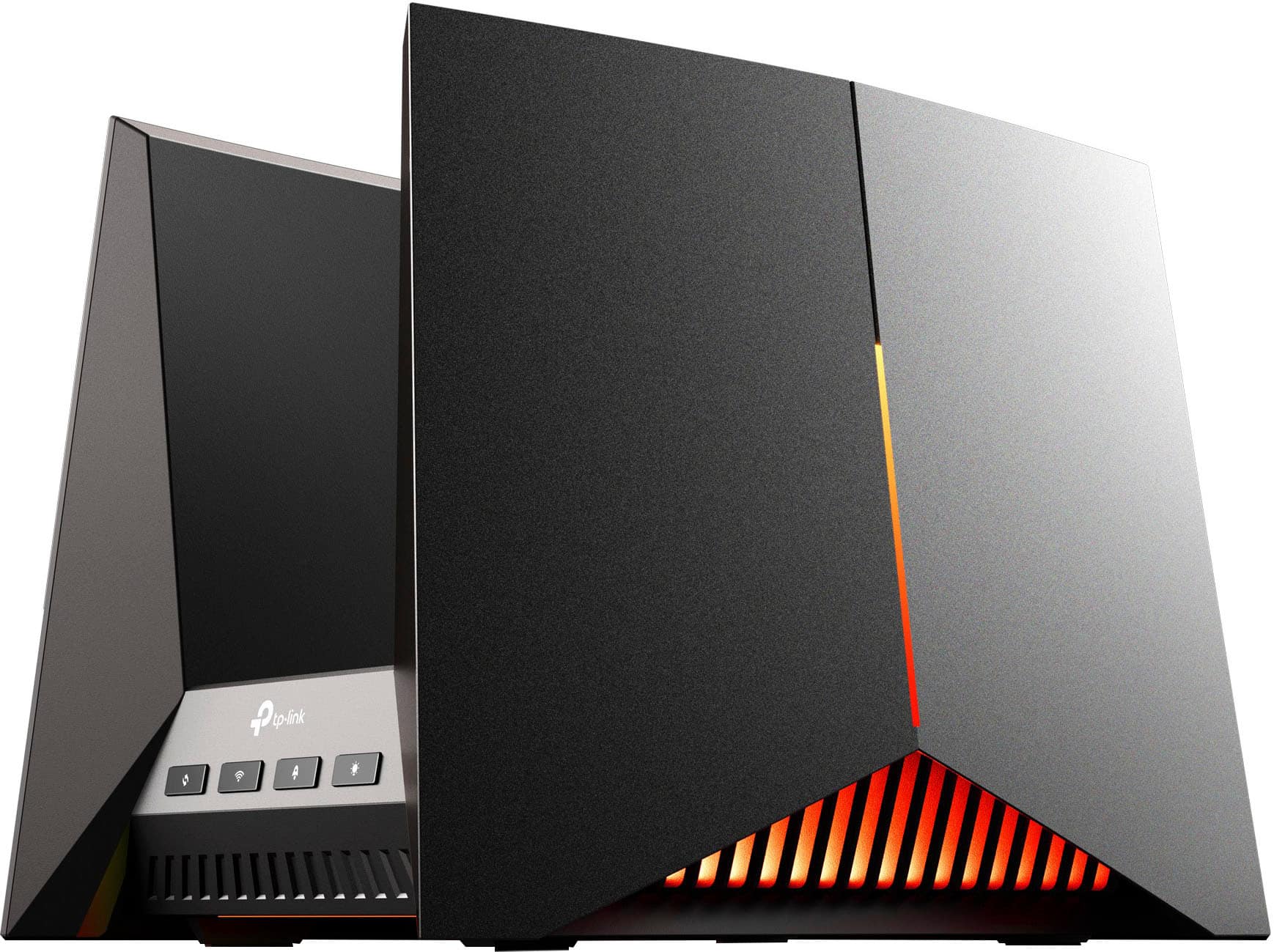
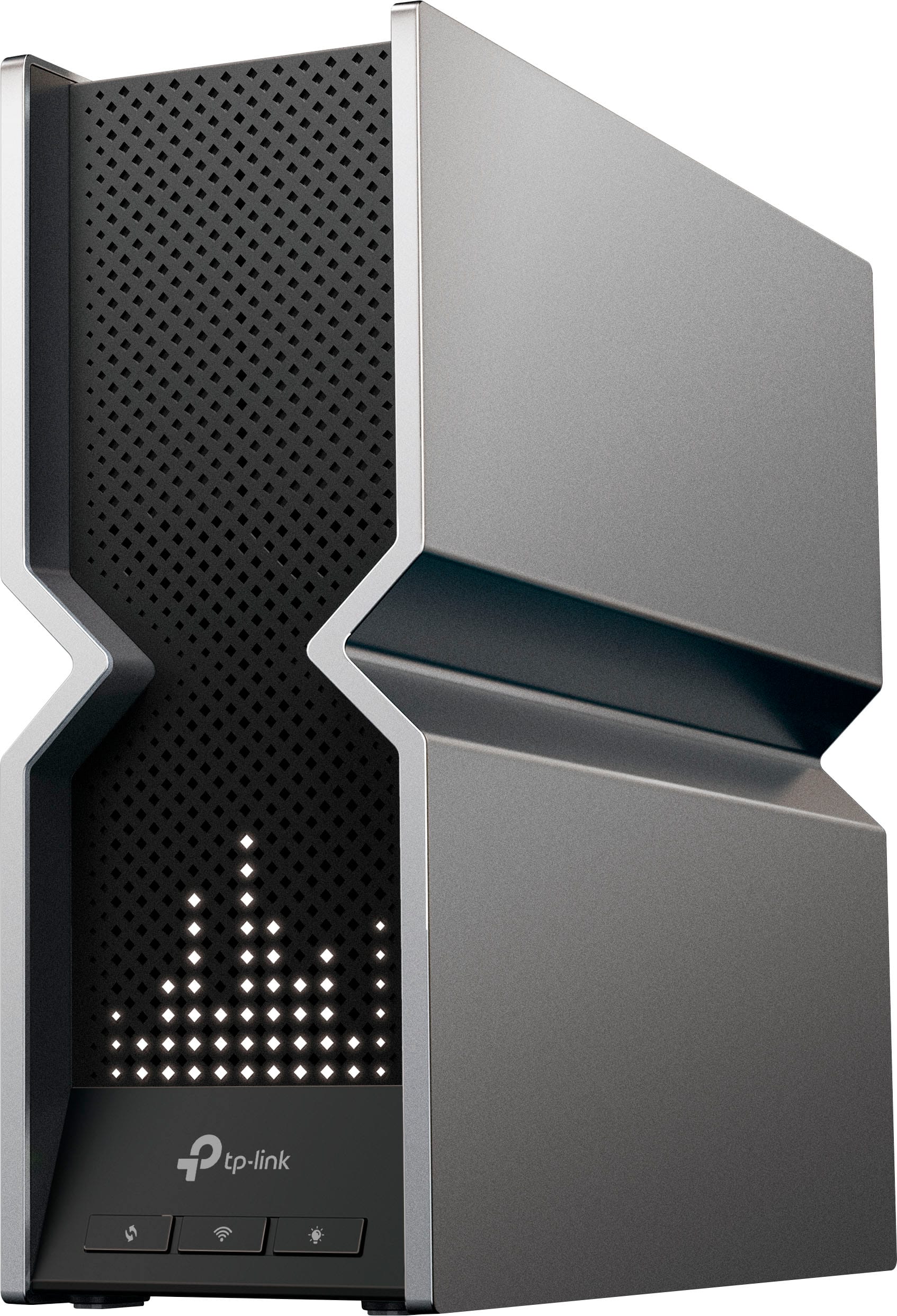
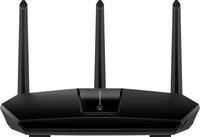
    A tri-band Wi-Fi 7 gaming router in black and red with fast speeds, parental controls, and encryption.

    A tri-band Wi-Fi 7 gaming router in black and red with fast speeds, parental controls, and encryption.

    (14)
    $478.99
    SAVE $121.00
    Your price for this item is $478.99
  5. 5

    About this product

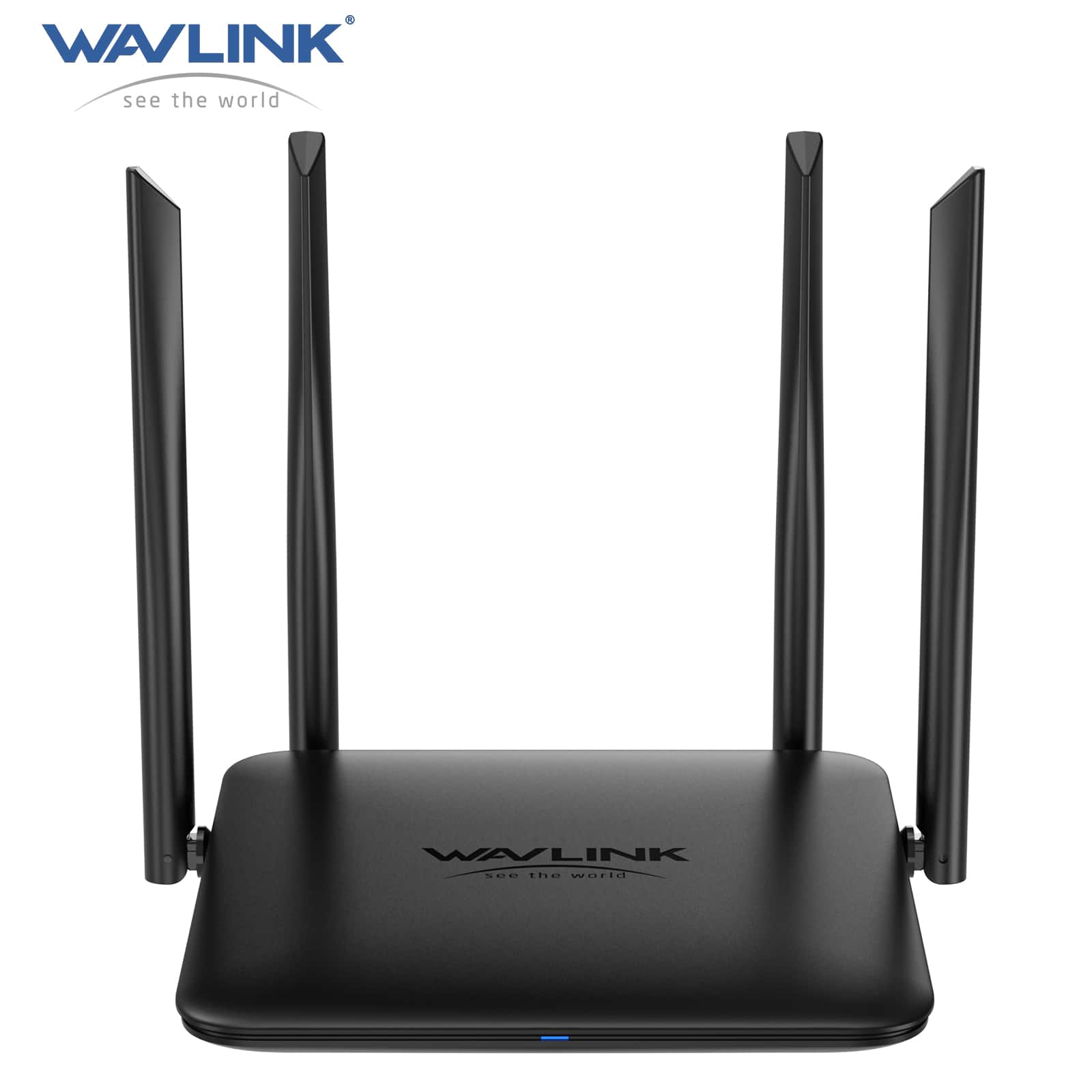
    A high-speed black Wi-Fi 6 router offering stable, simultaneous streaming and gaming with advanced signal coverage.

    A high-speed black Wi-Fi 6 router offering stable, simultaneous streaming and gaming with advanced signal coverage.

    (0)
    $179.00 Your price for this item is $179.00
  6. 6

    About this product

    A black tri-band Wi-Fi 7 router delivering up to 9.5 Gbps speeds with advanced security features.

    A black tri-band Wi-Fi 7 router delivering up to 9.5 Gbps speeds with advanced security features.

    (7)
    $199.99 Your price for this item is $199.99
  7. 7

    About this product

    A black tri-band Wi-Fi 7 router delivering ultra-fast speeds, expansive coverage, and advanced device connectivity.

    A black tri-band Wi-Fi 7 router delivering ultra-fast speeds, expansive coverage, and advanced device connectivity.

    What customers like

    • Easy setup and intuitive app
    • Advanced security and parental controls
    • Future-proof features and multiple high-speed ports
    • Ultra-fast Wi-Fi 7 speeds and strong coverage
    • Handles many devices reliably with no dropouts
    (193)
    $279.99 Your price for this item is $279.99
  8. 8

    About this product

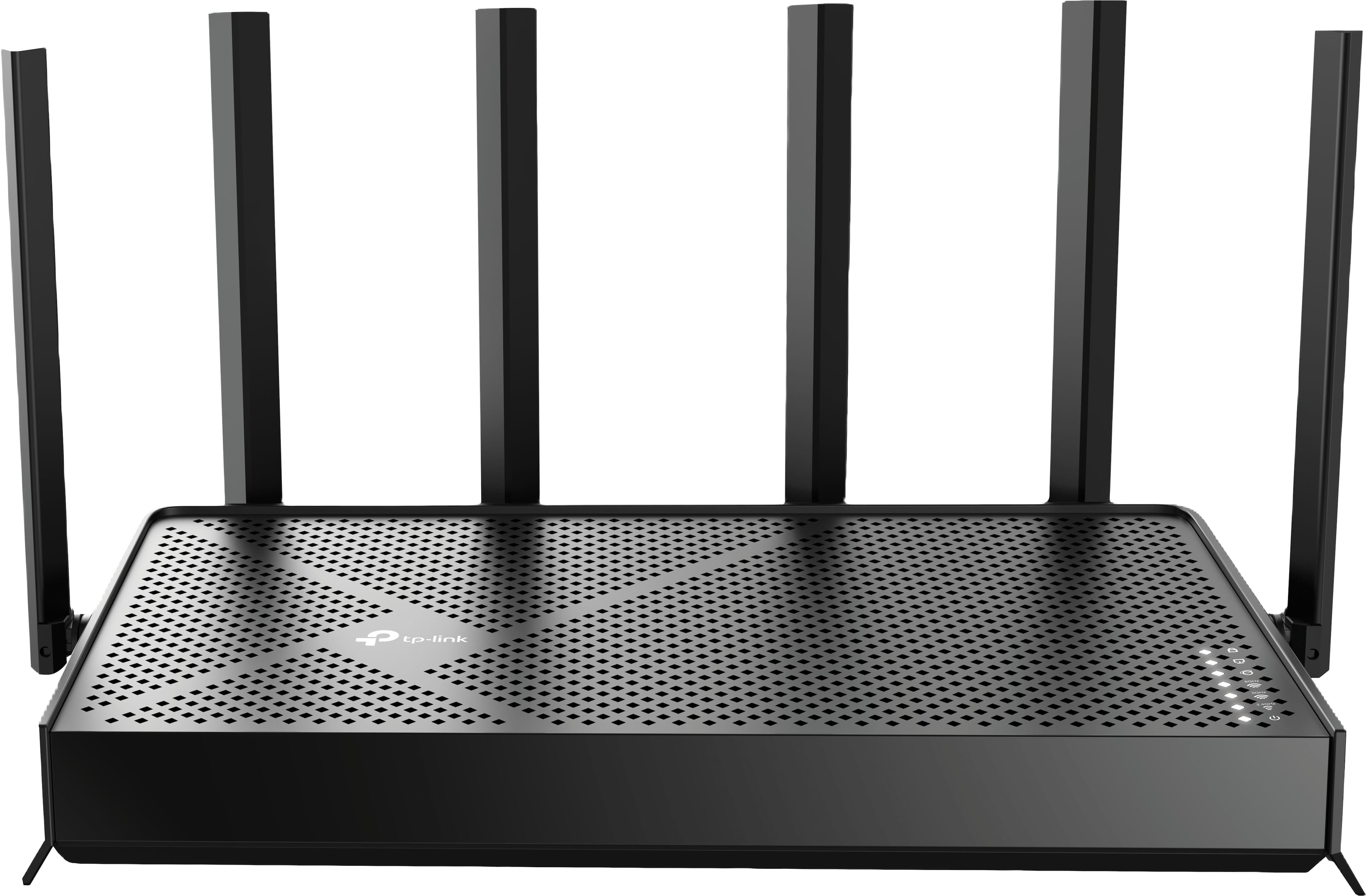
    A dual-band black Wi-Fi 7 router with six antennas, Multi-Link Operation, and EasyMesh compatibility.

    A dual-band black Wi-Fi 7 router with six antennas, Multi-Link Operation, and EasyMesh compatibility.

    What customers like

    • Easy and quick setup
    • Strong and extended coverage
    • Handles multiple devices efficiently
    • User-friendly and intuitive app
    • Fast and reliable Wi-Fi 7 speeds
    (340)
    $155.00
    SAVE $44.99
    Your price for this item is $155.00
  9. 9

    About this product

    A dual-band black router featuring Wi-Fi 7, 5.0 Gbps speeds, multi-gig ports, and smart home compatibility.

    A dual-band black router featuring Wi-Fi 7, 5.0 Gbps speeds, multi-gig ports, and smart home compatibility.

    What customers like

    • Fast and reliable Wi-Fi speeds
    • Strong signal and consistent connection
    • Supports multiple devices effectively
    • User-friendly app control
    • Easy installation and setup
    (138)
    $119.99
    SAVE $20.00
    Your price for this item is $119.99
  10. 10

    About this product

    A tri-band Wi-Fi 7 router in black delivering up to 19 Gbps speeds with advanced security features.

    A tri-band Wi-Fi 7 router in black delivering up to 19 Gbps speeds with advanced security features.

    What customers like

    • Wide and reliable coverage for many devices
    • Blazing fast tri-band Wi-Fi 7 speeds
    • Advanced security and customization options
    • Future-proof design with multiple high-speed ports
    • Easy setup and user-friendly app
    (130)
    $425.99
    SAVE $74.00
    Your price for this item is $425.99

Best Internet Router

The best internet router for a home is one that matches the internet connection, floor plan, and devices that rely on it every day. A household streaming movies in the living room while someone joins a video call upstairs has different networking needs from a studio apartment with a laptop, phone, and smart TV. A router directs traffic between connected devices and the internet, creating the local network that keeps those activities moving. In many homes, it connects to a separate cable modem or fiber terminal; some internet providers supply equipment that combines modem and router functions. Compatibility with that equipment matters, especially when replacing only part of an existing setup. Wireless standards help distinguish router capabilities. Wi-Fi 6 supports efficient connections for compatible devices and remains useful for everyday streaming, remote work, and connected-home tasks. Wi-Fi 6E adds access to the 6 GHz band, while select Wi-Fi 7 routers offer features such as wider channels and multilink operation that can improve performance with compatible equipment. Those benefits depend on the router, client devices, network settings, and local conditions, rather than the standard alone. A newer router can still serve many older devices, although each connection uses the capabilities both ends support. Advertised wireless speed is usually a combined theoretical figure across radio bands, not the download speed a single laptop will necessarily receive. Actual performance also depends on the internet plan, signal strength, interference, and device hardware. Ethernet connections deserve equal attention: a multi-gigabit internet plan needs appropriately rated WAN and LAN ports to carry that speed through the network. Wired connections can also give a desktop computer, television, or game console a consistent link without competing for wireless airtime. For shoppers comparing internet routers, the most useful distinction is often not the largest number on the box, but how well the network handles the household’s actual mix of work, entertainment, and everyday communication. Room for a few additional devices can be practical, especially when a home network gradually expands to include cameras, speakers, and other connected equipment.

Coverage is another defining part of a router’s suitability, and square footage tells only part of the story. A compact home with brick interior walls can be more challenging than a larger space with an open layout. Floors, masonry, metal surfaces, and the location of the internet connection all influence where a wireless signal reaches reliably. A single router may suit a smaller residence, while a mesh system uses multiple coordinated units to extend coverage across rooms or floors. Mesh can be particularly useful when the main connection enters at one end of the house and the busiest workspace sits at the other. Its performance still depends on placement: a satellite needs a dependable connection back to the network rather than simply occupying the room with the weakest signal. Some systems support Ethernet backhaul, allowing the units to communicate over network cables and leaving more wireless capacity for connected devices. Dual-band and tri-band descriptions identify the available radio bands, but the exact combination matters. A tri-band system may use an additional 5 GHz band or include 6 GHz, and some configurations reserve capacity for communication between mesh units. The 2.4 GHz band generally reaches farther, while higher-frequency bands can provide greater capacity at shorter distances under suitable conditions. Households with difficult layouts or several busy rooms can explore the Strong Internet Router collection as part of comparing coverage-focused networking options. Physical fit matters, too. Routers come in upright towers, low-profile enclosures, and designs with adjustable external antennas, so shelf depth, cable clearance, and access to outlets affect where they can comfortably sit. Plastic housings are common, but enclosure material alone says little about signal quality or long-term reliability. Unobstructed vents, a stable surface, and accessible connections are more meaningful everyday considerations. Keeping a router out of a closed cabinet and away from large metal objects can support better operation. Occasional cleaning with a soft, dry cloth, following the manufacturer’s care instructions, helps keep dust from accumulating around openings without introducing moisture into the electronics.

A dependable home network also needs security and controls that are easy enough to use consistently. WPA3 support offers a newer wireless security option for compatible devices, while some households need compatibility settings for older connected equipment. Automatic firmware updates can simplify maintenance when supported and enabled, and the manufacturer’s stated update policy is worth considering alongside speed and coverage. A separate guest network lets visitors connect without sharing the main household password, while supported device-isolation features can limit access between connected equipment. These capabilities vary by router, so the details matter for households with smart locks, security cameras, or other connected-home devices. Setup may be handled through a mobile app, a web interface, or both. Clear device names, understandable connection status, and straightforward network settings can make it easier to recognize a disconnected printer or identify which tablet belongs to which family member. Parental controls may include schedules, content filters, or device pauses, although their scope varies and they do not replace conversations about online activity. Traffic-prioritization features can help manage congestion within the home, such as when a video meeting overlaps with a large game download, but they cannot create more bandwidth than the internet connection provides. Gaming households may value stable latency and wired ports more than a headline wireless speed, while people moving large files to local network storage may benefit from faster LAN connections. Apartment residents may care more about handling nearby wireless interference than covering distant rooms. For remote workers, a reliable signal at the desk and a simple way to check connection status can be more useful than elaborate settings that rarely get touched. A router can also be a practical housewarming gift for someone establishing a new home network, provided it fits their service and setup preferences. Across these uses, the best internet router combines appropriate coverage, compatible connections, manageable security, and enough capacity for daily routines without making ordinary tasks unnecessarily complicated.

FAQs