Deals for every list.Start early, save early.Shop now

Main Content
Skip to contentGo to Product Search

Deals for every list.Start early, save early.Shop now

Main Content

Best Lighting For Computer Desk

The best lighting for your computer desk should illuminate your work area without creating distracting screen glare. Explore lighting options for your setup, considering brightness, light direction, and available desk space to find a fit for working, studying, or gaming.

What to look for in lighting for a computer desk

The best lighting for your computer desk balances task visibility, screen comfort and flexibility for your workspace.

1. Brightness Control

Adjustable brightness lets you tailor desk lighting to your tasks and the amount of daylight in the room. Aim for enough light to read notes and see your keyboard without creating a harsh contrast with your monitor.

2. Color Temperature

Color temperature affects whether light appears warm or cool. Adjustable settings let you choose cooler light for daytime tasks and warmer light for a more relaxed evening setup.

3. Light Direction and Glare

Look for adjustable positioning that helps direct light onto your work surface rather than your screen or eyes. Positioning the light to the side of your monitor can help reduce reflections and shadows.

4. Desk Fit and Power

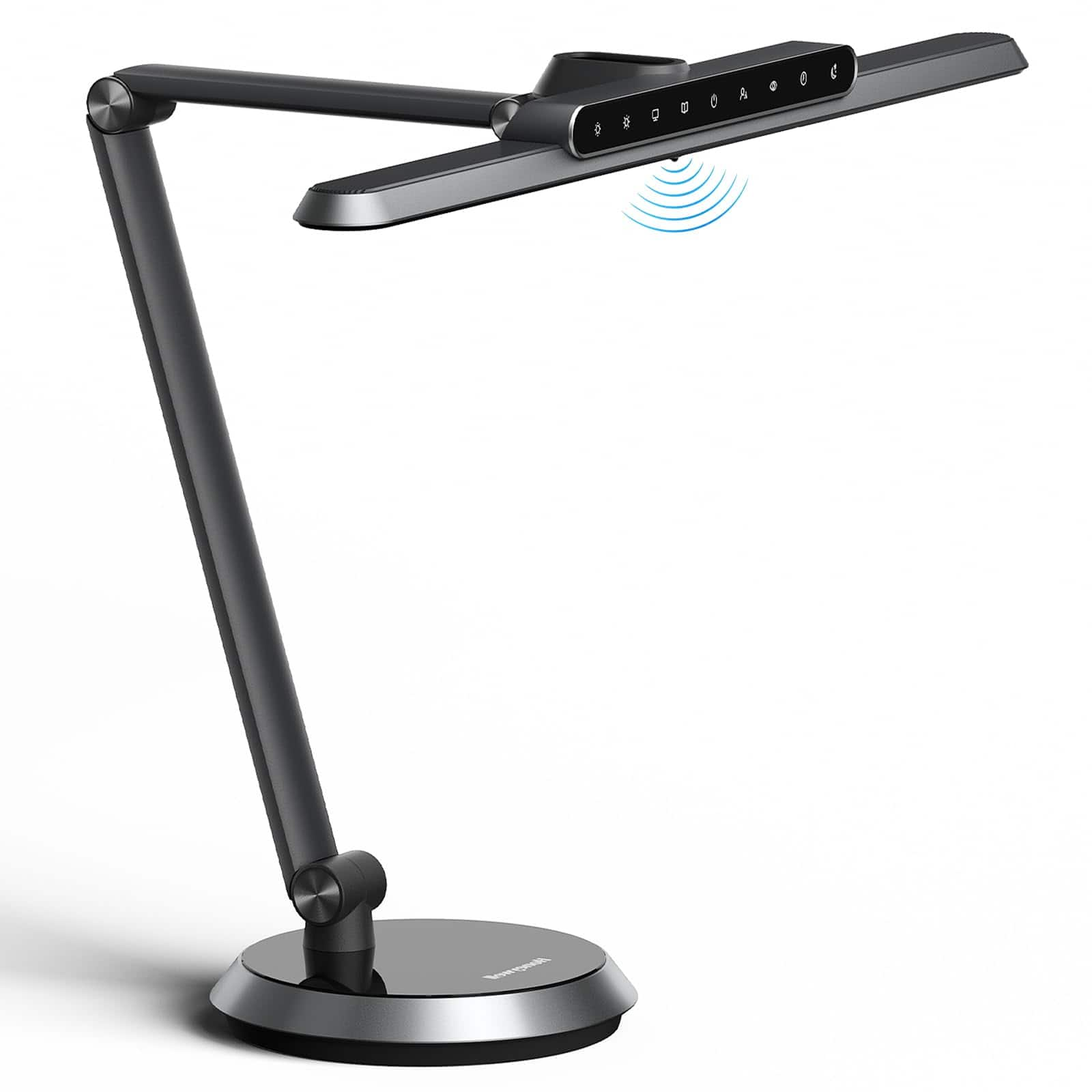
Consider your available desk space when comparing freestanding lamps, clamp-mounted lights and monitor light bars. Check mounting requirements, power connections and cord reach to make sure the lighting fits your setup.

  1. 1

    About this product

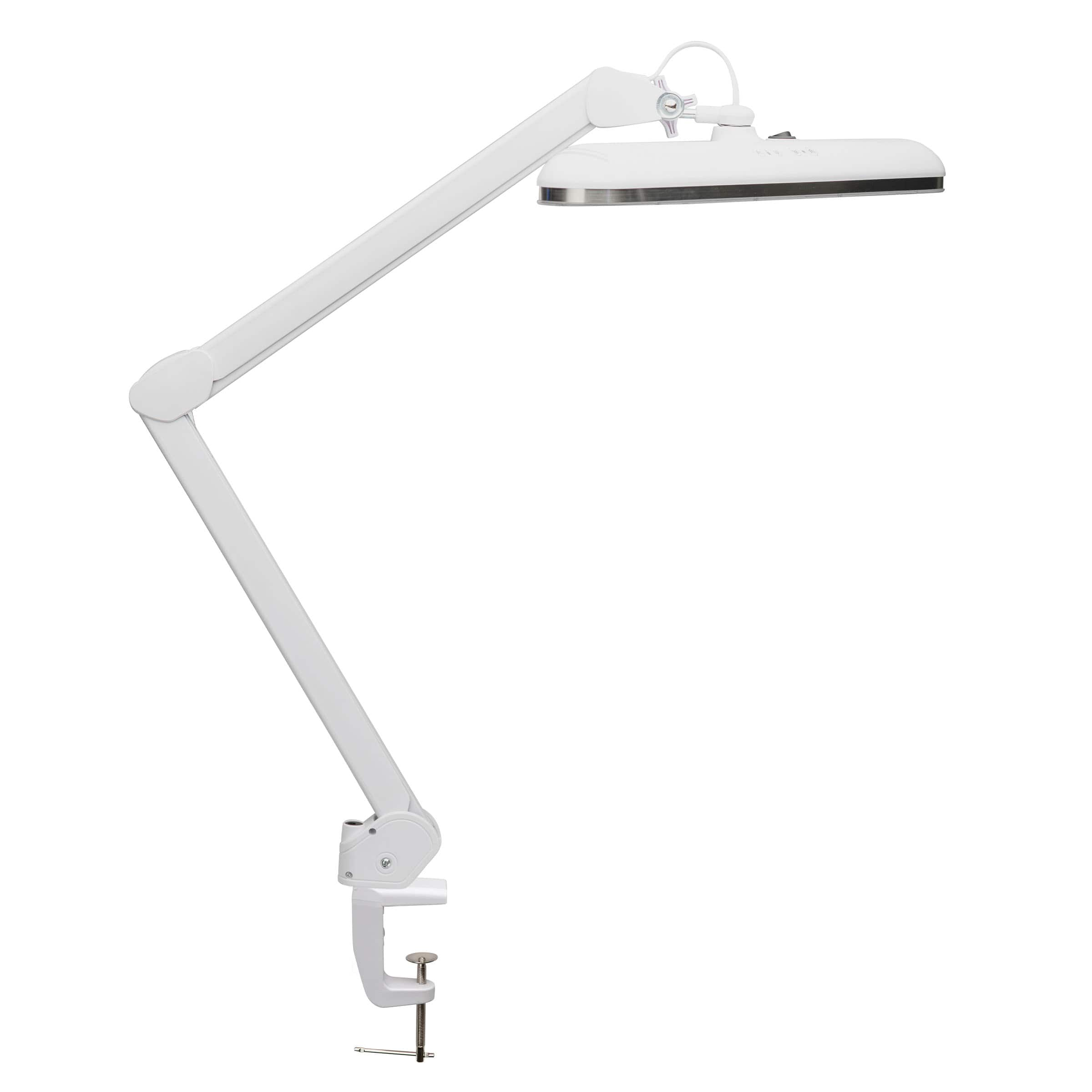
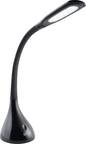
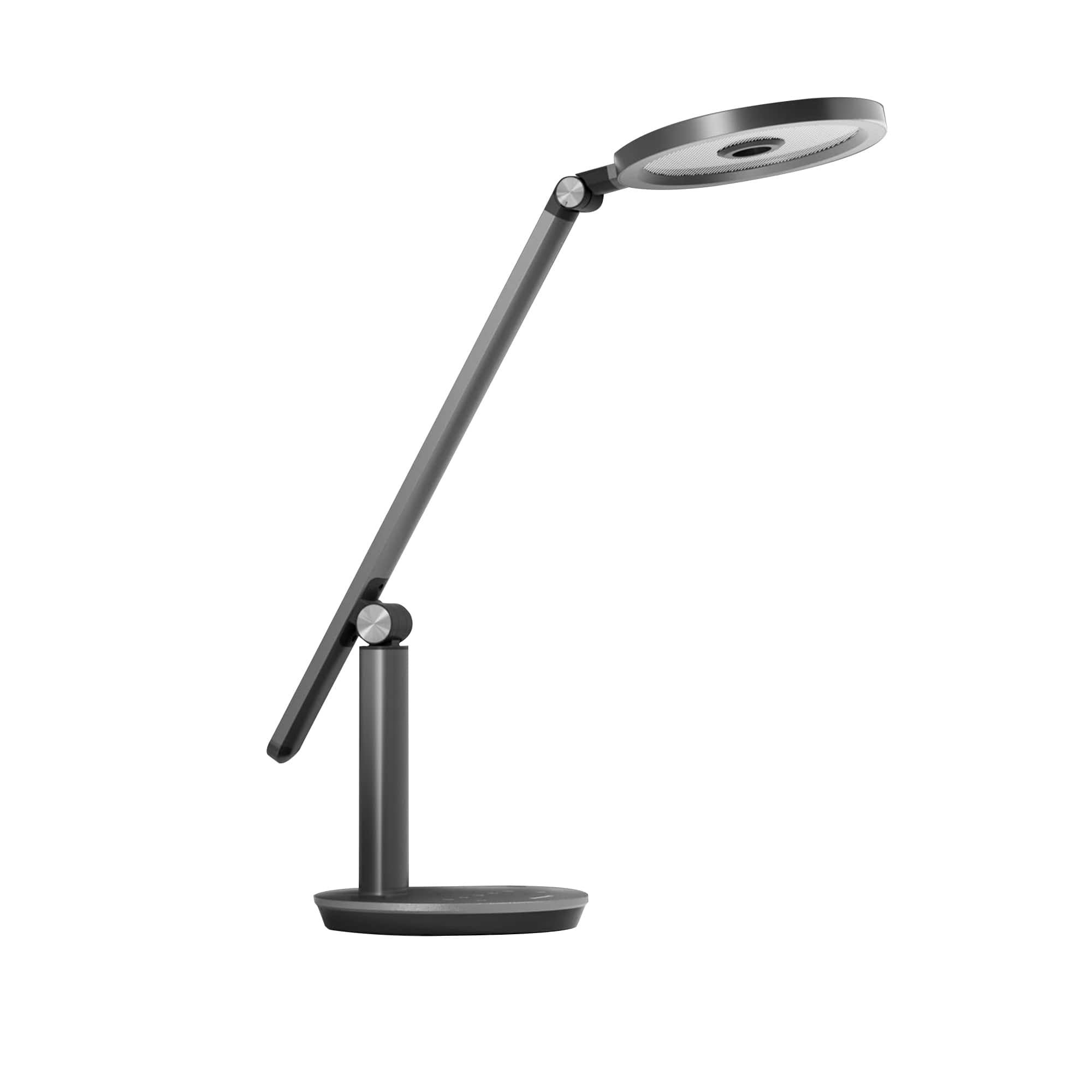
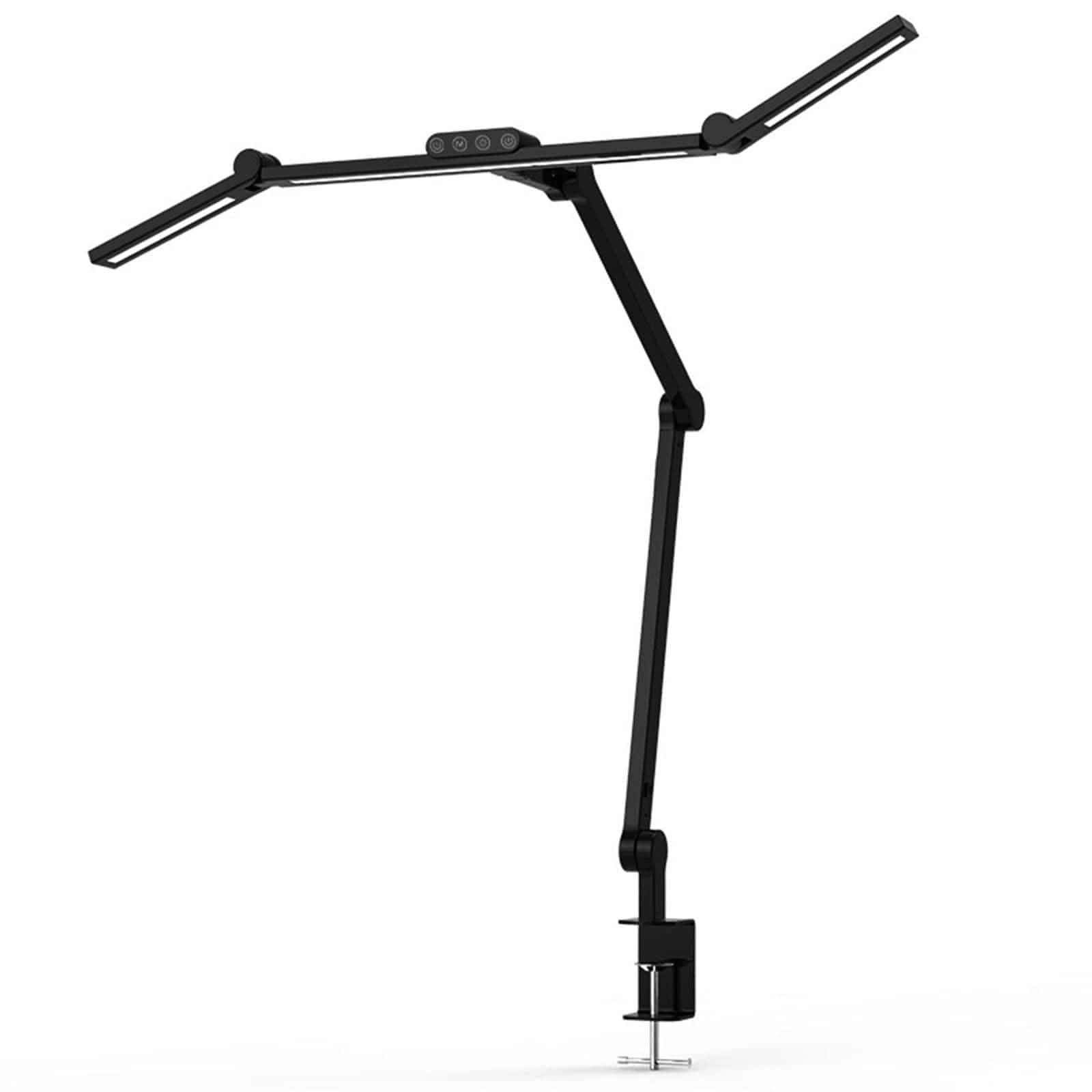
    An adjustable white LED desk lamp with clamp offers customizable lighting with 16 illumination options and rotating head.

    An adjustable white LED desk lamp with clamp offers customizable lighting with 16 illumination options and rotating head.

    (0)
    $124.99 Your price for this item is $124.99
  2. 2

    About this product

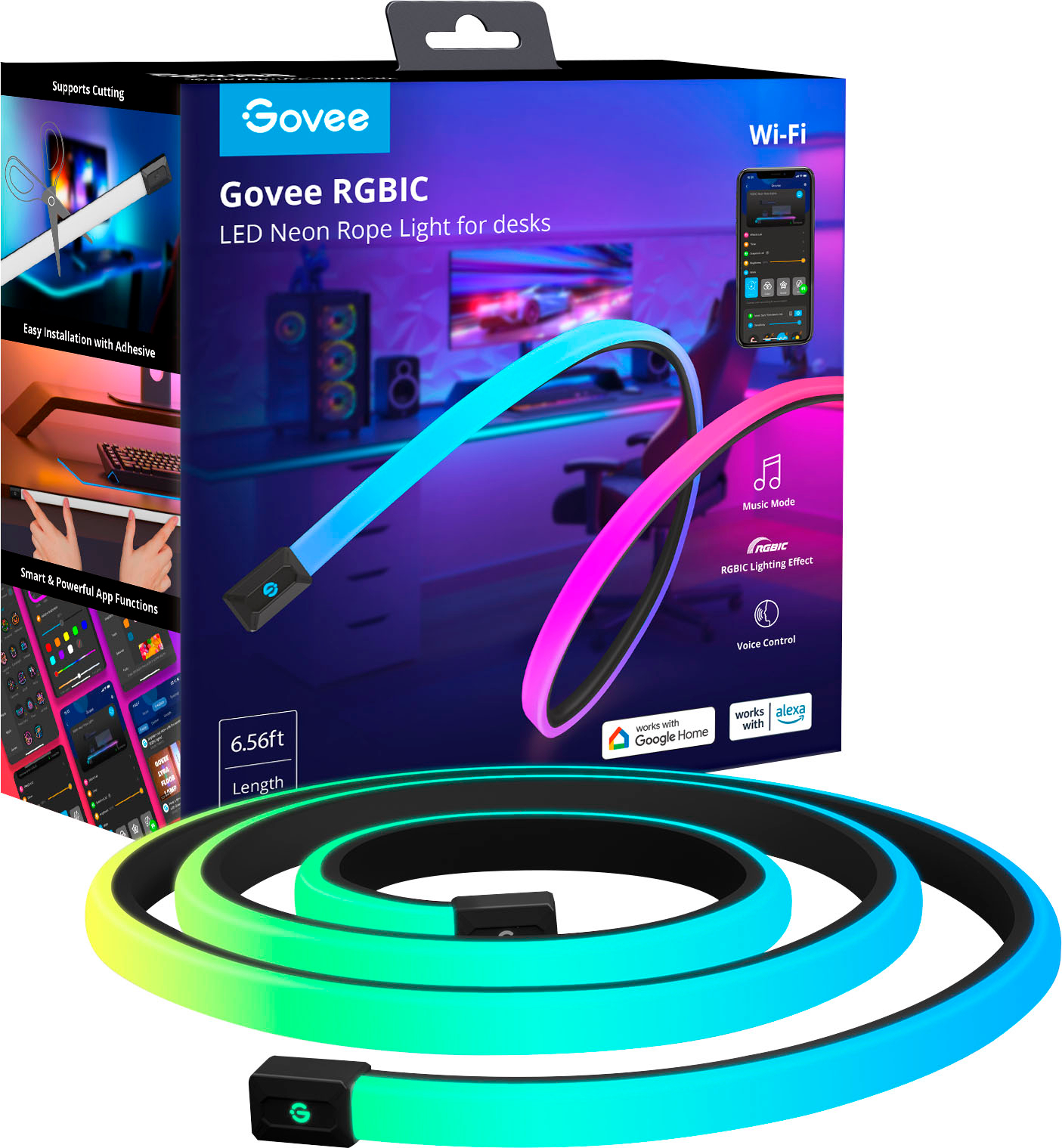
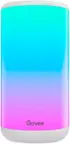
    A multi-color neon rope light that creates vibrant desk lighting and works with Alexa and Google Home.

    A multi-color neon rope light that creates vibrant desk lighting and works with Alexa and Google Home.

    What customers like

    • Strong adhesive and quality build
    • Easy to install and set up
    • Enhances desk appearance with sleek design
    • Vibrant and customizable lighting
    • Seamless smart home and app integration
    (77)
    $59.99 Your price for this item is $59.99
  3. 3

    About this product

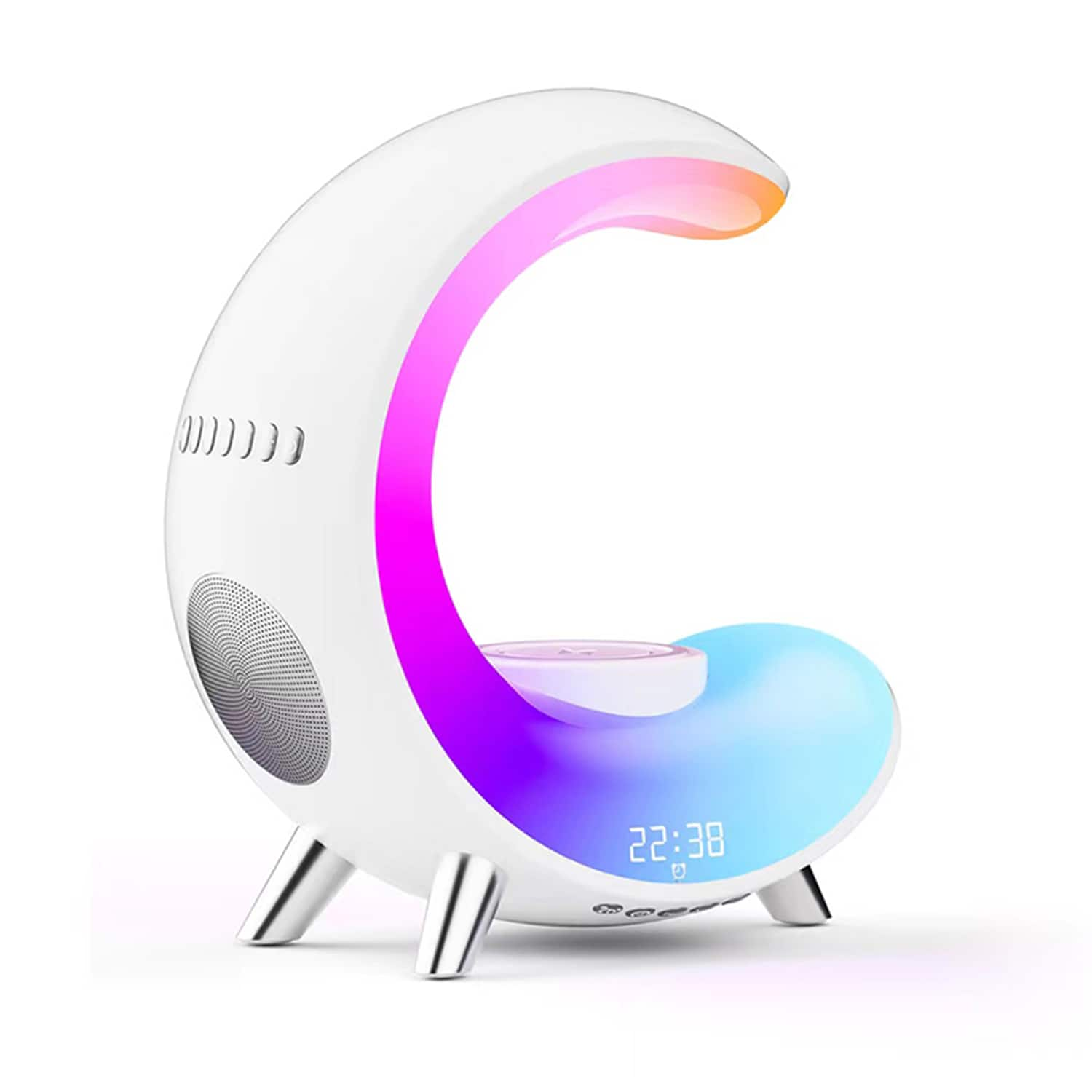
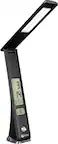
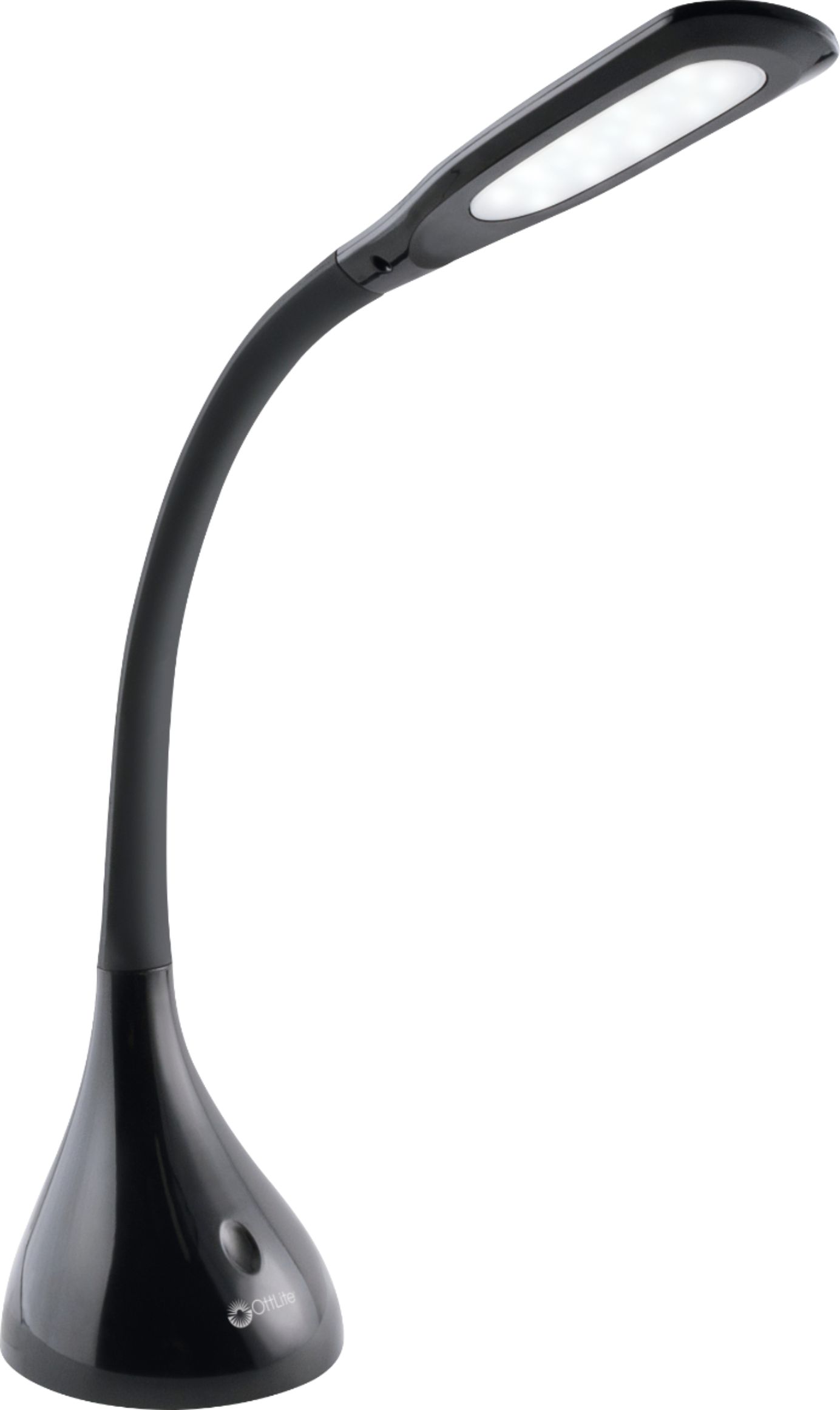
    A multi-color desk lamp featuring Bluetooth speaker, wireless charging, alarm clock, and app-controlled ambient lighting.

    A multi-color desk lamp featuring Bluetooth speaker, wireless charging, alarm clock, and app-controlled ambient lighting.

    (1)
    $69.99 Your price for this item is $69.99

Best Lighting For Computer Desk

The best lighting for computer desk setups balances focused illumination with comfortable background light, making room for everything from reading printed documents to working across multiple screens. Desk lamps provide light for a keyboard, notebook, or work surface, while monitor-mounted light bars can be useful when desktop space is limited. Ambient lighting adds a softer layer around the workstation, and lighting placed behind a display can reduce the visual contrast between a bright screen and a dark wall. The right combination depends on how you use your desk, how much daylight reaches it, and whether the space doubles as a bedroom, living room, or dedicated home office. For workstations used throughout the day, adjustable lighting offers flexibility as natural light changes. Students, remote workers, gamers, and anyone who alternates between screen-based tasks and paperwork may benefit from lighting that adapts to different activities rather than relying on a single overhead fixture.

Brightness control, light direction, and color temperature are useful considerations when comparing computer desk lighting. Dimmable options let you adjust illumination for detailed work or a more subdued evening setup, while adjustable arms and pivoting heads help direct light toward the areas that need it. Color temperature describes whether light appears warmer or cooler, rather than how bright it is: warmer tones can suit a relaxed setting, while neutral or cooler tones may appeal to those who prefer a crisper-looking workspace. Adjustable color temperature provides more flexibility when one desk serves several purposes. Placement matters just as much as these features, particularly around glossy monitors and reflective desktops. A light positioned outside the screen’s reflection can illuminate nearby materials without creating distracting glare. For handwriting, placing the light opposite your writing hand can also help limit shadows across the page. Even, diffused illumination is worth considering when you want useful desk coverage without a concentrated bright spot.

Fit and everyday usability help distinguish lighting options that otherwise look similar. A compact base leaves more room for peripherals, while a clamp-mounted design requires a compatible desk edge and enough clearance around it. Monitor-mounted lighting needs to match the display’s shape and thickness without interfering with a webcam or other accessories. Arm reach, maximum height, and adjustment range are especially relevant for deep desks, large screens, and multiple-monitor arrangements. Power connections deserve attention, too: USB-powered lighting needs an appropriate power source, while a wall-powered lamp needs access to an outlet and a practical cable route. Check control placement and whether adjustments remain easy to reach once the light is installed. For a shared room, directional lighting can help keep illumination concentrated around the workstation. Matching the mounting style, controls, and light coverage to your space makes computer desk lighting a more useful part of the setup, whether the priority is everyday productivity, studying, or a thoughtfully lit gaming area.

FAQs