Best Logitech Mouse
-
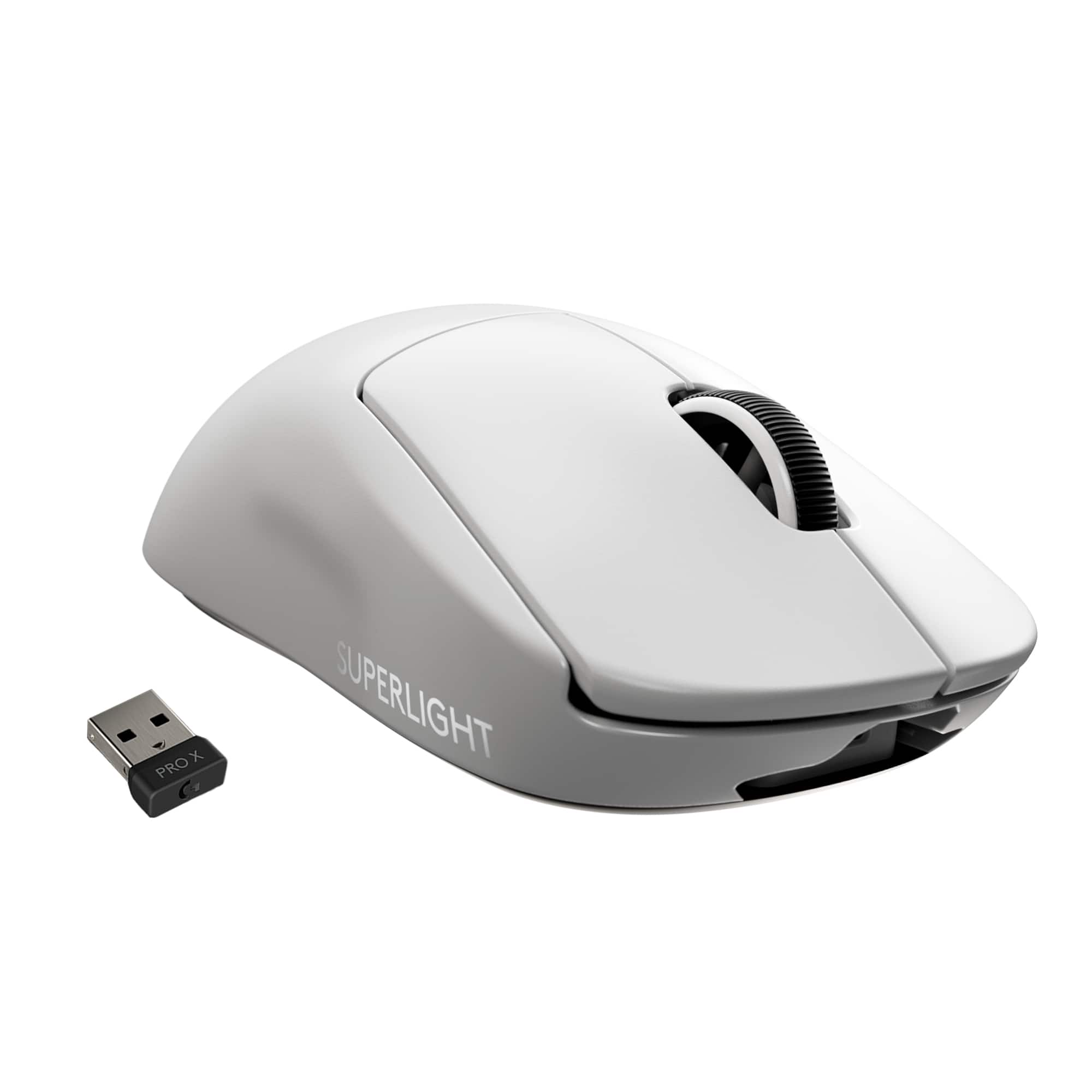
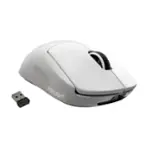
Logitech - PRO X SUPERLIGHT Lightweight Wireless Optical Gaming Mouse with HERO 25K Sensor - Wireless - White
SKU: J7H7ZY33P7See all Gaming MiceProduct Description
A lightweight white wireless gaming mouse featuring HERO 25K sensor, five programmable buttons, and smooth PTFE feet.Your price for this item is $129.99 -
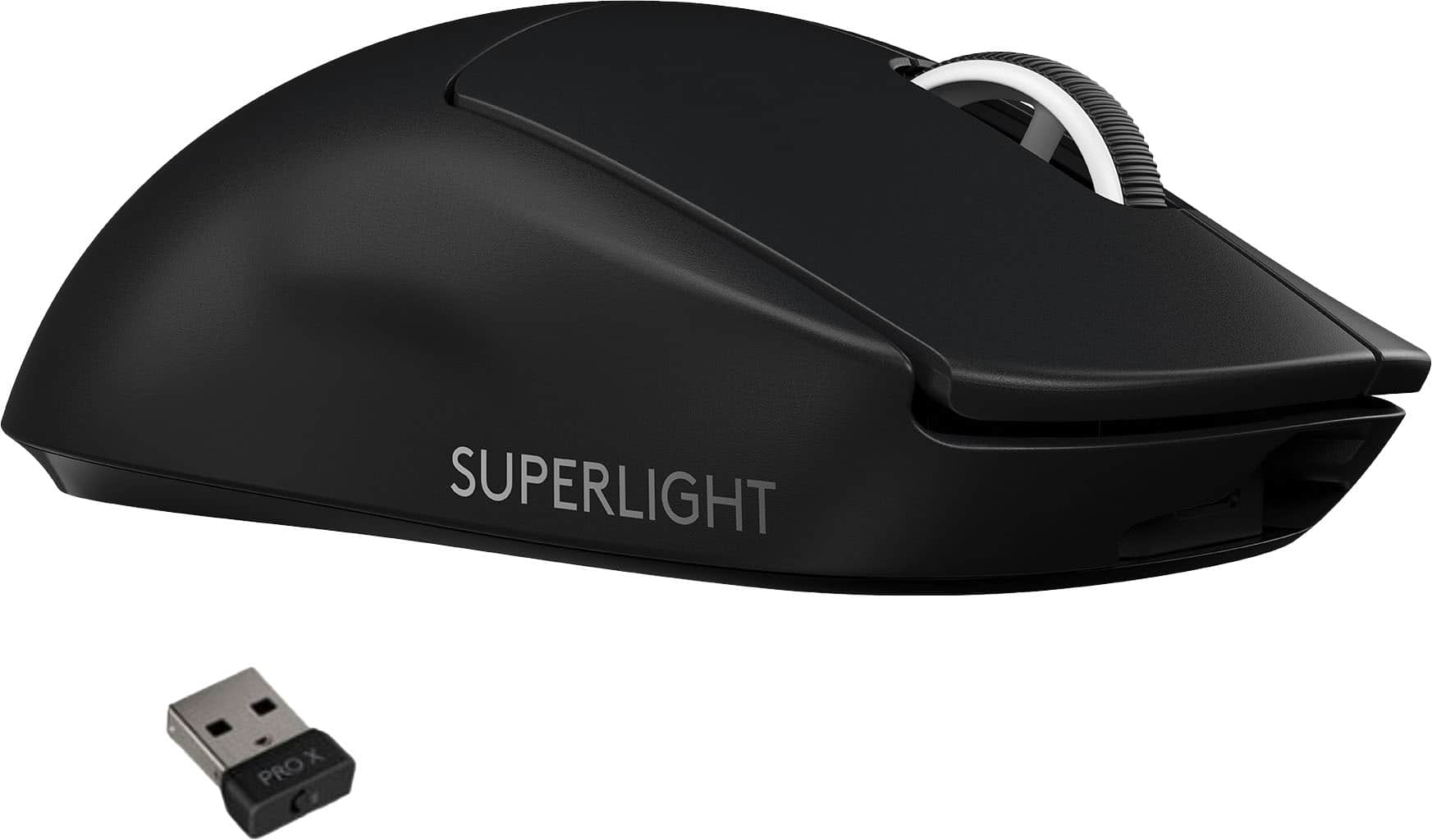
Logitech - PRO X SUPERLIGHT Lightweight Wireless Optical Gaming Mouse with HERO 25K Sensor - Wireless - Black
SKU: J7H7ZY3CZTOne of the best gaming mouse on the market. Delivered very fast (within 2 days).
See all Gaming MiceProduct Description
A lightweight black wireless gaming mouse featuring HERO 25K sensor, five programmable buttons, and smooth PTFE feet.Your price for this item is $101.00 -
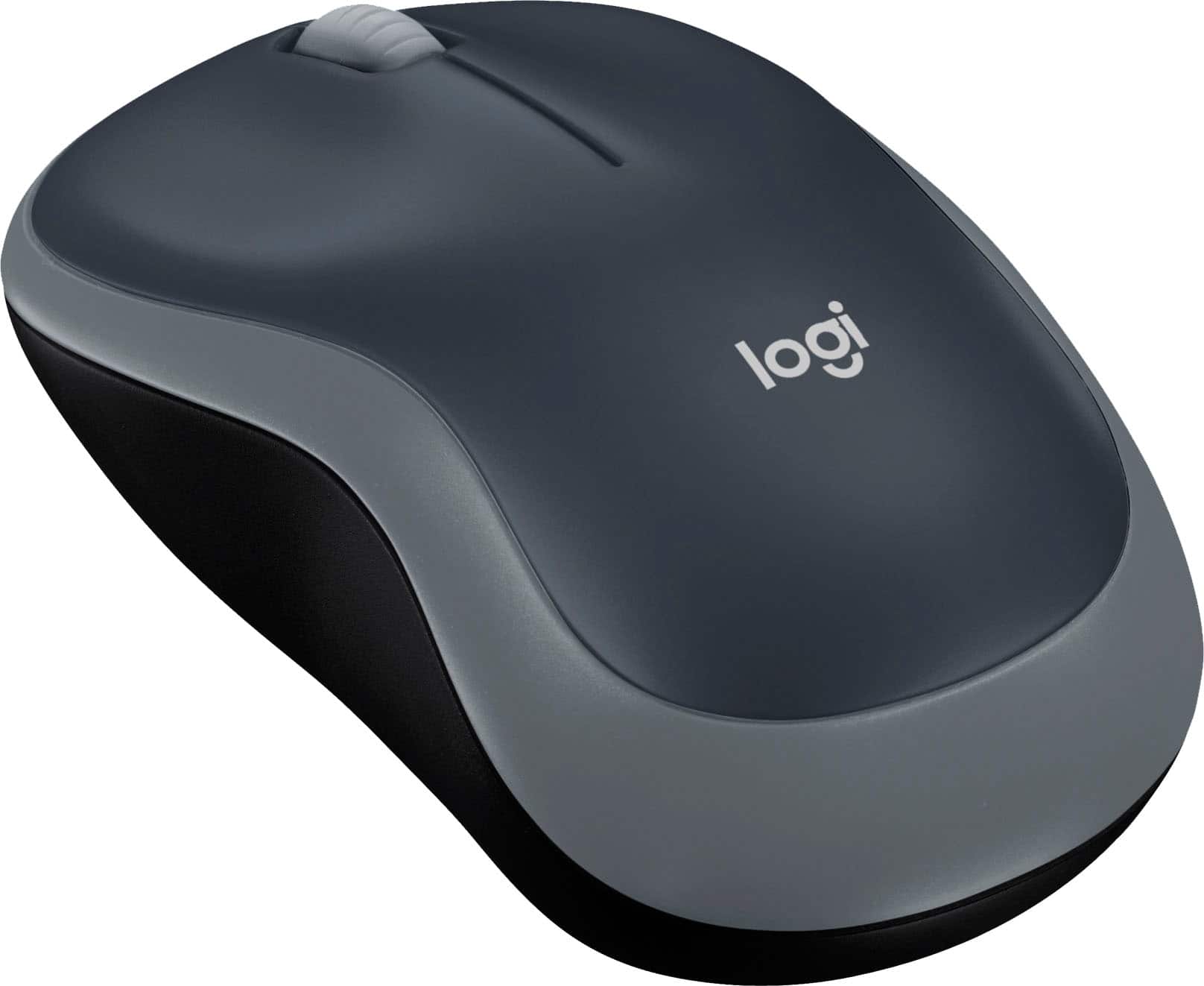
Logitech - M185 Wireless Optical Ambidextrous Mouse - Wireless - Swift Gray
SKU: J7H7ZLVWQJBest Buy always has low prices & great deals.I Love their Rewards program...The mouse works great and is very responsive....I love that it automatically powers off when not in use and saves battery life....This...
See all MiceProduct Description
A reliable wireless optical mouse in swift gray, featuring ambidextrous design and plug-and-play convenience.Your price for this item is $17.99 -
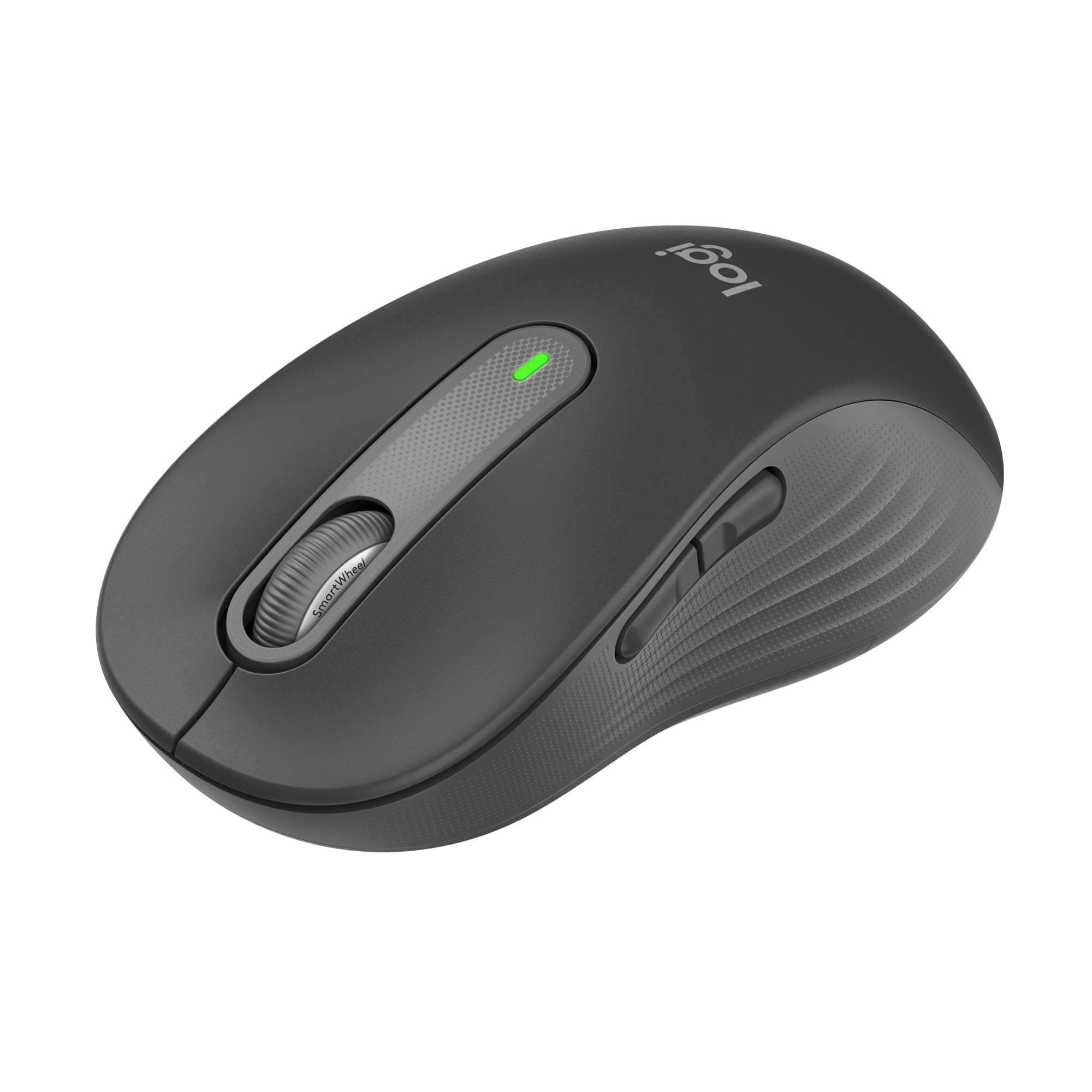
Logitech - Signature M650 L Full-size Wireless Optical Scroll Mouse with Silent Clicks - Wireless - Graphite
SKU: J7H7ZY3W2LGreat buy...Best one yet love it very smooth works good with pc...Best mouse under 50...Love the silent clicks. Great value for the money.
See all MiceProduct Description
A graphite wireless mouse featuring silent clicks, SmartWheel scrolling, and customizable buttons for enhanced productivity.Your price for this item is $39.99 -
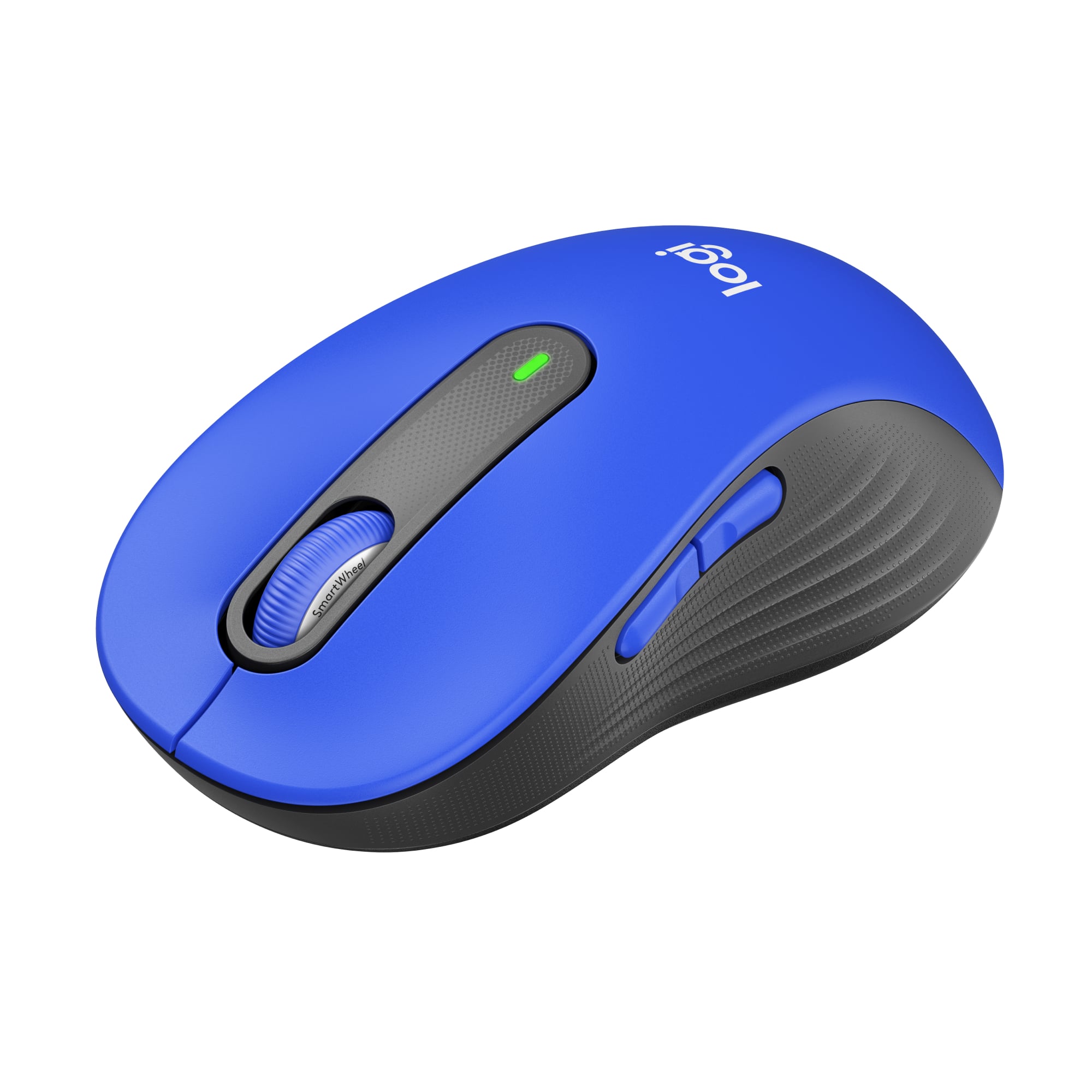
Logitech - Signature M650 L Full-size Wireless Optical Scroll Mouse with Silent Clicks - Wireless - Blue
SKU: J7H7ZY3W2QLove this mouse! Love Best Buy and the Geek Squad....Excellent Best Buy store...I love Best Buy + am a long time loyal customer....This mouse is great my older mouse that came with the pc died so I purchased...
See all MiceProduct Description
A blue wireless mouse featuring silent clicks, SmartWheel scrolling, customizable buttons, and ergonomic comfort for productivity.Your price for this item is $39.99 -
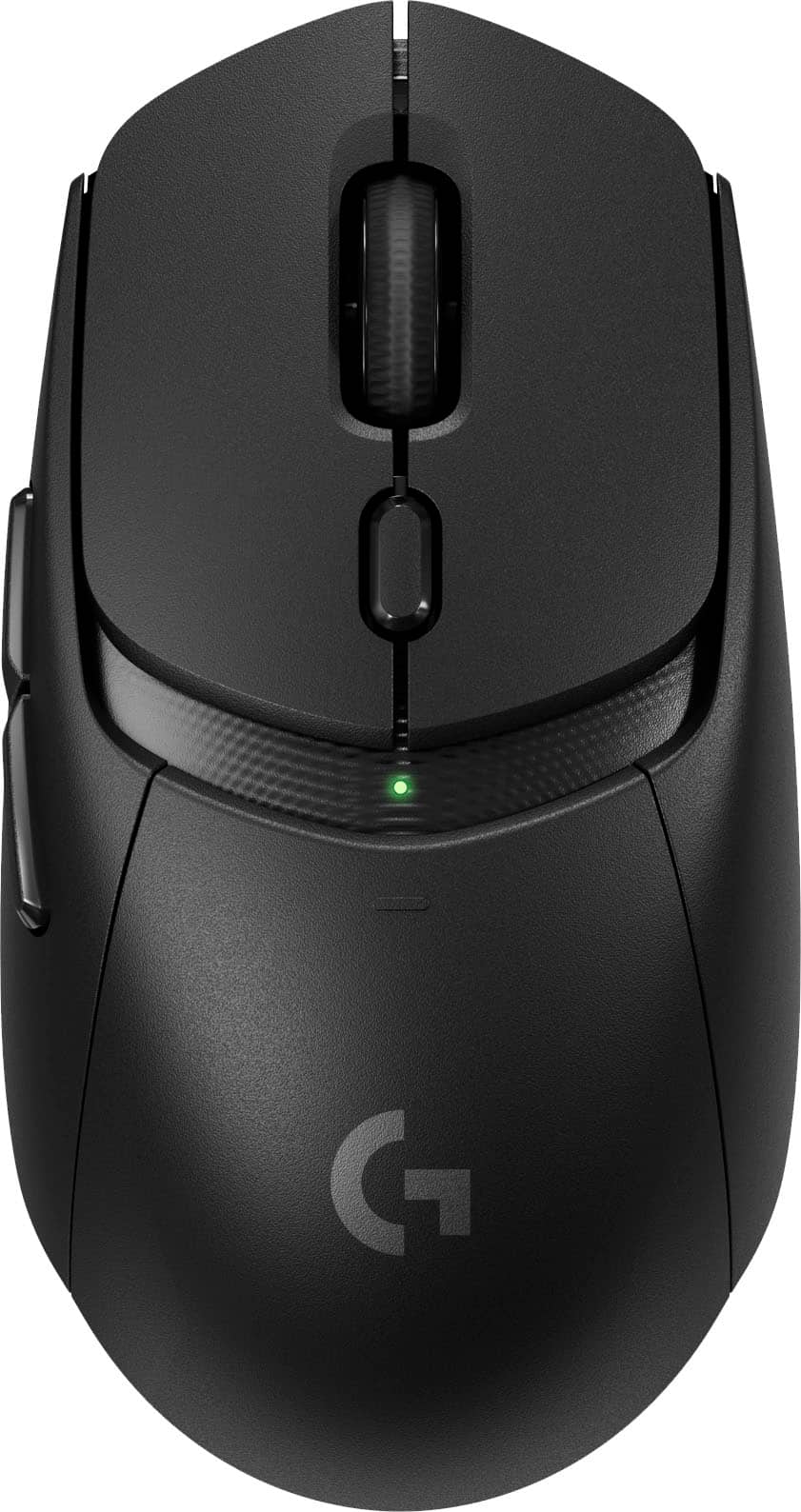
Logitech - G309 LIGHTSPEED Lightweight Wireless Optical Gaming Mouse with HERO 25K Sensor - Wireless - Black
SKU: J7H7ZYGGHZGreat upgrade over my previous one.Best price anywhere....Great Gaming Mouse!...Probably the best mouse I've owned so far.
See all Gaming MiceProduct Description
A lightweight black wireless gaming mouse featuring a HERO 25K sensor, six programmable buttons, and Bluetooth connectivity.Your price for this item is $59.99Save $30The previous price was $89.99 -
Logitech - G309 LIGHTSPEED Lightweight Wireless Optical Gaming Mouse with HERO 25K Sensor - Wireless - White
SKU: J7H7ZYGGWGNot the best, but it was cheap!...Great Mouse!...Love it!
See all Gaming MiceProduct Description
A lightweight white wireless gaming mouse featuring a HERO 25K sensor, six programmable buttons, and Bluetooth connectivity.Your price for this item is $74.99Save $15The previous price was $89.99 -
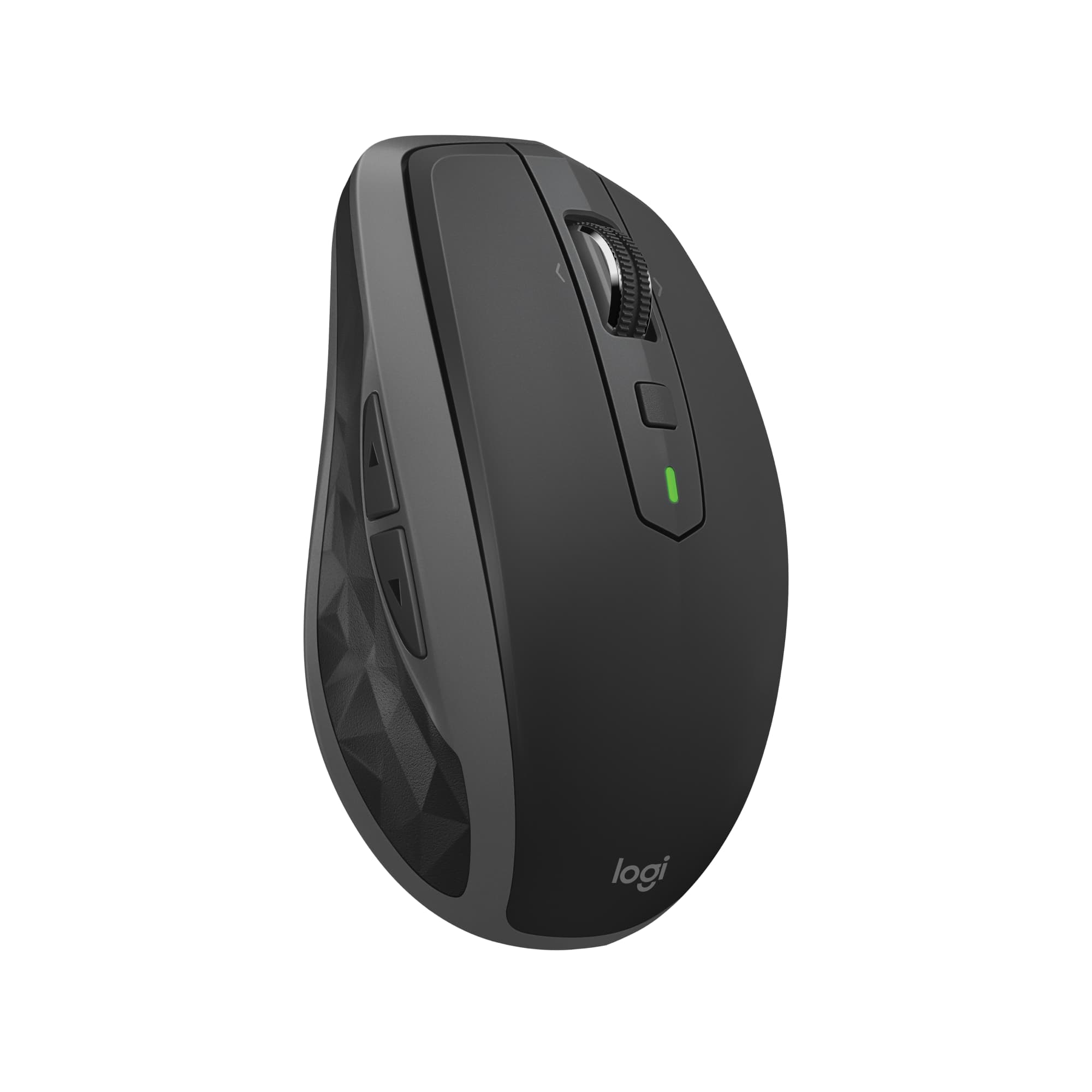
Logitech - MX Anywhere 2S Bluetooth Edition Wireless Laser Mouse with Hyper-Fast Scrolling - Wireless - Graphite
SKU: J7H7ZYGL3RGreat value for money and, above all, one of the best compact, rechargeable mice....LOVE!
See all MiceProduct Description
A compact graphite wireless mouse with Bluetooth, hyper-fast scrolling, and seamless multi-device control for productivity.Your price for this item is $54.99Save $5The previous price was $59.99 -
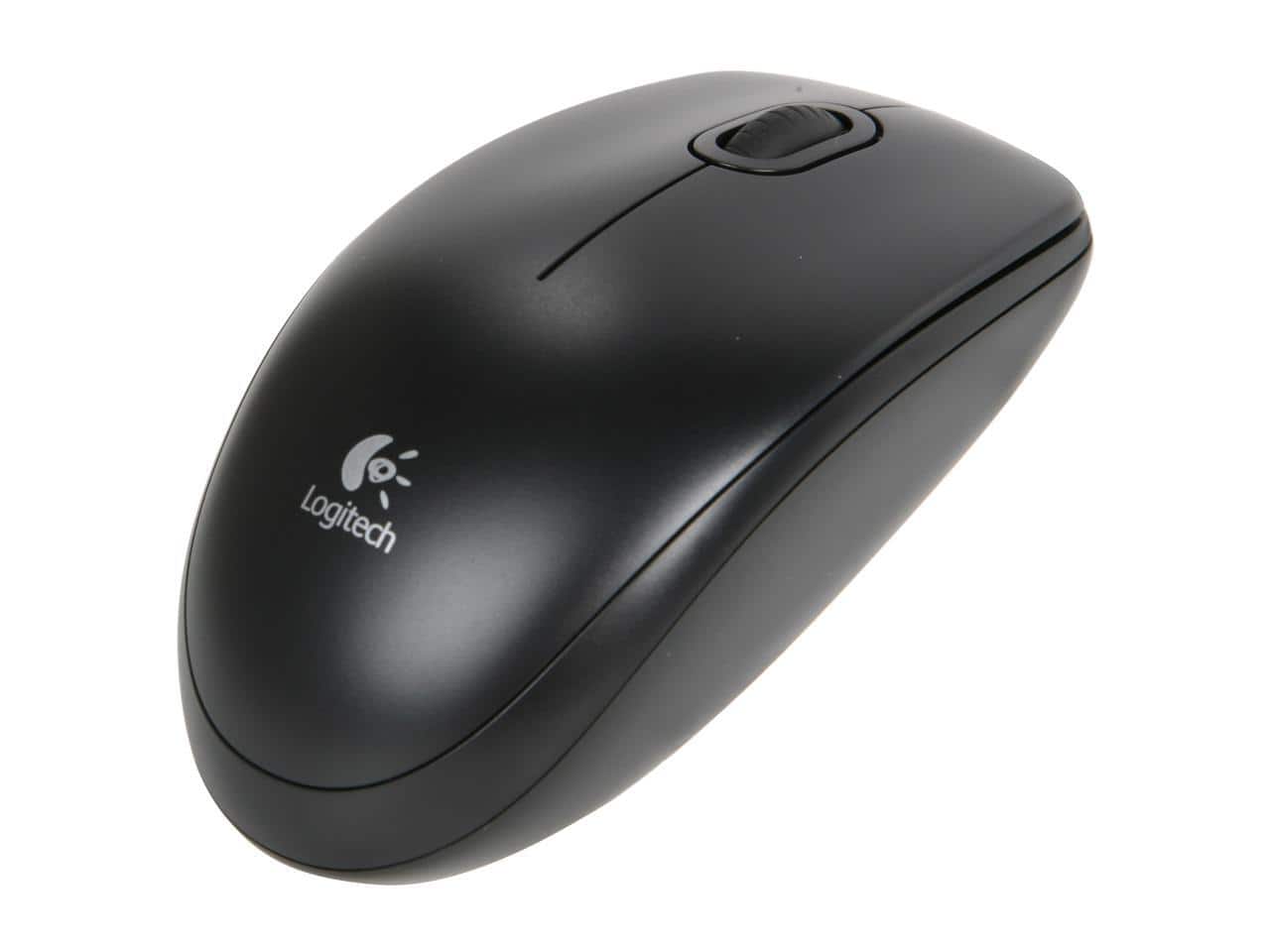
Logitech - B100 Corded Mouse – Wired USB Mouse for Computers and laptops, for Right or Left Hand Use - Wired - Black
SKU: J7H7ZLF4PHI needed to replace the exact corded mouse and happy to find it on Best Buy's website....Works great. Nice addition to the laptop. Easy to use
See all MiceProduct Description
A black wired USB mouse offering ambidextrous design and plug-and-play convenience for computers and laptops.Your price for this item is $12.18Save $7The previous price was $20.06 -
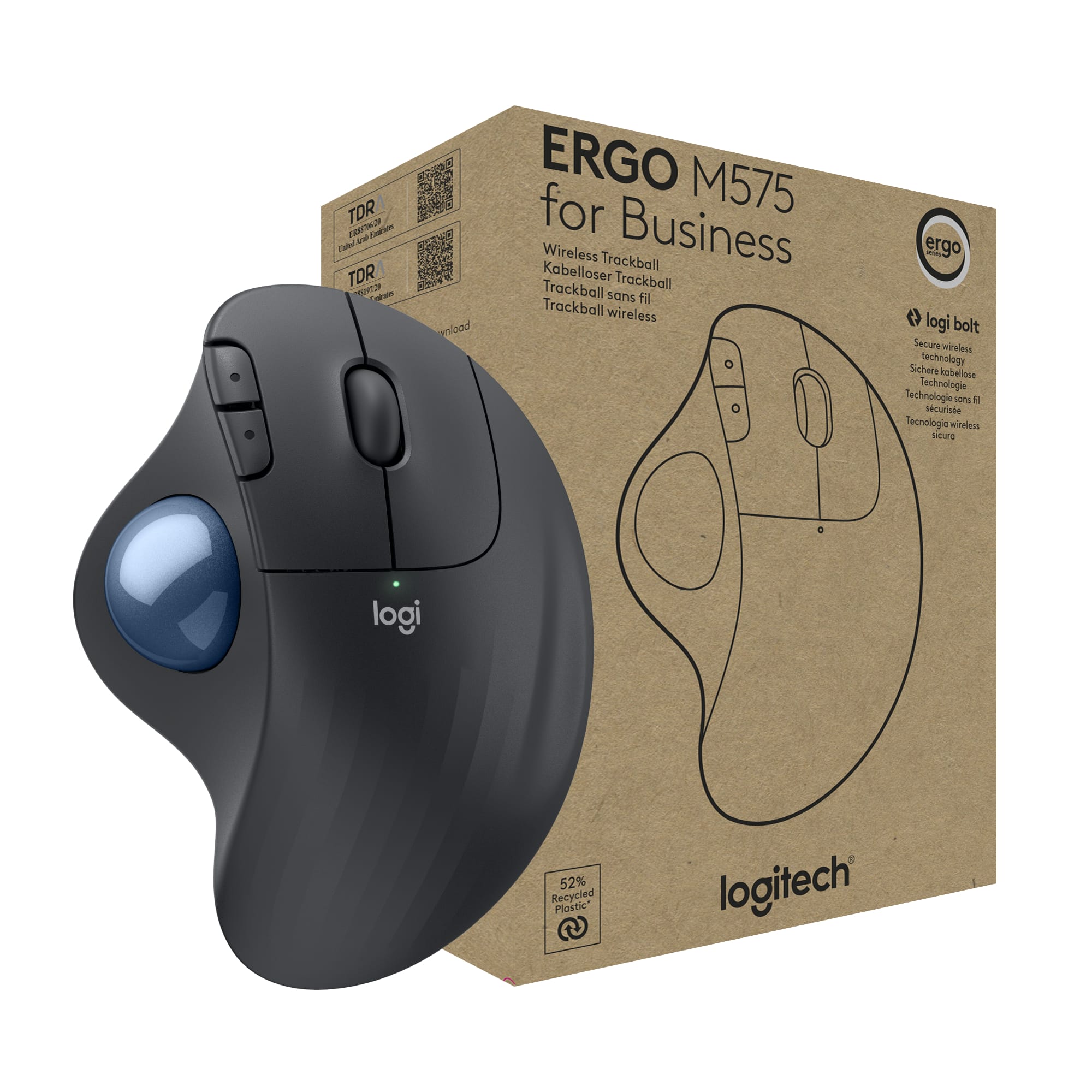
Logitech - ERGO M575 Wireless Trackball Ergonomic Mouse for Business - Wireless - Graphite
SKU: J7H7ZY3TKSLove it but no receiver?...Love them both. But, they were suppose to have the USB receiver with them.
See all Wireless & Bluetooth MiceProduct Description
An ergonomic graphite wireless trackball mouse with smooth thumb control, customizable buttons, and quiet clicks.Your price for this item is $49.99

Best Sellers




Related Pages

FAQ
When choosing a Logitech mouse for gaming, consider features such as high DPI sensitivity for precise movements, customizable buttons for quick actions, ergonomic design for comfort during long sessions, and low-latency wireless or wired connectivity. Many Logitech gaming mice also offer RGB lighting and onboard memory for storing profiles.
Yes, most Logitech mice are designed to be compatible with both Windows and Mac operating systems. Some advanced features or software customizations may require Logitech Options or G HUB software, which are available for both platforms.
Logitech wireless mice typically use a USB receiver (such as the Logitech Unifying Receiver) for a strong, dedicated connection, while Bluetooth mice connect directly to your device’s Bluetooth without needing a receiver. Wireless mice may offer faster response times, while Bluetooth mice provide more convenience for devices with limited USB ports.
Many Logitech mice feature programmable buttons that can be customized using Logitech’s software, such as Logitech Options or G HUB. This allows you to assign specific functions, macros, or shortcuts to fit your workflow or gaming needs.
To keep your Logitech mouse in top condition, regularly wipe the exterior with a soft, dry cloth. For deeper cleaning, lightly dampen the cloth with water or use a small amount of isopropyl alcohol. Avoid getting moisture inside the mouse. Periodically check the sensor and mouse feet for dust or debris to ensure smooth tracking.