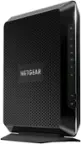
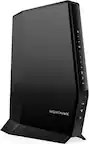
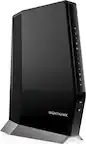
Best Router for PS5
Finding the best router for PS5 starts with your internet plan, home layout and how you connect your console. Compare Wi-Fi routers by coverage, Ethernet connectivity and traffic-management features, keeping other connected devices in mind. A wired connection or strong Wi-Fi signal where you play can help support a more consistent online gaming experience.
What to look for in a router for PS5
Choosing the best router for PS5 means considering connection stability, Wi-Fi coverage and how your household uses the internet.
1. Wired Connectivity
2. Wi-Fi Compatibility and Coverage
3. Traffic Prioritization
4. Speed and Network Capacity
-
1
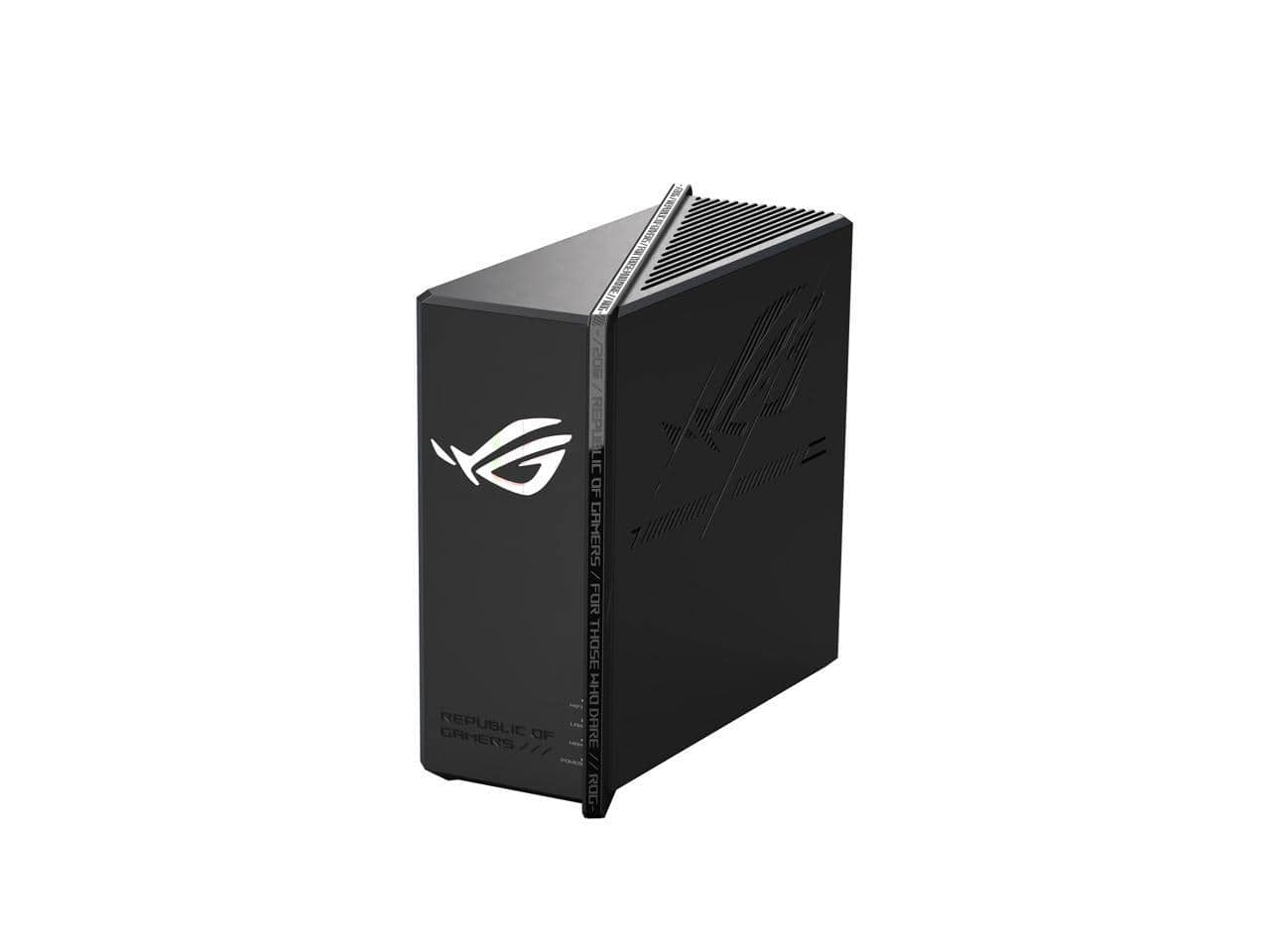
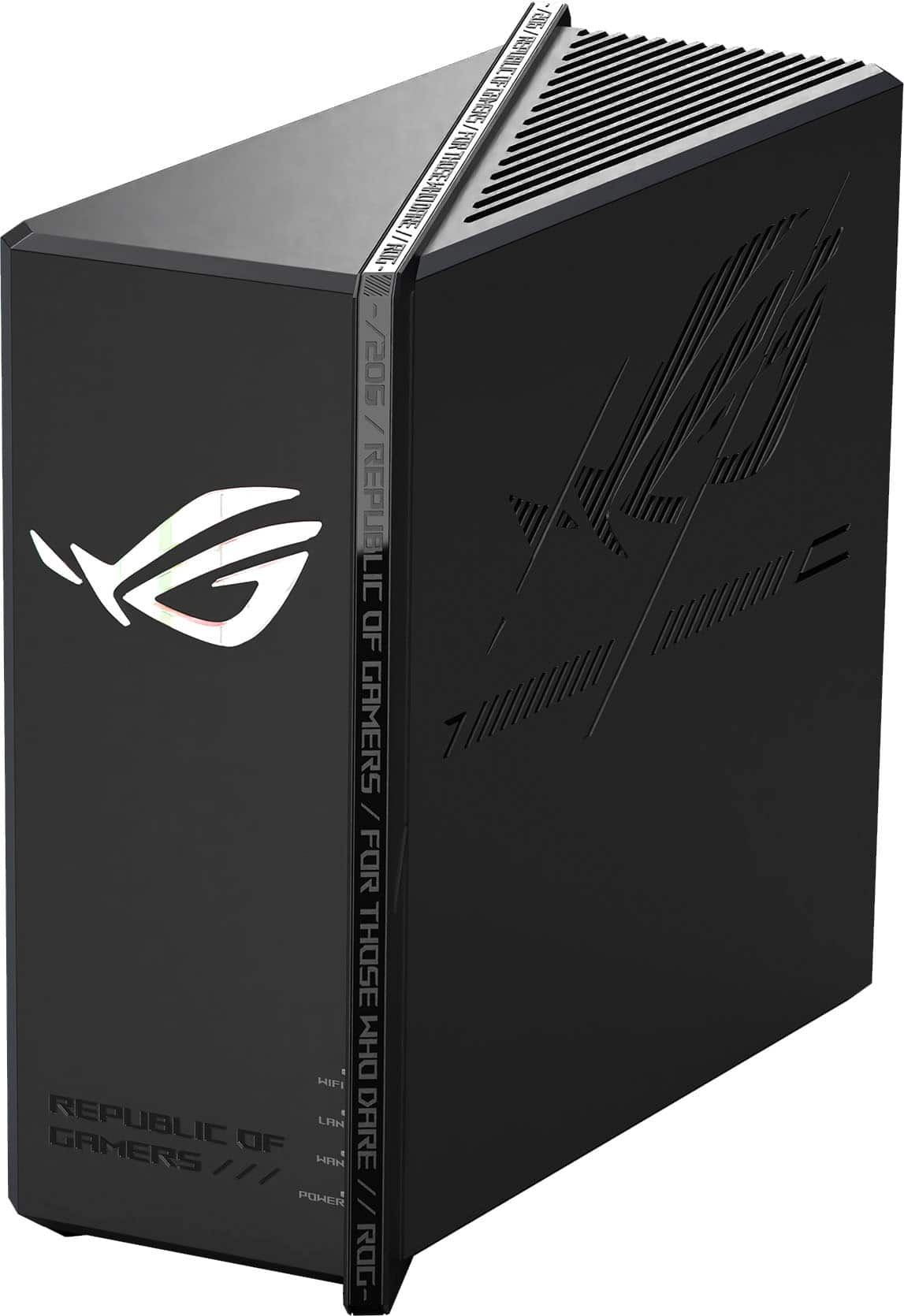
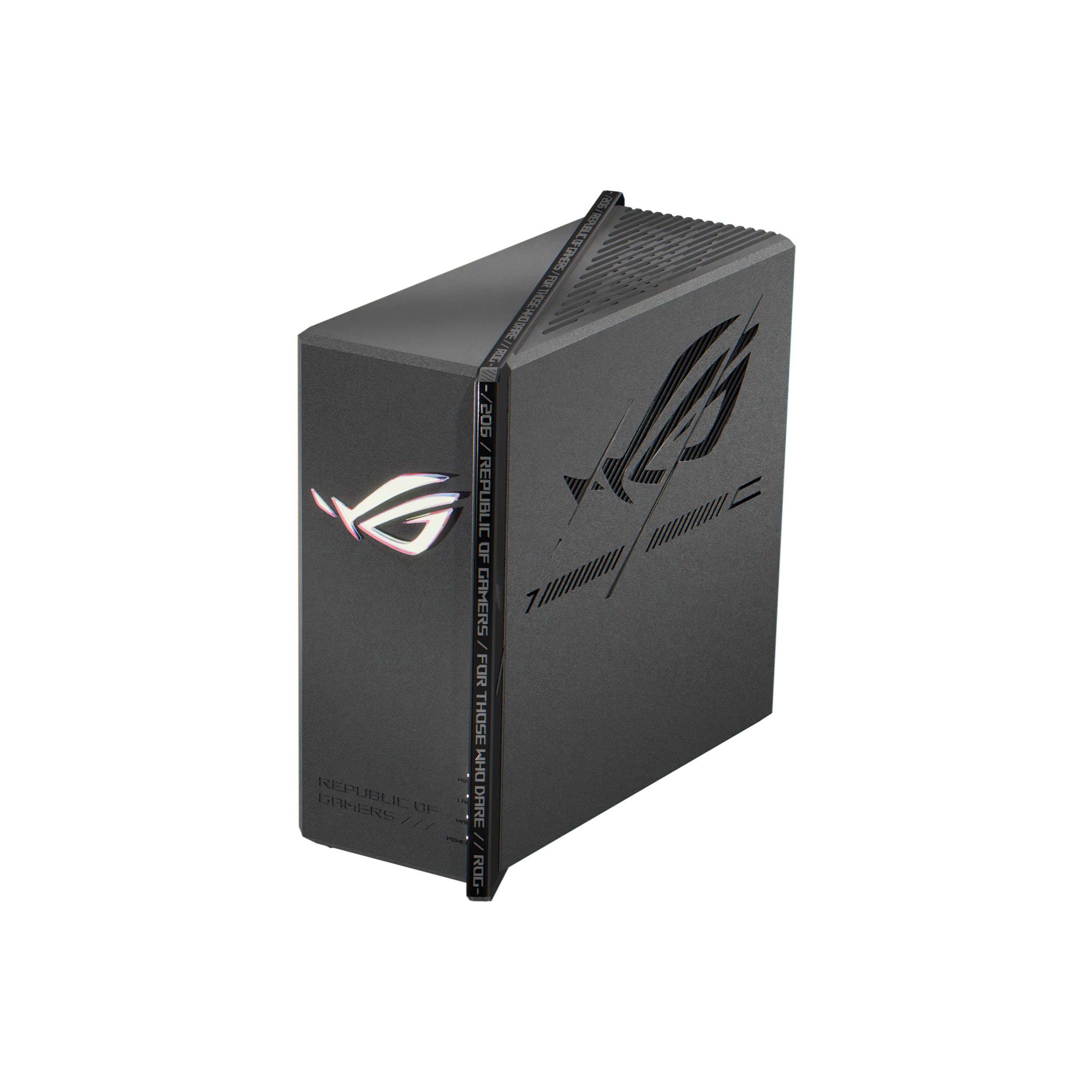
ASUS - ROG Strix GS-BE12000 WiFi 7 Router, 12000 Mbps, 20G Wired, 3000 sq ft, Quad-core CPU, Game Accel, Triple Security
About this product
A tri-band WiFi 7 router with 12000 Mbps speed, 20G wired, quad-core CPU, and triple security.
(1)$349.99Your price for this item is $349.99SAVE $50.00 -
2
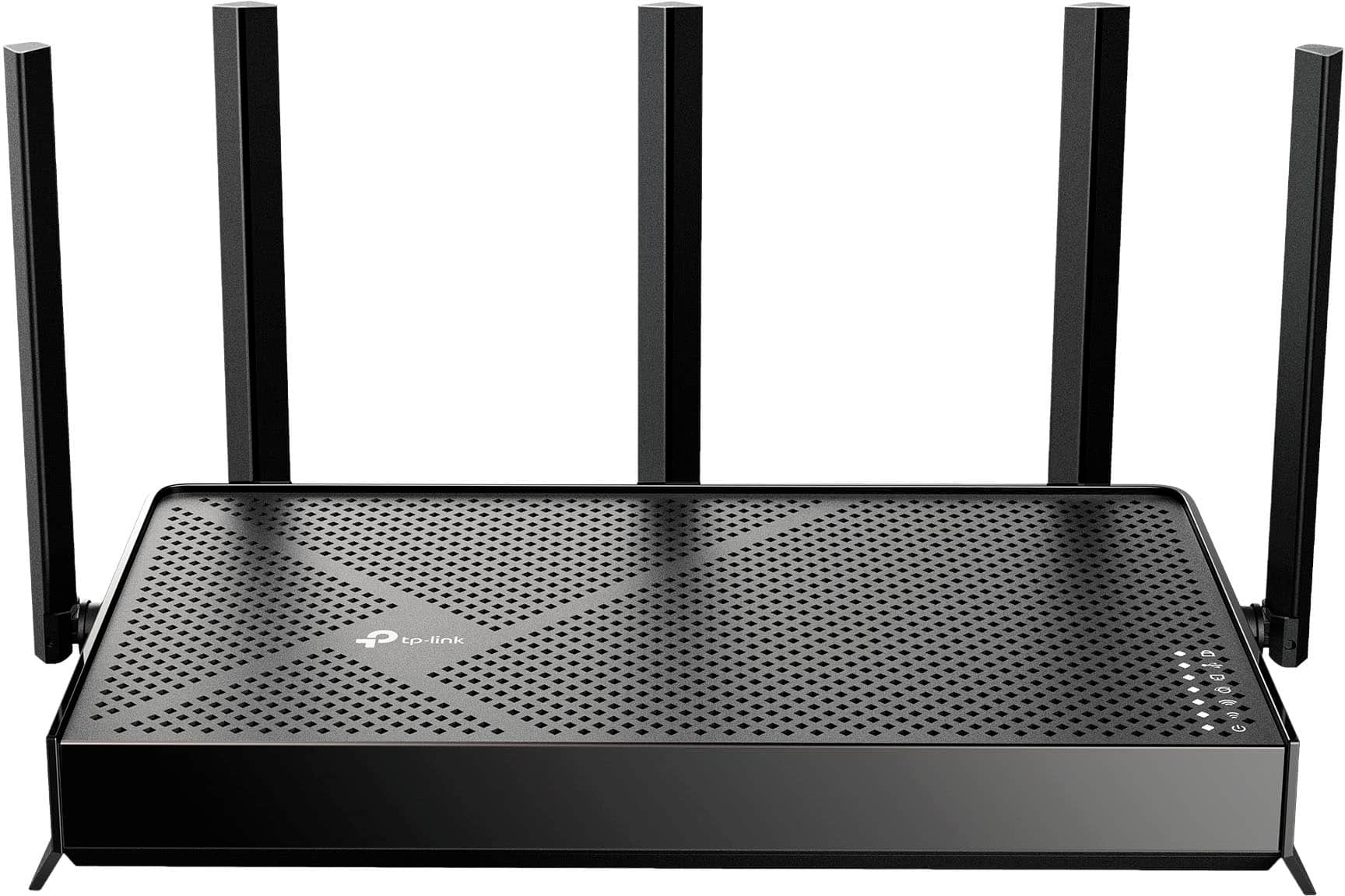
TP-Link - Archer BE5000 Dual-Band Wi-Fi 7 Router - Black
About this product
A dual-band black router featuring Wi-Fi 7, 5.0 Gbps speeds, multi-gig ports, and smart home compatibility.
What customers like
(137)$119.99Your price for this item is $119.99SAVE $20.00 -
3
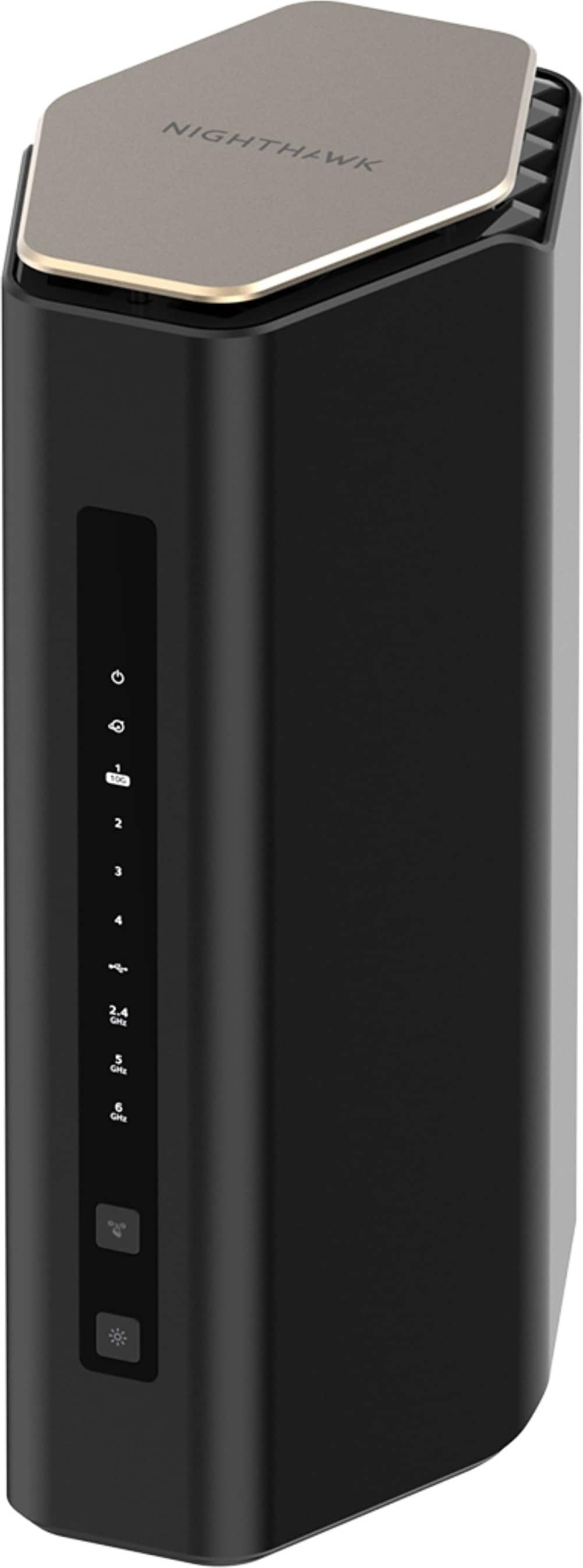
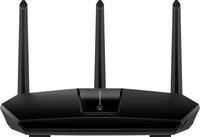
NETGEAR - Nighthawk WiFi 7 Router RS600 Up to 3,300 sq ft, 18 Gbps, Reliable Performance, Easy Set Up, 150 devices - Black
About this product
A black tri-band Wi-Fi 7 router delivering up to 18 Gbps with four LAN ports.
What customers like
(135)$499.99 Your price for this item is $499.99 -
4
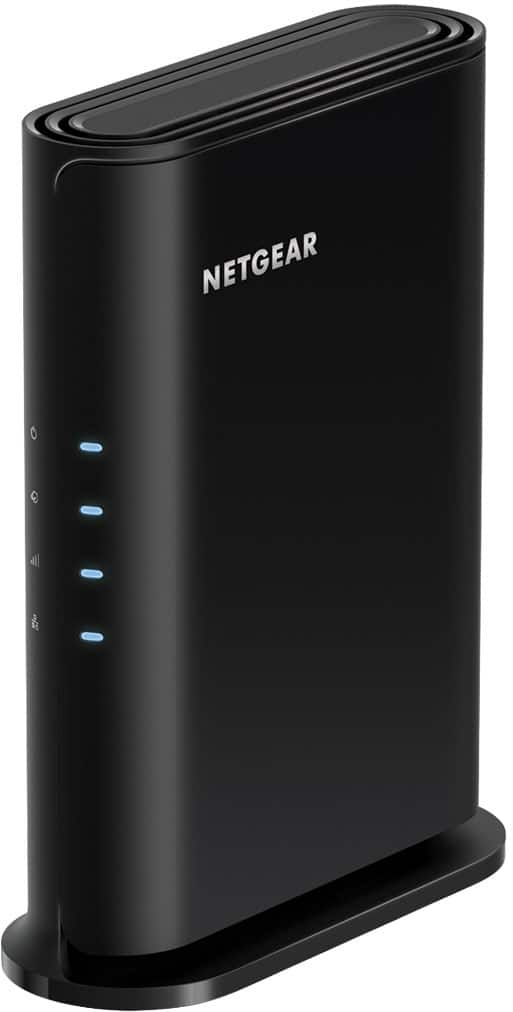
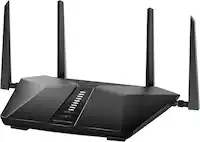
NETGEAR - Nighthawk AX1800 Dual-Band Wi-Fi Router - Black
About this product
A black dual-band Wi-Fi 6 router offering up to 1.8 Gbps speeds and advanced security features.
What customers like
(112)$99.99 Your price for this item is $99.99 -
5
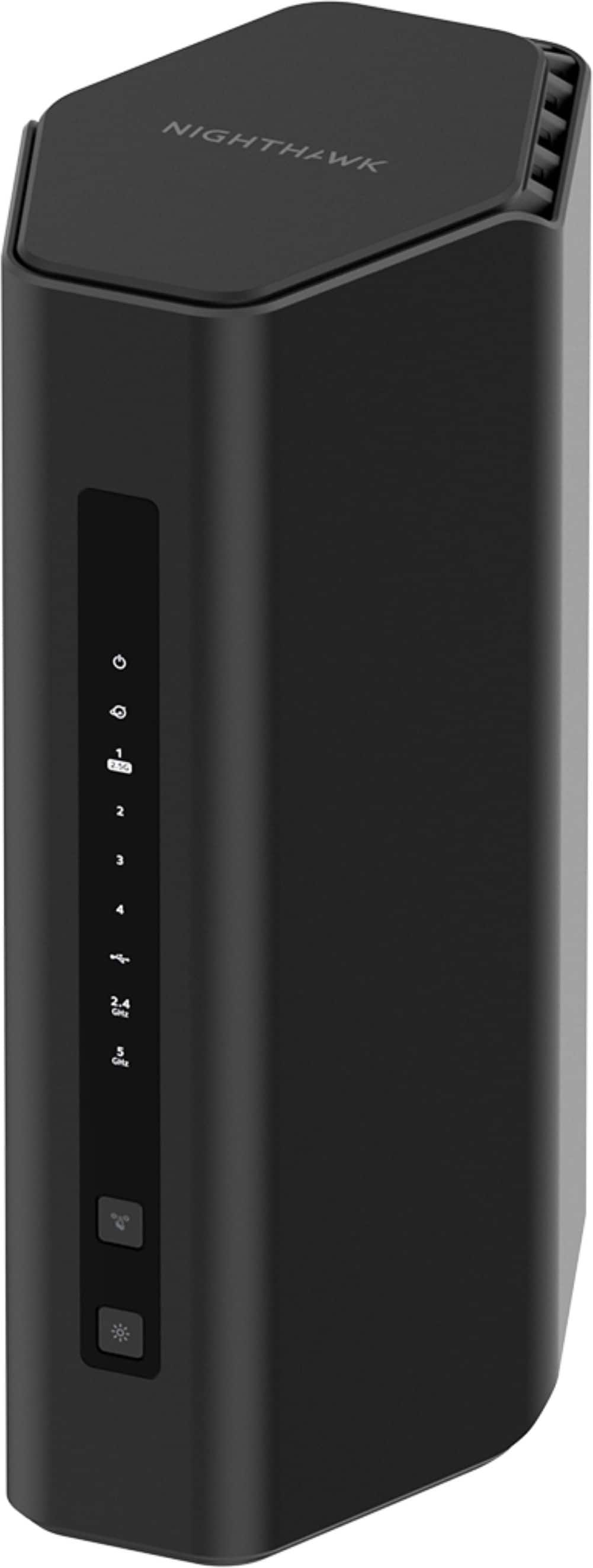
NETGEAR - Nighthawk WiFi 7 Router RS200 Up to 2,500 sq ft, 6.5 Gbps, Reliable Performance, Easy Set Up, 80 devices - Black
About this product
A black dual-band Wi-Fi 7 router delivering 6.5 Gbps speeds, MU-MIMO, OFDMA, four Ethernet ports, and USB file sharing.
What customers like
(333)$229.99 Your price for this item is $229.99 -
6
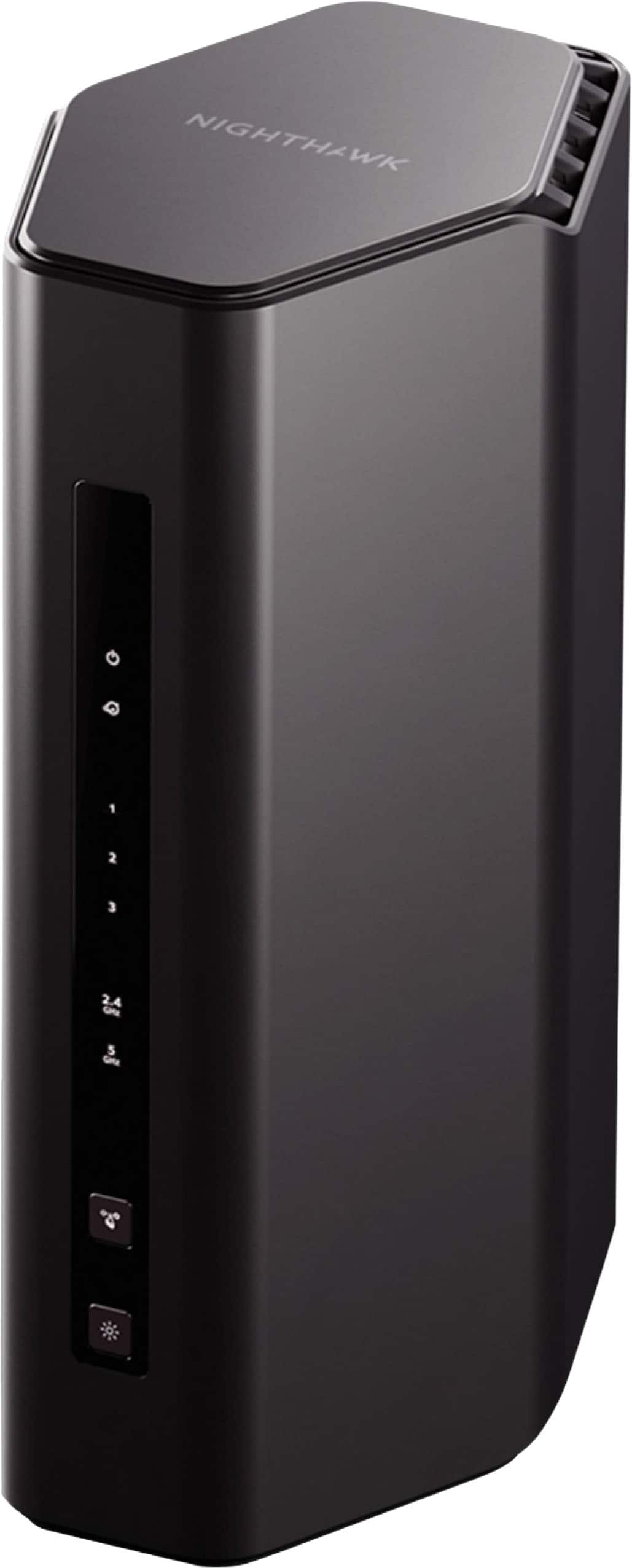
NETGEAR - Nighthawk WiFi 7 Router RS150 Up to 2,250 sq ft, 5 Gbps, Reliable Performance, Easy Set Up, 80 devices - Black
About this product
A black dual-band Wi-Fi 7 router delivering up to 5 Gbps, four Ethernet ports, and coverage for 80 devices.
What customers like
(86)$199.99 Your price for this item is $199.99 -
7
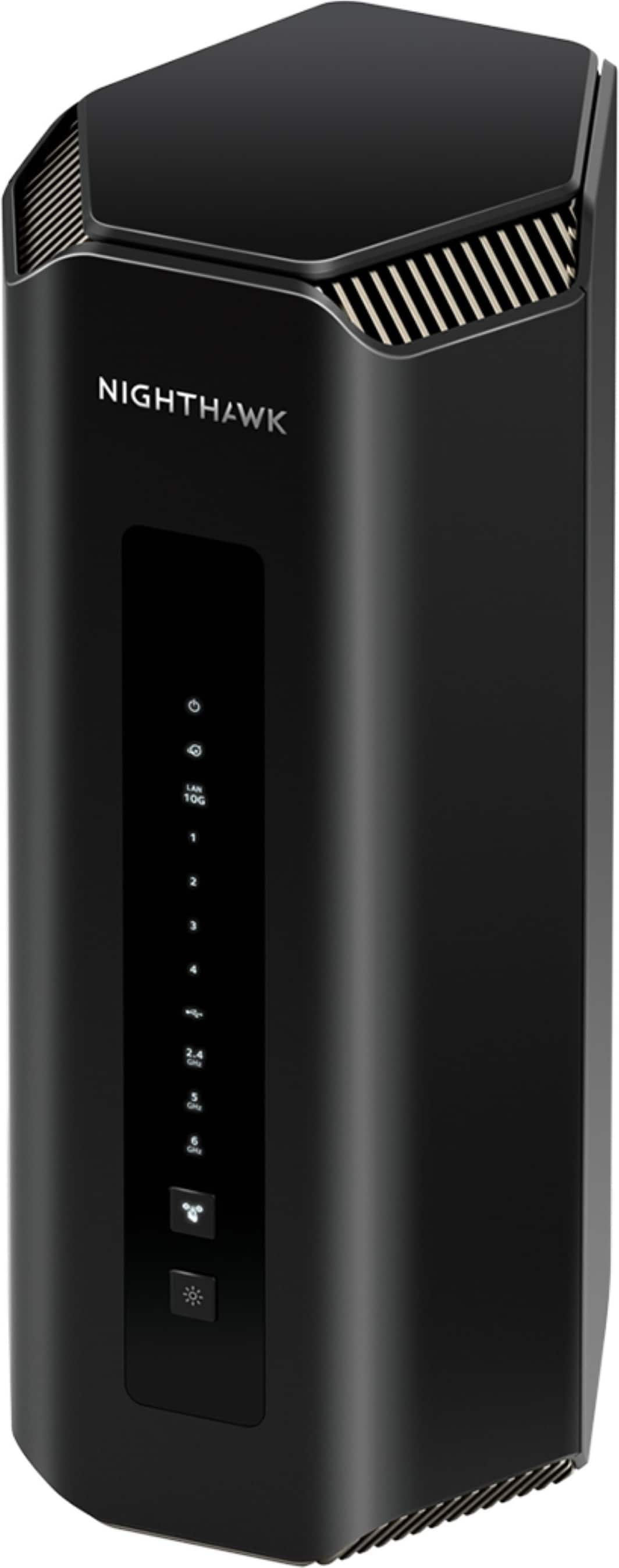
NETGEAR - Nighthawk WiFi 7 Router RS700S Up to 3,500 sq ft, 19 Gbps, Reliable Performance, Easy Set Up, 200 devices - Black
About this product
A black tri-band Wi-Fi 7 router delivering 19Gbps across 3,500 square feet for 200 devices.
What customers like
(357)$599.99 Your price for this item is $599.99 -
8
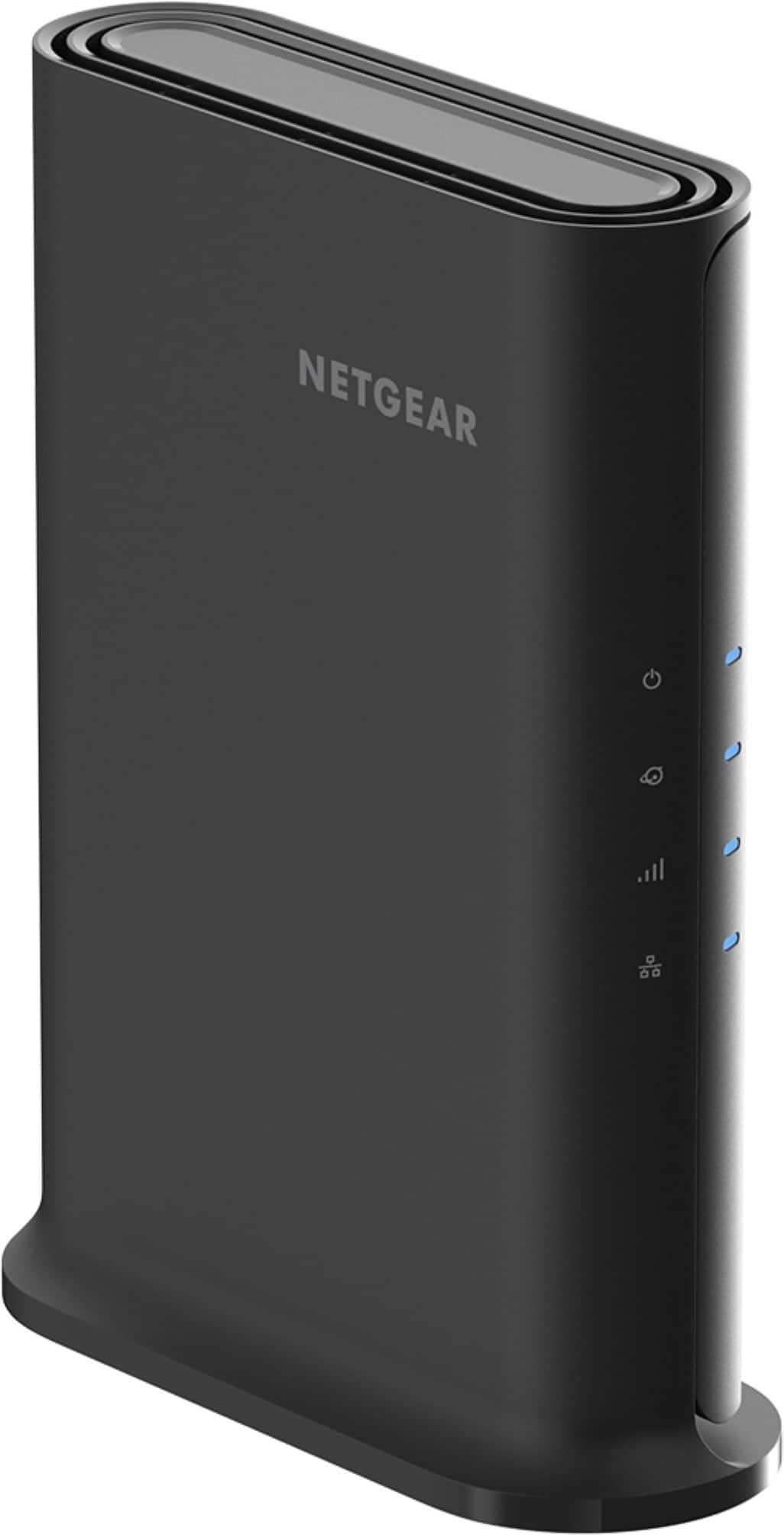
NETGEAR - Nighthawk AX1600 Dual-Band Wi-Fi 6 Router - Black
About this product
A dual-band black Wi-Fi 6 router offering fast speeds, strong security, and coverage for 20 devices.
(1)$79.99 Your price for this item is $79.99 -
9
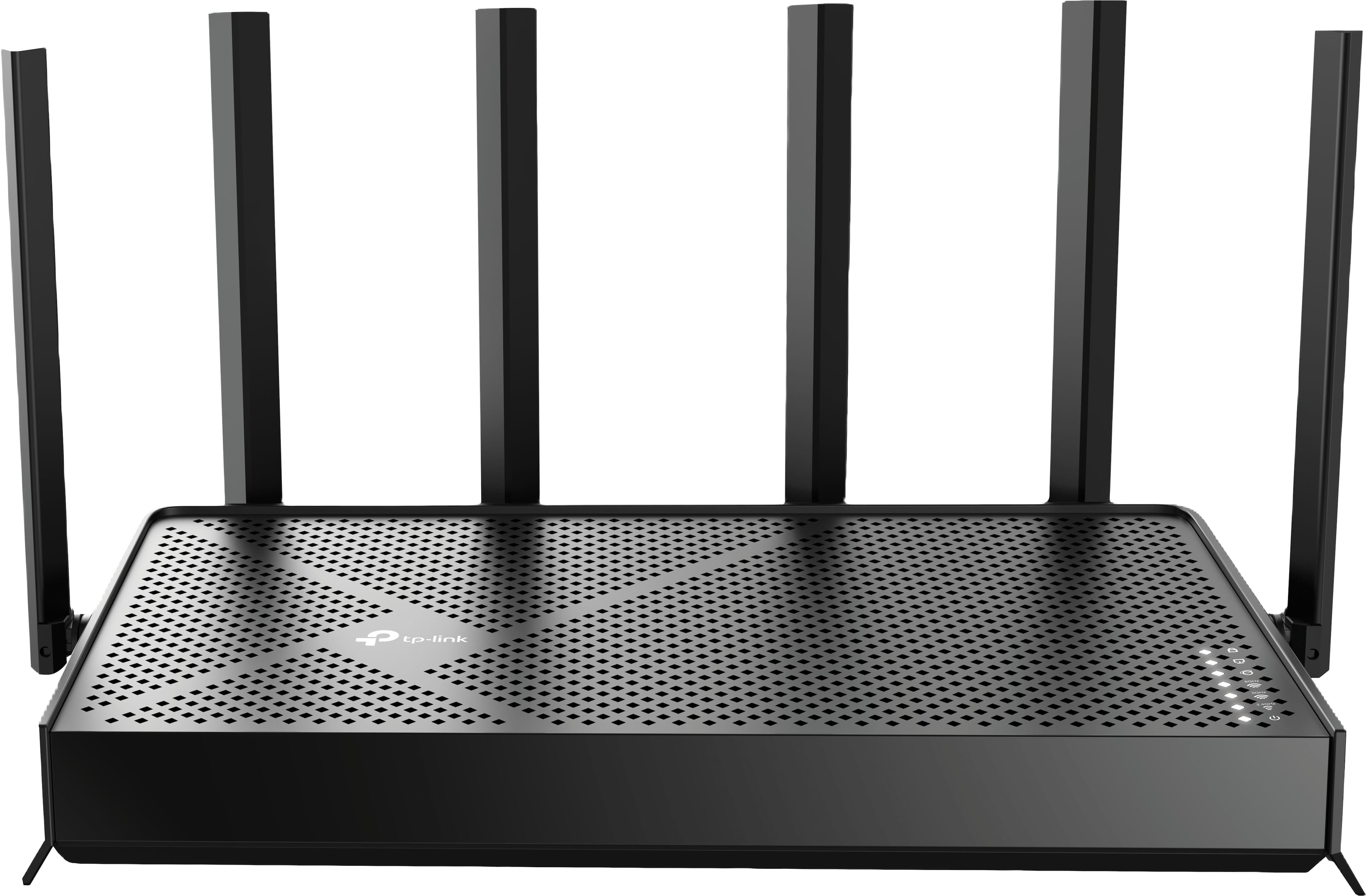
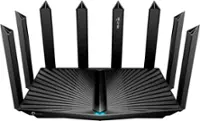
TP-Link - Archer BE9500 Tri-Band Wi-Fi 7 Router plus 1 Year of HomeShield Premium Service - Black
About this product
A black tri-band Wi-Fi 7 router delivering up to 9.5 Gbps speeds with advanced security features.
(7)$199.99 Your price for this item is $199.99 -
10
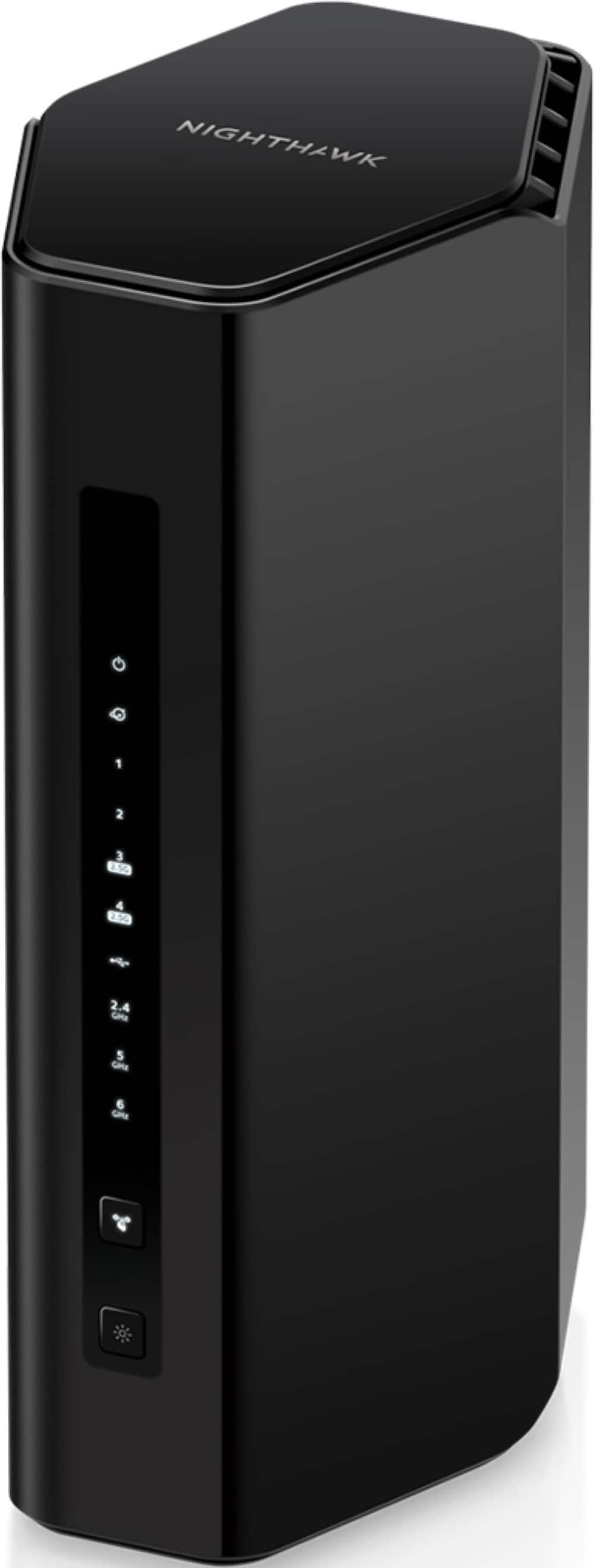
NETGEAR - Nighthawk WiFi 7 Router RS300 Up to 2,500 sq ft, 9.3 Gpbs, Reliable Performance, Easy Set Up, 100 devices - Black
About this product
A black tri-band Wi-Fi 7 router delivering up to 9.3Gbps for 100 devices with MU-MIMO.
What customers like
(398)$299.99 Your price for this item is $299.99
Best Router for PS5
FAQs
Check the Wi-Fi standards, frequency bands, and security settings supported by your PS5 model and the router. A router with a newer Wi-Fi standard can generally connect devices that use earlier standards, provided they share a compatible band and security setting.
Connect an Ethernet cable from the PS5 console’s LAN port to an available LAN port on the router. Then open the console’s network settings and set up a wired internet connection.
Dual-band routers typically offer 2.4 GHz and 5 GHz Wi-Fi bands. Tri-band routers add another band, which may be a second 5 GHz band or a 6 GHz band. Your PS5 can connect only to bands supported by its particular model.
An SSID is the name of a Wi-Fi network. In your PS5 console’s network settings, select your router’s network name and enter the Wi-Fi password. Routers may use one network name for multiple bands or separate names for each band.
A modem connects your home network to an internet provider through a compatible service connection, while a router shares that connection with your PS5 and other devices through Wi-Fi or Ethernet. Some internet setups use a gateway that combines modem and router functions.