Best Router For Multiple Devices
-
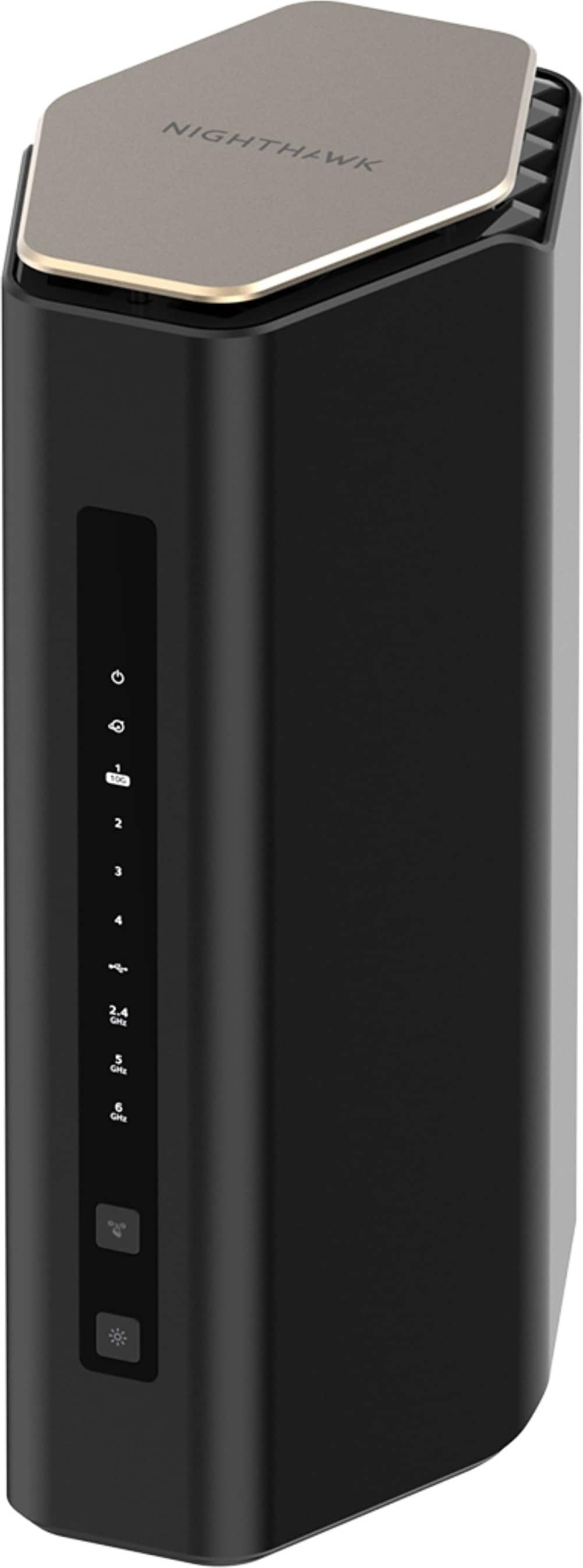
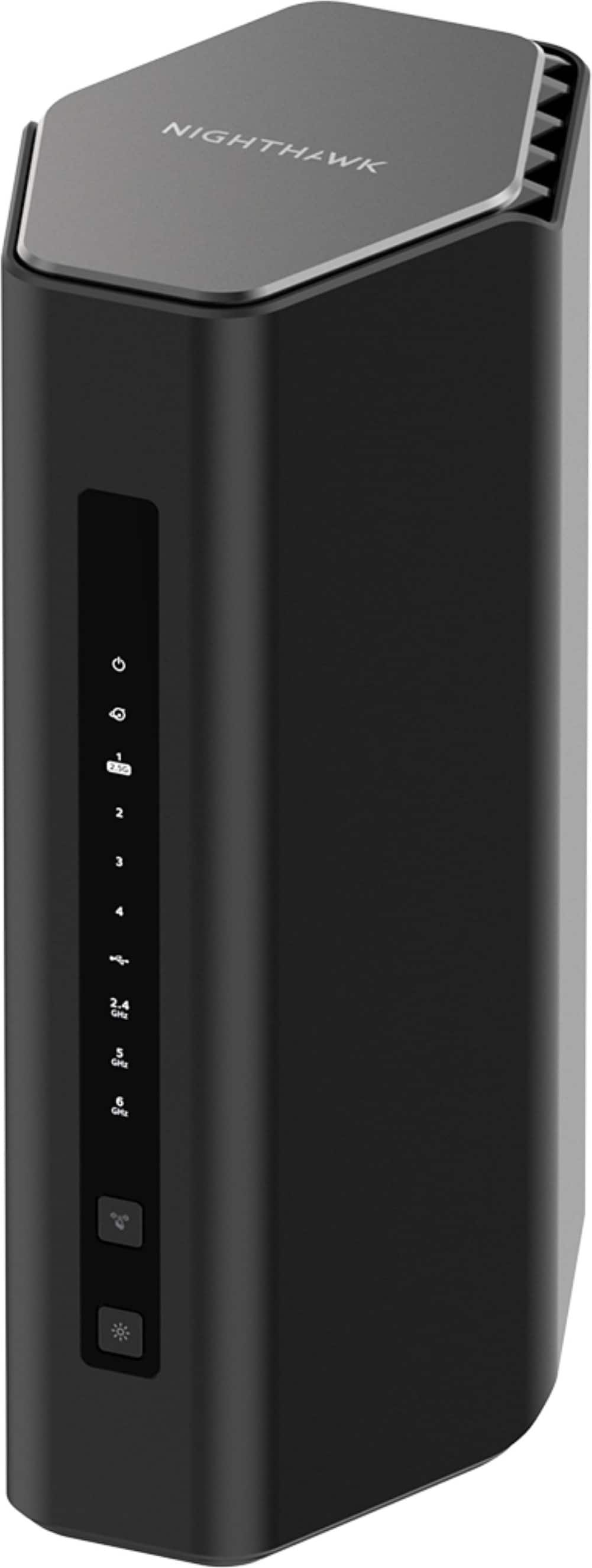
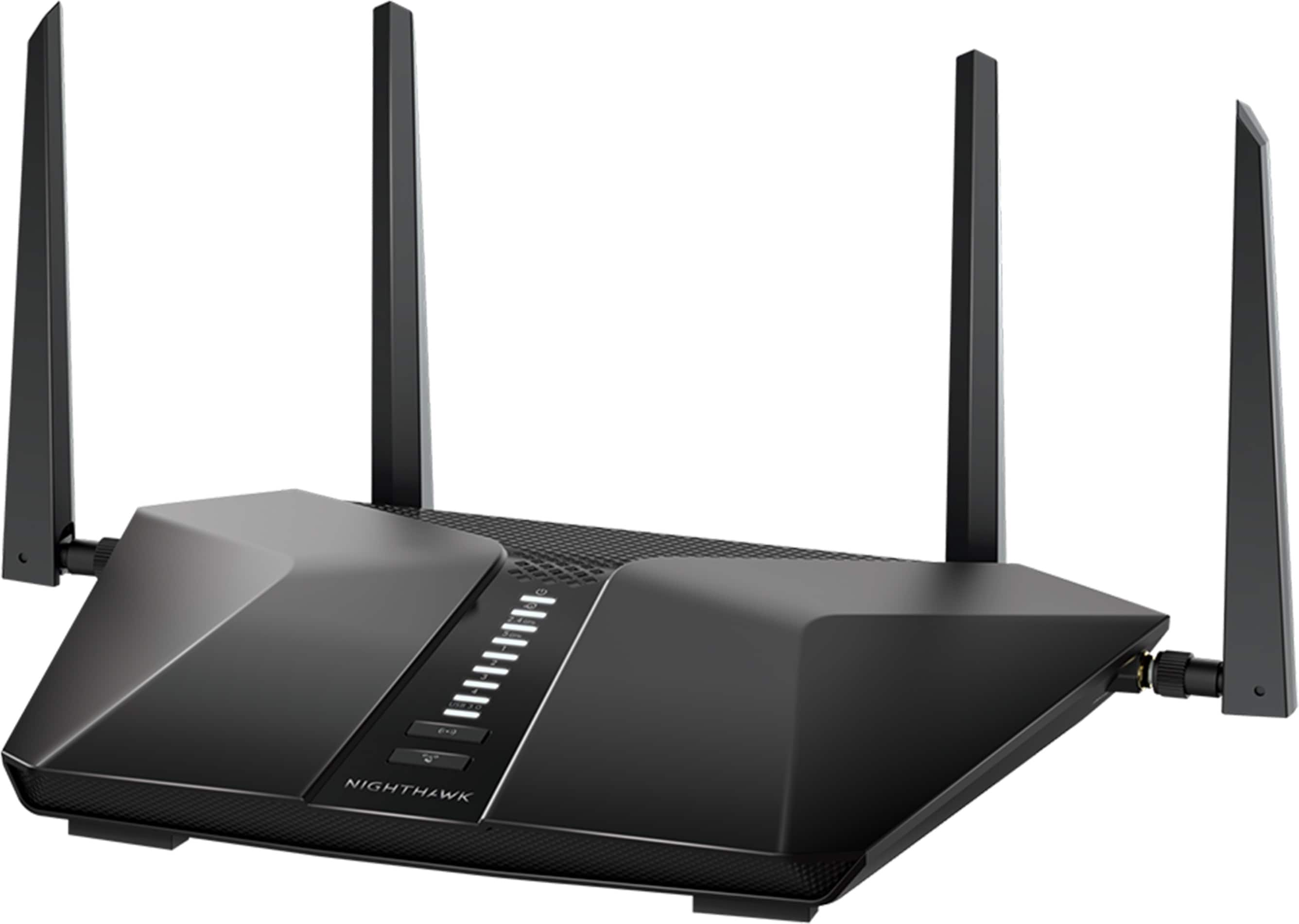
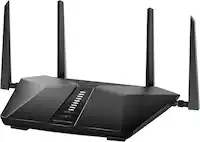
NETGEAR - Nighthawk WiFi 7 Router RS600 Up to 3,300 sq ft, 18 Gbps, Reliable Performance, Easy Set Up, 150 devices - Black
SKU: J2VY7Y578HThis was a great addition to my network. I recommend it for anyone looking for the best....Best Router...got the NETGEAR cable modem (CM3000) along with this router and it is the best decision I ever...
See all Wi-Fi RoutersProduct Description
A black tri-band Wi-Fi 7 router delivering up to 18 Gbps with four LAN ports.Your price for this item is $499.99 -
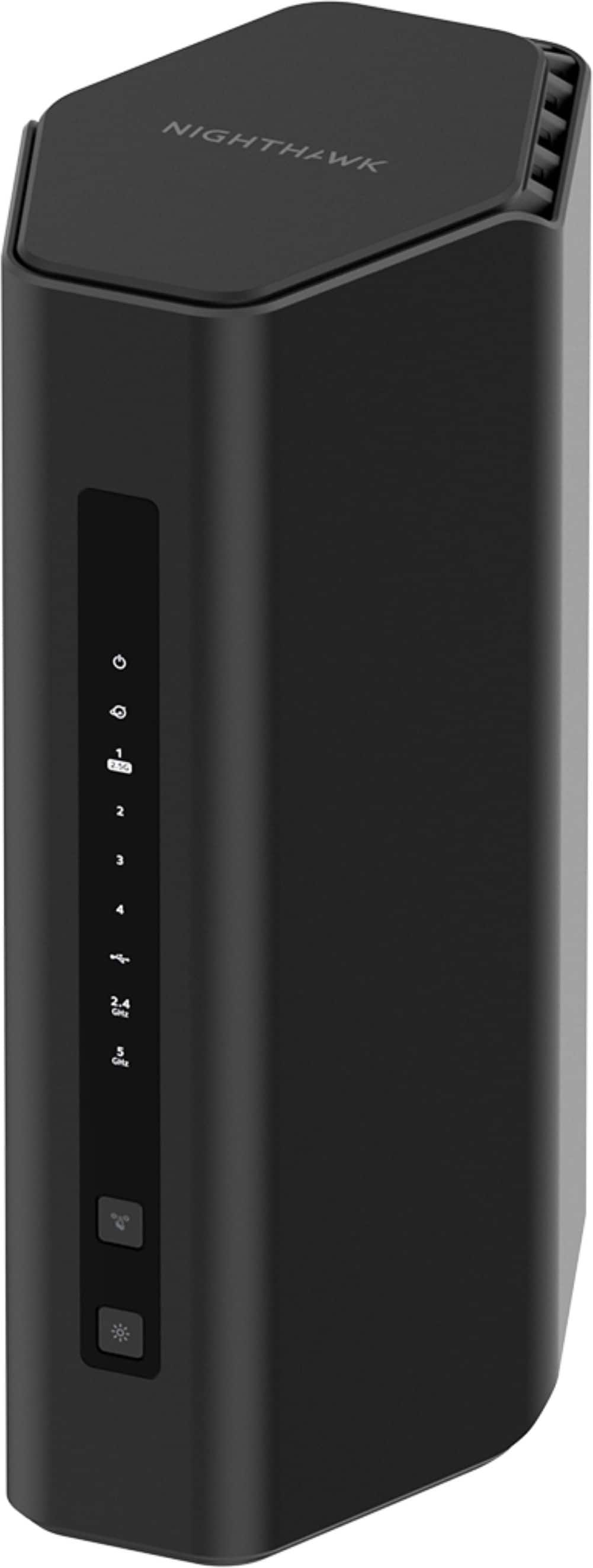
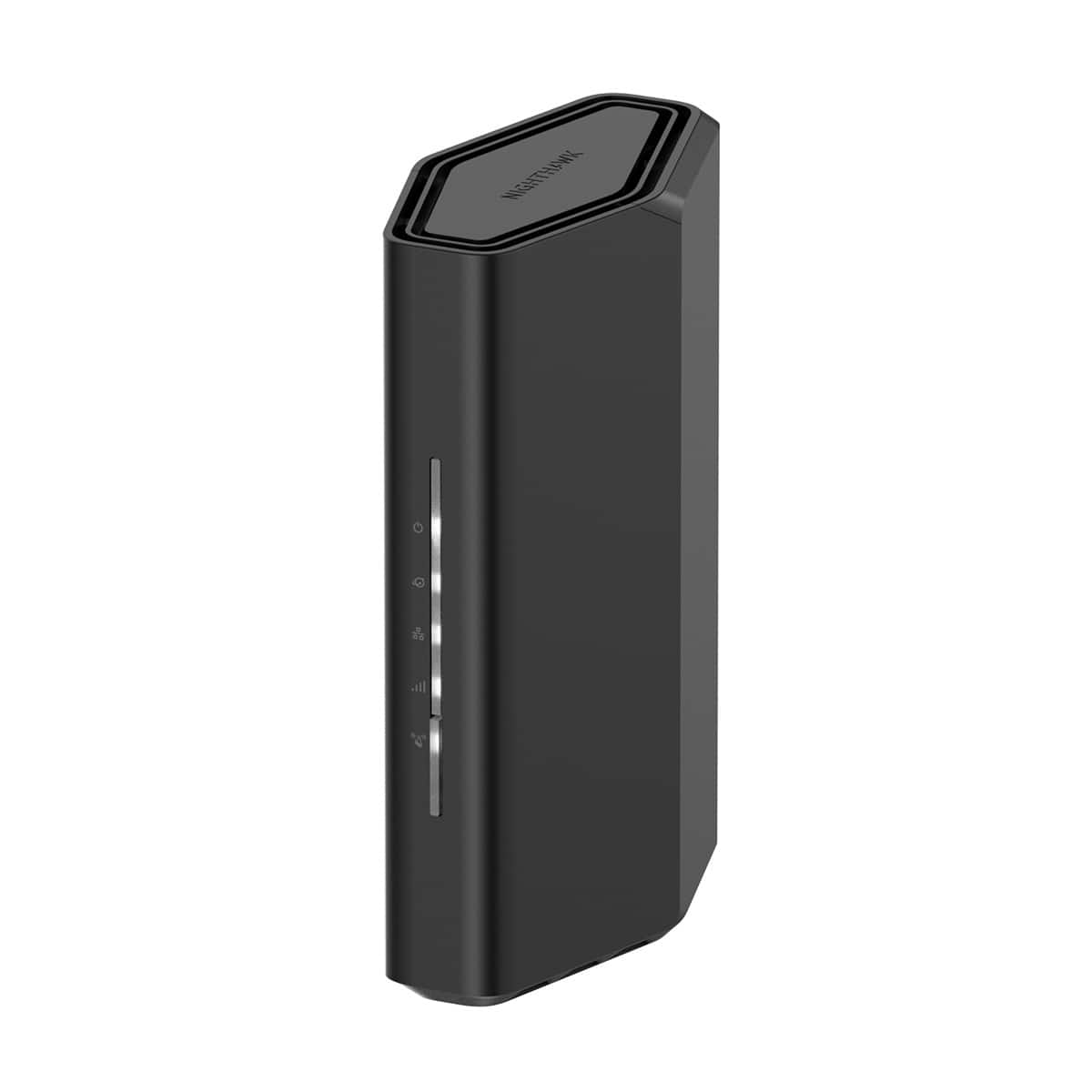
NETGEAR - Nighthawk WiFi 7 Router RS200 Up to 2,500 sq ft, 6.5 Gbps, Reliable Performance, Easy Set Up, 80 devices - Black
SKU: J2VY7Y45SLGreat router!! It is super faster!! Wifi 7 is the best!...Great Service...Great service . Always use Best Buy with my Total Tech Membership.
See all Wi-Fi RoutersProduct Description
A black dual-band Wi-Fi 7 router delivering 6.5 Gbps speeds, MU-MIMO, OFDMA, four Ethernet ports, and USB file sharing.Your price for this item is $229.99 -
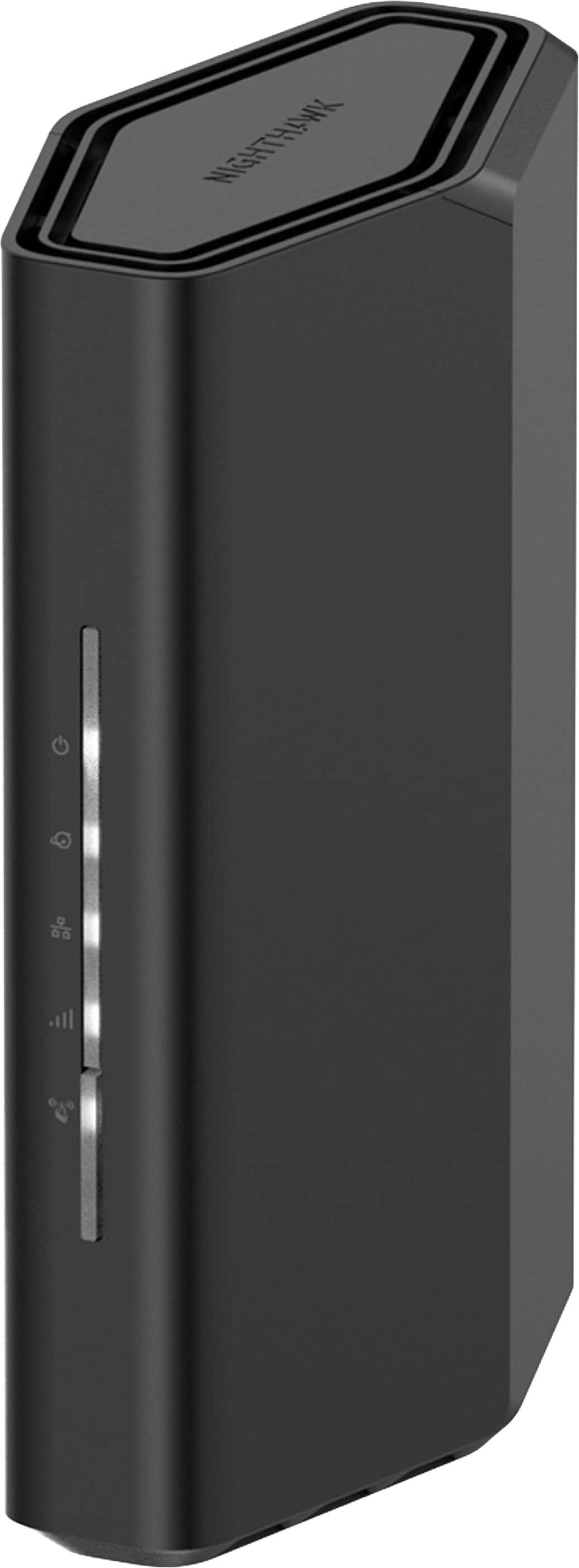
NETGEAR - Nighthawk WiFi 7 Router RS150 Up to 2,250 sq ft, 5 Gbps, Reliable Performance, Easy Set Up, 80 devices - Black
SKU: J2VY7Y57V2Love it...It is vary good easy to setup amd eazy to work with love the app and it runs fast...This is the best Router I have ever purchased, easy set, speed are fantastic
See all Wi-Fi RoutersProduct Description
A black dual-band Wi-Fi 7 router delivering up to 5 Gbps, four Ethernet ports, and coverage for 80 devices.Your price for this item is $199.99 -
NETGEAR - Nighthawk WiFi 7 Router RS300 Up to 2,500 sq ft, 9.3 Gpbs, Reliable Performance, Easy Set Up, 100 devices - Black
SKU: J2VY7Y44LHGreat router way better than my last one night hawk the best...Works great with Glo Finer. Netgear seems to make the best routers.
See all Wi-Fi RoutersProduct Description
A black tri-band Wi-Fi 7 router delivering up to 9.3Gbps for 100 devices with MU-MIMO.Your price for this item is $299.99 -
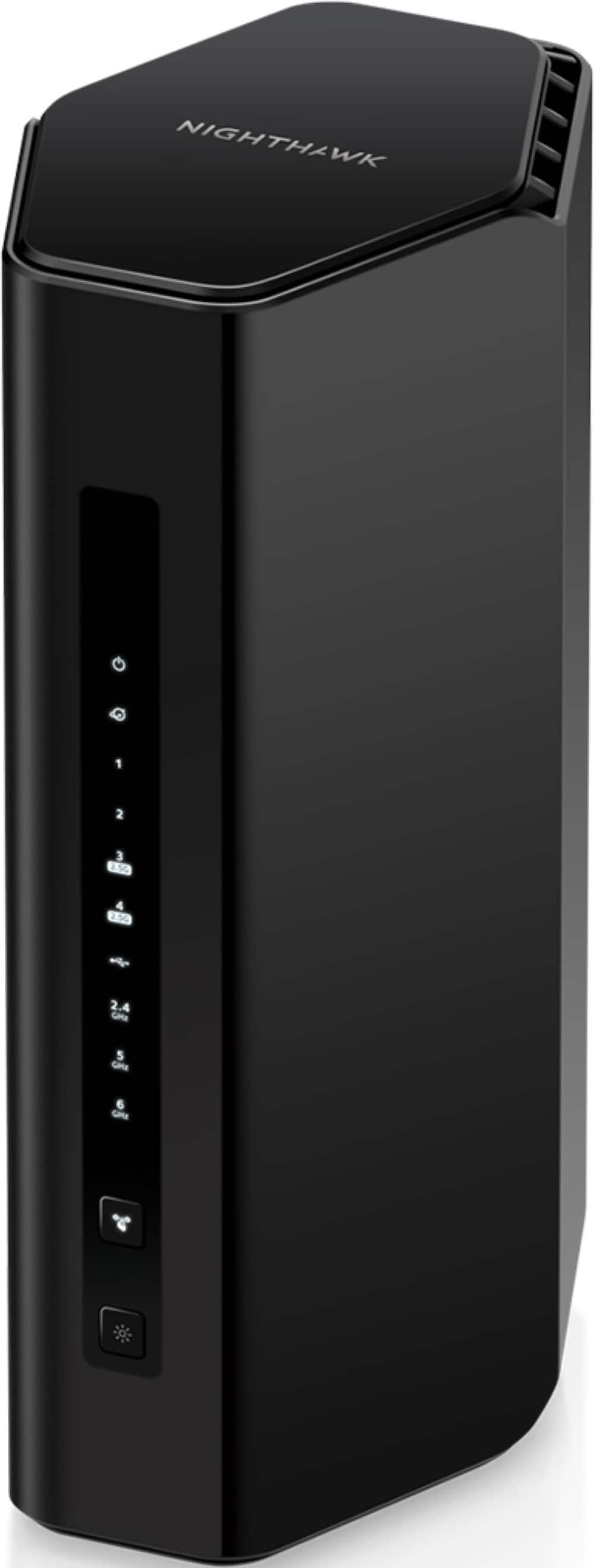
NETGEAR - Nighthawk WiFi 7 Router RS500 Up to 3,000 sq ft, 12 Gbps, Reliable Performance, Easy Set Up, 120 devices - Black
SKU: J2VY7Y45ZXWe have used 3 different routers and this one is the best. The app is super easy to work with....The best router l have ever used and is great for gaming. Just wonderful....Wi-fi works great super fast...
See all Wi-Fi RoutersProduct Description
A black tri-band Wi-Fi 7 router delivering 12 Gbps with MU-MIMO, OFDMA, and Ethernet connectivity.Your price for this item is $399.99 -
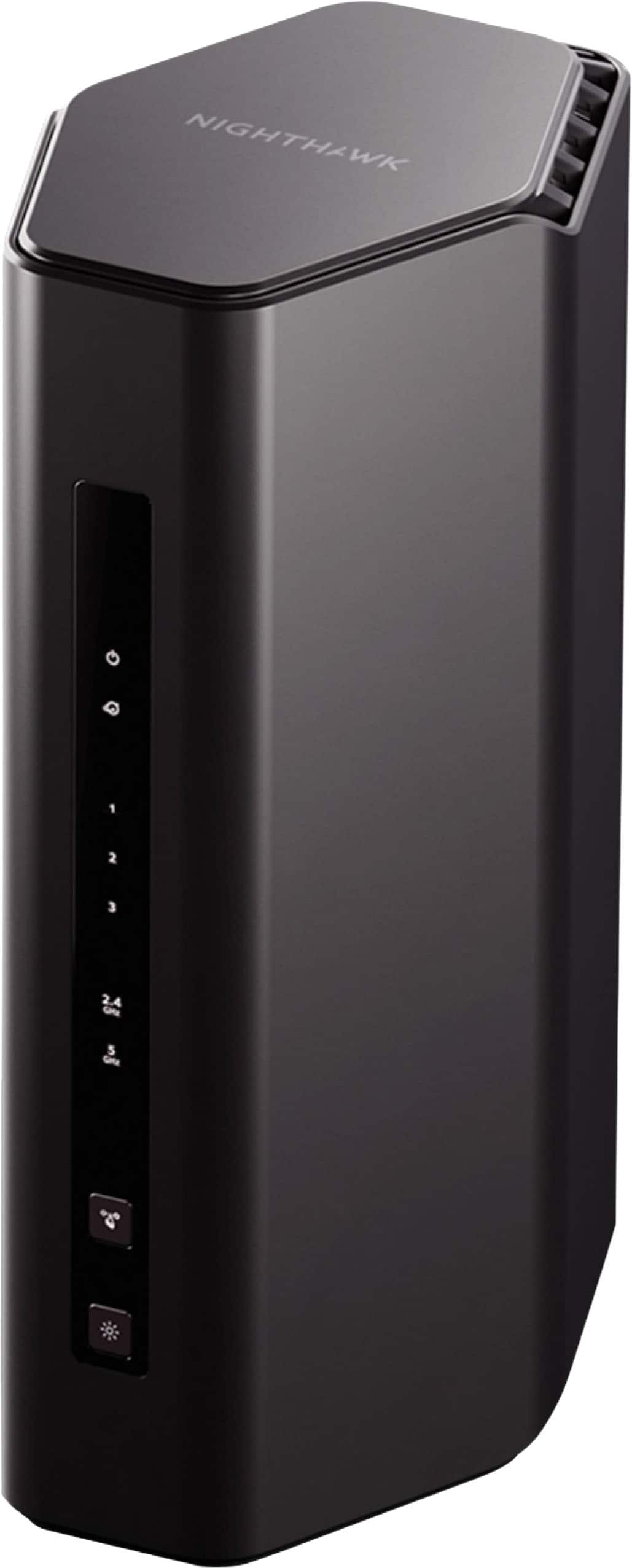
NETGEAR - Nighthawk WiFi 7 Router RS100 Up to 2,000 sq ft, 3.6 Gbps, Reliable Performance, Easy Set Up, 50 devices - Black
SKU: J2VY7Y57ZSGreat router recommended by best buy staff. Works very well...Great quality. Best buy has fast and friendly services.
See all Wi-Fi RoutersProduct Description
A dual-band Wi-Fi 7 router delivering speeds up to 3.6Gbps, four Ethernet ports, and app-based setup.Your price for this item is $149.99 -
NETGEAR - Nighthawk WiFi 7 Router RS70 Up to 2,000 sq ft, 3.1 Gbps, Reliable Performance, Easy Set Up, 50 devices - Black
SKU: J2VY7Y5CW8Best in Class...Great, easy to step up product...Easy set up and love the app that comes with it to add devices and monitor
See all Wi-Fi RoutersProduct Description
A black dual-band Wi-Fi 7 router delivering 3.1 Gbps, MU-MIMO, OFDMA, advanced security, and support for 50 devices.Your price for this item is $109.99 -
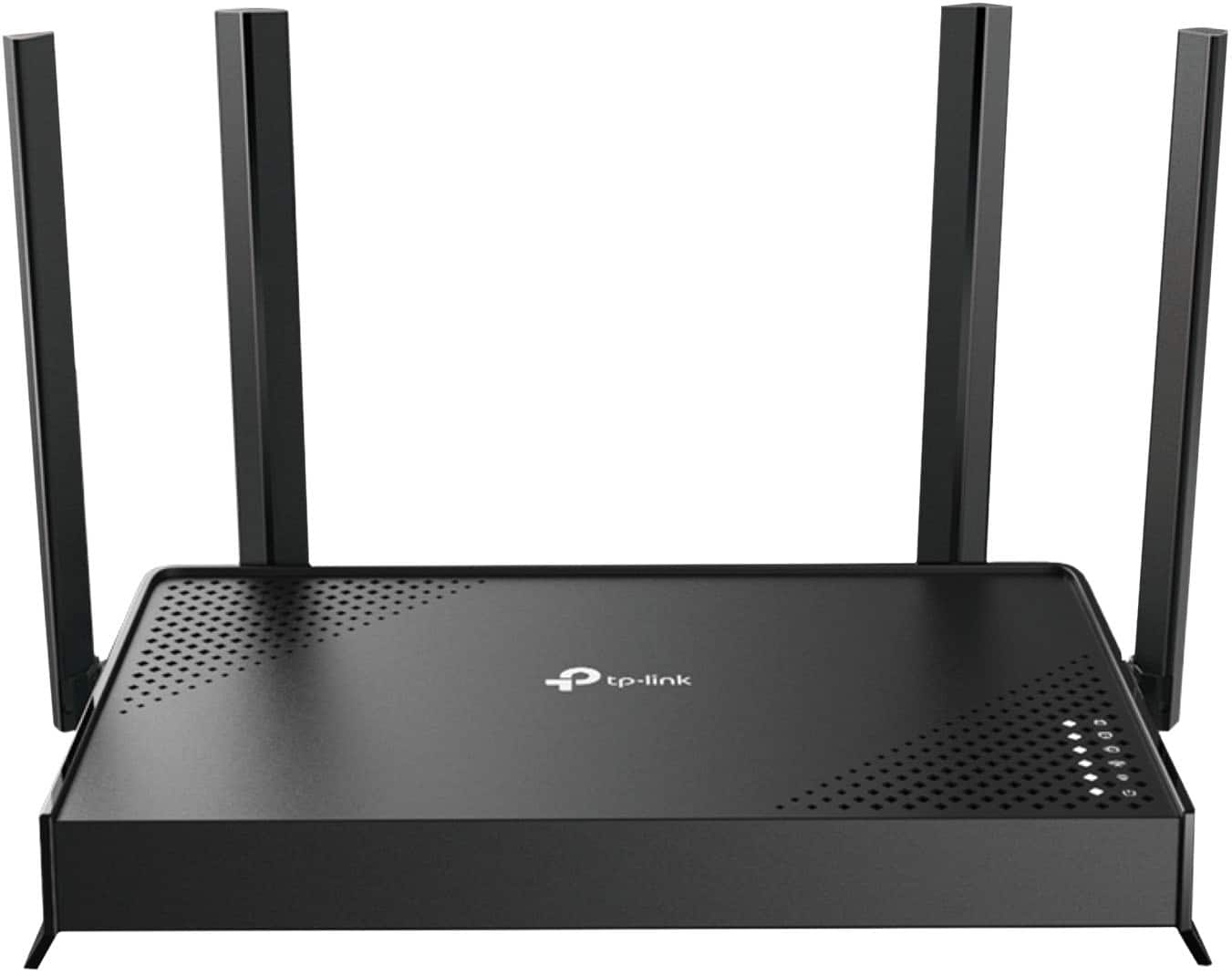
TP-Link - Archer BE3500 Dual-Band Wi-Fi 7 Router - Black
SKU: J39T6X2WTYEasy setup great price...Works great I love it best for the price easy to detup...Great router...works great for the price. easy set up which was the best part.
See all Wi-Fi RoutersProduct Description
A dual-band black Wi-Fi 7 router offering up to 3.5 Gbps speeds and four Gigabit ports.Your price for this item is $89.99Save $10The previous price was $99.99 -
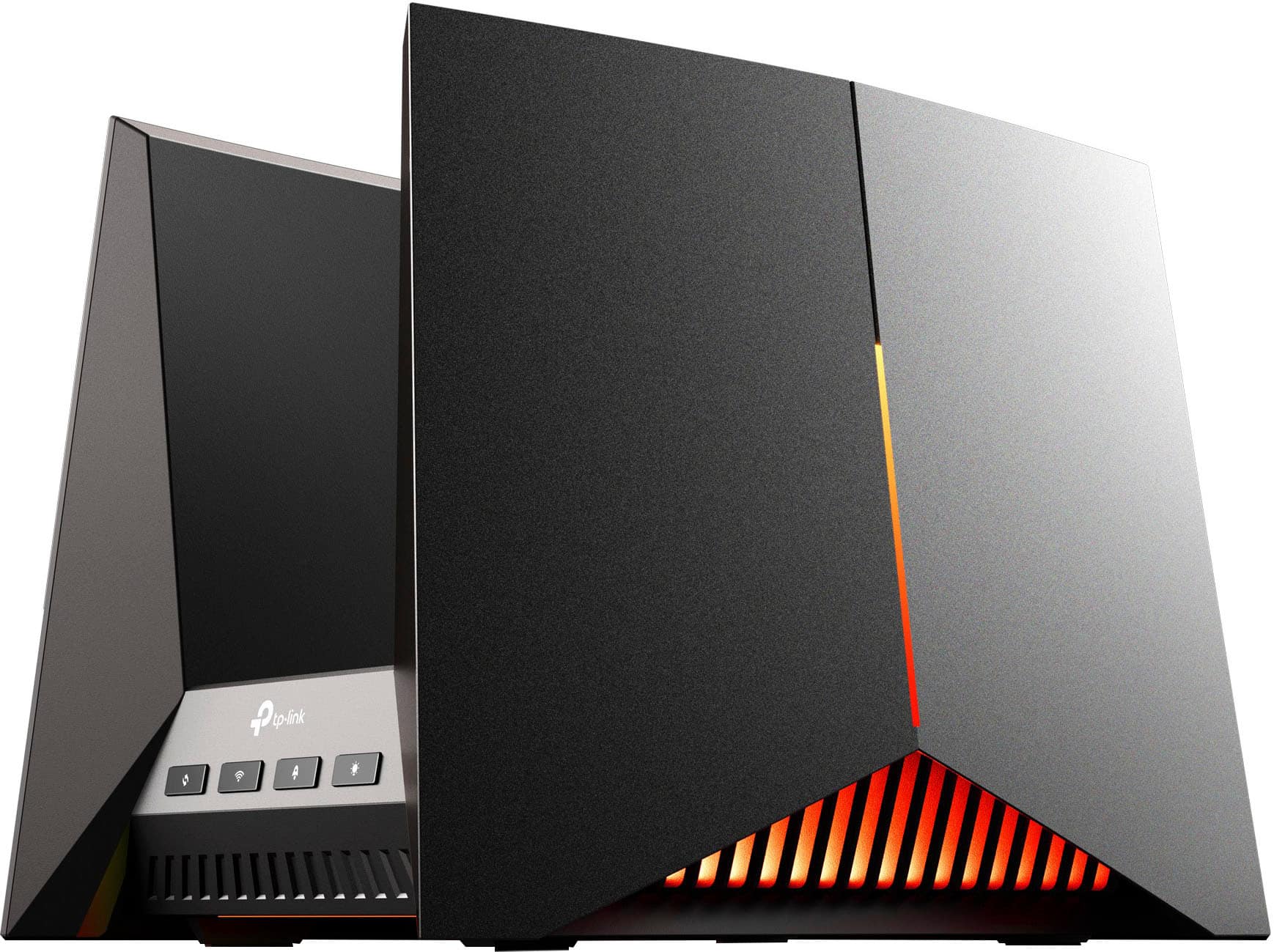
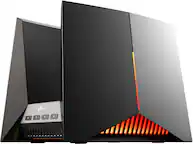
TP-Link - BE19000 Tri-Band Wi-Fi 7 Gaming Router - Black/Red
SKU: J39QK2QYCVGreat router. Love the design and works like a charm...Best of the Best...Best Router we ever had!!!The MLO network is extremely reliable. Wifi 7 is amazing! Very stable.
See all Wi-Fi RoutersProduct Description
A tri-band Wi-Fi 7 gaming router in black and red with fast speeds, parental controls, and encryption.Your price for this item is $478.99Save $121The previous price was $599.99 -
NETGEAR - Nighthawk AX4200 Dual-Band Wi-Fi Router - Black
SKU: J2VY7YZW93Love it...This was my best purchase by far!!! Speed and performance is amazing!!!...The best In the business...Very easy setup love the two security questions two ways of getting into your account love...
See all Wi-Fi RoutersProduct Description
A dual-band black Wi-Fi 6 router with up to 4.2 Gbps speeds and advanced security features.Your price for this item is $319.99
Best Sellers
Related Pages




FAQ
When choosing a router for multiple devices, look for features such as dual- or tri-band connectivity, MU-MIMO technology, high-speed Wi-Fi standards (like Wi-Fi 6), and strong processor performance. These features help ensure smooth connections and minimize lag when many devices are connected at once.
MU-MIMO (Multi-User, Multiple-Input, Multiple-Output) technology allows a router to communicate with several devices simultaneously, rather than one at a time. This results in faster overall speeds and a more stable connection for each device, making it ideal for busy homes or offices.
Yes, Wi-Fi 6 (also known as 802.11ax) is specifically designed to handle more devices efficiently. It offers improved speed, capacity, and reduced latency, making it an excellent choice for environments where many devices are connected at once.
Absolutely. Mesh Wi-Fi systems use multiple access points to provide seamless coverage throughout your home or office. This ensures all your devices stay connected with strong, consistent signals, even in larger spaces or areas with Wi-Fi dead zones.
To optimize performance, place your router in a central location, keep firmware updated, enable Quality of Service (QoS) settings to prioritize traffic, and consider using wired connections for high-bandwidth devices when possible. These steps help ensure everyone gets the best possible connection.