Blue Laser Mouse
-
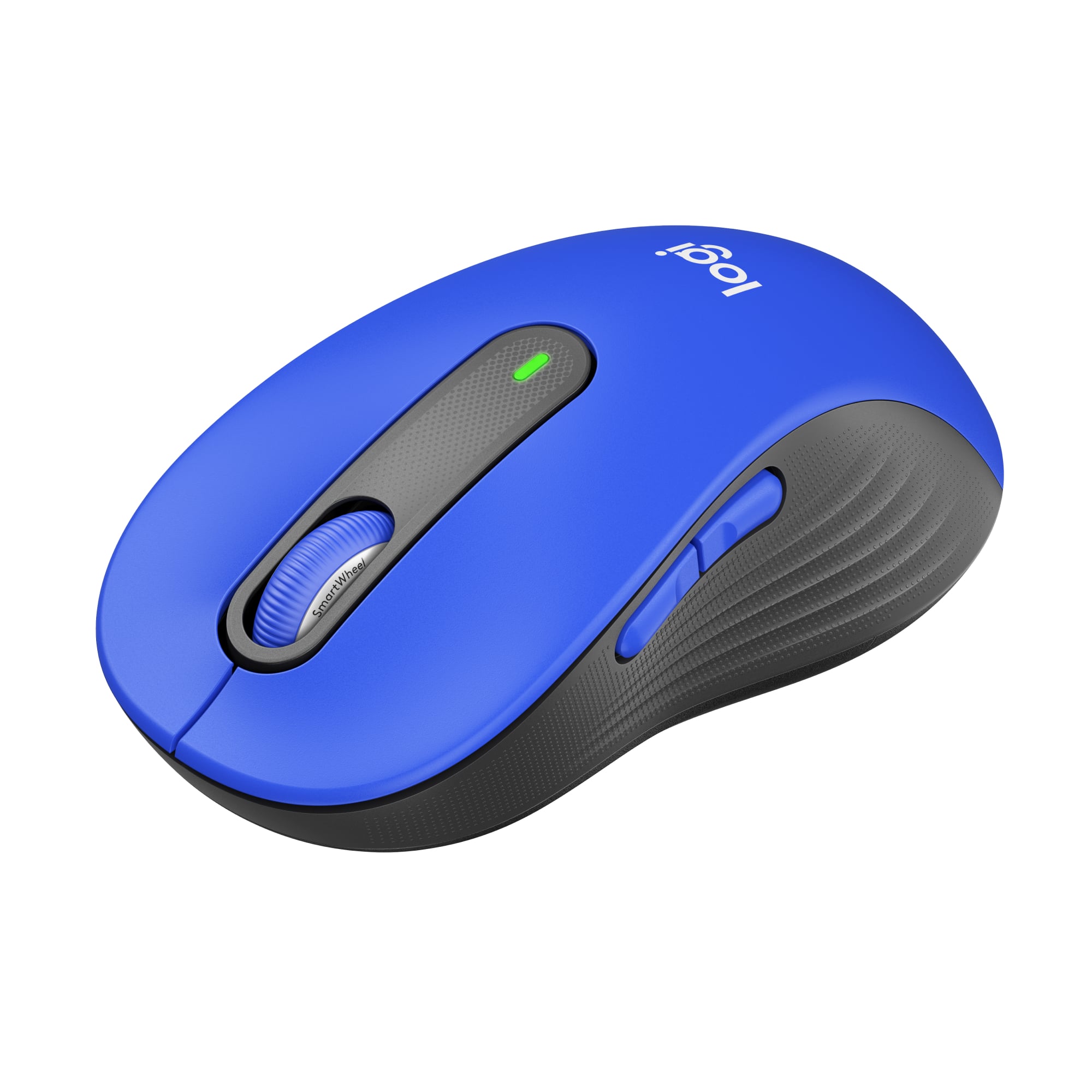
Logitech - Signature M650 L Full-size Wireless Optical Scroll Mouse with Silent Clicks - Wireless - Blue
SKU: J7H7ZY3W2QThis mouse is great my older mouse that came with the pc died so I purchased this one it is really comfortable...Love this mouse! Love Best Buy and the Geek Squad....I love Best Buy + am a long time loyal...
See all MiceProduct Description
A blue wireless mouse featuring silent clicks, SmartWheel scrolling, customizable buttons, and ergonomic comfort for productivity.Your price for this item is $33.99Save $6The previous price was $39.99 -
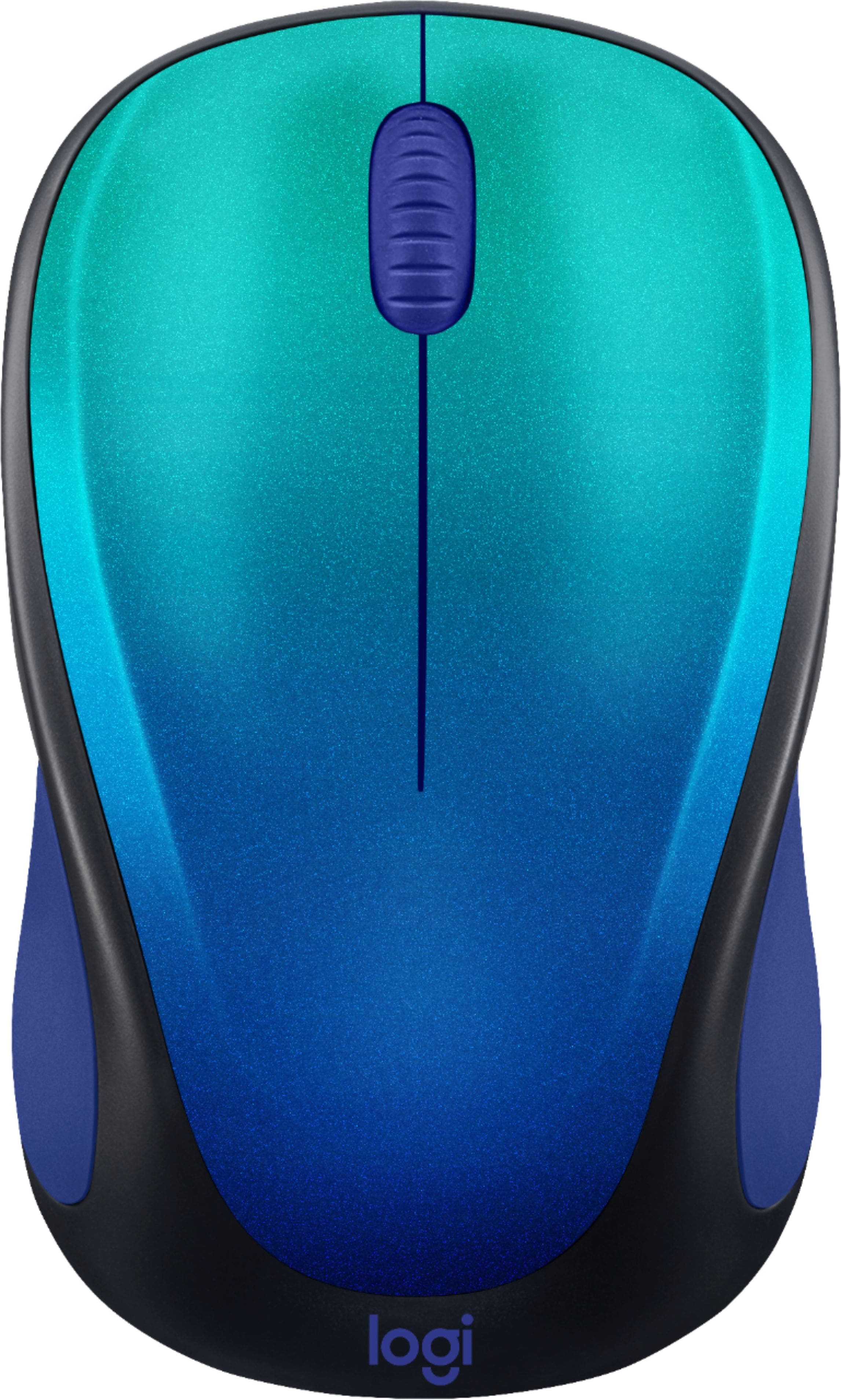
Logitech - Design Collection Limited Edition Wireless 3-button Optical Ambidextrous Mouse with Colorful Designs - Wireless - Blue Aurora
SKU: J7H7ZY3HHSLove the design!...Love it and would buy another one on the future. Best buy is convenient and has great products....Logitech makes the best mini-mouse...Love this small mouse, easy to carry works great...
See all MiceProduct Description
A compact, ambidextrous wireless mouse in Blue Aurora with three buttons and vibrant, mood-boosting design.Your price for this item is $22.99 -
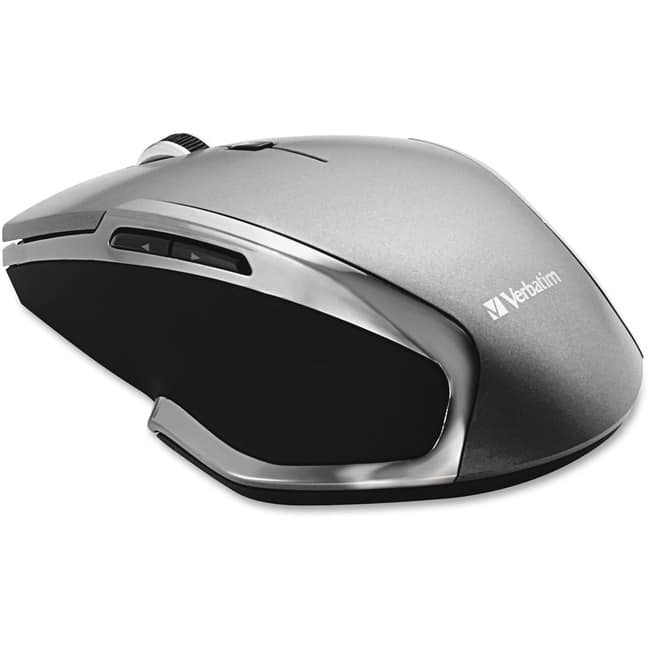
Verbatim - Wireless Notebook 6-Button Deluxe Blue LED Mouse - Blue LED/Optical - Wireless - Radio Frequency - Wireless - Graphite
SKU: J72FJKJCFWSee all Wireless & Bluetooth MiceProduct Description
A wireless graphite and blue LED mouse with six buttons and ergonomic design for versatile navigation.Your price for this item is $28.99Save $3The previous price was $32.89 -
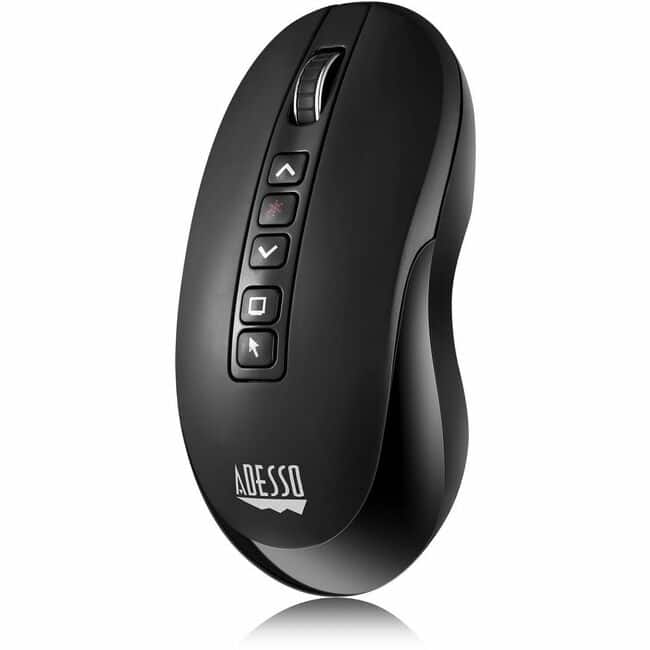
Adesso - Air Mouse Wireless Multifunctional Presenter Mouse - Travel Mouse - Laser - Wireless - 100 ft - Radio Frequency - Wireless - Black
SKU: J32P877ZXGSee all Wireless & Bluetooth MiceProduct Description
A black wireless presenter mouse with laser pointer and 100 ft range, ideal for travel and presentations.Your price for this item is $74.67 -
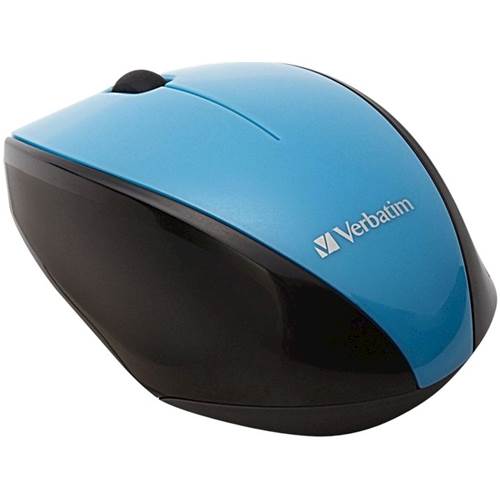
Verbatim - Multi-Trac LED Wireless Optical Mouse - Blue
SKU: J72FJK7T59See all Wireless & Bluetooth MiceProduct Description
A blue ergonomic wireless optical mouse with LED tracking for smooth performance on any surface.Your price for this item is $27.78Save $13The previous price was $41.11 -
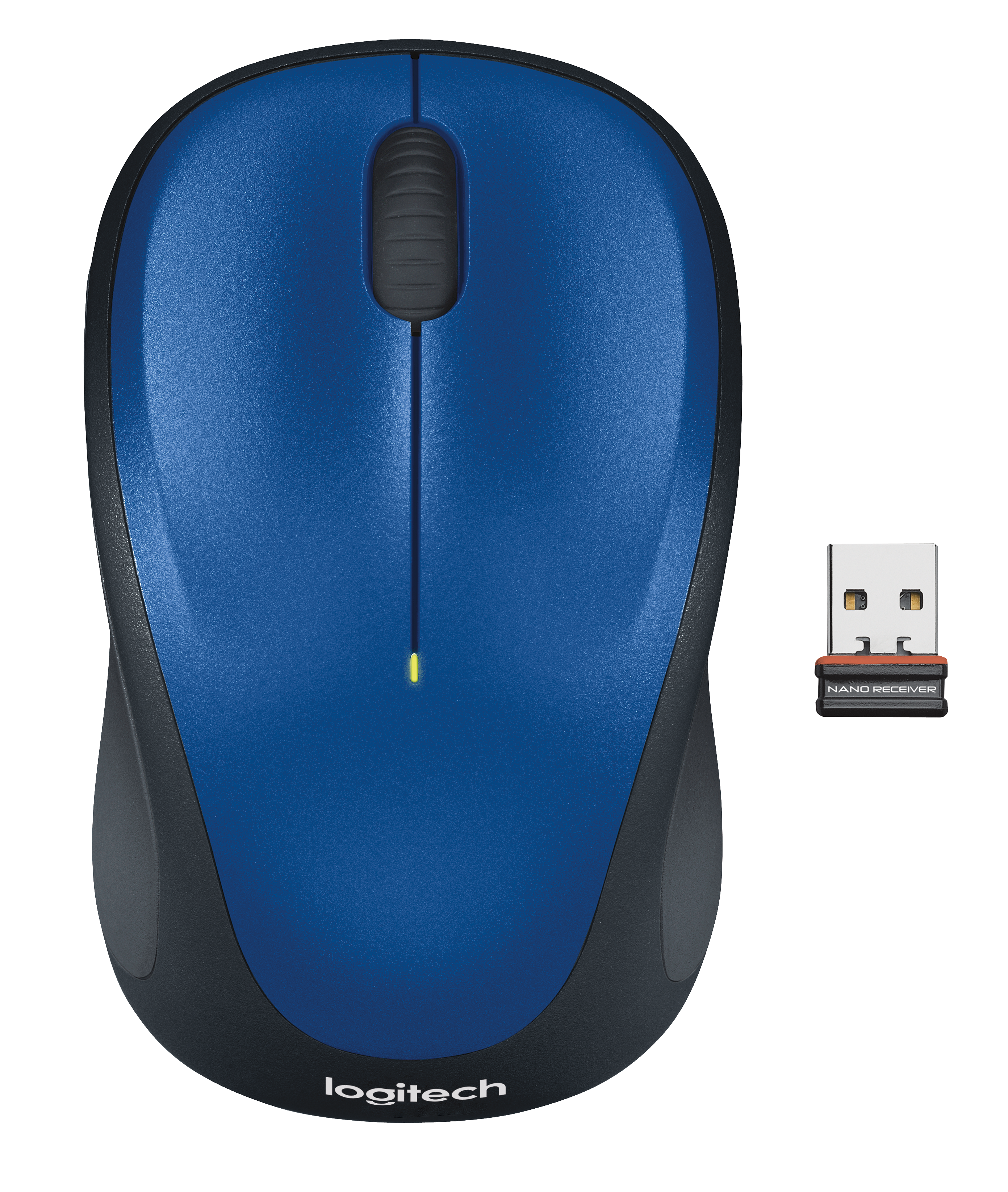
Logitech - M317 Wireless Optical Mouse - Wireless - Blue
SKU: J7H7ZY7YLJWorks Great. I LIKE THE COLOR, SOMTHING DIFFERENT....Great mouse
See all Wireless & Bluetooth MiceProduct Description
A compact blue wireless mouse featuring a contoured design, soft rubber grips, and ambidextrous comfort.Your price for this item is $20.99Save $2The previous price was $22.99 -
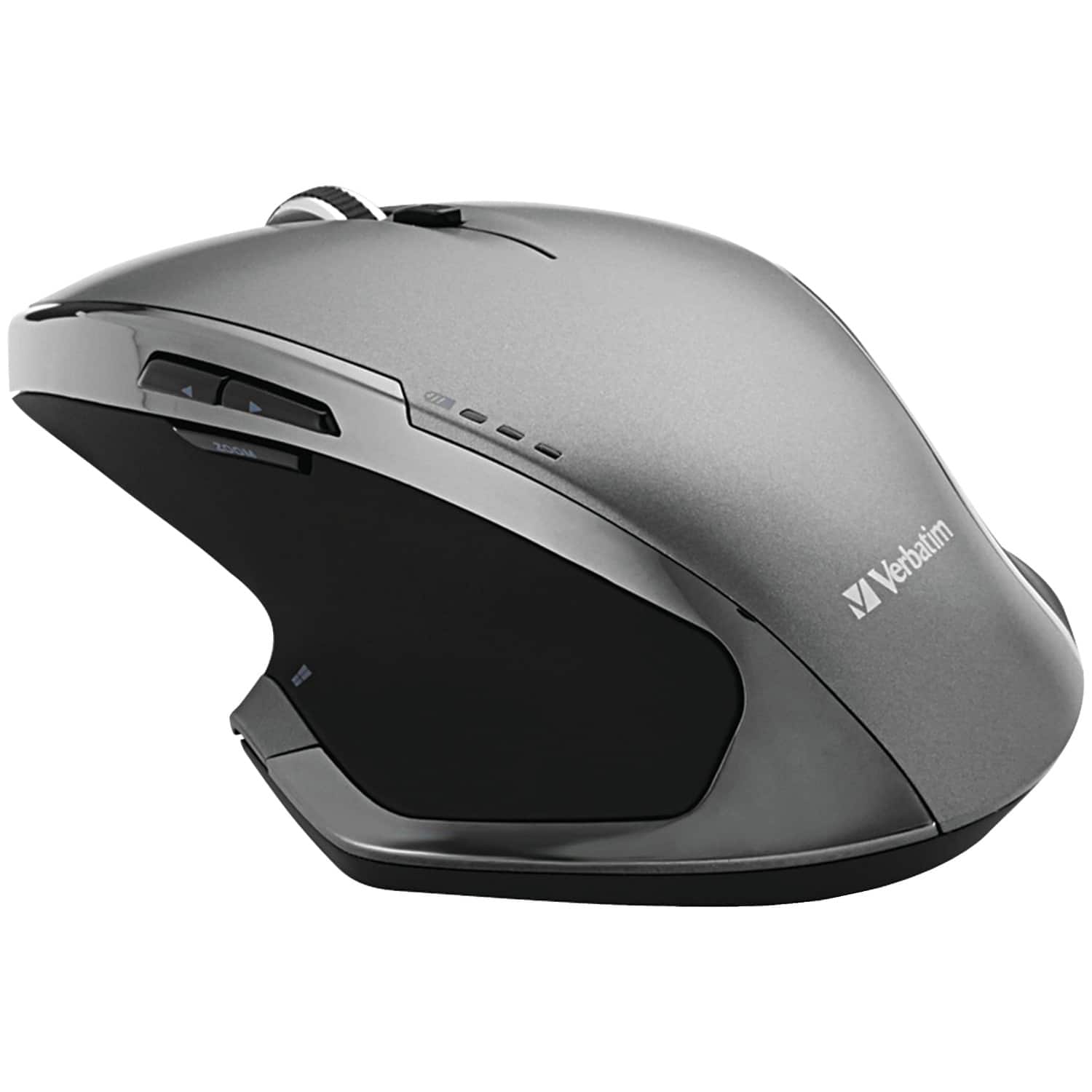
Verbatim - Cordless Deluxe Blue-LED Computer Mouse, Ergonomic, 8 Buttons, 2.4 GHz - Wireless - Graphite
SKU: J72FJKJCV7See all MiceProduct Description
An ergonomic wireless mouse in graphite with 8 buttons and Blue-LED technology for versatile surface tracking.Your price for this item is $42.54 -
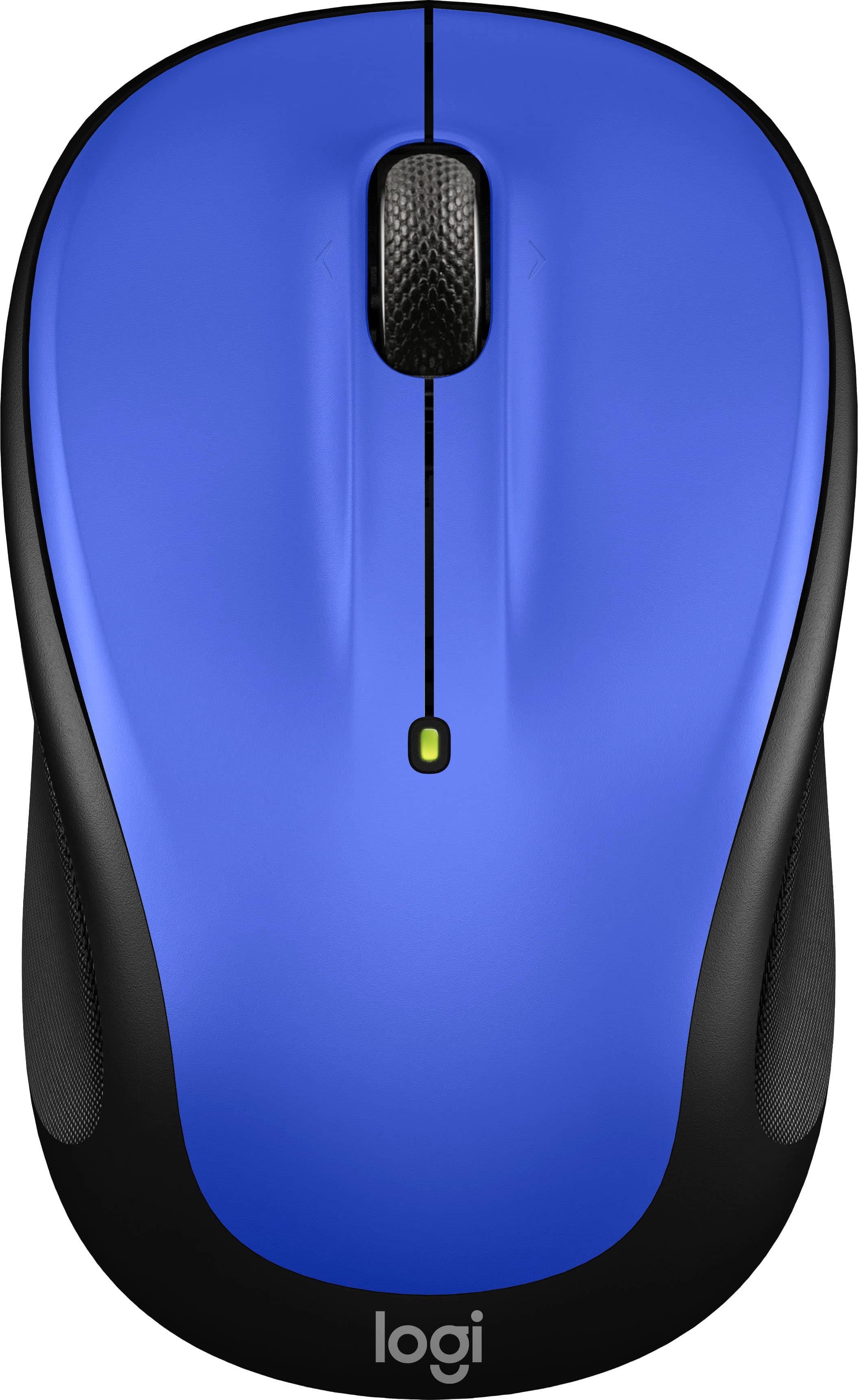
Logitech - M325s Wireless Optical Compact Ambidextrous Mouse - Wireless - Blue
SKU: J7H7ZYGVR4Great Mouse...Logitech mouse is the best. Small for those of us who need it....Product is easy to use in all surfaces, great design. i love it
See all MiceProduct Description
A compact blue wireless mouse featuring ambidextrous design, micro-precise scrolling, and up to 18-month battery life.Your price for this item is $13.99Save $9The previous price was $22.99
Best Sellers





Related Pages


FAQ
A blue laser mouse is a computer mouse that uses blue laser illumination to track movement across a surface. It typically connects to a desktop or laptop through a USB receiver or Bluetooth, depending on the model.
Blue laser mice may connect wirelessly through Bluetooth or a USB receiver, while some models use a wired USB connection. Check the product specifications for the supported connection method.
Many blue laser mice include programmable buttons that can be customized through companion software. Available options may include shortcuts, media controls and application-specific commands.
Most blue laser mice work with common laptop and desktop operating systems, including Windows and macOS. Compatibility can vary by model, so review the listed system requirements before choosing one.
Disconnect the mouse or turn it off, then wipe its exterior with a soft, dry or lightly damp cloth. Use compressed air to remove debris around the buttons and tracking area, following the manufacturer’s care instructions.