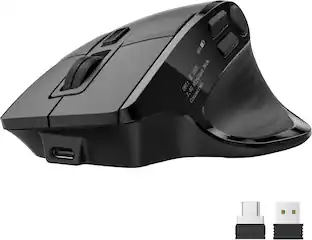
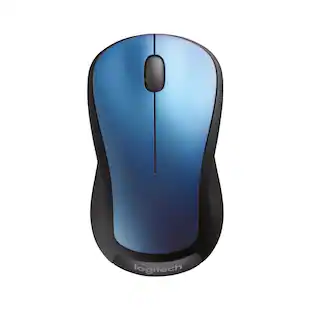
Logitech - M317 Wireless Optical Mouse - Wireless - Blue
Customers are saying
Customers commend the product for its exceptional ease of use, reliable performance, and comfortable ergonomic design that fits well in the hand. Users also appreciate the silent clicking mechanism, the convenience of Bluetooth connectivity, and the variety of attractive color options available. While the device is generally praised for its quiet operation, some users have noted specific feedback regarding the nature of the click noise. Overall, the mouse is highly regarded for its practical size and impressive battery life.
Color
BlueFeatures
Easy Navigation, Precise Control
Logitech M317 wireless mouse features line-by-line scrolling and smooth optical tracking for accurate cursor control on most surfaces.
Long-lasting Battery Life
This cordless computer mouse can last for a whole year without having to change the batteries. ¹
Comfortable, Compact Design
With soft rubber grips and contoured shape, this computer mouse feels comfortable in either your right or left hand.
Plug and Play Simplicity
Just plug the USB receiver into your laptop or PC and start working in seconds; the receiver provides a strong, reliable wireless connection within up to 33 feet. ²
Versatile and Compact
This small and portable external mouse is compatible with Windows, macOS, Chrome OS and Linux, and the compact size and shape fits easily in your laptop case or in a bag.
Works With Chromebook
This mouse is tested and certified as Works With Chromebook, which means it meets Google’s compatibility standards and works seamlessly with your Chromebook.³
At Home or in the Office
Small and portable, M317 is equally great for working at home, in the office, or on the go.
Specifications
- Lighting TypeNoneMaximum Sensitivity1000 dots per inchNumber of Buttons (Total)3Connection TypeWireless
Reviews
Rating 4.8 out of 5 stars with 612 reviews
- Ease of use (114)
- Overall Performance (112)
- Size (70)
- Ergonomics (49)
- Silent Clicks (34)
- Click Noise (27)
Customer Images
The vast majority of our reviews come from verified purchases. Reviews from customers may include My Best Buy members, employees, and Tech Insider Network members (as tagged). Select reviewers may receive discounted products, promotional considerations or entries into drawings for honest, helpful reviews.

Compare similar products

Logitech Wireless Mouse M317. The feel-good, reliable mouse that’s a smooth traveler. You can surf the Web with more comfort and ease—thanks to the contoured design with soft rubber grips. And your mouse is easy to slip into a bag when you want to take it with you.
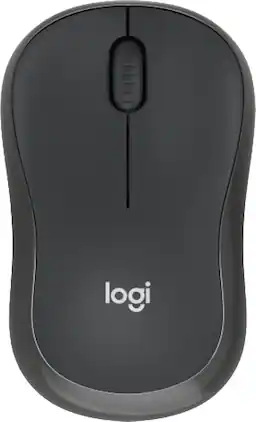
Meet the reliable Logitech M240 Silent Bluetooth Mouse that frees up your workspace. Pair and play with a fast, easy Bluetooth wireless connection; just seconds and you’re connected—no dongle or port required. Ultra quiet-mouse with 90% reduced click sound and same click feel eliminates noise and distractions for you and others around you. 18-month battery life with auto sleep, so you go longer between battery changes. Comfortable, travel-friendly slim mouse is small enough to toss in a bag; the ambidextrous design guides either your right or left hand into a natural position.

Logitech Wireless Mouse M185. A simple, reliable mouse with plug-and-play wireless. You get the reliability of a cord with wireless convenience and freedom—fast data transmission and virtually no delays or dropouts. You’ll enjoy the high quality and reliability that have made Logitech the global leader for mice—plus a three-year limited hardware warranty. The tiny nano receiver works right away without software and is small enough to leave in your USB port so you won’t lose it. And on top of that, this comfy, contoured mouse treats your hand right.
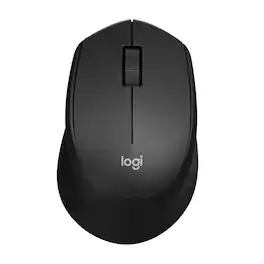
Enjoy the sound of silence with Logitech M330 SILENT wireless mouse. Enjoy the same click feel with over 90% noise reduction on the click sound. Made from high-performance material and a rubber wheel, M330 ensures quiet gliding and scrolling. The comfortable design features contoured grips crafted for your right hand. The cordless, battery-powered computer mouse is simple, reliable and strong with a long-lasting 18 months battery life. Featuring a plug-and-forget nano USB receiver and Logitech Advanced Optical Tracking. Begin using right away as no software or driver installation is required.
| Pros for Logitech - M317 Wireless Optical Mouse - Wireless - Blue | |||
|---|---|---|---|
| Ease of use, Overall Performance, Size, Ergonomics, Silent Clicks | Overall Performance, Ease of use, Size, Connectivity, Noise Level | Ease of use, Overall Performance, Size, Price, Wireless | Ease of use, Overall Performance, Size, Quiet Clicks, Battery Life |
| Cons for Logitech - M317 Wireless Optical Mouse - Wireless - Blue | |||
| Click Noise | USB Port | Scroll Wheel, Lag, Sensitivity | Scroll Wheel, Lag |
Specs
Customers often buy these together
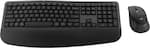
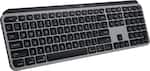
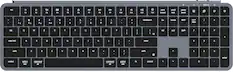
Computer Keyboards


![Esc F1 F2 F3 F4 F5 F6 F7 F8 F9 F10 F11 F12 Print Screen Scroll Lock Pause Break 1 2 3 4 5 6 7 8 9 0 - + = Backspace Insert Home H Page Up A Num Look 1 I Tab Q W E R T Y U I o P { [ } ] I I Delete End IN Page Down 7 Home 8 9 Pg Up Caps A Lock A S D F G H J K L ; : DE g Enter 4 5 6 Shift Z X C V N M < > ? I Shift 1 End 2 3 Pp Dn Enter Ctrl Alt Alt Ctrl 0 Ins Del](https://pisces.bbystatic.com/image2/BestBuy_US/images/products/a588d446-5678-40ae-86b8-1f15e0026e66.jpg;maxHeight=232;maxWidth=233?format=webp)
![esc ~ ! 1 tab caps lock shift ctrl F2 Fl # 2 3 Q W A S Z start opt L F3 $ 4 E D X alt cmd3 ) FS F4 A % 5 6 R T F G V C logi 44 HI & F9 FID FB F7 F6 * ) - - & 0 8 9 7 O P U I Y K L H J > < N M 1 B PM + = { [ : I ; ? I alt cmd D 2 4 300 3 1 F12 . * page I insert home up clear backspace 8 9 + 7 page A pg up end down home } I delete ] / 6 4 5 4 enter 2 3 enter 1 dn Pg end shift = 0 del ins etrl fn opt](https://pisces.bbystatic.com/image2/BestBuy_US/images/products/6539/6539505_sd.jpg;maxHeight=232;maxWidth=233?format=webp)






Customers ultimately bought
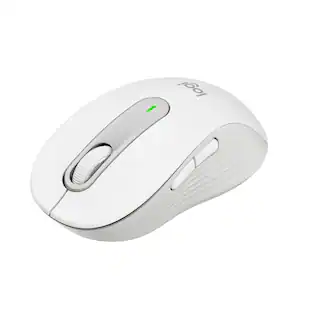
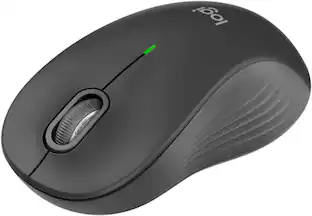
Logitech Signature M550 L Full Size Wireless Bluetooth Optical Ambidextrous Mouse with Silent Clicks
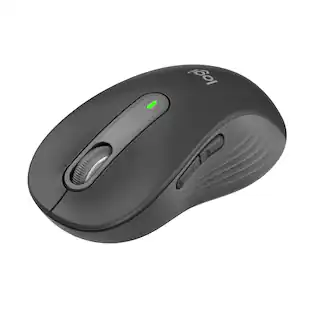
$23.99The price was $29.99Logitech Signature M650 L Full-size Wireless Optical Scroll Mouse with Silent Clicks
Top Deal$33.99The price was $39.99




Explore tech essentials Sponsored
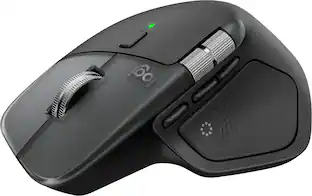
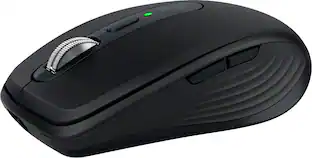
Logitech MX Anywhere 3S Wireless Bluetooth Optical Fast Scrolling Mouse with Programmable Buttons
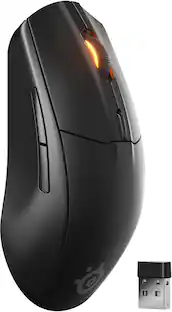
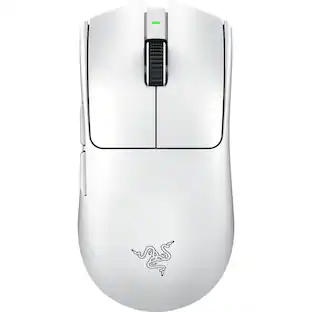
Top Deal$69.99The price was $89.99Razer Viper V3 Pro Lightweight Optical Gaming Mouse with 95 Hour Battery Life - 8k Polling Rate
$129.99The price was $159.99


Discover related products
Acer USB C Docking Station With 2 HDMI, 9-IN-1 Docking Hub with USB A&C 3.0, SD/Micro SD, 100W Charging
$40.99The price was $47.99Acer USB C to HDMI Cable for Home Office 6.6FT (4K@60Hz), High-Speed Type C to HDMI 2.0 Braided Cord
$12.99The price was $13.99AGPtek 8 in 1 External CD/DVD Drive for Laptop, USB 3.0 Ultra Slim Portable CD Burner with 4 USB Ports
$31.99The price was $32.99Z Z-Edge 2K 2592x1944 Stream Webcam Auto Focus Web Camera for PC/Desktop/Laptop
$24.99The price was $39.99Delton 10X Noise Isolating Bluetooth Over-the-Head Headset for Office & Remote Work (DBTHEAD10X)
$29.99The price was $32.82