Campus Computer
-
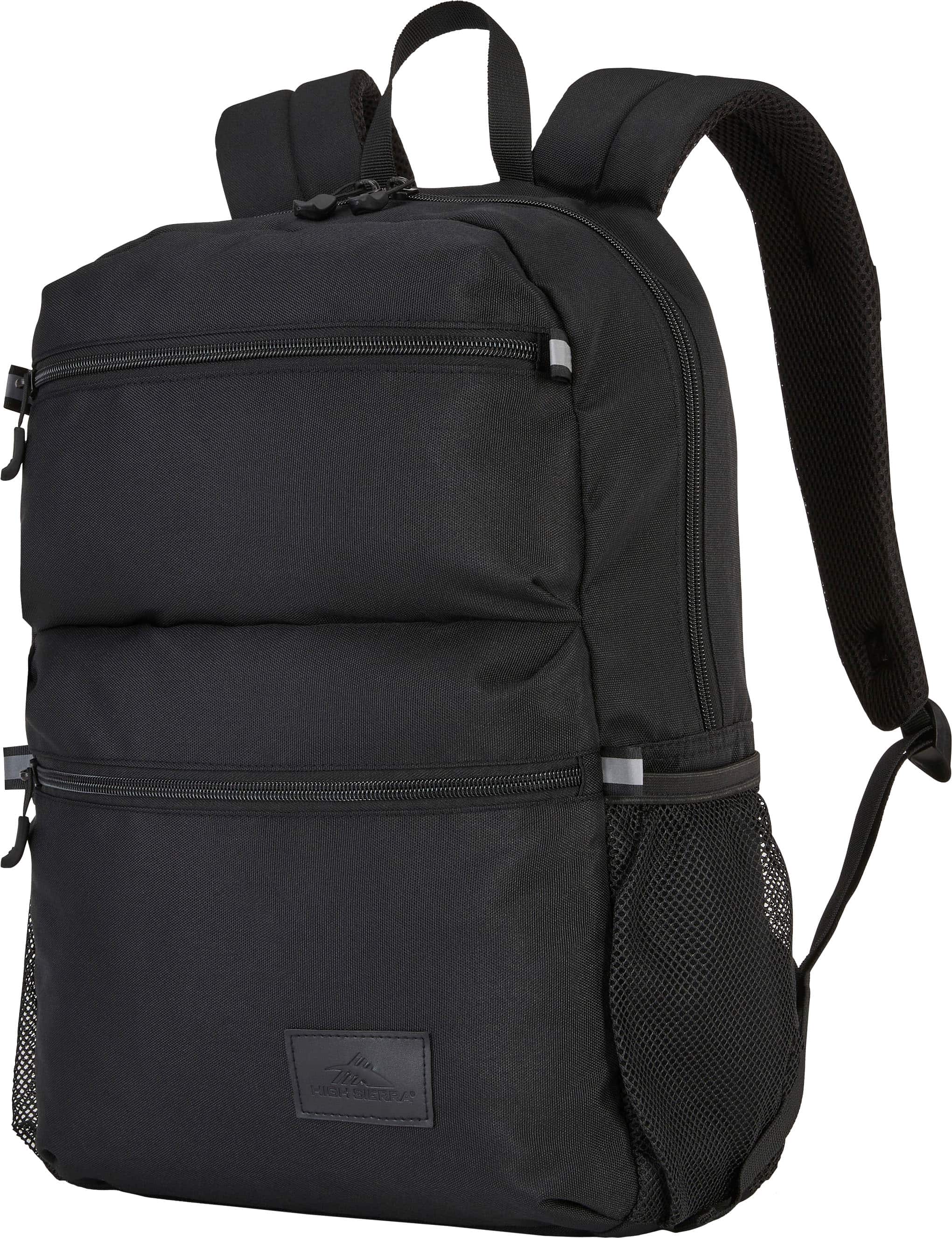
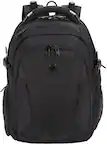
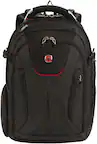
High Sierra - Everclass Backpack - Black
SKU: J78RRJFL8Lbackpack not expensive but also with a standard quality, this items (at reduced price then) was the best
See all Laptop BackpacksProduct Description
A black polyester backpack with 360° reflectivity, padded comfort, and fits most 15.6" laptops.Your price for this item is $30.79 -
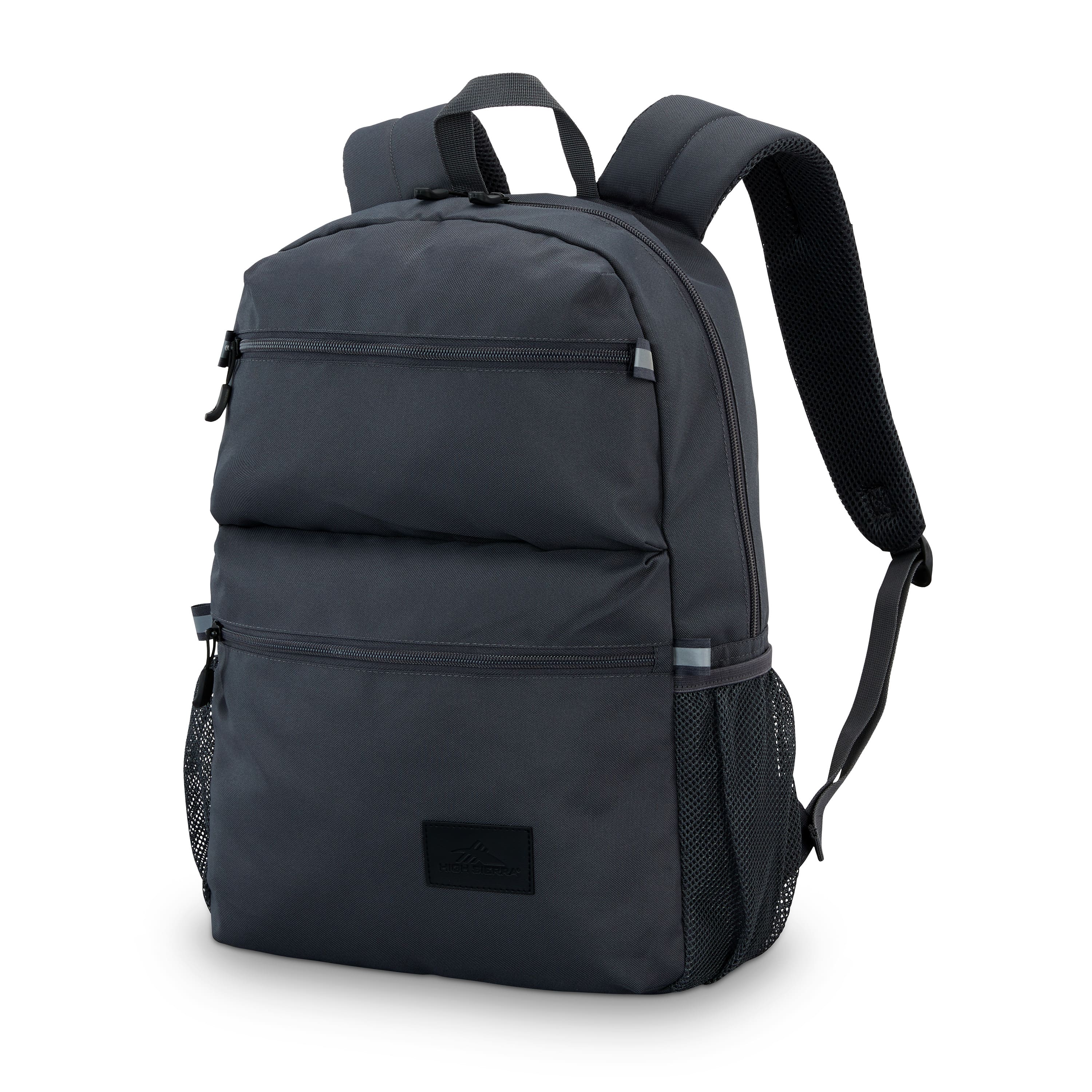
High Sierra - BTS 2020 Everclass Backpack - Mercury
SKU: J78RRJFQWVSee all Laptop BackpacksProduct Description
A versatile gray polyester backpack featuring padded straps, water resistance, and quick-access exterior pockets for daily use.Your price for this item is $21.99Save $8The previous price was $29.99 -
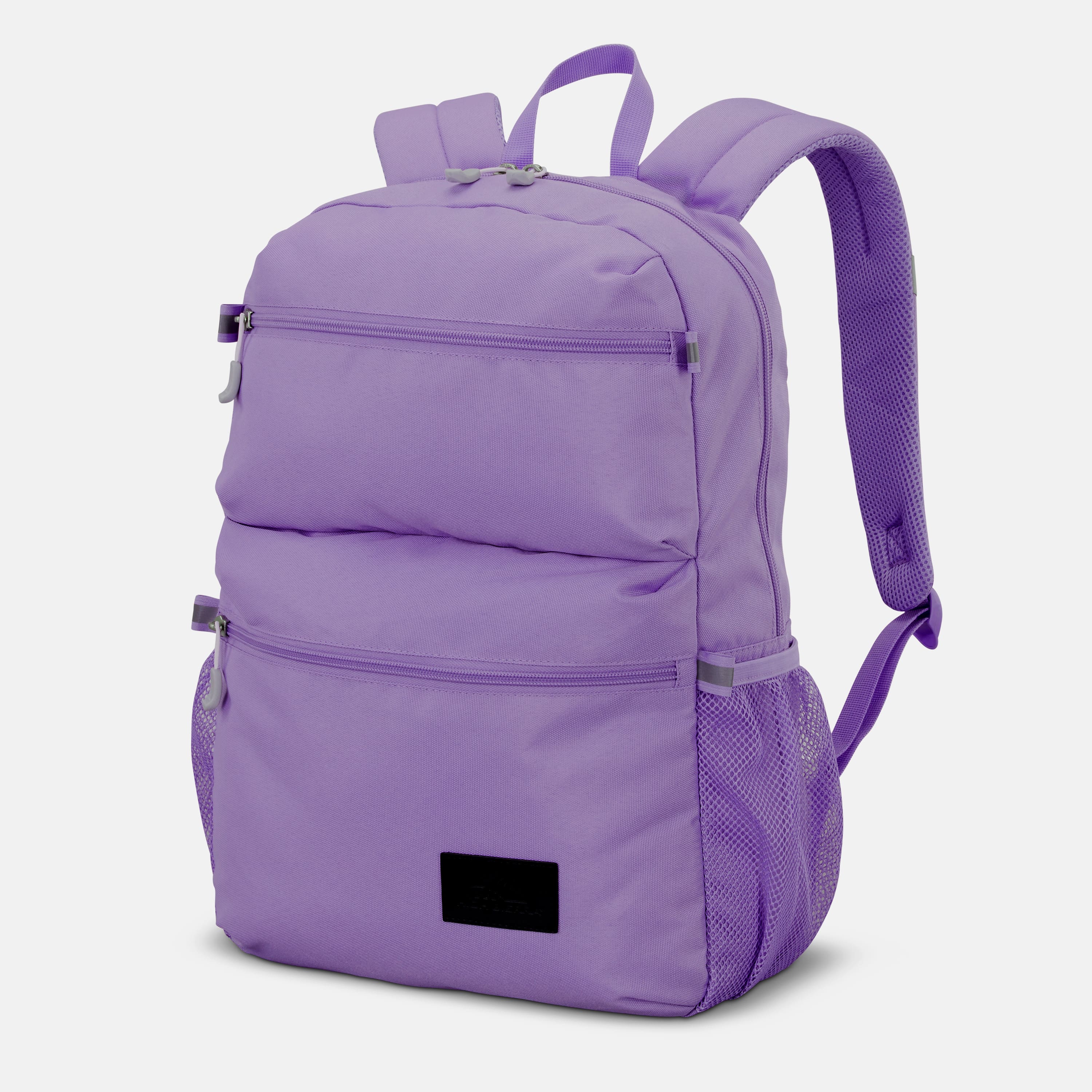
High Sierra - BTS 2020 Everclass Backpack - Light Purple
SKU: J78RRJFQK9See all Laptop BackpacksProduct Description
A versatile light purple polyester backpack with padded straps, water resistance, and multiple quick-access pockets.Your price for this item is $21.99Save $8The previous price was $29.99 -
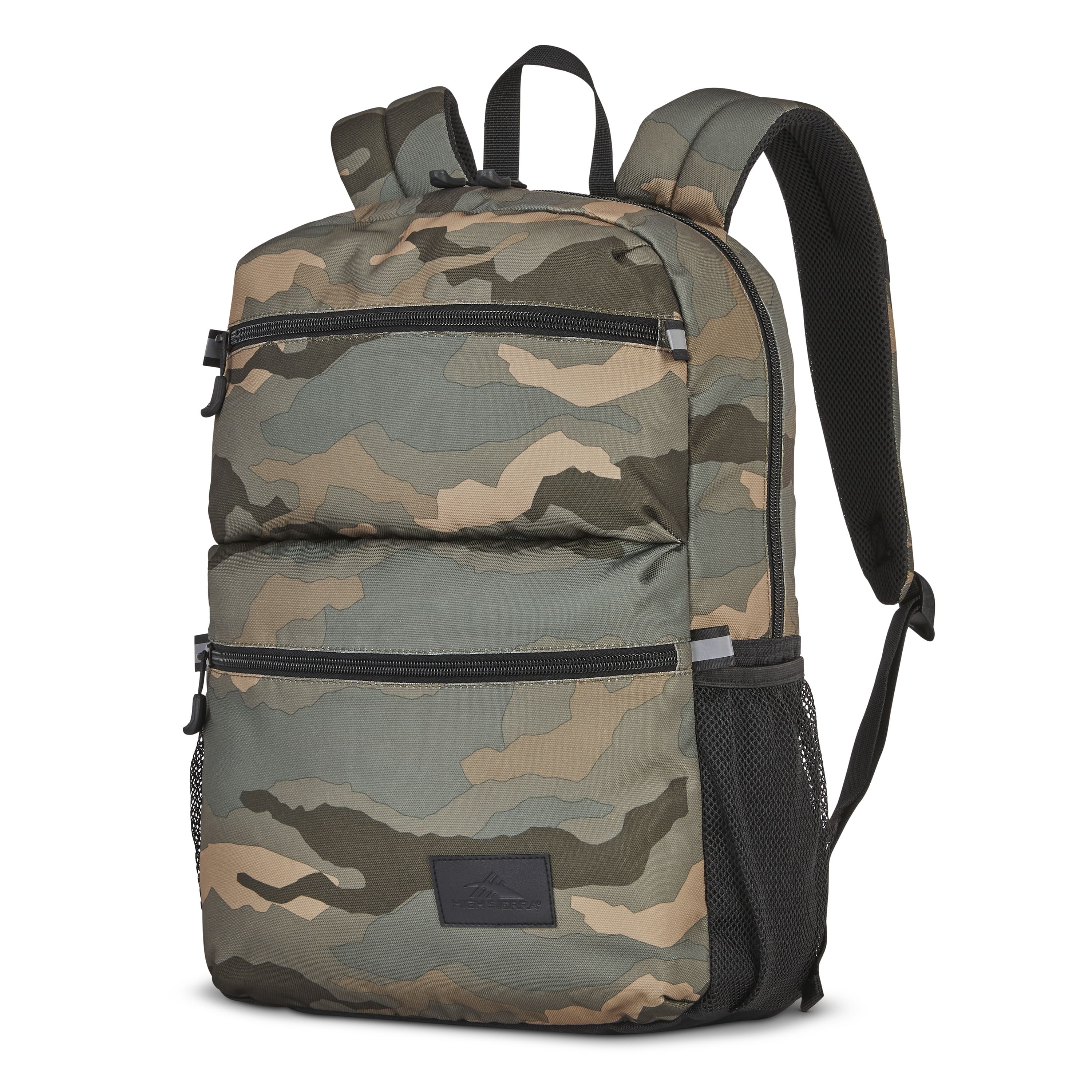
High Sierra - BTS 2020 Everclass Backpack - Natural Camo
SKU: J78RRJFLQKSee all Laptop BackpacksProduct Description
A versatile natural camo polyester backpack with padded straps, water resistance, and multiple quick-access pockets.Your price for this item is $29.99
Best Sellers

Related Pages






FAQ
When choosing a computer for campus, consider portability, battery life, processing power, storage capacity, and compatibility with your coursework software. Lightweight laptops with long battery life and ample storage are popular among students.
Yes, some majors like graphic design, engineering, or computer science may require higher processing power, dedicated graphics cards, or specialized software support. Liberal arts and business students often prefer lightweight laptops with reliable performance for everyday tasks.
Most modern computers with built-in Wi-Fi adapters can connect to campus wireless networks. Check with your school's IT department for any specific requirements or security protocols you may need to follow.
Some computers come with basic productivity software, but your college may also offer free or discounted software for students. Check with your school to see if you qualify for academic licenses for programs like Microsoft Office or Adobe Creative Suite.
Upgrade options depend on the computer model. Some laptops allow you to add more storage or memory, while others have fixed components. Consider your future needs when selecting a computer, or consult the product specifications for upgrade information.