CD Player Compatibility: Audio CDs, CD-R/CD-RW, and MP3 Discs
Find a player that fits your CD collection. Standard audio CDs, homemade mixes and MP3 discs have different playback requirements. Start with the discs you own, then check each player’s supported formats before you buy. Need help choosing the rest of your setup? Explore our CD listening starter guide.
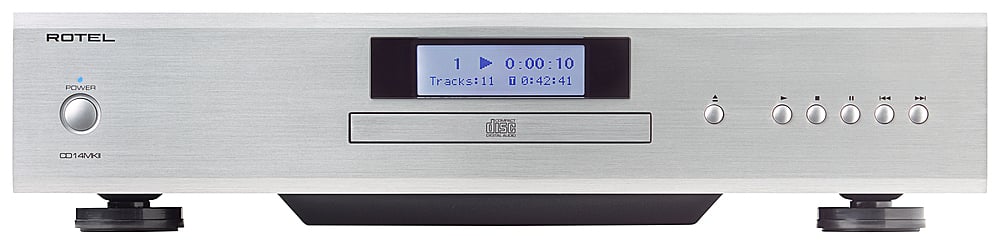
CD players for standard audio CDs
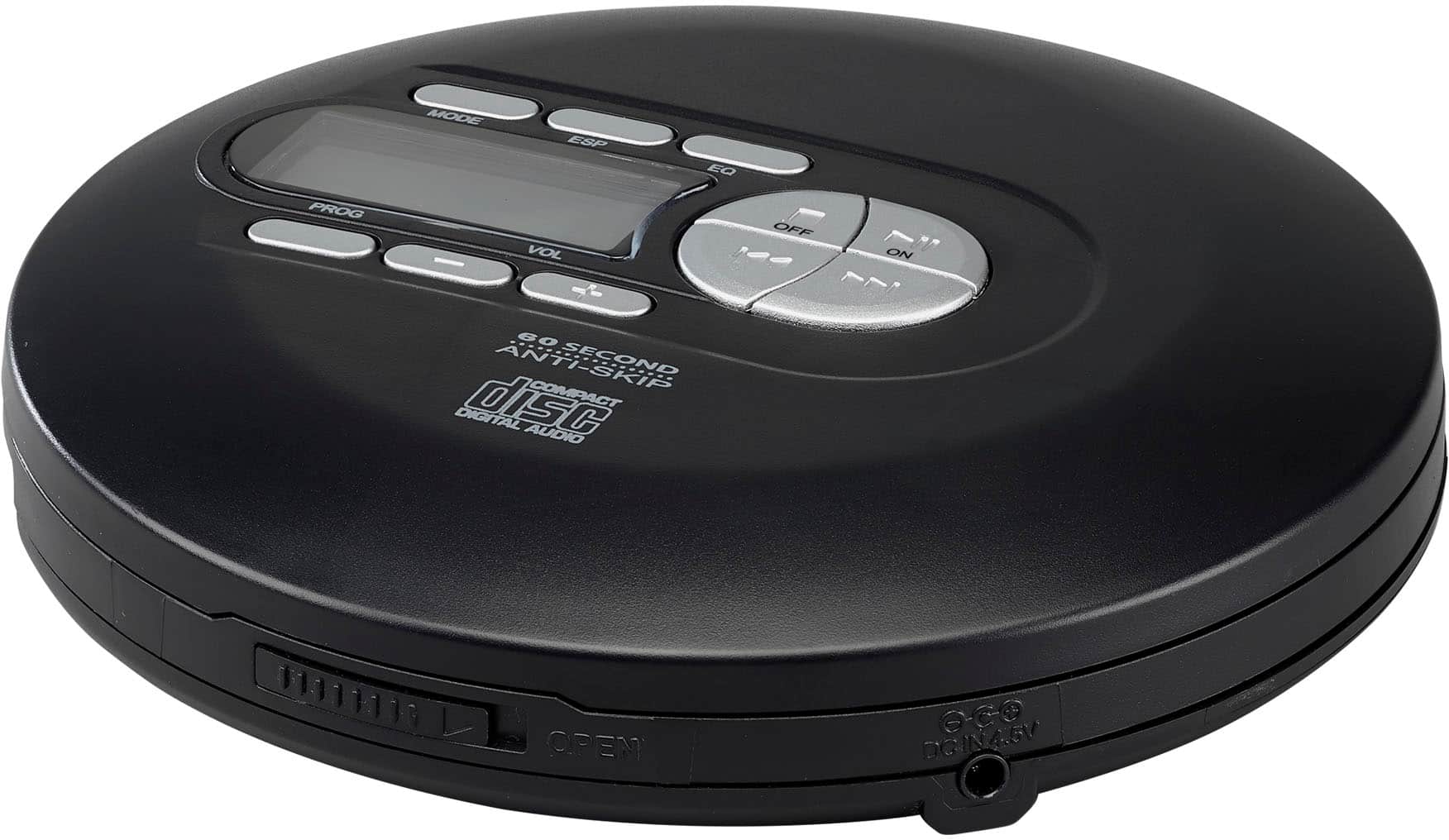
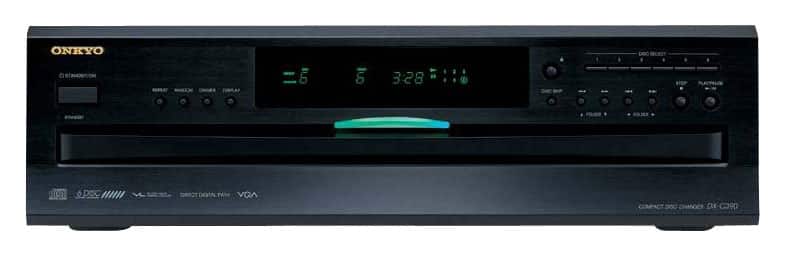
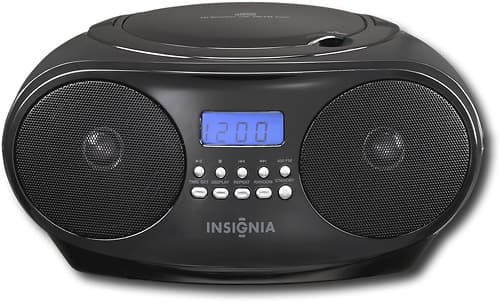
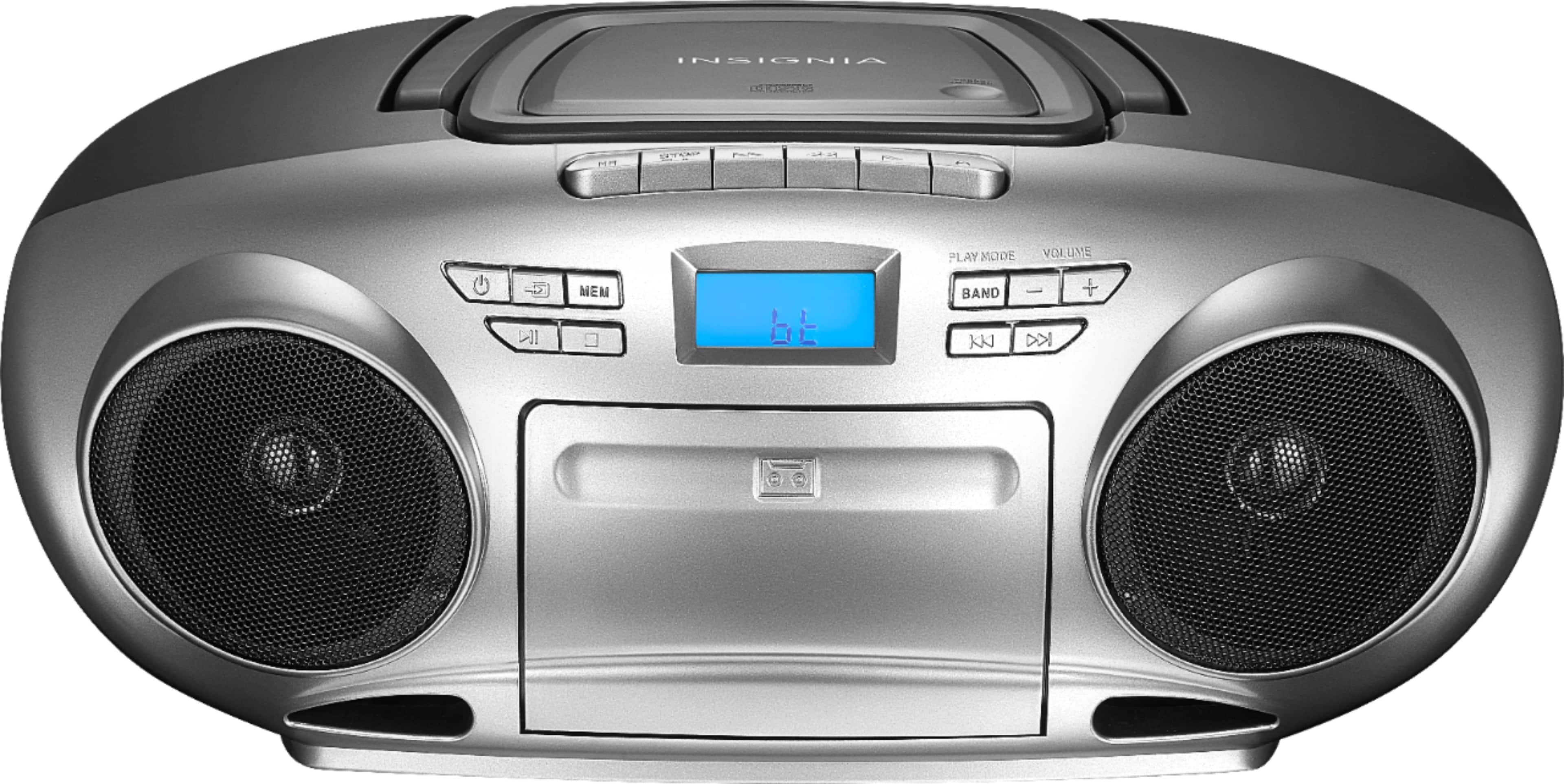
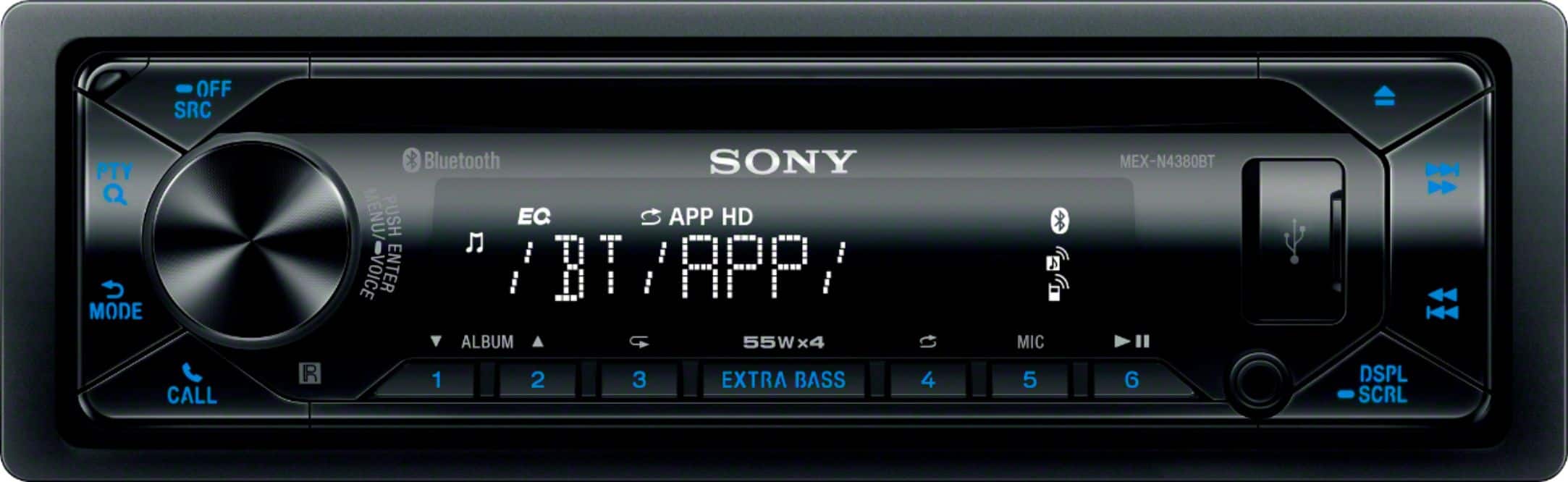
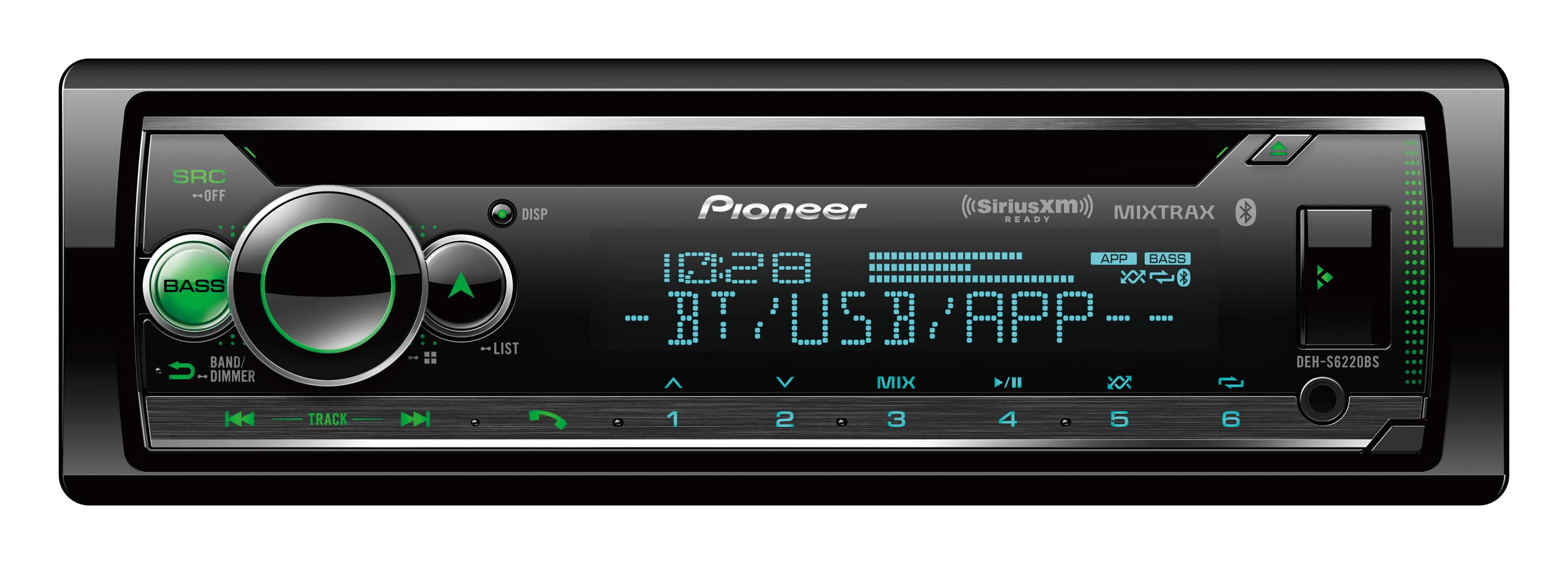
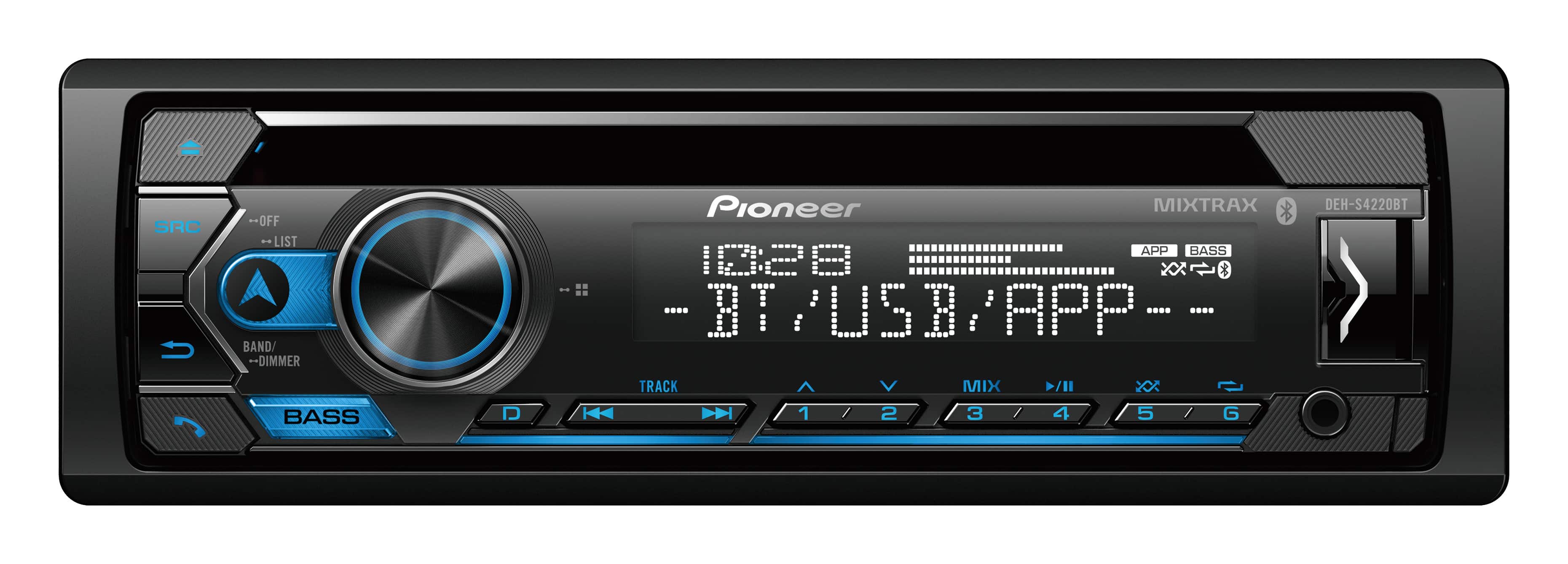
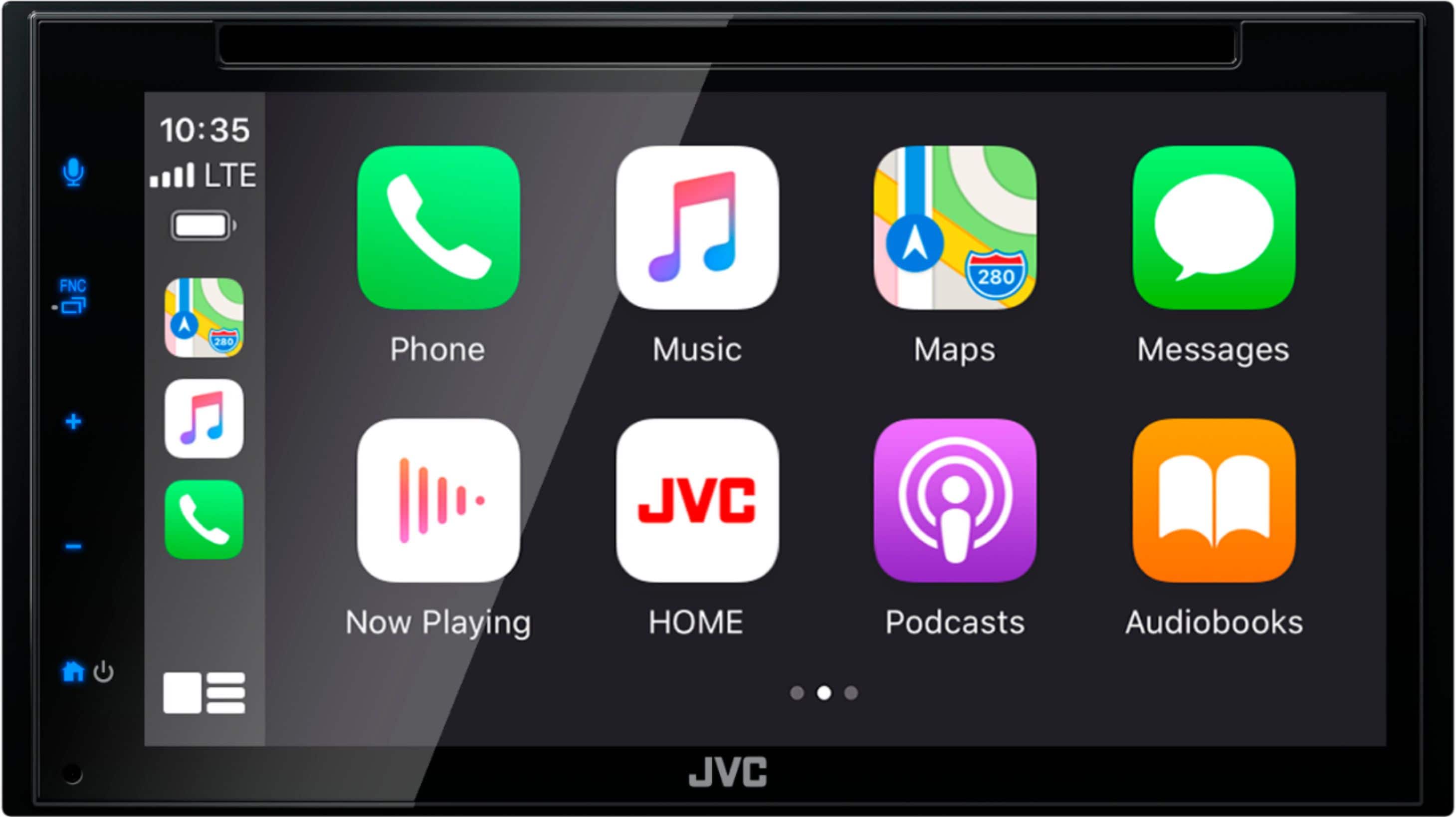
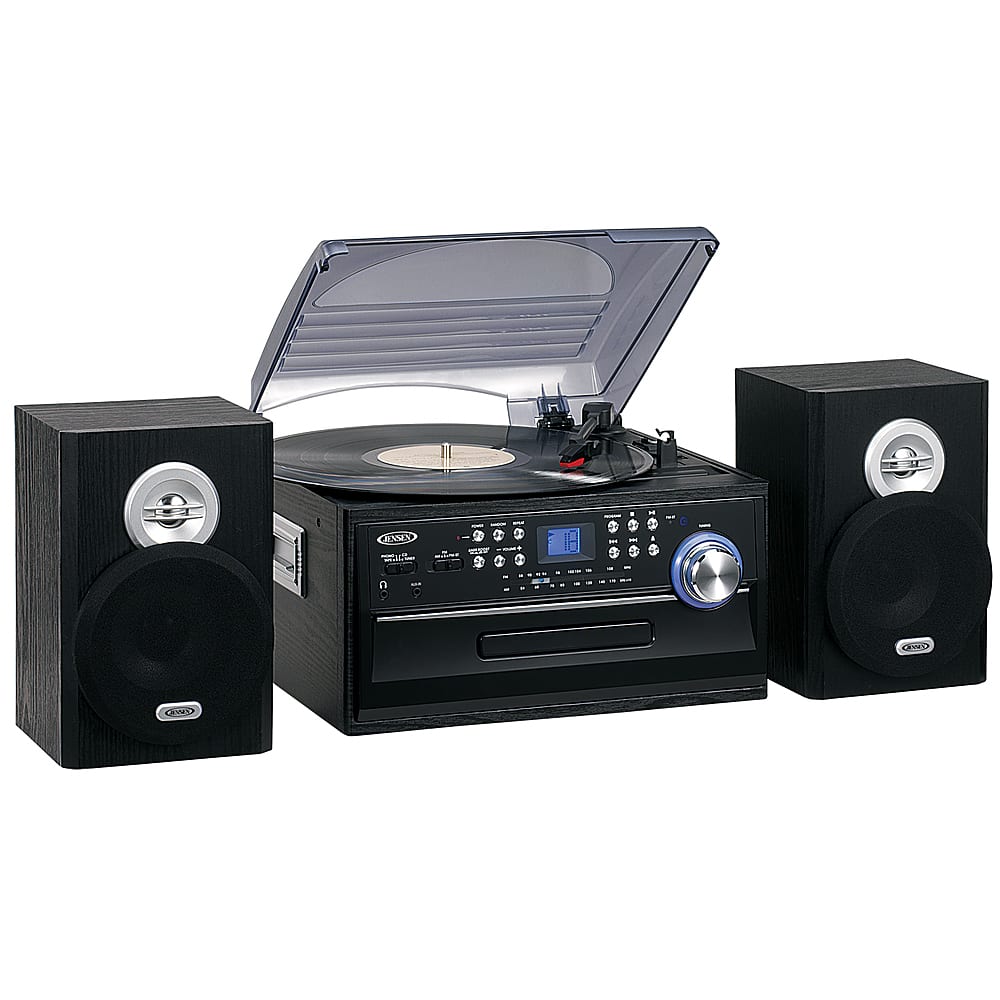
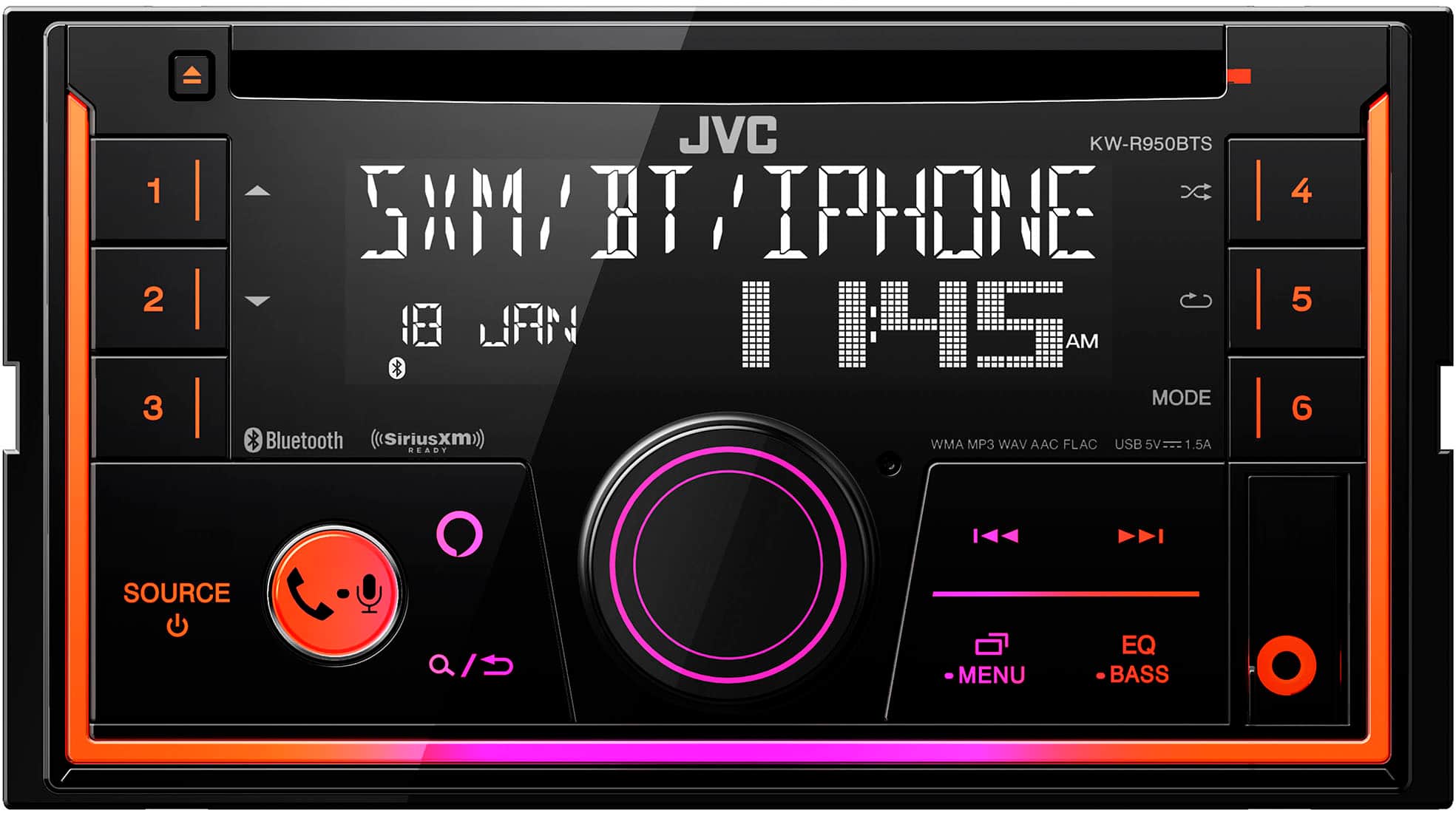
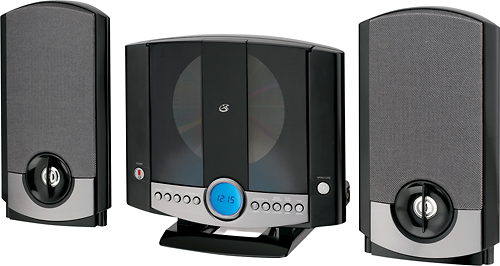
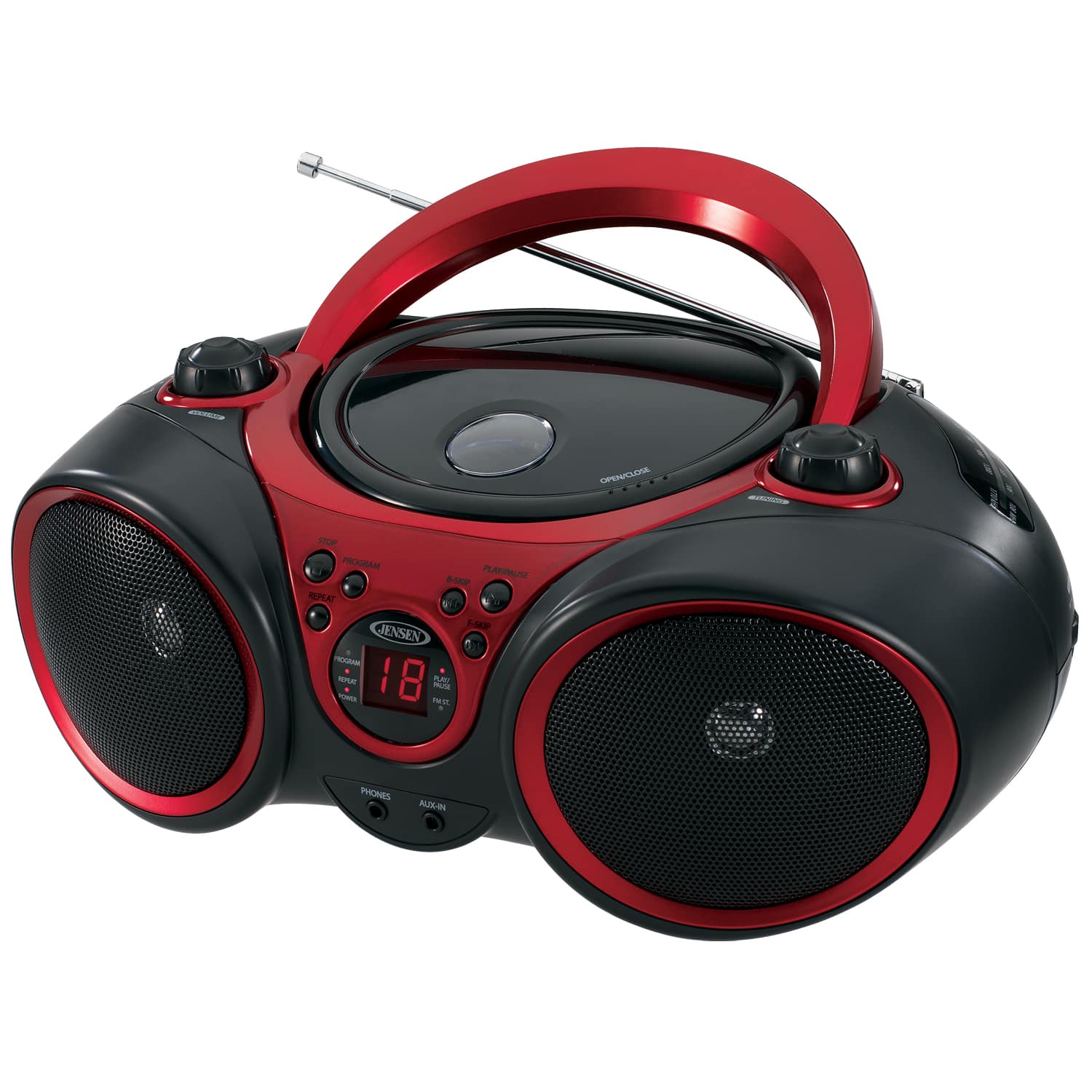
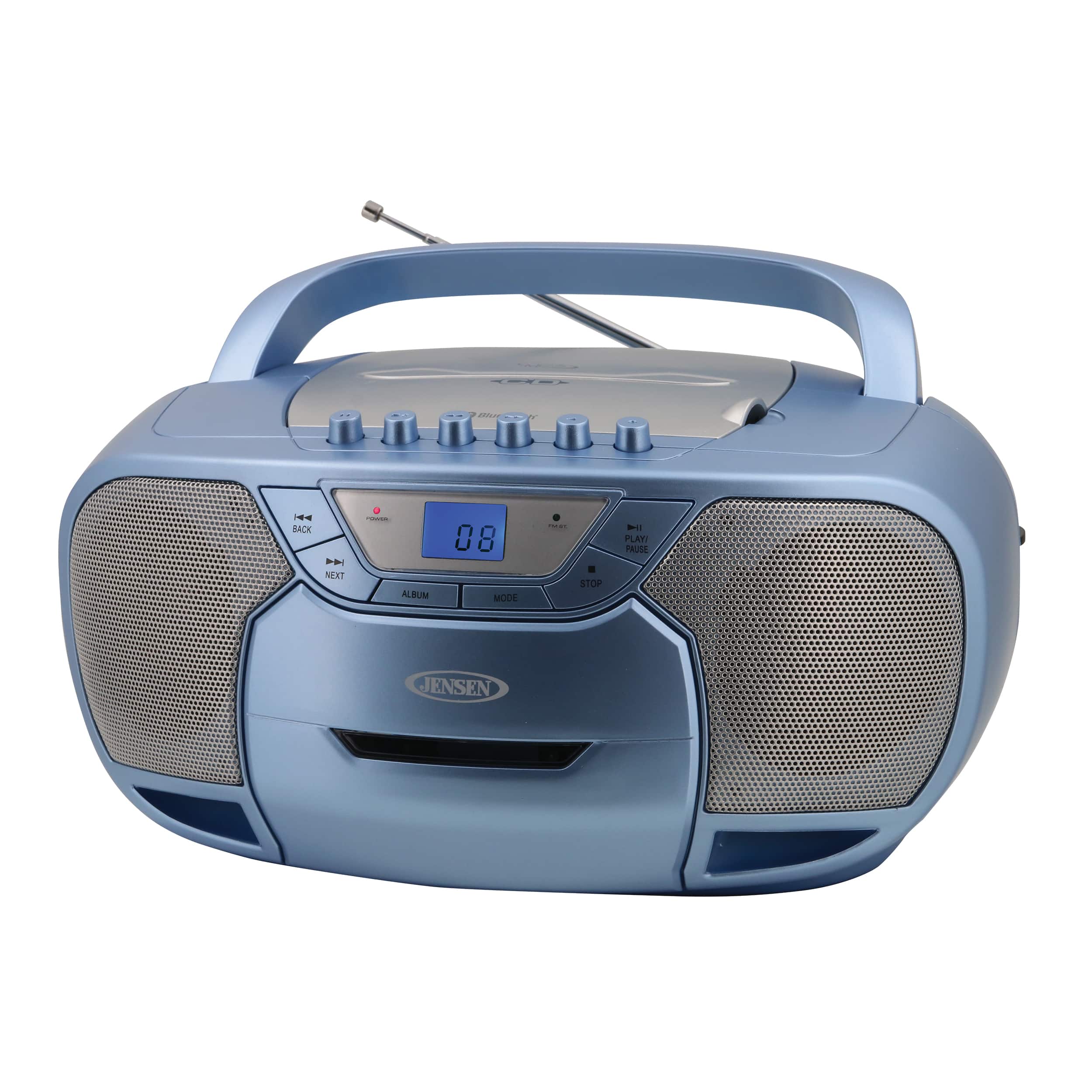
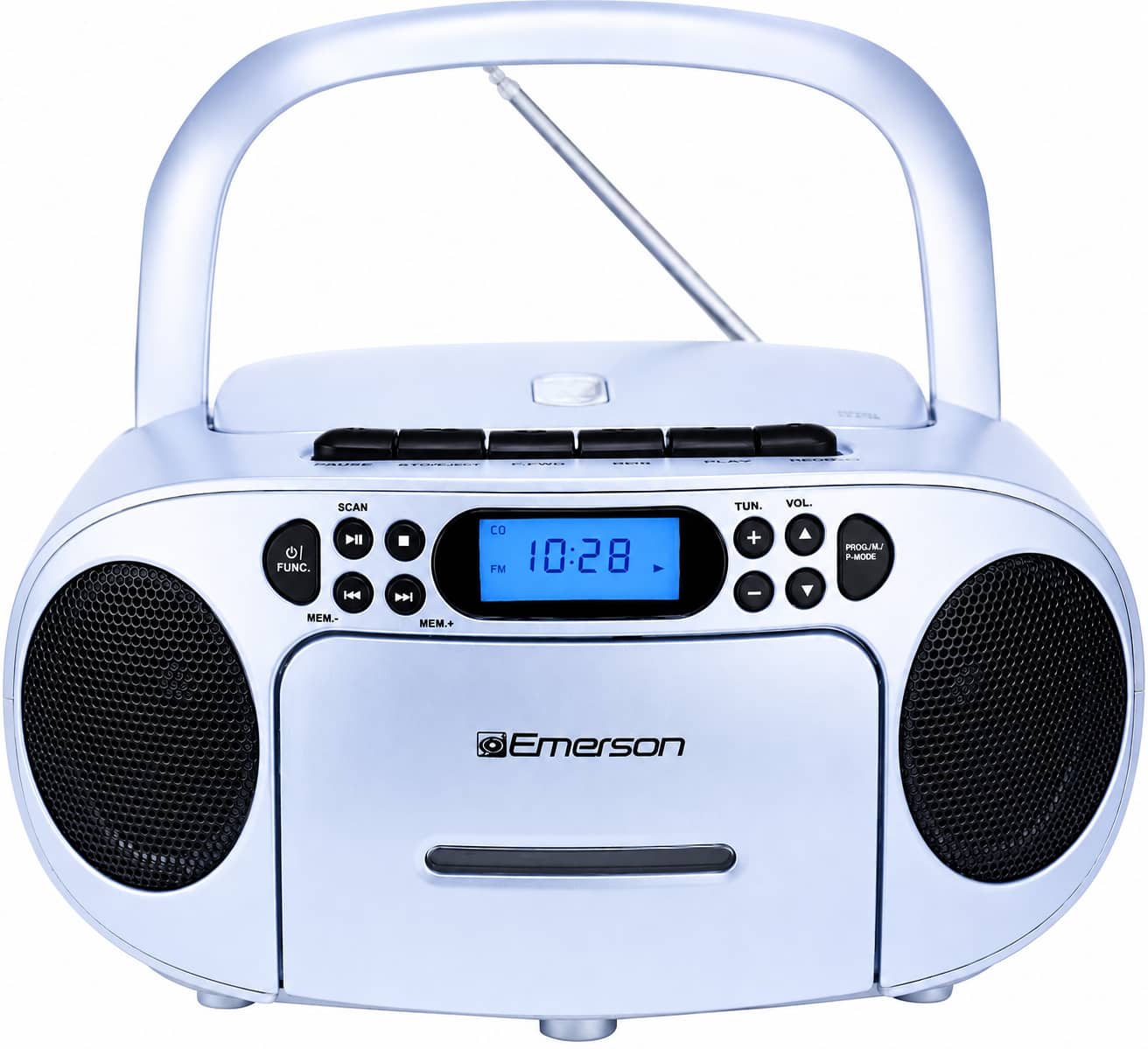
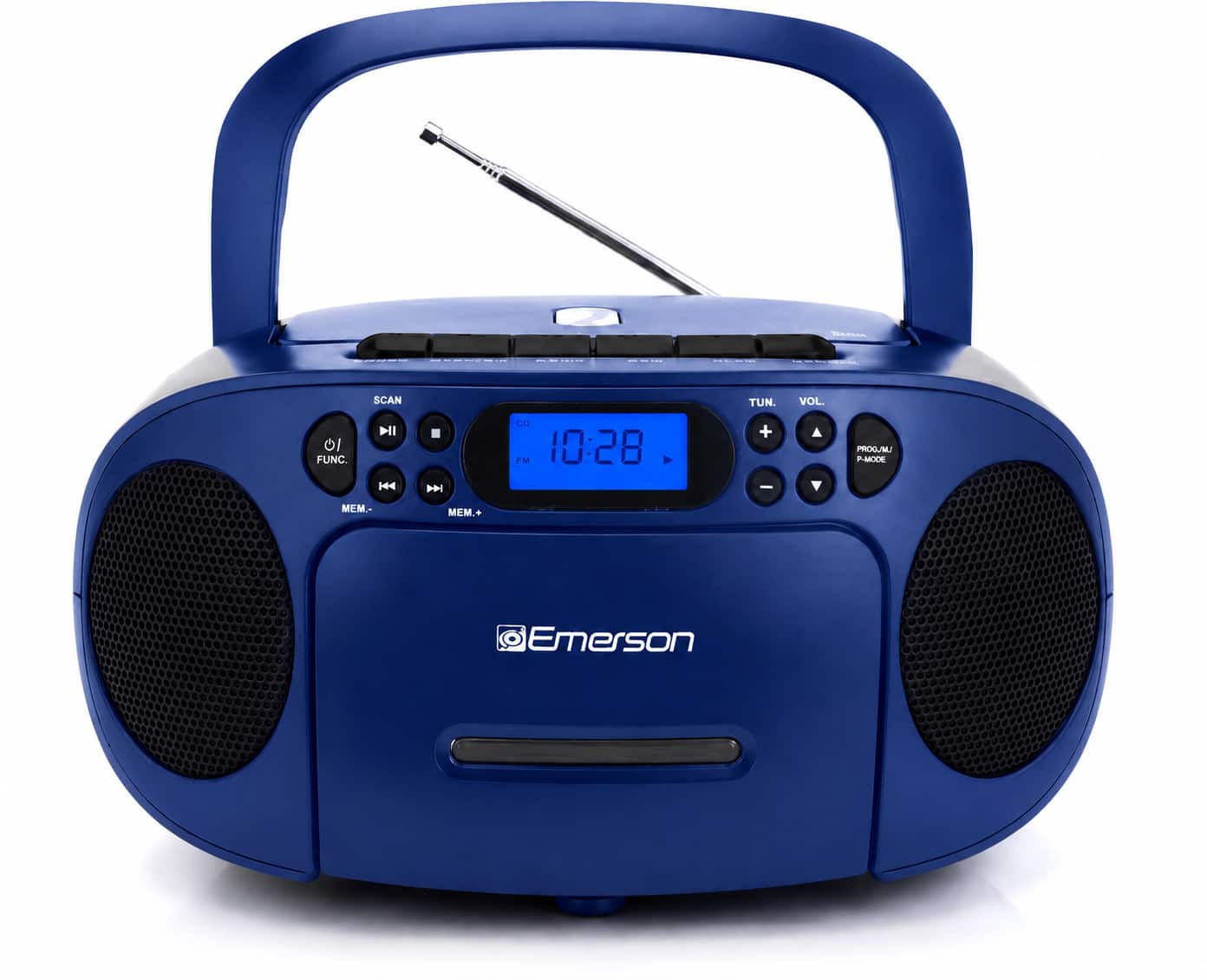
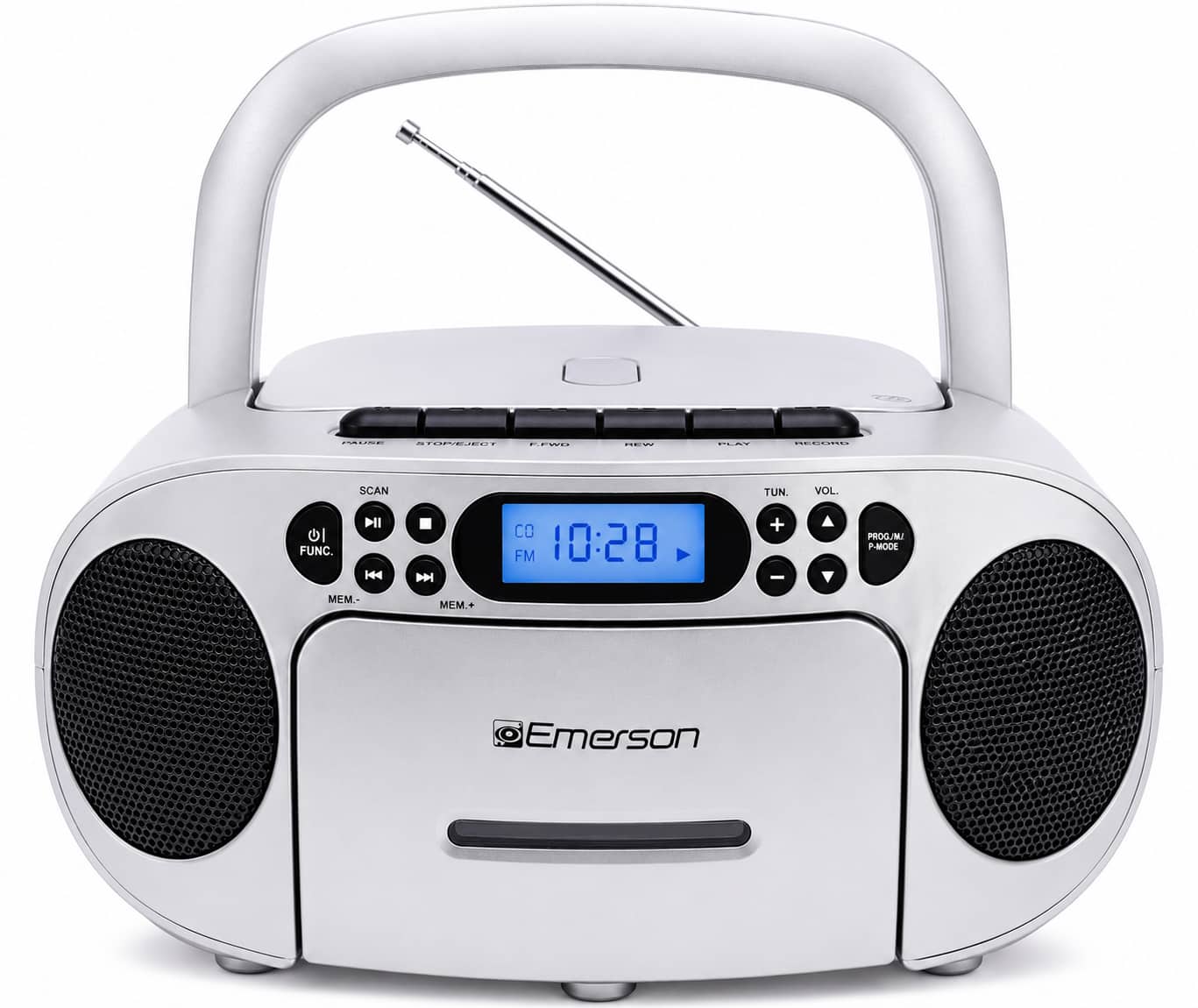
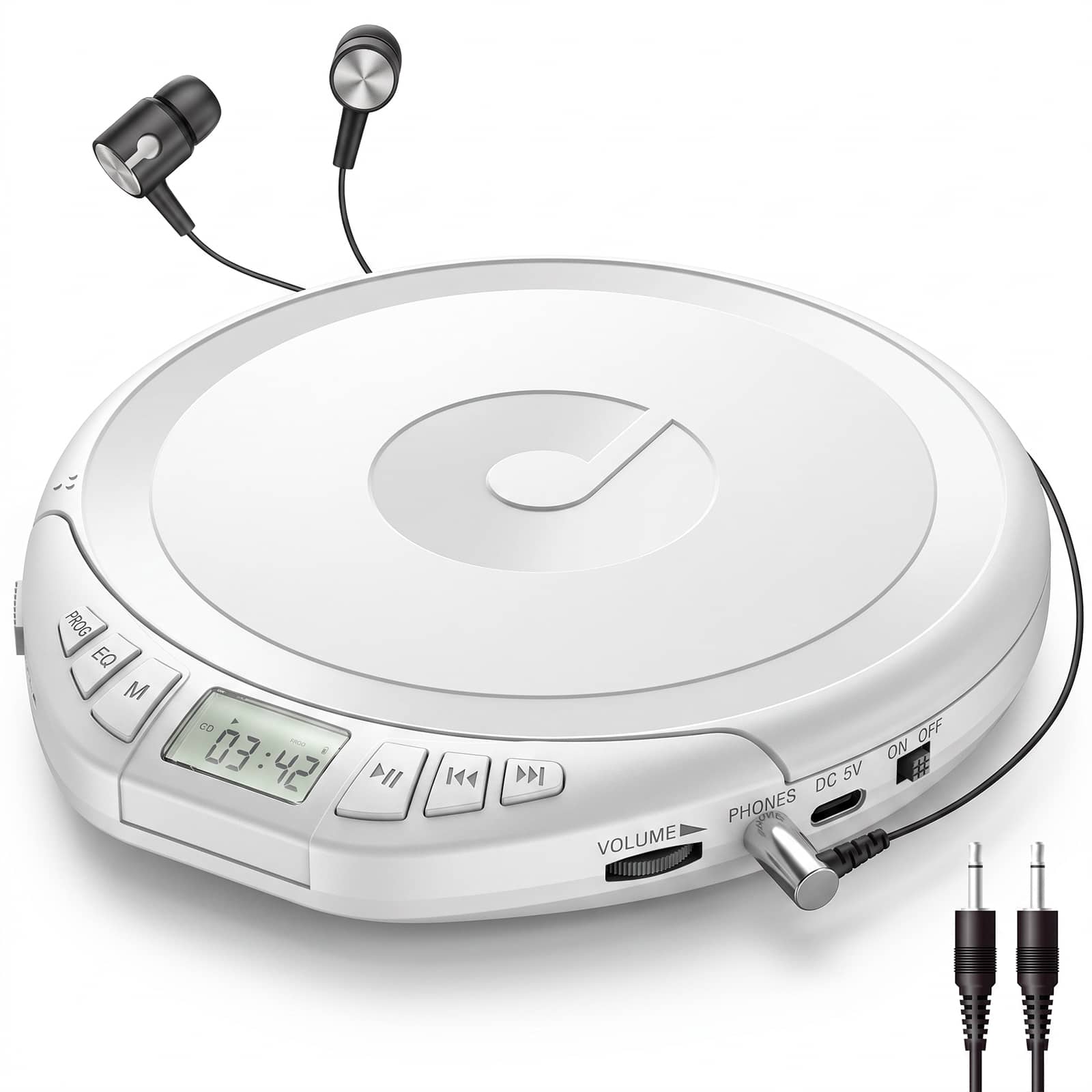
CD players with CD-R/CD-RW playback
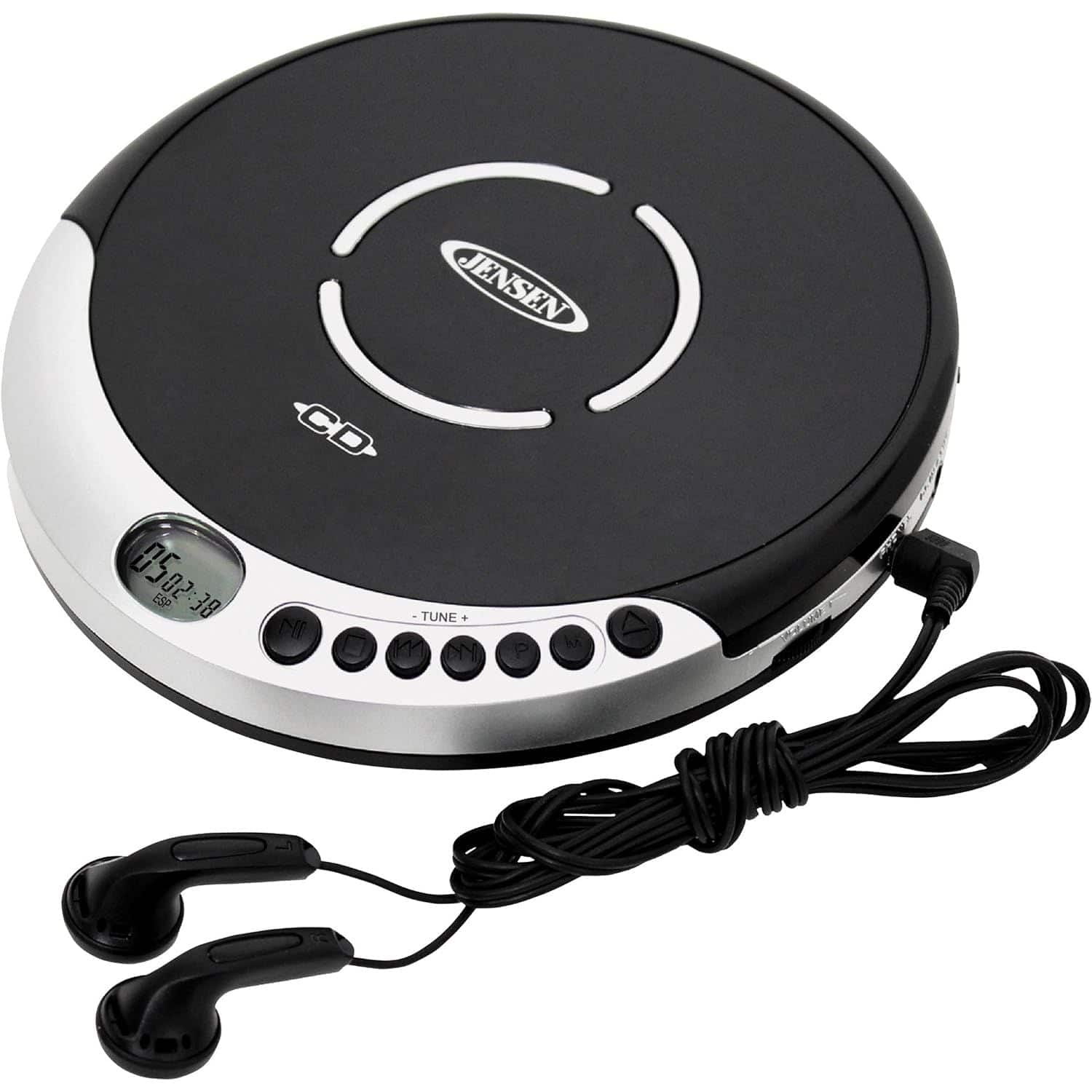

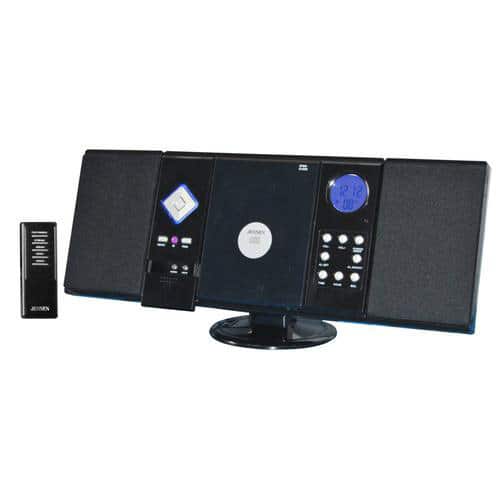
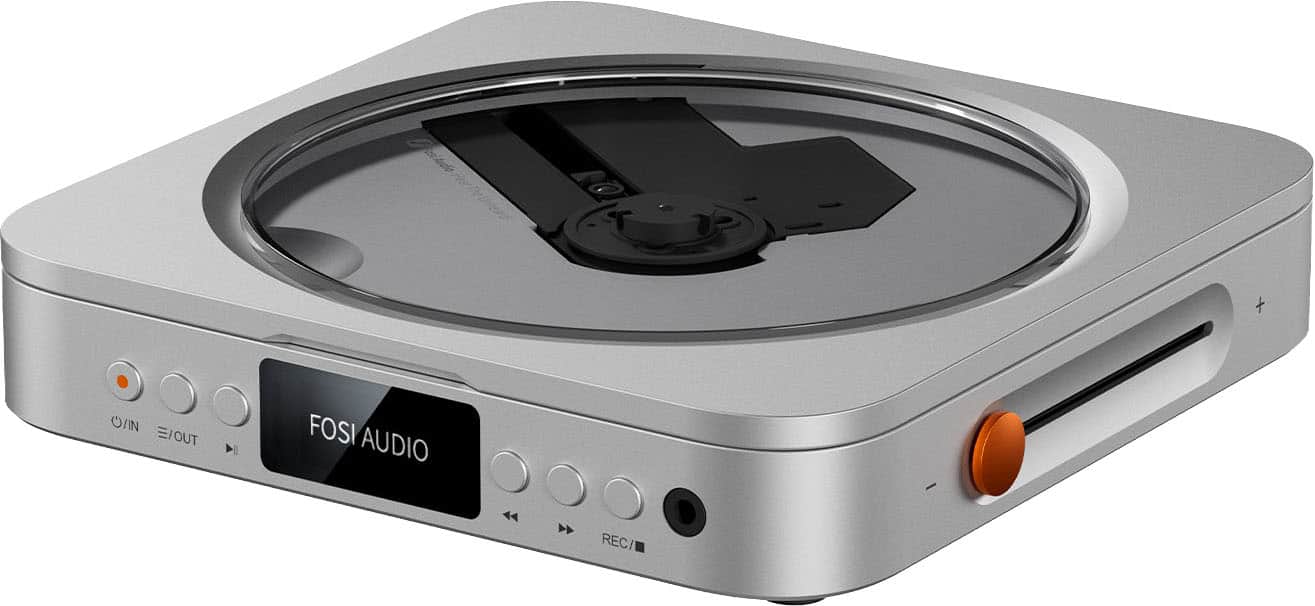
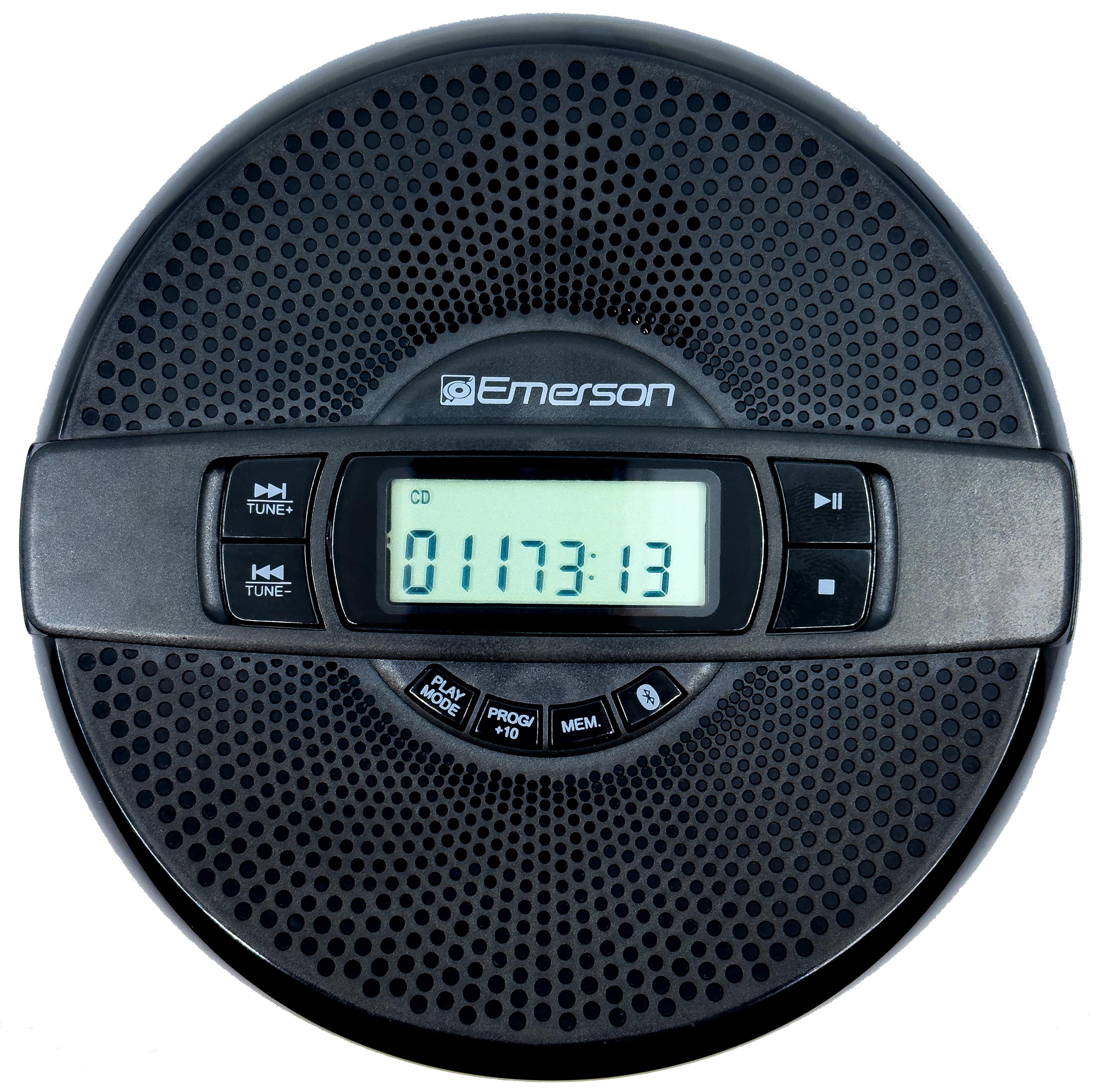
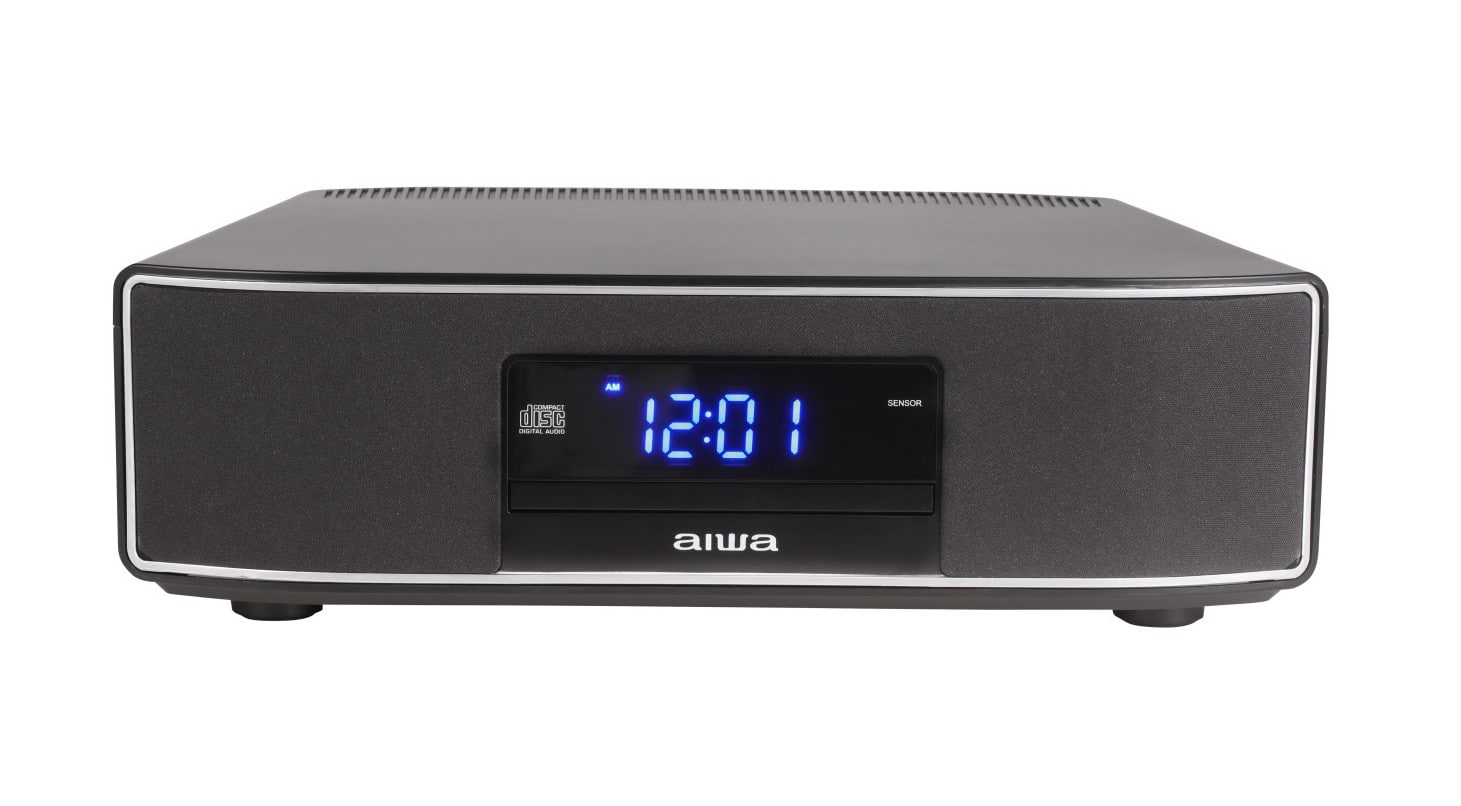

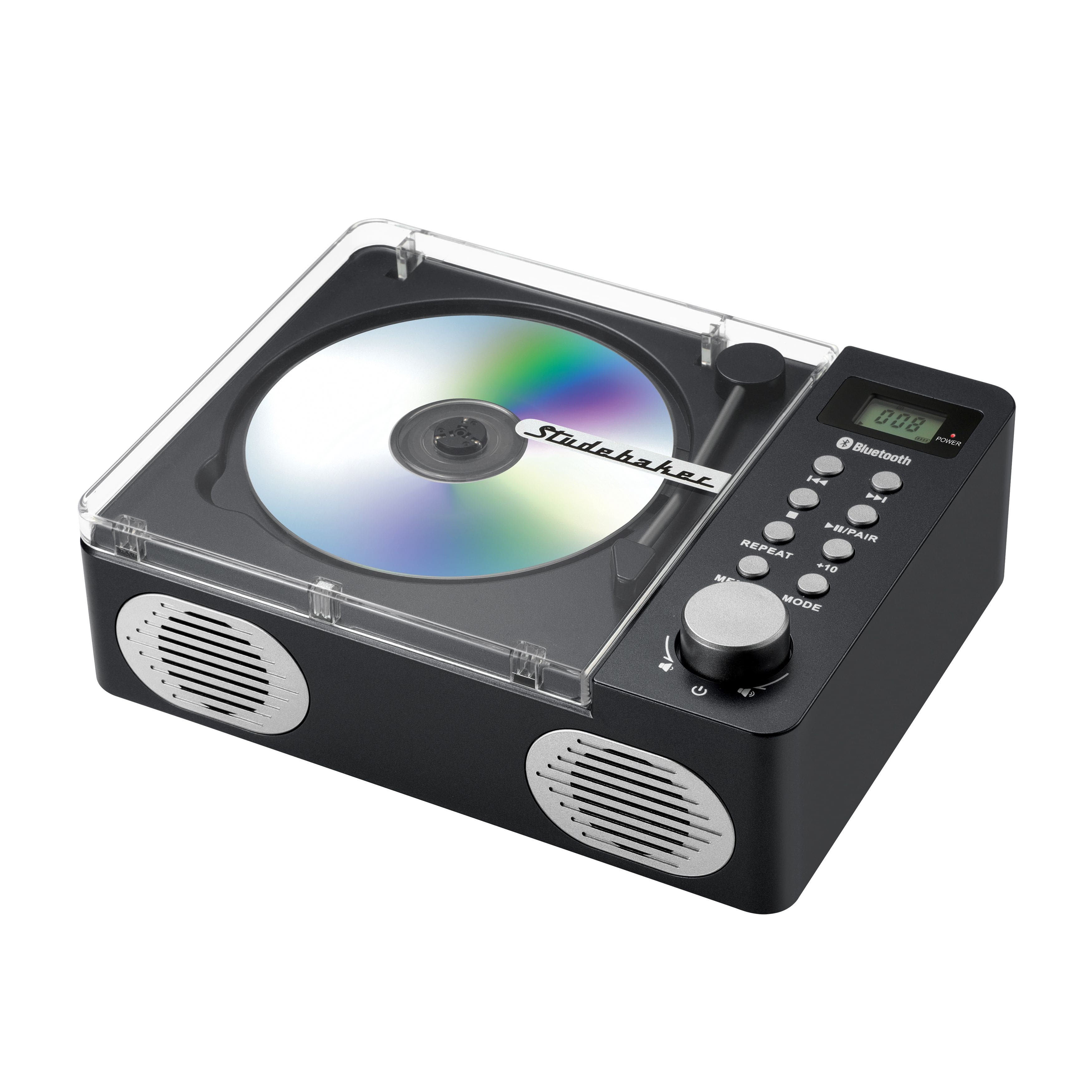
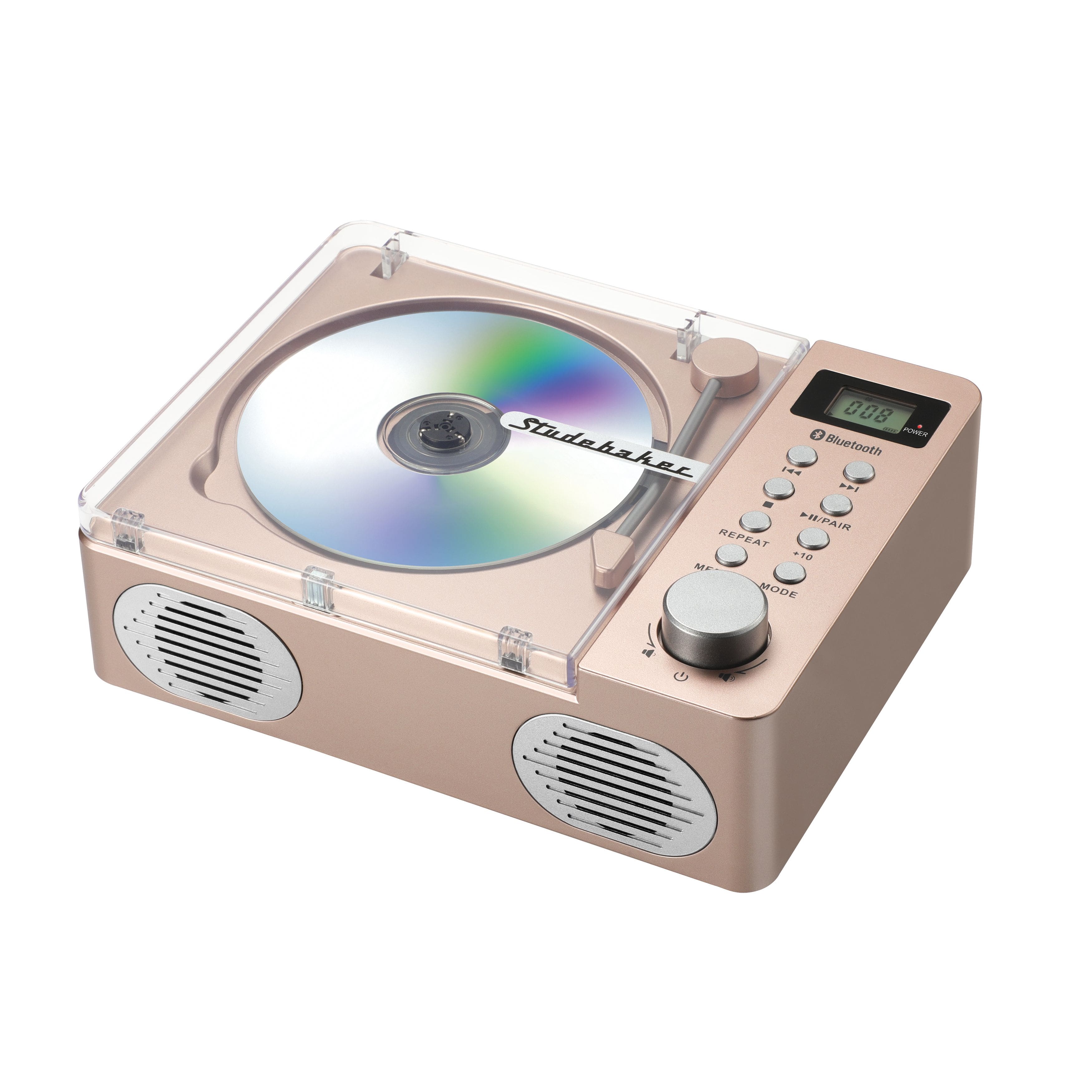
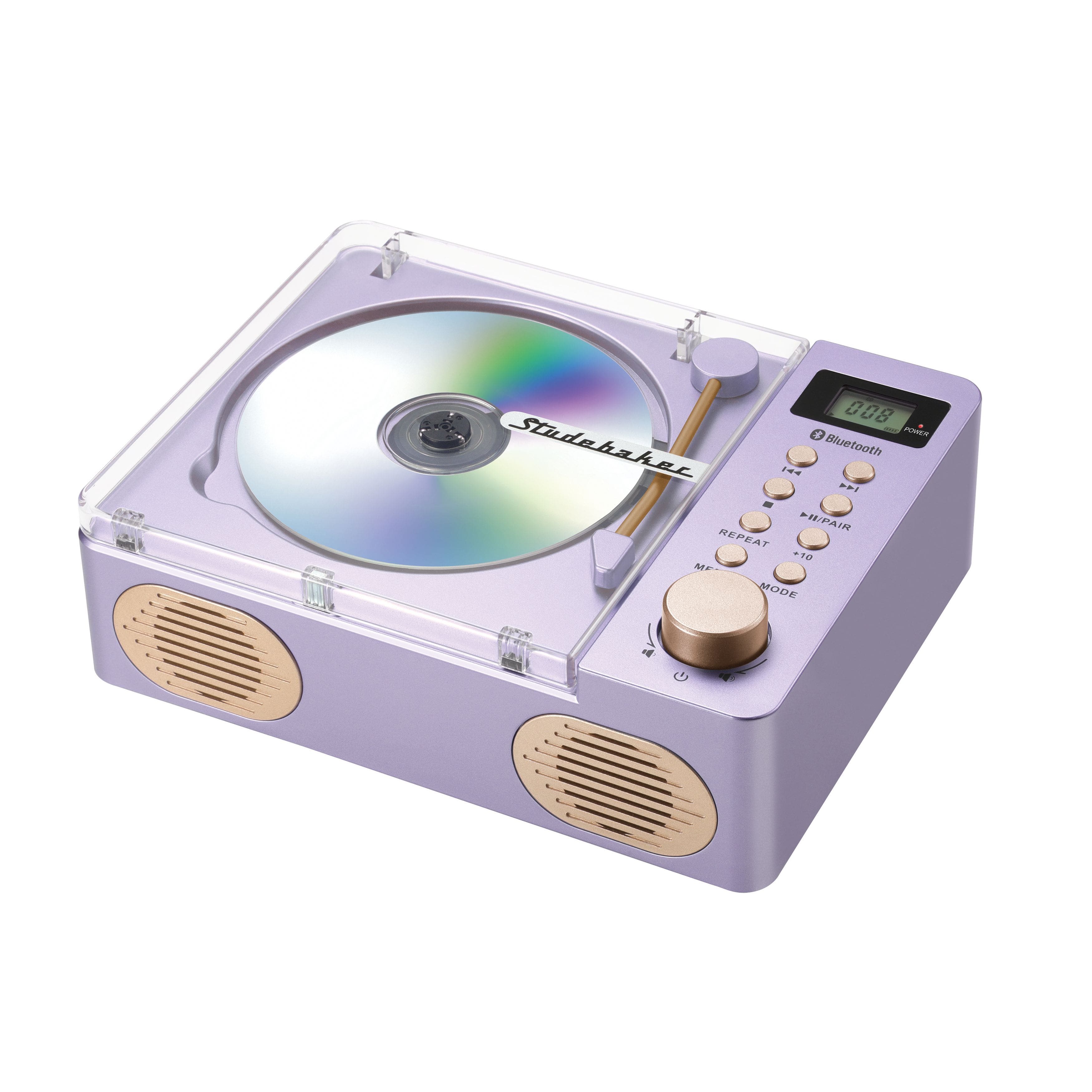
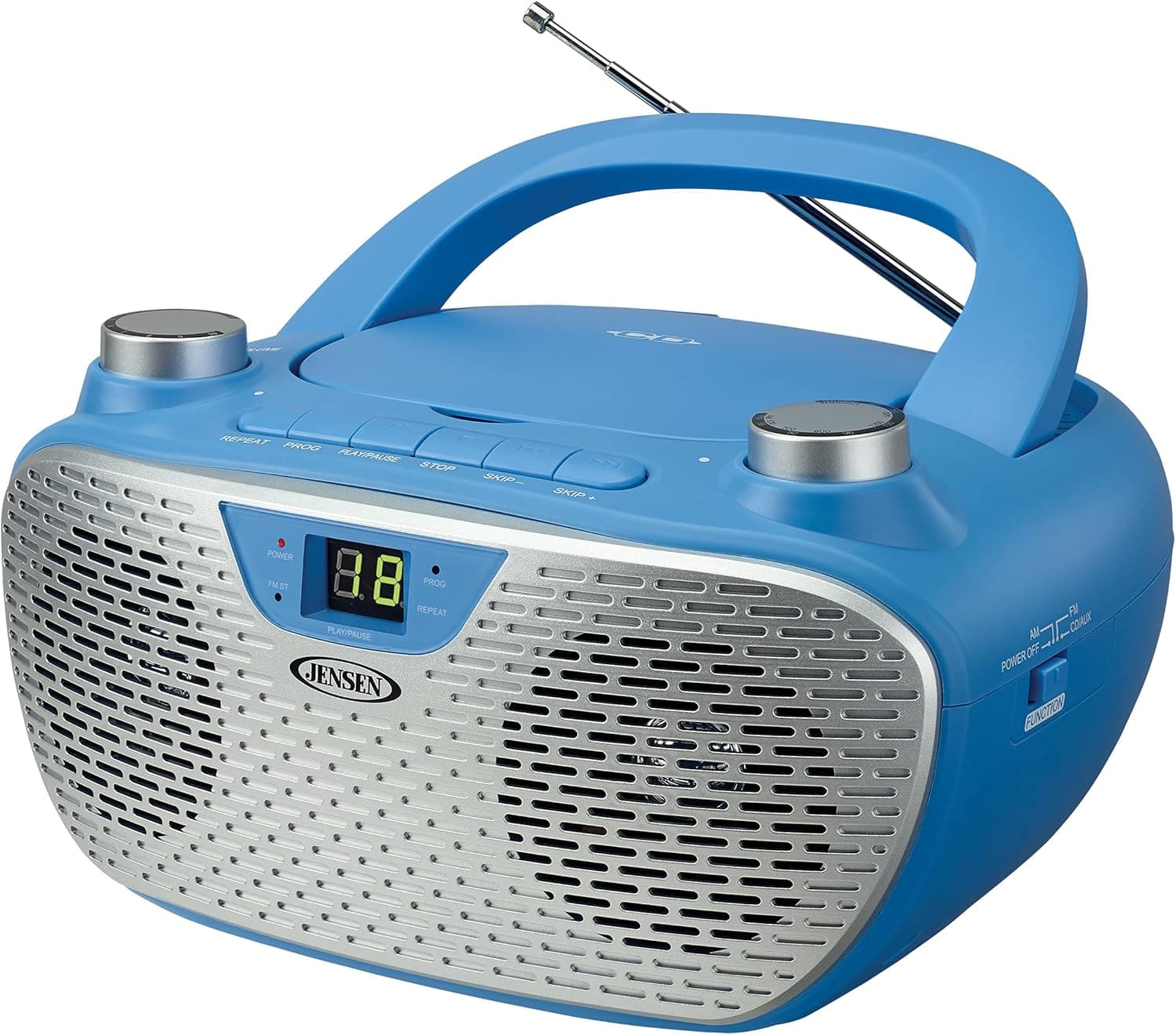
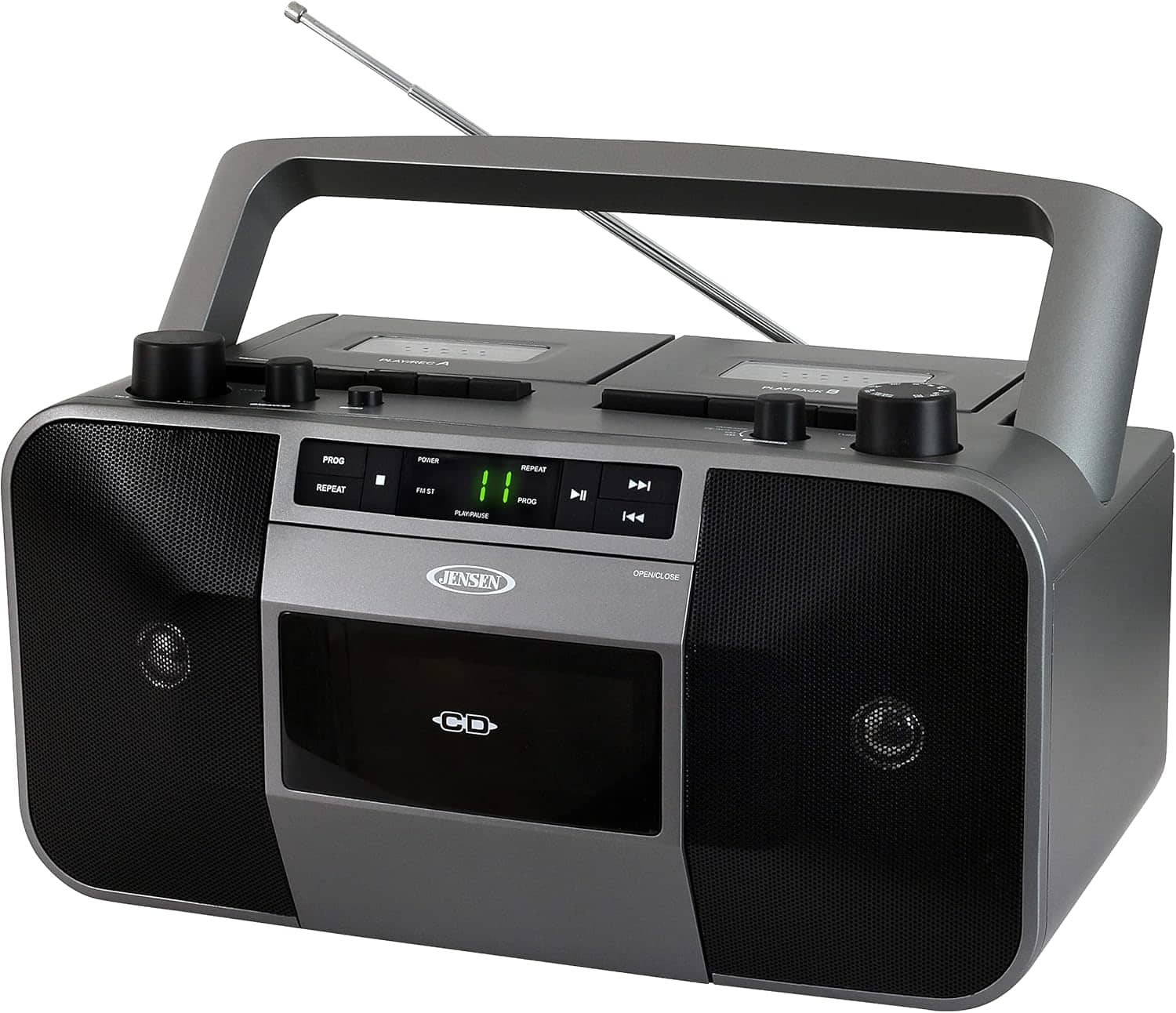
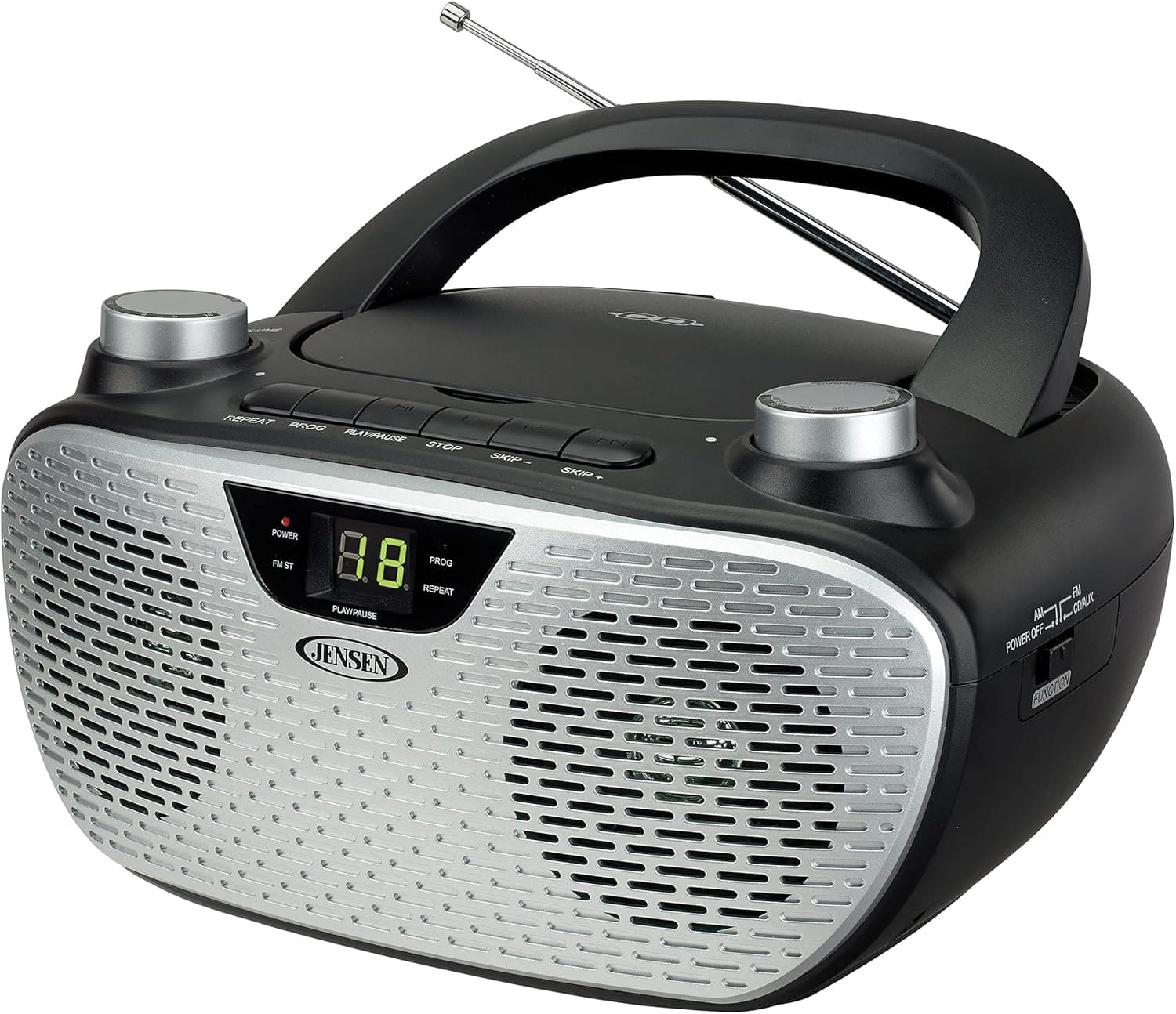

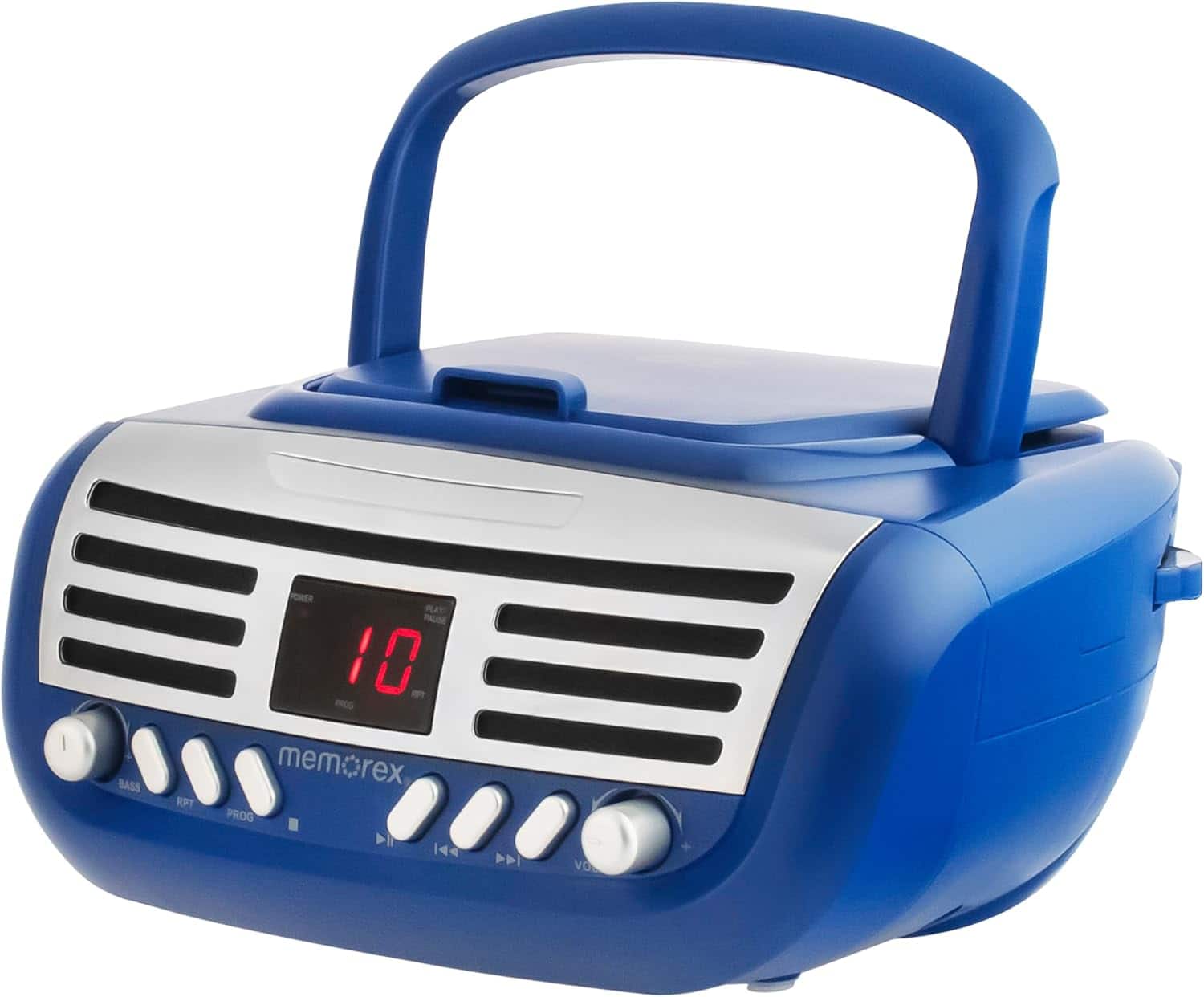
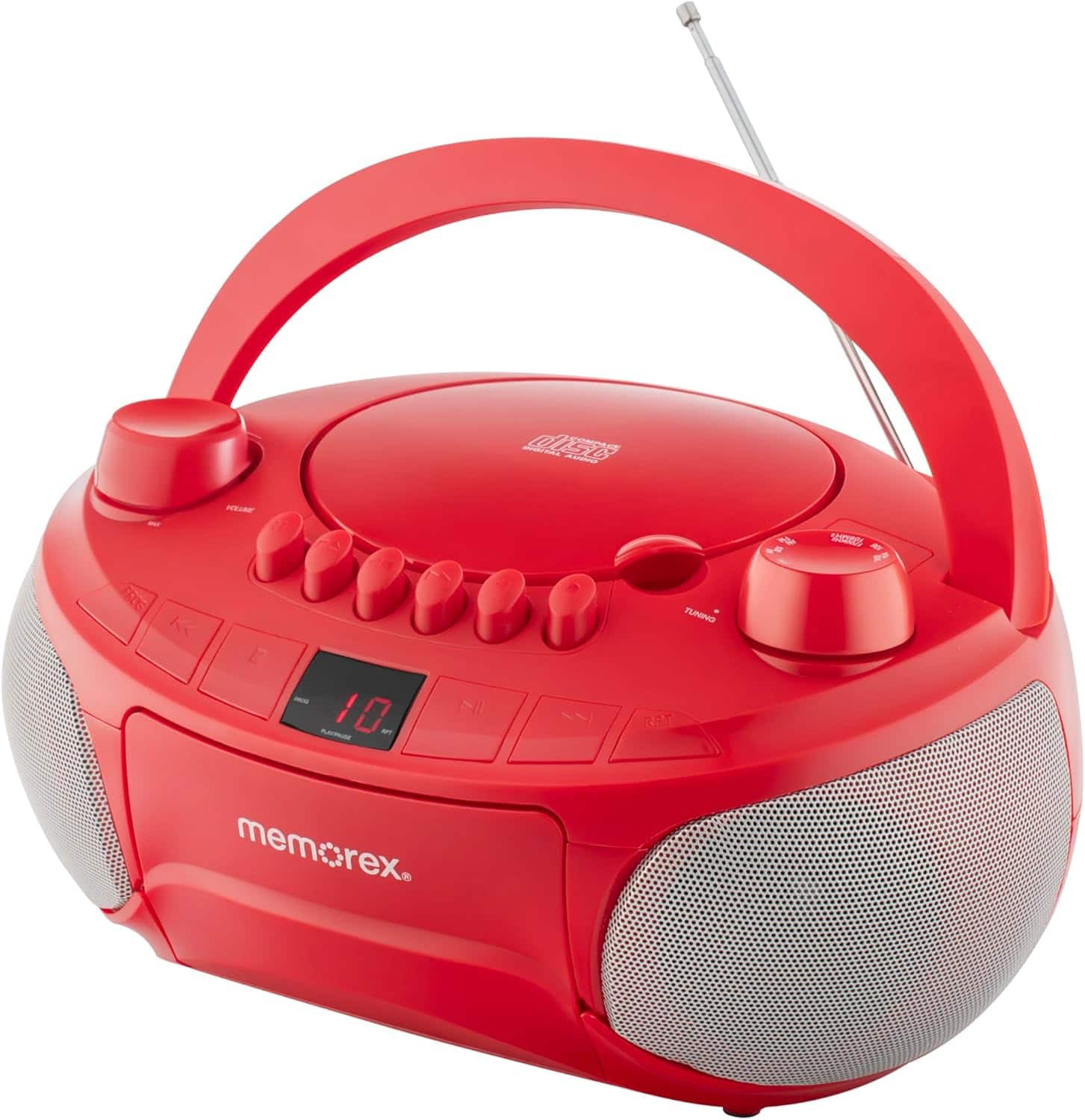
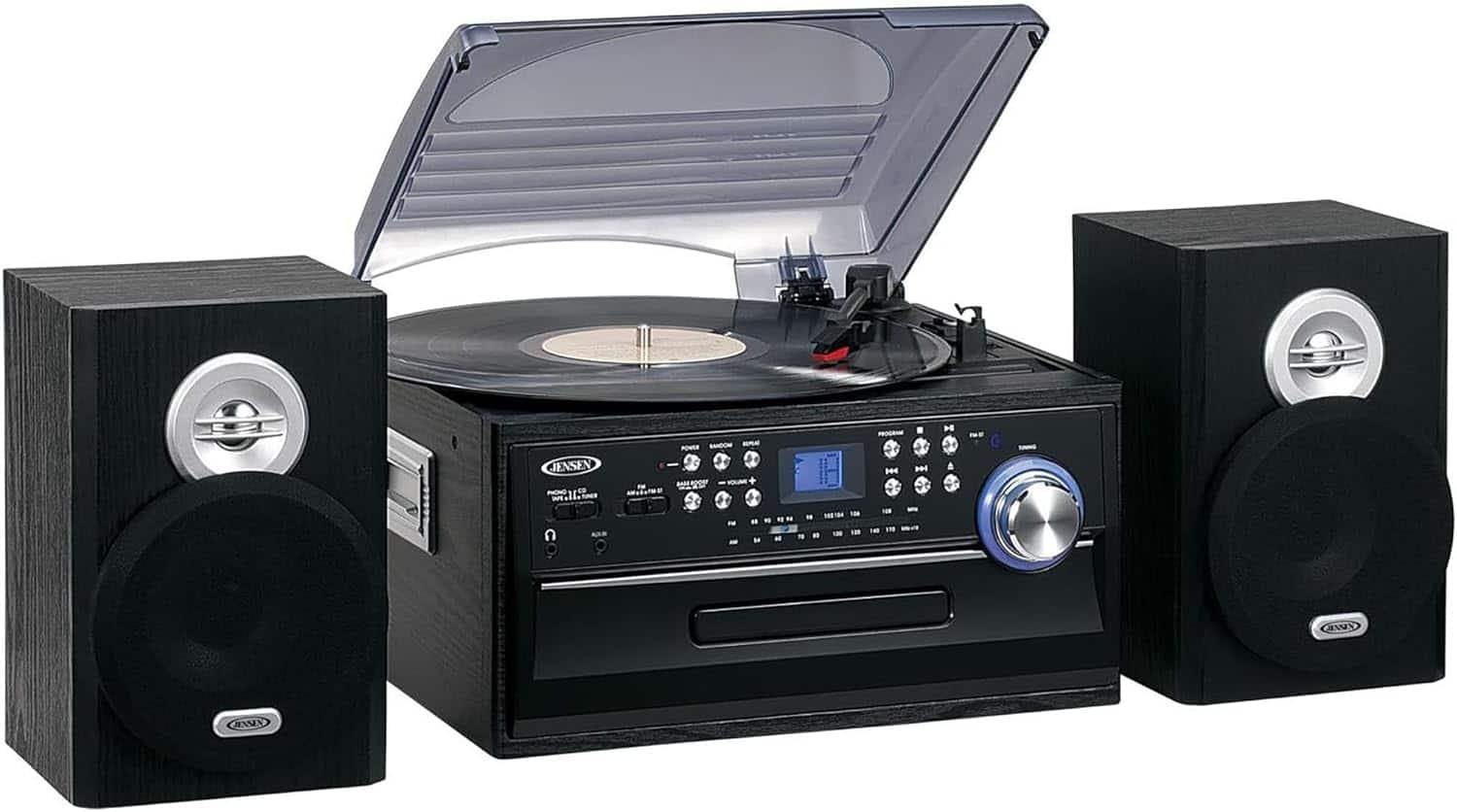
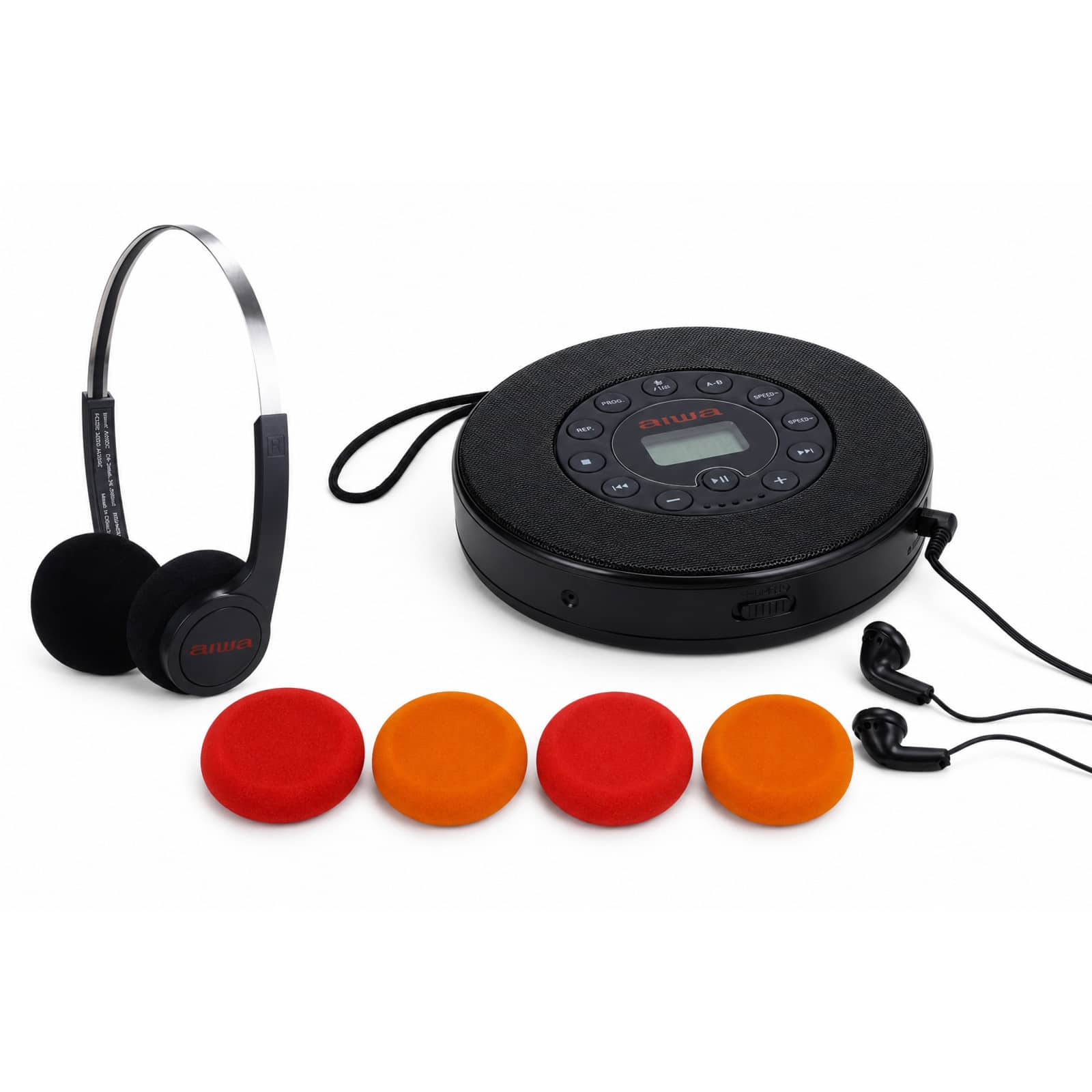
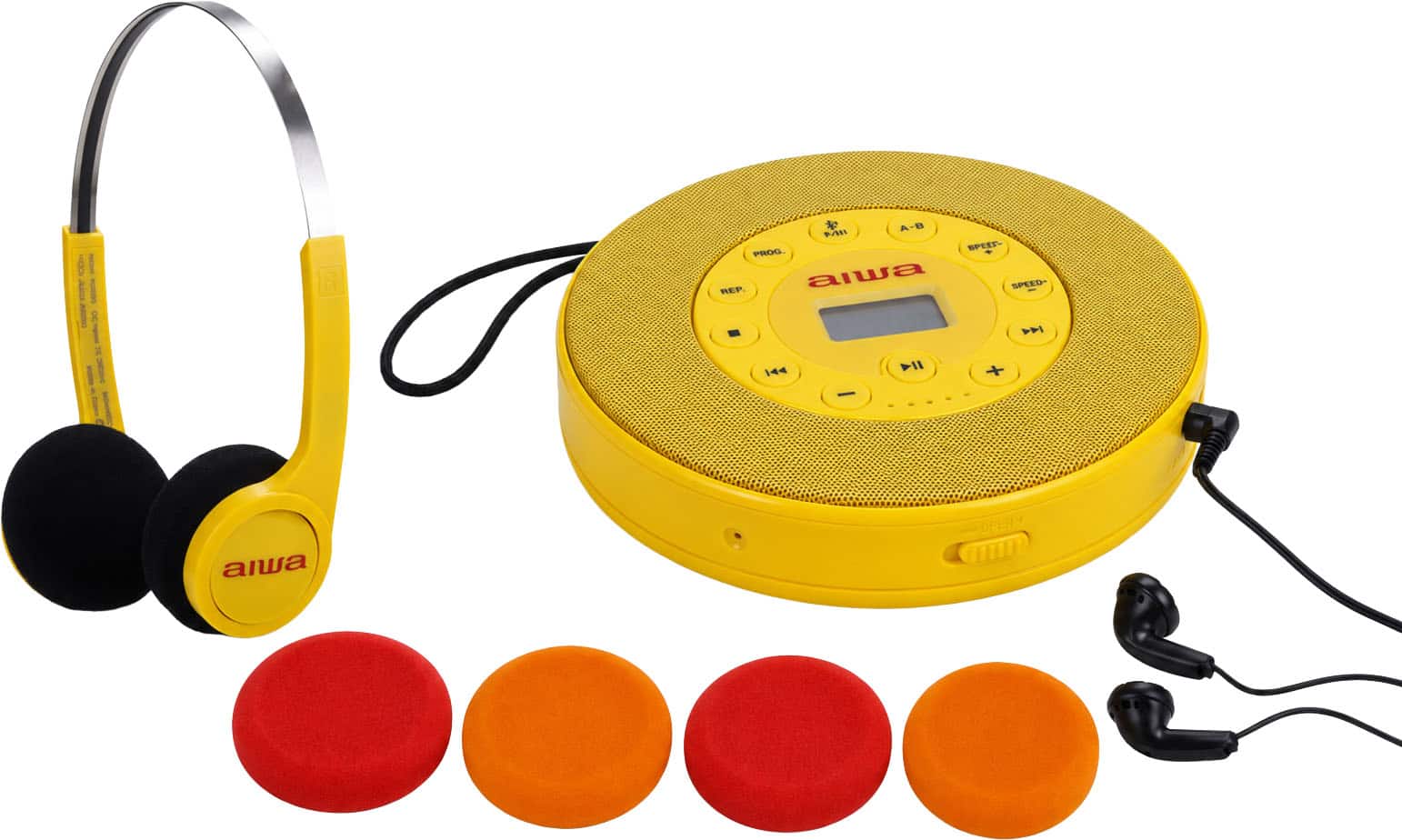
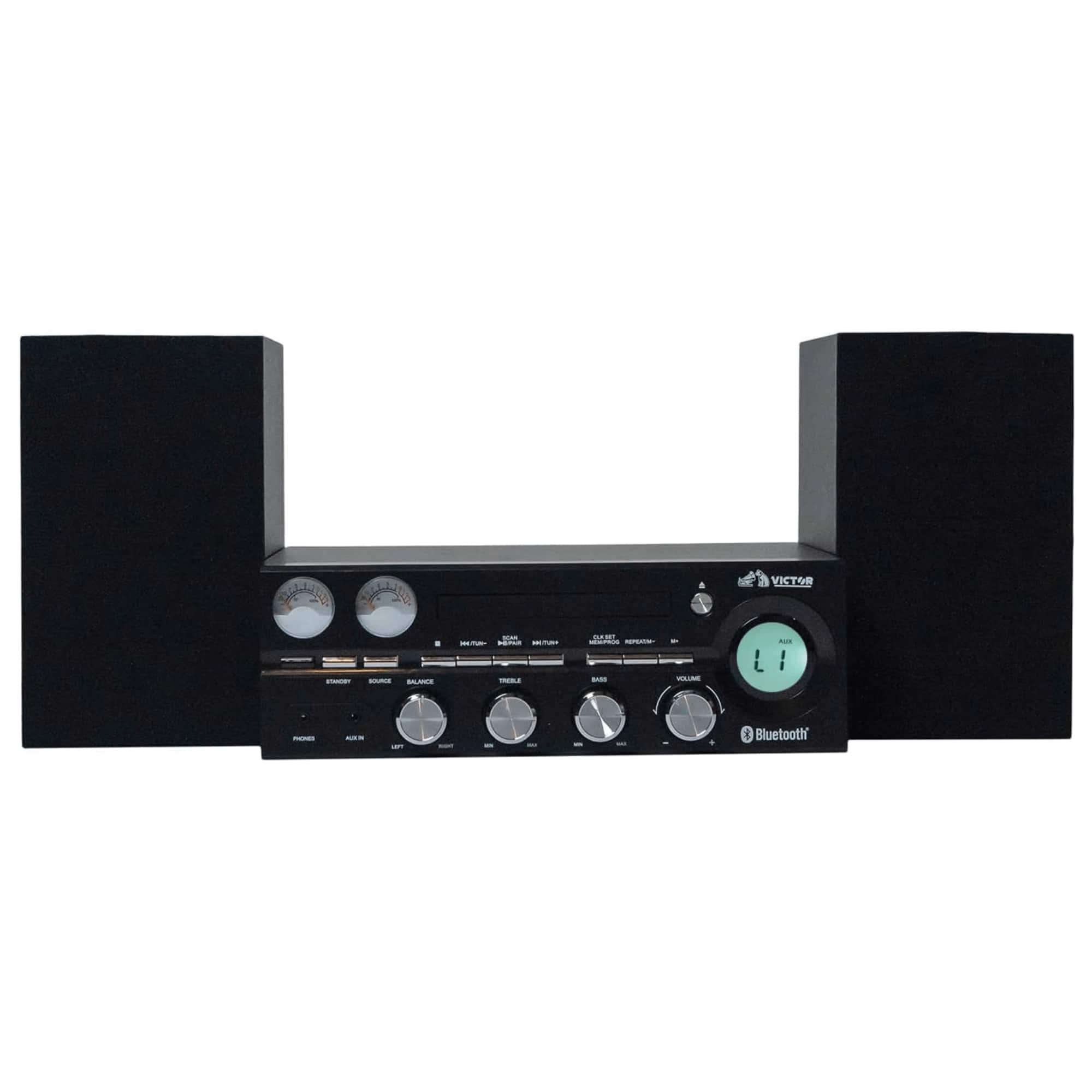
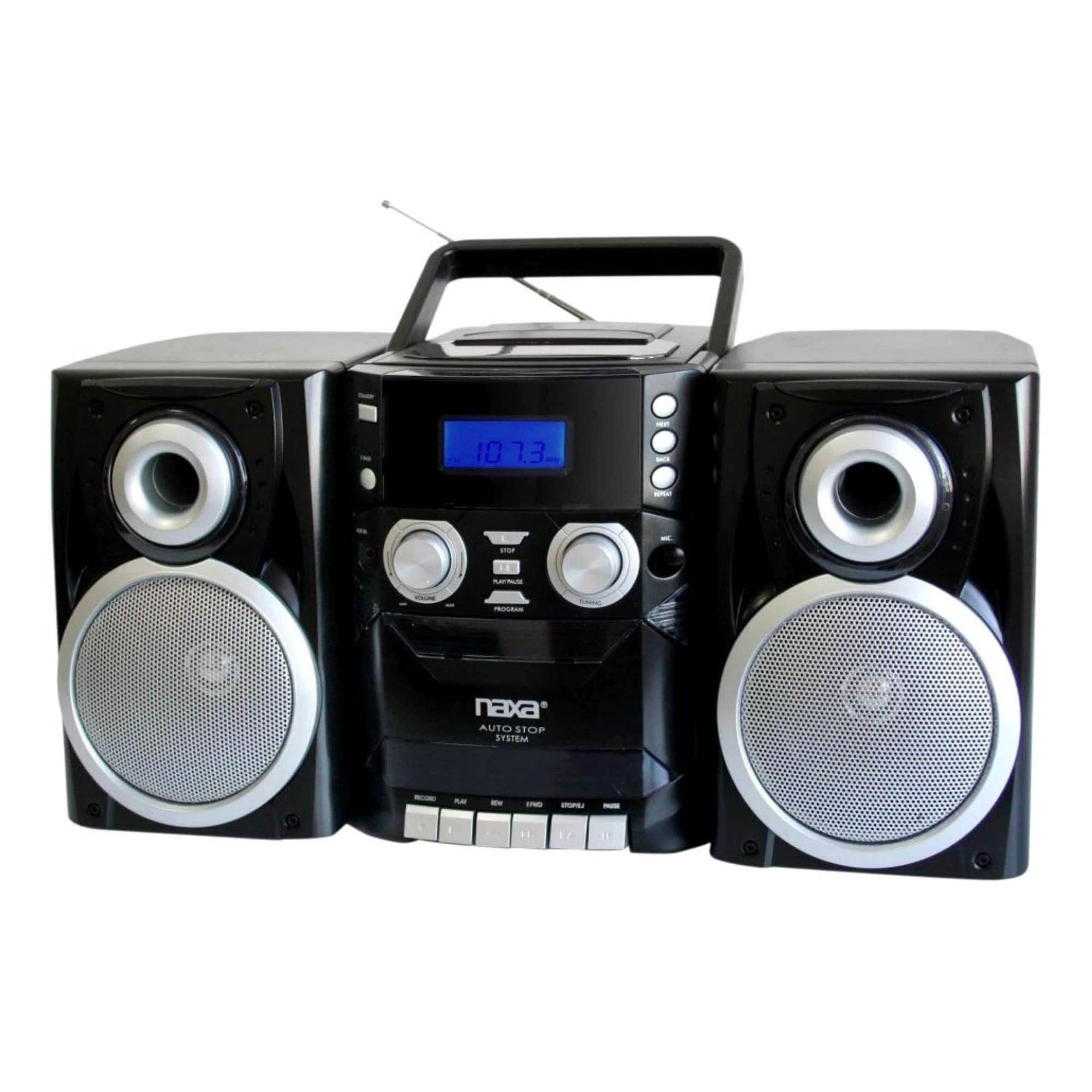
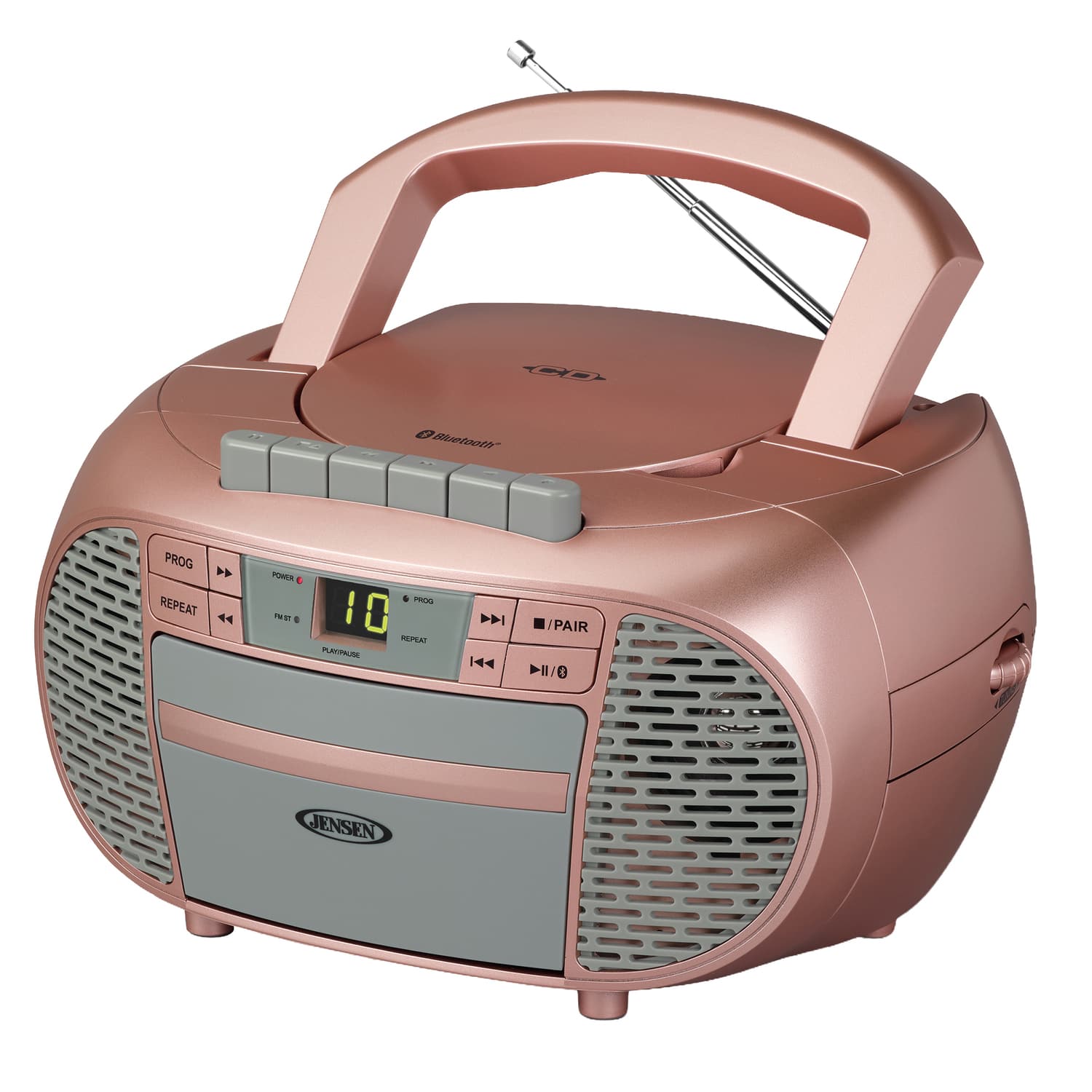
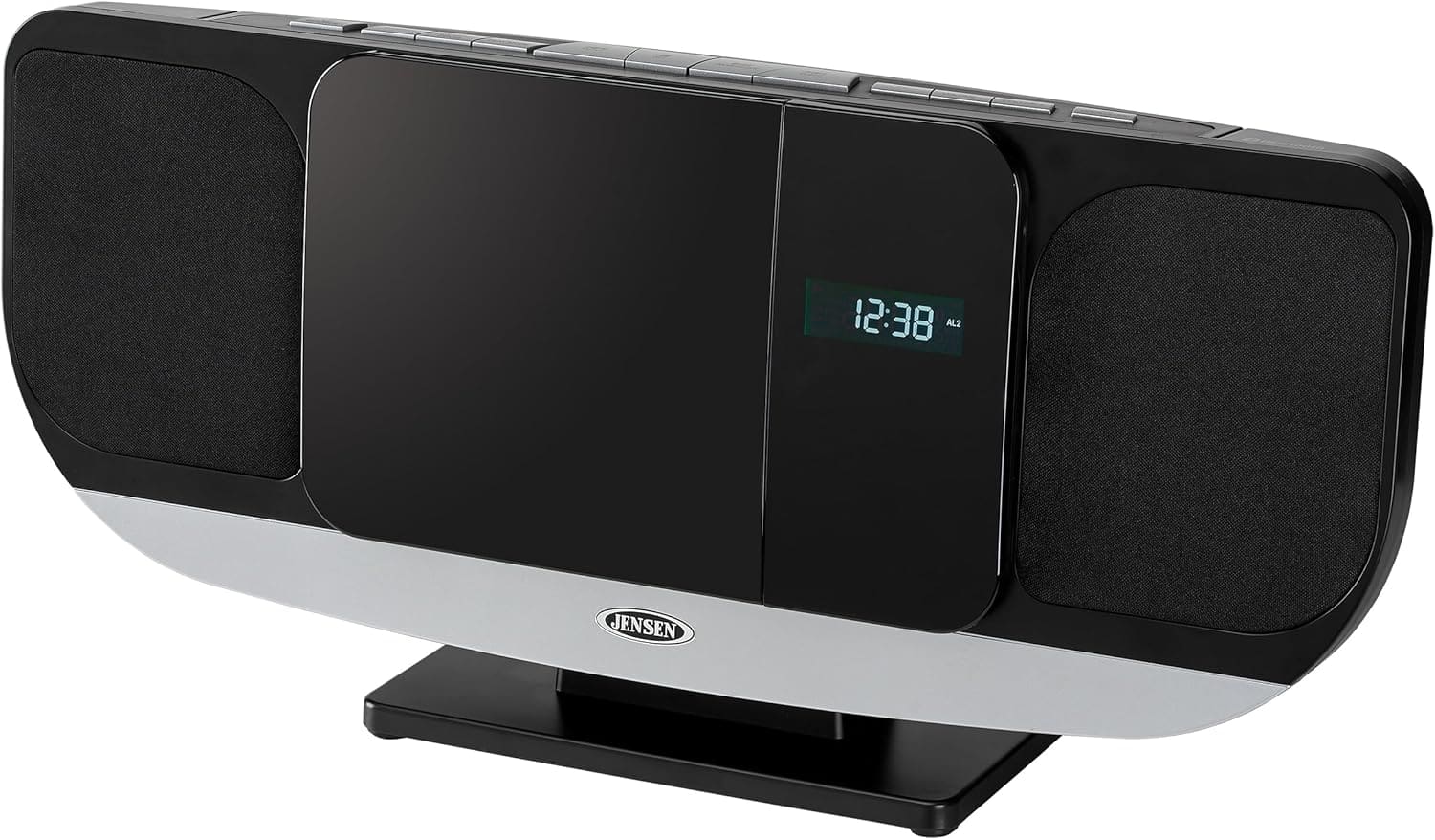
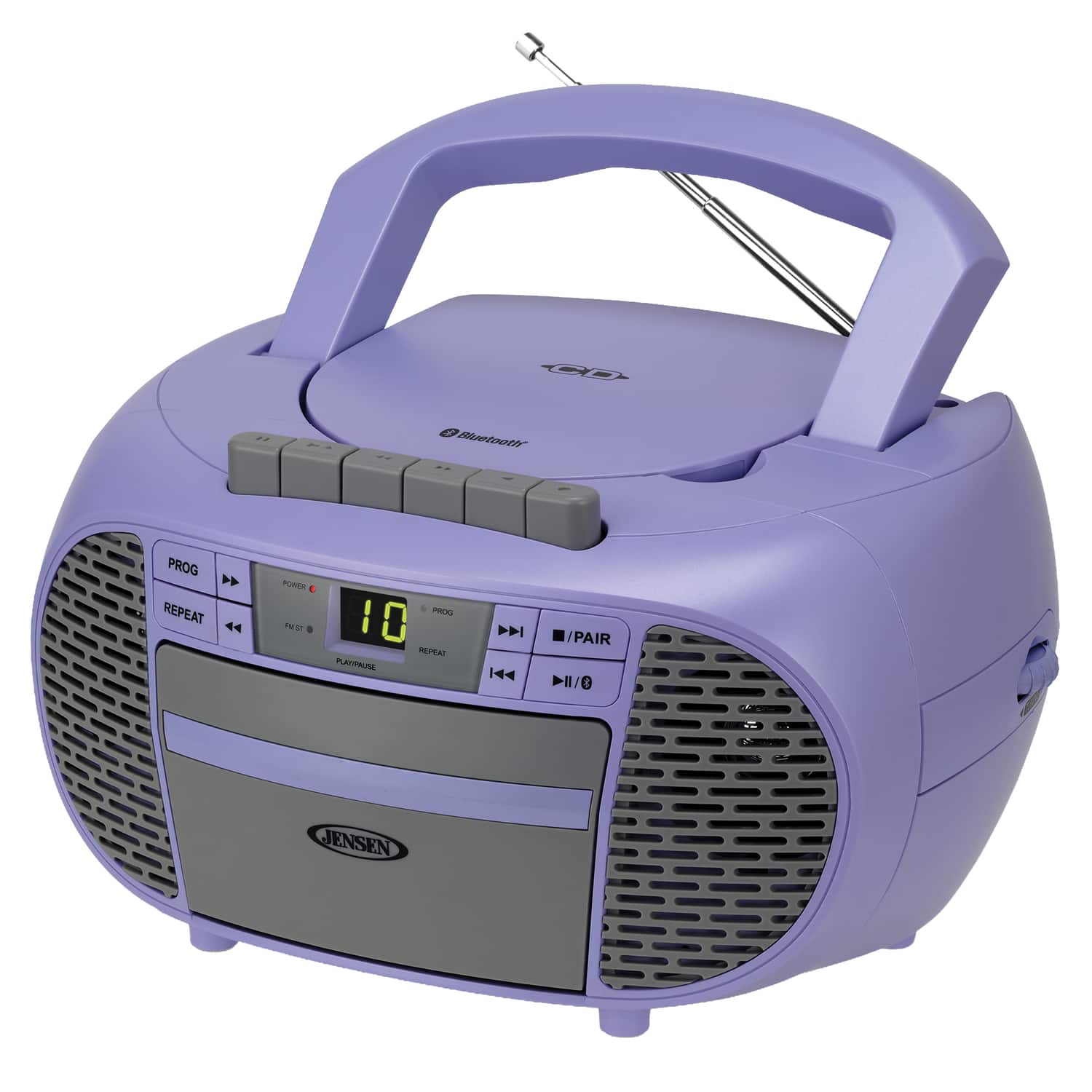
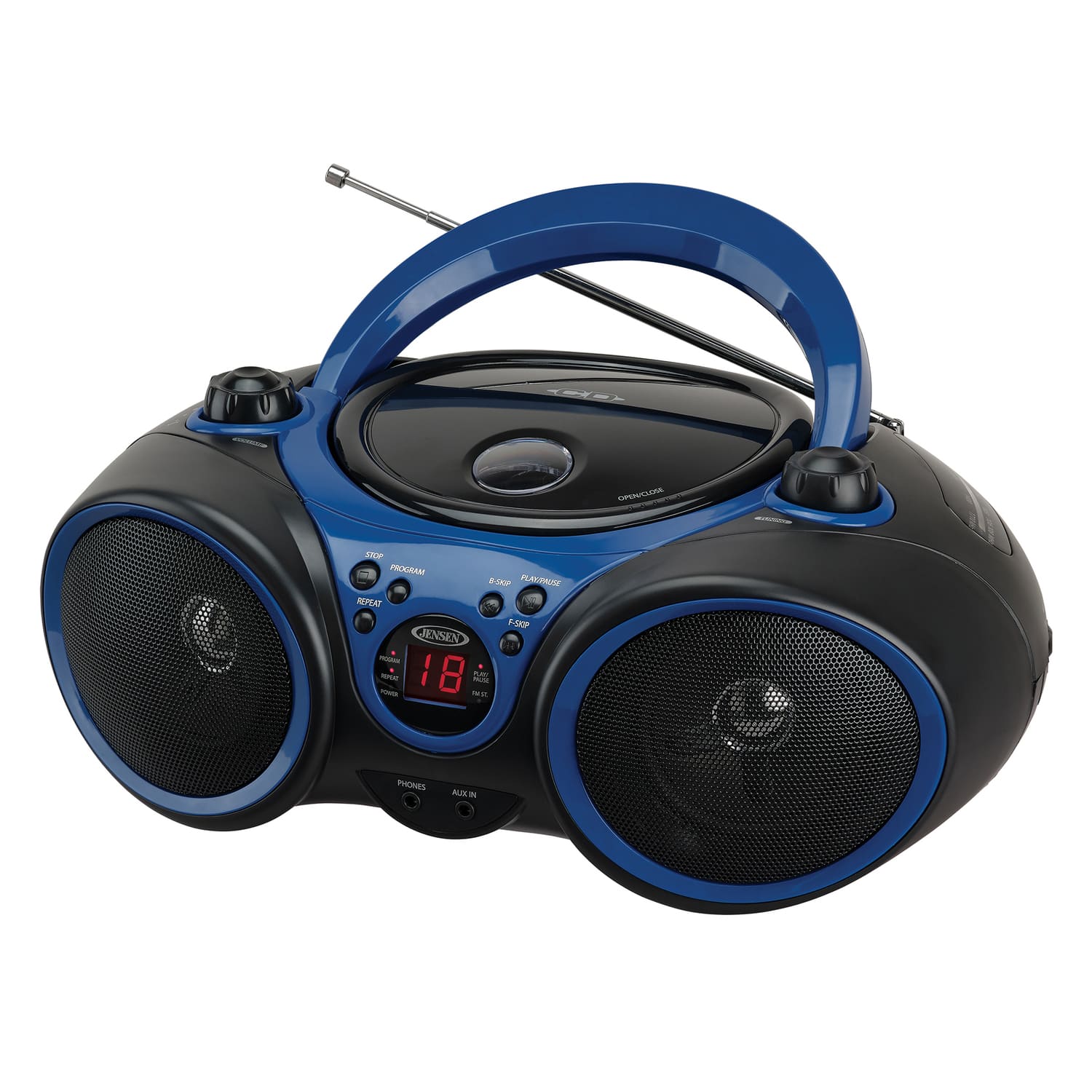
CD players with MP3 disc playback
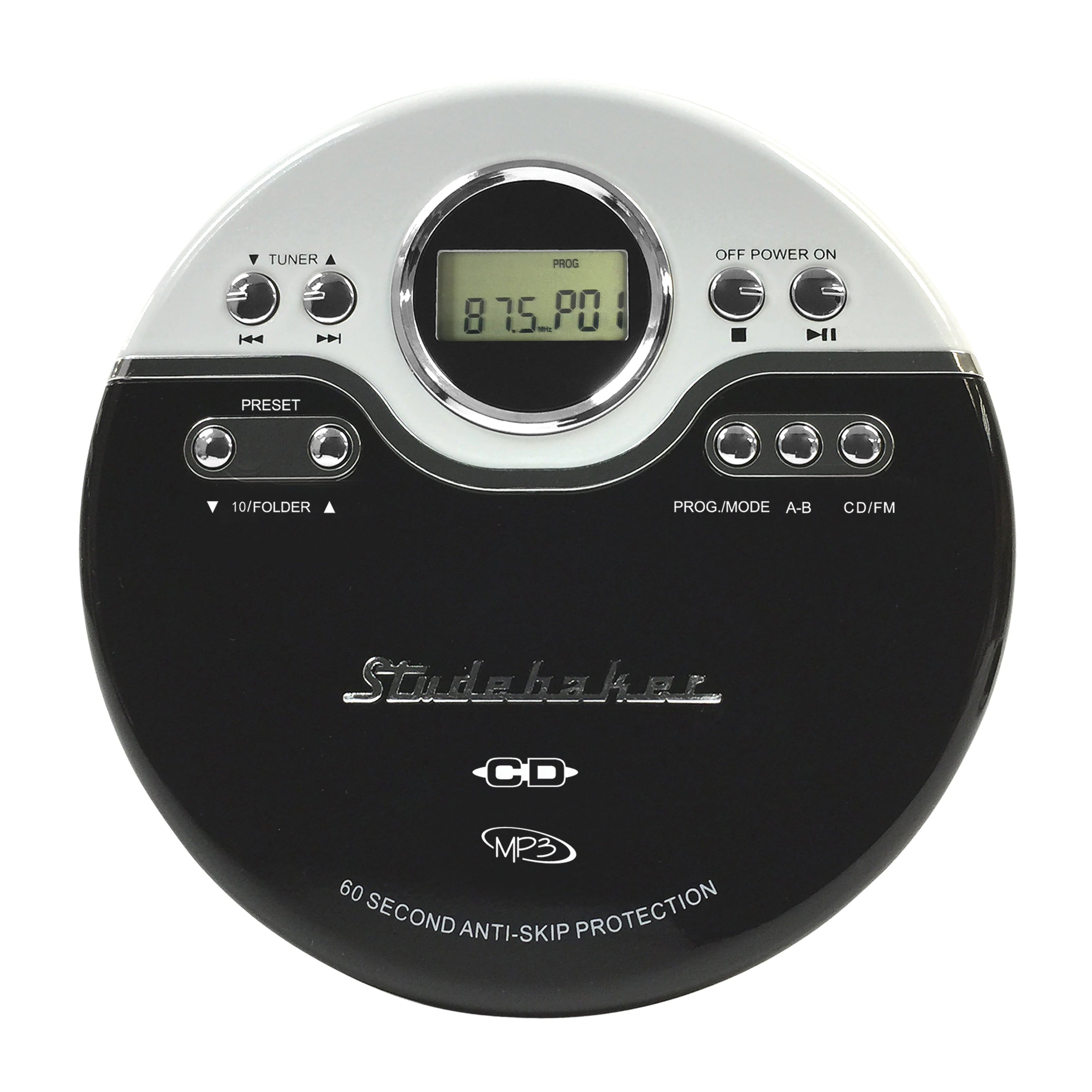
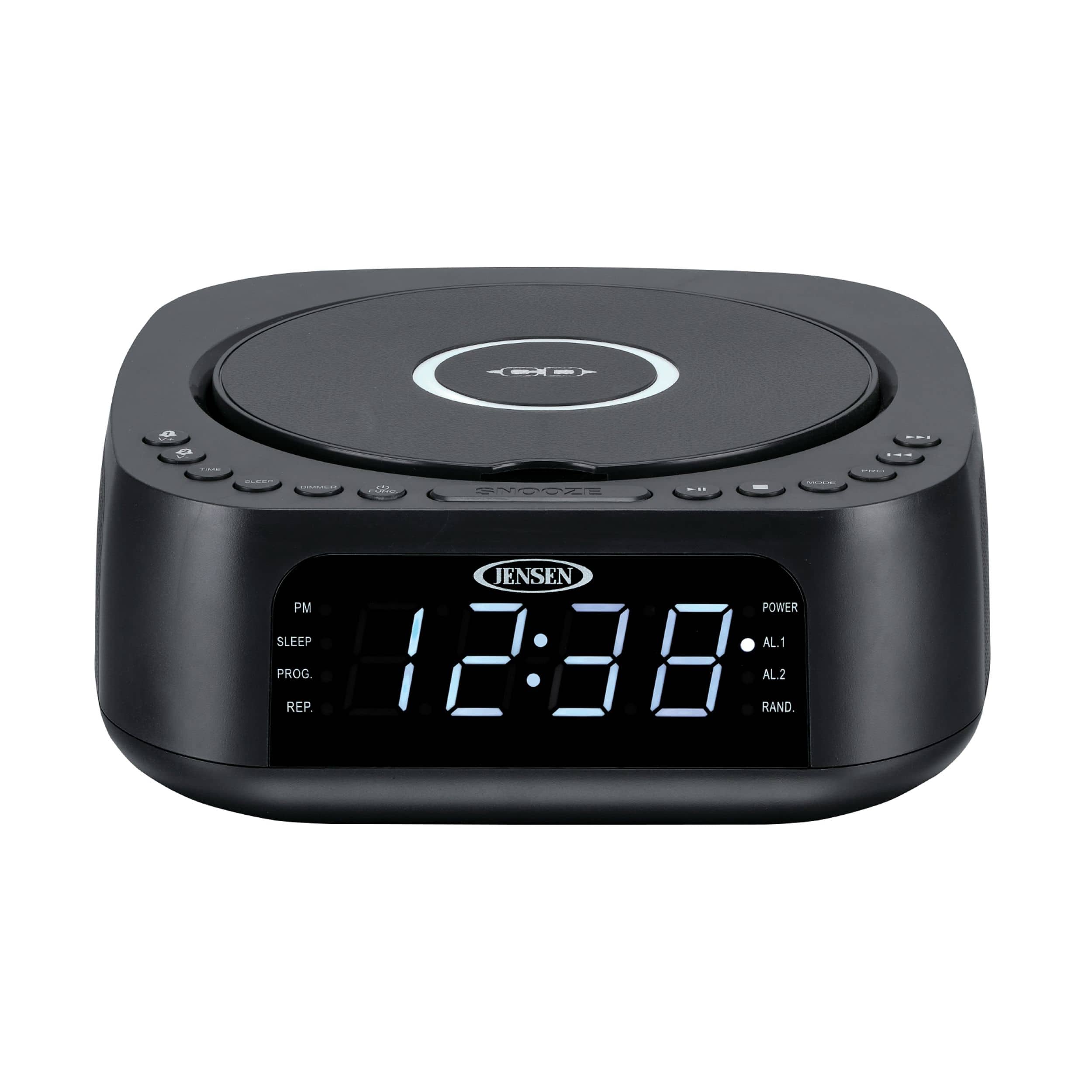
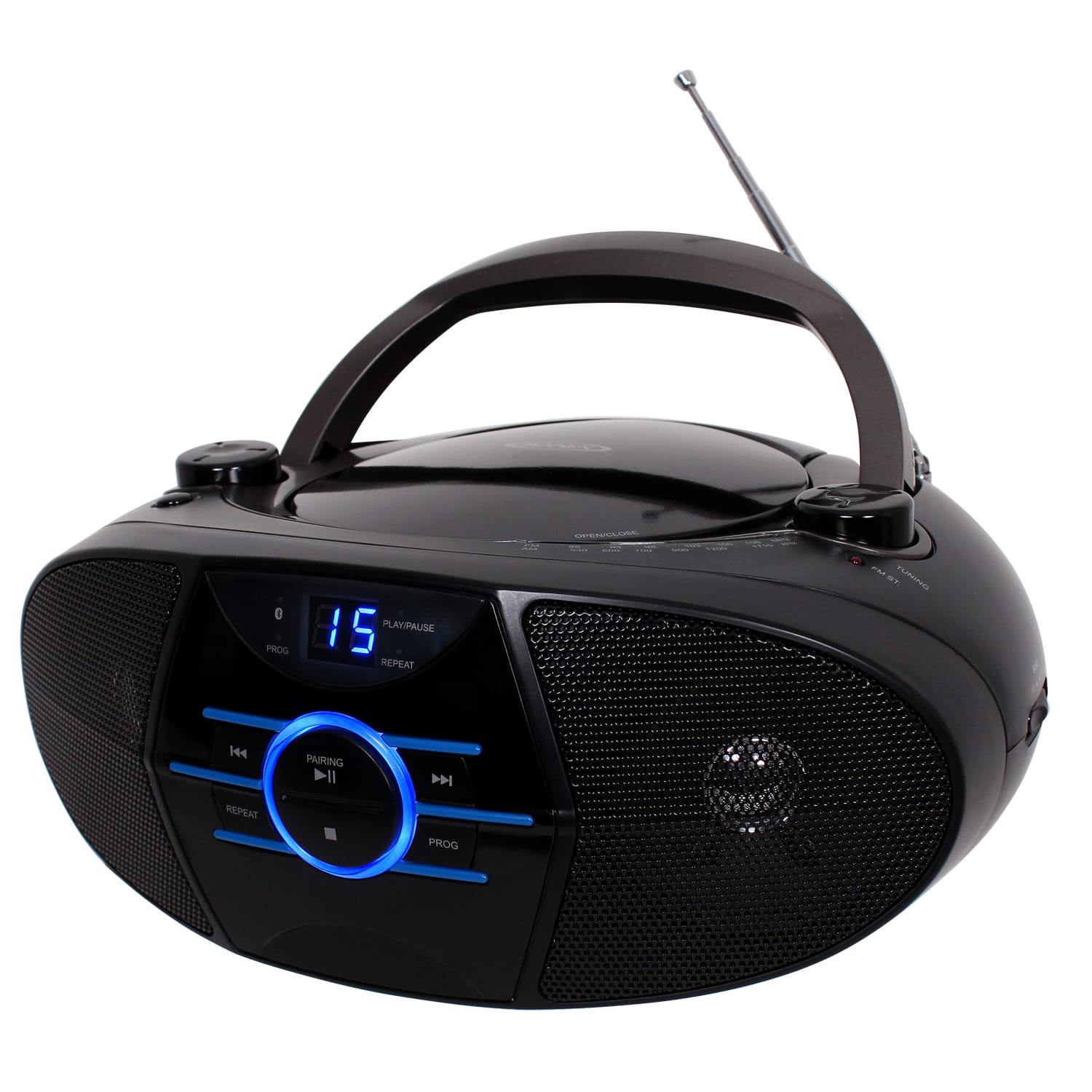
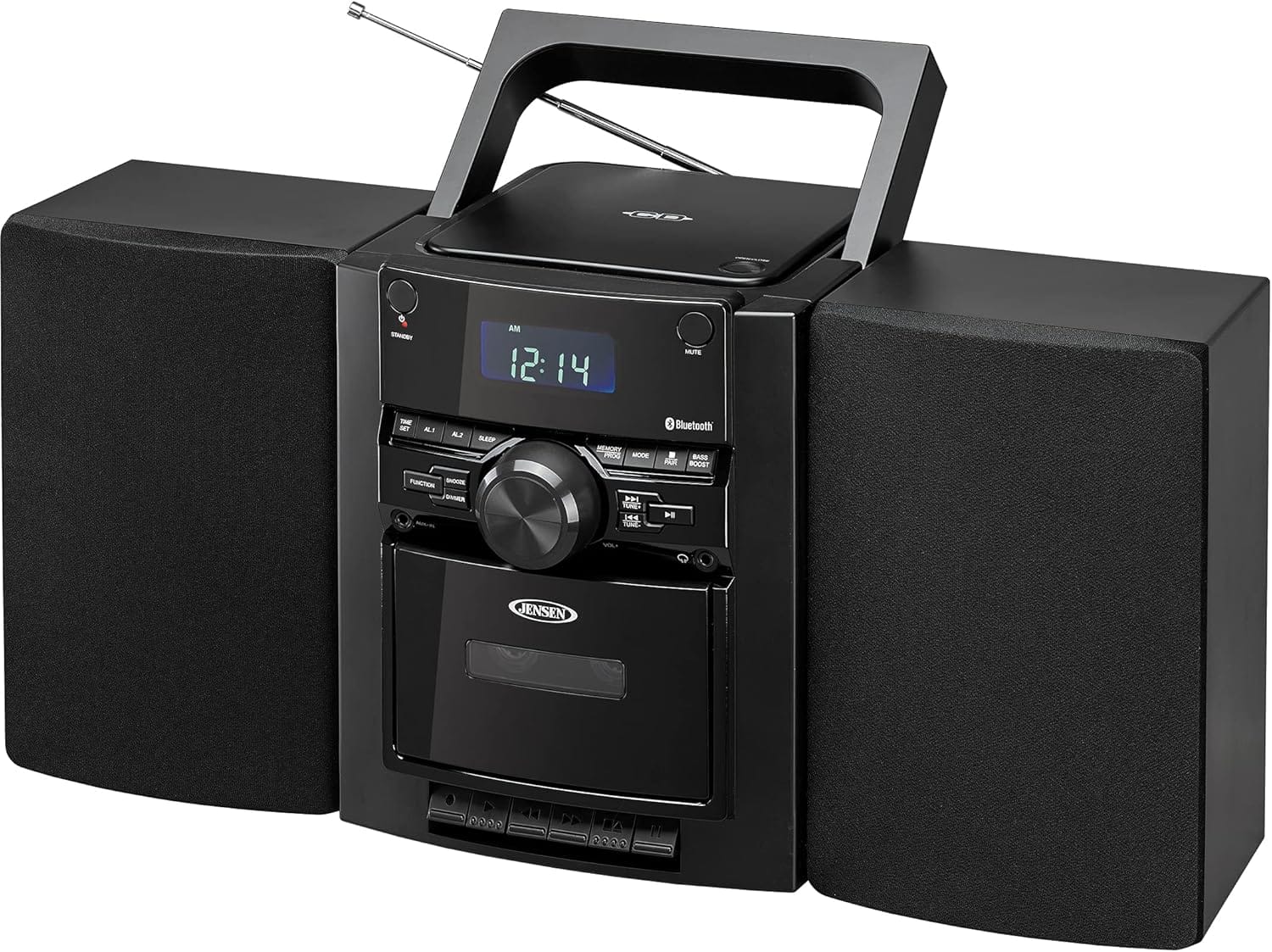
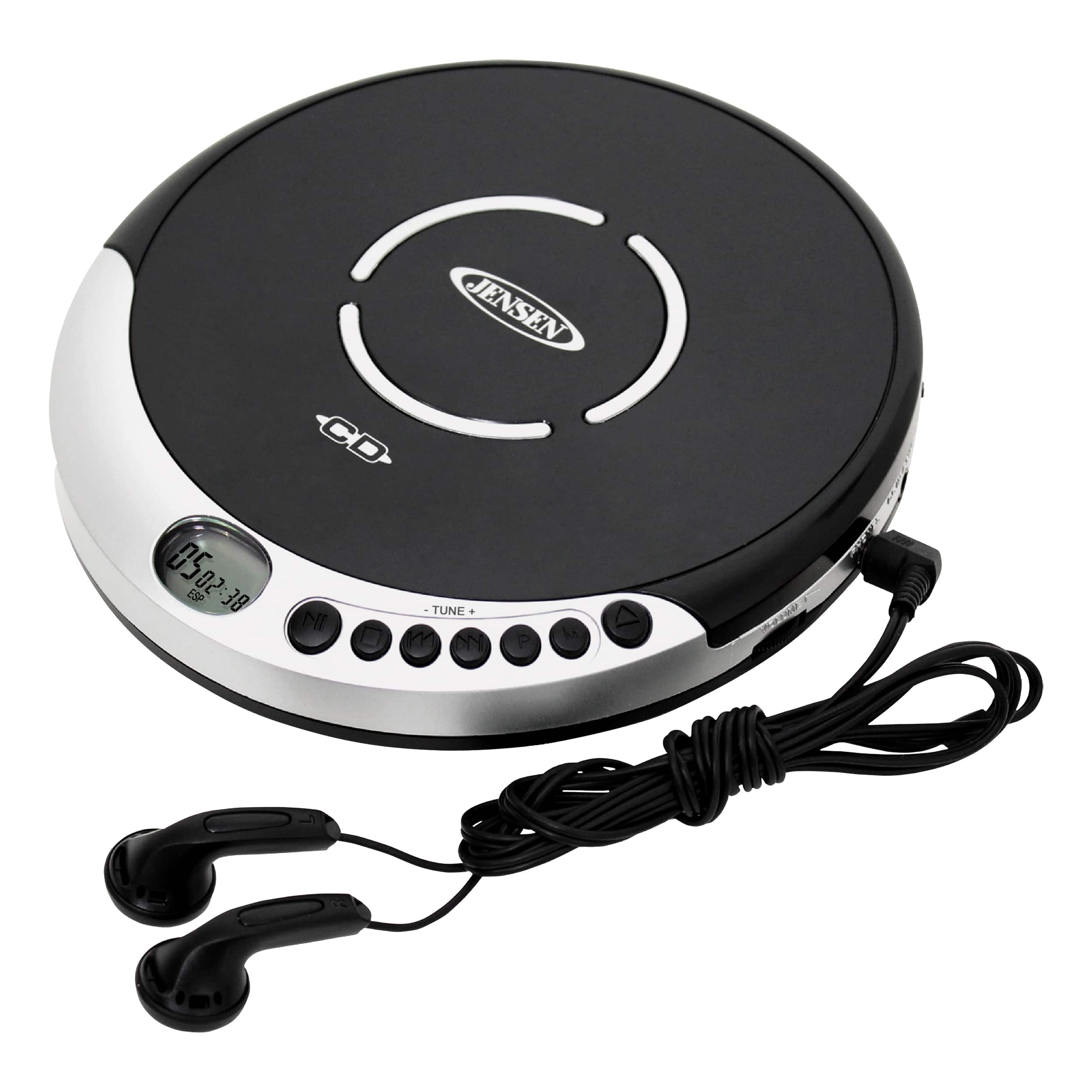
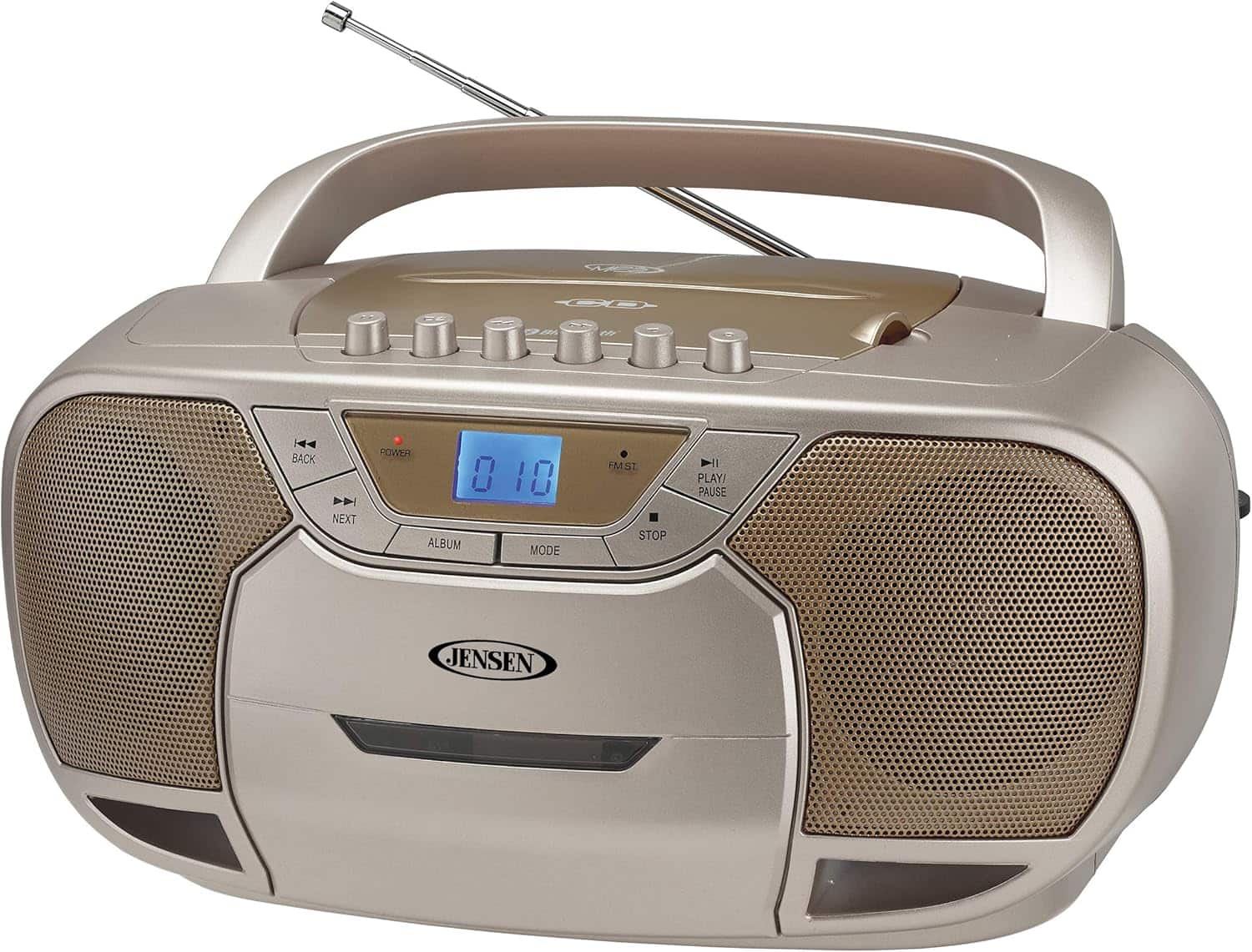
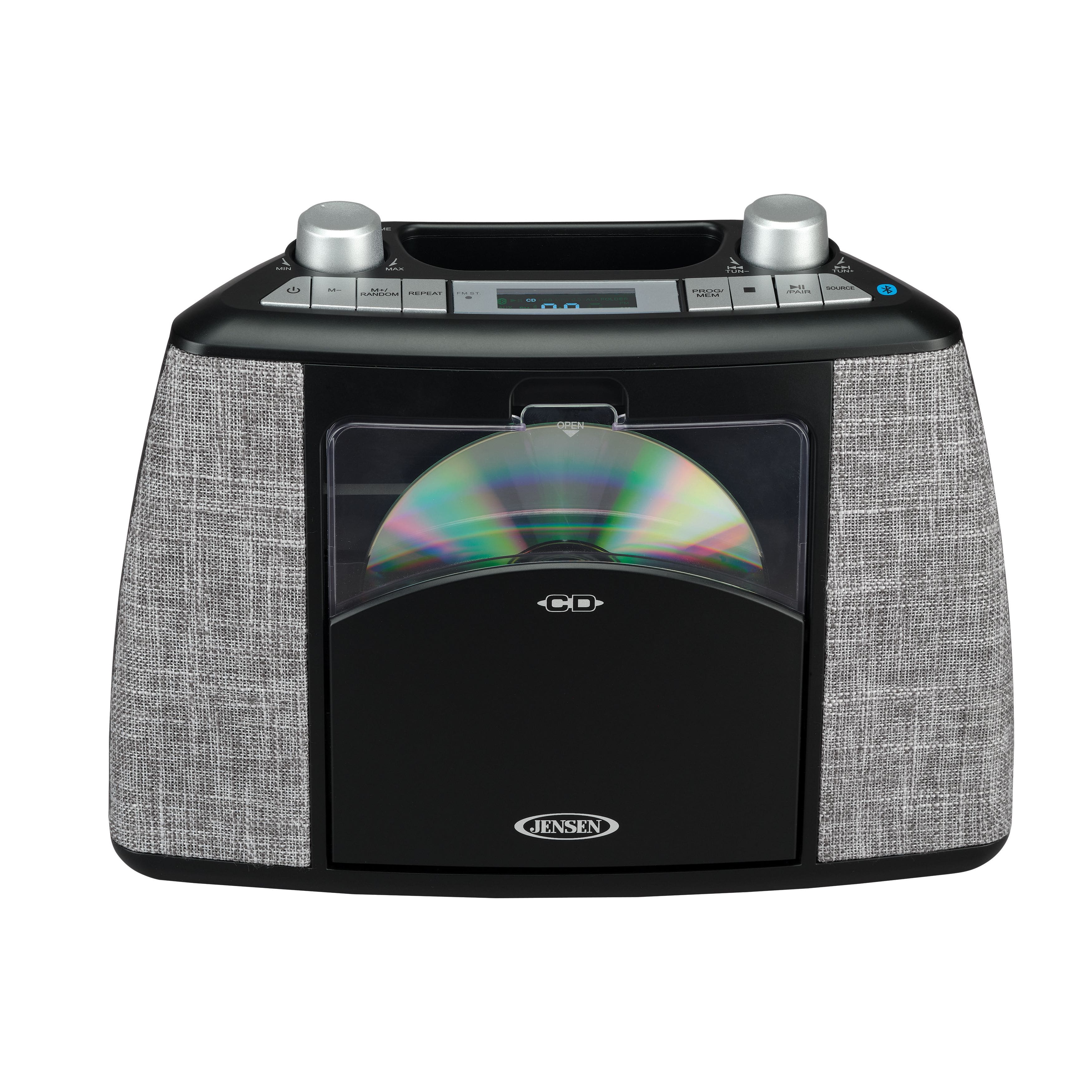
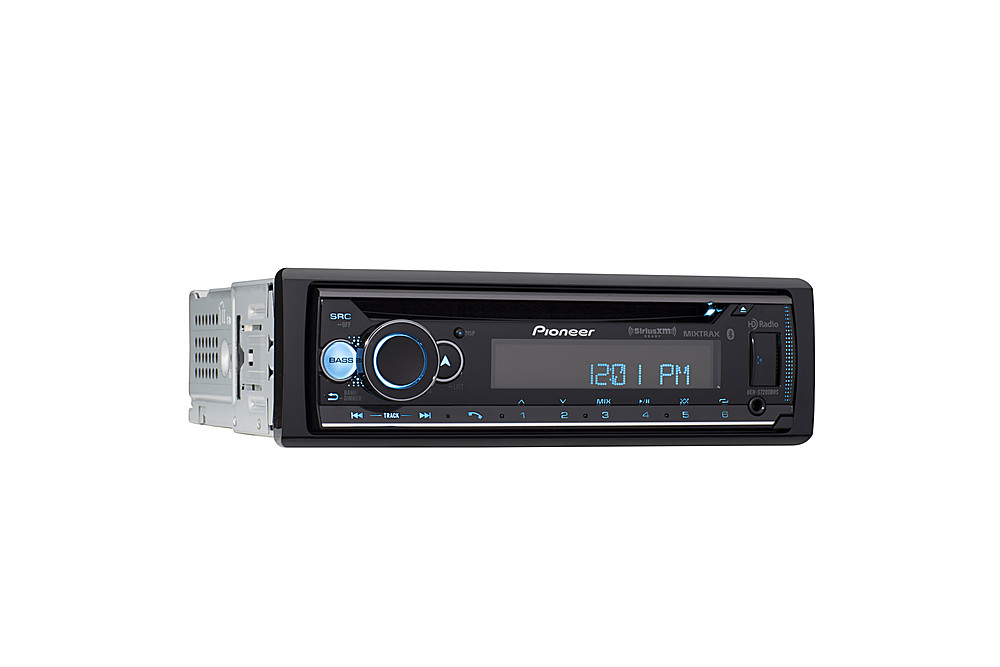
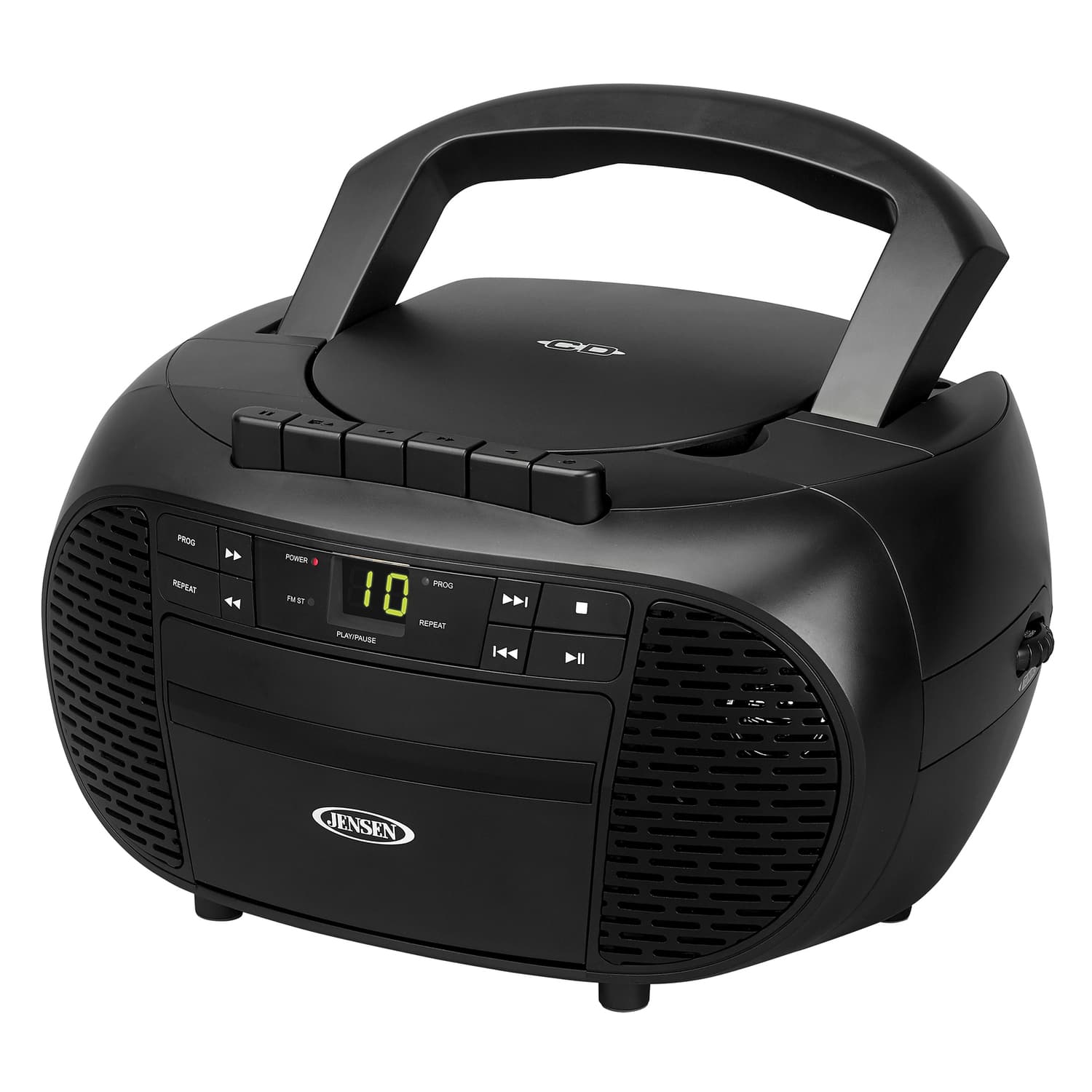
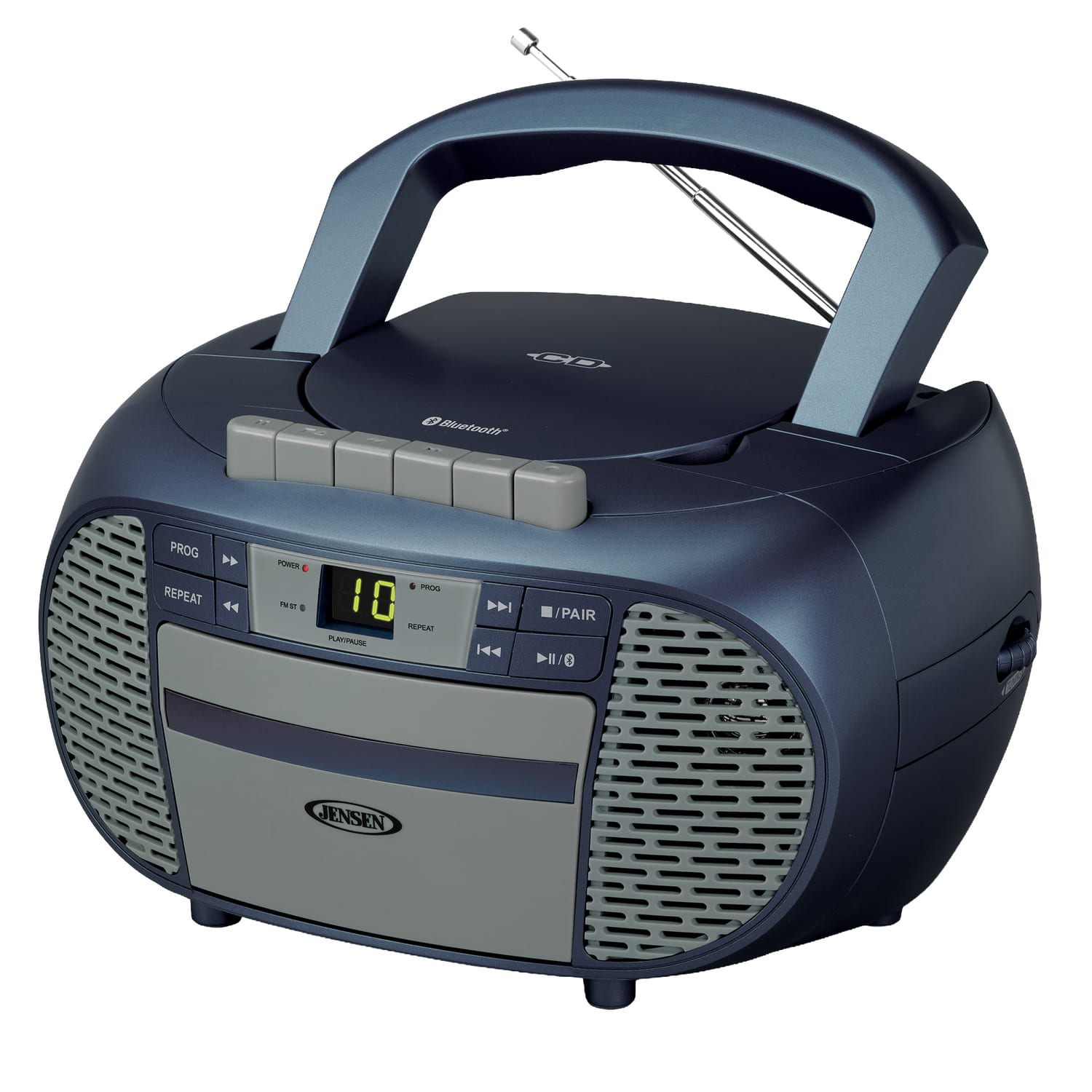
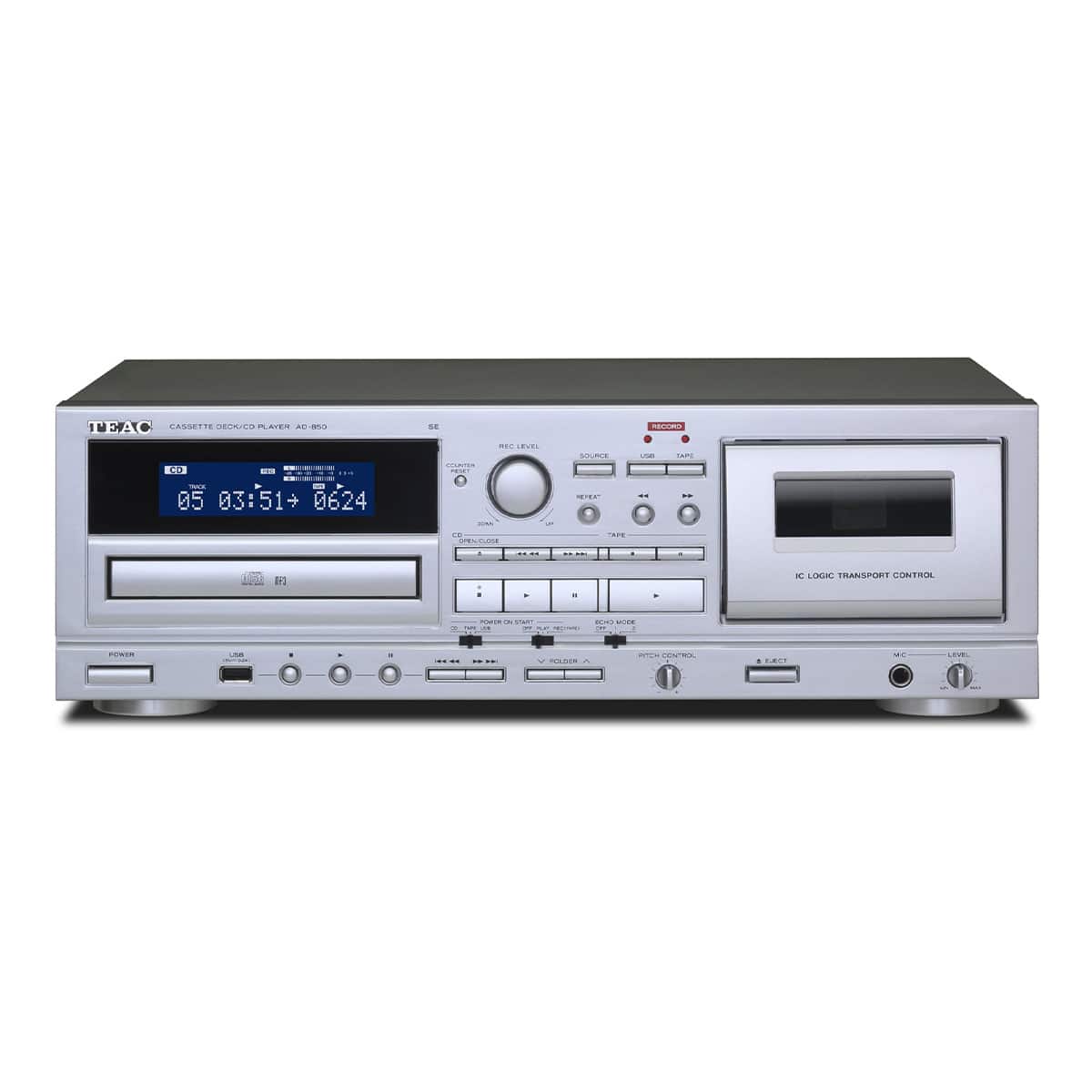
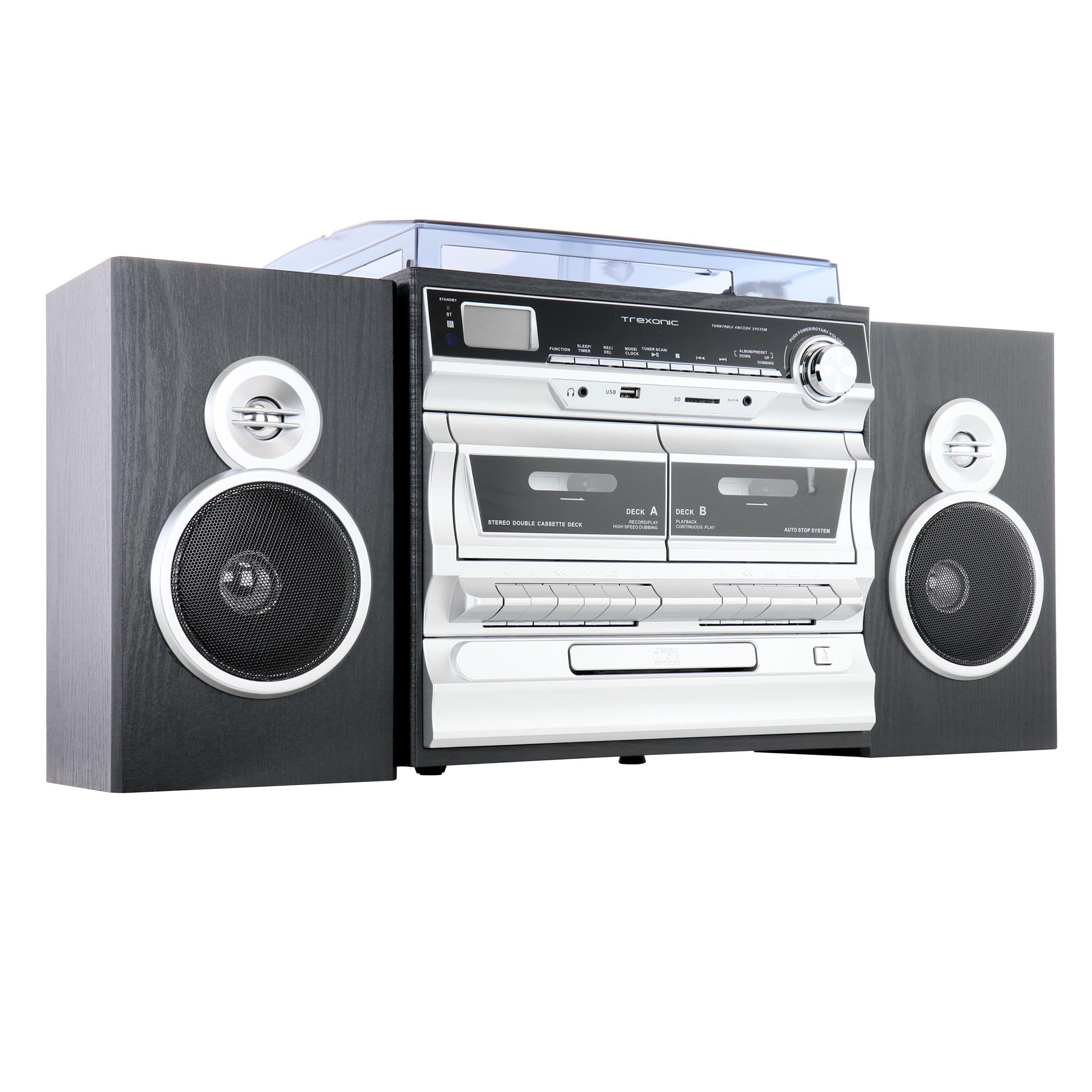
CD Player Compatibility: Audio CDs, CD-R/CD-RW, and MP3 Discs
FAQs
An audio CD stores music as standard CD audio, also called CD-DA. CD-R and CD-RW describe recordable media: CD-R is write-once, while CD-RW can be erased and rewritten. Either can hold an audio CD recording or data files. An MP3 CD is a data disc containing MP3 files, so it needs a player that specifically supports MP3 playback from disc.
Not necessarily. Check for CD-R and CD-RW individually in the player’s specifications or manual. Support for one does not guarantee support for the other. Even with a compatible player, playback can depend on the recording format, finalization, media quality and disc condition.
No. A player may read CD-R/CD-RW discs recorded as standard audio CDs without being able to decode MP3 files on a data disc. Look for an explicit reference to MP3 CD or MP3 playback from CD-R/CD-RW. MP3 support through USB, or an auxiliary input for an MP3 player, does not establish MP3 disc compatibility.
If the player supports recordable audio CDs, choose the Audio CD option in your disc-burning software rather than Data CD or MP3 CD. The software converts supported source files into standard CD audio tracks. Stay within the disc’s stated audio capacity, commonly 74 or 80 minutes, and finalize the disc. Converting an MP3 into an audio CD does not restore detail lost during MP3 compression.
Finalizing writes the closing information that many standalone players need to recognize a recorded disc. In burning software, this may be labeled Finalize Disc or Close Disc. Follow the player’s manual and your software’s instructions; leaving a disc open for additional recordings can prevent playback.
Computers can read more file types and disc layouts than many standalone CD players. Check whether the disc contains audio CD tracks or data files, whether it is finalized, and whether the player supports that media type. For MP3 discs, also check the manual’s supported bit rates, sample rates, file system and folder limits. Try an undamaged store-bought audio CD to help determine whether the issue is the recording or the player.
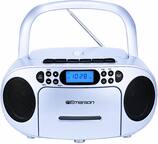
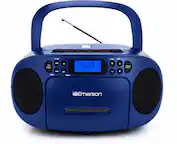
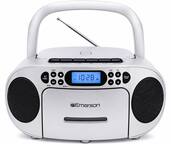
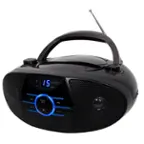
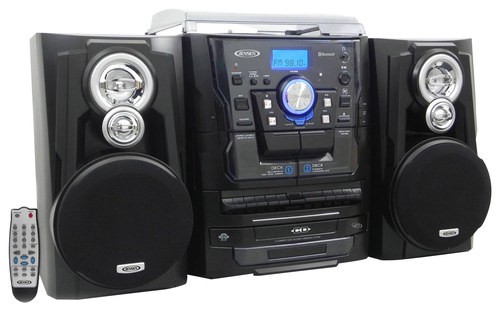
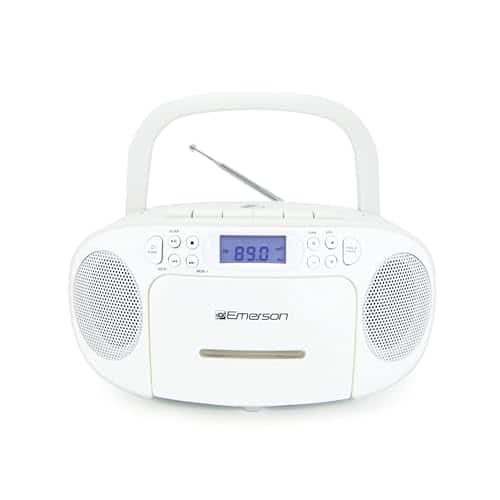
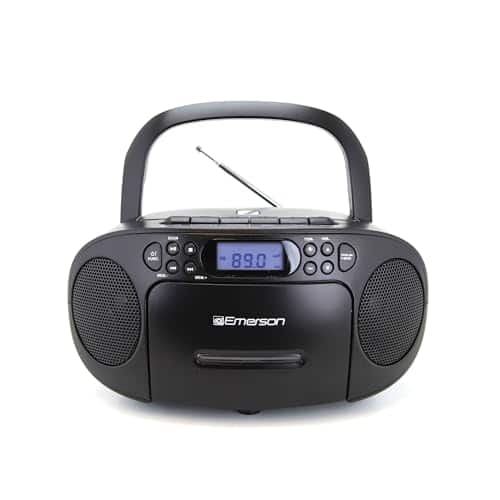
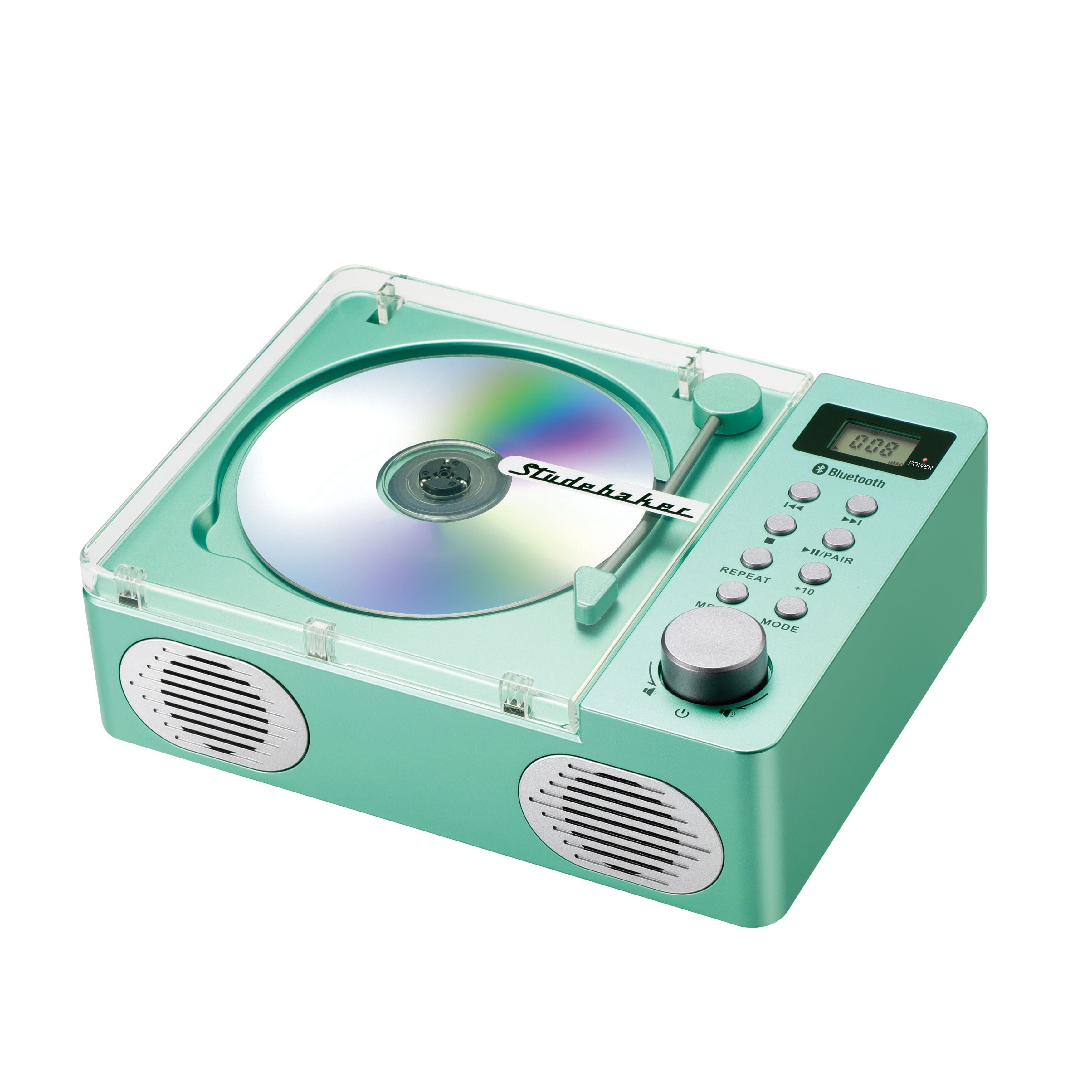
Format support depends on the model, not its size or price. Compare the supported-disc list for each player rather than assuming a home component reads more formats. Once you know what your discs need, browse easy-to-use portable CD players or tabletop CD players to find a design that fits your routine.
No. The player must read the disc and decode its audio before sending sound to headphones, speakers or a receiver. Changing from an analog cable to a digital connection will not add MP3 or CD-RW support. For help after you have matched the disc format, see our guide to connecting a CD player to powered speakers or a receiver.