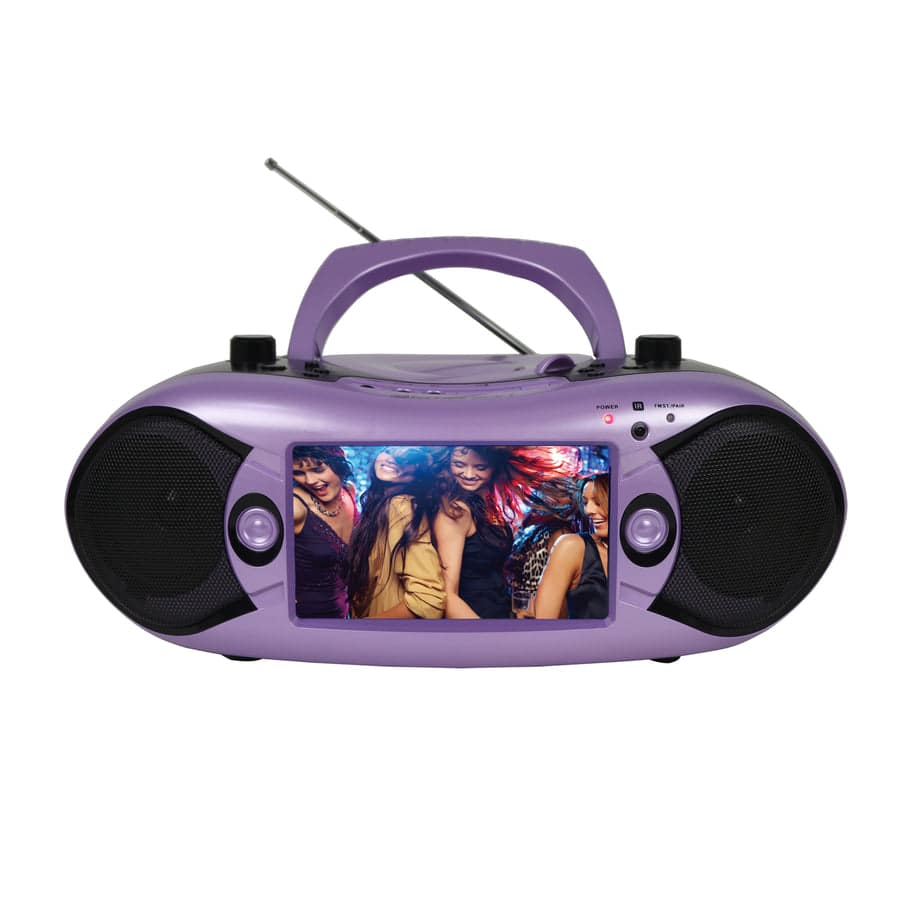
Connect a CD Player to Powered Speakers or a Receiver
Bring your CD collection back to life with the right connections. Pair a home CD player with powered speakers for fewer components, or connect it to a receiver and passive speakers for a traditional stereo setup. Start by matching the player's audio outputs to your speakers' or receiver's inputs, then choose the cable you need. Still deciding which setup fits your space? Explore our CD listening starter guide.
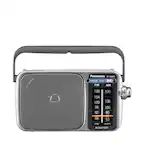
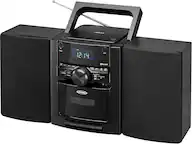
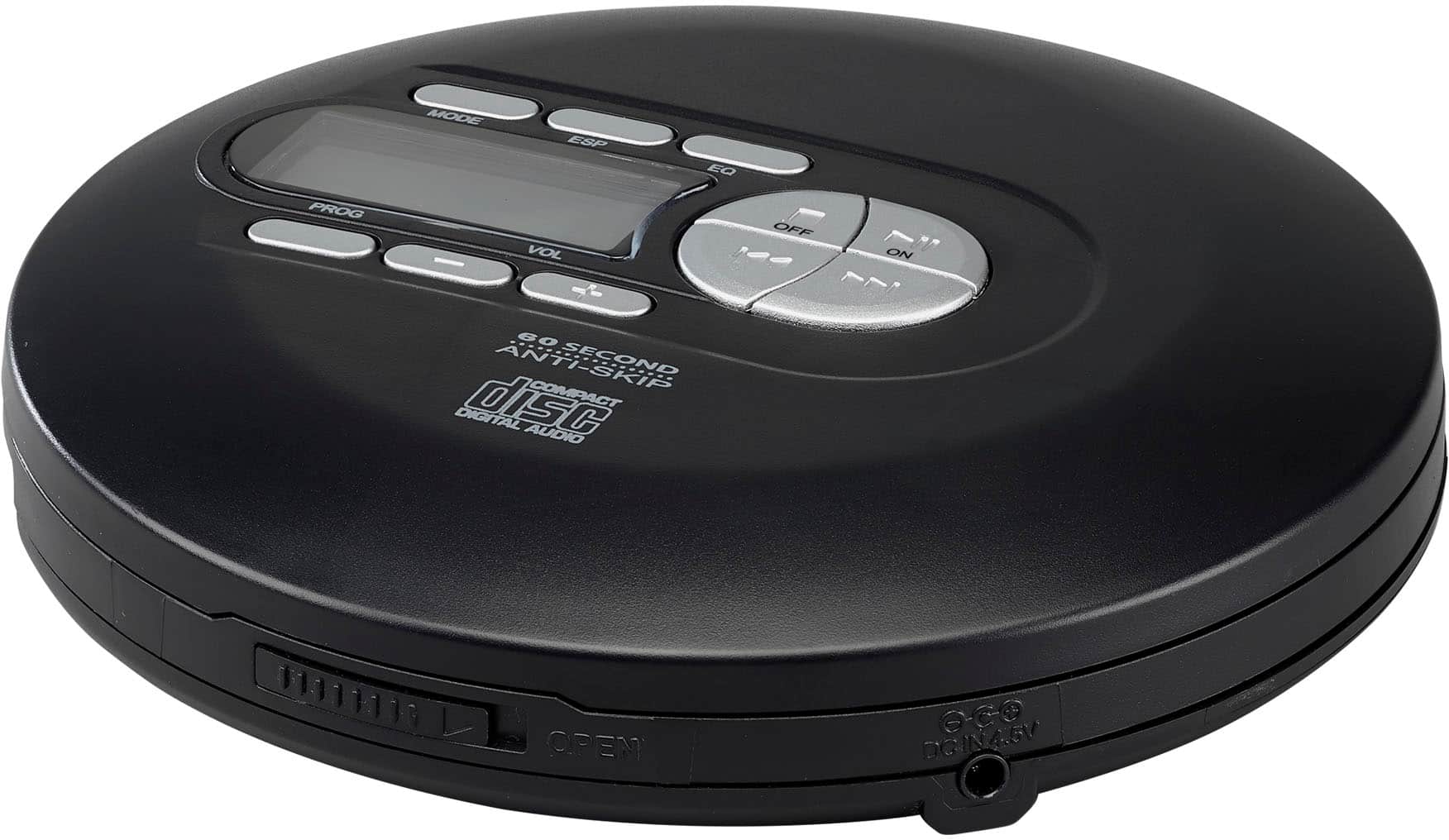
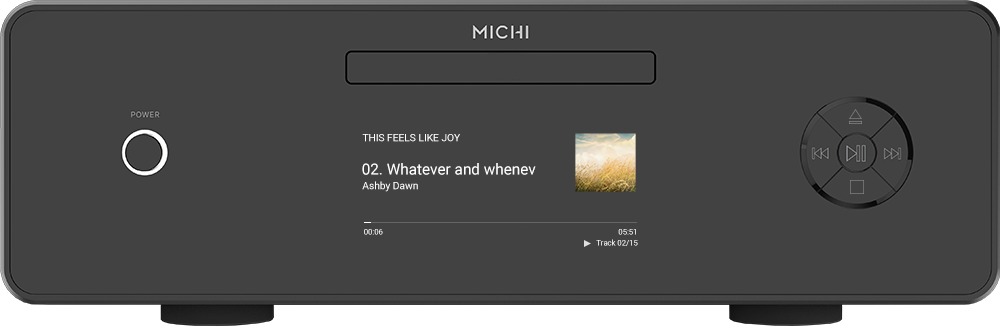
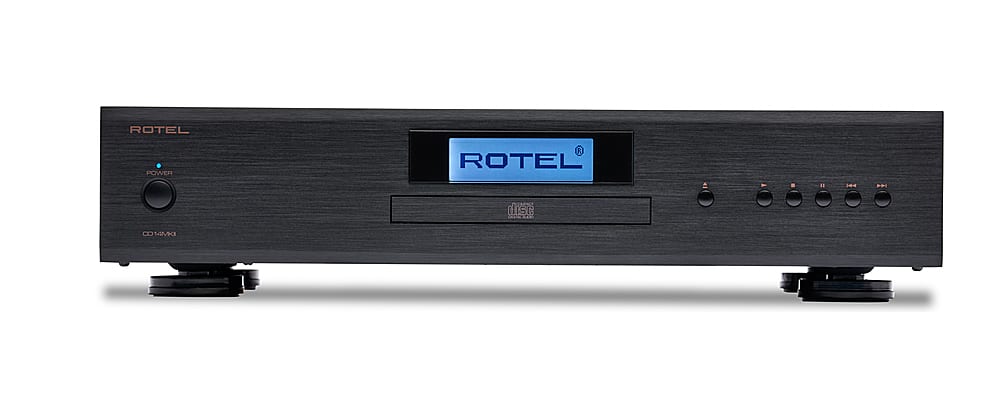
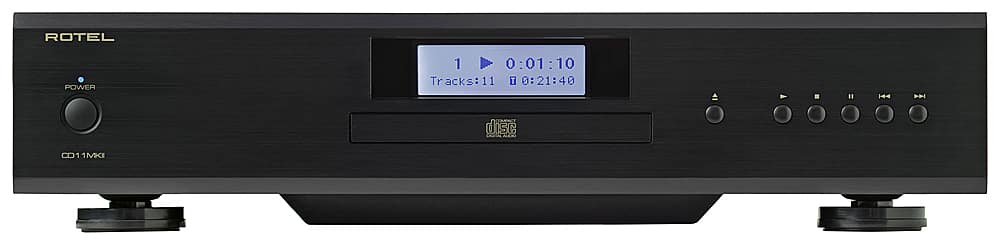
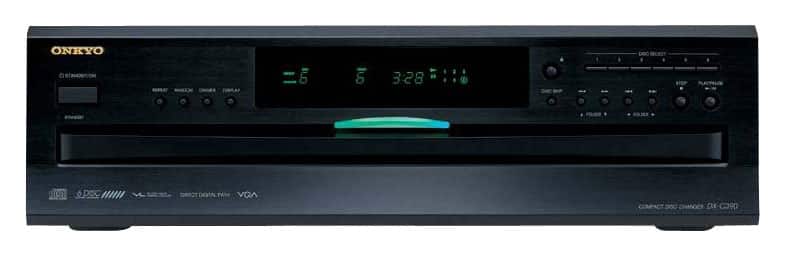
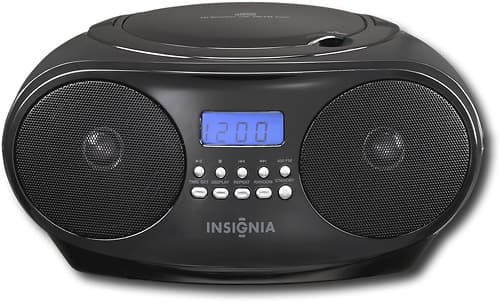
Home CD players for your stereo setup
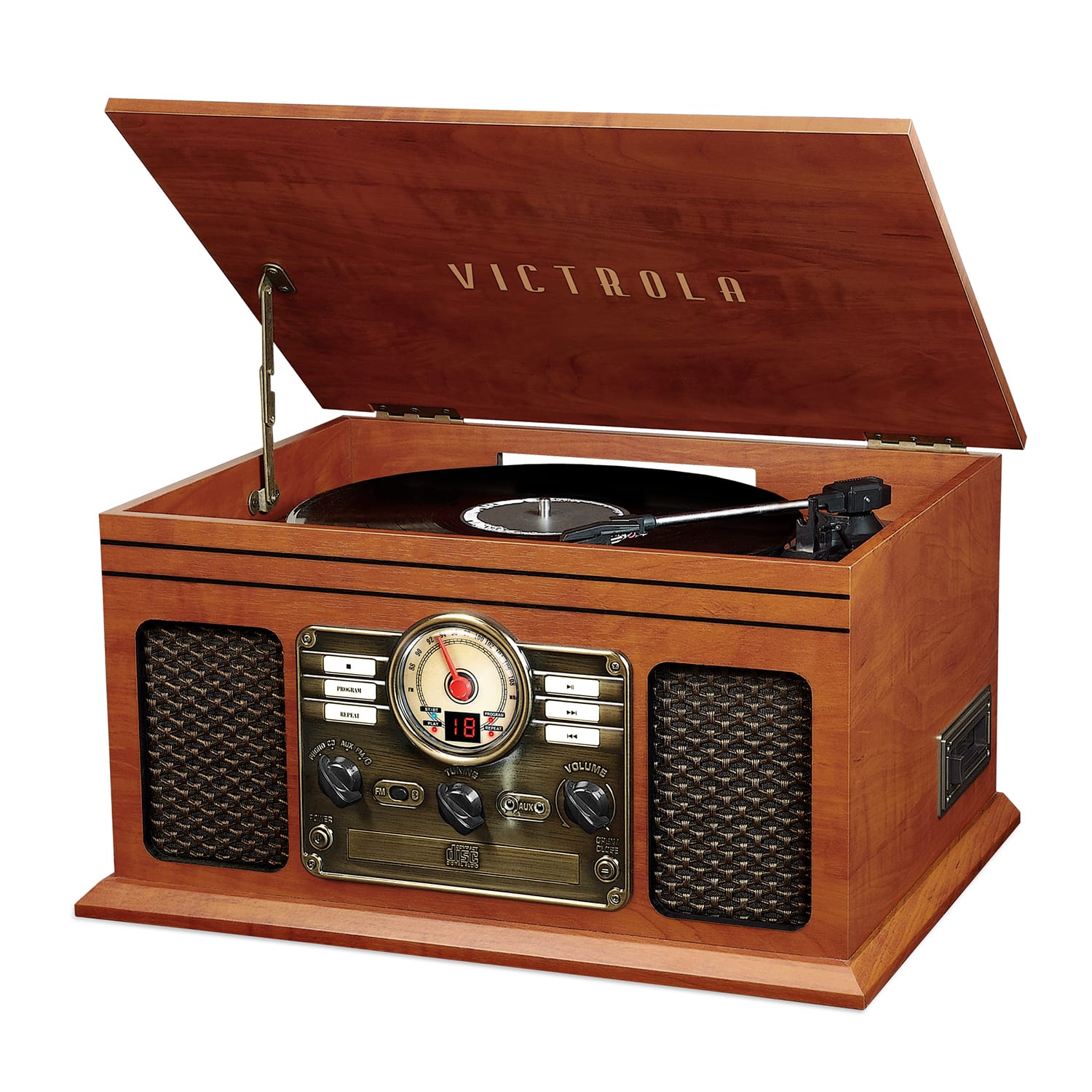
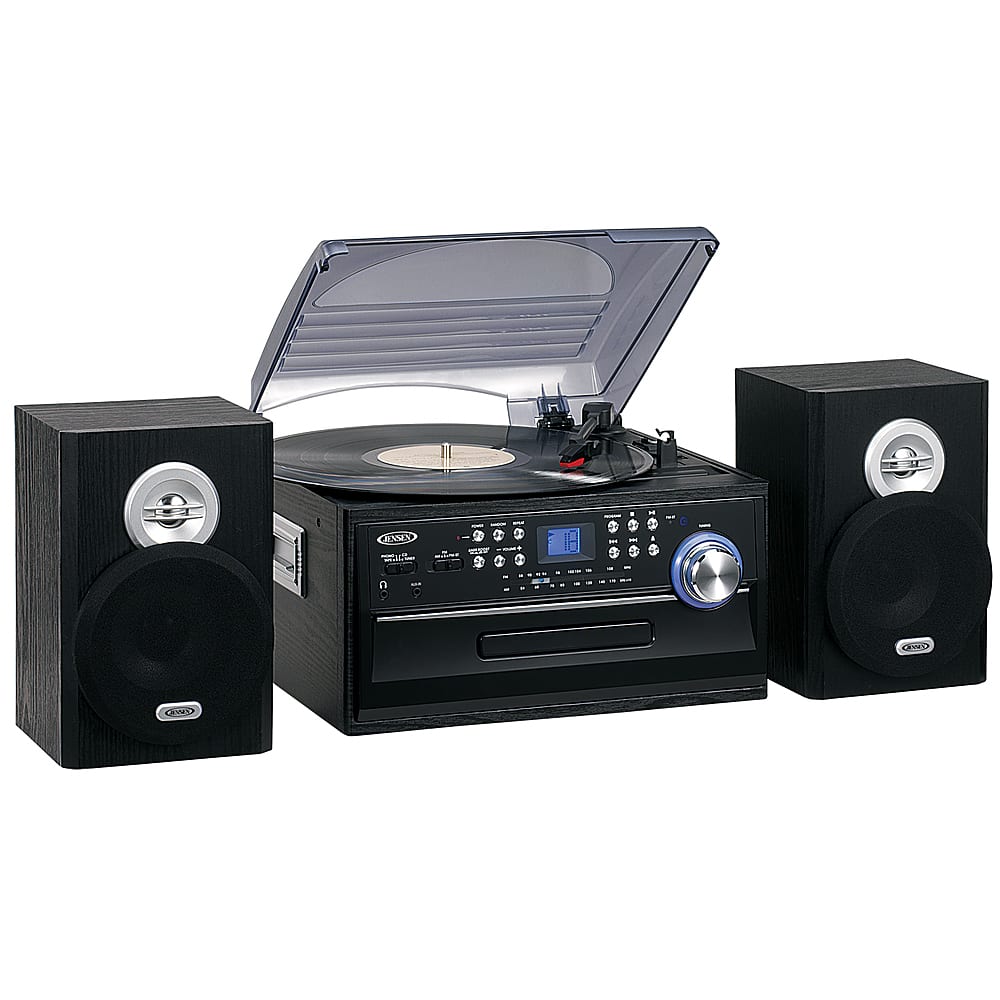
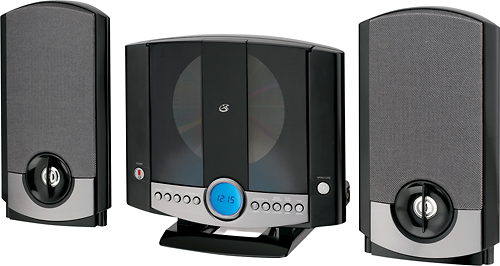
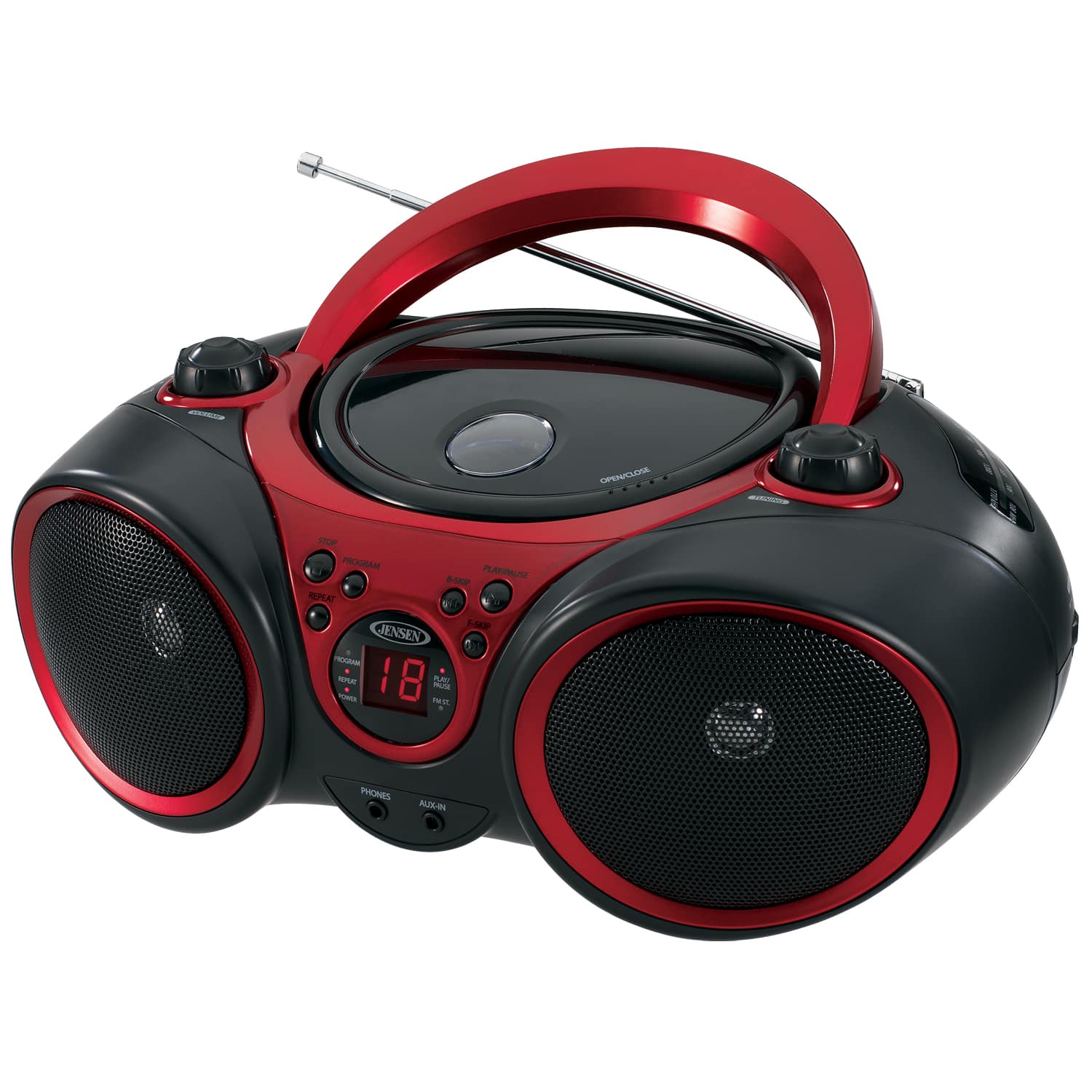
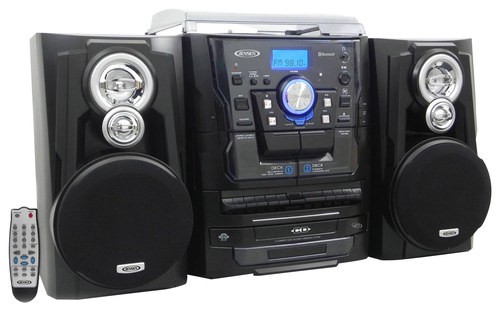
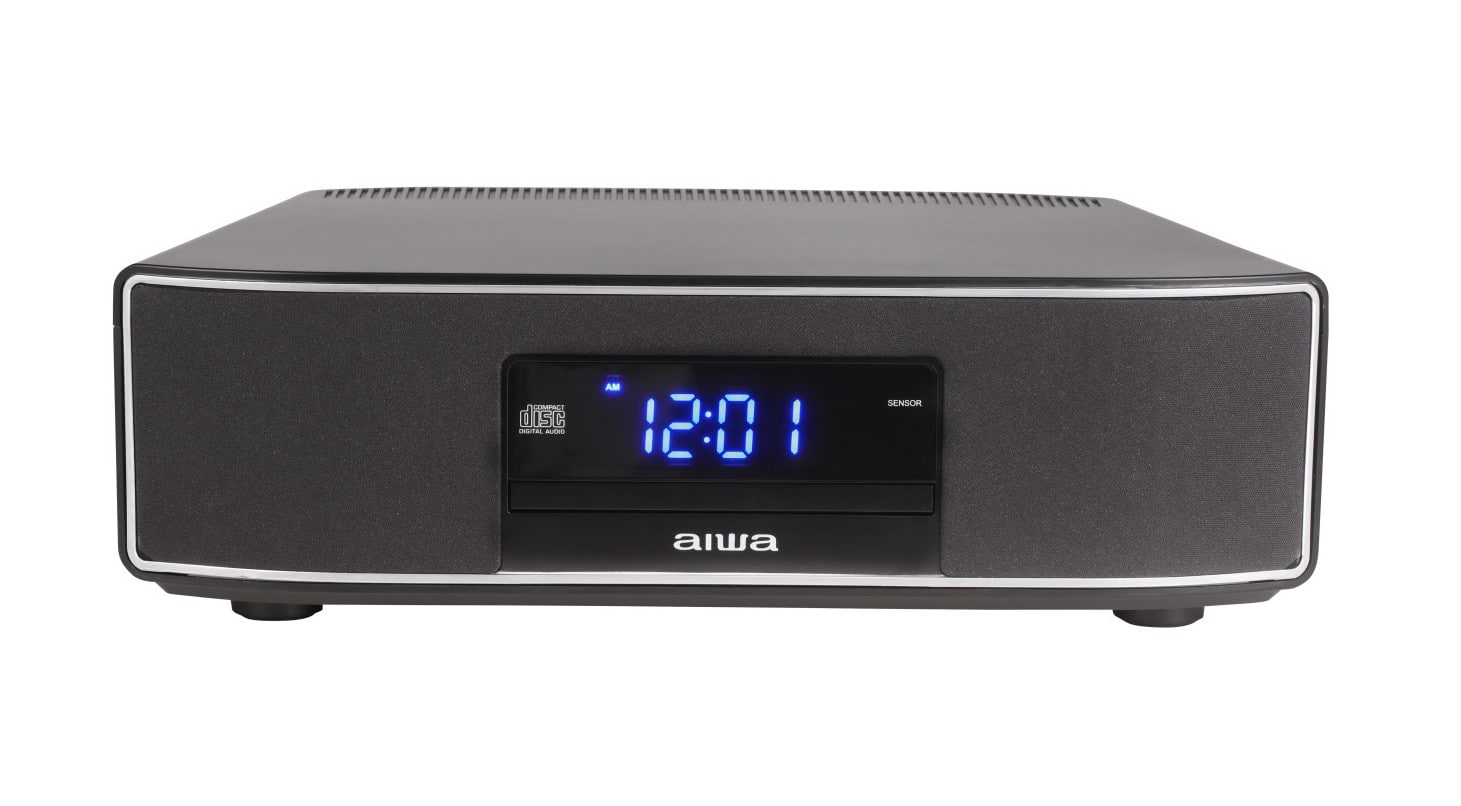
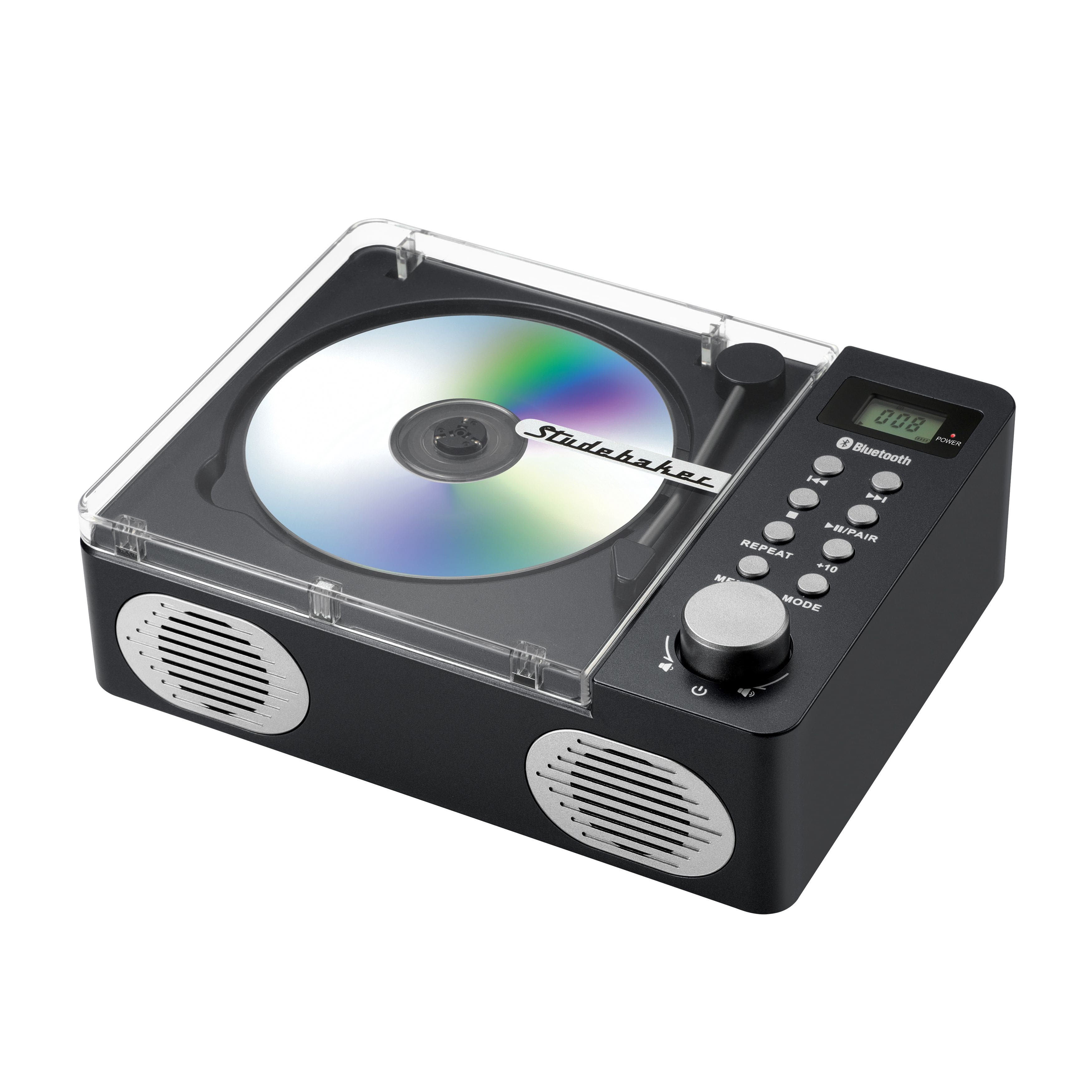
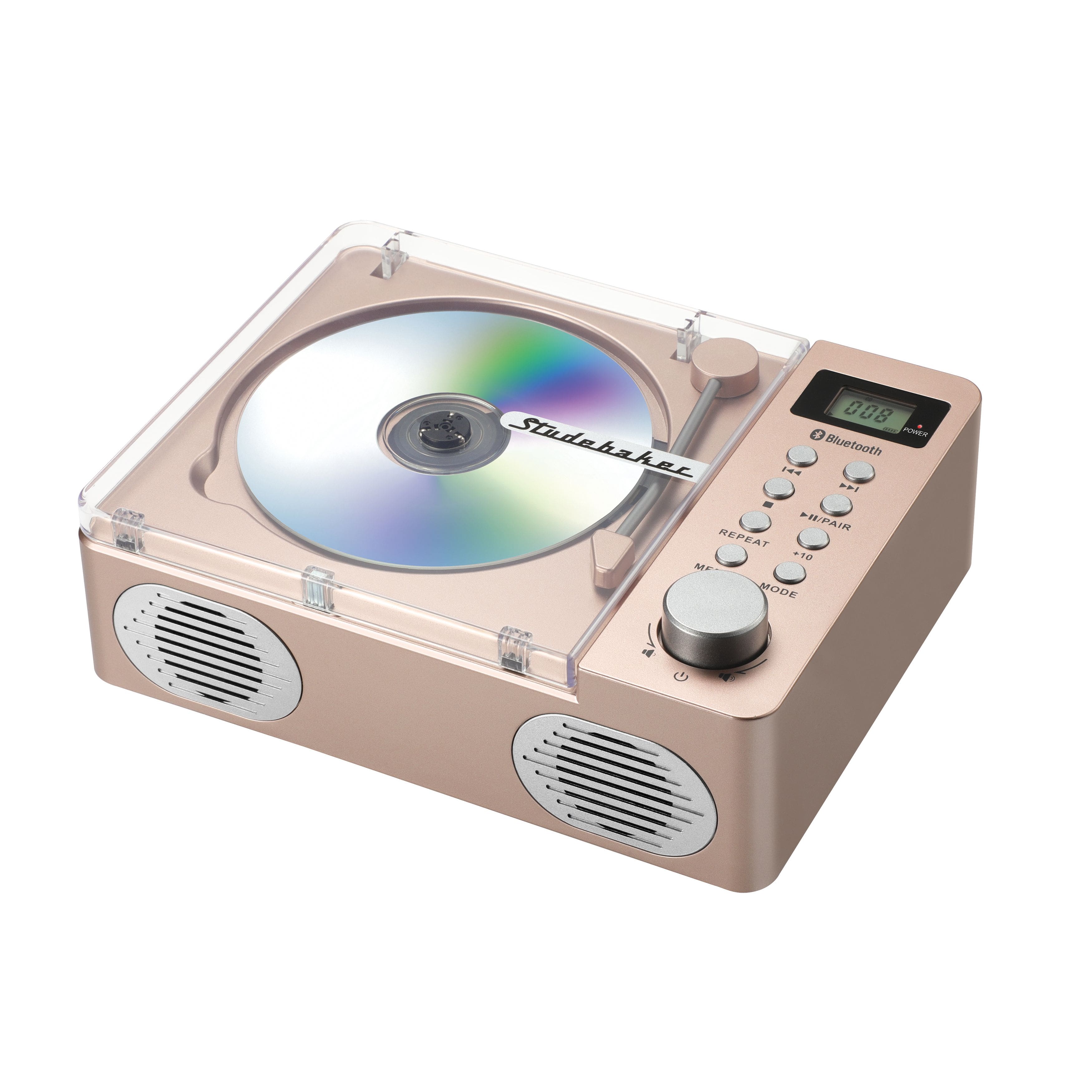
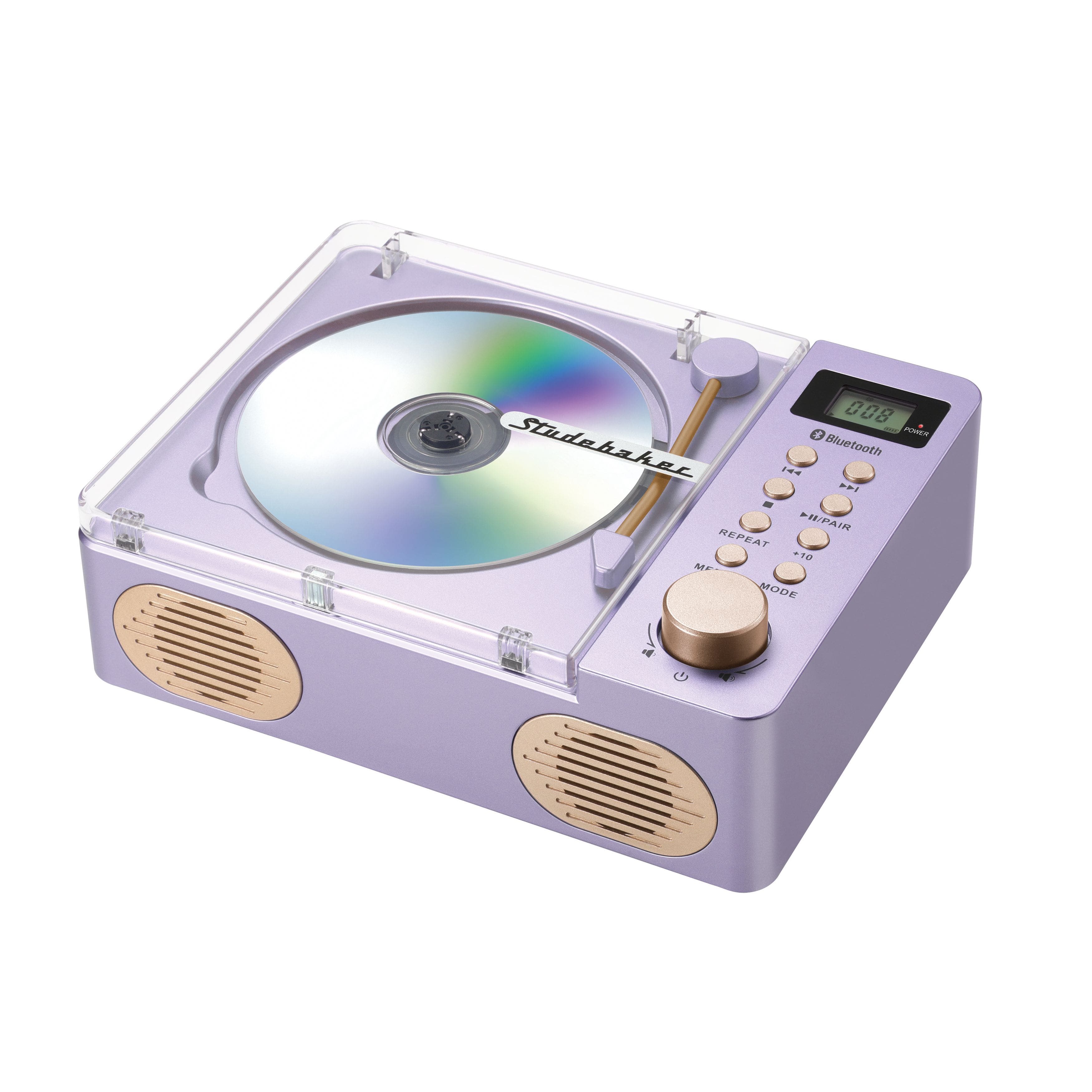
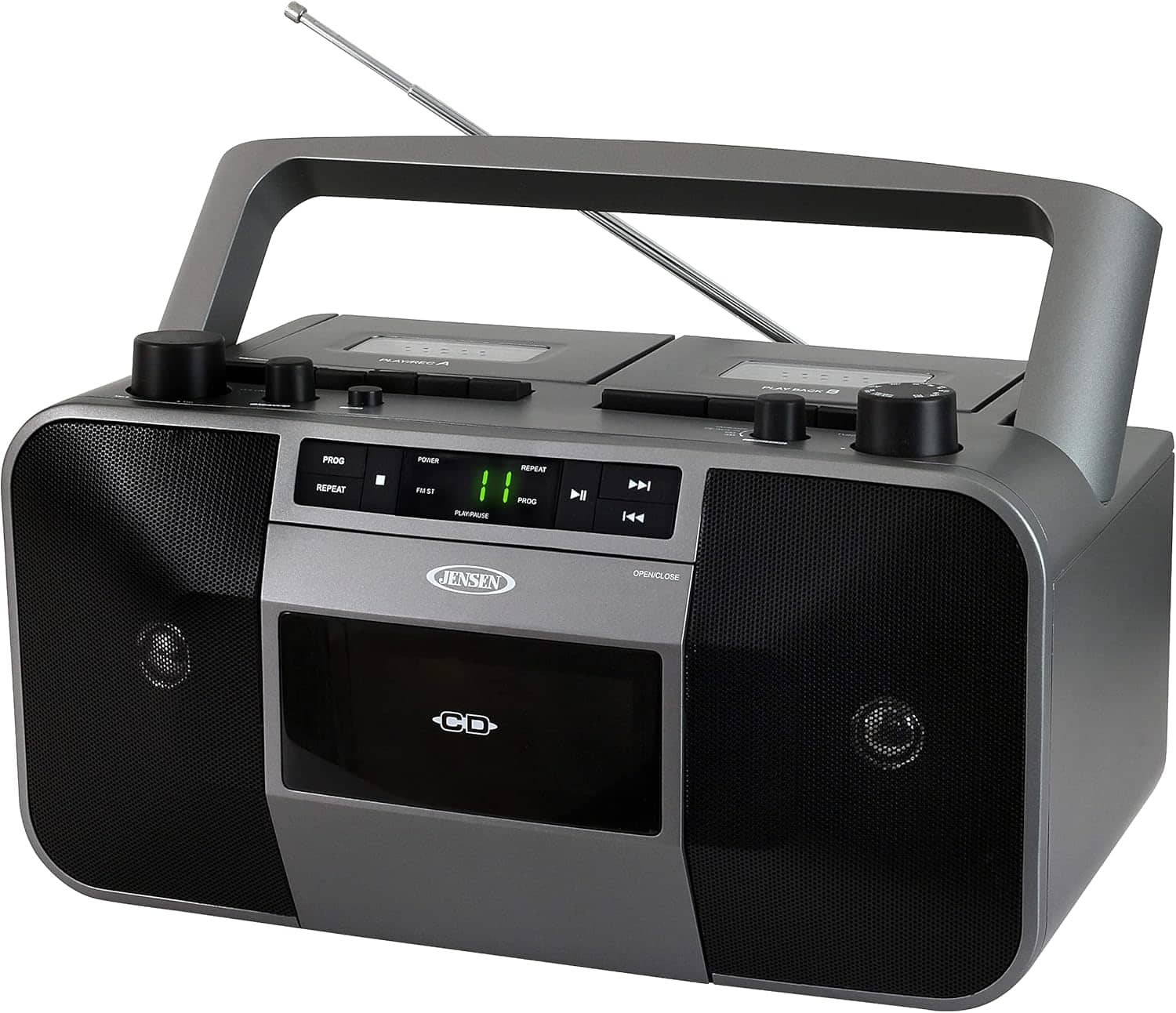
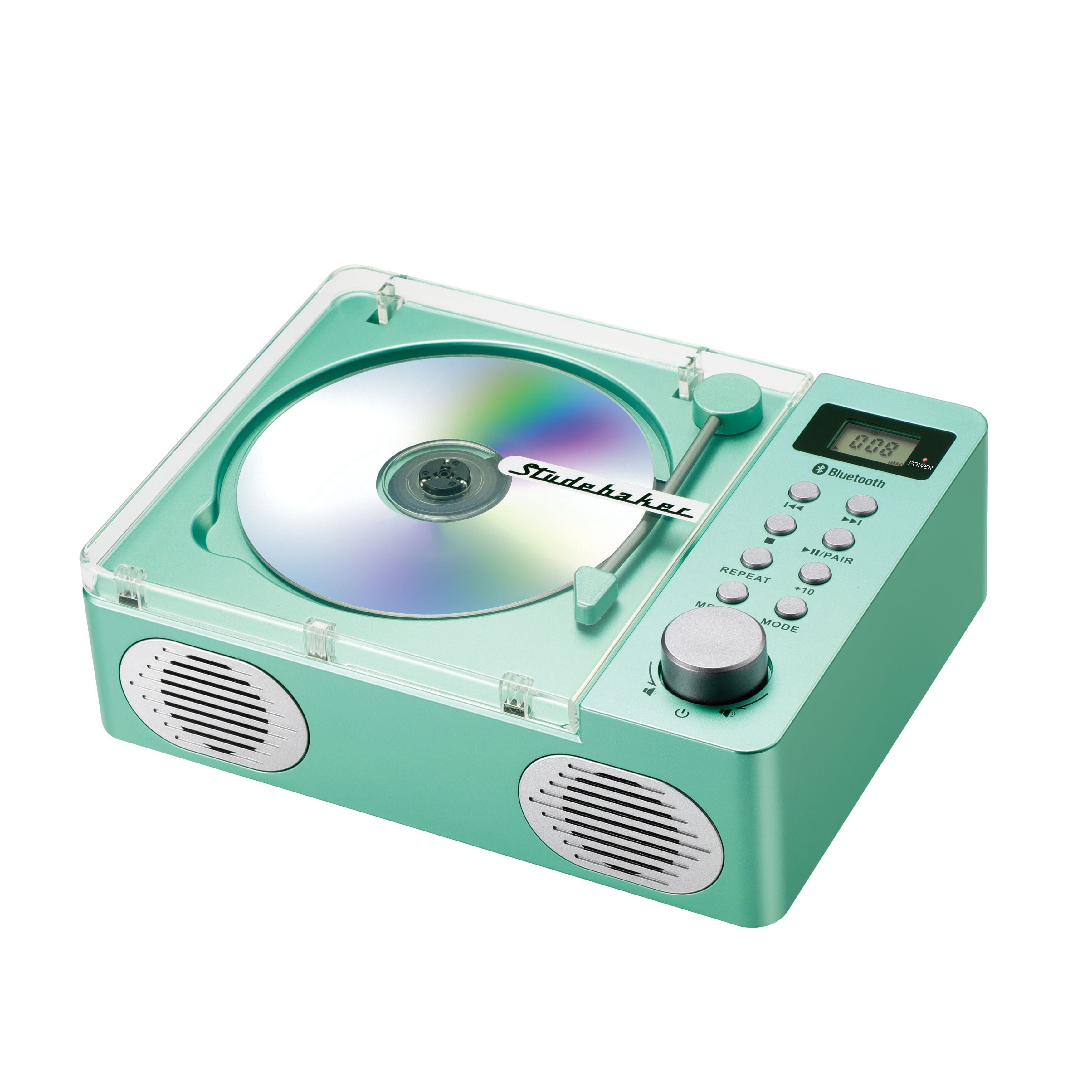

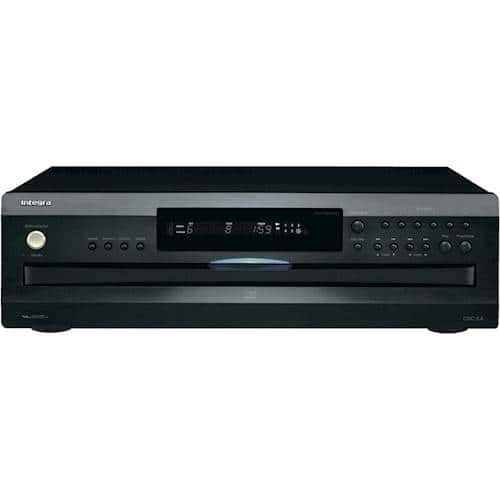
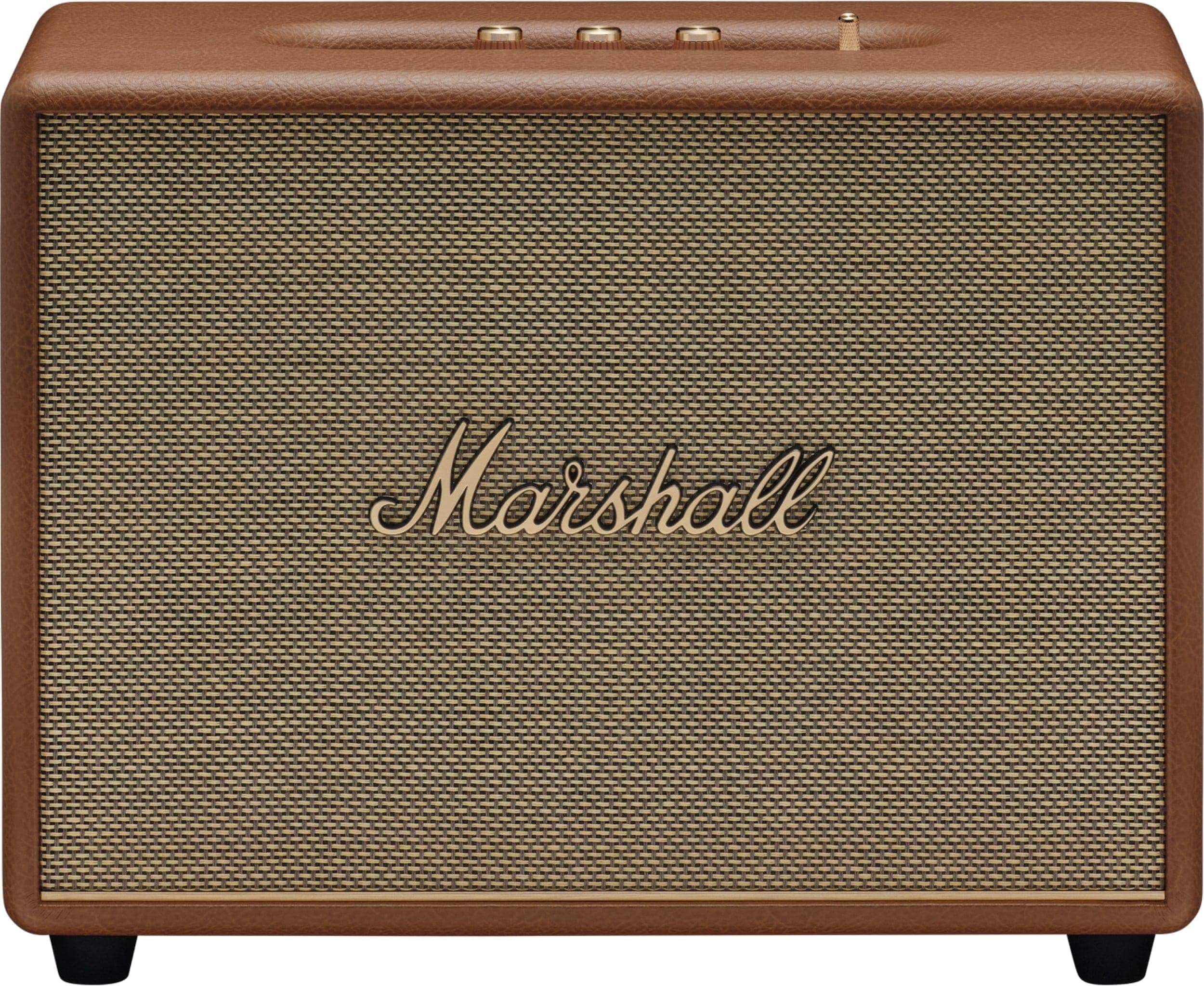
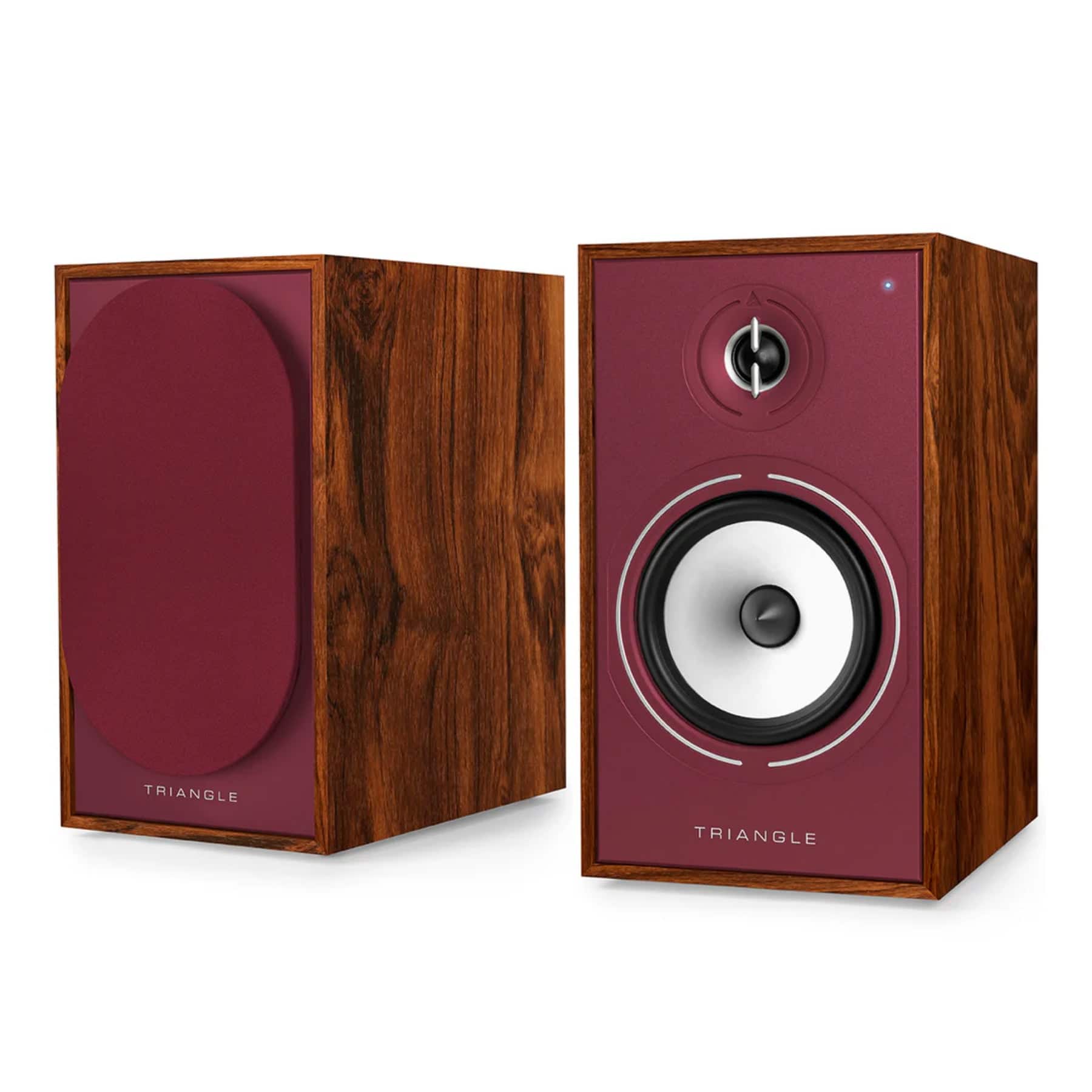
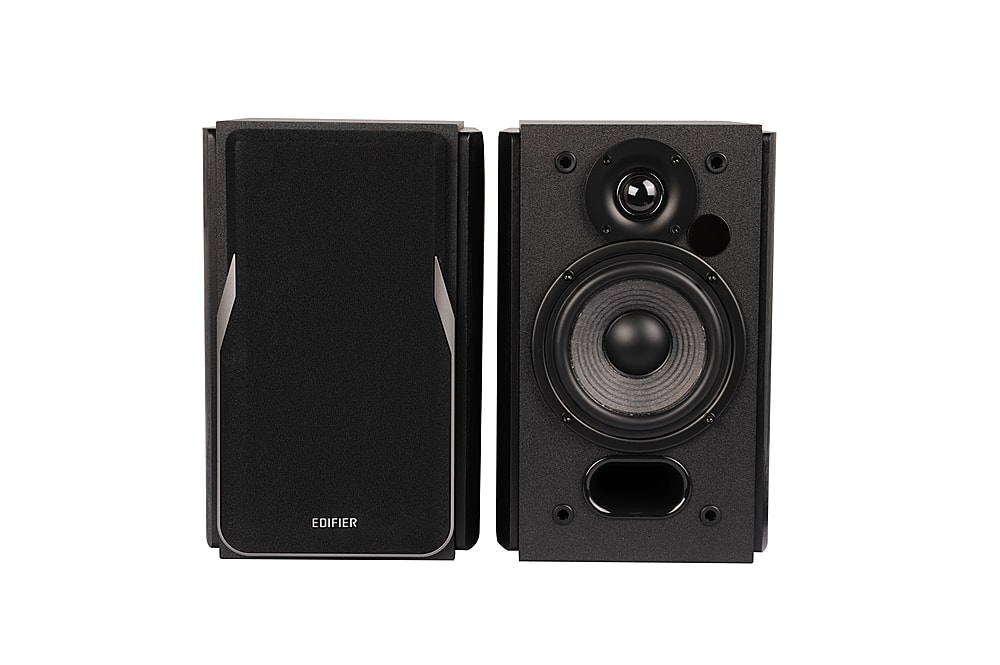
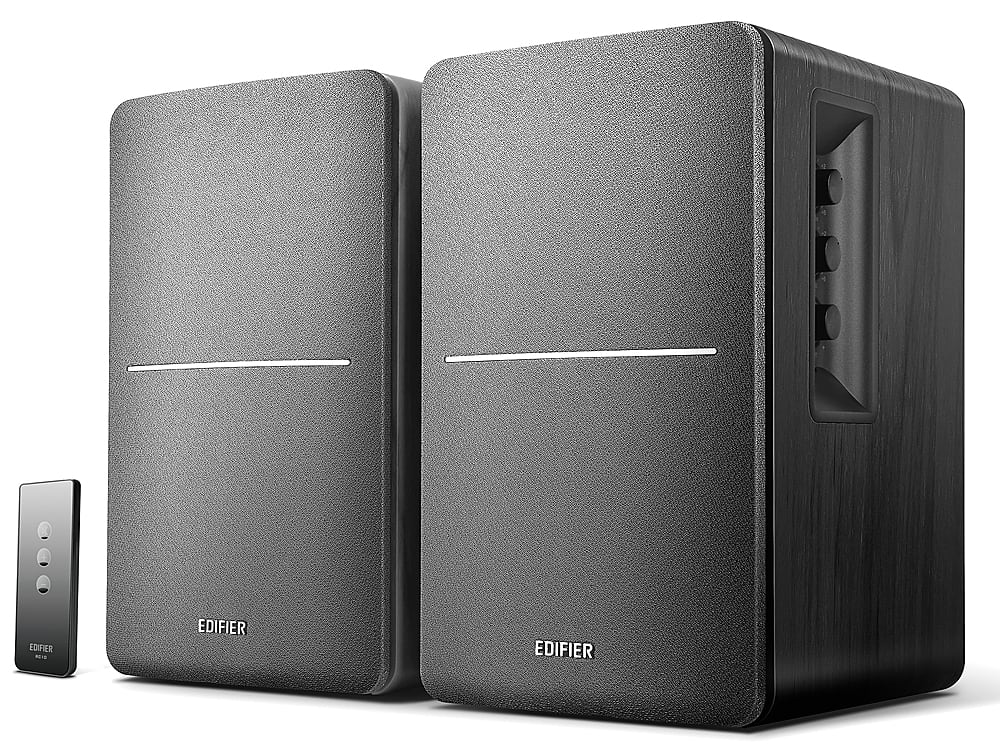
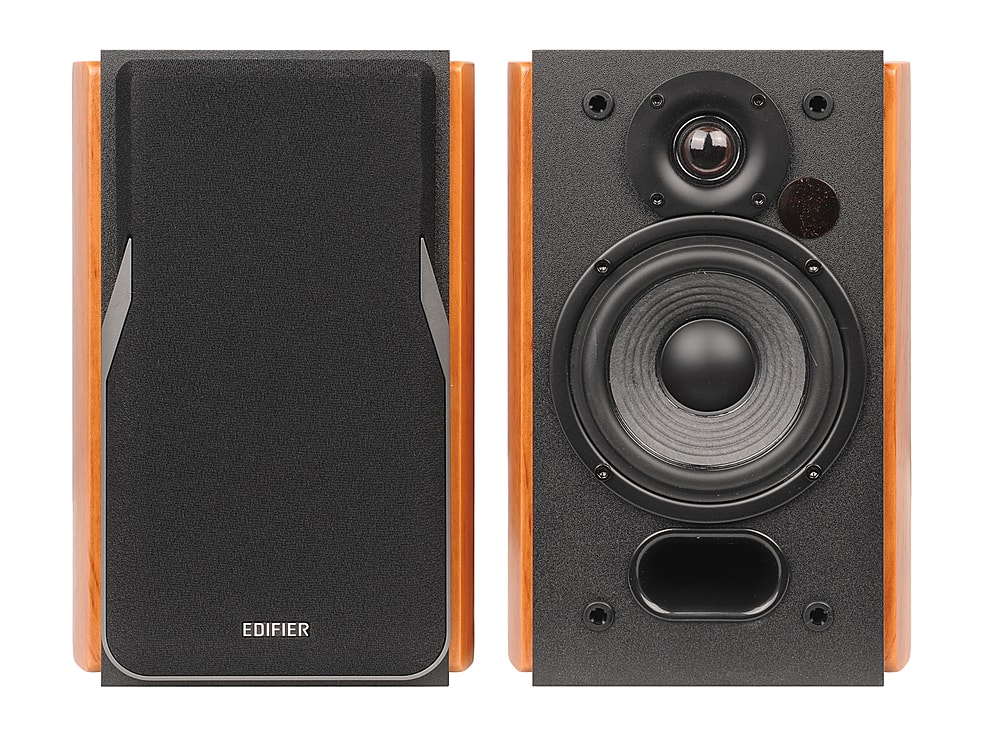
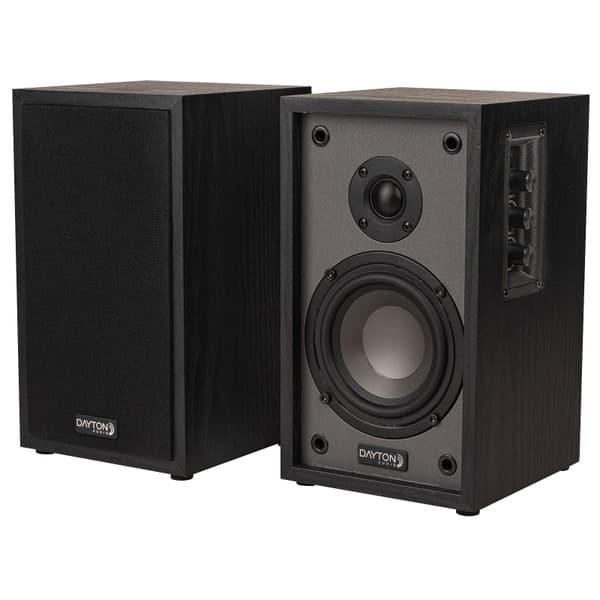
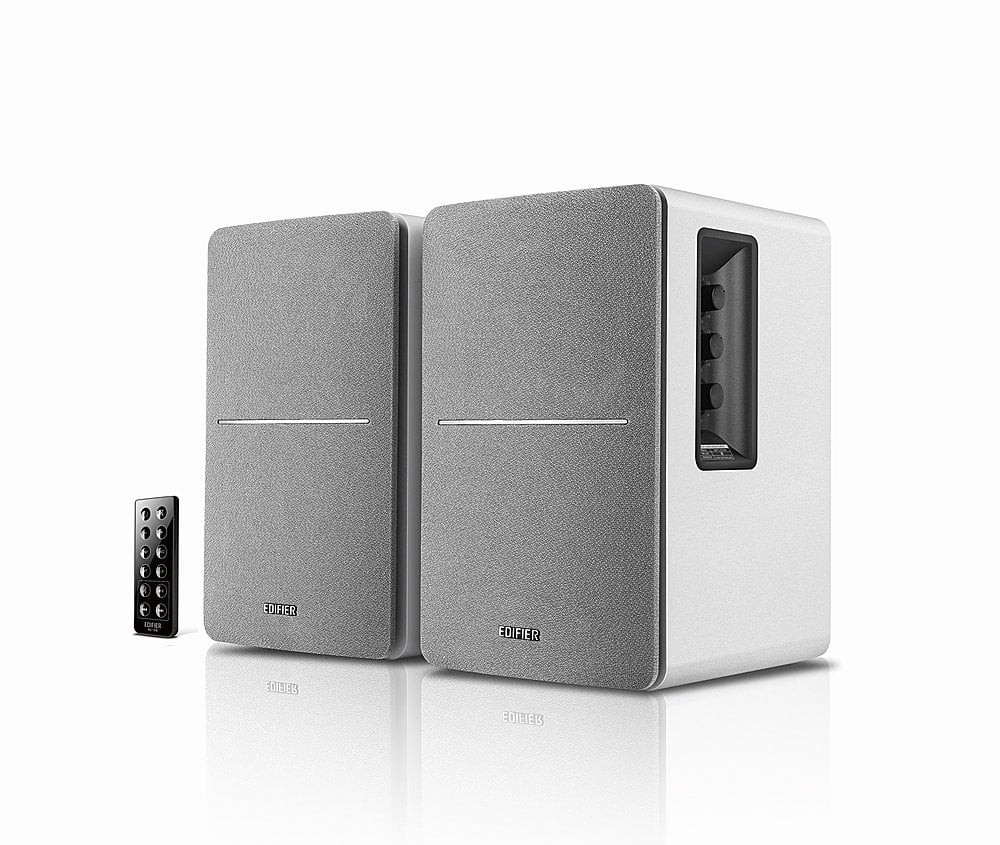
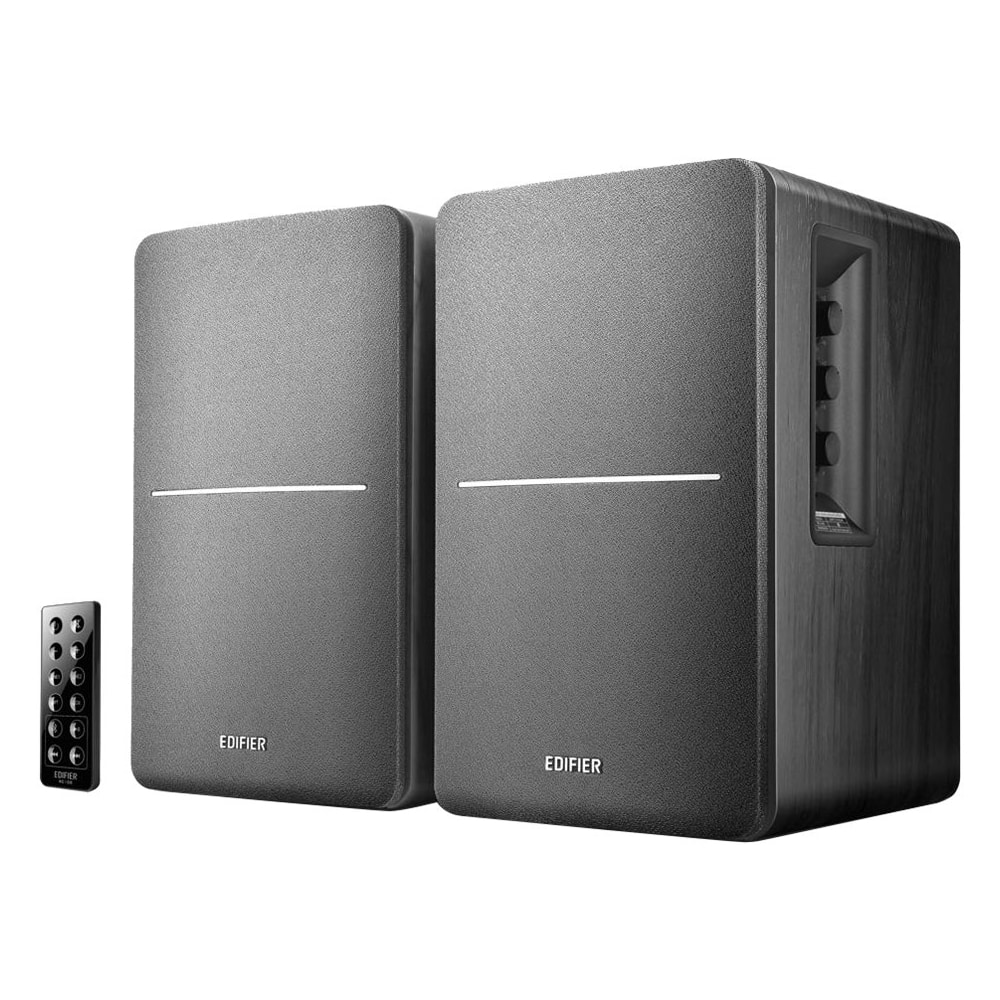
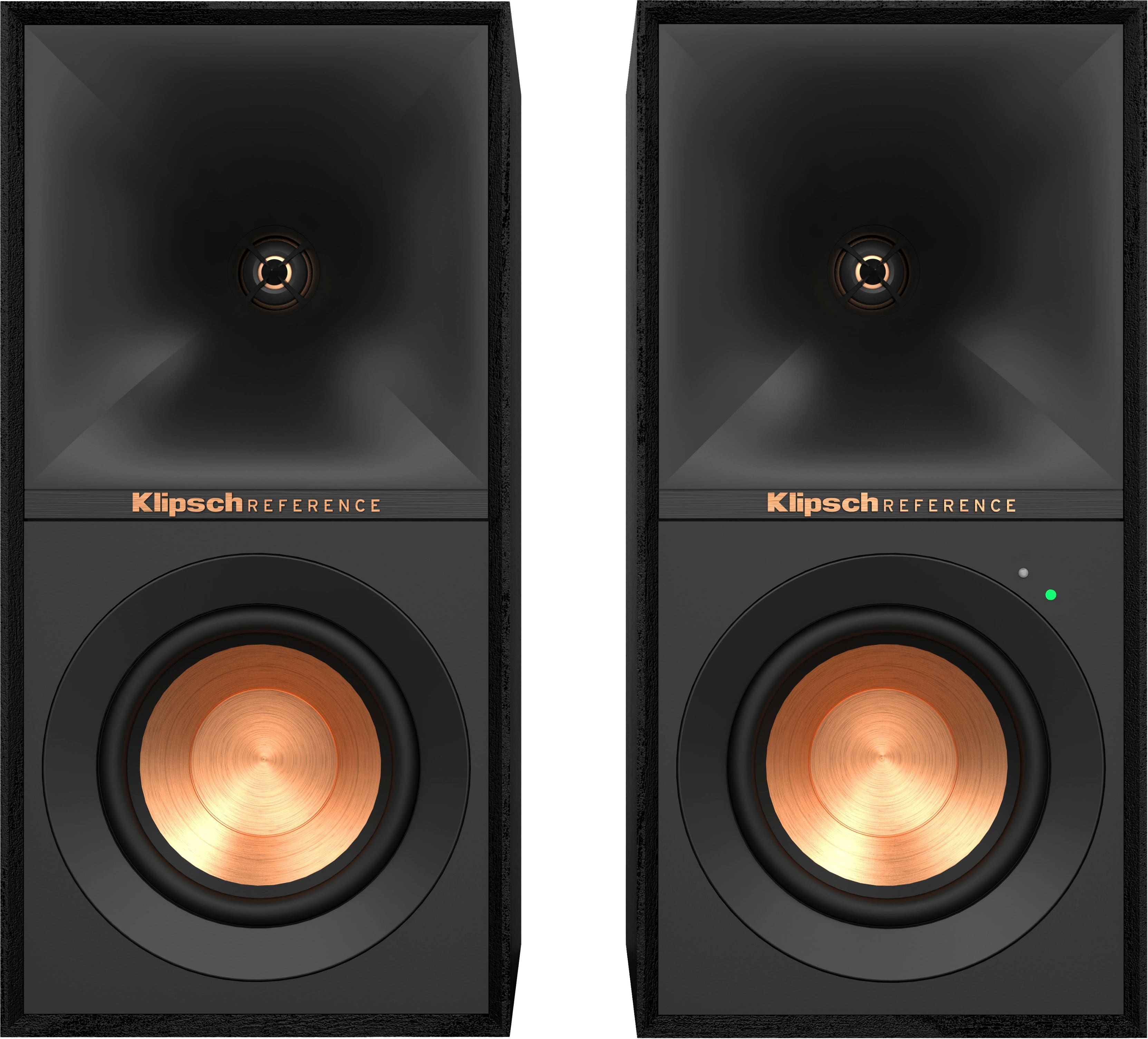
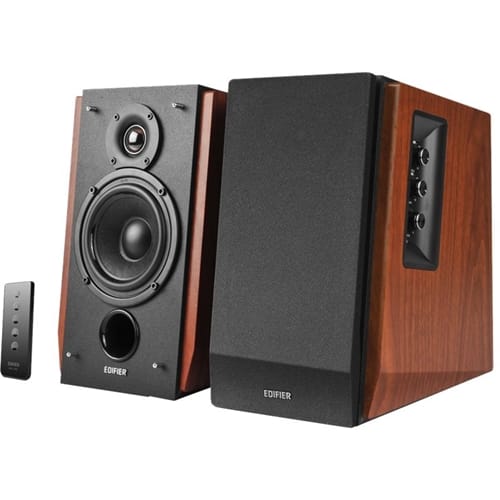
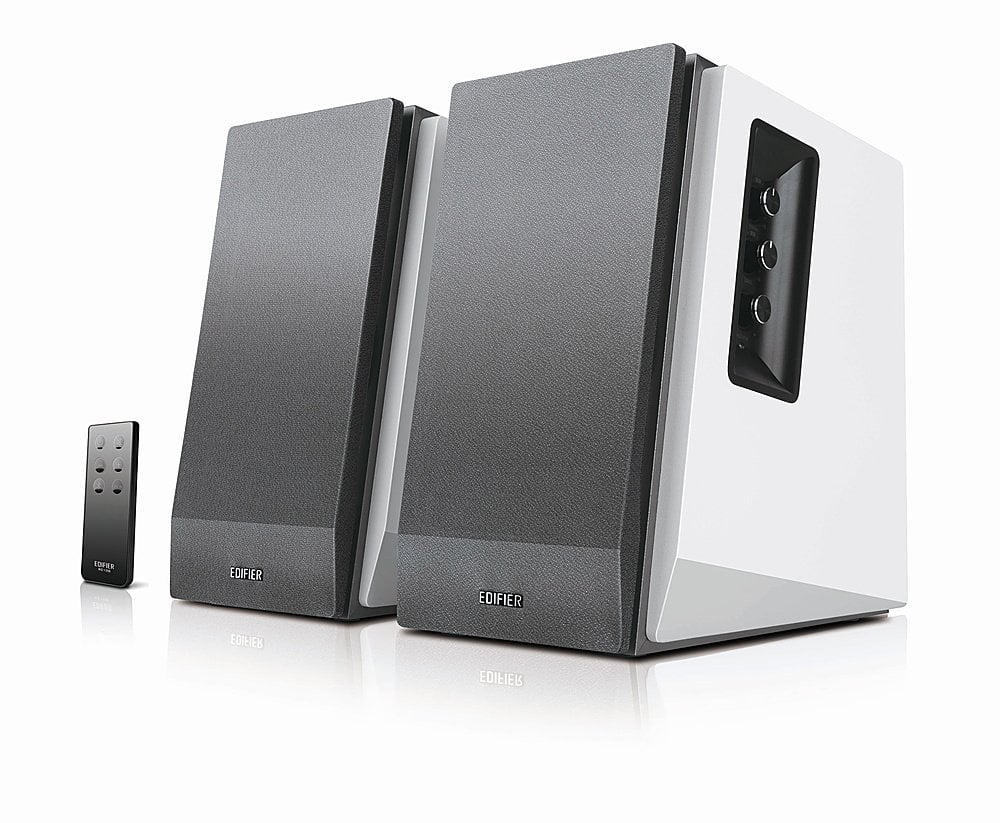
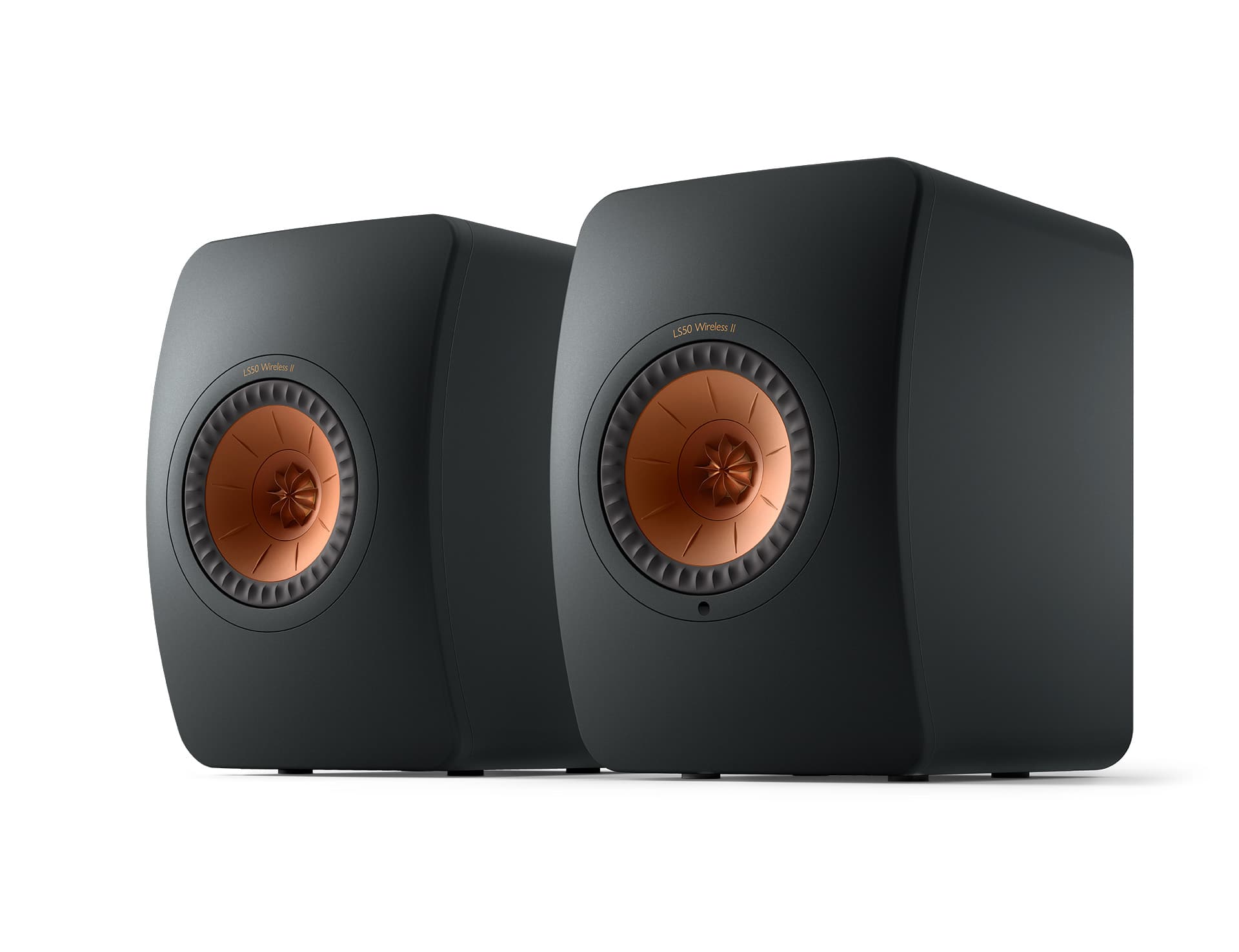
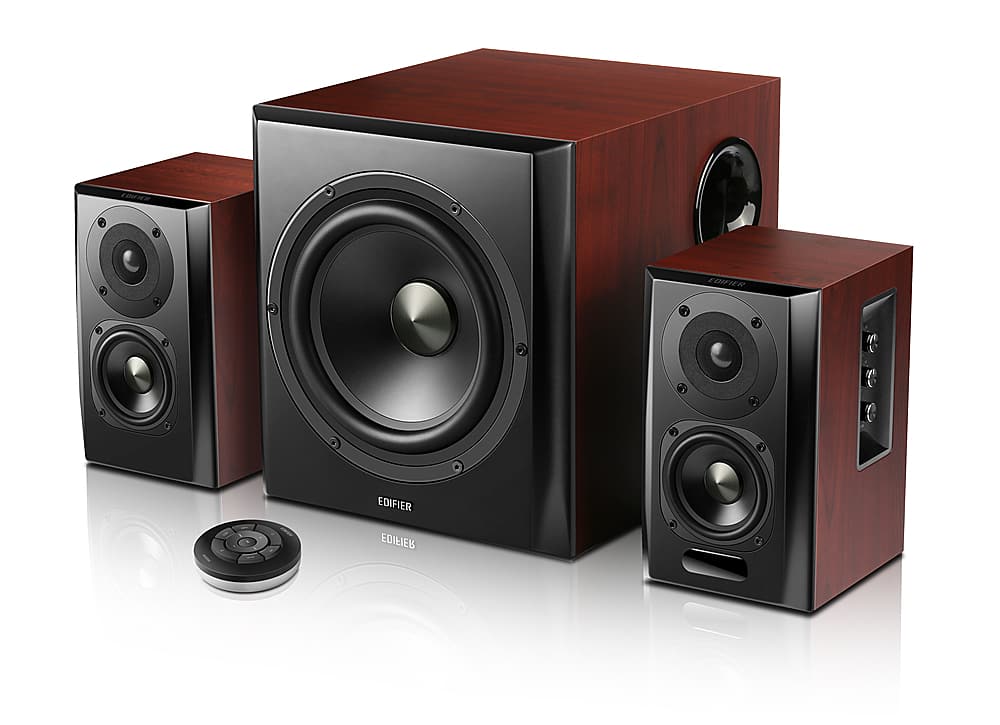
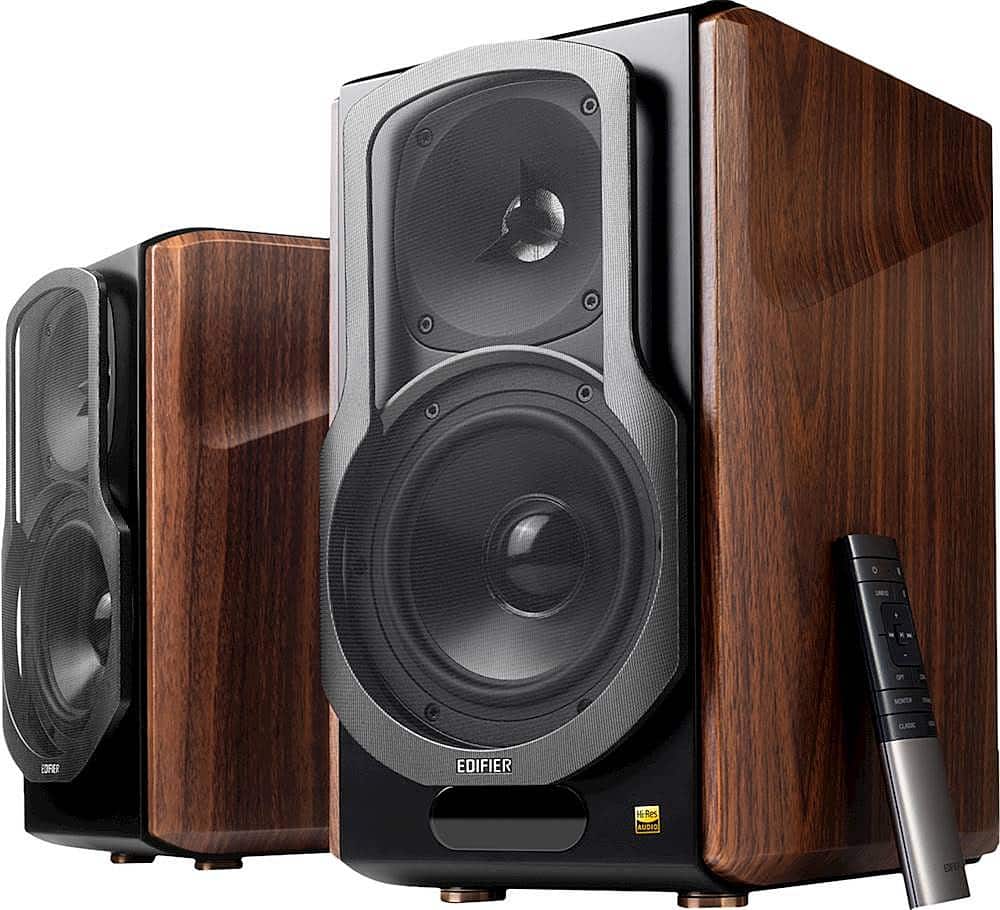
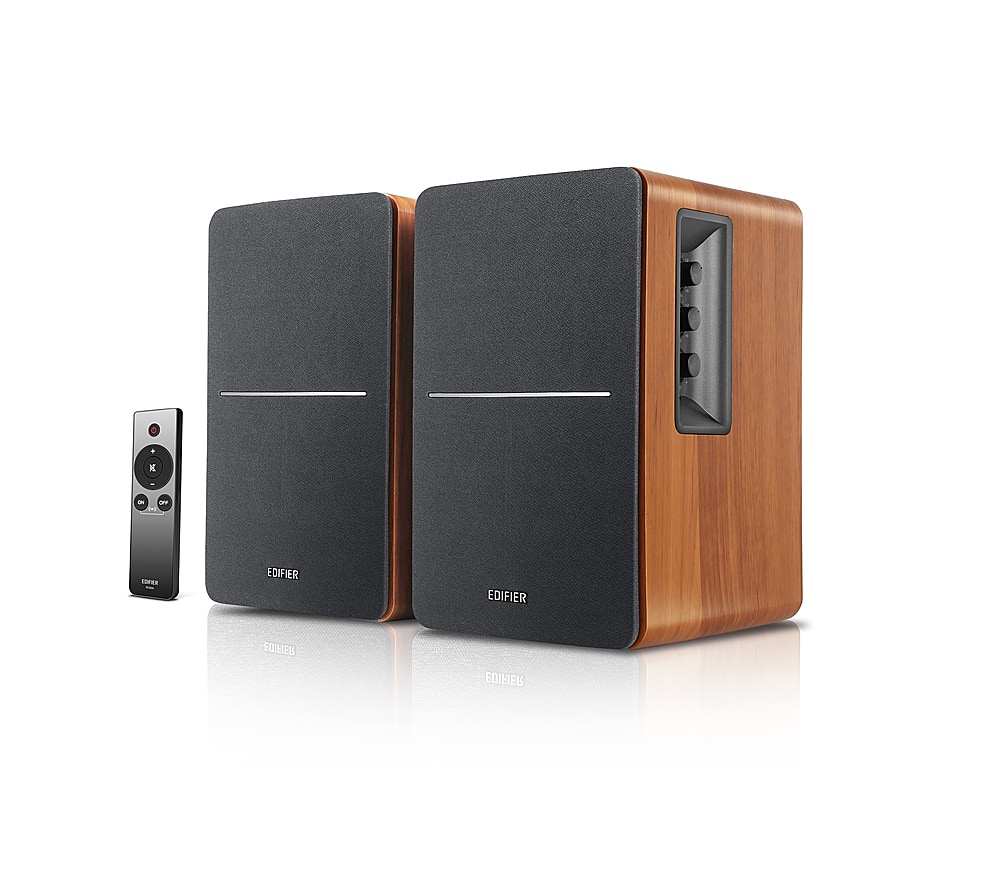
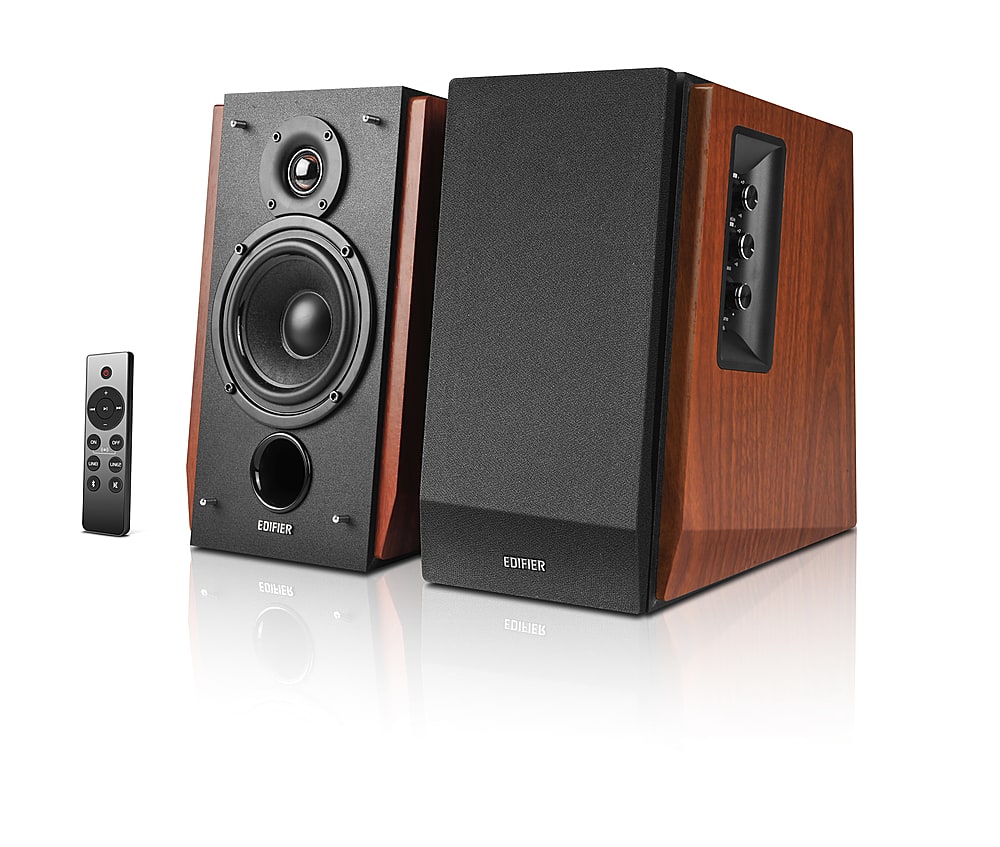
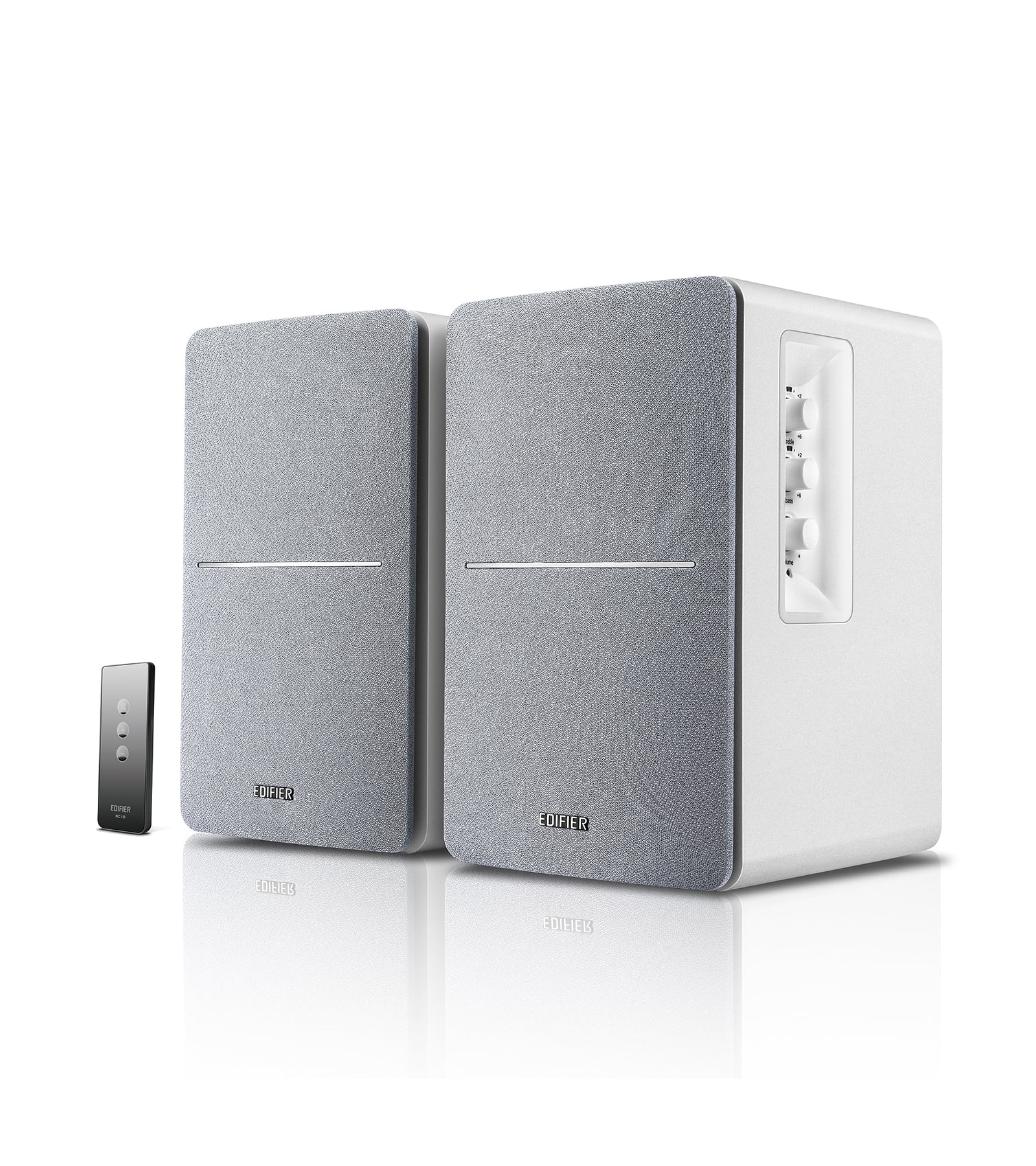
Powered speakers with RCA inputs
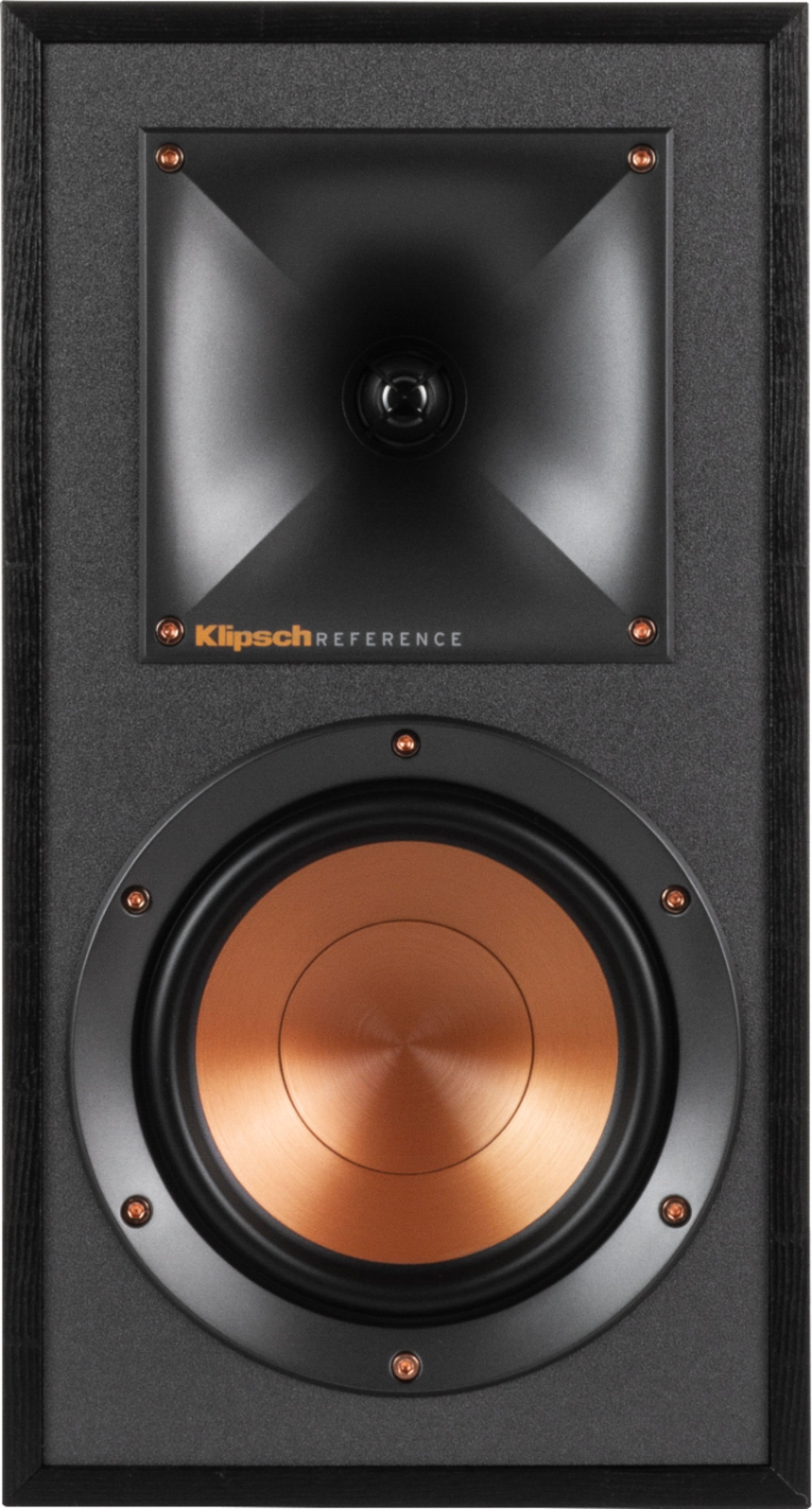
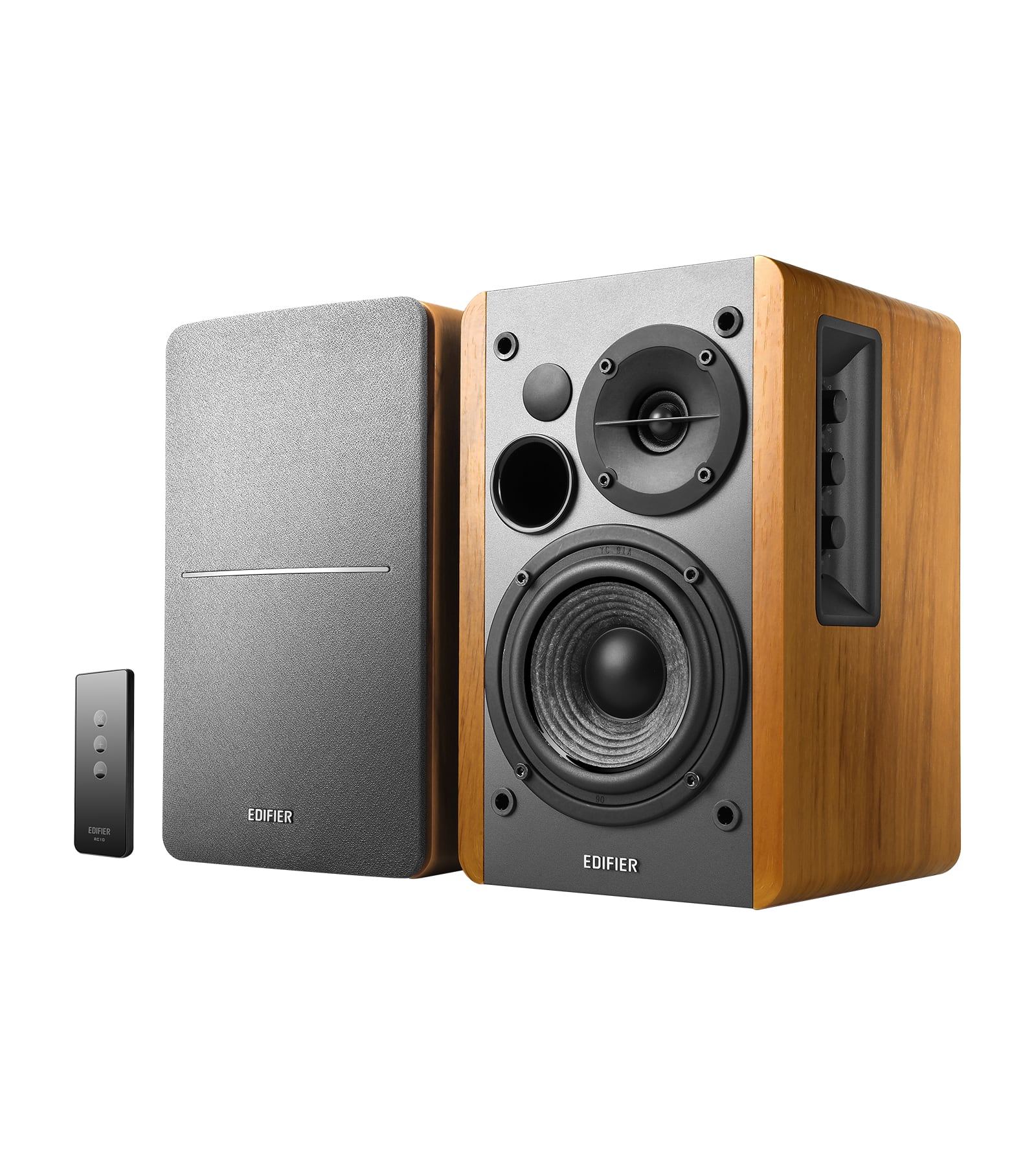
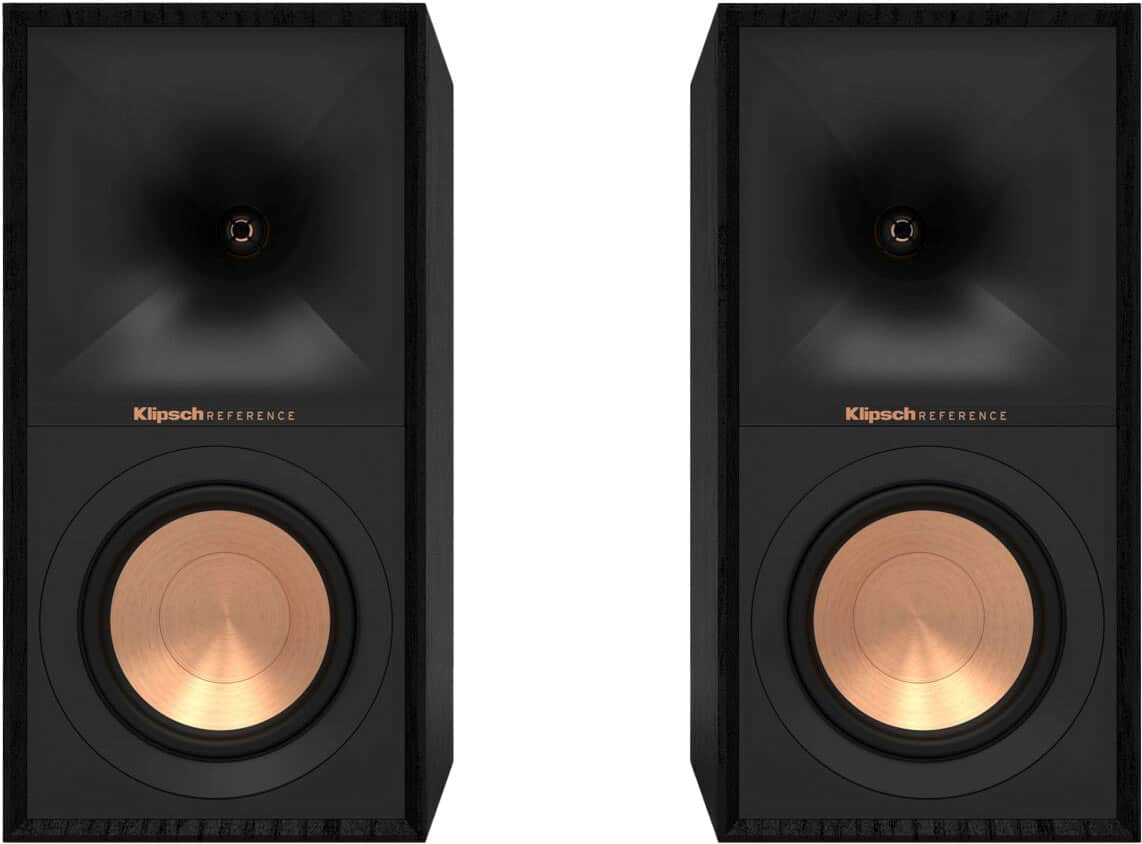
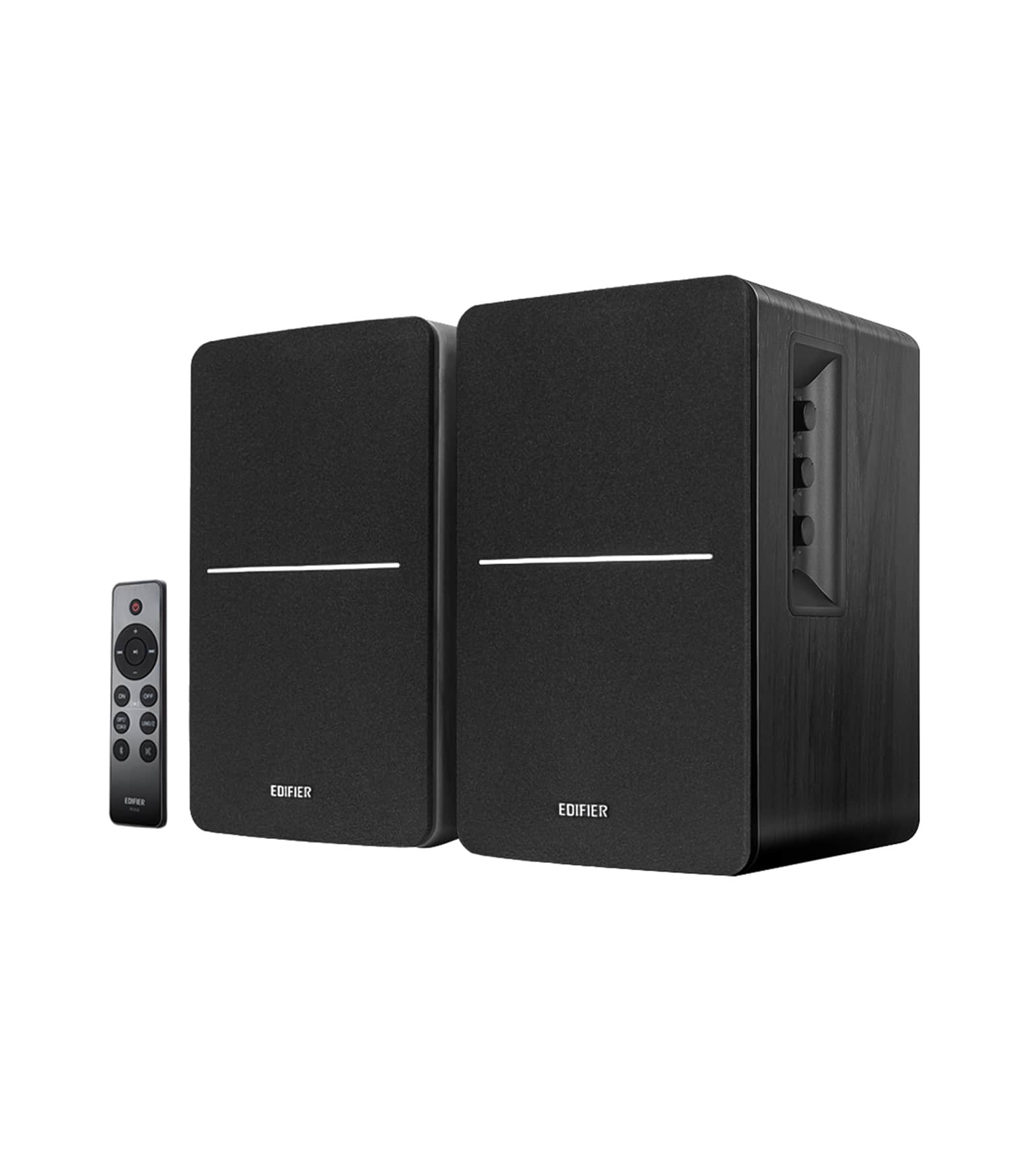
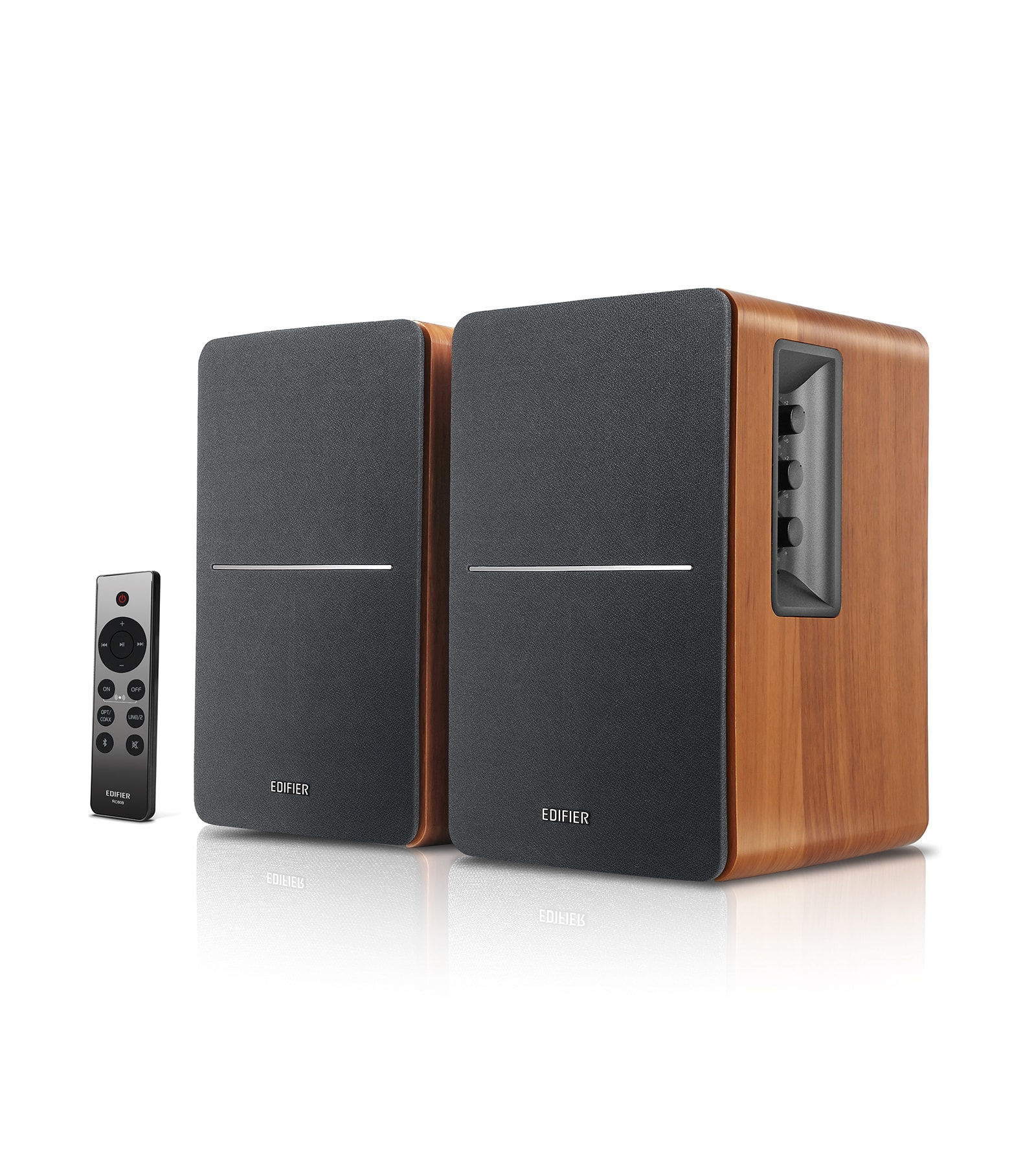
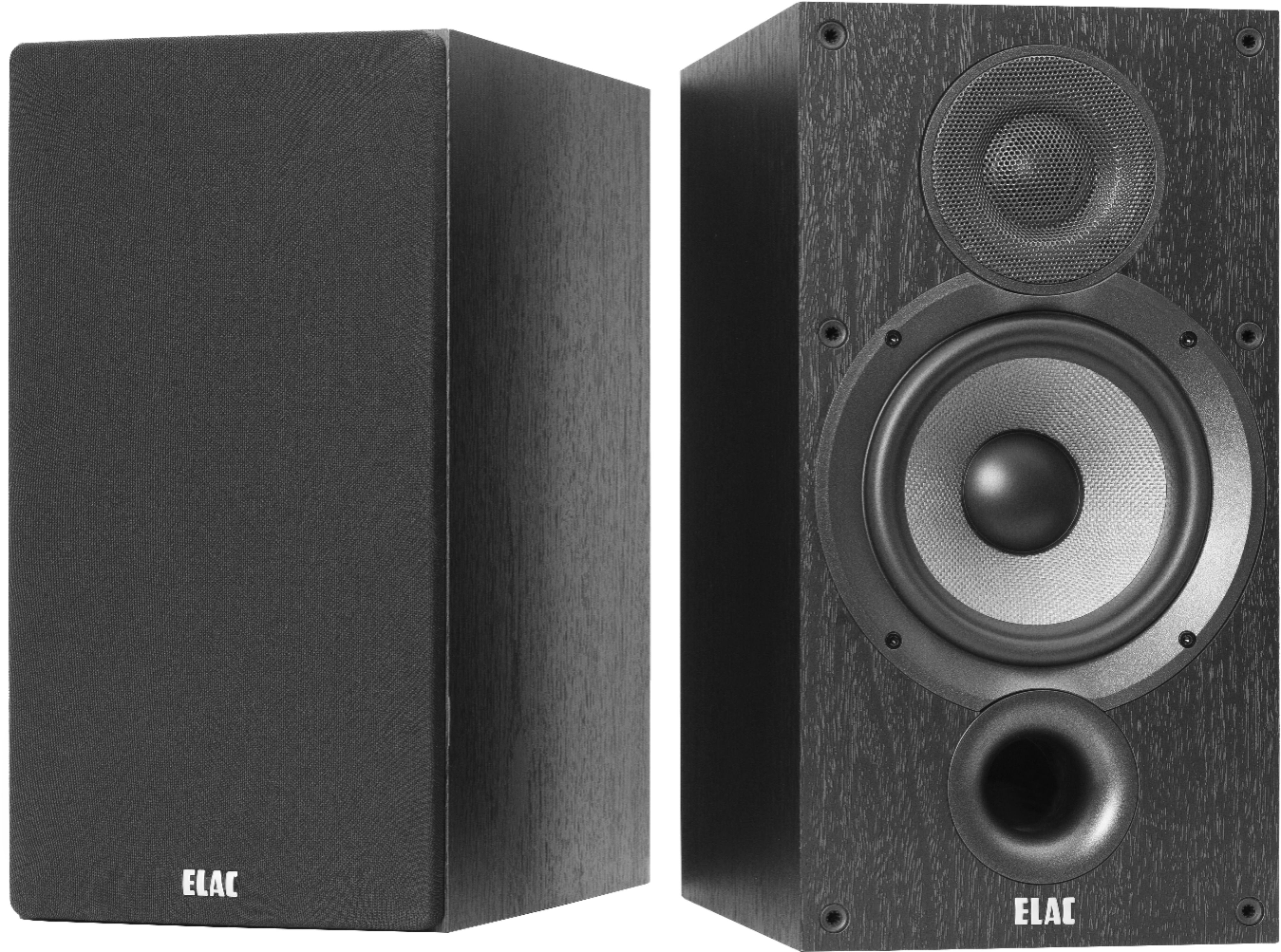
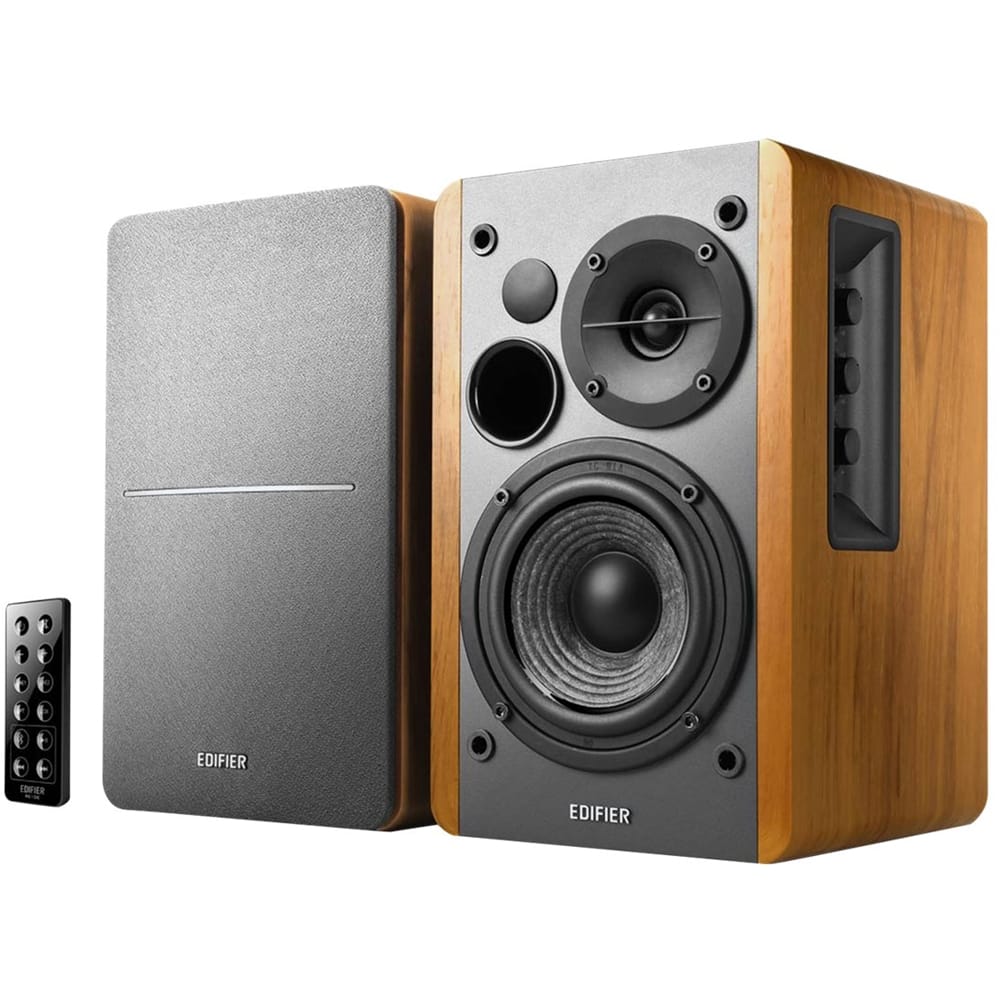
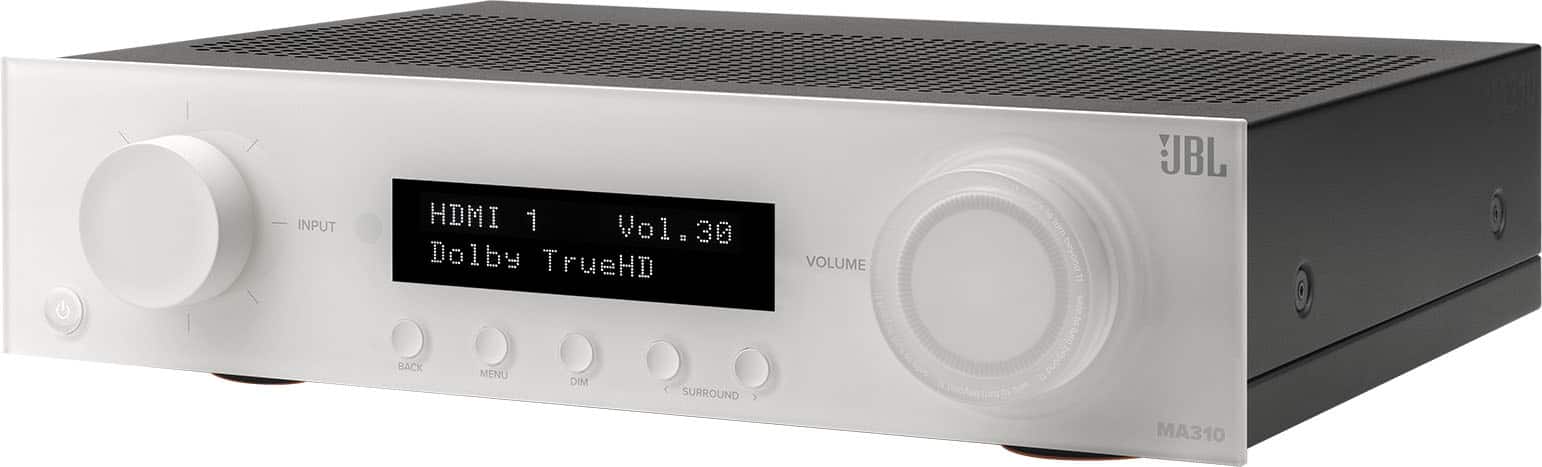
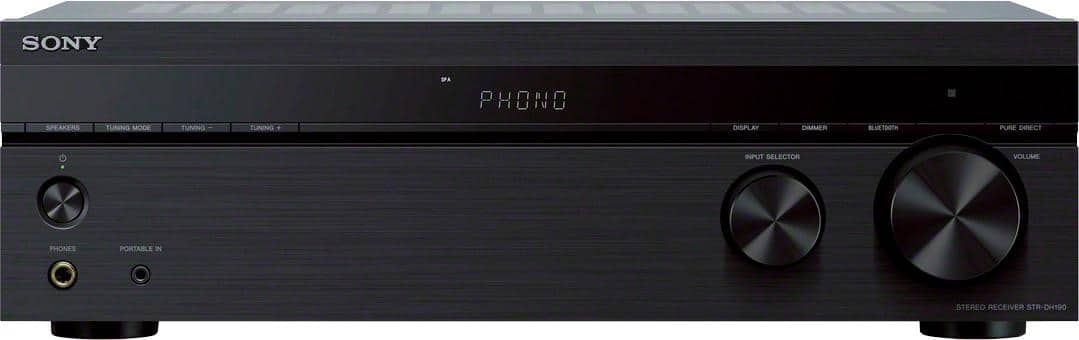
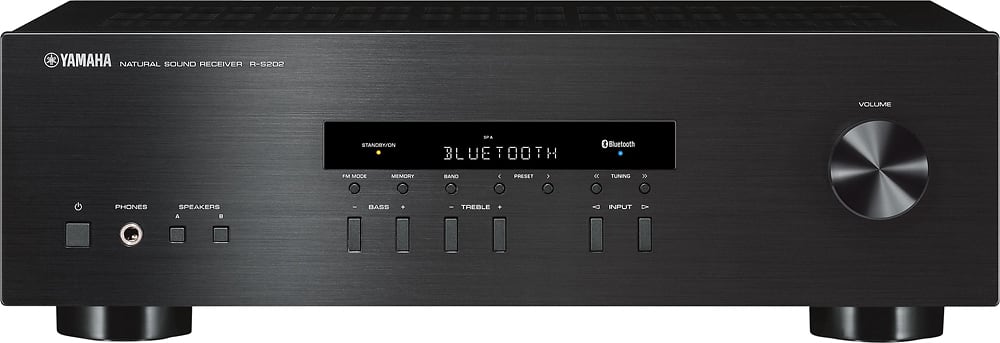
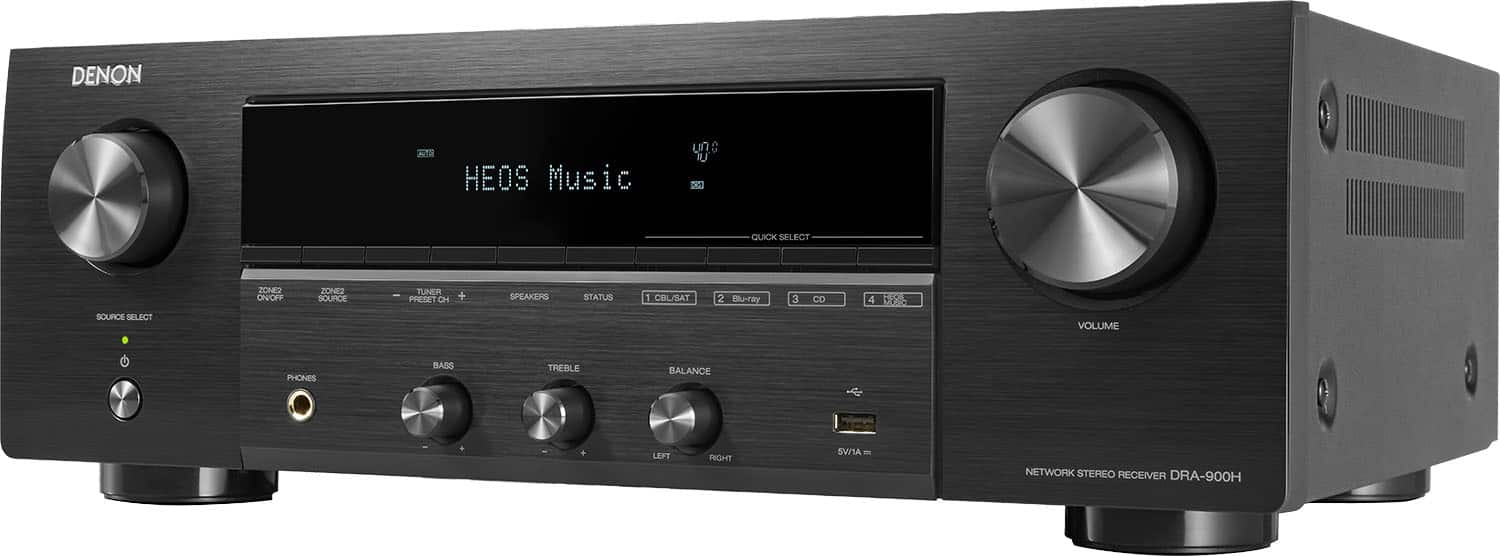
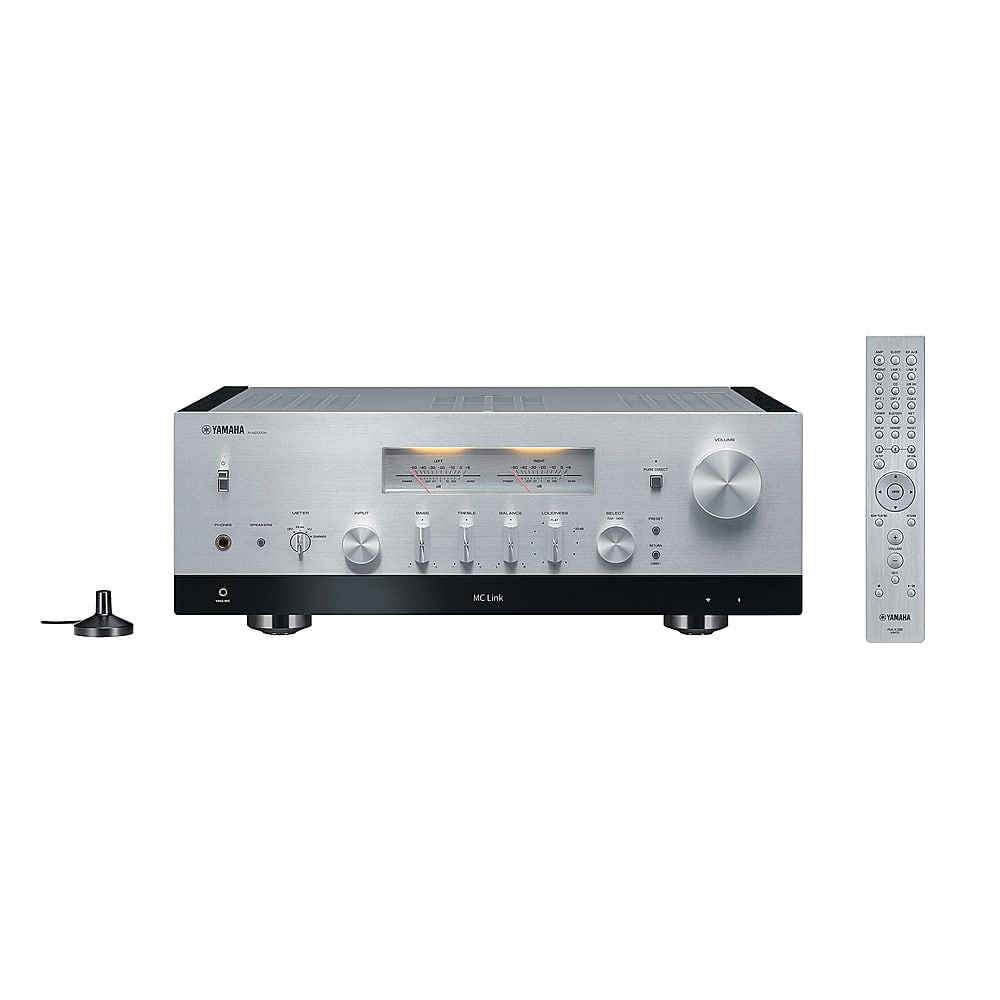
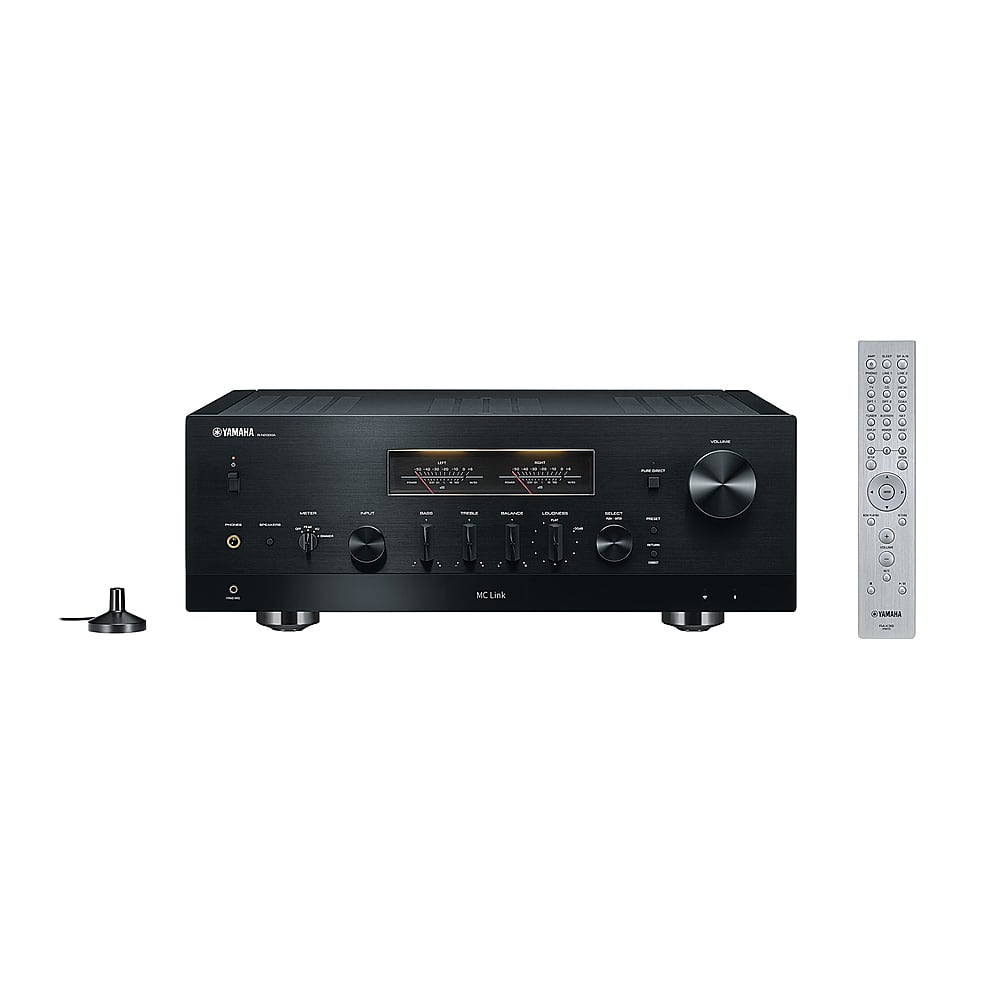
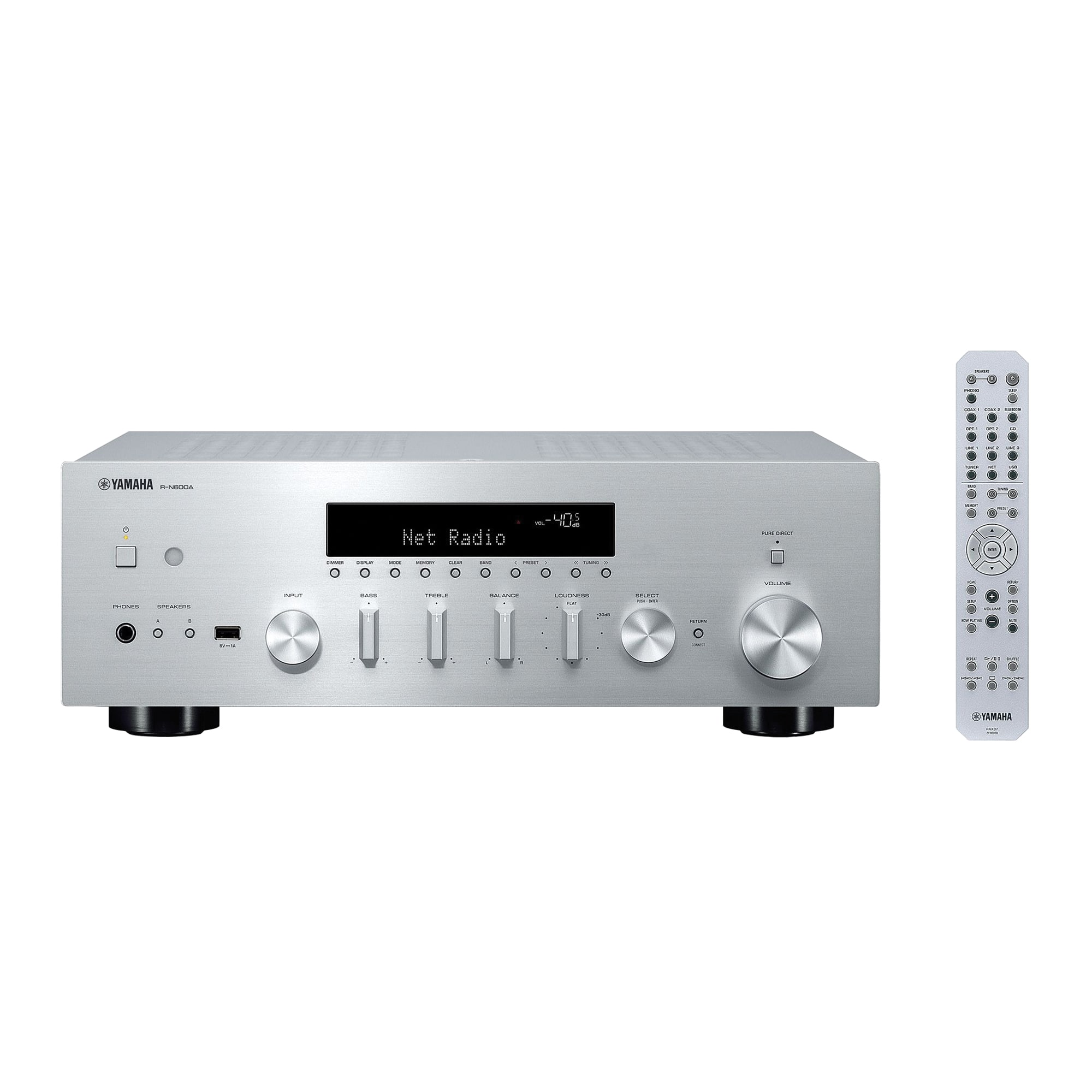
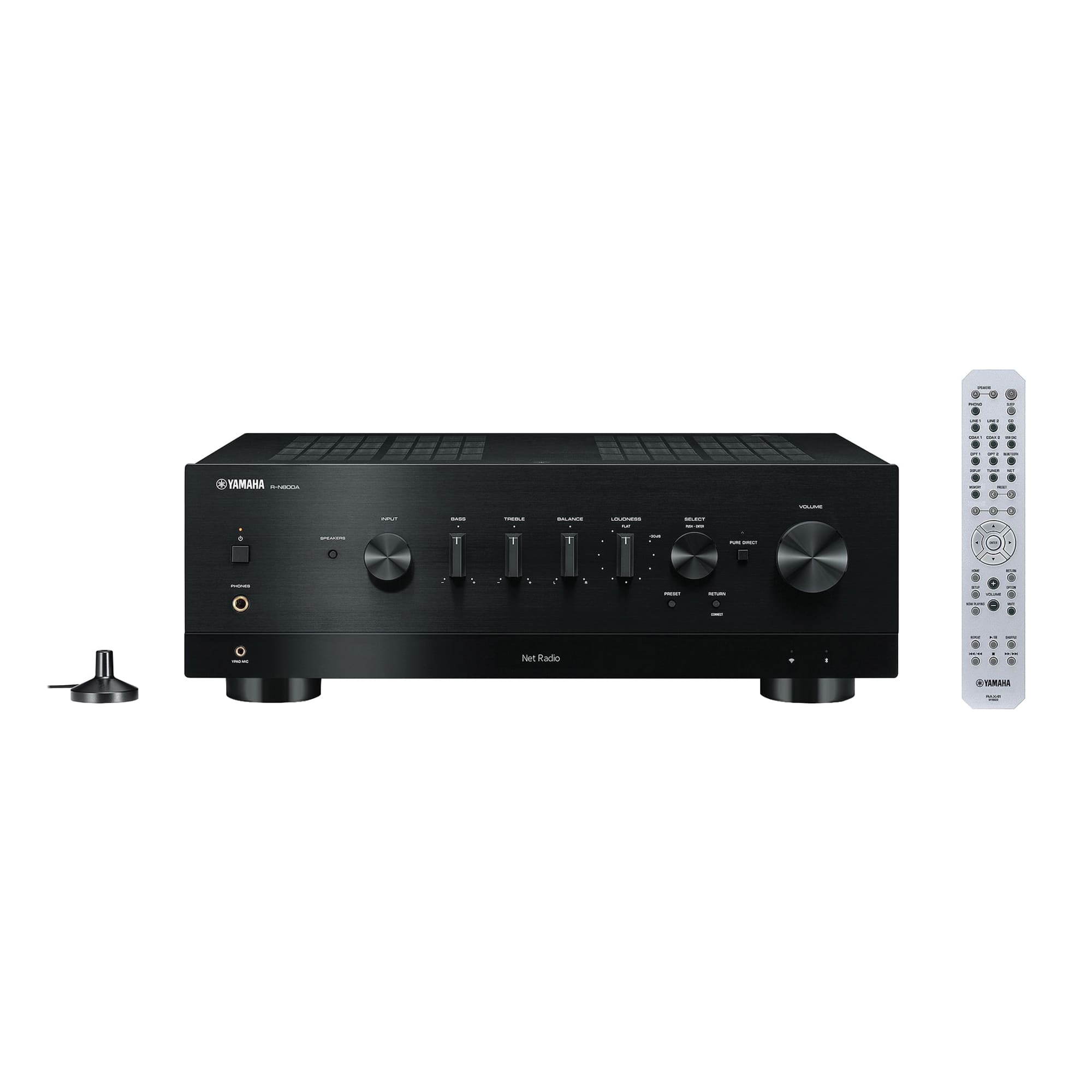
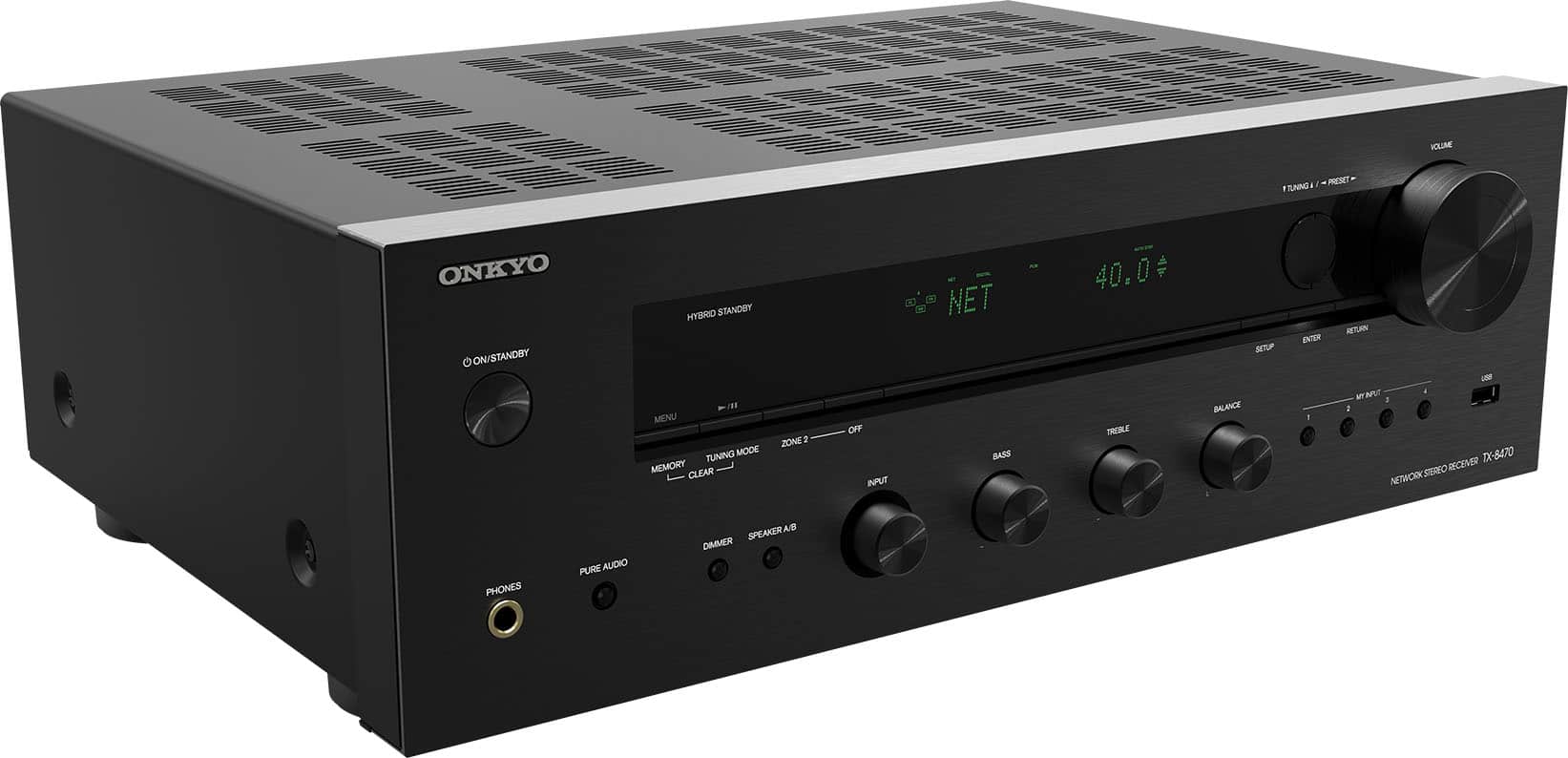
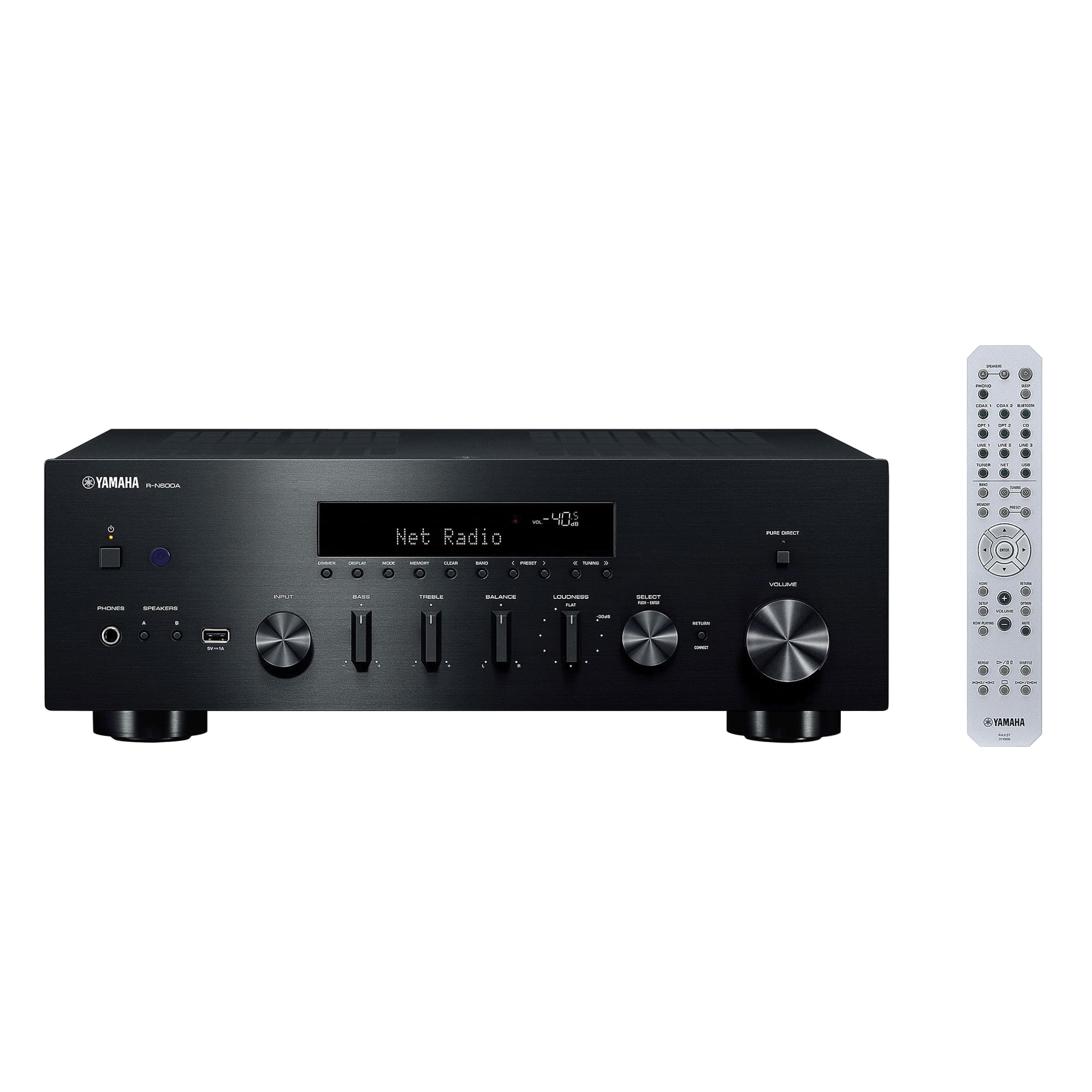
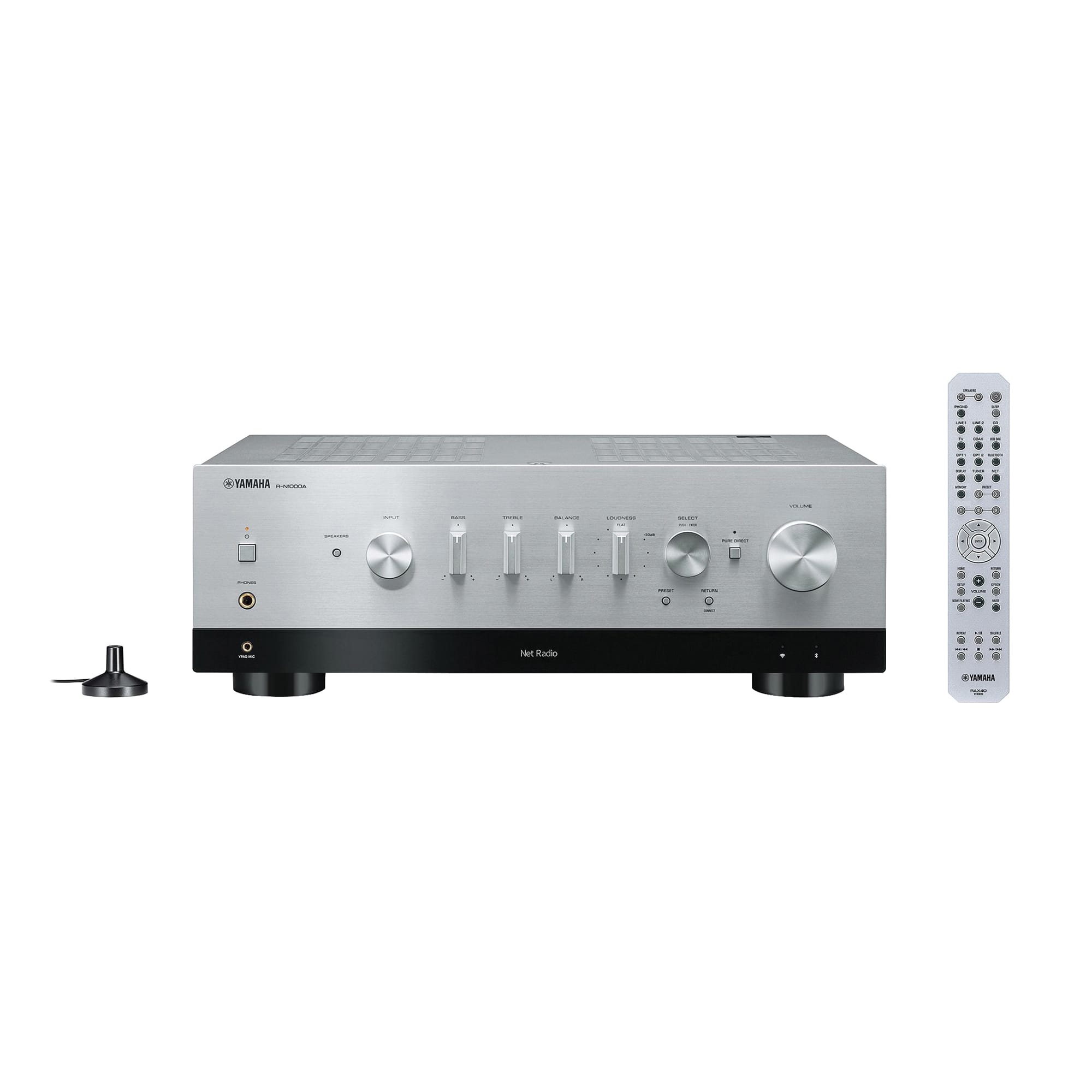
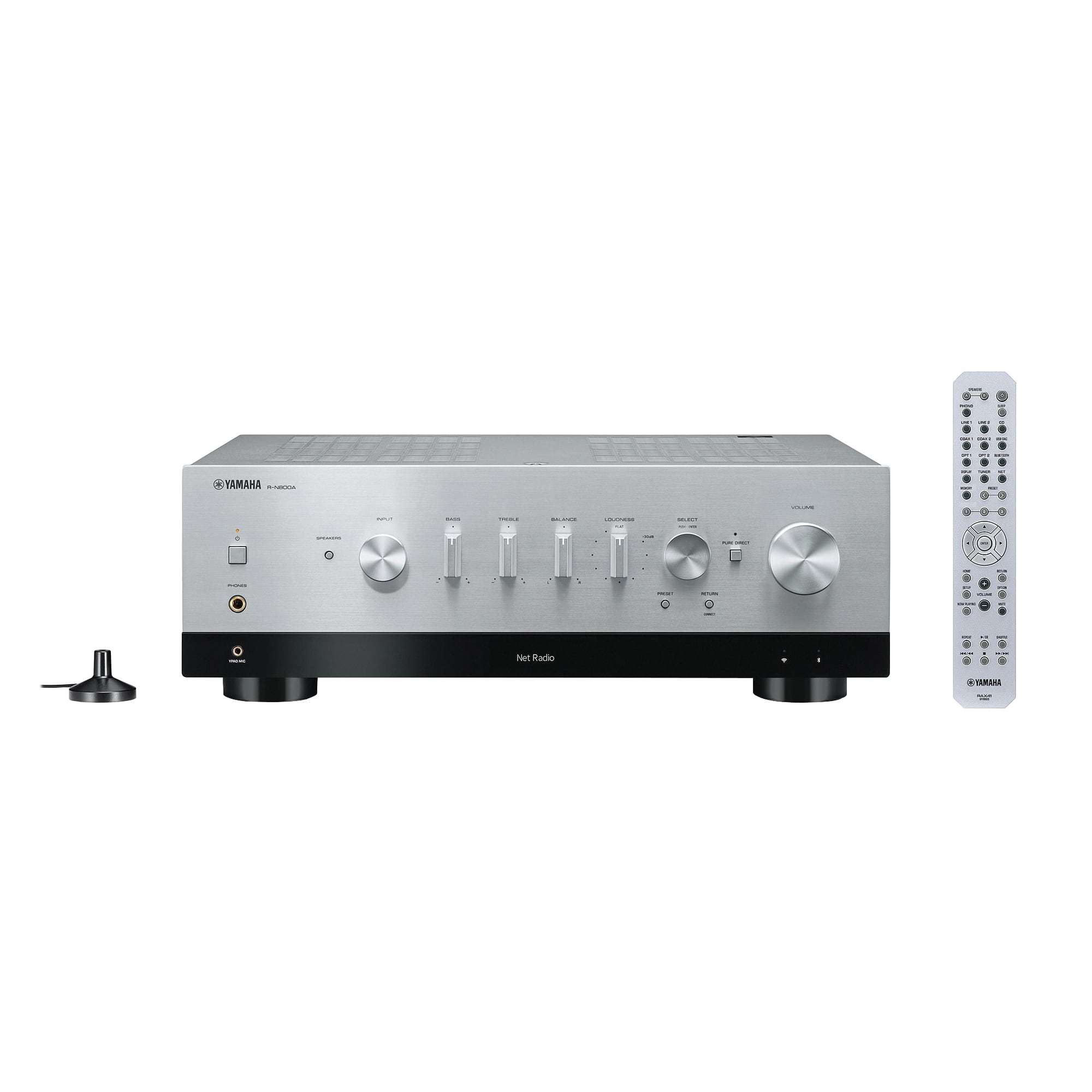
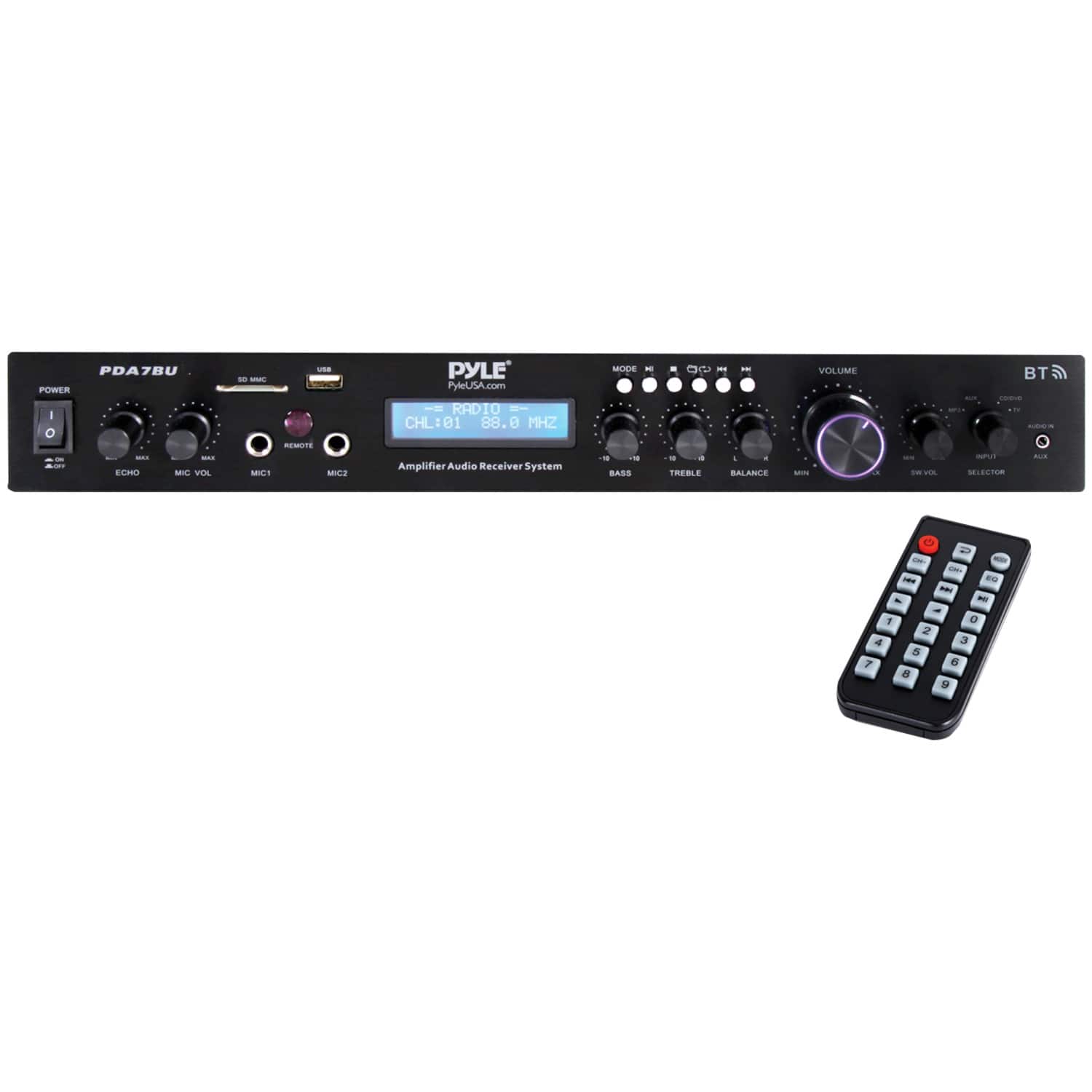
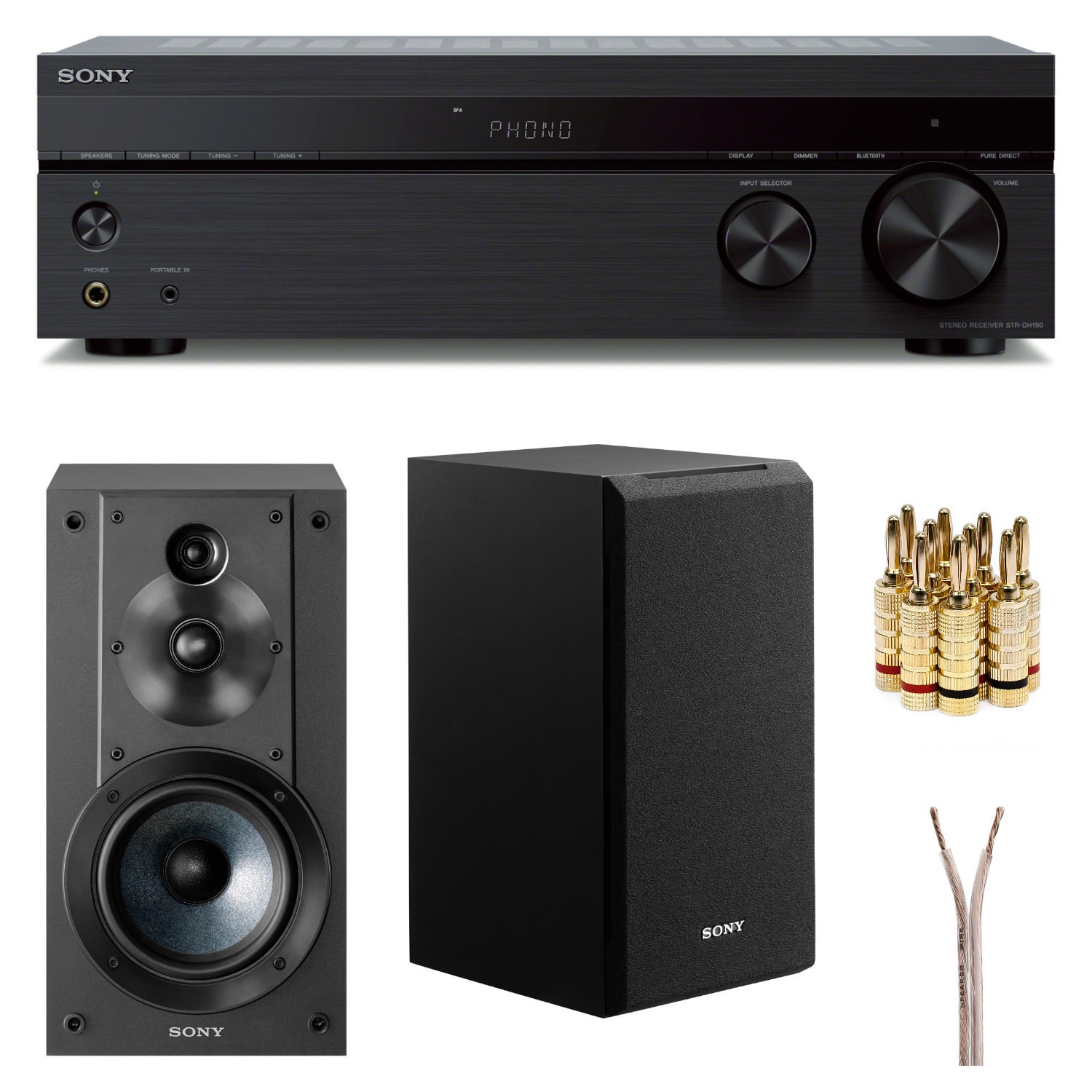
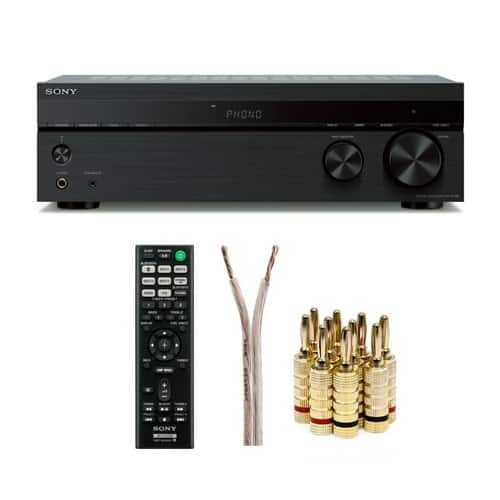
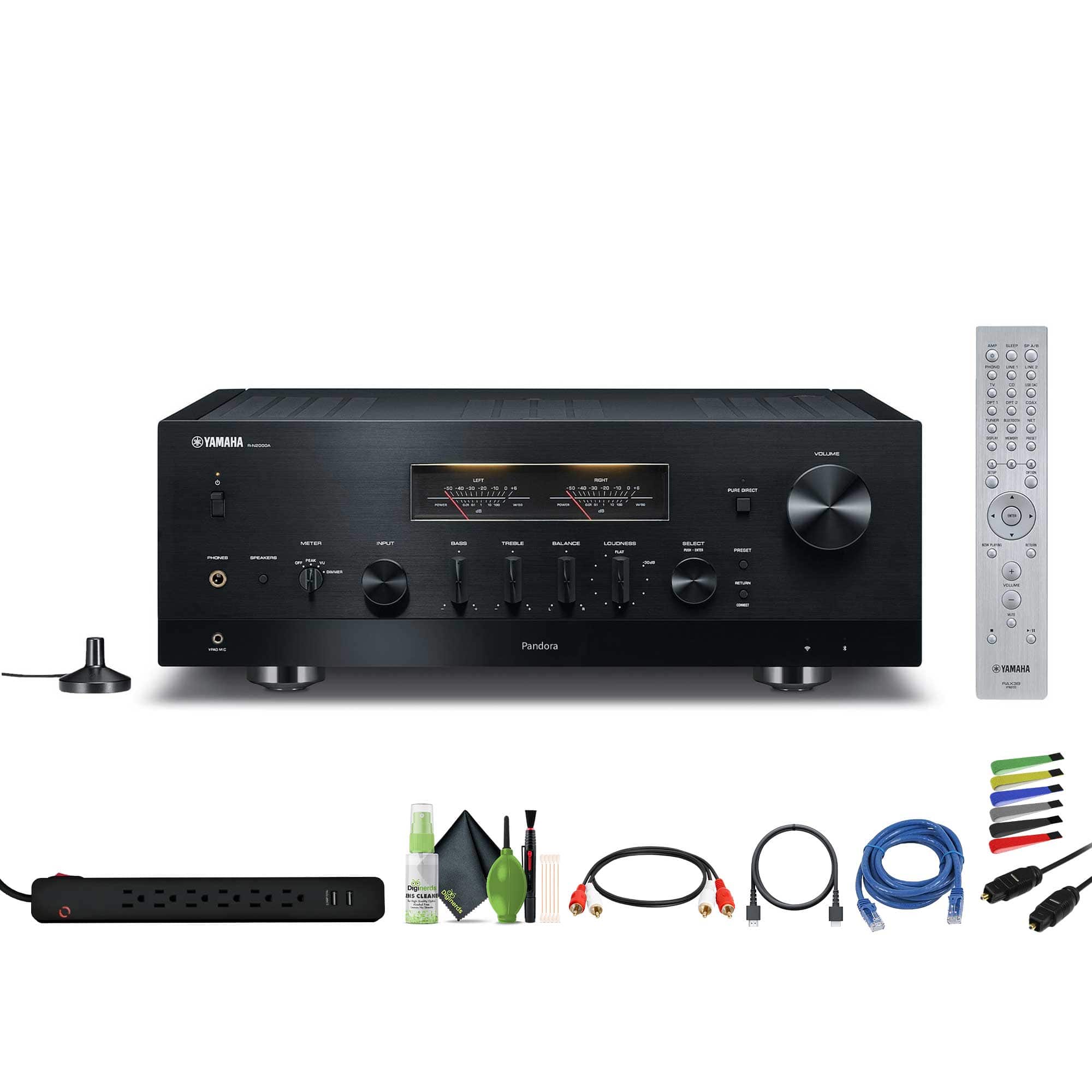
Stereo receivers for passive speakers
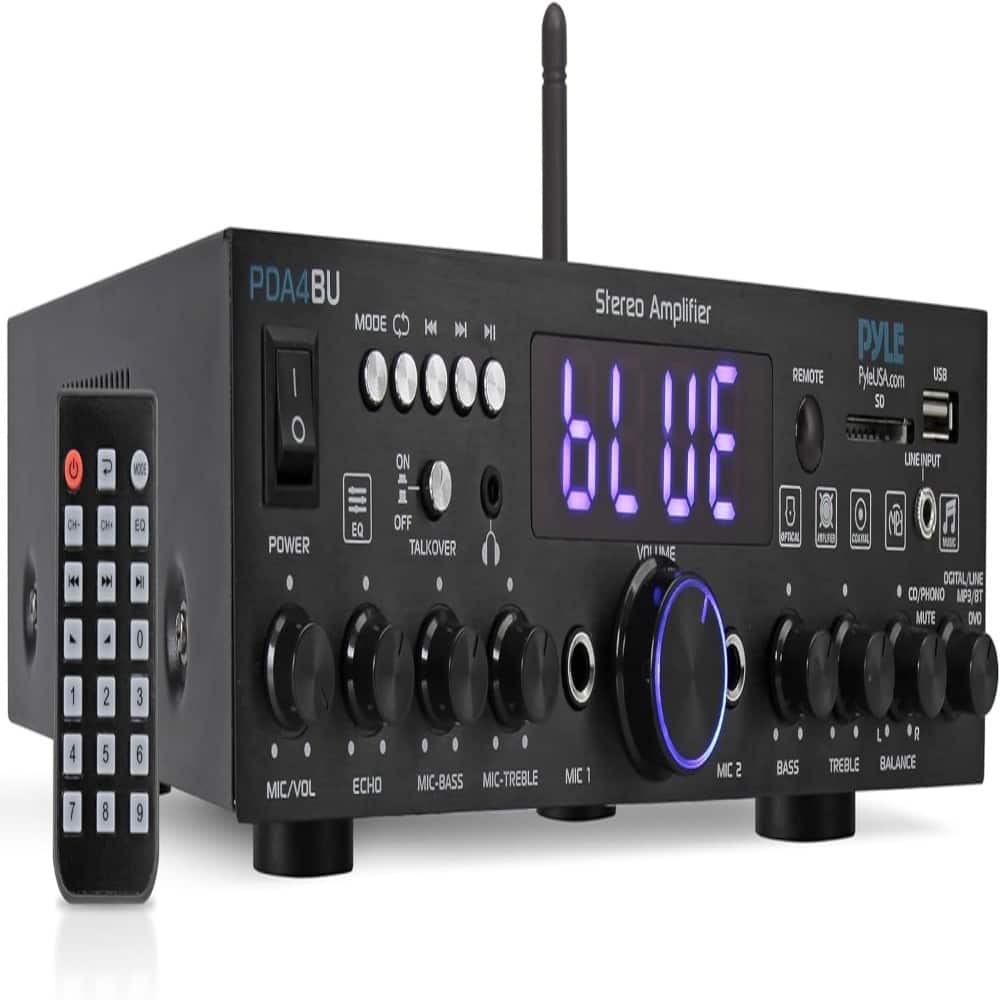
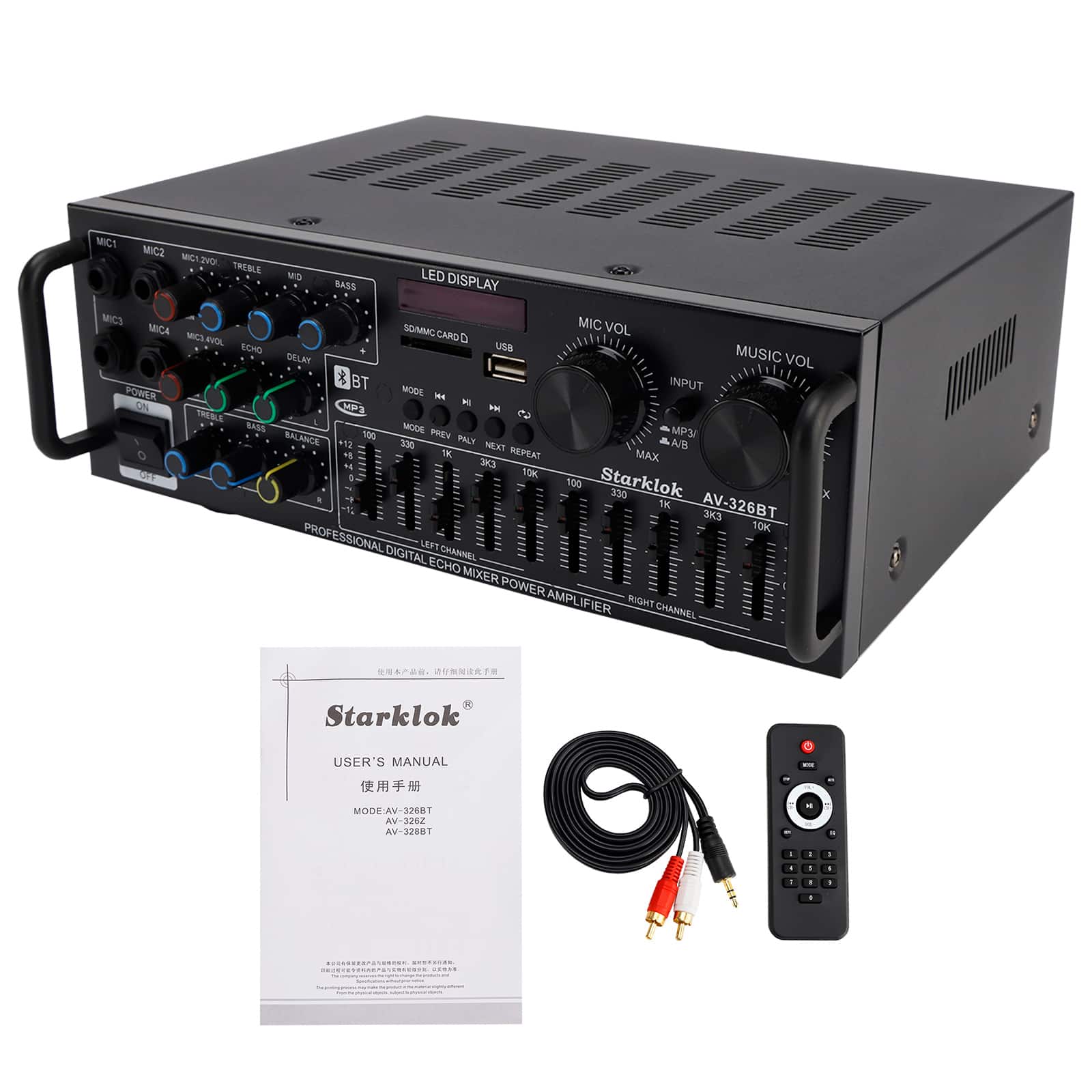
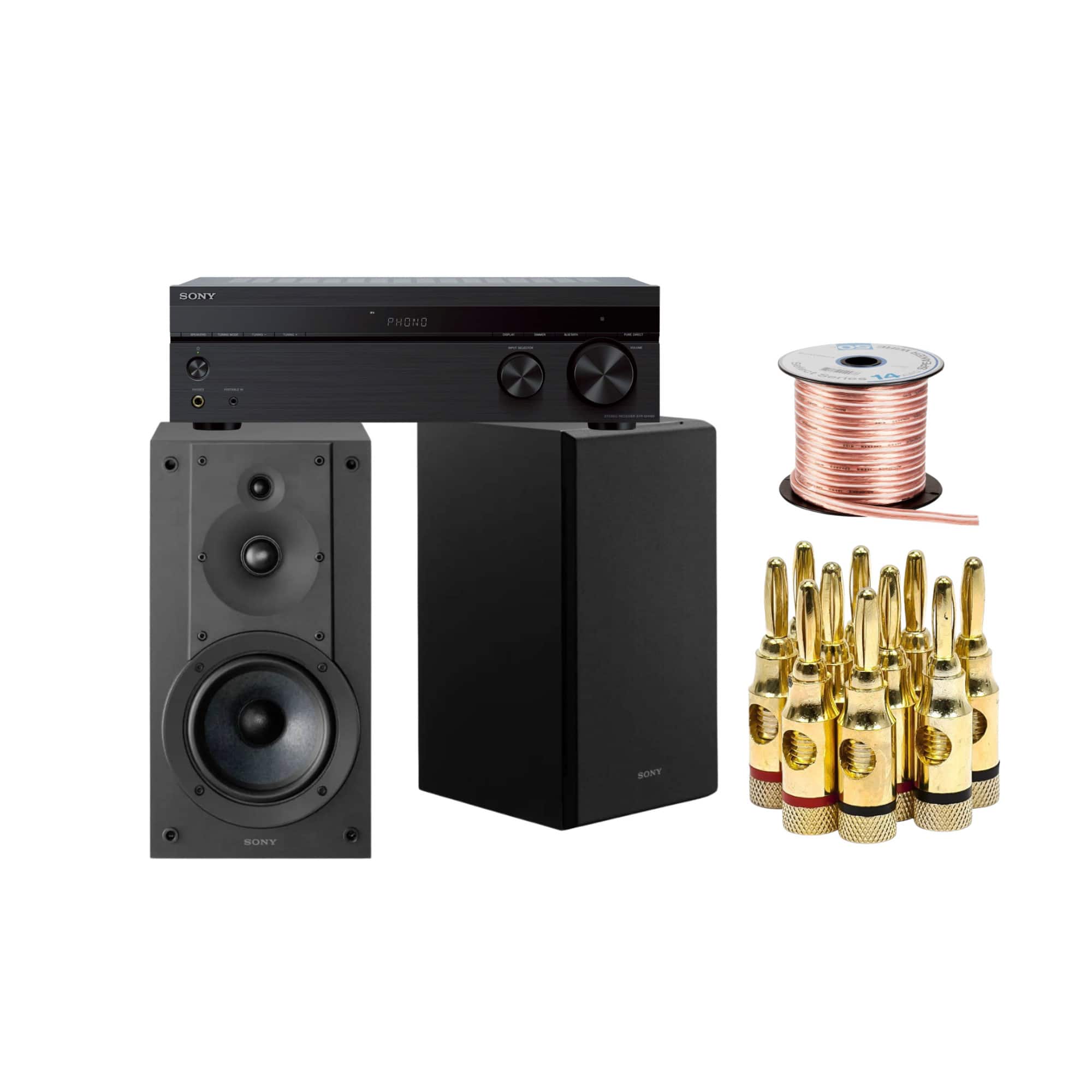
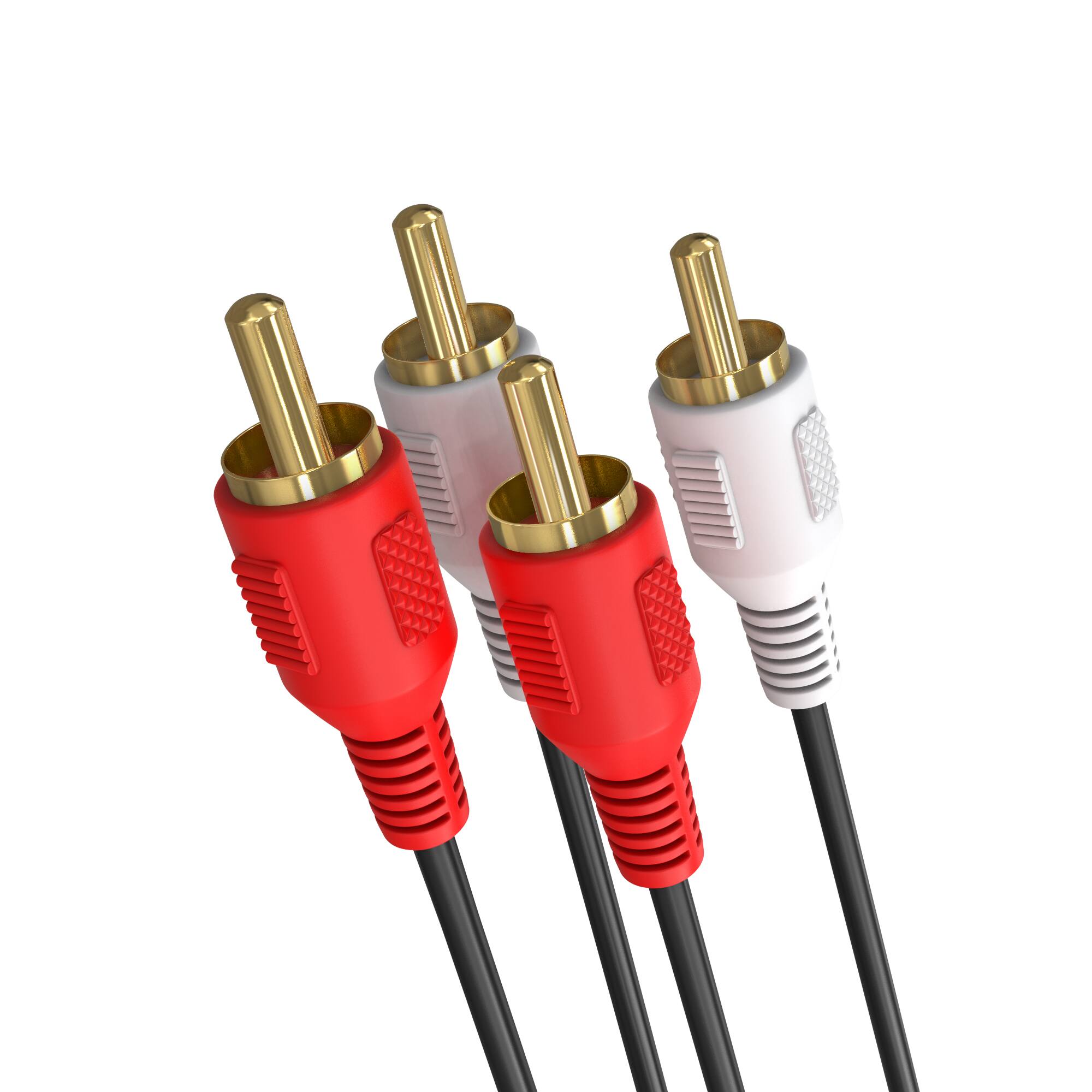
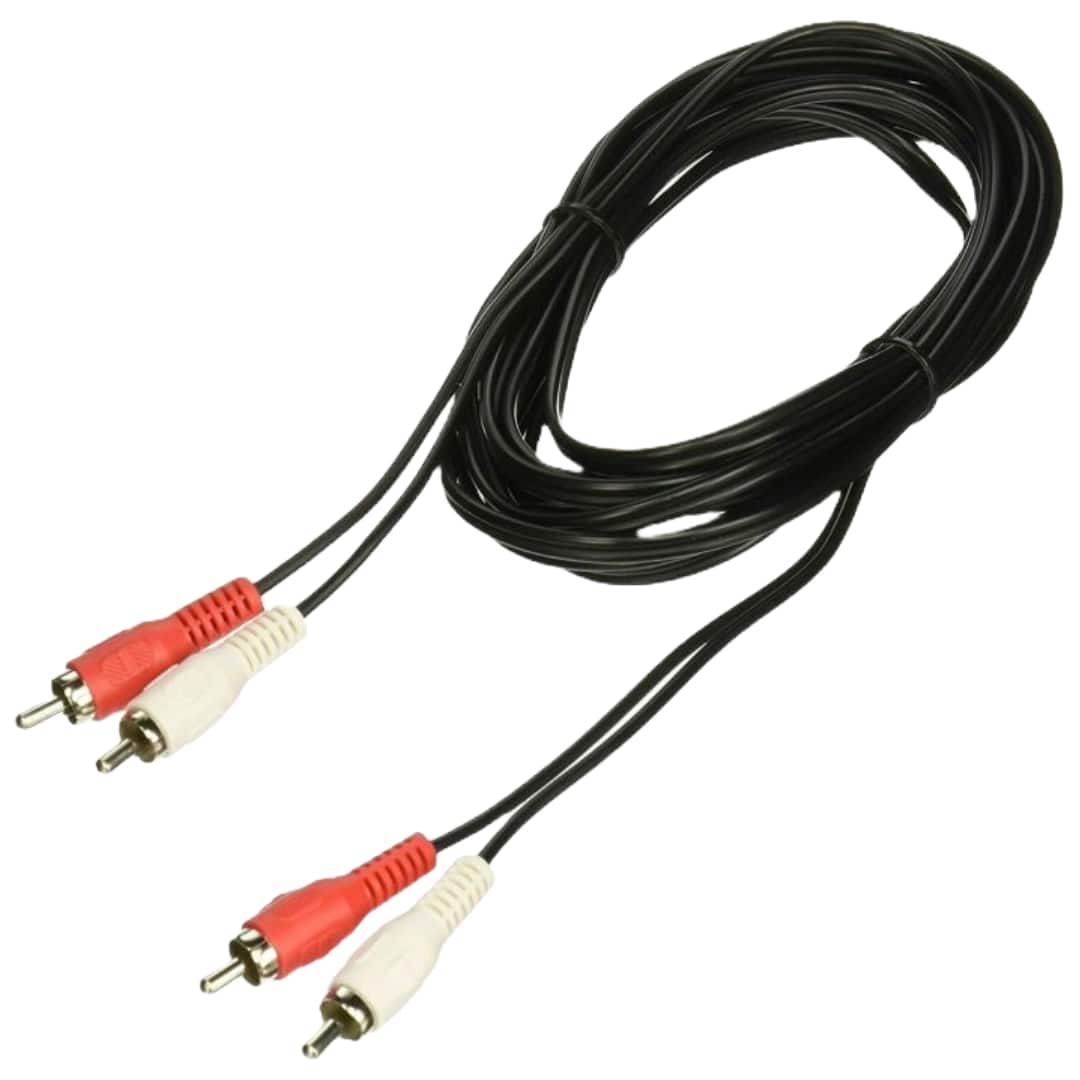
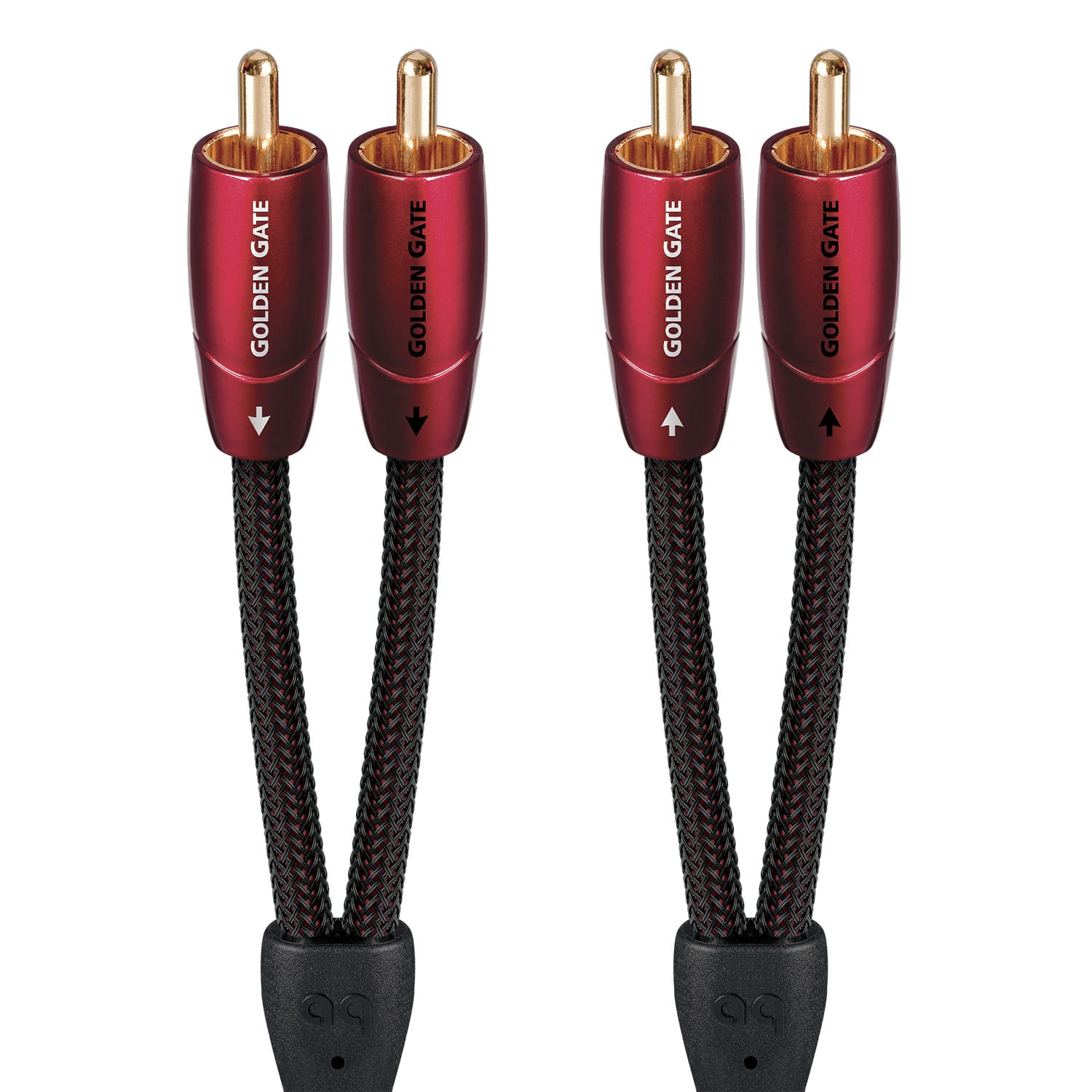
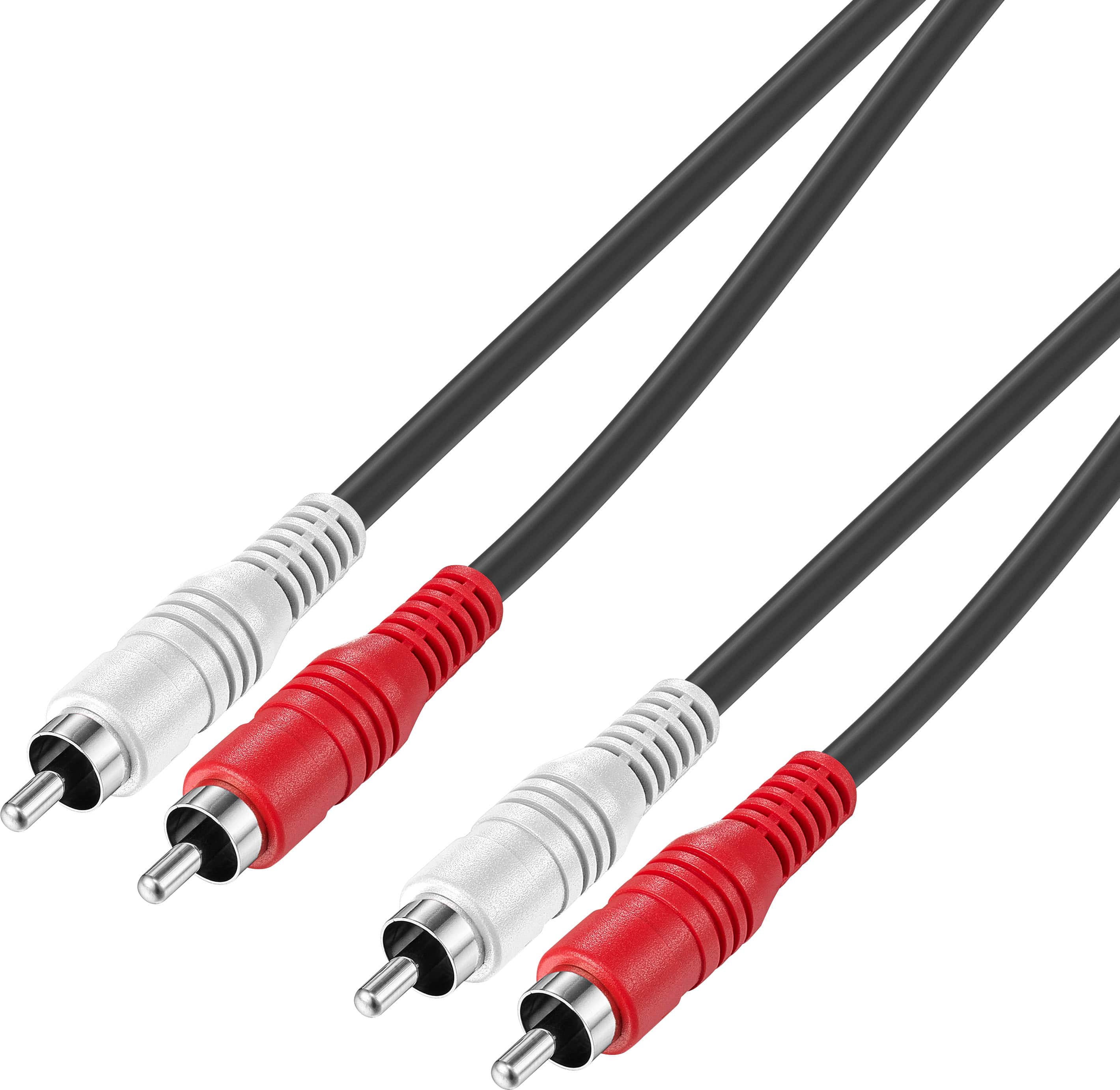
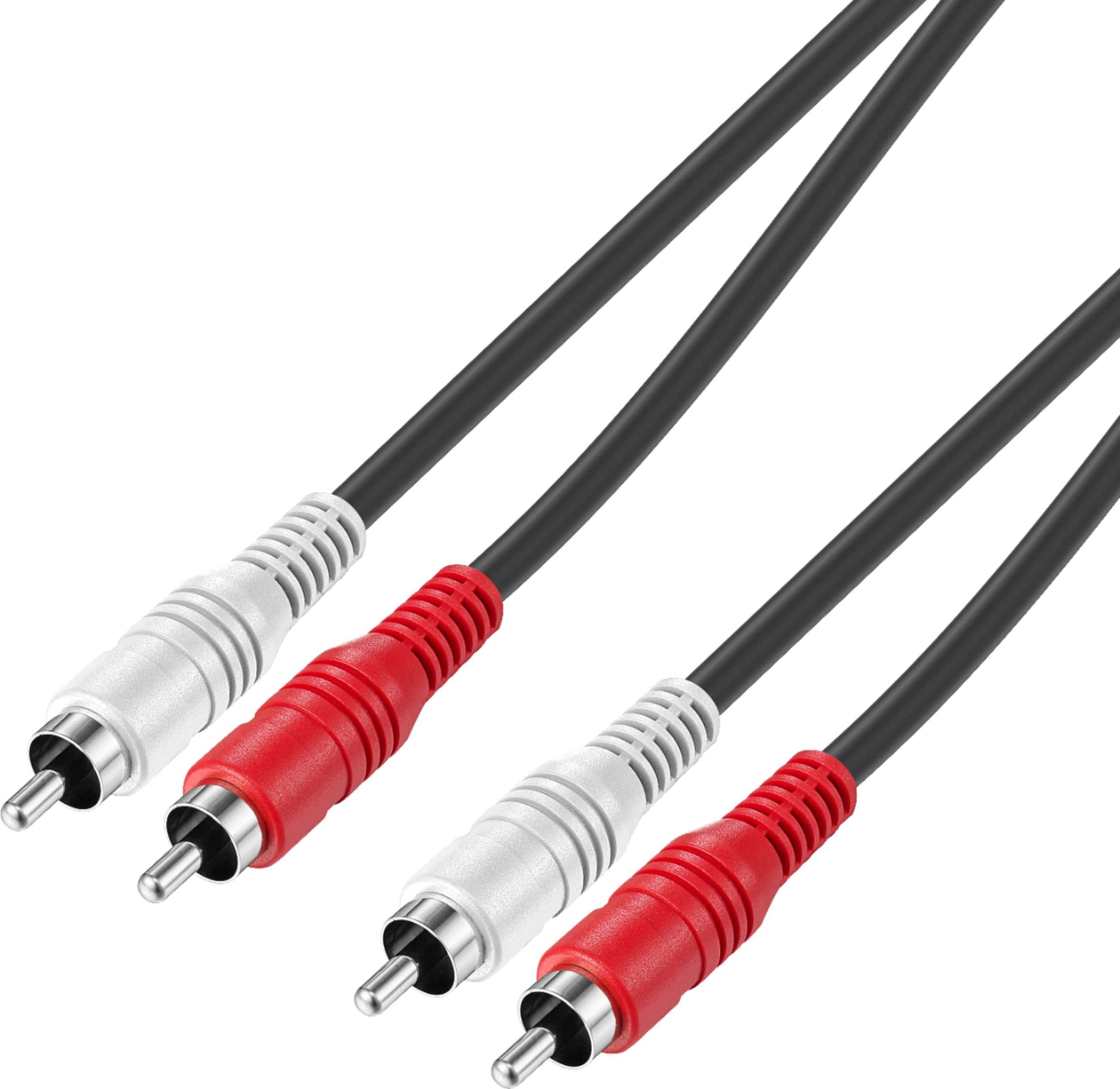
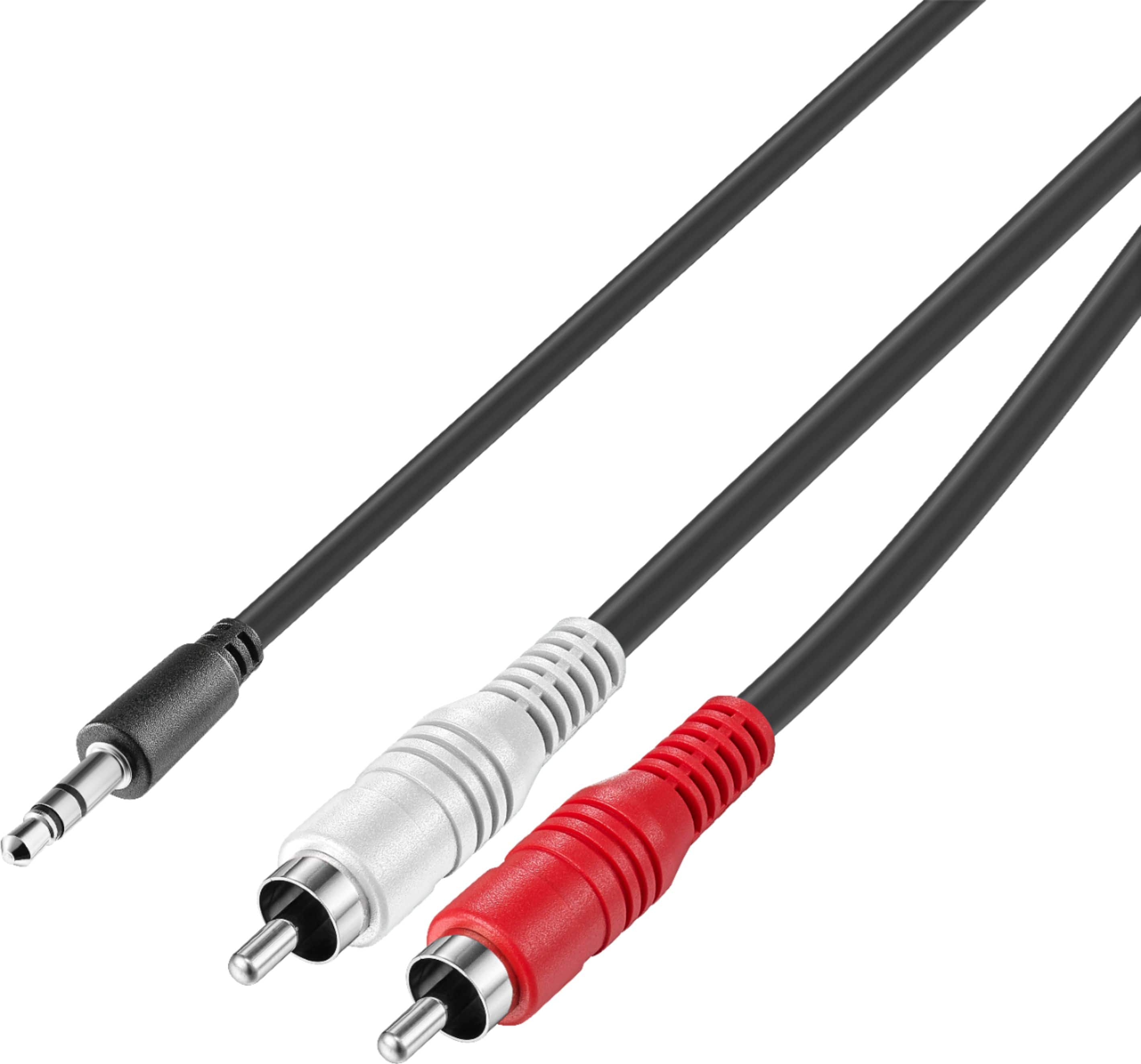
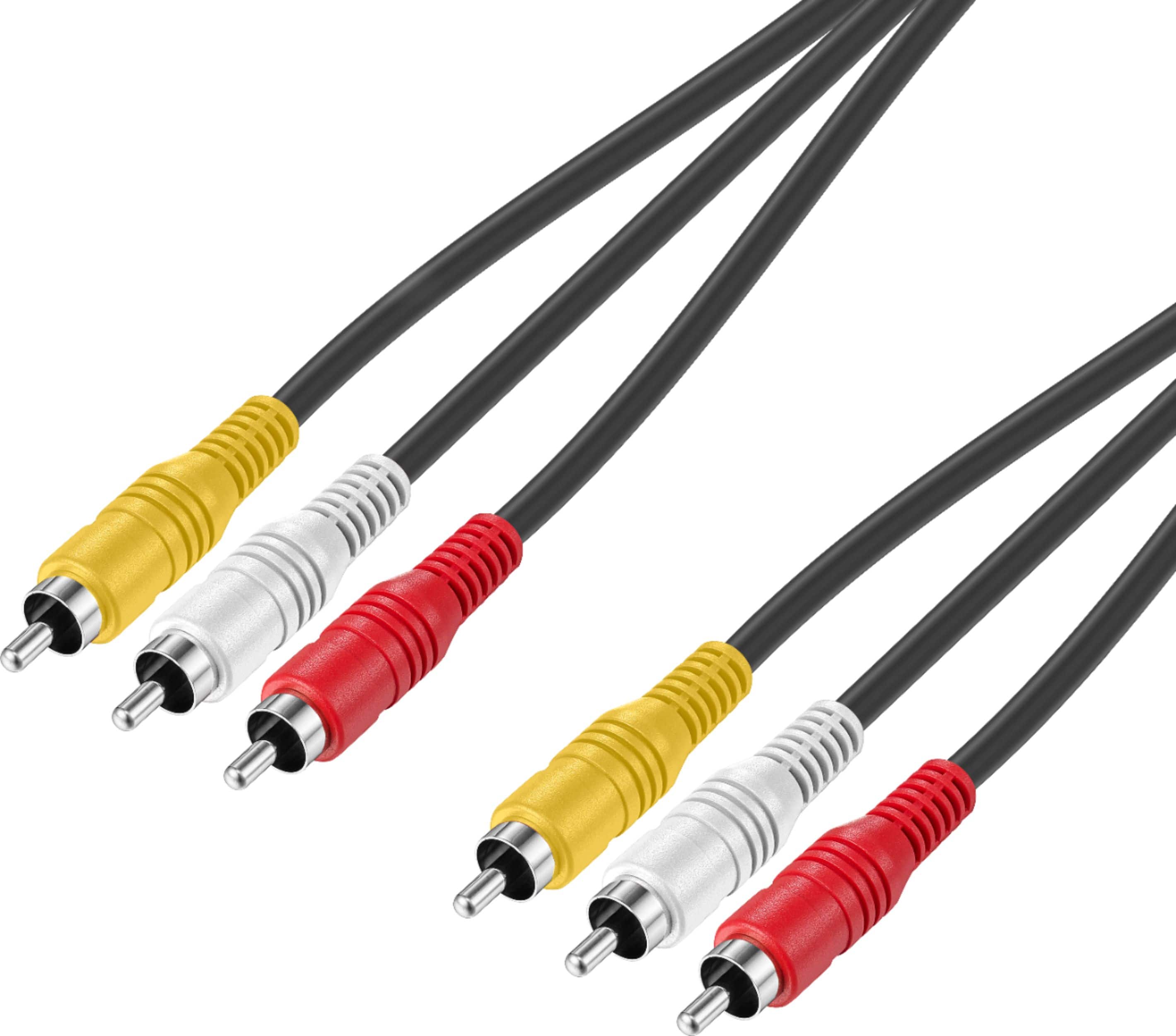
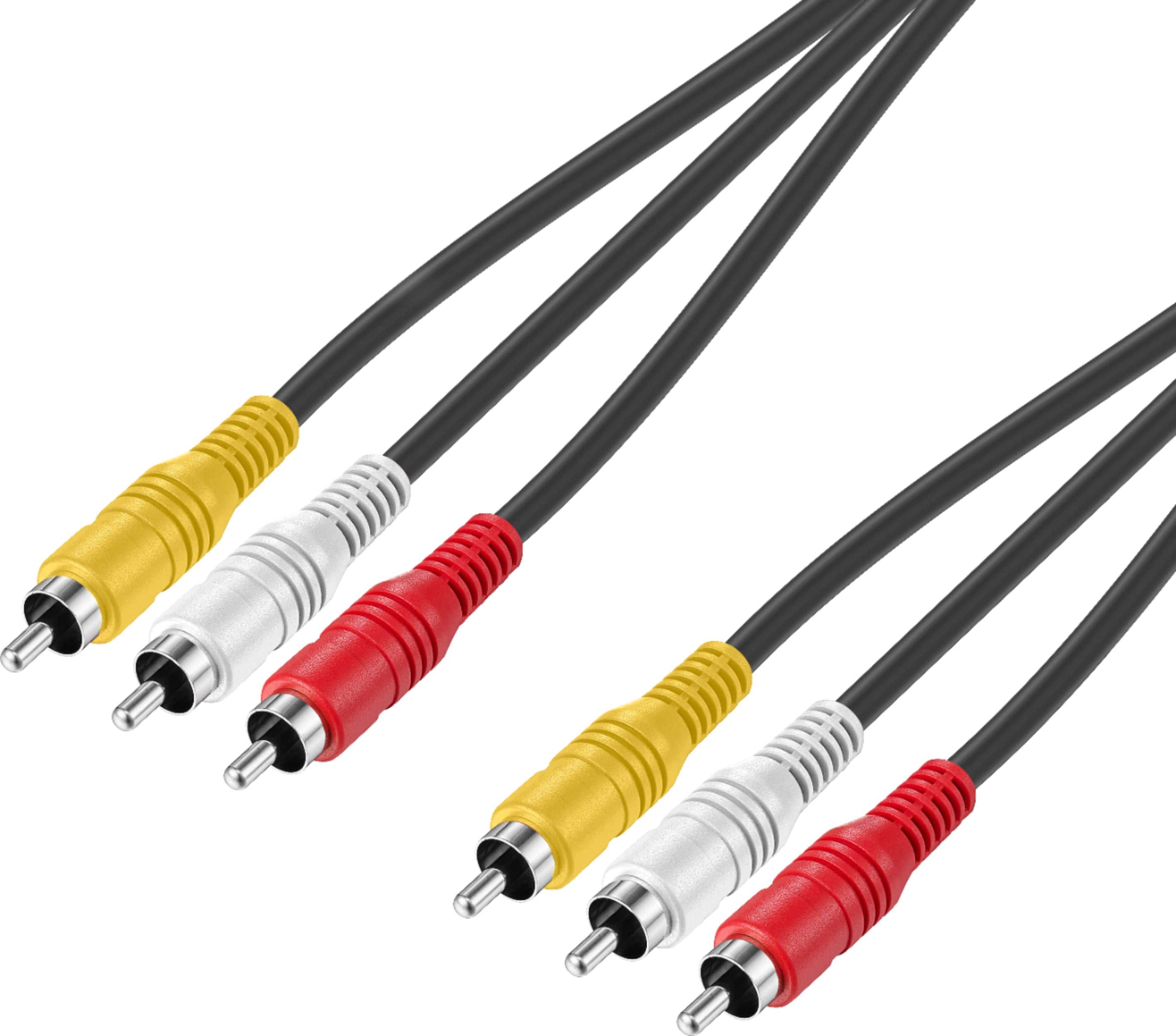
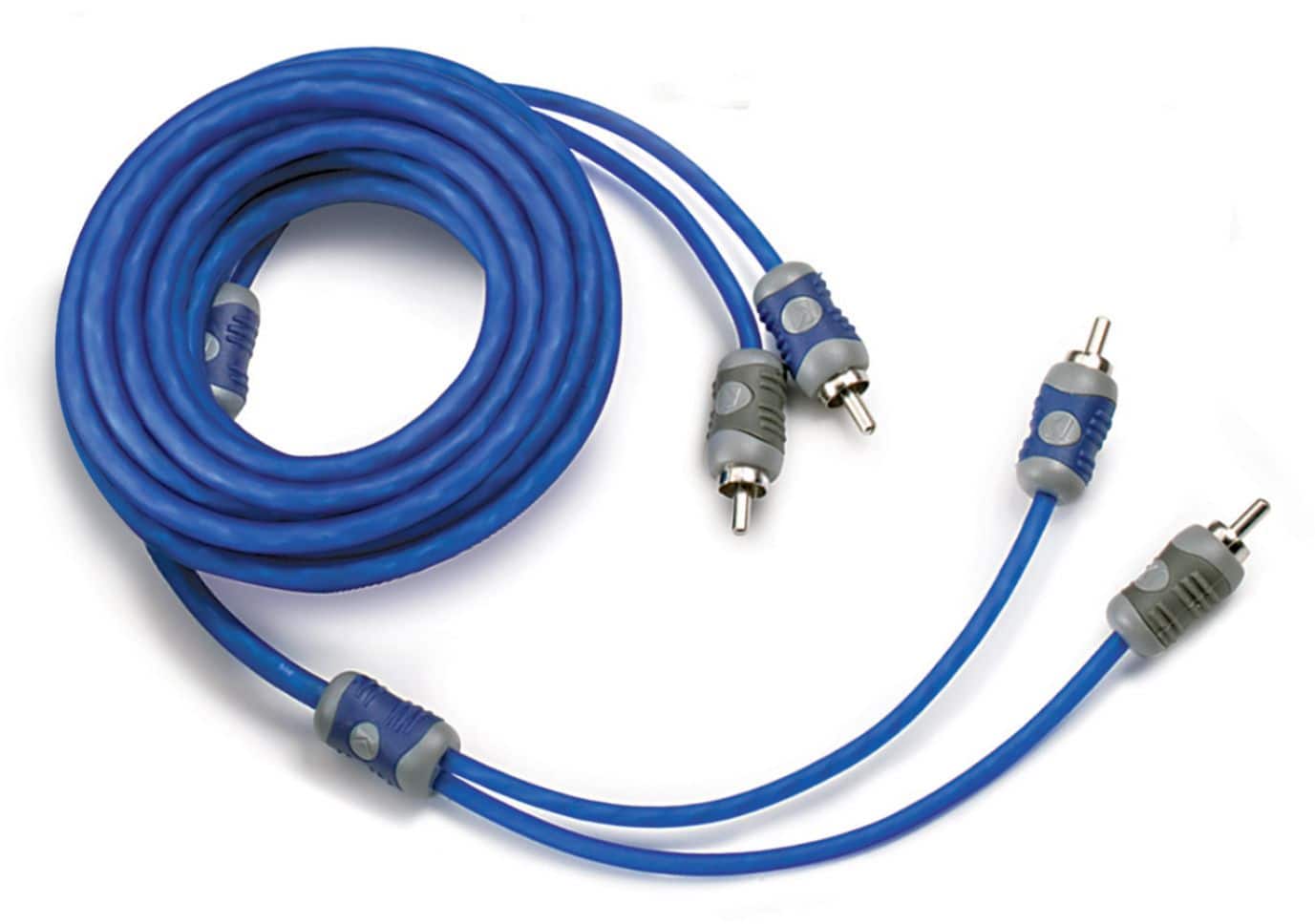
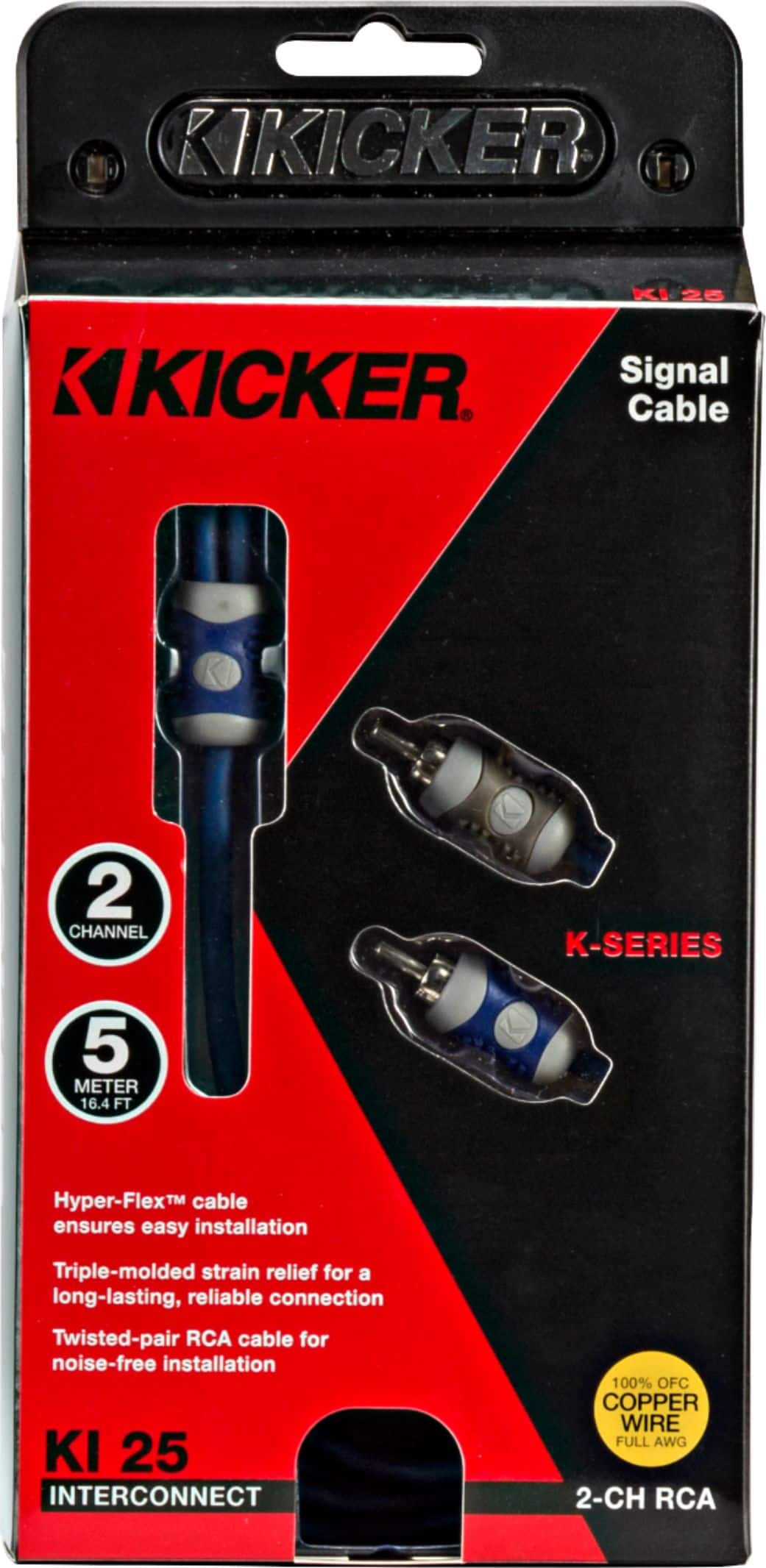
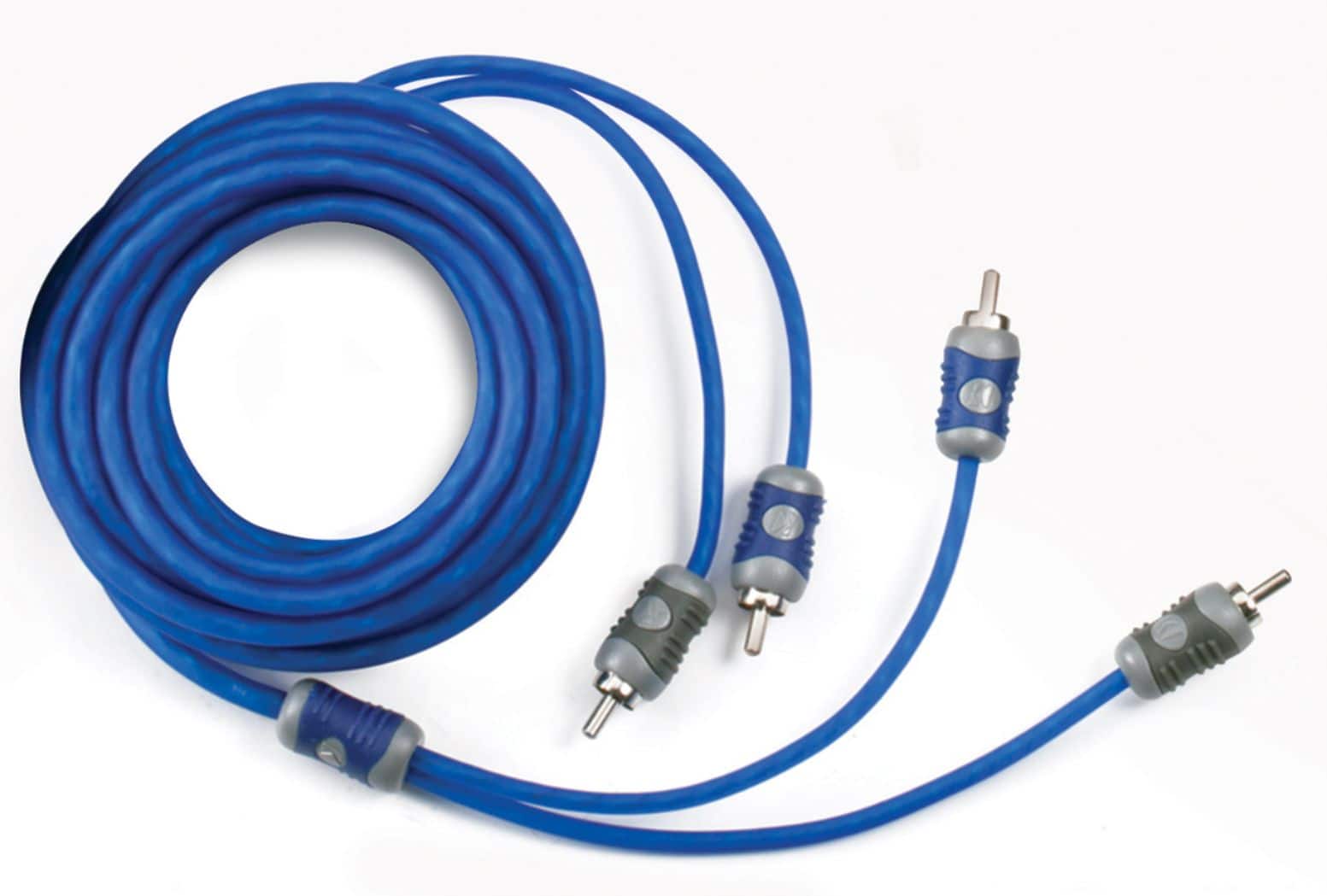
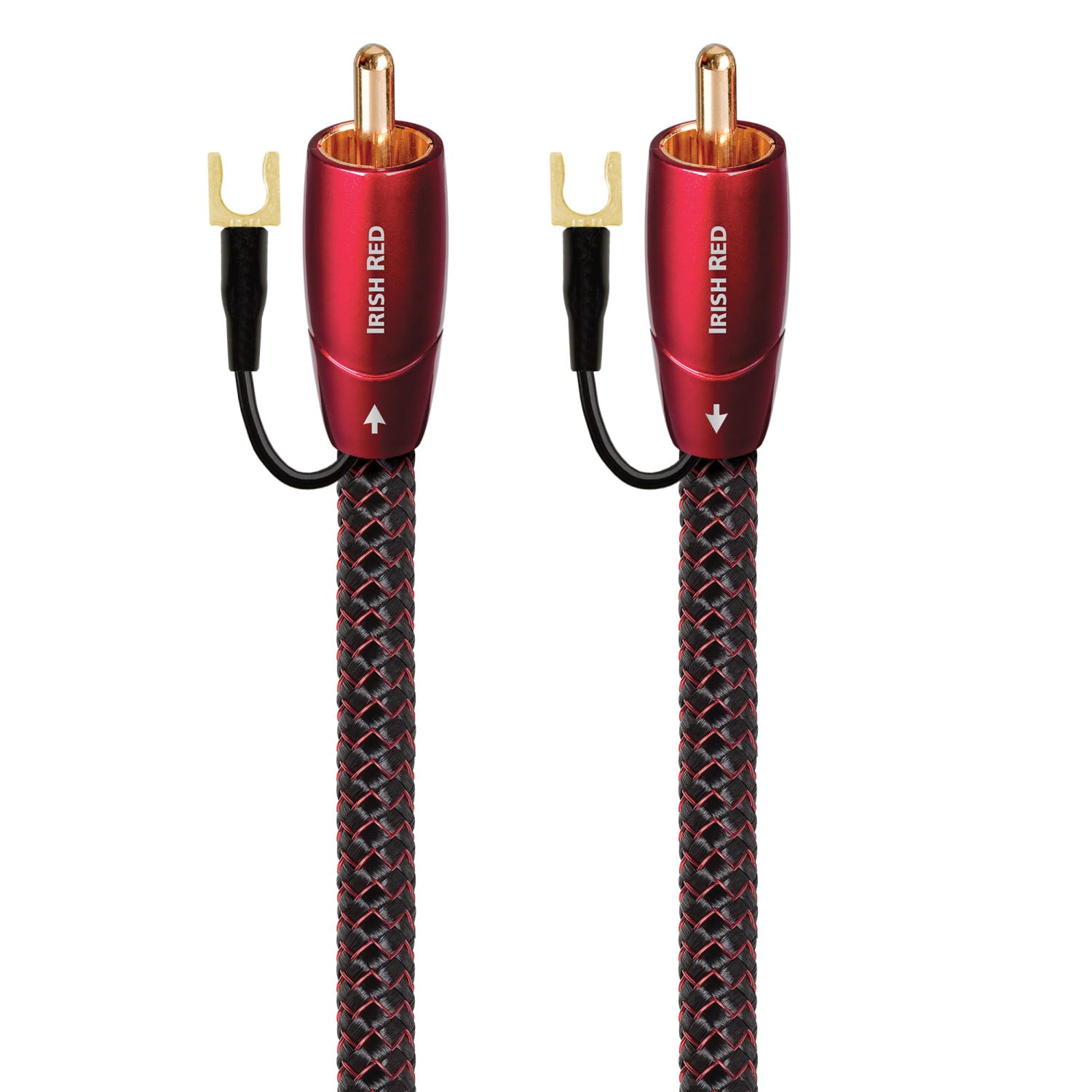
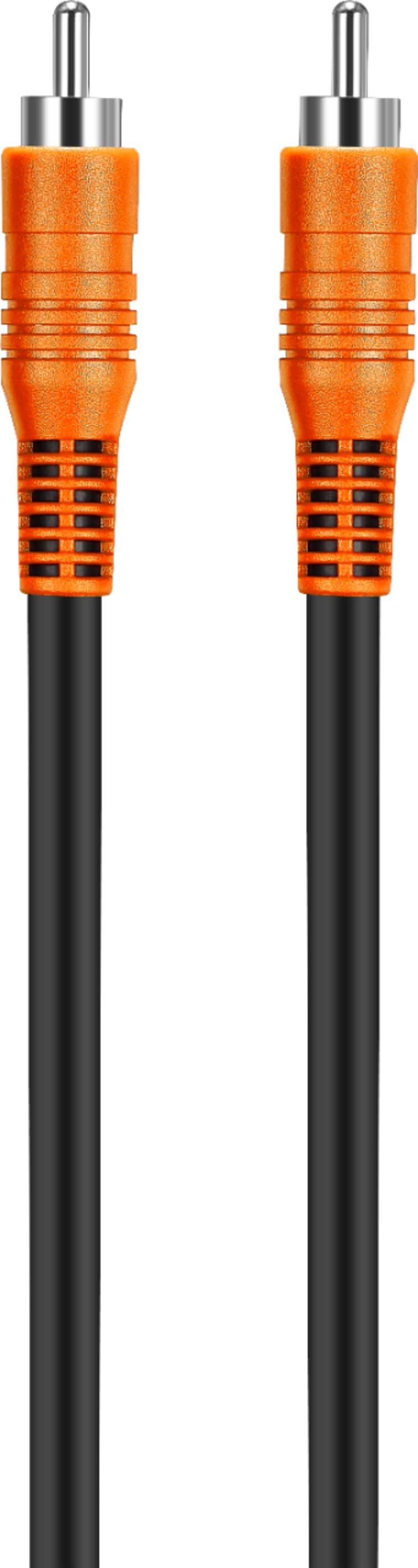
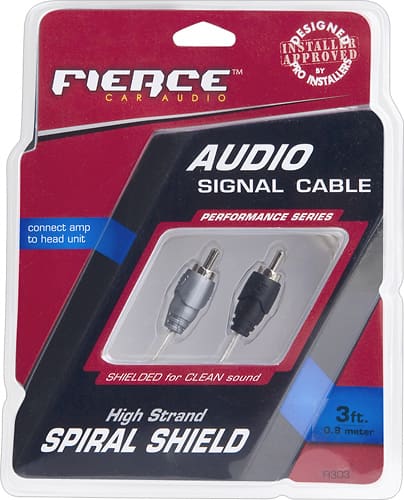
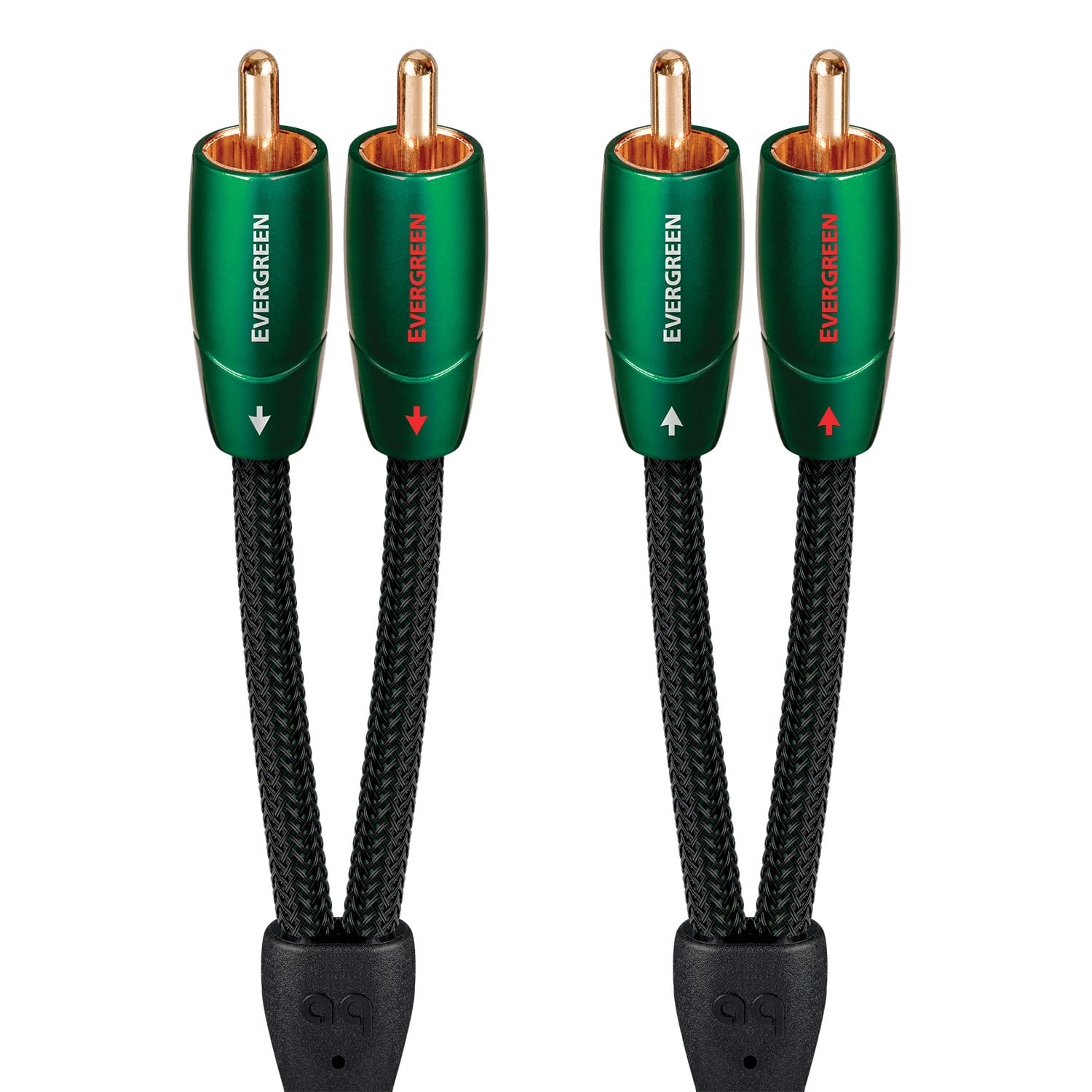
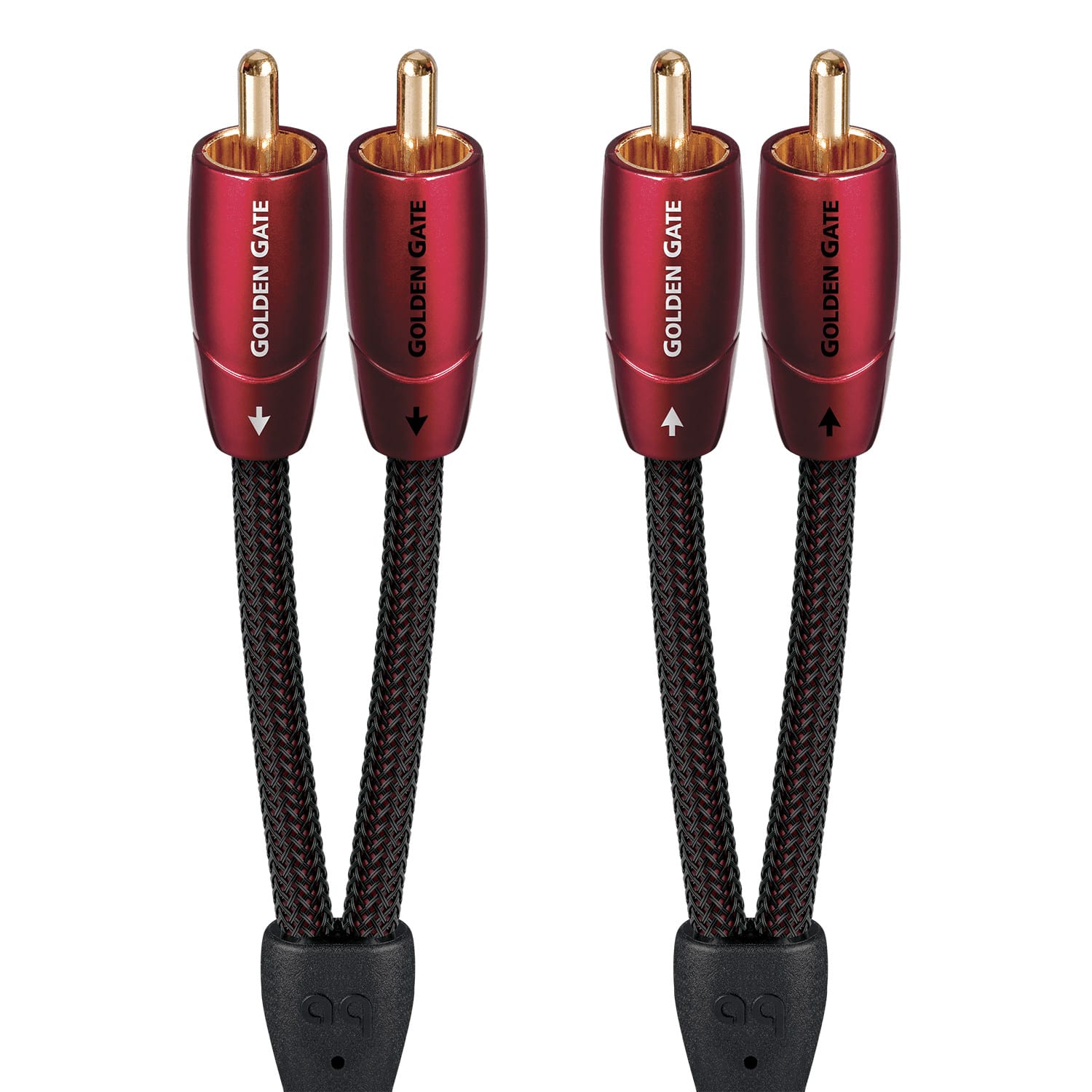
RCA cables for analog stereo connections


Connect a CD Player to Powered Speakers or a Receiver
FAQs
Turn off both devices before connecting them. Run a stereo RCA cable from the player's analog audio OUT jacks to the powered speakers' line-level IN jacks, matching red to right and white to left. If the speakers have a switchable phono/line input, select line. Connect the two speakers to each other as directed in their manual, then power on, select the correct input and start playback at low volume. A fixed-output CD player needs speakers with a volume control or an intervening preamplifier.
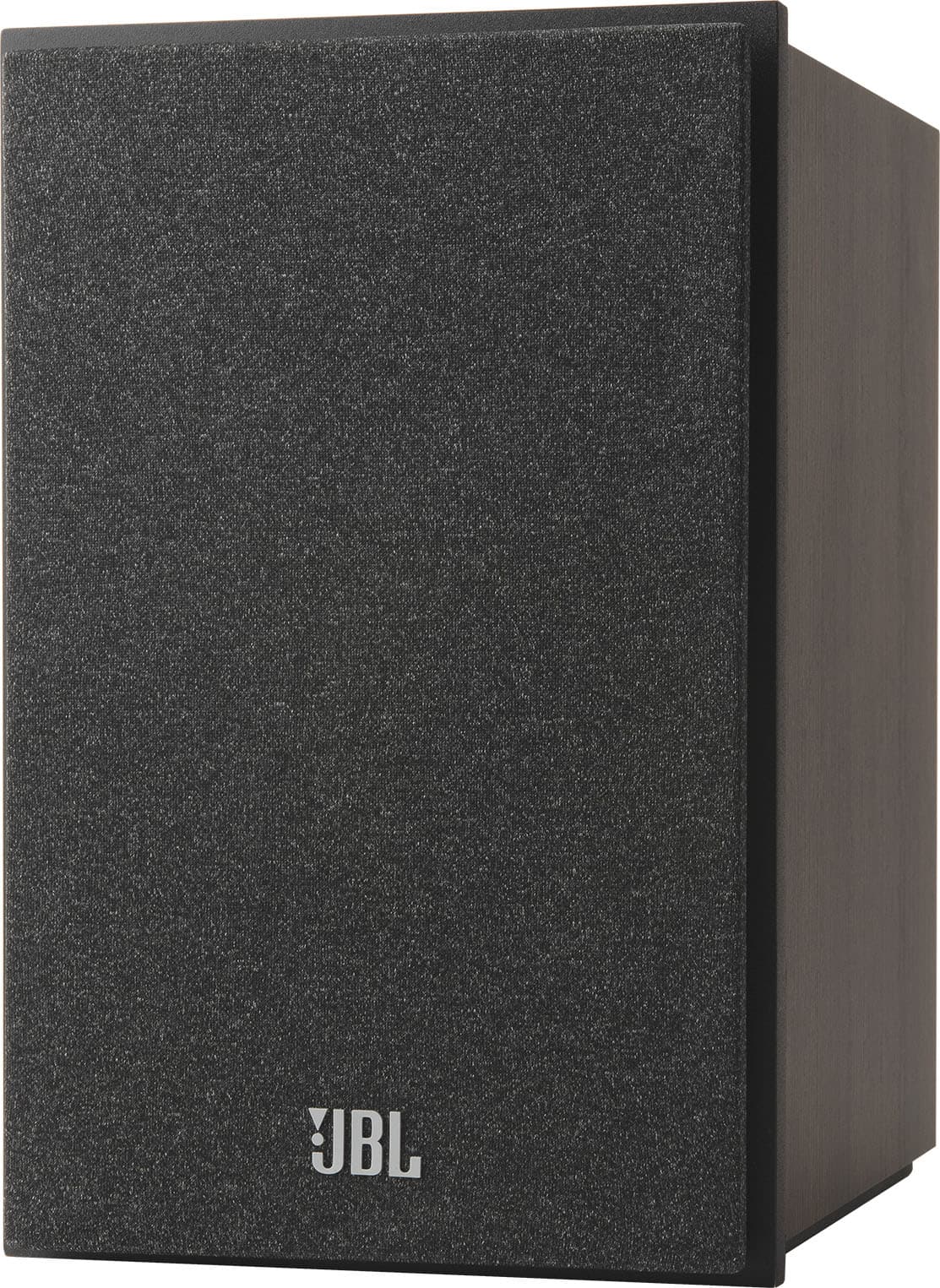
With the equipment turned off, connect the player's analog RCA outputs to a line-level receiver input labeled CD, AUX, LINE or another suitable audio input. Connect passive speakers to the receiver's speaker terminals with speaker wire, matching positive and negative terminals and keeping loose strands from touching. Follow the receiver's speaker-impedance requirements. Power on, select the input you used and gradually raise the receiver's volume. Do not connect the player to a dedicated PHONO input.
A standalone CD player's line-level output cannot power passive speakers. You need a receiver or integrated amplifier between the player and the speakers. Powered speakers have amplification built in, so they can connect directly when their inputs match the player's outputs and the setup provides volume control. Never connect a receiver's amplified speaker outputs to powered speakers' RCA or AUX inputs.
Use the connection supported by both devices. A red-and-white stereo RCA connection carries analog audio, using the CD player's digital-to-analog converter, or DAC. Optical and coaxial digital connections send digital audio to a compatible receiver, powered speaker system or external DAC for conversion. Optical requires a matching optical input; coaxial digital requires a matching coaxial digital input and a 75-ohm digital audio cable. A single coaxial digital RCA jack is not interchangeable with the red-and-white analog pair.
Not if your CD player has analog outputs that match your powered speakers' or receiver's line inputs. You also don't need a separate DAC when both devices support the same digital connection. If a player or CD transport offers only digital output and your speakers accept only analog input, use a compatible powered DAC between them. A passive optical-to-RCA adapter cannot perform that conversion.
Yes, a headphone output can usually feed a powered speaker or receiver's line-level input. Use a stereo 3.5mm-to-RCA cable for RCA inputs, or a stereo 3.5mm cable for a matching AUX input. Start with both volume controls low, then adjust gradually; reduce the player's volume if you hear distortion. Use a dedicated line output when available. For a smaller player, browse easy-to-use portable CD players and confirm the output connections.
Only if the player can transmit Bluetooth audio, or you add a compatible Bluetooth transmitter to its audio output. A player advertised with Bluetooth may only receive music from a phone, so check for transmitter or Bluetooth OUT support. A wired connection is a straightforward option when both devices have compatible ports.
Check that the cable runs from an output on the player to an input on the speakers or receiver, and that you selected that input. Confirm power, mute and volume settings, plus any speaker A/B selection on the receiver. For switchable inputs, use line rather than phono. With digital connections, check input assignments and whether the player's digital output is enabled. If the disc itself won't play, see our guide to CD player disc compatibility.