Cable That Connects Monitor To Computer
-
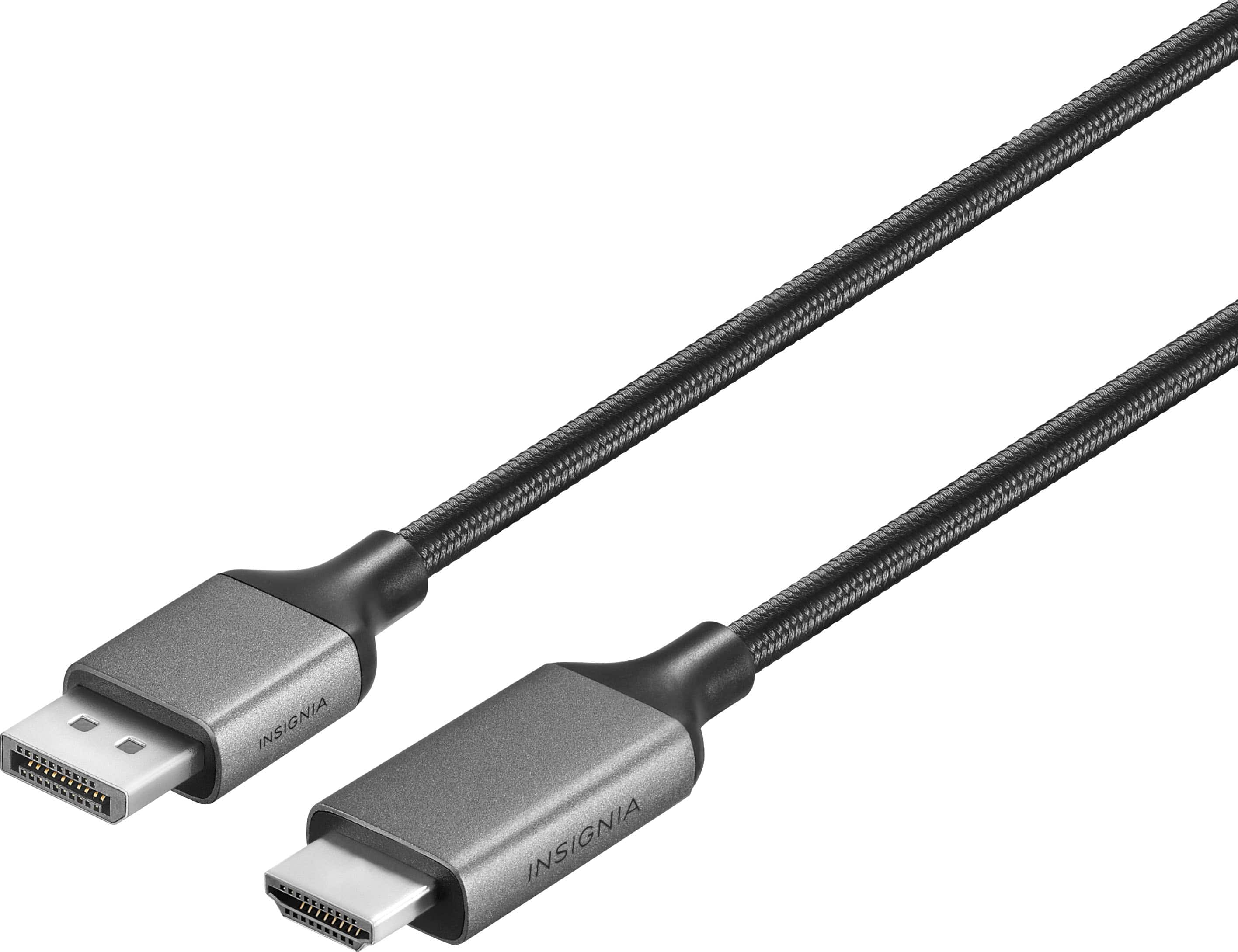
Insignia™ - 10 ft. DisplayPort to HDMI Cable - Black
SKU: J2FPJK922KSee all Monitor & Video CablesProduct Description
A black braided cable that connects DisplayPort to HDMI, supporting 4K Ultra HD with easy plug-and-play setup.Your price for this item is $19.99 -
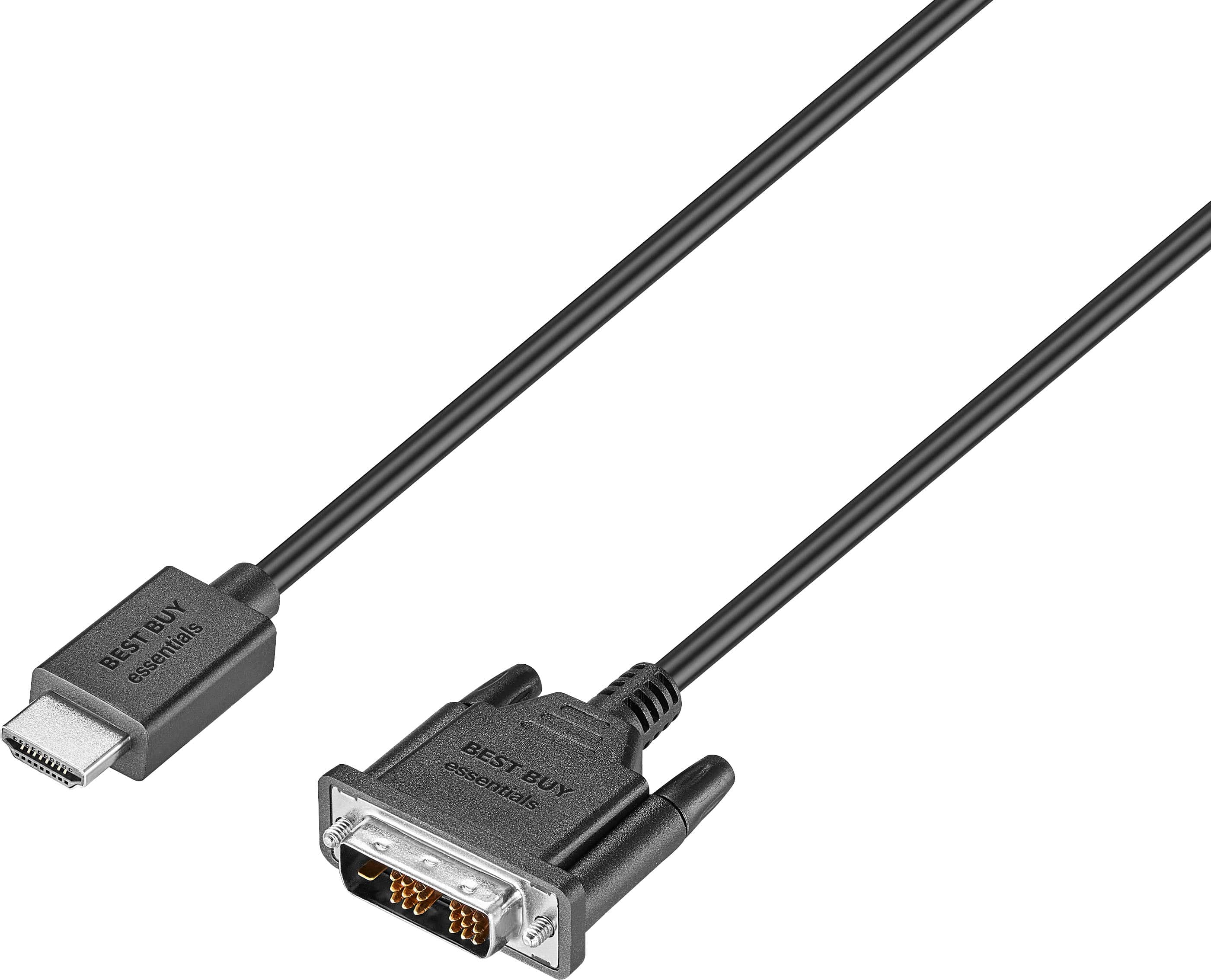
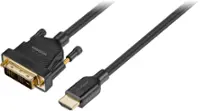
Best Buy essentials™ - 6’ HDMI-to-DVI-D Monitor Cable - Black
SKU: J2FPJK9SP8See all Monitor & Video CablesProduct Description
A black HDMI-to-DVI-D cable with nickel-plated connectors delivers high-quality images and flexible device connections.Your price for this item is $8.99 -
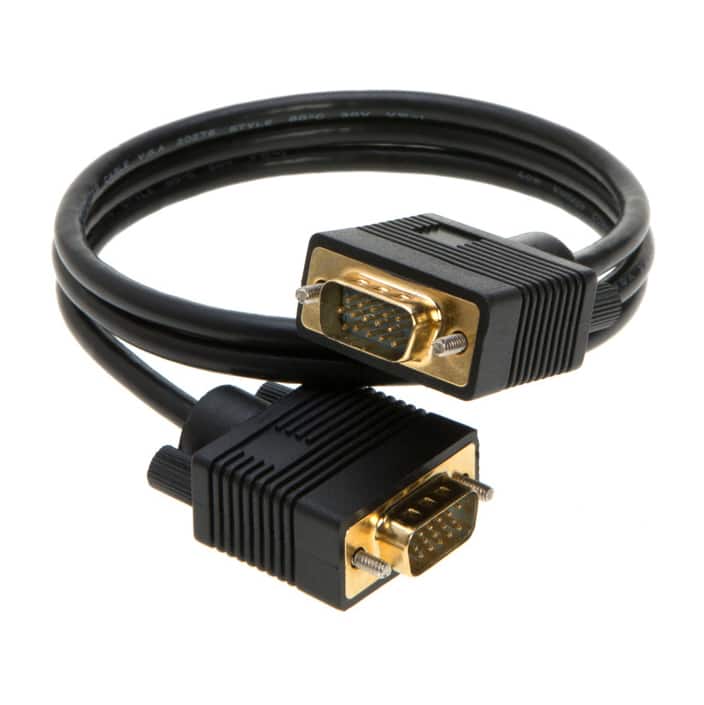
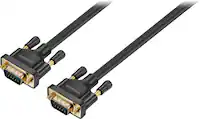
Cables Direct Online - SVGA VGA Male to Male Cable – 6ft, HD15 1080p Monitor Projector Video Cord with Gold-Plated Connectors - Black
SKU: J279THVR5VSee all Monitor & Video CablesProduct Description
A black SVGA VGA cable with gold-plated connectors delivers stable 1080p video for monitors and projectors.Your price for this item is $16.19 -
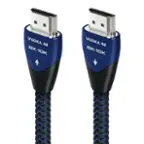
Metra - Axxess 3.28' HDMI to HDMI Audio Video Cable - Black
SKU: J7RX7Y8H26See all Monitor & Video CablesProduct Description
A black HDMI cable that connects two HDMI components for seamless audio and video streaming.Your price for this item is $19.99 -
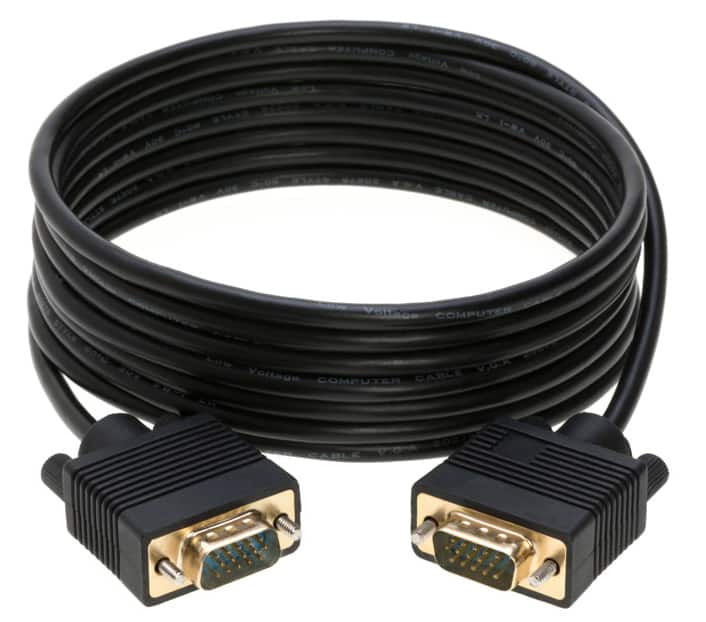
Cables Direct Online - SVGA VGA Male to Male Cable – 15ft, HD15 1080p Monitor Projector Video Cord with Gold-Plated Connectors - Black
SKU: J2763C6964See all Monitor & Video CablesProduct Description
A black SVGA VGA cable with gold-plated connectors delivers stable 1080p video for monitors and projectors.Your price for this item is $21.15 -
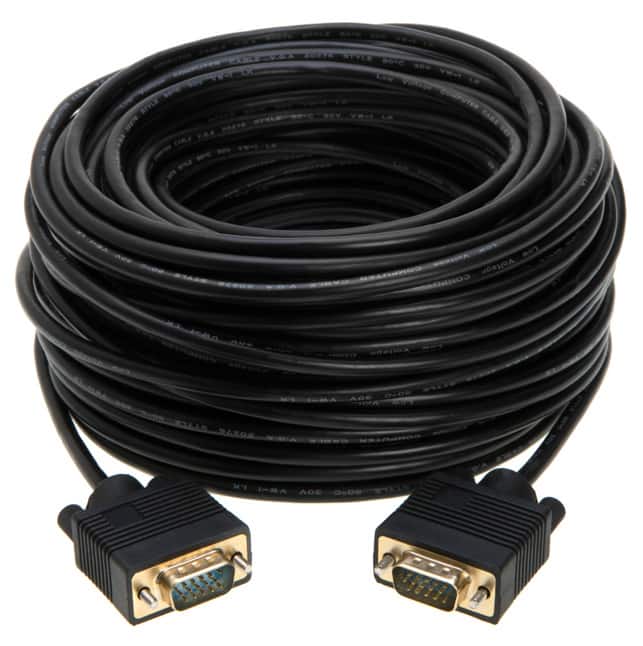
Cables Direct Online - SVGA VGA Male to Male Cable – 100ft, HD15 1080p Monitor Projector Video Cord with Gold-Plated Connectors - Black
SKU: J27VPW9P8YSee all Monitor & Video CablesProduct Description
A black SVGA VGA cable with gold-plated connectors delivers stable 1080p video for monitors and projectors.Your price for this item is $40.05 -
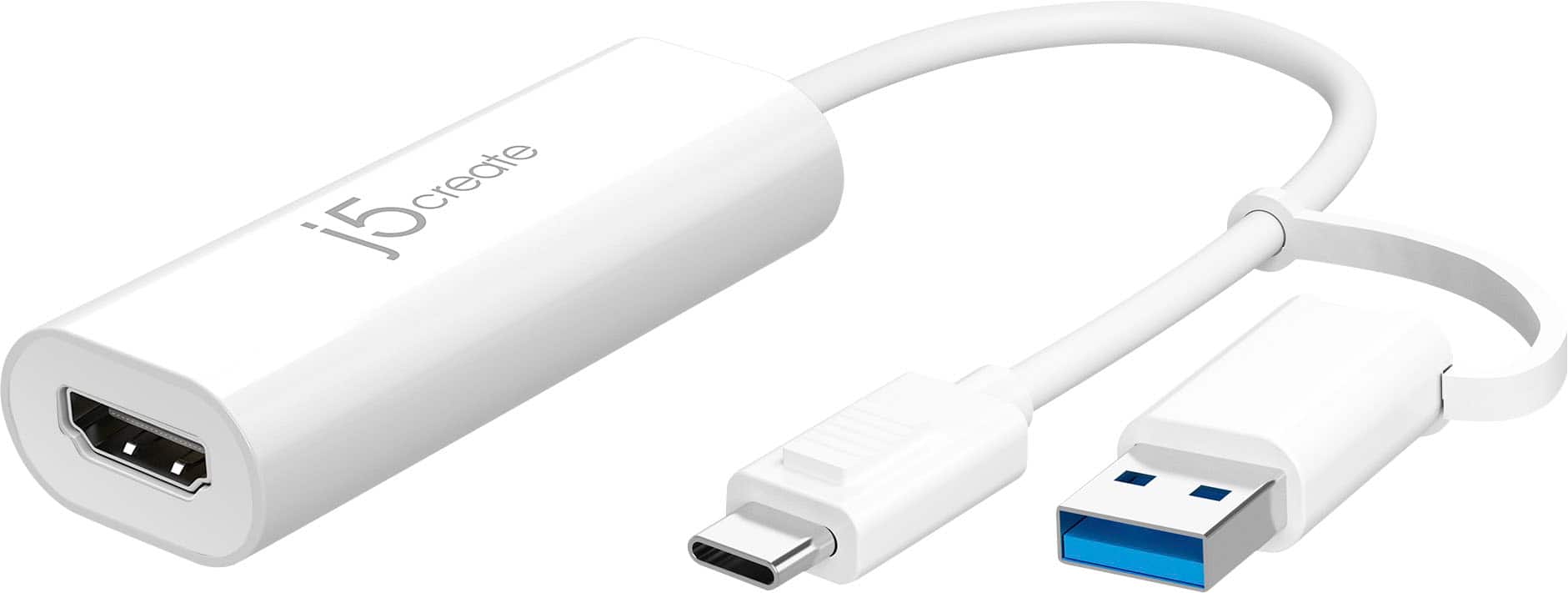
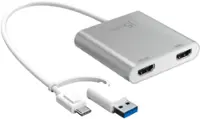
j5create - USB™ to HDMI™ Multi-Monitor Adapter, with 3.14" cable - White
SKU: J36445R68LSee all Monitor & Video CablesProduct Description
A white USB-to-HDMI adapter enabling multi-monitor setups with plug-and-play support for Windows and Mac.Your price for this item is $34.99 -
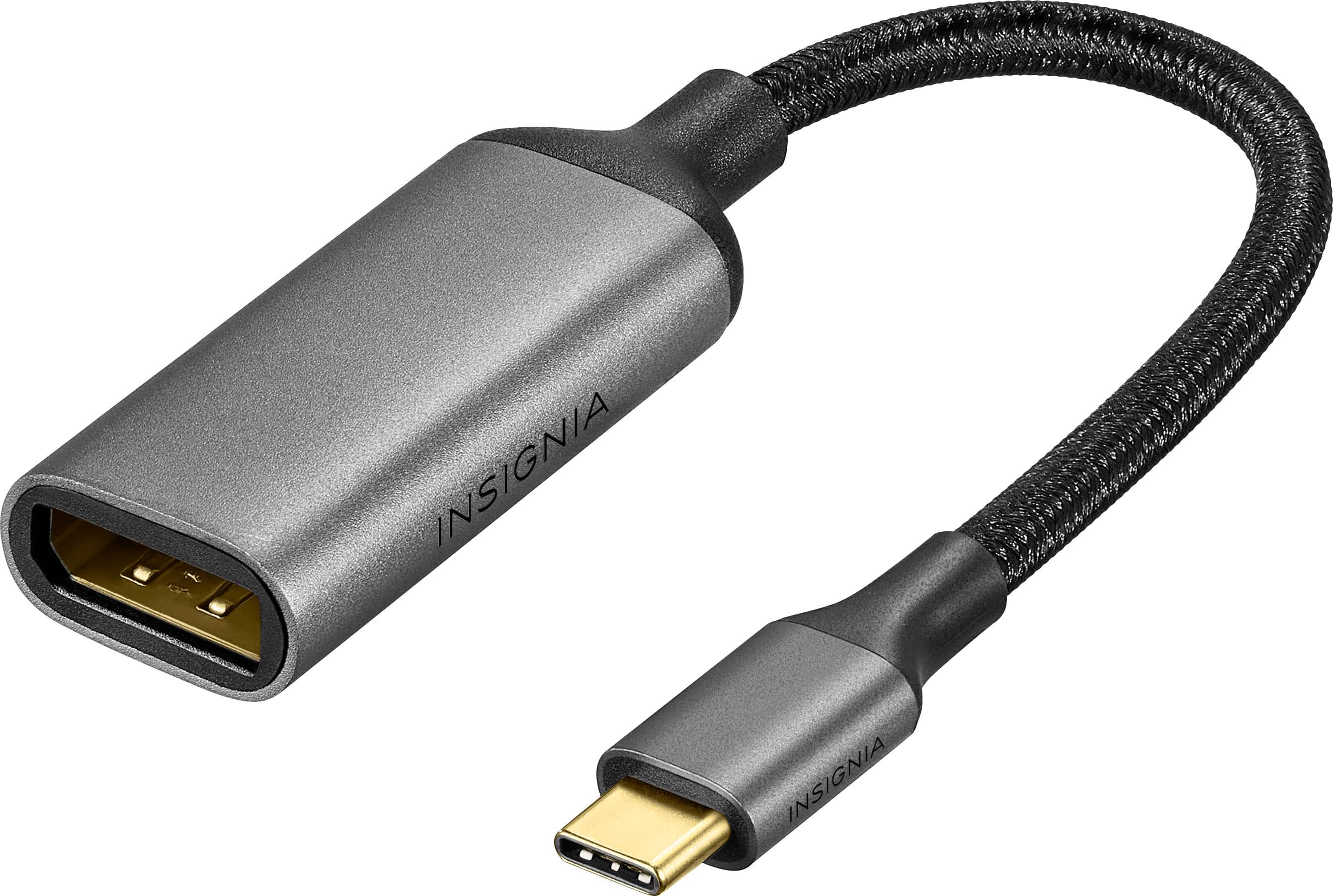
Insignia™ - 8K USB-C to DisplayPort Adapter - Black
SKU: J2FPJK9PYSSee all Monitor & Video CablesProduct Description
A black USB-C to DisplayPort adapter supporting 8K Ultra HD with a flexible braided cable and easy setup.Your price for this item is $24.99 -
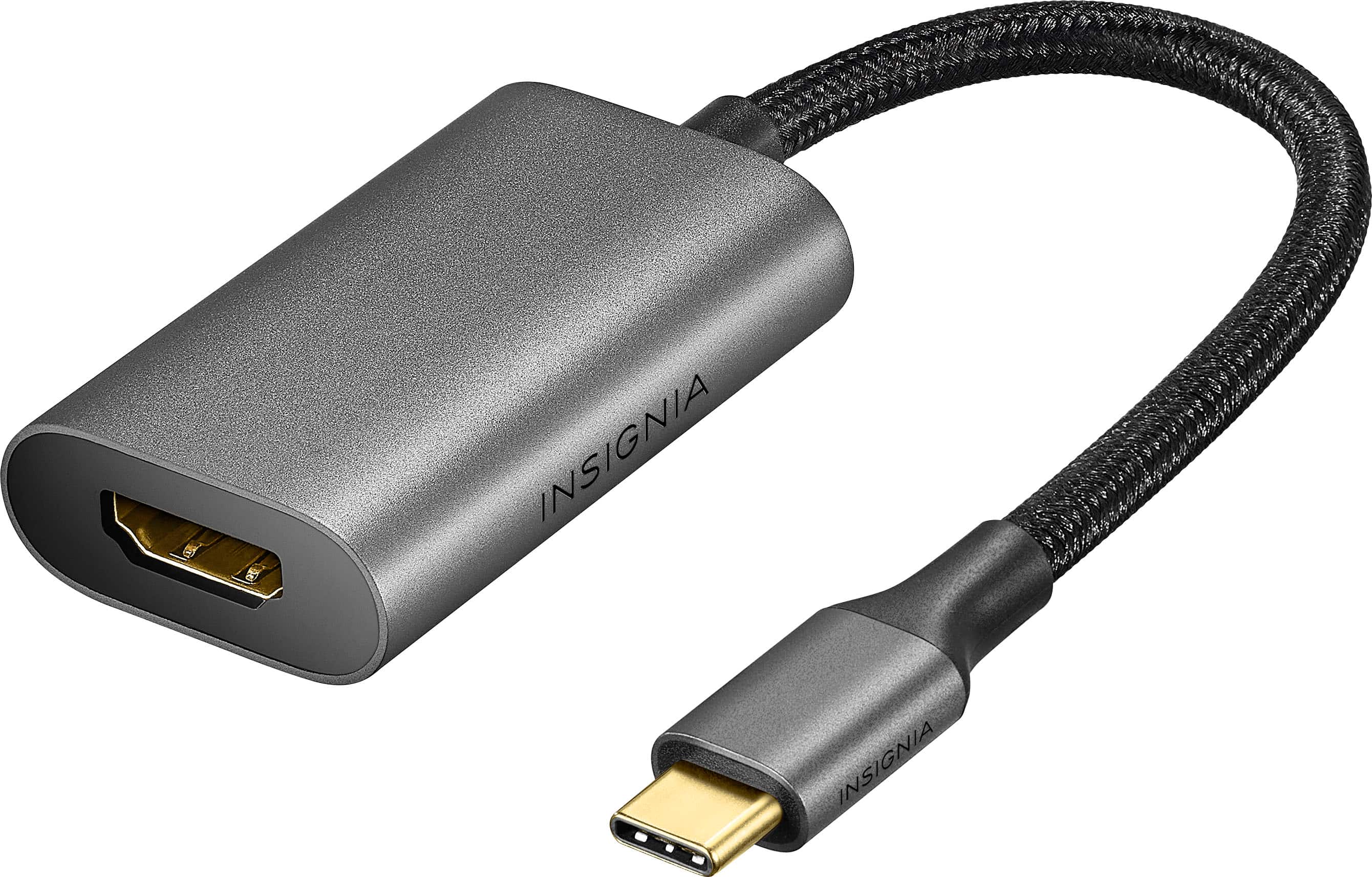
Insignia™ - 8K USB-C to HDMI Adapter - Black
SKU: J2FPJK9PYWSee all Monitor & Video CablesProduct Description
An 8K Ultra HD USB-C to HDMI adapter in black with a flexible, braided cable and plug-and-play setup.Your price for this item is $23.99Save $6The previous price was $29.99 -
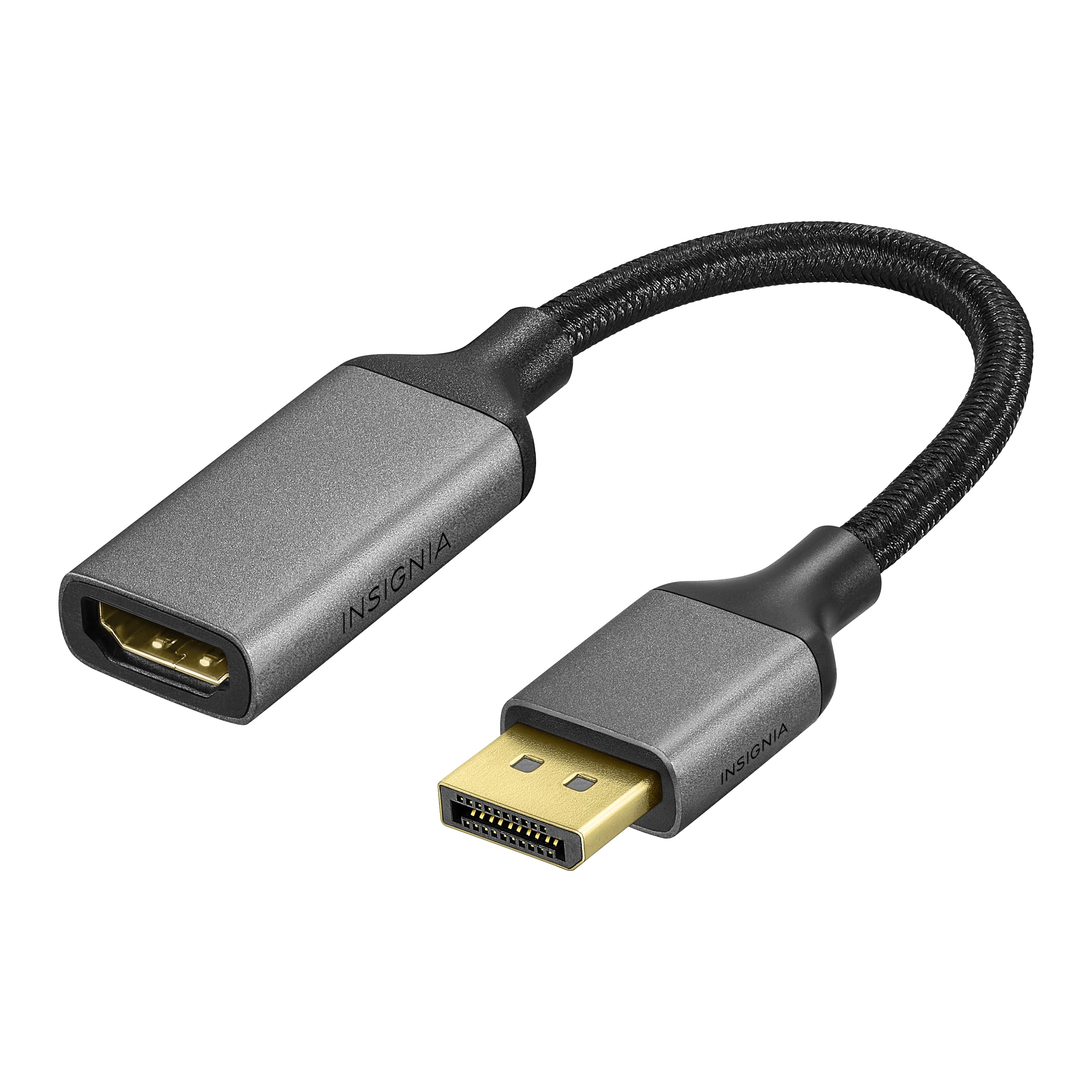
Insignia™ - 8K DisplayPort to HDMI Adapter - Black
SKU: J2FPJK9PL9See all Monitor & Video AdaptersProduct Description
An 8K Ultra HD black adapter with a braided cable for seamless DisplayPort to HDMI connections.Your price for this item is $29.99

Best Sellers




Related Pages

FAQ
Common types of cables used to connect monitors to computers include HDMI, DisplayPort, DVI, and VGA. The choice depends on the ports available on your devices and the resolution or refresh rate you require.
Check the input and output ports on both your monitor and computer. Match the cable type (such as HDMI, DisplayPort, DVI, or VGA) to the corresponding ports on each device for a proper connection.
Yes, adapters are available to convert between different port types. For example, you can use an HDMI-to-DisplayPort adapter if your computer has HDMI and your monitor has DisplayPort.
Yes, the type of cable can impact display quality. For example, HDMI and DisplayPort support higher resolutions and refresh rates compared to VGA. Using digital cables like HDMI or DisplayPort is recommended for the best picture quality.
Yes, many computers support multiple monitors. You may need multiple cables and available ports on your computer’s graphics card. Some monitors also support daisy-chaining via DisplayPort for multi-monitor setups.