Computers With Thunderbolt 3
-
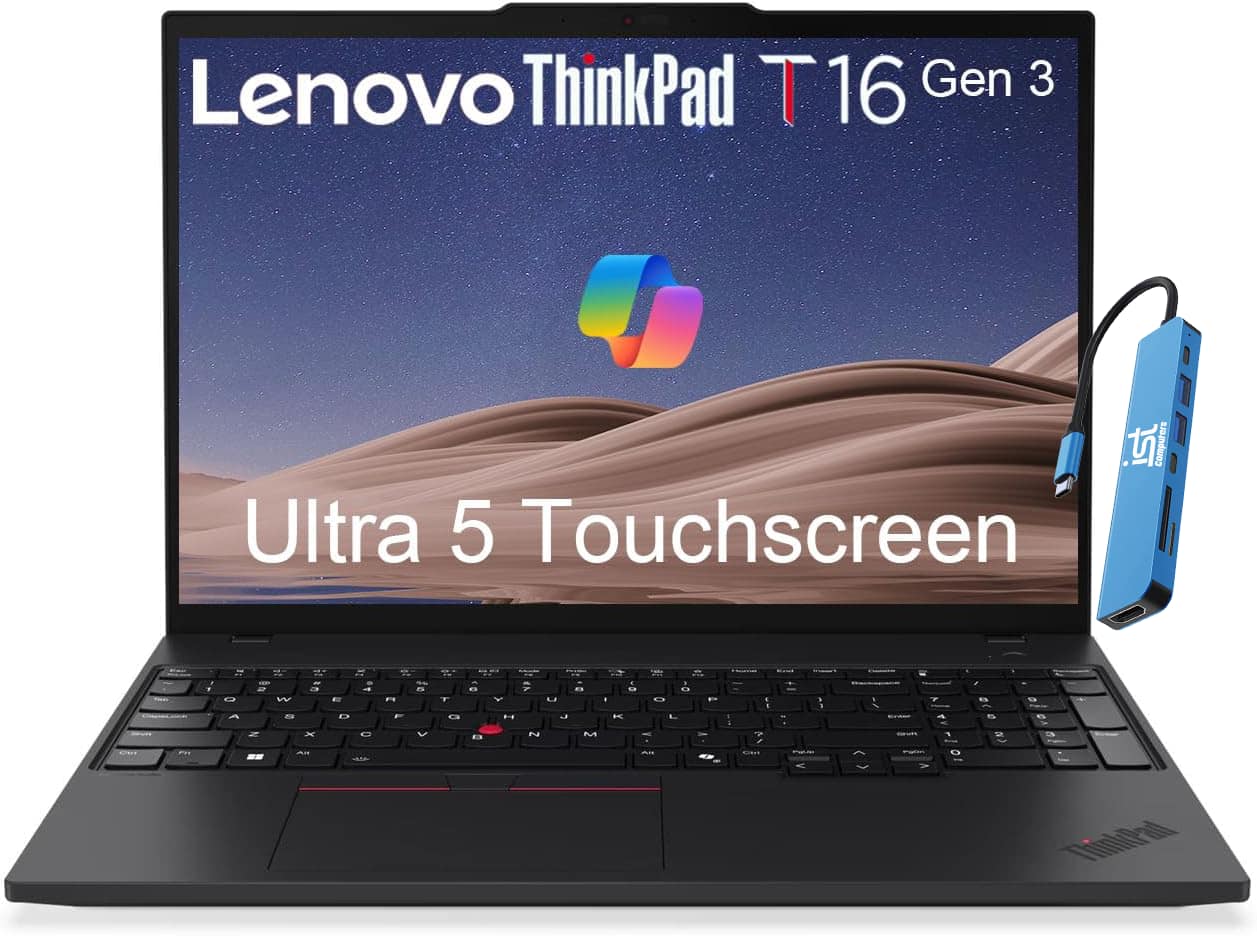
Lenovo - Upgraded - ThinkPad T16 Gen 3 16" FHD+ Touchscreen AI PC Laptop - Intel Core Ultra5 - 32GB RAM - 1TB SSD - Thunderbolt - Win11Pro - Black
SKU: J3GWQRF6Q5Great laptop, been using it for frequent presentations and training events and the device is reliable...Love the feel of it on my fingers! Wanted something good for grad school and beyond.
See all Windows LaptopsProduct Description
A black AI-powered laptop with Intel Core Ultra5, 32GB RAM, 1TB SSD, and 16" FHD+ touchscreen.Your price for this item is $1,699.99 -
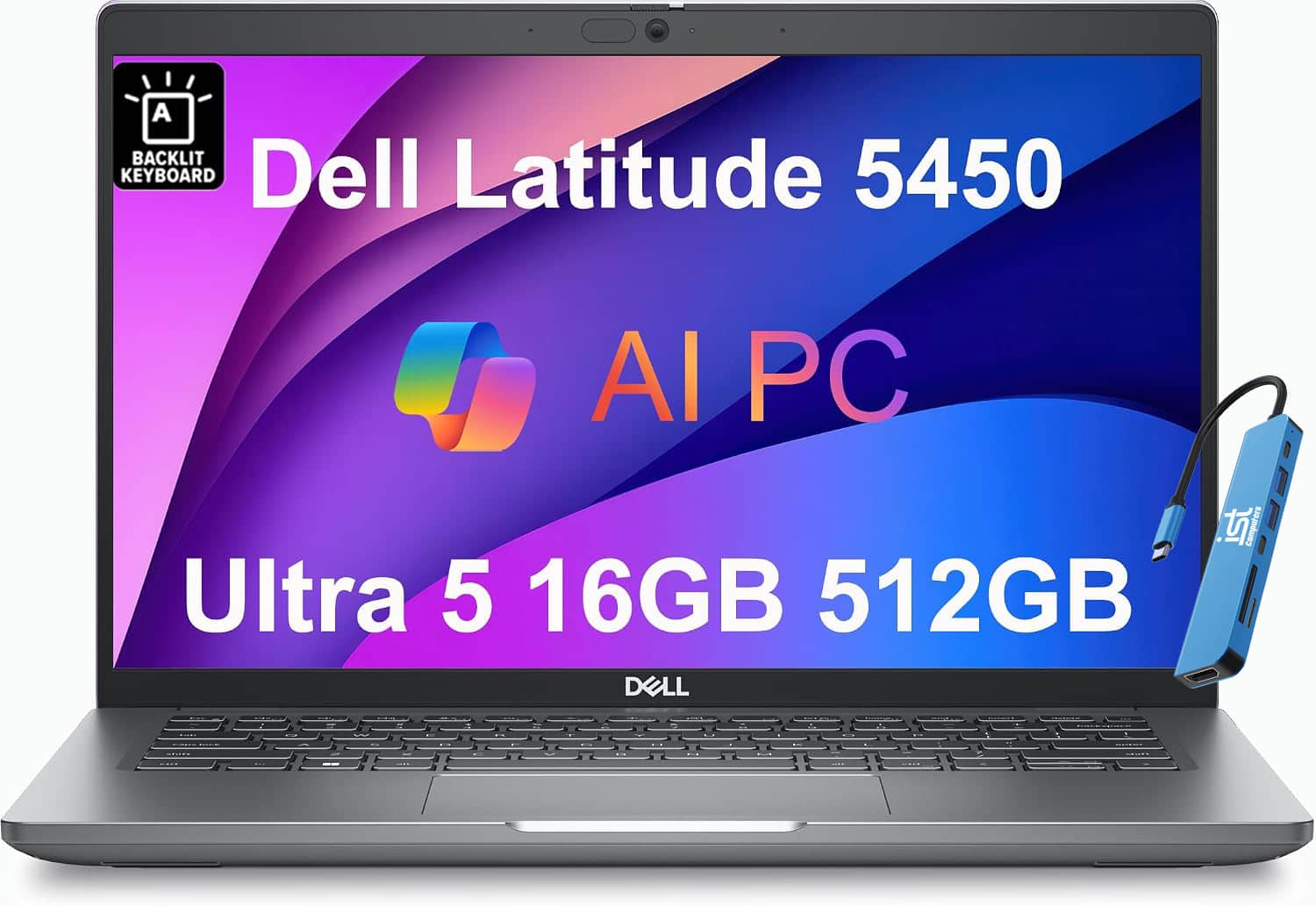
Dell - Upgraded - Latitude 5450 14" FHD Business Laptop - Intel Core Ultra 5 - 16GB RAM - 512GB SSD - Thunderbolt - Backlit - Win 11Pro - Titans Grey
SKU: J3GWQRFPRPSee all Windows LaptopsProduct Description
A sleek Titans Grey laptop with Intel Core Ultra 5, 16GB RAM, 512GB SSD, and Thunderbolt 4.Your price for this item is $1,049.99 -
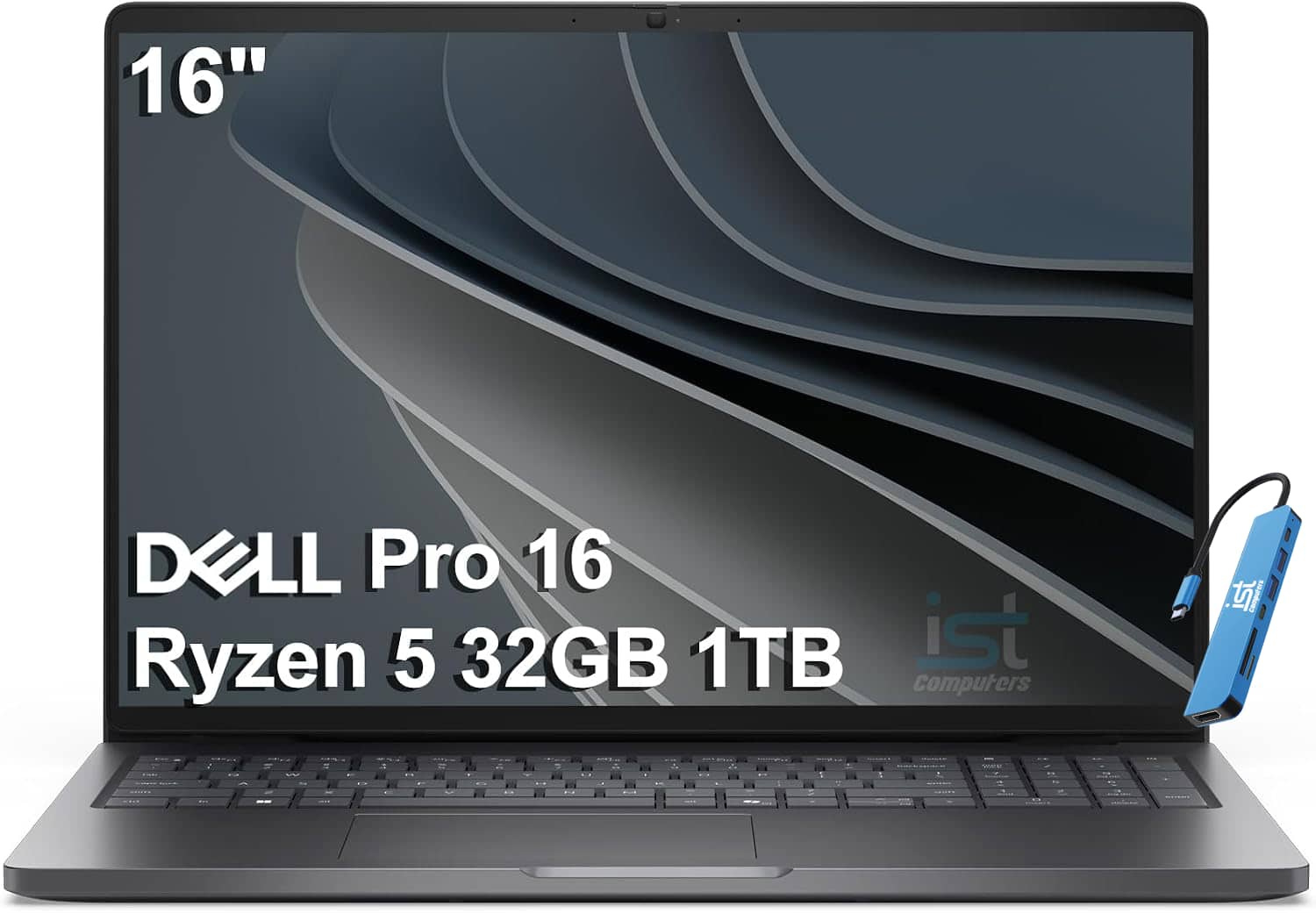
Dell - Upgraded - Pro 16 Laptop - 16" WUXGA - AMD Ryzen 5 220 - 32GB Memory - 1TB SSD - Backlit - Thunderbolt - Windows 11Pro - Magnetite
SKU: J3GWQRF66PSee all Windows LaptopsProduct Description
A powerful magnetite laptop with AMD Ryzen 5, 32GB RAM, 1TB SSD, WUXGA display, and Thunderbolt 4.Your price for this item is $1,499.99 -
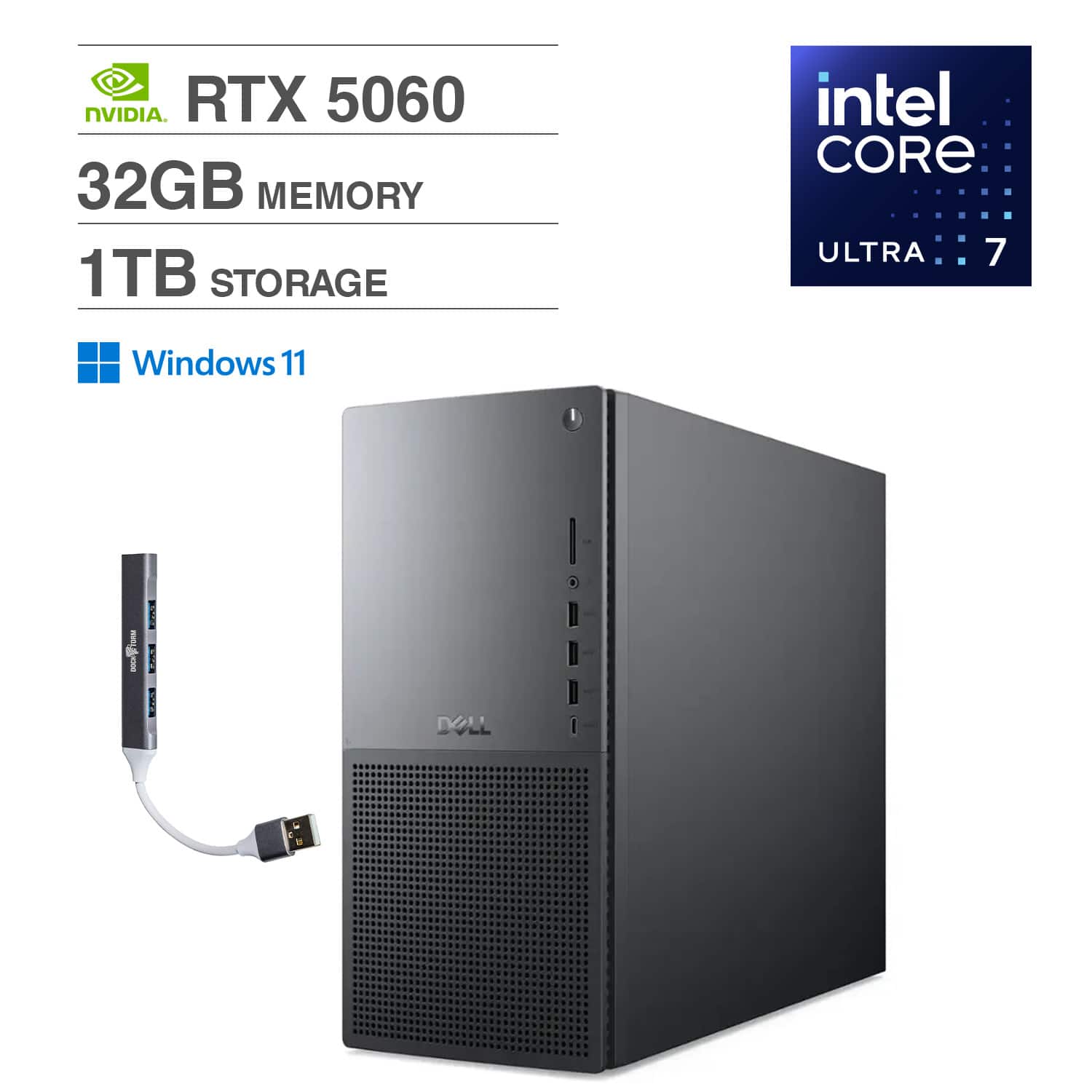
Dell - Tower Plus EBT2250 Desktop, Next-gen XPS (Ultra 7-265, 32GB, 1TB SSD, RTX 5060, Thunderbolt 4, Win 11 Home) w/USB Hub - Black
SKU: JJGHT57JHYSee all Computer TowersProduct Description
A powerful black tower desktop featuring Ultra 7-265, 32GB RAM, 1TB SSD, and RTX 5060 graphics.Your price for this item is $2,049.00
Best Sellers




Related Pages

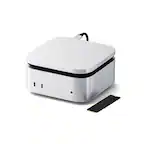

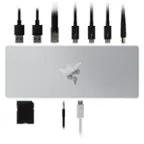

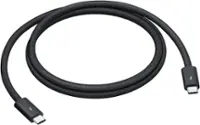
FAQ
Thunderbolt 3 is a high-speed hardware interface developed by Intel that uses the USB-C connector. It offers fast data transfer speeds up to 40Gbps, supports dual 4K displays, and can deliver power to charge devices. Having Thunderbolt 3 on a computer allows you to connect multiple high-performance peripherals, such as external monitors, storage drives, and docking stations, all through a single port.
Yes, Thunderbolt 3 supports the connection of external graphics cards (eGPUs). This allows users to boost their computer’s graphics performance for gaming, video editing, and other demanding applications by simply connecting an eGPU enclosure via the Thunderbolt 3 port.
Thunderbolt 3 ports are versatile and can connect a wide range of devices, including external hard drives, SSDs, monitors (up to two 4K displays or one 5K display), docking stations, eGPUs, and even network adapters. The port is also fully compatible with USB-C devices.
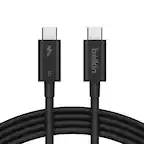
Thunderbolt 3 uses the USB-C connector and is backward compatible with USB 3.1 and USB 2.0 devices. However, while you can use USB-C devices and cables with Thunderbolt 3 ports, to access full Thunderbolt 3 speeds and features, both the device and the cable must support Thunderbolt 3.
No, not all USB-C ports support Thunderbolt 3. While Thunderbolt 3 uses the USB-C connector, a USB-C port must specifically be designed to support Thunderbolt 3 features. Look for the Thunderbolt symbol (a lightning bolt) next to the port or check the computer’s specifications to confirm Thunderbolt 3 support.