Computers With USB Type C
-
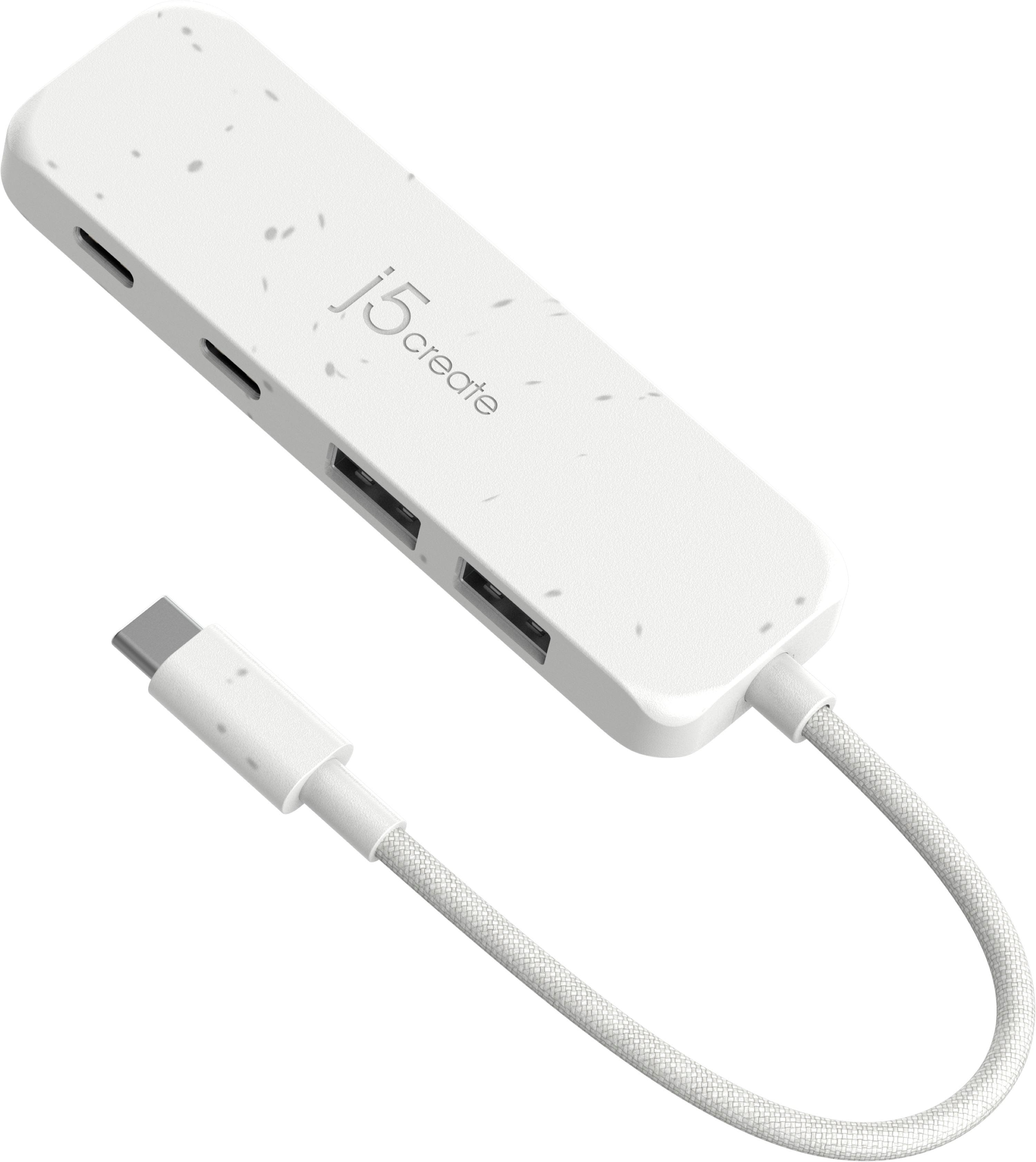
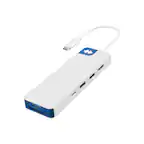
j5create - Eco-Friendly USB-C to Type-C & Type-A Gen2 4 Port Hub - White
SKU: J36445RPF6Great, solved my problem, just what I needed! Thank you Best Buy!...I am happy to buy things at Best Buy....I love this USB cord for several reasons the size is just perfect and it does not have a long...
See all Docking StationsProduct Description
An eco-friendly white USB-C hub with four Gen2 ports, offering up to 10Gbps transfer speeds.Your price for this item is $34.99 -
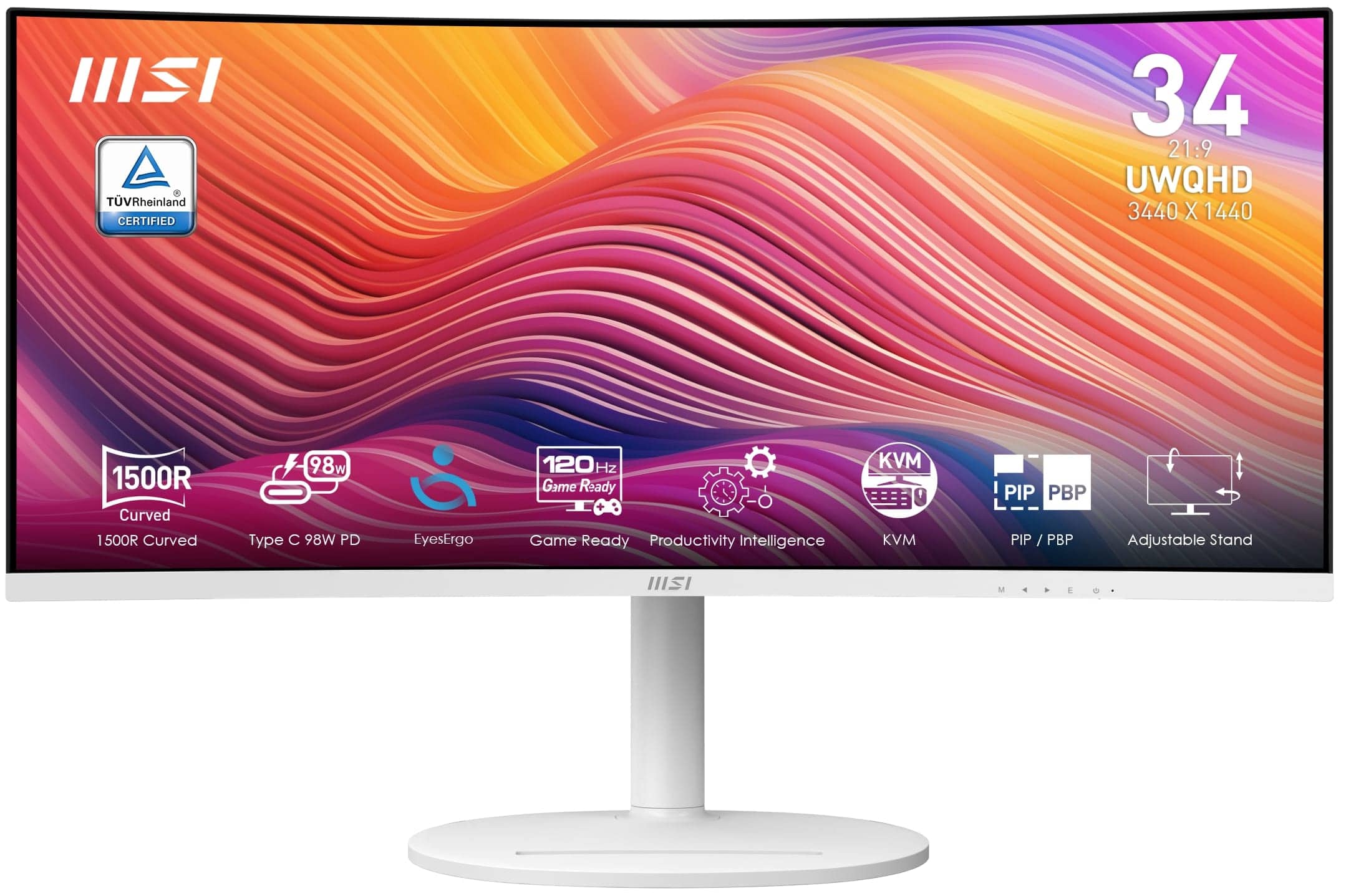
MSI - Modern MD342CQPW 34" LCD UWQHD 120Hz ms Computer Monitor with HDR ready, Built-in Speakers (DisplayPort, HDMI, USB-C ) - Matte White
SKU: J3P7TXY574One of best curved ultrawide options you can get with so few white options, especially at 34”....It’s been great so far for multitasking work, game, and movie open on diff parts of screen....Needed to...
See all All MonitorsProduct Description
A matte white ultrawide monitor with 34" UWQHD VA display, 120Hz refresh rate, HDR, and USB-C.Your price for this item is $275.99Save $64The previous price was $339.99 -
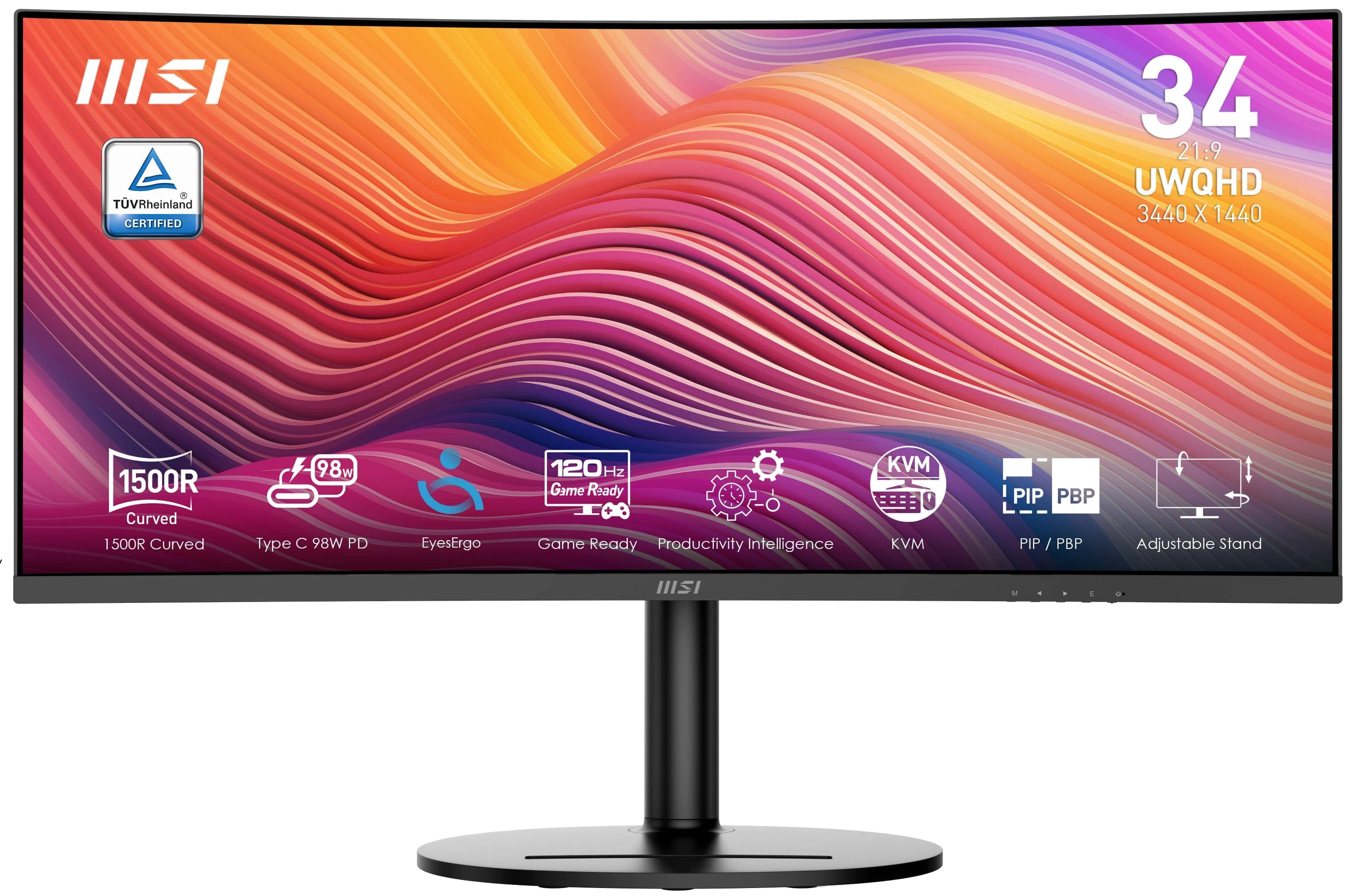
MSI - Modern MD342CQ 34" UWQHD 120Hz 4ms Computer Monitor with HDR ready, Built-in Speakers (DisplayPort, HDMI, USB-C ) - Matte Black
SKU: J3P7TXY445Great productivity monitor!...Great ultrawide monitor....a third monitor to hold active screens I don't need on my main two (like YouTube videos), I really love...This monitor has great color and fits...
See all All MonitorsProduct Description
A matte black ultrawide monitor with 34" UWQHD display, 120Hz refresh rate, HDR, and built-in speakers.Your price for this item is $267.99Save $62The previous price was $329.99
Best Sellers






Related Pages


FAQ
USB Type-C ports offer faster data transfer speeds, support for charging devices, and the ability to connect to a variety of peripherals such as monitors, external drives, and docking stations. Their reversible design also makes plugging in cables easier.
Yes, you can use your existing USB devices with a USB Type-C port by using a compatible adapter or cable. Many computers with USB Type-C ports also include traditional USB-A ports for added flexibility.
Some USB Type-C ports support Thunderbolt 3 or Thunderbolt 4, which allows for even faster data transfer and more connectivity options. Check the computer’s specifications to see if the USB Type-C port supports Thunderbolt.
USB Type-C ports that support DisplayPort or Thunderbolt can connect to a wide range of monitors, including 4K and even 8K displays, using the appropriate cable or adapter.
Many modern laptops with USB Type-C ports support charging via USB Power Delivery. This allows you to charge your laptop using compatible USB-C chargers, making it convenient to use a single charger for multiple devices.