Laptops With Usb3
-
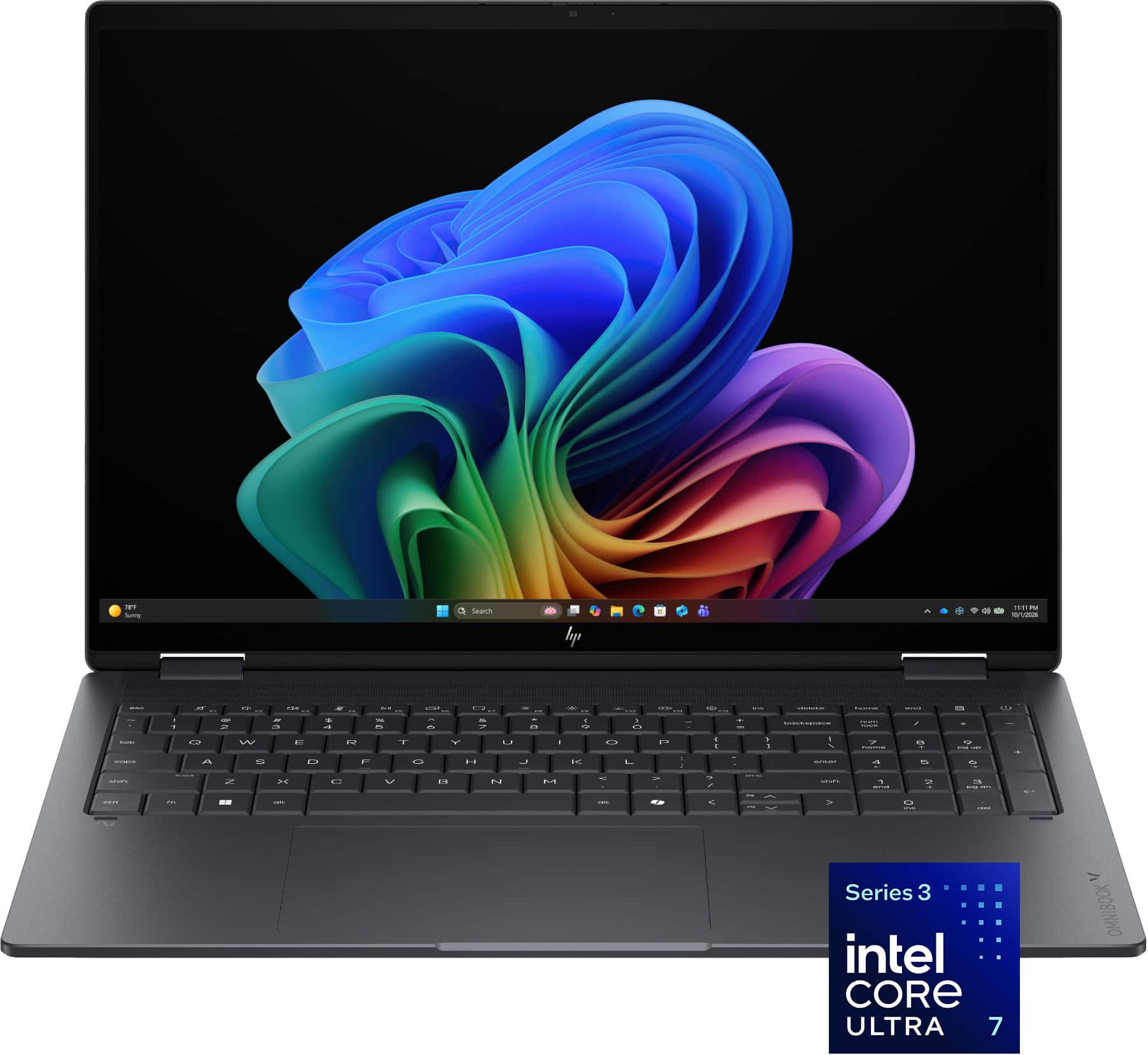
HP - OmniBook X Flip 2-in-1 - 16" 2K OLED Touchscreen Laptop - Intel Core Ultra 7 (2026) - 16GB Memory - 1TB SSD - Copilot+ - Eclipse Gray
SKU: JJGWKYZY2VBest Buy is the place to buy and learn about laptops our sales guy knew a lot about what I was wanting...Outside of its overall weight this is a great computer....However, my experience with Best Buy...
See all Windows LaptopsProduct Description
An Eclipse Gray 2-in-1 laptop featuring a 16" 2K OLED touchscreen, Intel Core Ultra 7, and 1TB SSD.Your price for this item is $999.99Save $730The previous price was $1,729.99 -
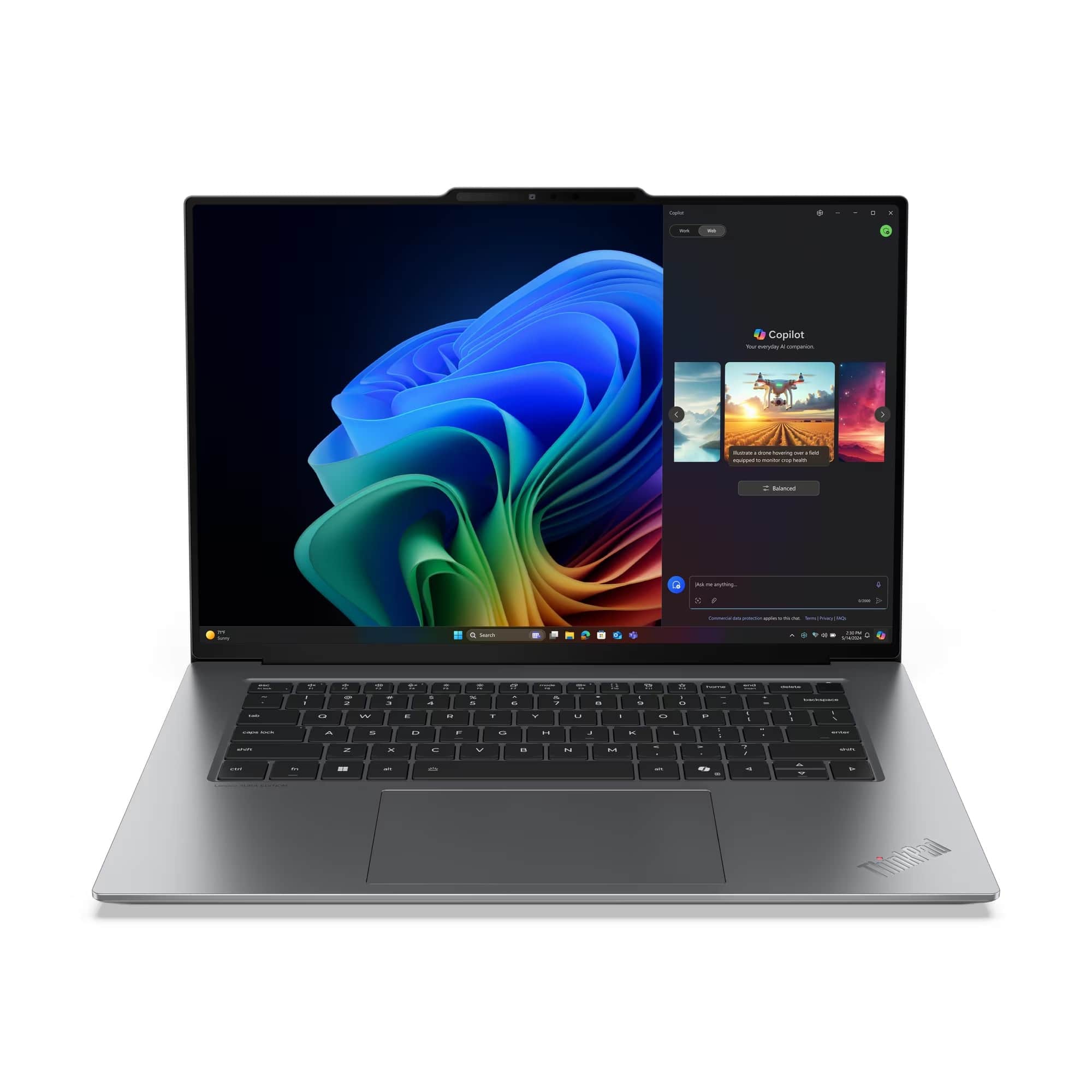
Lenovo - ThinkPad X9-15 Gen 1 - Copilot+ PC - 15.3" 3K OLED Touch Screen Laptop - Intel Ultra 5 with 32GB Memory - 1TB SSD - Gray
SKU: JJGSHX4XY4See all Windows LaptopsProduct Description
A grey OLED touchscreen laptop with Intel Ultra 5, 32GB memory, 1TB SSD, and Windows 11 Pro.Your price for this item is $2,469.99 -
Lenovo - ThinkPad E16 Gen 3 16" Laptop - Intel Core 7 with 16GB Memory - 512GB SSD - Black
SKU: JJGSHLY3XRSee all Windows LaptopsProduct Description
A powerful black laptop featuring a 16" WUXGA display, Intel Core 7, 16GB RAM, and robust security.Your price for this item is $1,411.37Save $168The previous price was $1,579.99

Best Sellers




Related Pages


FAQ
Laptops with USB 3.0 ports offer significantly faster data transfer speeds compared to older USB versions, making it easier to quickly move large files, back up data, or connect high-speed peripherals such as external hard drives and flash drives.
Yes, USB 3.0 ports are backward compatible, so you can use USB 2.0 devices with them. However, data transfer speeds will be limited to the maximum supported by the USB 2.0 device.
High-speed peripherals such as external SSDs, HD webcams, and data-intensive accessories like video capture cards perform best when connected to USB 3.0 ports, thanks to the faster transfer rates.
USB 3.0 ports are often marked with a blue color inside the port or labeled with 'SS' (SuperSpeed) next to the USB symbol. You can also check the laptop's technical specifications for USB 3.0 or USB 3.1 listings.
Many USB 3.0 ports support device charging, and some laptops offer dedicated charging ports that provide more power even when the laptop is off. Always check the laptop's specifications for details on charging capabilities.