Conversion Cables
-
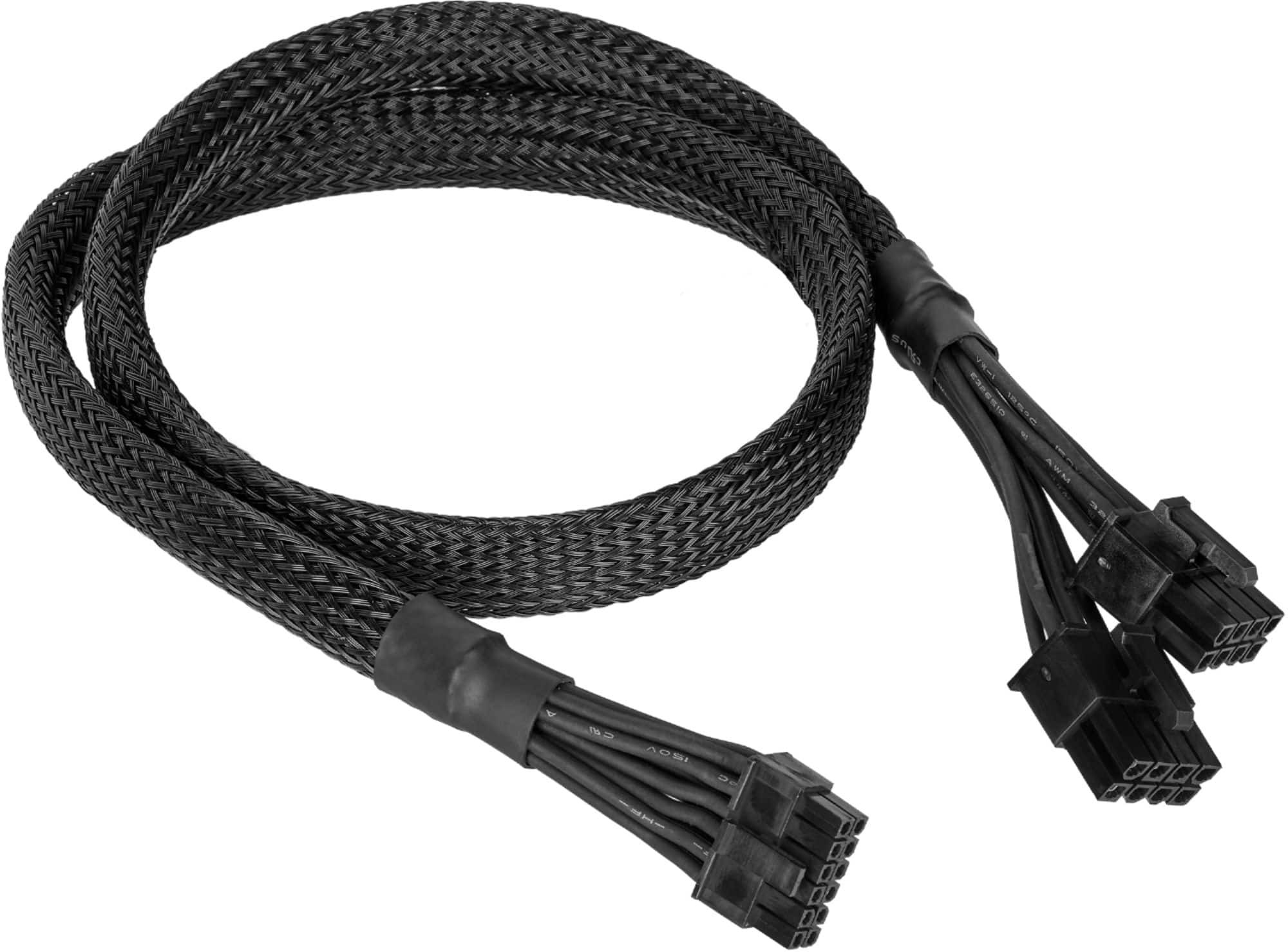
CORSAIR - 12-Pin GPU Power Cable, Sleeved - Black
SKU: J39QHHVQRKMakes a big difference, looks great...Love Corsair. Very thankful that Corsair released this....Looks great....So so, but its the only ones Best buy carries so. yea
See all Power SuppliesProduct Description
A black sleeved power cable that connects modular power supplies to 12-pin GPUs for easy cable management.Your price for this item is $19.99 -
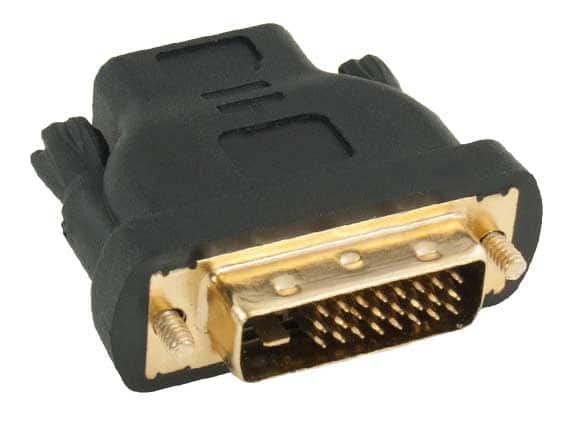
Cable Leader - HDMI Male to DVI-D Female Adapter, Gold-Plated, Bidirectional - Black
SKU: J39TZ8RWSGSee all Monitor & Video CablesProduct Description
A black, gold-plated adapter enabling bidirectional HDMI to DVI-D signal conversion with reliable, corrosion-resistant contacts.Your price for this item is $12.49 -
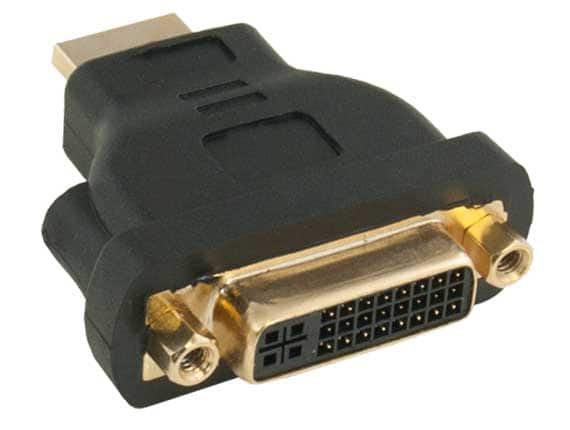
Cable Leader - HDMI Male to DVI-D Female Adapter, Gold-Plated, Bidirectional - Black
SKU: J39TZ8RWSVSee all Monitor & Video CablesProduct Description
A black, gold-plated adapter enabling bidirectional HDMI to DVI-D signal conversion for high-resolution devices.Your price for this item is $11.49 -
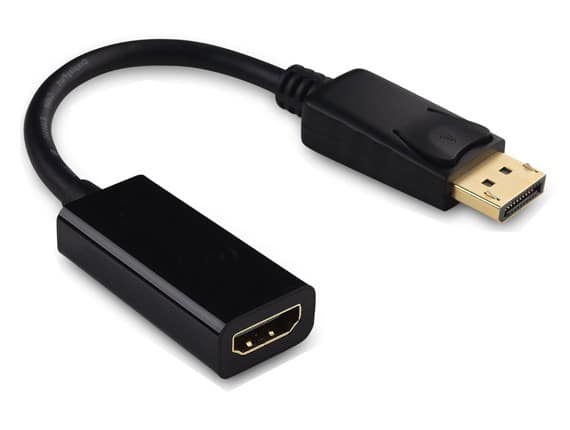
Cable Leader - DisplayPort 1.2 to HDMI Active Adapter Cable, 6.5 Inch, Latched, Gold-Plated - Black
SKU: J39TZ8QJL7See all Monitor & Video CablesProduct Description
A black, gold-plated active adapter cable that converts DisplayPort 1.2 output to HDMI input with secure latch.Your price for this item is $22.99 -
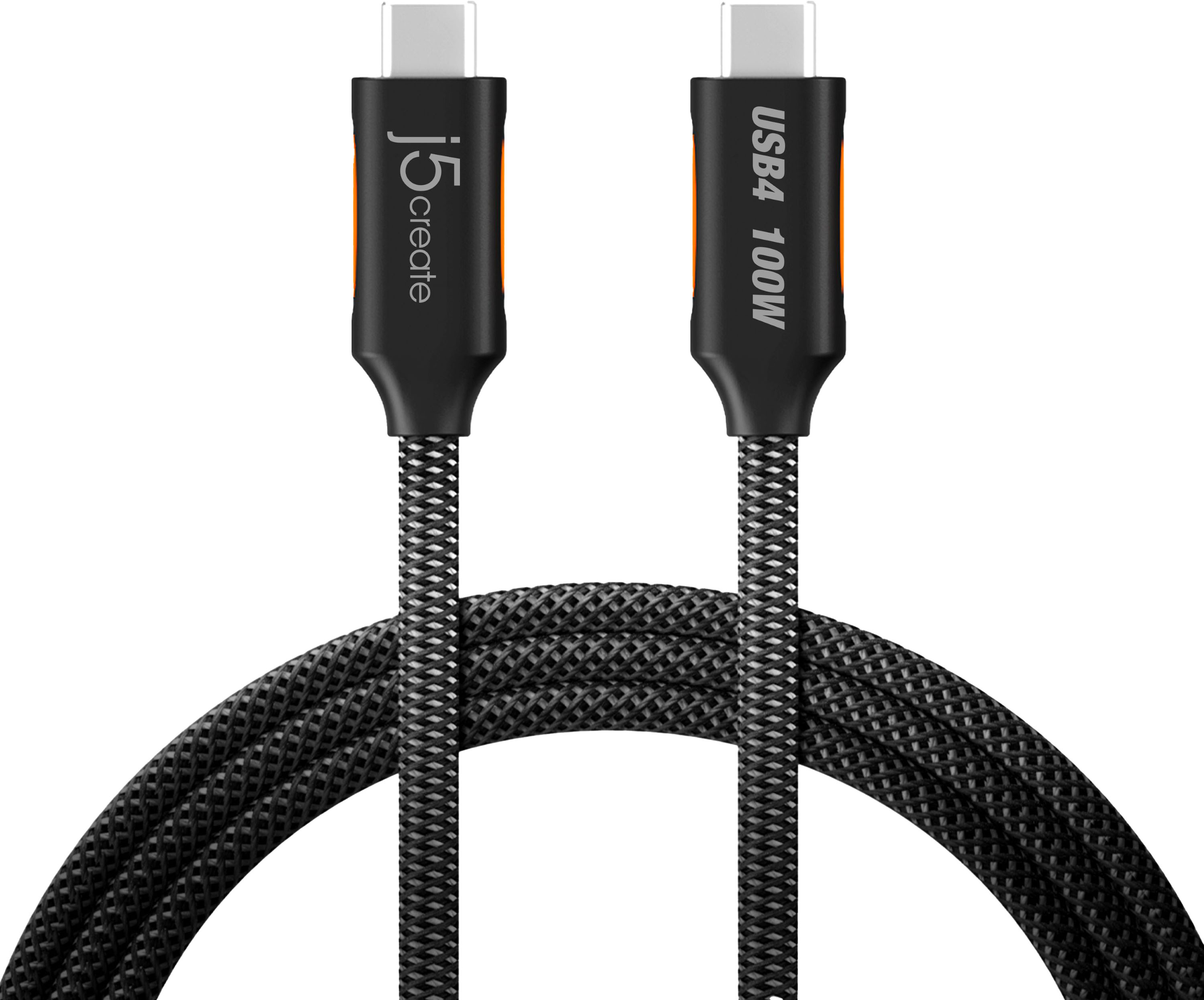
j5create - USB4 40Gbps Full-Featured USB-C Coaxial Cable for Mac, PC and More - Black
SKU: J36445RSX7Great product...Great product love the employees smile and help!!...Really appreciate the Best Buy service manager who went to the back to find 3 different cords that would
See all Monitor & Video CablesProduct Description
A black double-braided USB-C cable supporting 40Gbps data transfer, 100W charging, and 8K video output.Your price for this item is $24.99 -
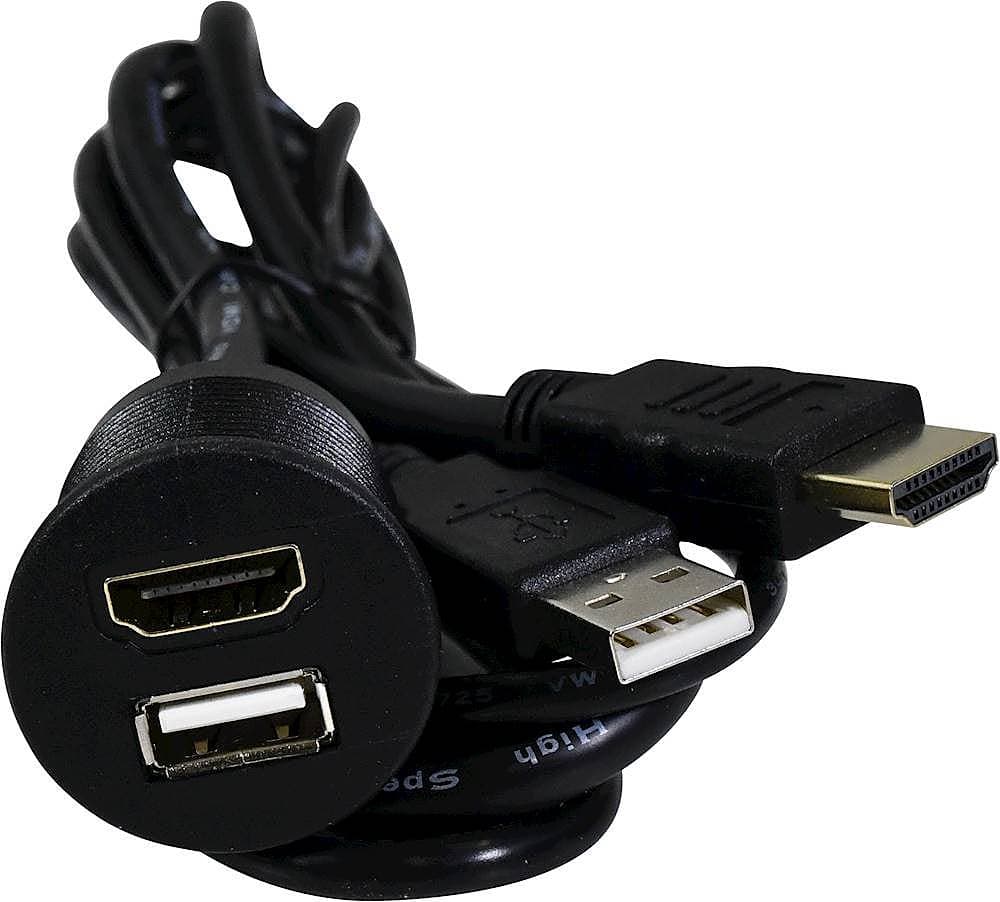
PAC - 3' Dash-Mount USB and HDMI Extension Cable - Black
SKU: J2VK4TVGPYWorks great with my alpine headunit can finally watch videos from my pixel...Great item
See all Monitor & Video CablesProduct Description
A black dash-mount extension cable offering convenient USB and HDMI connectivity with a splash-resistant cover.Your price for this item is $79.99 -
Metra - Axxess 3.28' HDMI to HDMI Audio Video Cable - Black
SKU: J7RX7Y8H26See all Monitor & Video CablesProduct Description
A black HDMI cable that connects two HDMI components for seamless audio and video streaming.Your price for this item is $19.99 -
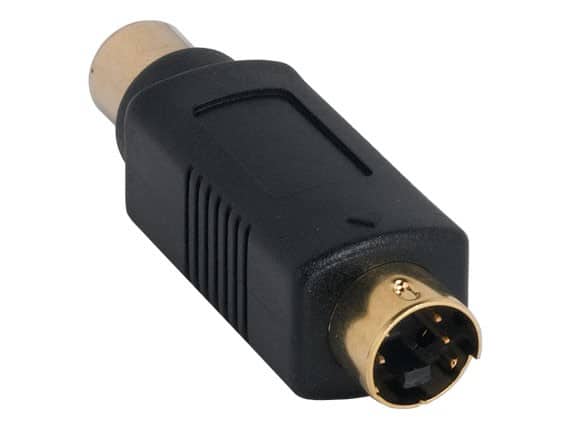
Cable Leader - S-Video Male to RCA Female Adapter, Gold-Plated, Fully Molded - Black
SKU: J39TZ86TR8See all Monitor & Video CablesProduct Description
A black, gold-plated adapter that connects S-Video male to RCA female for reliable analog video transfer.Your price for this item is $9.99 -
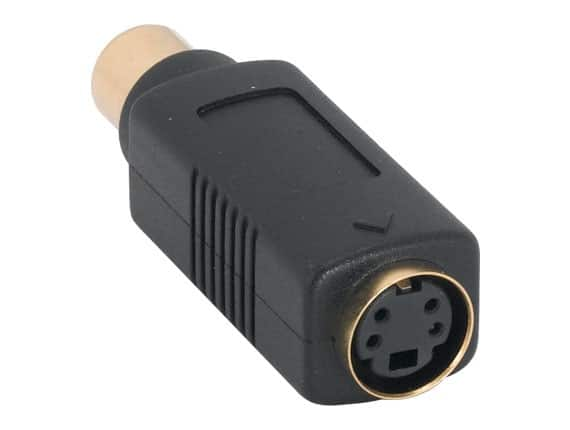
Cable Leader - S-Video Female to RCA Female Adapter, Gold-Plated, Fully Molded - Black
SKU: J39TZ86TRZSee all Monitor & Video CablesProduct Description
A black, gold-plated adapter connecting S-Video and RCA female cables for reliable composite video installations.Your price for this item is $11.49 -
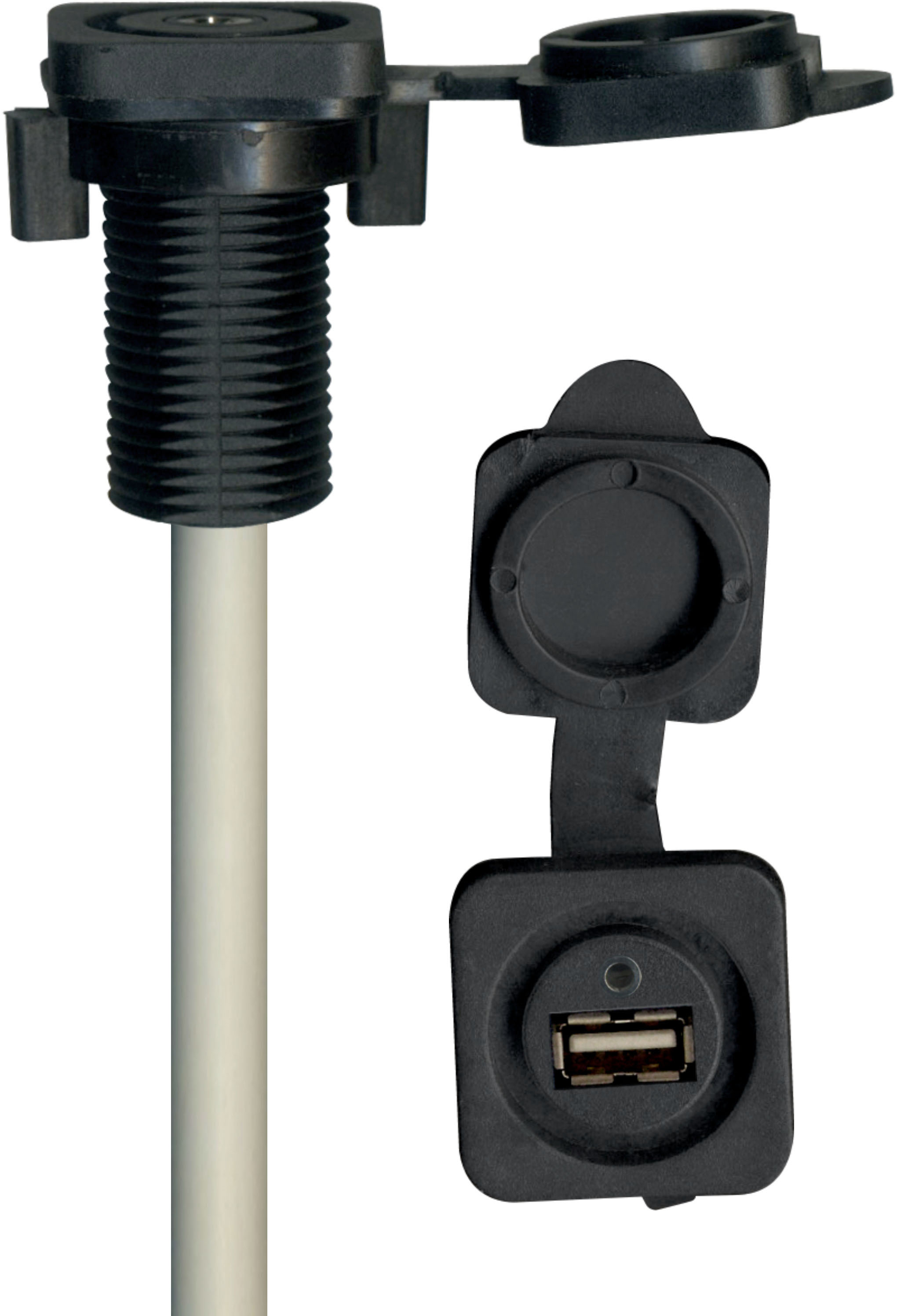
Stinger - 1.7’ Marine Series 3.5mm Audio Input to Male RCA with USB 3.0 Port - Black
SKU: J2VK4TFFP4See all Monitor & Video CablesProduct Description
A black marine-grade cable offering 3.5mm to RCA audio input and USB 3.0 connectivity with corrosion resistance.Your price for this item is $59.99

Best Sellers





Related Pages


FAQ
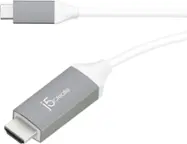
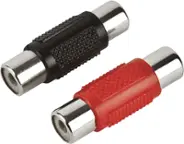
Conversion cables come in various types, including HDMI to VGA, USB-C to HDMI, DisplayPort to DVI, and more. Each type allows you to connect devices with different ports for seamless compatibility.
To choose the right conversion cable, identify the output port on your source device and the input port on your display or peripheral. Match these ports with the corresponding ends of the conversion cable to ensure compatibility.
Some conversion cables, like HDMI to HDMI or USB-C to HDMI, can transmit both audio and video signals. Others, such as VGA, typically transmit video only. Check the product specifications for detailed information.
Yes, many conversion cables are designed to work with a wide range of devices, including gaming consoles, laptops, desktop computers, monitors, and projectors. Always confirm the ports on your devices before purchasing.
Most conversion cables are plug-and-play and do not require additional software or drivers. However, some advanced adapters may need drivers, especially for features like multi-display support. Refer to the product details for specific requirements.