Earbuds For PS5
-
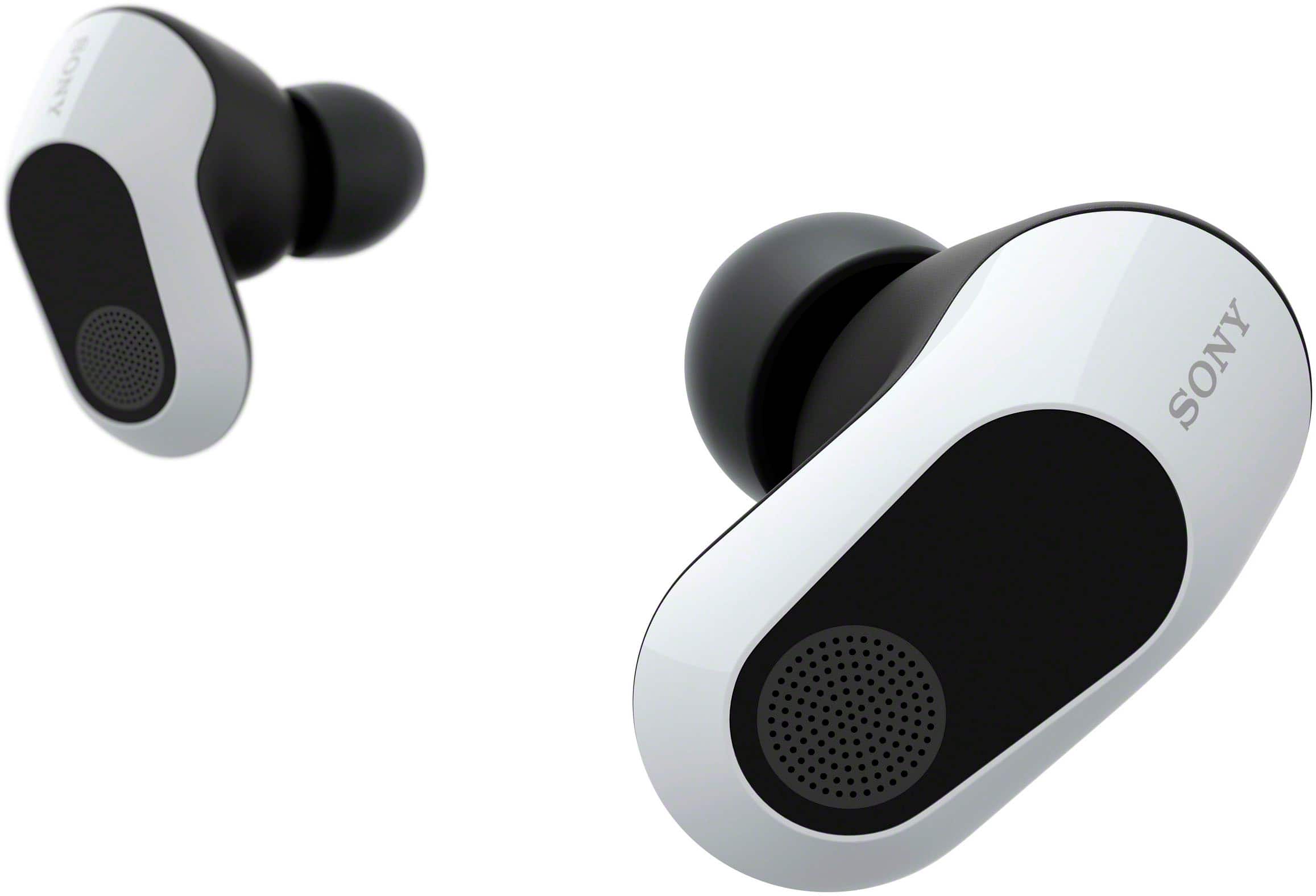
Sony - INZONE Buds Truly Wireless Noise Cancelling Gaming Earbuds, Perfect for PS5, PC - White
SKU: J7XSRH5YTQKids love this headphones . They say they are the best headphones for gaming....Love these. Great sound with awesome directional acoustics....Love them
See all PC Gaming HeadsetsProduct Description
A pair of white, truly wireless gaming earbuds with active noise canceling, low latency, and long battery life.Your price for this item is $238.00Save $1The previous price was $239.99 -
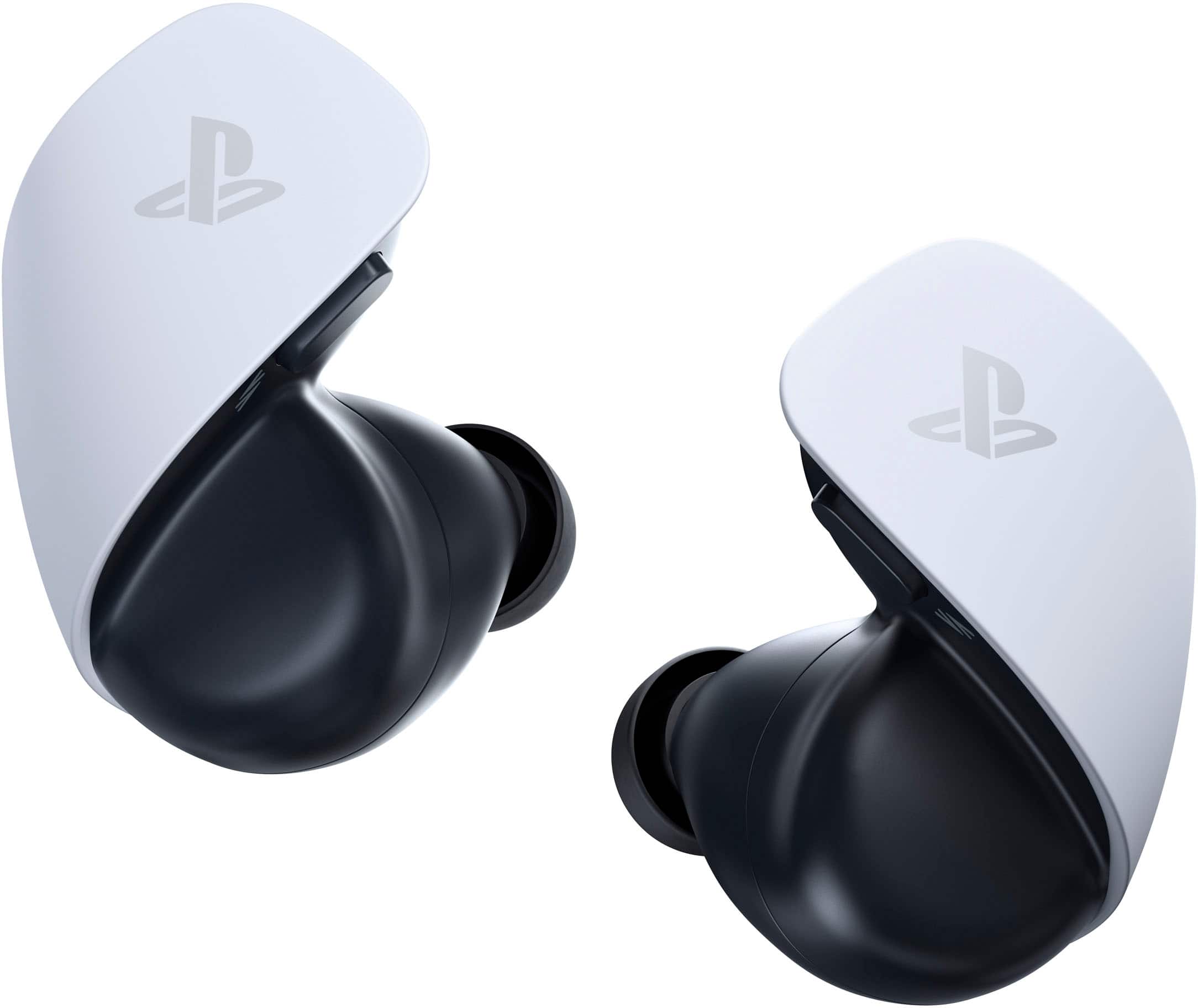
Sony - PULSE Explore Wireless Gaming Earbuds - for PS5 - White
SKU: JXHQ3CCYGQBest headphones for gaming!...I love using these! Great sound quality with no latency!...Best earbuds...Great love it also it work great with my playstation portable remote i knew i need it
See all Gaming HeadsetsProduct Description
A pair of white wireless gaming earbuds delivering lifelike 3D audio, noise cancellation, and AI-enhanced microphones.Your price for this item is $149.99 -
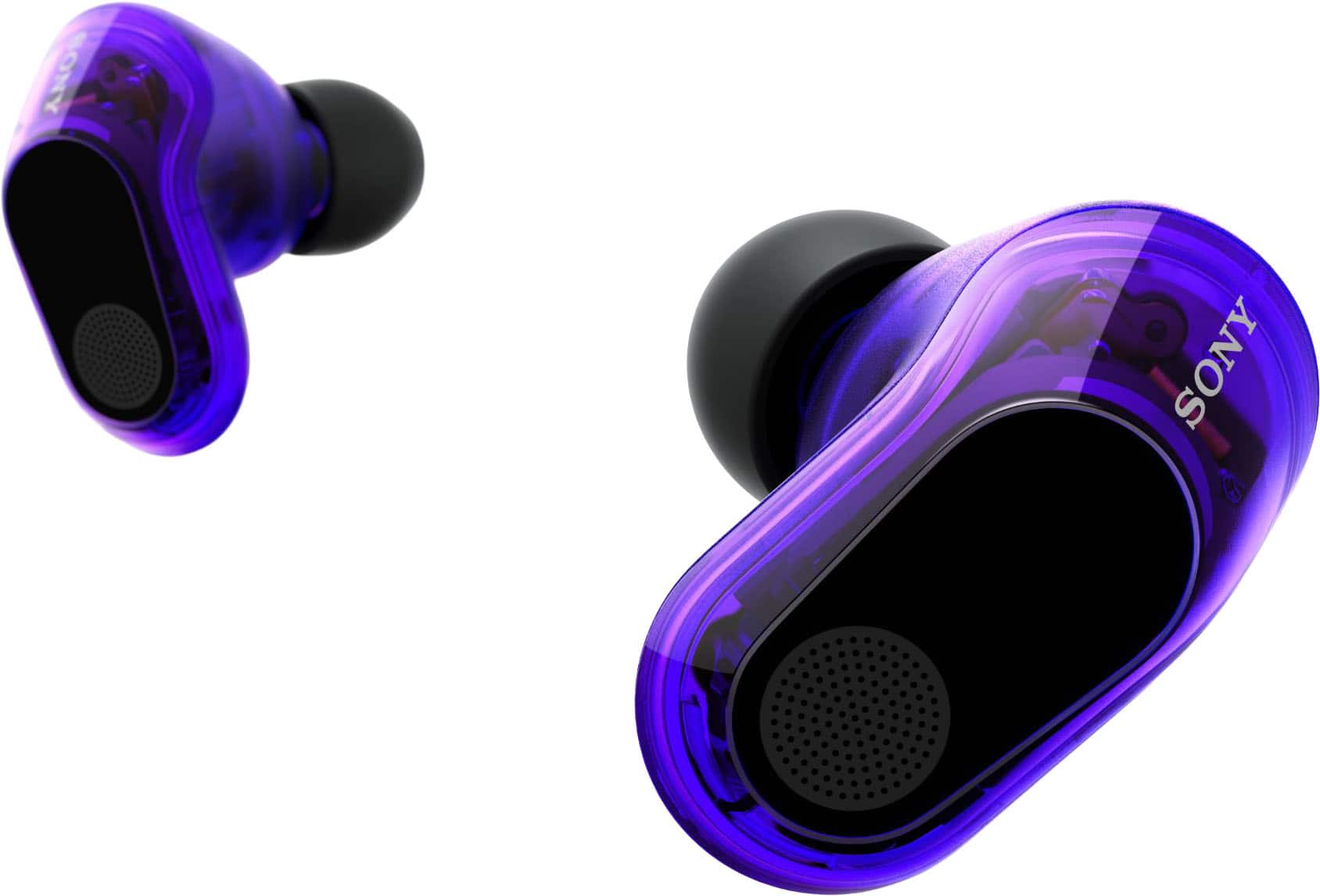
Sony - INZONE Buds Truly Wireless Noise Cancelling Gaming Earbuds, Perfect for PS5, PC - Glass Purple
SKU: J7XSRH5ZVSThere the best earbuds ive found for palying ps5 compared to anyghing else ive tried had really smooth
See all Gaming HeadsetsProduct Description
A pair of glass purple, truly wireless gaming earbuds with active noise cancelling and ultra-low latency connectivity.Your price for this item is $239.99 -
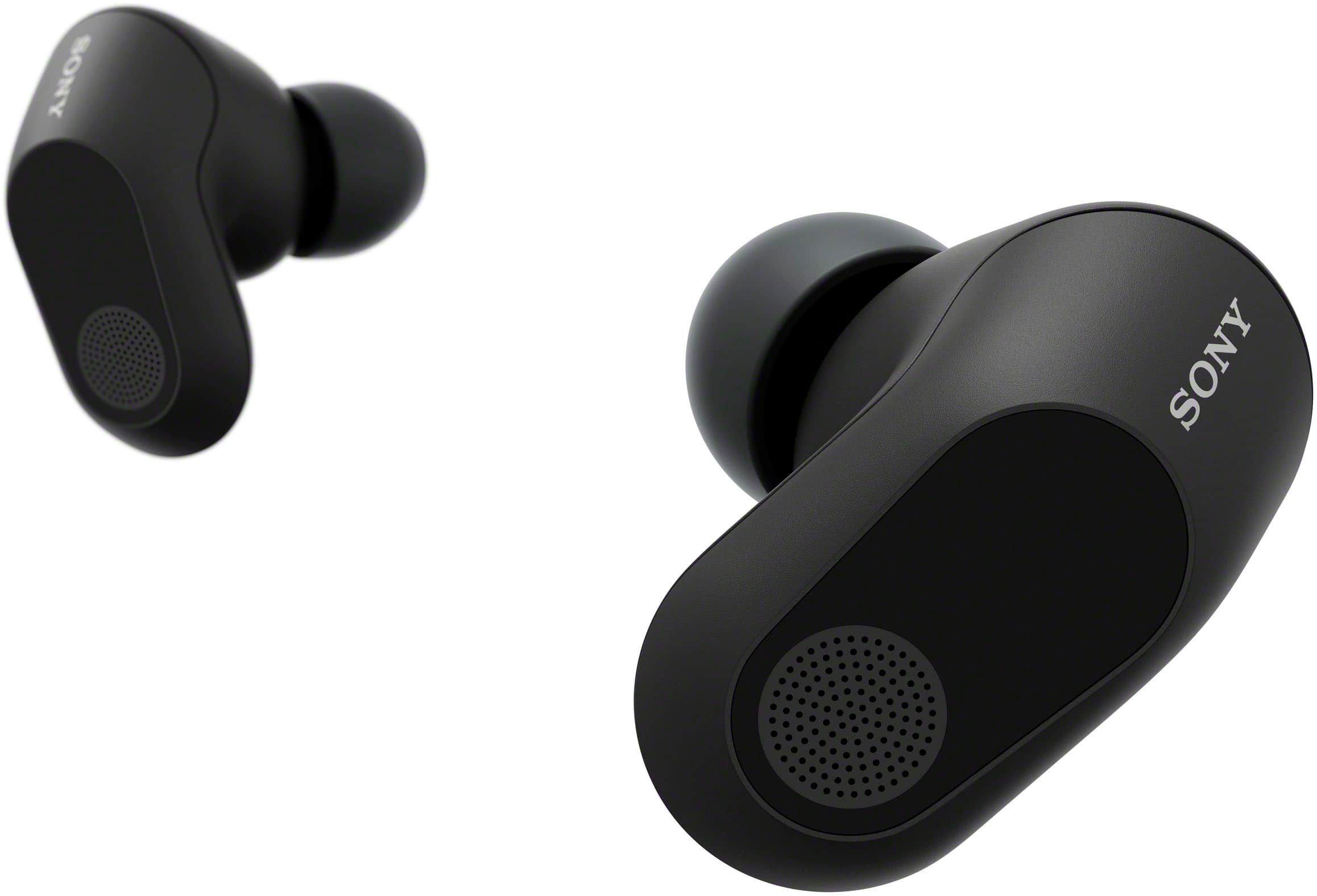
Sony - INZONE Buds Truly Wireless Noise Cancelling Gaming Earbuds, Perfect for PS5, PC - Black
SKU: J7XSRH5YWGbest...best headset i have used, been gaming most of my life and love them....Love them...Definitely top tear but also possibly the best ive tried
See all PC Gaming HeadsetsProduct Description
A pair of black wireless gaming earbuds featuring active noise cancellation, low latency, and long battery life.Your price for this item is $238.00Save $1The previous price was $239.99 -
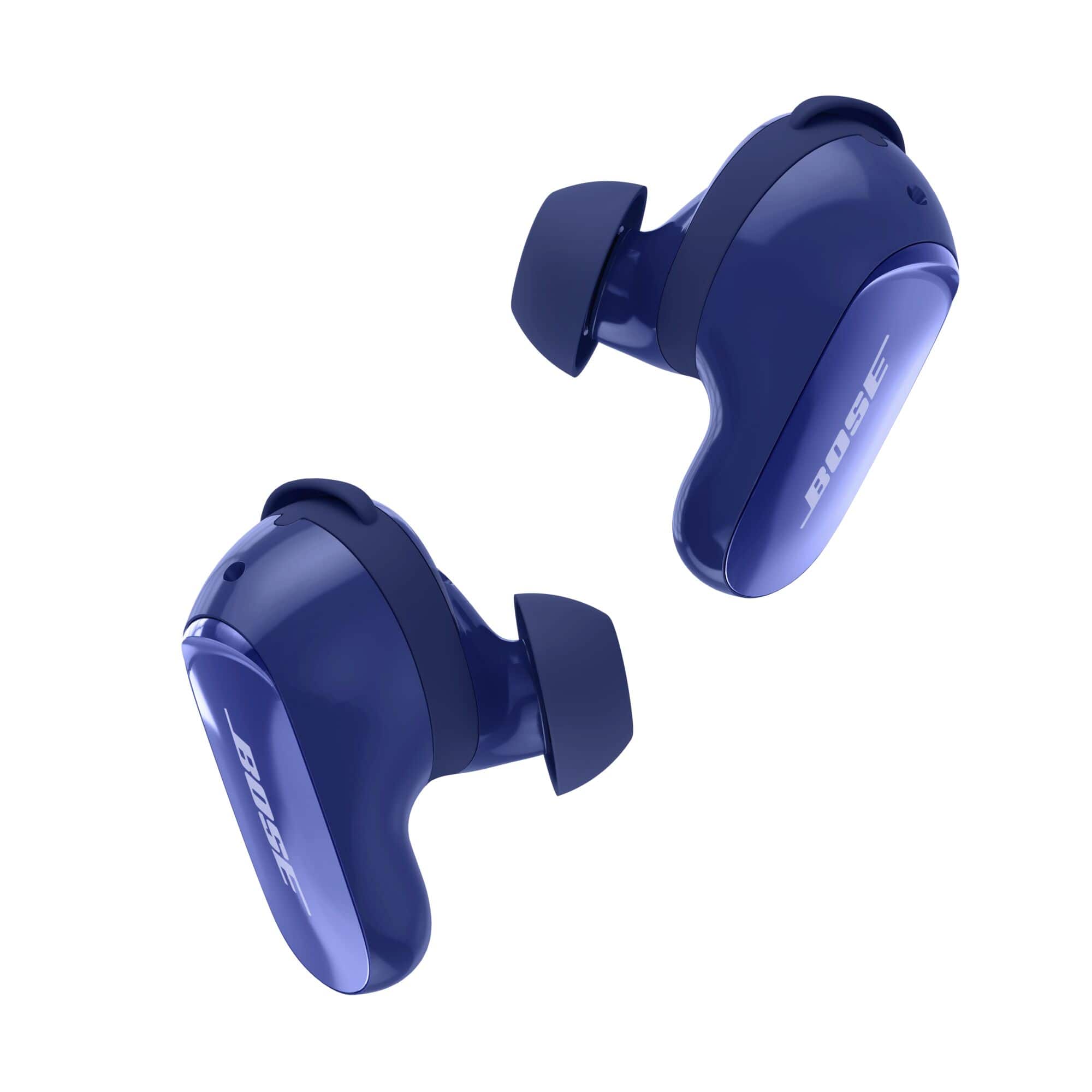
Bose - QuietComfort Ultra Earbuds (2nd Gen) True Wireless Noise Cancelling In-Ear Earbuds with Immersive Audio - Midnight Violet
SKU: J7C5V6WCWLGreat improvement....Great sound improvement. They seem to be more secure in the ear too....This is my 3rd set of Bose earbuds buds and definitely the best sound....Best noise cnacelling buds
See all Earbud & In-Ear HeadphonesProduct Description
A pair of midnight violet true wireless earbuds offering premium noise cancellation, Bluetooth connectivity, and a rechargeable case.Your price for this item is $299.00 -
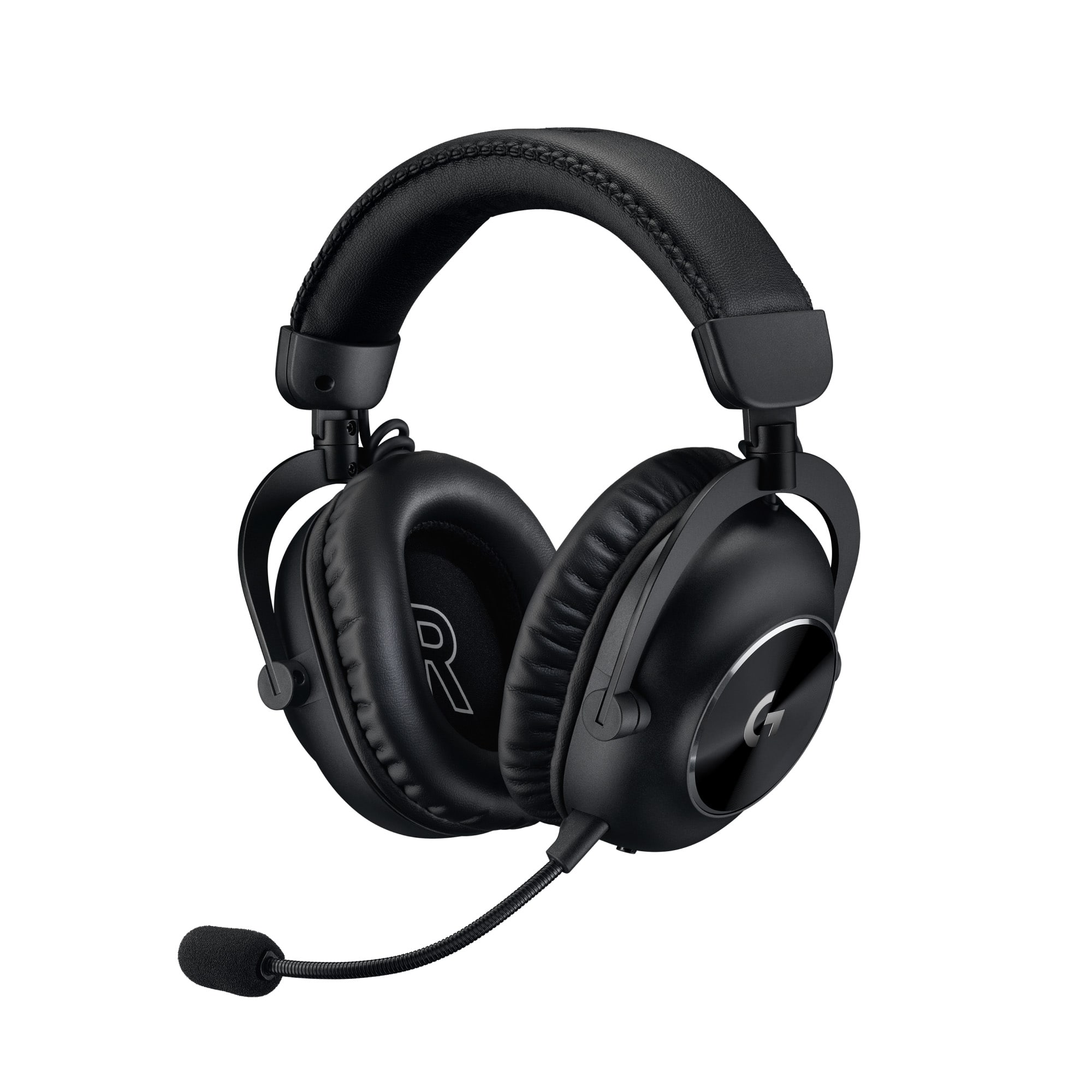
Logitech - PRO X 2 LIGHTSPEED Wireless Over-the-Ear Gaming Headset for PC, PS5, PS4, Nintendo Switch - Black
SKU: J7H7ZY8K7TGreat for FPS games, I tried a lot of orders options but this is the best one for me, definitely won’...Sound is great. Love the color
See all PC Gaming HeadsetsProduct Description
A wireless black gaming headset featuring 50mm Graphene drivers, DTS surround sound, and detachable microphone.Your price for this item is $223.99Save $56The previous price was $279.99 -
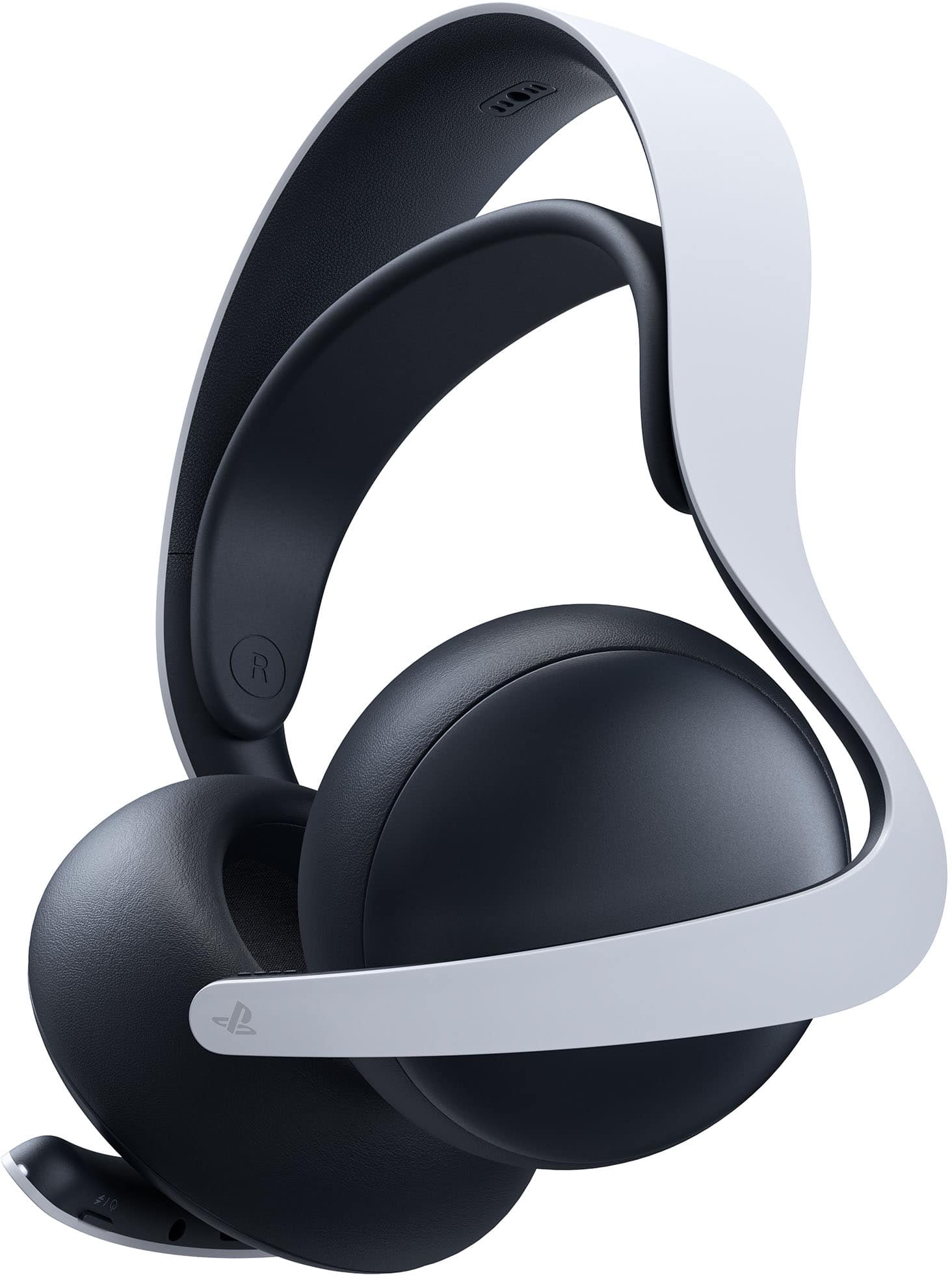
Sony - PULSE Elite Wireless Gaming Headset - for PS5 - White
SKU: JXHQ3CCY82See all Gaming HeadsetsProduct Description
A wireless white gaming headset delivering lifelike 3D audio, AI noise-cancelling mic, and 30-hour battery life.Your price for this item is $149.00Save $11The previous price was $160.99
Best Sellers




Related Pages

FAQ
Most wireless earbuds that support Bluetooth are not directly compatible with the PS5, as the console does not natively support Bluetooth audio. However, you can use wireless earbuds with the PS5 by connecting them through a compatible USB Bluetooth adapter or by using earbuds that come with a USB dongle specifically designed for gaming consoles.
Yes, you can use earbuds with a built-in microphone for in-game chat on the PS5. Simply connect the earbuds to the DualSense controller's 3.5mm audio jack. The PS5 will automatically detect the microphone and allow you to communicate with friends and teammates during gameplay.
Many wired and some wireless earbuds can deliver the PS5's Tempest 3D AudioTech experience, especially when connected via the controller or a compatible adapter. For the best 3D audio performance, look for earbuds that support stereo sound and are optimized for gaming.
To connect wired earbuds to your PS5, plug them into the 3.5mm headphone jack located on the bottom of the DualSense wireless controller. Once connected, you can adjust audio settings through the PS5's menu to customize your listening experience.
Yes, several brands offer earbuds specifically designed for gaming on consoles like the PS5. These gaming earbuds often feature low-latency audio, in-line microphones, and enhanced sound quality to provide an immersive gaming experience. Look for products labeled as 'gaming earbuds' or those that mention PS5 compatibility in their features.