Efficient Laptops For Everyday Use
Efficient laptops for everyday use are designed to help you stay productive and connected throughout your daily routine. Whether you're browsing the web, catching up on emails, or streaming your favorite shows, these laptops offer reliable performance for a variety of tasks. Discover options that fit seamlessly into your lifestyle and make multitasking simple, so you can focus on what matters most. Explore the selection of efficient laptops for everyday use to find the perfect match for work, school, or leisure.
Read More-
ASUS - Vivobook 16" Laptop,Snapdragon X X126100,16GB RAM,1TB SSD+1TB Dock Set,Qualcomm Adreno,Copilot,Win 11 - Silver
SKU: JJG7VHCY62Great laptop
See all Windows LaptopsProduct Description
A silver laptop featuring Snapdragon X processor, 16GB RAM, 2TB storage, and AI-powered Windows 11.$869.00 Your price for this item is $869.00 -
Apple - MacBook Neo 13-inch Laptop - A18 Pro chip with 6‑core CPU and 5‑core GPU - 8GB Memory - 512GB SSD - Blush
SKU: JJGCQYXHHCSimply the best! Great battery power, screen is so bright. Love it...Best Mac book so far. Great sound clear picture!!!...It’s a MacBook, it’s great!...Love the mac
See all MacBooksProduct Description
A lightweight blush aluminum laptop featuring an A18 Pro chip, 8GB memory, and 512GB SSD storage.$799.00 Your price for this item is $799.00 -
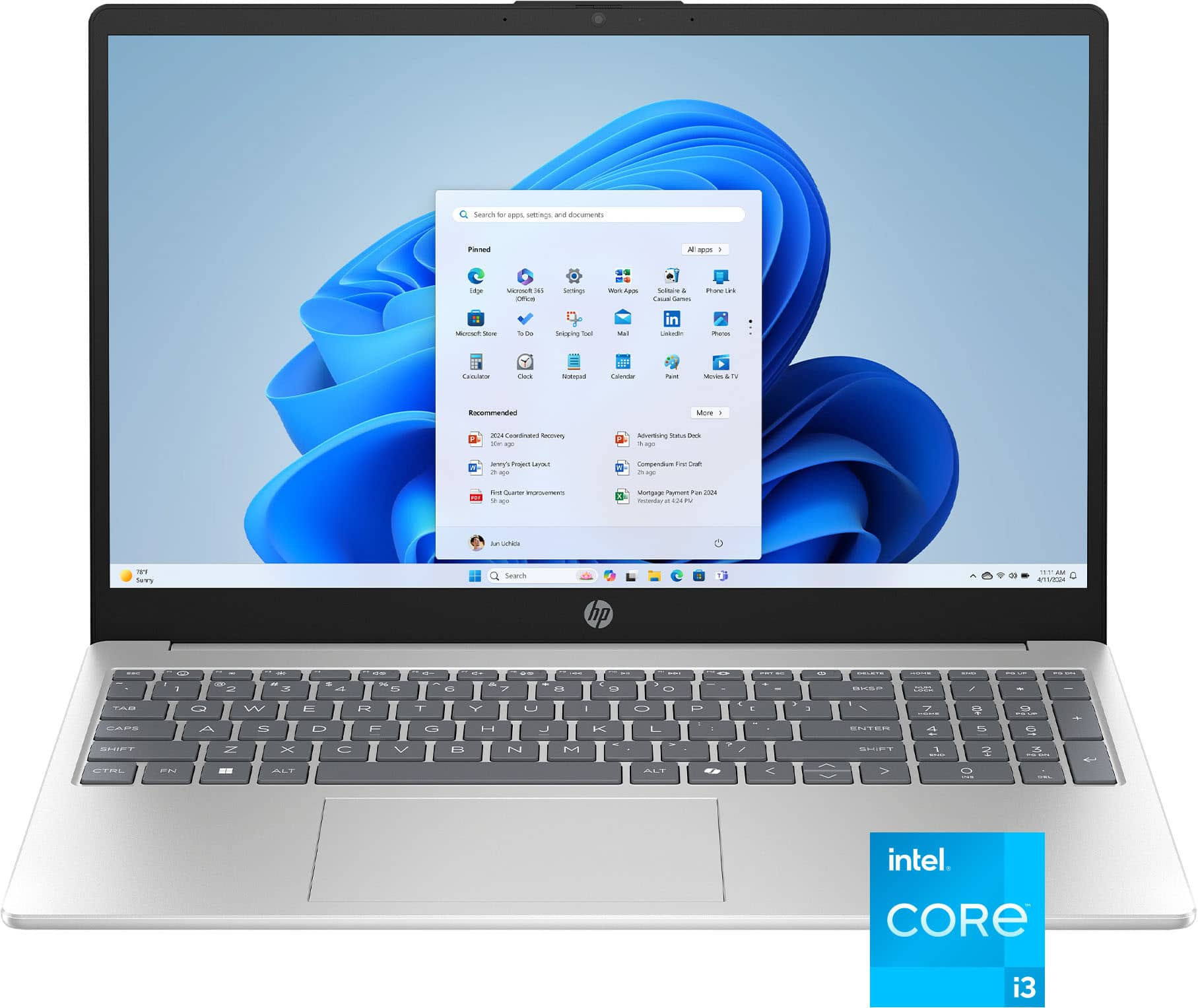
HP - 15.6" Laptop - Intel Core i3 N305 2023 - 8GB Memory - 128GB Storage - Natural Silver
SKU: JJGH2YK44CBest Laptop by far...Love all of the extra features and how user friendly it is...Love HP brand.
See all Windows LaptopsProduct Description
A silver laptop featuring an Intel Core i3 processor, 8GB memory, 128GB storage, and AI-powered tools.$578.00 Your price for this item is $578.00Save $9Was $587.00The previous price was $587.00 -
HP - OmniBook 3 - 14" 2K Touchscreen Laptop - Snapdragon X - 16GB Memory - 512GB SSD - Copilot+ PC - Glacier Silver
SKU: JJGW3FLR3VGreat Product...Great Laptop. The Snapdragon processor is great. Display is great too....One of the best purchases I have made!
See all Windows LaptopsProduct Description
A sleek glacier silver touchscreen laptop with Snapdragon X processor, 16GB memory, 512GB SSD, and AI optimization.$719.99 Your price for this item is $719.99Save $210Was $929.99The previous price was $929.99 -
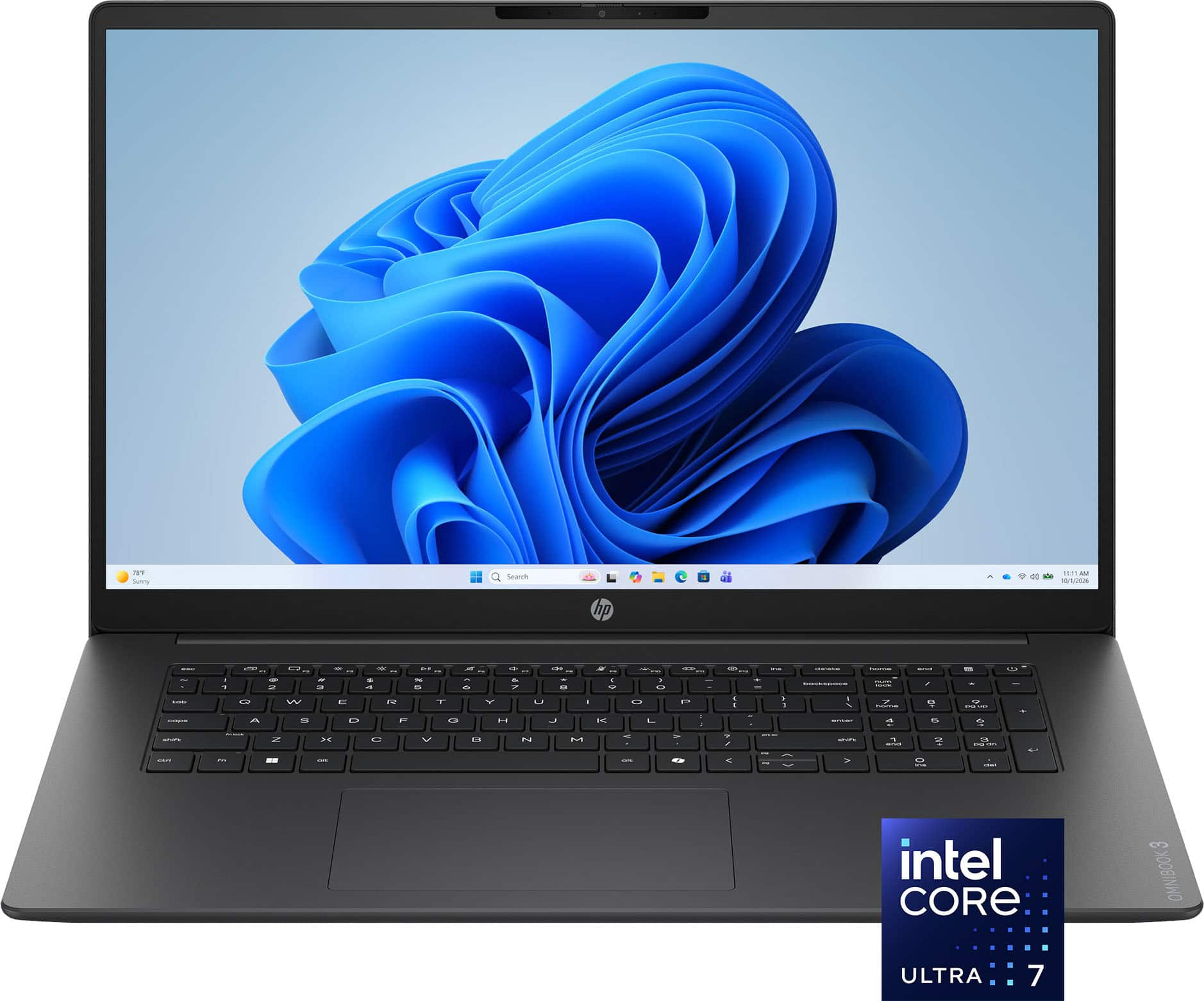
HP - OmniBook 3 17.3" Full HD Laptop - Intel Core Ultra 7 (2025) - 16GB Memory - 512GB SSD - Mica Silver
SKU: J3YH84S2XKgreat...HP is the best love the screen and speed. I tried out 2 others before settling on this model....Great computer and great sale price. Professional service at Best Buy
See all Windows LaptopsProduct Description
A sleek silver laptop featuring an Intel Core Ultra 7, 16GB memory, and a 512GB SSD.$679.99 Your price for this item is $679.99Save $520Was $1,199.99The previous price was $1,199.99 -
Dell - Latitude 3000 2-in-1 13.3" Touch Screen Laptop - Intel Core i5 with 16GB Memory - 256 GB SSD - Titan Gray
SKU: J3K4L6XH3FSee all Windows LaptopsProduct Description
A versatile titan gray 2-in-1 laptop featuring a 13.3" touch screen, Intel i5, and 16GB memory.$849.99 Your price for this item is $849.99 -
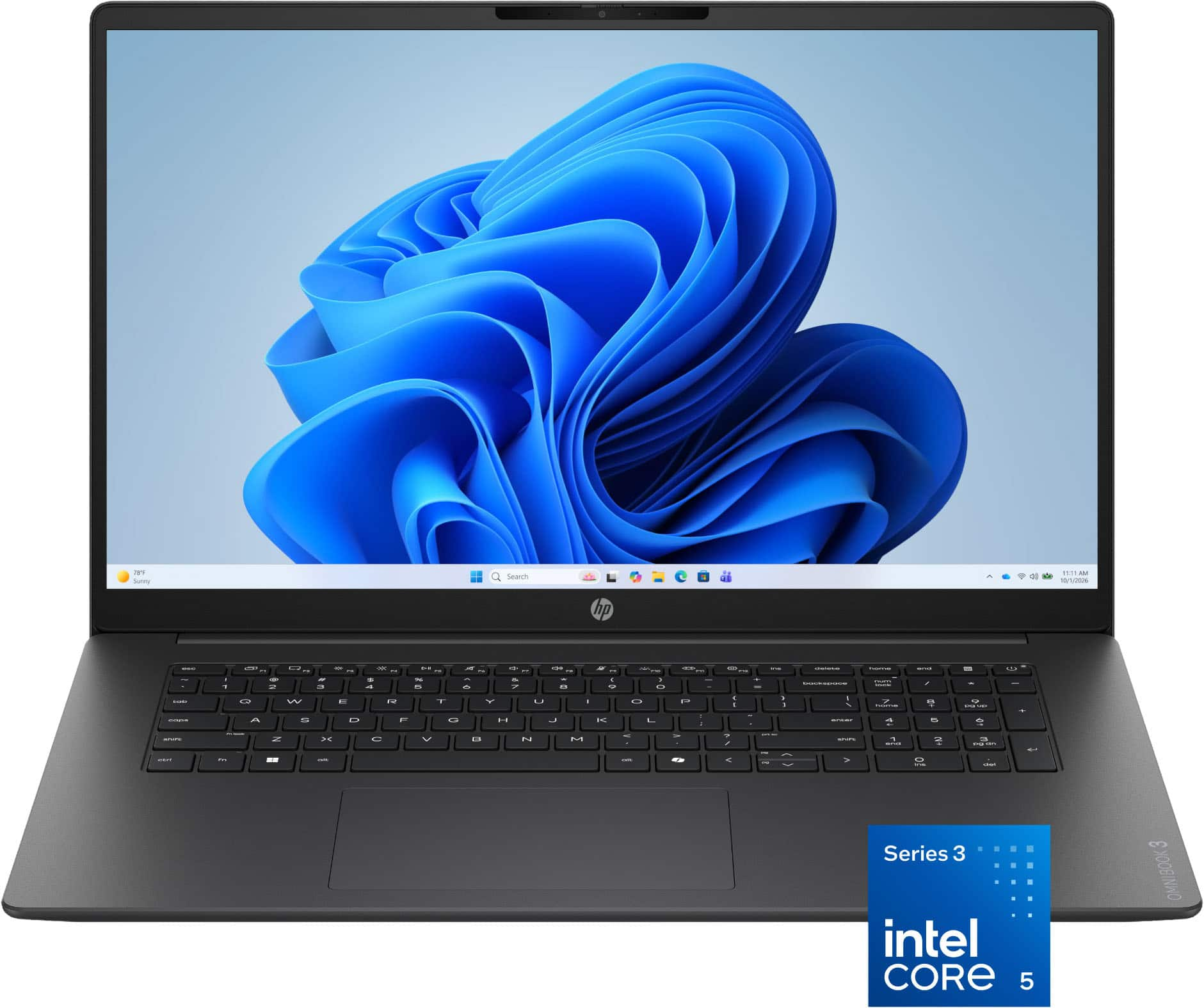
HP - OmniBook 3 - 17.3" Full HD Laptop - Intel Core 5 320 (2026) - 8GB Memory - 512GB SSD - Mica Silver
SKU: J3PPHF93SJSee all Windows LaptopsProduct Description
A silver laptop with Intel Core processing, 8GB memory, 512GB SSD, and all-day battery life.$749.99 Your price for this item is $749.99Save $150Was $899.99The previous price was $899.99 -
Acer - Upgraded - Aspire 14 AI 14" WUXGA Touchscreen Laptop,Ultra 9 288V,32GB RAM,2TB SSD+1TB Dock Set,Backlit ,Win 11 - Gray
SKU: JJ8V8T5VX8See all Windows LaptopsProduct Description
A gray touchscreen laptop with Intel Ultra 9 processor, 32GB RAM, 2TB SSD, and backlit keyboard.$1,329.00 Your price for this item is $1,329.00Save $40Was $1,369.00The previous price was $1,369.00 -
VAIO - 14.1 FS | Intel i5 - 1235U | Laptop | 8GB RAM | 1TB SSD - Iron
SKU: J3PR7PXG4JSee all Windows LaptopsProduct Description
An iron-colored aluminum laptop featuring an Intel i5 processor, 8GB RAM, 1TB SSD, and Full HD display.$636.78 Your price for this item is $636.78 -
LG gram - Upgraded - 15.6" FHD Touch Laptop,Intel Ultra 5 115U,32GB DDR5,1TB SSD+160GB Dock Set,Numeric Pad,Win 11 Pro - Titan Black
SKU: JXTZZGRJFFSee all Windows LaptopsProduct Description
A sleek titan black touchscreen laptop with Intel Ultra 5, 32GB RAM, 1TB SSD, and numeric keypad.$1,279.00 Your price for this item is $1,279.00Save $70Was $1,349.00The previous price was $1,349.00
Efficient laptops for everyday use balance responsive performance, practical battery life, and a comfortable design for the tasks that fill a typical day. That might mean checking email over breakfast, working through a spreadsheet, joining a video appointment, and streaming a show after dinner, all on the same computer. For this kind of routine, efficiency is less about having the most powerful hardware and more about having components that work well together without unnecessary bulk or power consumption. A modern processor designed for everyday productivity can handle browsing, document editing, and video playback, while memory determines how comfortably several applications can stay open at once. For many everyday workloads, 8GB of RAM is a practical starting point; 16GB provides more room for multitasking, especially when a video call, a presentation, and numerous browser tabs compete for resources. A solid-state drive, or SSD, helps the system start quickly and makes opening applications and accessing saved files feel responsive. A 256GB SSD can suit someone who keeps most documents online, while 512GB offers more space for family photos, downloaded media, and locally installed software. Actual storage needs depend on file sizes and habits, and part of the drive is reserved for the operating system and other essential files. Integrated graphics are generally sufficient for everyday office work, streaming, and casual photo adjustments, though demanding games, complex design projects, and extensive video editing call for different performance priorities. Students, remote workers, and people managing household schedules often benefit more from balanced specifications than from specialized hardware they rarely use. Someone whose routine centers on websites, webmail, and online documents may also find relevant options among Affordable Laptops For Everyday Browsing. In either case, the operating system should support the applications, accessories, and accessibility features the person relies on, including any software required by a school or employer.
The physical fit of an everyday laptop matters just as much as its internal specifications, particularly when it moves between a desk, a kitchen table, and a bag. A screen around 13 to 14 inches often strikes a useful balance between portability and working space, while a 15- or 16-inch display can make side-by-side documents and larger text more comfortable to view. Screen size alone does not determine clarity: resolution, brightness, surface finish, and viewing angles all influence how readable a spreadsheet or recipe looks in different indoor lighting. Full HD resolution is a useful baseline for clear text on many everyday laptops, and a matte finish can reduce distracting reflections near a window or under overhead lights. Touchscreens offer direct control for scrolling and selecting, while convertible designs can support reading or handwritten notes; pen compatibility varies by device. A well-spaced keyboard, a predictable touchpad, and a hinge that holds the display steady are details that become noticeable during repeated daily use. A number pad can help with frequent data entry, although its inclusion may change the keyboard layout. Aluminum housings can feel rigid and substantial, while well-designed plastic housings may offer a lighter, practical construction. Neither material alone guarantees durability; hinge design, assembly quality, and careful handling also matter. Weight should be considered together with the charger and any accessories carried alongside the laptop. For someone taking notes between classes or moving through shared workspaces, a smaller power adapter can make a meaningful difference in the bag. At a permanent desk, connections may deserve greater attention. USB ports, a display output, and an audio connection can simplify everyday setups, but port capabilities vary. A USB-C port does not automatically support charging or an external monitor. Webcam quality, microphone clarity, and speaker placement also shape the experience of online meetings, tutoring sessions, and conversations with family, especially when there is no separate headset or camera nearby.
Battery efficiency gives an everyday laptop more flexibility, but advertised runtime is best treated as a reference rather than a promise for every routine. Screen brightness, video calls, background applications, wireless activity, and processor workload all affect how long a charge lasts. A laptop used for quiet document editing may run considerably longer than the same machine handling continuous meetings with its camera on. Balanced power settings, sensible display brightness, and fewer unnecessary startup applications can help reduce power use without making ordinary tasks feel restrictive. Sleep settings are useful for short breaks, while keeping software updated supports security and can improve reliability. For daily care, the most important habits are straightforward: leave ventilation openings unobstructed, keep drinks away from the keyboard, and carry the computer in a padded sleeve or a bag compartment that protects it from pressure and impacts. Soft surfaces such as bedding can block airflow, so a firm work surface is a better match for sustained use. A clean microfiber cloth helps remove fingerprints; any cleaning solution should follow the manufacturer's instructions and should not be sprayed directly onto the laptop. Long-term practicality also includes storage management, regular backups, and an understanding of which components can be serviced or upgraded. Memory is soldered in some designs, making the initial capacity an important consideration for anyone planning to keep the computer through several years of changing tasks. Built-in security features, such as fingerprint sign-in or a camera privacy shutter, can add convenience, though they do not replace strong passwords and good account security. As a gift for a student, a family member, or someone setting up a home workspace, an everyday laptop is most useful when its keyboard, screen, software compatibility, and carrying weight suit the recipient's actual habits. The best fit is a computer that makes ordinary tasks feel uncomplicated, whether that means finishing an assignment, organizing personal records, sharing photos, or settling in with a favorite series.
Best Sellers
Related Pages
FAQ
When choosing an efficient laptop for everyday use, consider features like a reliable processor (such as Intel Core i5 or AMD Ryzen 5), at least 8GB of RAM, solid-state drive (SSD) storage for faster performance, and a battery life that lasts through your typical day. A comfortable keyboard and lightweight design can also enhance daily usability.
Yes, Chromebooks are a great option for everyday tasks like web browsing, email, document editing, and video streaming. They are known for their fast boot times, simplicity, and integration with Google services. However, if you need specialized software that only runs on Windows or macOS, you may want to consider a traditional laptop.
For most users, 8GB of RAM is sufficient for smooth multitasking during everyday activities such as browsing the web, working with documents, and streaming media. If you frequently run multiple applications at once or use more demanding programs, opting for 16GB can provide extra headroom.
Solid-state drives (SSDs) are generally recommended over traditional hard drives (HDDs) because they offer faster boot times, quicker file access, and improved overall system responsiveness. For everyday use, a laptop with at least a 256GB SSD provides a good balance between speed and storage capacity.
Many efficient laptops designed for everyday use can handle light photo or video editing tasks. Look for models with mid-range processors and integrated graphics. For more intensive editing or professional work, consider laptops with dedicated graphics cards and higher-end CPUs.