Deals for every list.Start early, save early.Shop now

Main Content
Skip to contentGo to Product Search

Deals for every list.Start early, save early.Shop now

Main Content

Best External Graphics Card For Laptop

The best external graphics card for your laptop depends on its eGPU compatibility and the demands of your games or creative software. Compare external GPU options by connection requirements, enclosure size, and power needs, and check whether a graphics card is included or sold separately. Confirm support for your laptop model and operating system before choosing.

What to look for in an external graphics card for your laptop

Choosing the best external graphics card for your laptop means balancing compatibility, performance, power requirements and display connections.

1. Laptop Compatibility

Confirm that your laptop and operating system support external graphics through a compatible connection, such as Thunderbolt or USB4 with PCIe tunneling. A USB-C port alone does not guarantee external GPU support, so check your laptop manufacturer’s specifications before buying.

2. Graphics Performance

Match the graphics card’s capabilities and video memory to your gaming resolution, video editing projects or 3D applications. Your laptop’s processor and connection bandwidth can limit performance, so a higher-end GPU may not always deliver a proportional improvement.

3. Enclosure and Power Requirements

Check whether the external graphics solution includes a GPU or requires a separately purchased graphics card and enclosure. For a separate enclosure, verify card dimensions, cooling clearance, power supply capacity and power connector compatibility.

4. Display and Connectivity

Check that the graphics card’s display outputs support your monitor’s resolution, refresh rate and connection type. Connecting an external monitor directly to the graphics card can improve performance compared with sending graphics back to the laptop’s built-in screen.

  1. 1

    About this product

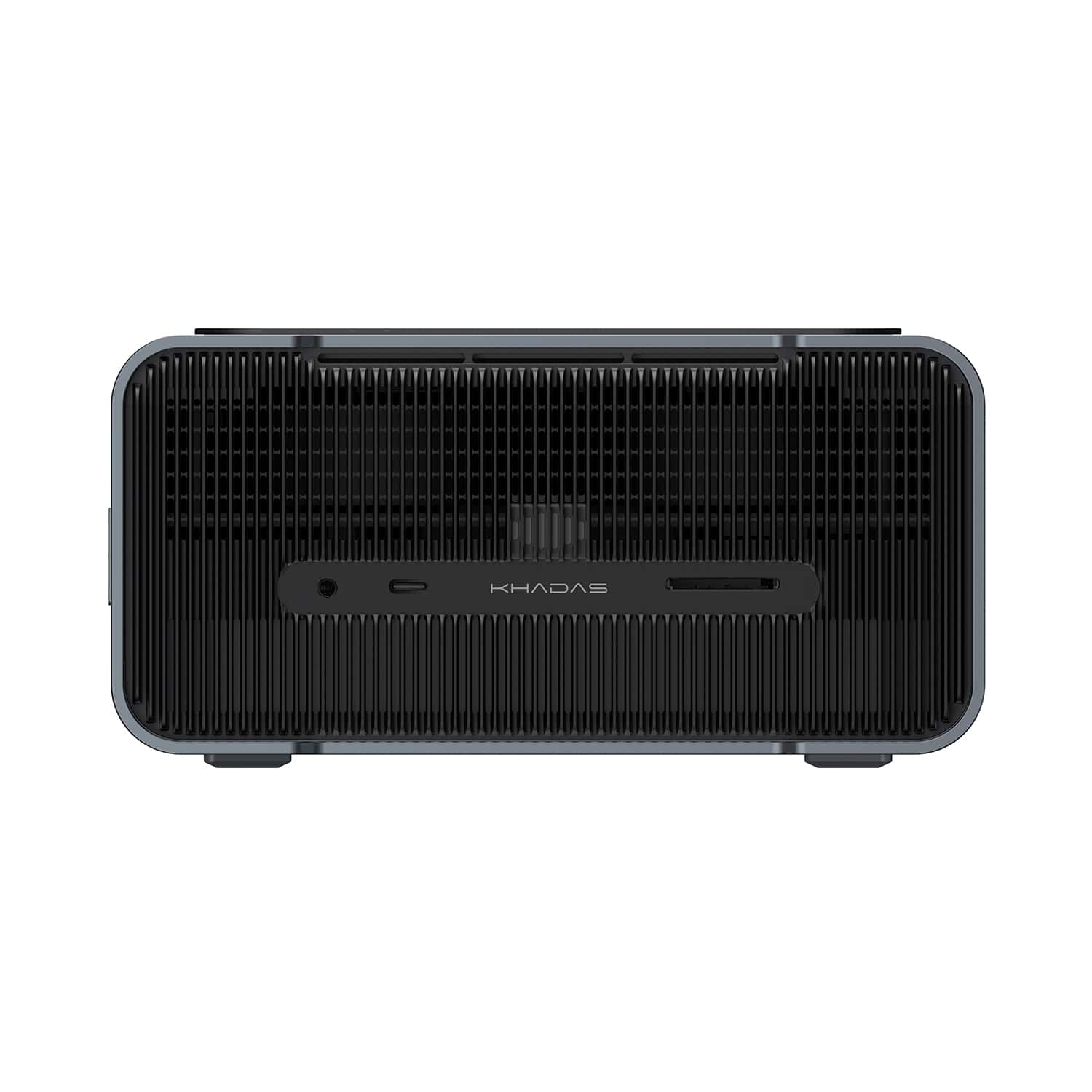
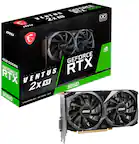
    A dark gray eGPU dock with RTX 5060 Ti graphics, 16GB GDDR7, and PCIe 4.0 x8.

    A dark gray eGPU dock with RTX 5060 Ti graphics, 16GB GDDR7, and PCIe 4.0 x8.

    (0)
    $1,449.00 Your price for this item is $1,449.00
  2. 2

    About this product

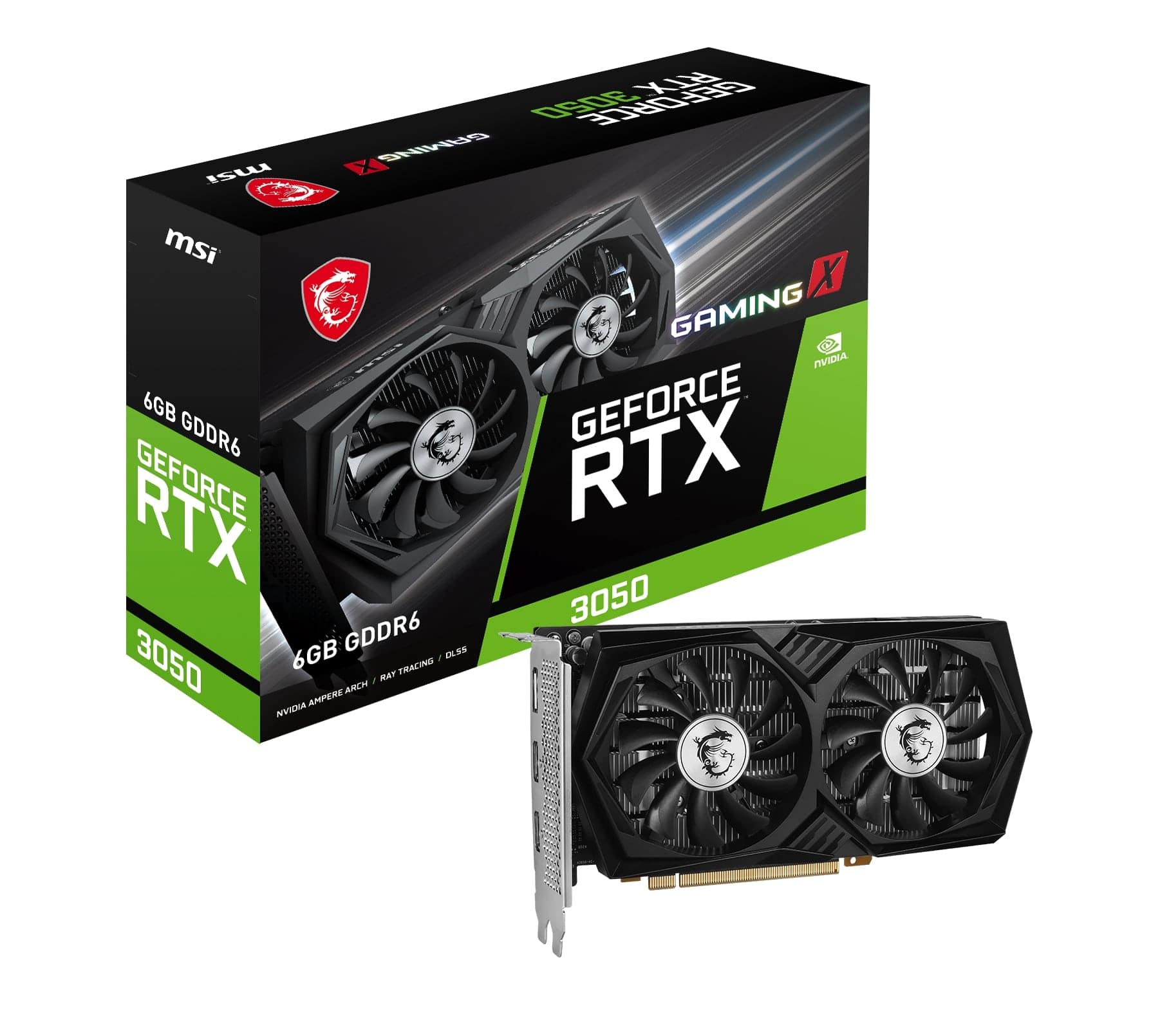
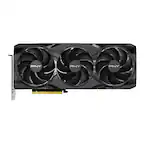
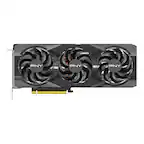
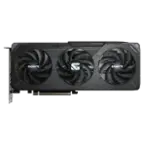
    A high-performance black graphics card with 6GB GDDR6, triple-fan cooling, and PCI Express 4.0 support.

    A high-performance black graphics card with 6GB GDDR6, triple-fan cooling, and PCI Express 4.0 support.

    What customers like

    • Excellent 1080p gaming performance
    • Easy installation and compatibility with budget builds
    • Affordable and budget-friendly
    • Quiet and efficient cooling system
    • Low power consumption with no external power needed
    (266)
    $279.99 Your price for this item is $279.99
  3. 3

    About this product

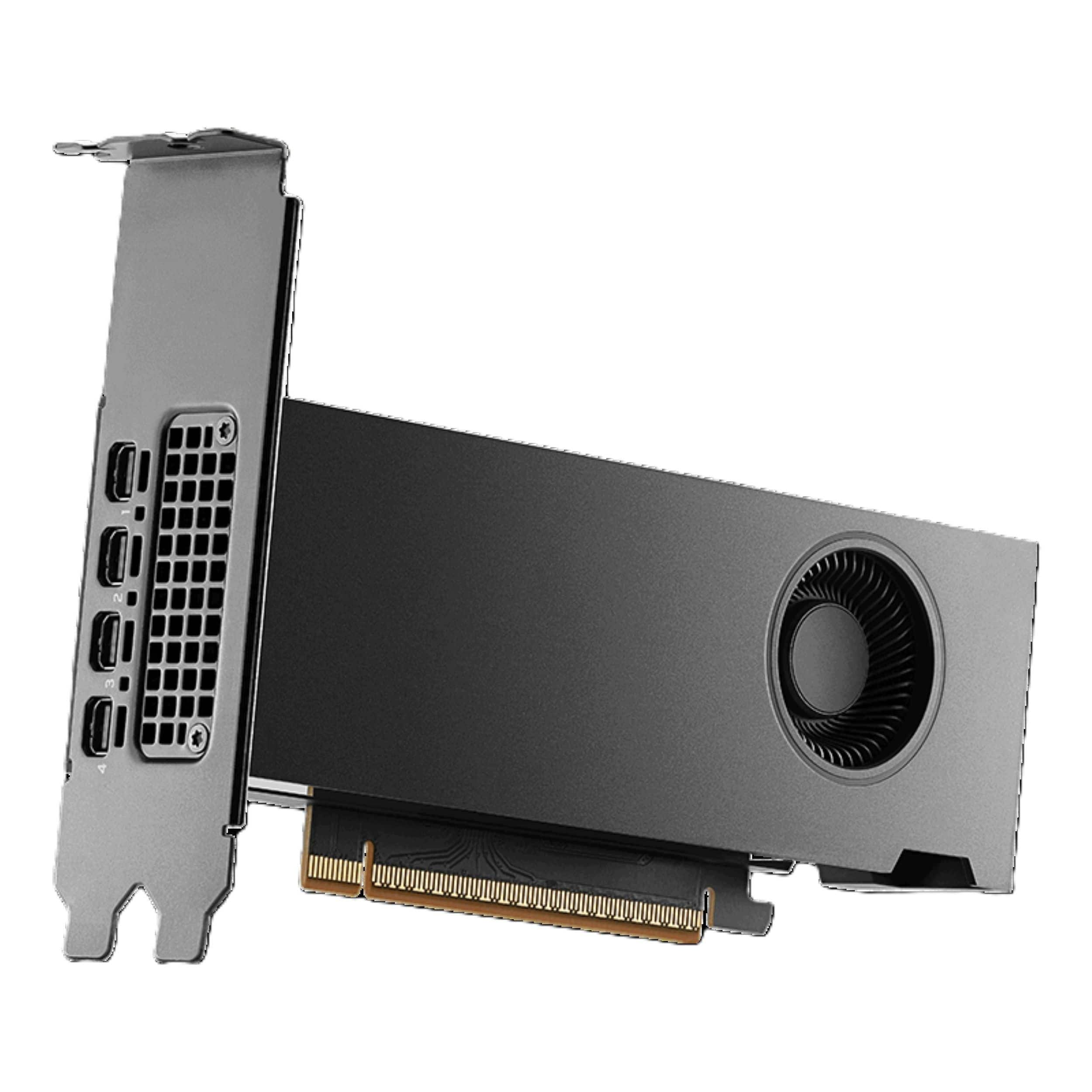
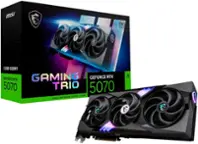
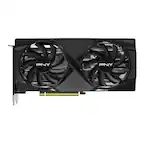
    A black graphics card featuring Blackwell architecture, 16GB GDDR7, PCIe 5.0, and four mini DisplayPort outputs.

    A black graphics card featuring Blackwell architecture, 16GB GDDR7, PCIe 5.0, and four mini DisplayPort outputs.

    (0)
    $1,748.99
    SAVE $51.00
    Your price for this item is $1,748.99
  4. 4

    About this product

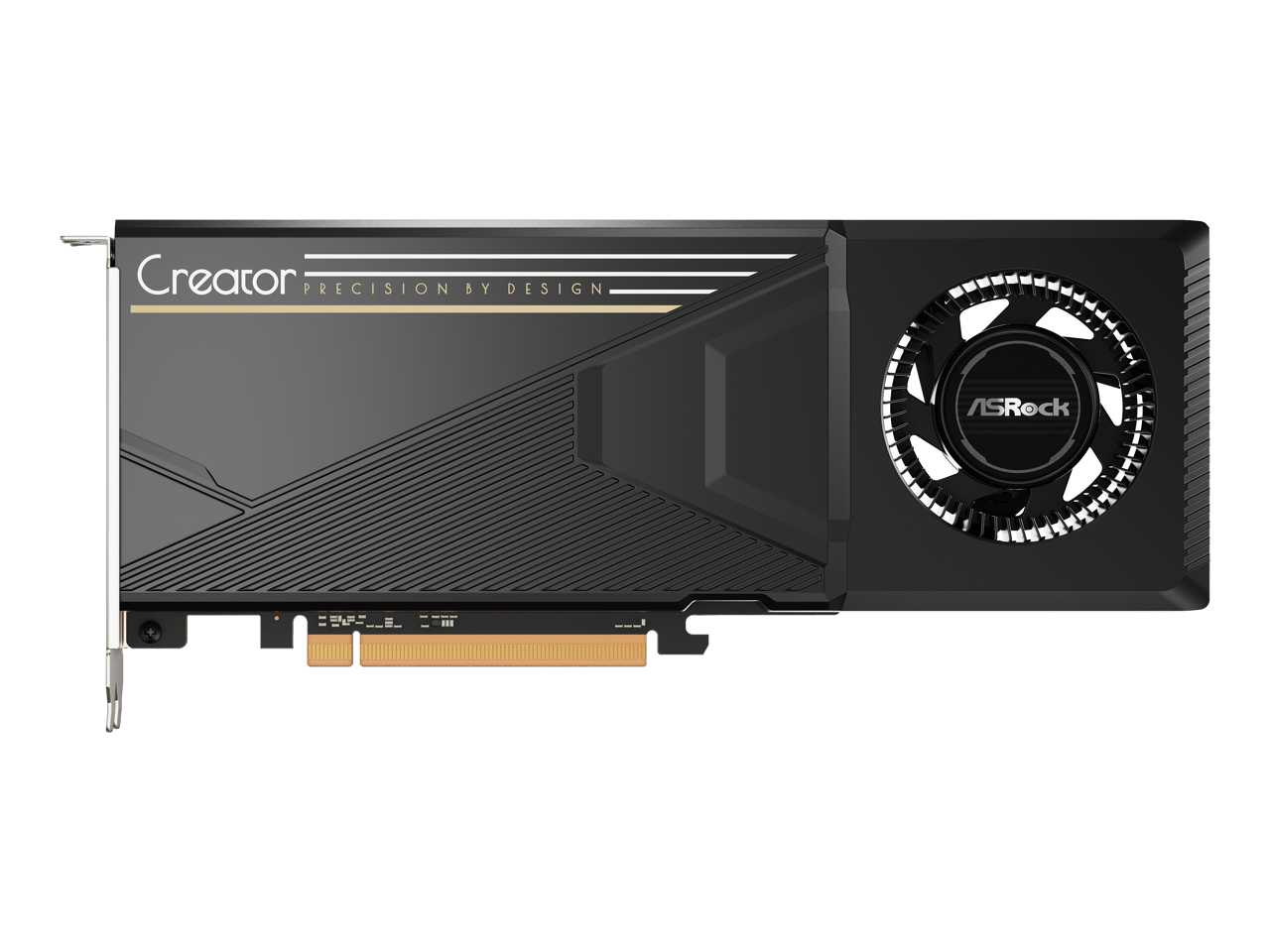
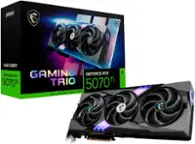
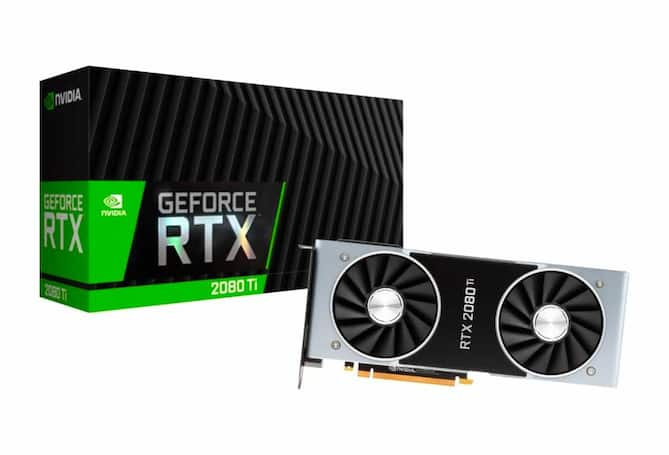
    A powerful 2-slot graphics card with 32GB GDDR6 memory and PCI Express 5.0 for 4K performance.

    A powerful 2-slot graphics card with 32GB GDDR6 memory and PCI Express 5.0 for 4K performance.

    (0)
    $2,120.98 Your price for this item is $2,120.98
  5. 5

    About this product

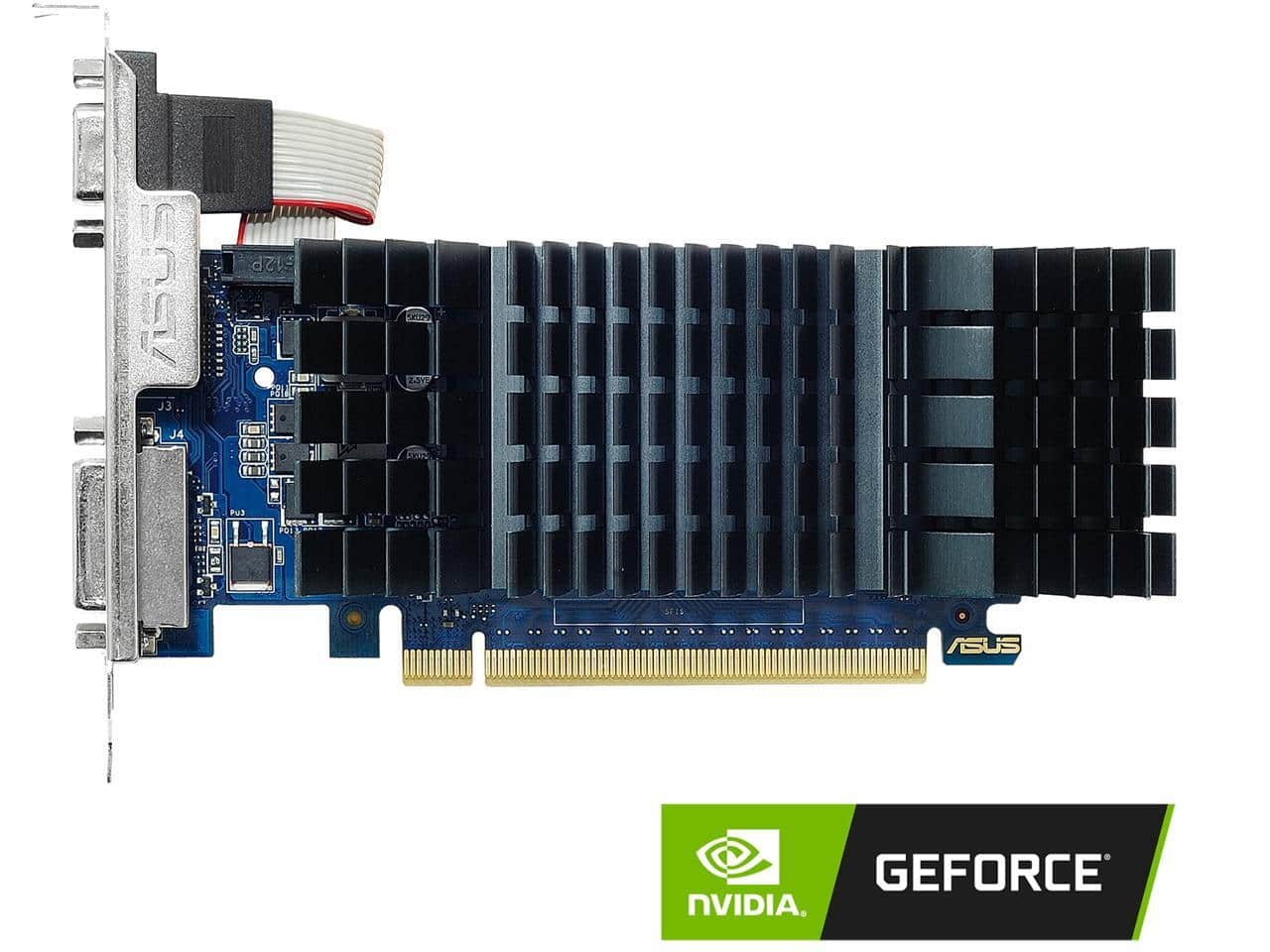
    A low-profile graphics card with 2GB GDDR5 memory, HDMI and DisplayPort outputs, and 4K support.

    A low-profile graphics card with 2GB GDDR5 memory, HDMI and DisplayPort outputs, and 4K support.

    (0)
    $139.99 Your price for this item is $139.99

Best External Graphics Card For Laptop

The best external graphics card for laptop gaming or creative work is one that matches your computer’s connectivity, software, and performance needs. An external graphics setup, often called an eGPU, connects a desktop-class graphics processor to a compatible laptop, adding graphics capability without requiring a separate desktop computer. This can be appealing for gamers who want more flexibility at their desk, creators working with demanding visual applications, and laptop owners who value a portable computer but need additional graphics power at home. Options in this category can include integrated external graphics units and enclosures designed to hold a separately purchased graphics card, so the distinction between a complete setup and an enclosure matters when comparing configurations. Graphics memory, processing capability, and application support all influence how well an external GPU fits a particular workload. Higher specifications are most useful when the games or programs you use can take advantage of them, making a balanced match more important than choosing solely by the largest memory capacity.

Connection compatibility is central to choosing an external graphics card for a laptop. A USB-C connector alone does not establish eGPU support; the laptop needs a compatible high-speed interface, such as a supported Thunderbolt connection or a USB4 implementation with the necessary external graphics support. The computer’s hardware, firmware, operating system, and graphics drivers also need to work with the external GPU. For enclosure-based setups, card dimensions, slot width, power supply capacity, and available power connectors determine which graphics cards will fit and function properly. These details are especially important when considering a larger or more power-hungry card. Connection bandwidth also affects performance, so an externally connected graphics card may perform differently from the same card installed inside a desktop. Connecting an external monitor directly to the graphics card can help avoid the additional bandwidth use associated with sending rendered frames back to the laptop’s built-in display. Monitor resolution, refresh rate, and graphics card display outputs are useful considerations for a well-matched setup.

Everyday convenience matters alongside graphics performance, particularly when an external GPU becomes part of a regular desk setup. Enclosure size, cooling design, fan noise, cable placement, and access to a power outlet all affect how comfortably the hardware fits your workspace. Laptop charging through the graphics connection is a feature to verify rather than assume, since power delivery capabilities vary and may not meet every laptop’s charging requirements. A compact external unit may suit a smaller desk, while an enclosure that accepts a separate card can offer room for future graphics upgrades within its size, power, and compatibility limits. For gaming, the laptop’s processor and memory still influence overall performance; for video editing, 3D rendering, and other creative work, the application’s support for GPU acceleration helps determine the benefit. Comparing the complete setup—including any separately required graphics card, compatible cable, and monitor connection—provides a clearer picture of overall value. The right combination can preserve the convenience of a laptop while making a stationary workspace more capable for graphics-intensive tasks.

FAQs