External Hard Drive For Videos
-
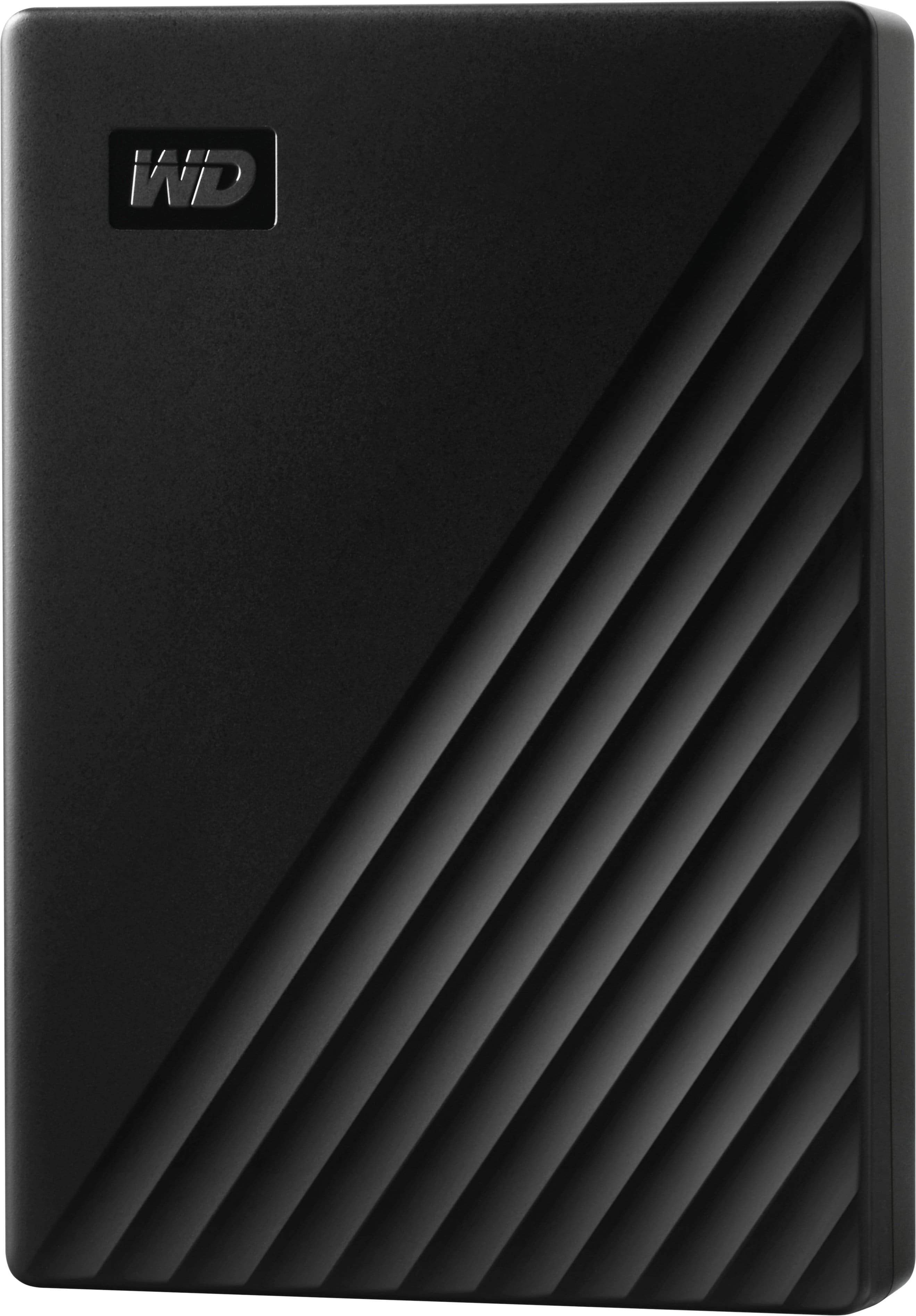
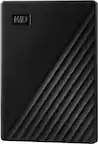
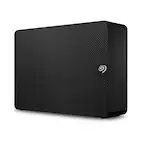
WD - My Passport 5TB External USB 3.0 Portable Hard Drive - Black
SKU: JXTHCJFR9FI love it and the price is great great quality I can't complain...Great product for the price. Absolutely love Best Buy!...Best Purchase
See all External Hard DrivesProduct Description
A portable black external hard drive offering 5TB storage, USB 3.0 connectivity, and 256-bit AES encryption.Your price for this item is $284.99 -
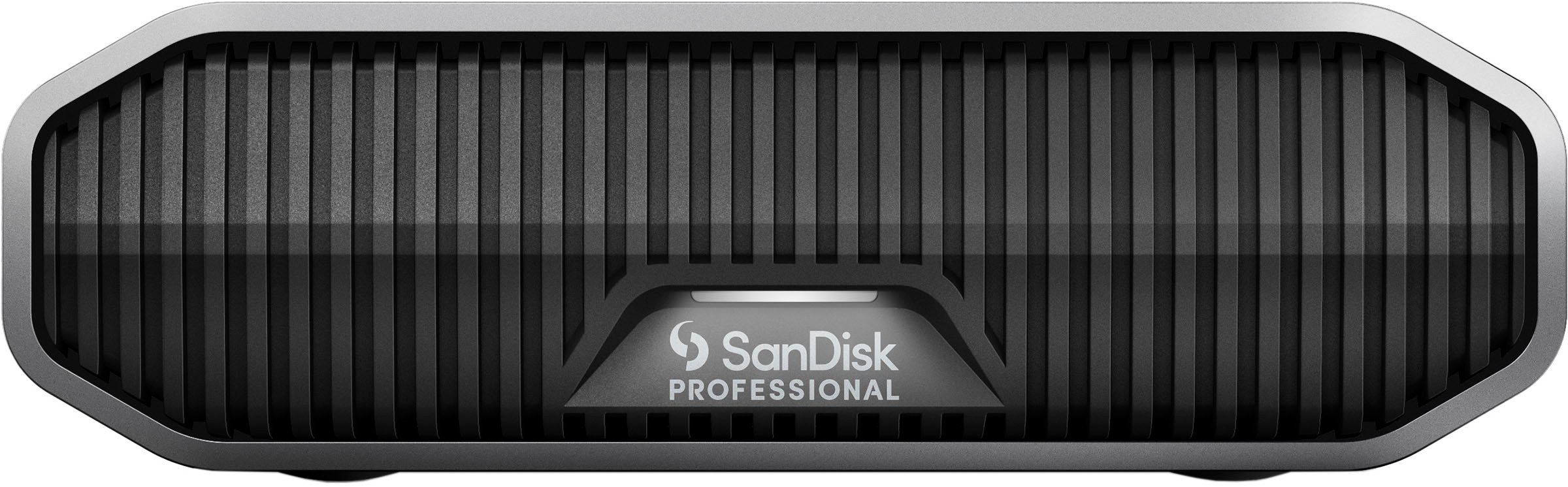
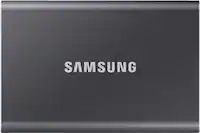
SanDisk Professional - G-DRIVE 6TB External USB-C 3.2 Gen2 Hard Drive - Black
SKU: JXTHCC766HSee all External Hard DrivesProduct Description
A high-performance black external hard drive with 6TB capacity, USB-C 3.2 Gen2, and durable aluminum enclosure.Your price for this item is $449.99 -
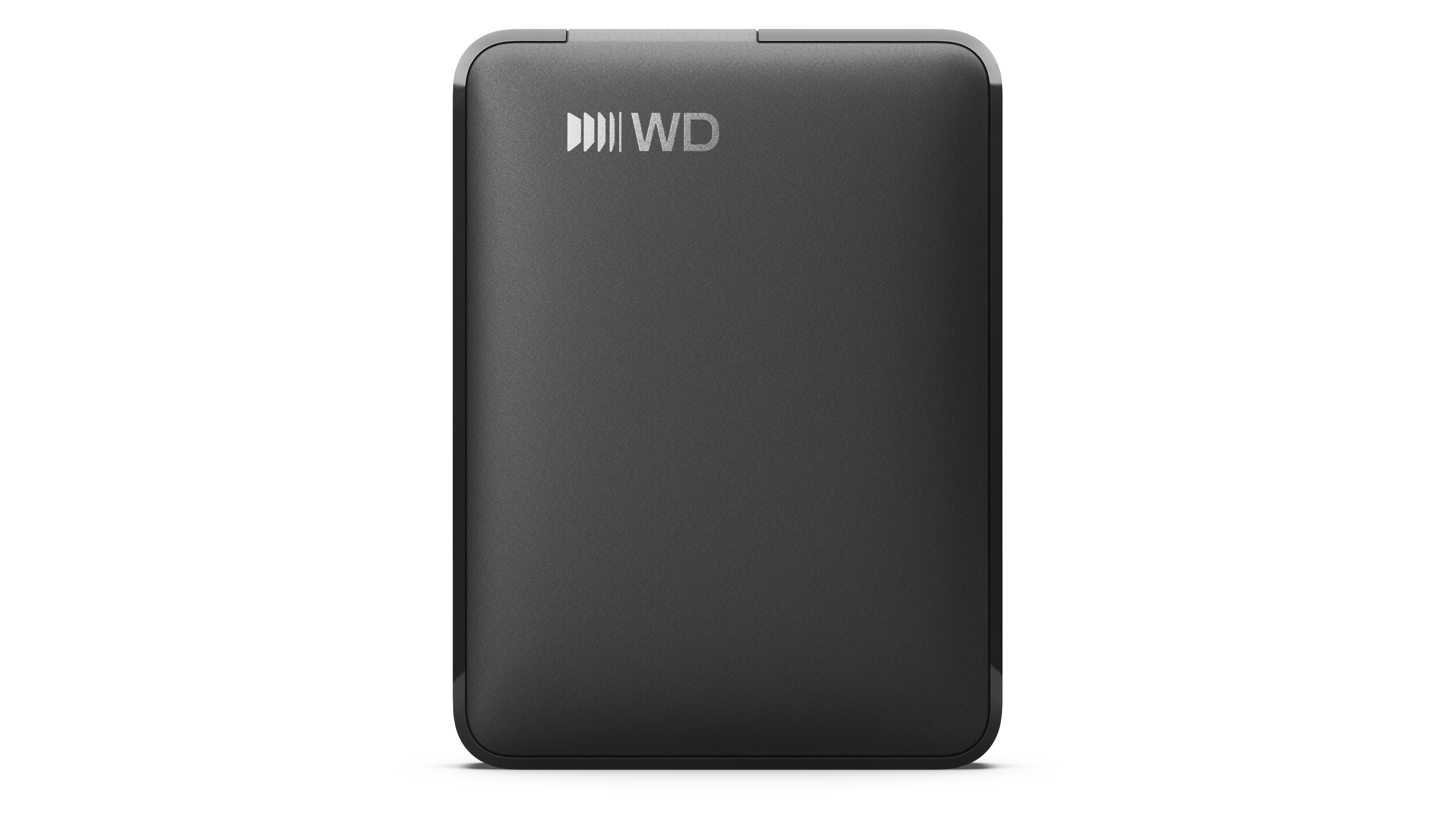
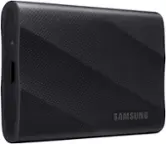
2TB WD Elements® Portable Hard Drive for Windows, Mac and compatible devices - Black
SKU: JXTHCCJPPKSee all Internal Hard DrivesProduct Description
A portable external hard drive offering 2TB storage with USB 3.2 Gen 1/3.0 compatibility in black.Your price for this item is $184.30
Best Sellers


Related Pages




FAQ
When choosing an external hard drive for videos, consider features such as fast data transfer speeds (USB 3.0, USB-C, or Thunderbolt), compatibility with your devices, and reliable build quality. You may also want to look for drives with built-in backup software or rugged designs for extra protection.
Yes, many external hard drives support editing videos directly from the drive, especially if they offer high read/write speeds. For smooth performance, choose a drive with fast connectivity like USB 3.1, USB-C, or Thunderbolt, and ensure your editing software is compatible.
Most external hard drives can be reformatted to work with either Mac or Windows systems. Some drives come pre-formatted for one system but can easily be reformatted for cross-platform use. Check the product details for compatibility or look for drives labeled as compatible with both operating systems.
HDD (Hard Disk Drive) external drives offer large storage capacities at a lower price, making them ideal for archiving video files. SSD (Solid State Drive) external drives provide faster data transfer speeds and greater durability, which is beneficial for editing and transferring large video files quickly.
Yes, you can transfer videos from your smartphone or camera to an external hard drive using a compatible cable or adapter. Some external drives also support direct connections to certain cameras or mobile devices, making it easy to back up and store your videos on the go.