Deals for every list.Start early, save early.Shop now

Skip to contentGo to Product Search
Main Content
Skip to contentGo to Product Search

Deals for every list.Start early, save early.Shop now

Main Content
Categories & Filters

Fast Processing Laptops For CAD Design

Fast processing laptops for CAD design are essential tools for professionals and students who need reliable performance for complex projects. These laptops are built to handle demanding software, making them ideal for creating detailed models, rendering graphics, and managing large files. With the right combination of power and efficiency, fast processing laptops for CAD design help streamline workflows and support productivity in any creative or technical environment. Explore a selection of high-performance options designed to meet the needs of CAD users at every level.

Read More
Results
Main Results
  1. Your price for this item is $3,699.99
    Save $1300
    The previous price was $4,999.99
  2. Your price for this item is $2,999.99
    Save $300
    The previous price was $3,299.99
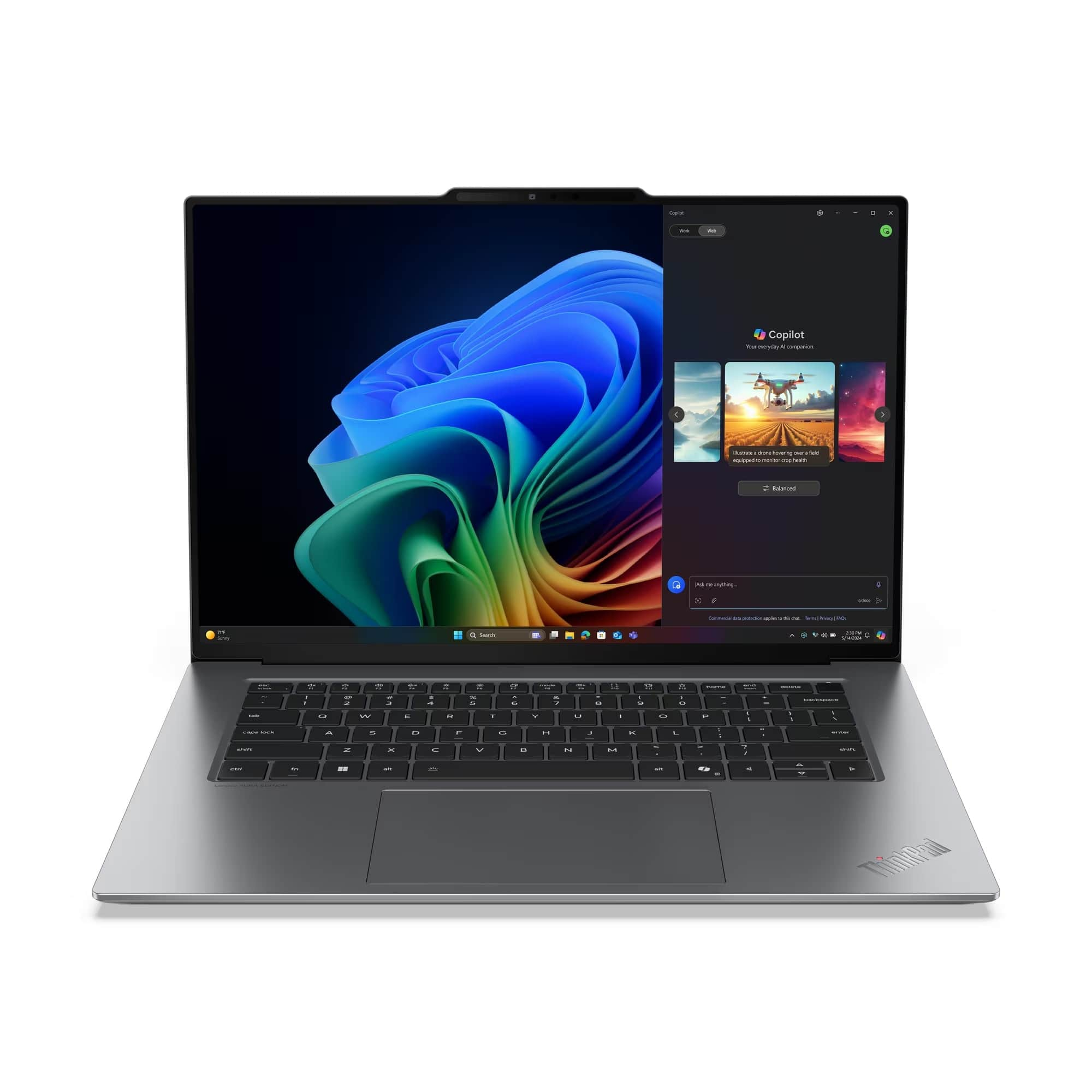
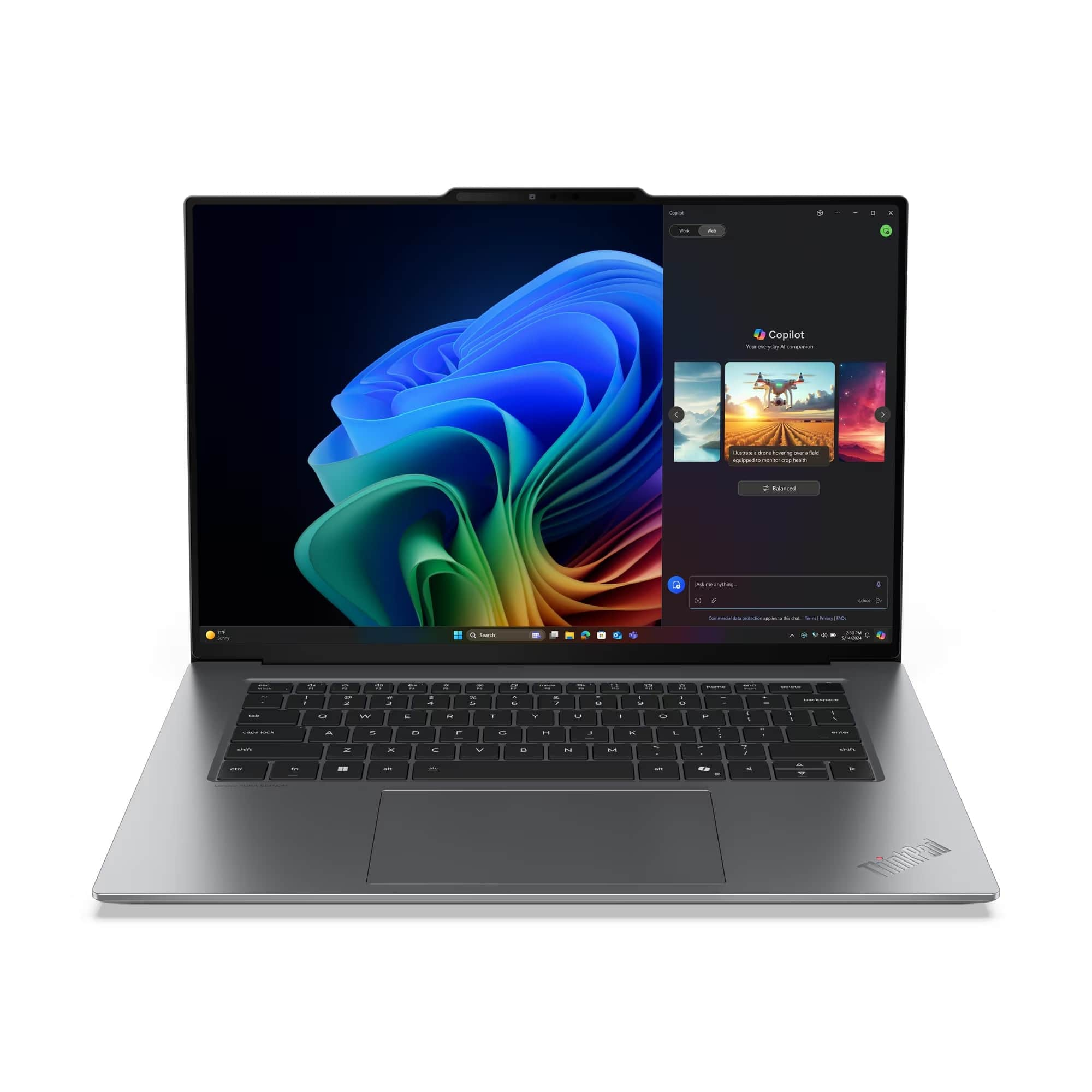
  3. Lenovo - ThinkPad P16s Gen 4 - Intel Core Ultra 7 - 32 GB - 1 TB SSD - Windows 11 Pro - RTX Pro 1000 8 GB - Wi-Fi 7 - Black

    SKU: JJGH398R8F

    Product Description

    A powerful black mobile workstation featuring Intel Core Ultra 7, 32GB RAM, RTX Pro 1000, and Wi-Fi 7.
    See all Windows Laptops
    Your price for this item is $3,575.17
    Save $316
    The previous price was $3,891.66
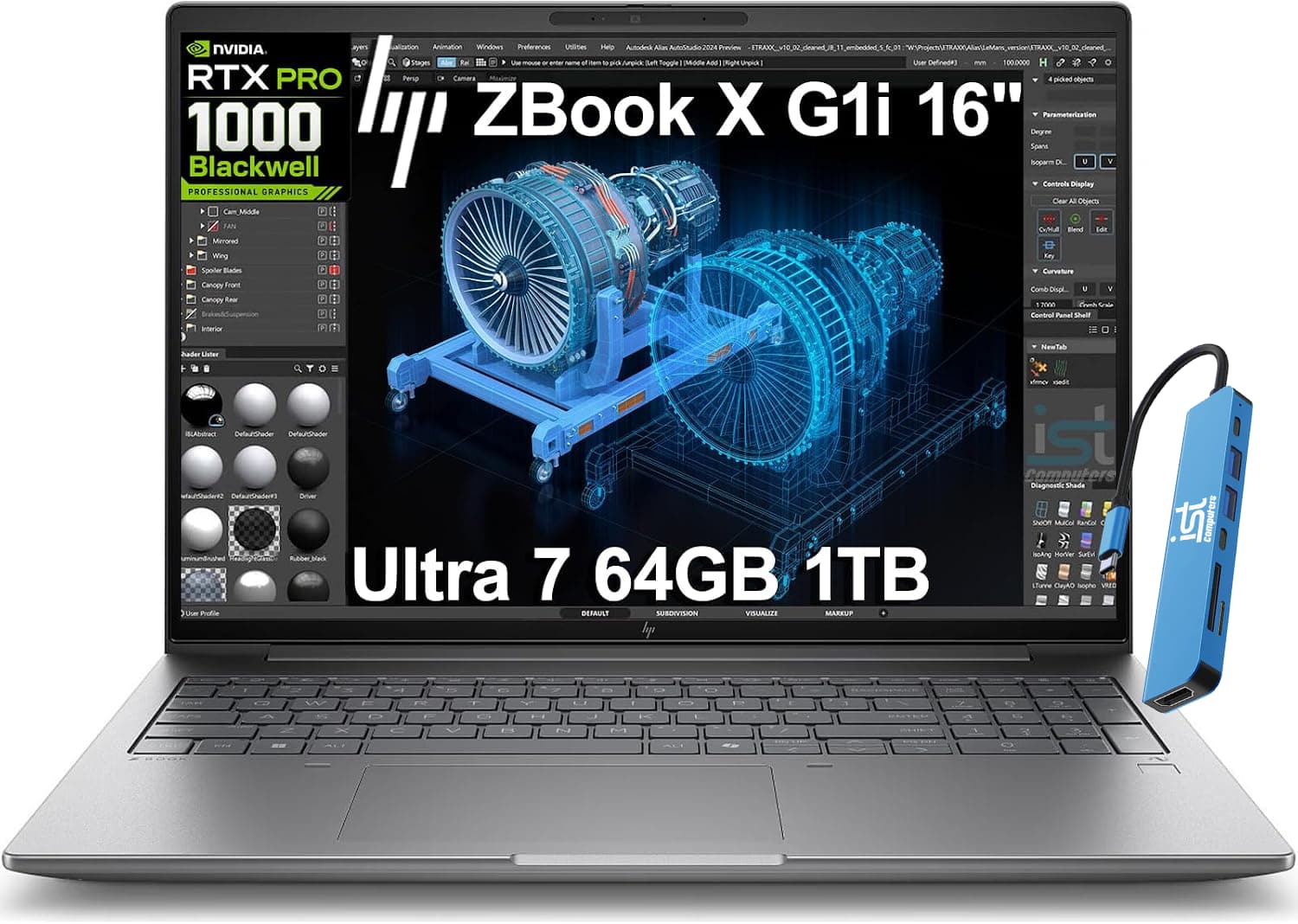
  4. HP - Upgraded - ZBook G11 16" FHD+ Mobile Workstation Laptop - NVIDIA RTX 1000Ada - Intel Ultra 7 165H - 64GB RAM- 1TB SSD - Sliver Gray

    SKU: J3GWT6QQW5

    Product Description

    A powerful silver gray workstation laptop with Intel Core Ultra 7, NVIDIA RTX graphics, 64GB RAM, and 1TB SSD.
    See all Windows Laptops
    Your price for this item is $2,949.99
    Save $1650
    The previous price was $4,599.99
  5. Your price for this item is $2,349.99
    Save $650
    The previous price was $2,999.99
  6. Lenovo - ThinkPad X9-15 Gen 1 - Copilot+ PC - 15.3" 3K OLED Laptop - Intel Ultra 5 with 16GB Memory - 512GB SSD - Gray

    SKU: JJGSHX4XP2

    Fast , responsive and great and clear color display . Good for work school or gaming...It was recommended by the Best Buy salesman, Mike, and it was a good choice.

    Product Description

    A gray 15.3" 3K OLED laptop with Intel Ultra 5, 16GB RAM, and 512GB SSD.
    See all Windows Laptops
    Your price for this item is $1,809.99
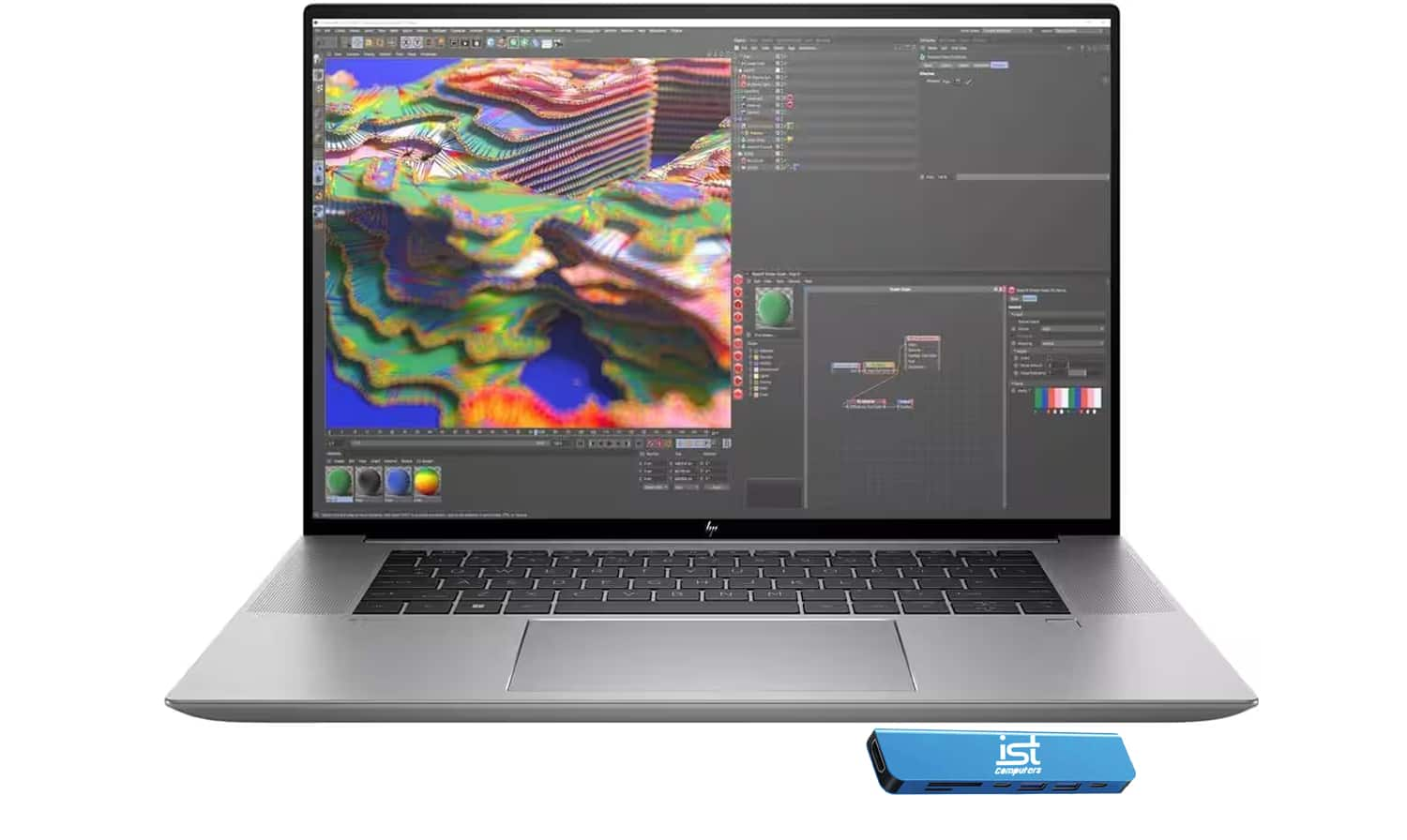
  7. HP - Upgraded - ZBook Studio G9 16" FHD+ Workstation Laptop - Intel Core i7 - NVIDIA RTX A1000 - 32GB DDR5 - 1TB SSD - Win 11 Pro - Silver

    SKU: J3GWQRFPQH

    Product Description

    A powerful silver workstation laptop featuring Intel Core i7, NVIDIA RTX A1000, 32GB RAM, and 1TB SSD.
    See all Windows Laptops
    Your price for this item is $1,999.99
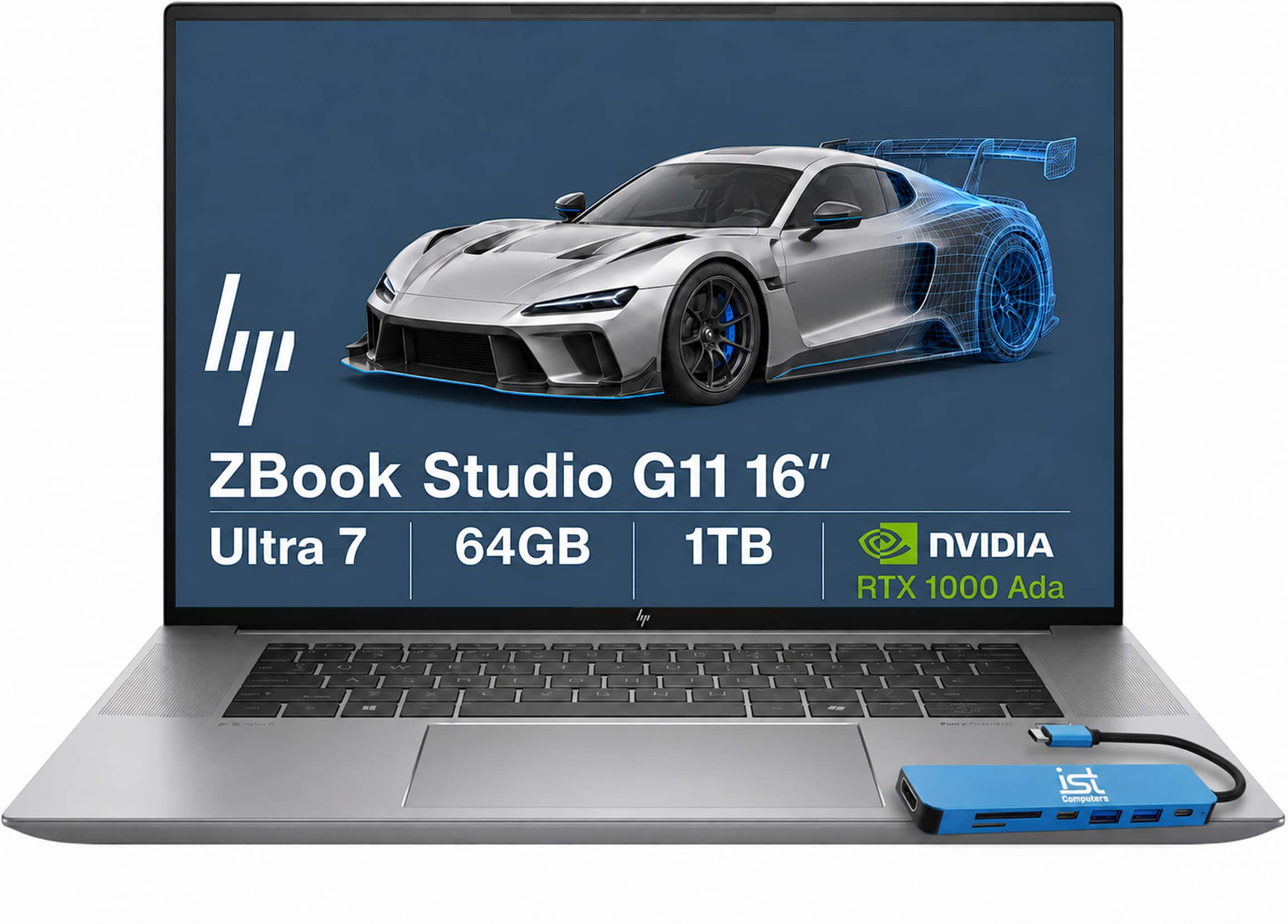
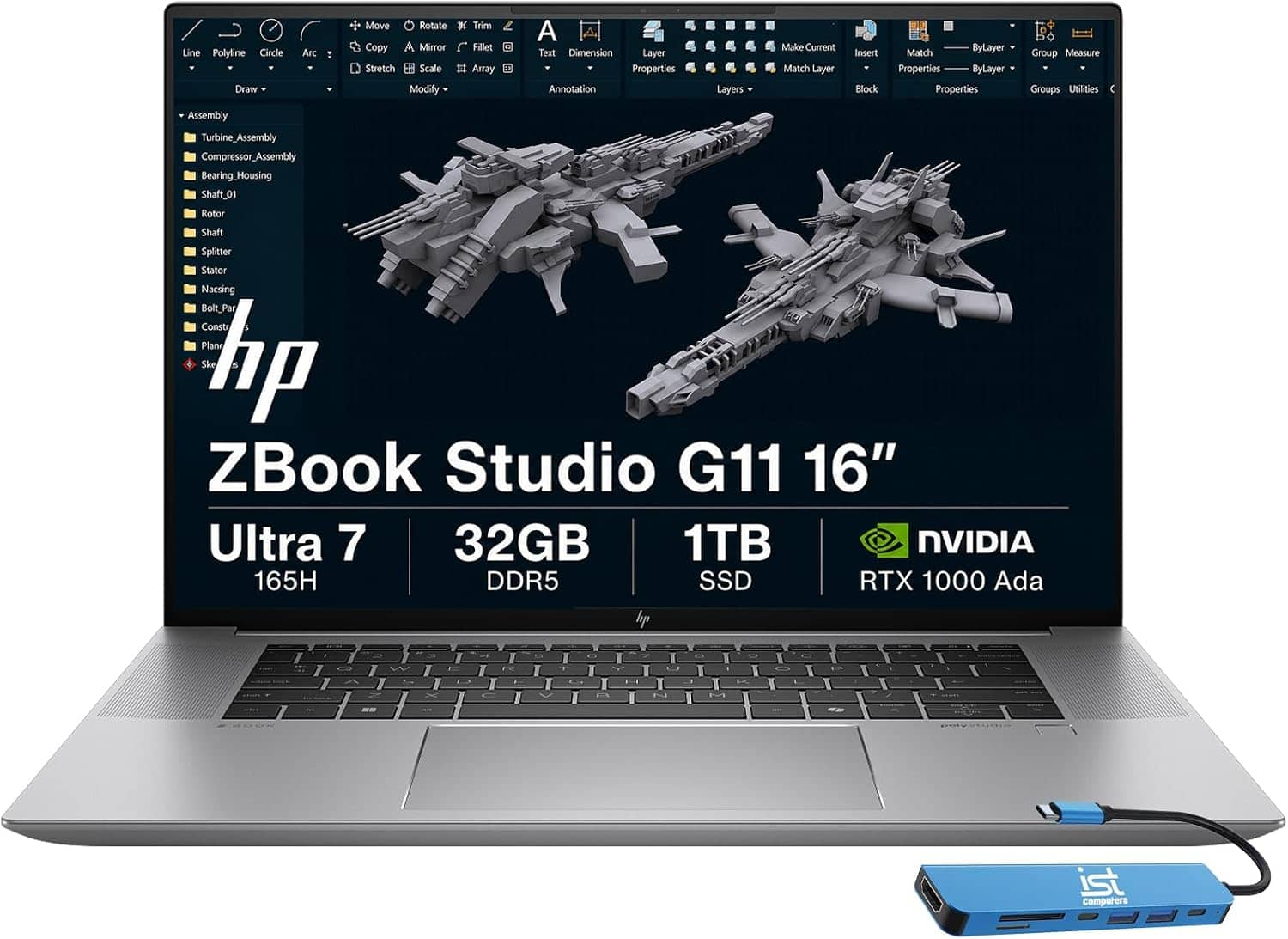
  8. HP - Upgraded - ZBook G11 16" FHD+ Mobile Workstation Laptop - NVIDIA RTX 1000Ada - Intel Ultra 7 165H - 32GB RAM- 1TB SSD - Sliver Gray

    SKU: J3GWQRF9FZ

    Product Description

    A powerful silver gray workstation laptop with Intel Core Ultra 7, RTX 1000 Ada, 32GB RAM, and 1TB SSD.
    See all Windows Laptops
    Your price for this item is $2,999.99
  9. Your price for this item is $2,469.99
  10. HP - Upgraded - ProBook 450 G10 15.6" FHD Laptop - Intel Core i5 - 16GB RAM - 512GB SSD - Windows 11 Pro - Silver

    SKU: J3GWQRF8FJ

    Great storage and screen clarity

    Product Description

    A sleek silver laptop with Intel Core i5, 16GB RAM, 512GB SSD, and Windows 11 Pro.
    See all Windows Laptops
    Your price for this item is $999.99
Fast processing laptops for CAD design are built to keep demanding design work responsive, whether you are developing a precise mechanical part, laying out an architectural space or reviewing a large assembly with hundreds of components. CAD applications can place different demands on a computer depending on the task: parametric modeling often benefits from strong single-core speed, while rendering, simulation, animation and multitasking can take advantage of multiple processor cores. For that reason, look for a recent high-performance processor with a high turbo clock speed and at least 12 cores when your projects involve complex models or frequent rendering. A dedicated graphics processor is equally important for smooth viewport navigation, shaded previews, real-time visual effects and GPU-accelerated rendering. Integrated graphics may be suitable for basic 2D drafting and smaller projects, but a dedicated GPU with its own video memory is a more dependable choice for detailed 3D scenes, large assemblies and professional workflows. Memory also has a direct effect on how comfortably a laptop handles design software alongside reference files, web browsers, communication tools and other applications. For many CAD users, 32GB of RAM is a practical starting point; 64GB or more can be worthwhile for enterprise-scale projects, advanced simulation, high-resolution textures and extensive multitasking. Since memory requirements can grow as projects become more ambitious, a laptop with an upgradeable design or a higher-capacity configuration may offer useful flexibility over time.

Storage affects more than the amount of space available for drawings. A fast NVMe solid-state drive can shorten startup, application launch and file-opening times, helping a large project feel less cumbersome when moving between revisions. A 1TB SSD gives many designers room for software, active projects and commonly used libraries, while 2TB or more may be a better fit for users who keep numerous assemblies, render files, engineering references or local media assets on the laptop. CAD work can also generate substantial temporary files, so leaving free space available is helpful for maintaining consistent performance. Display size is another practical consideration. A larger screen gives toolbars, property panels, drawing areas and model views more room to coexist, which can reduce the need to constantly zoom or rearrange a workspace. Higher resolution can make fine edges, measurements and text easier to inspect, while accurate color reproduction is valuable when CAD work overlaps with industrial design, visualization or presentation materials. A compact laptop is easier to carry between a studio, classroom, job site and home office, but a larger model may provide stronger cooling, a more spacious keyboard and additional room for ports. Pay attention to the keyboard, touchpad and available connections as well: comfortable controls matter during long design sessions, and USB, HDMI, networking or other ports can simplify the use of external monitors, storage devices, drawing tools and projectors. A laptop that supports multiple displays can be especially useful when keeping a model on one screen and specifications, reference drawings or collaboration software on another.

The best choice depends on the type of CAD work, the software being used and the way the laptop will travel. Students learning AutoCAD, Fusion-style modeling tools or architectural drafting may appreciate a balanced configuration that combines a capable processor, dedicated graphics and generous storage without the added weight of a full mobile workstation. Designers working with SolidWorks-style assemblies, BIM projects, engineering analysis or detailed 3D visualization may benefit from more RAM, a higher-tier GPU, robust cooling and a processor designed for sustained workloads. Professional mobile workstations can also provide certified compatibility with selected engineering and design applications, along with business-focused support and durability features. Performance-oriented laptops that are not marketed as workstations may offer impressive processor and graphics specifications for the price, but software certification, driver support, port selection and service coverage are worth comparing before purchase. Cooling deserves particular attention because CAD calculations and rendering can keep the processor and GPU active for extended periods. A chassis with effective airflow, substantial heat management and a power adapter designed for the hardware can help maintain performance during demanding sessions, although higher performance often means more weight, fan noise and shorter battery life away from an outlet. For a more portable setup, compare battery capacity, charging options and overall size with the realities of your commute; for a desk-based workflow, a larger performance laptop paired with an external monitor may be the more comfortable arrangement. These laptops can make thoughtful gifts for an engineering student, architecture student, maker, product designer or creative professional preparing for a new course or project, particularly when the recipient needs one computer for modeling, research, presentations and everyday work. If your projects also extend into sculpting, animation or detailed visualization, explore Powerful Laptops For 3D Modeling for additional performance considerations. As the weather warms and later during the cooler months, a dependable CAD laptop can move easily from a bright studio to a classroom or home workspace, giving design ideas a responsive place to take shape wherever the work happens.

FAQ

For CAD design, prioritize laptops with high-performance processors (such as Intel Core i7 or i9, or AMD Ryzen 7 or 9), dedicated graphics cards (like NVIDIA Quadro or GeForce RTX series), at least 16GB of RAM, and fast SSD storage to ensure smooth rendering and multitasking.

A dedicated graphics card accelerates rendering and complex visualizations in CAD software, providing smoother performance and faster processing compared to integrated graphics. This is essential for handling large models and detailed designs.

For most CAD applications, a minimum of 16GB of RAM is recommended. However, if you work with very large files or multitask with other demanding programs, opting for 32GB can further enhance performance.

Yes, many gaming laptops offer powerful processors and high-end graphics cards suitable for CAD work. Just ensure the laptop meets the hardware requirements of your specific CAD software.

Solid State Drives (SSDs) are ideal because they offer much faster read/write speeds than traditional hard drives. This results in quicker file loading, saving, and overall improved responsiveness when working with large CAD projects.