Game Capture For Youtube
-
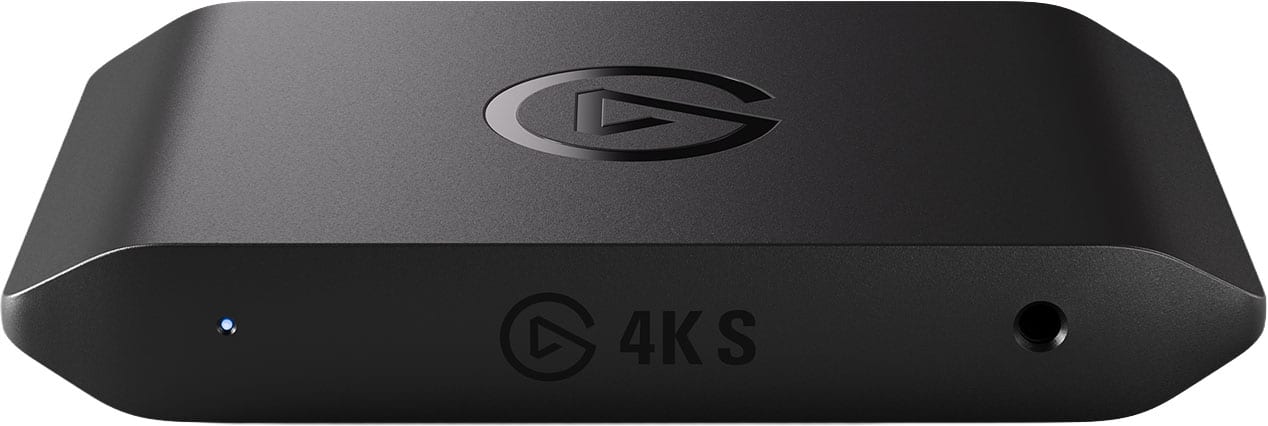
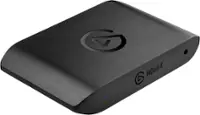
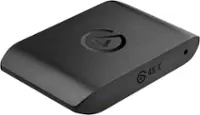
Elgato - 4K S – Ext Capture 4K60, 1440p120/1080p240 Passthrough and Capture for PS5, Xbox Series X/S, Switch 2, PC, Mac, iPad - Black
SKU: J39TSCS75QGoes from my projector to a dock from Best Buy as well and works great....I love this device and Now I feel like a real youtuber now....Best Capture Card Eveer
See all Capture Cards & DevicesProduct Description
A sleek black external capture card delivering 4K60, 1440p120, and 1080p240 passthrough for seamless gameplay recording.Your price for this item is $159.99 -
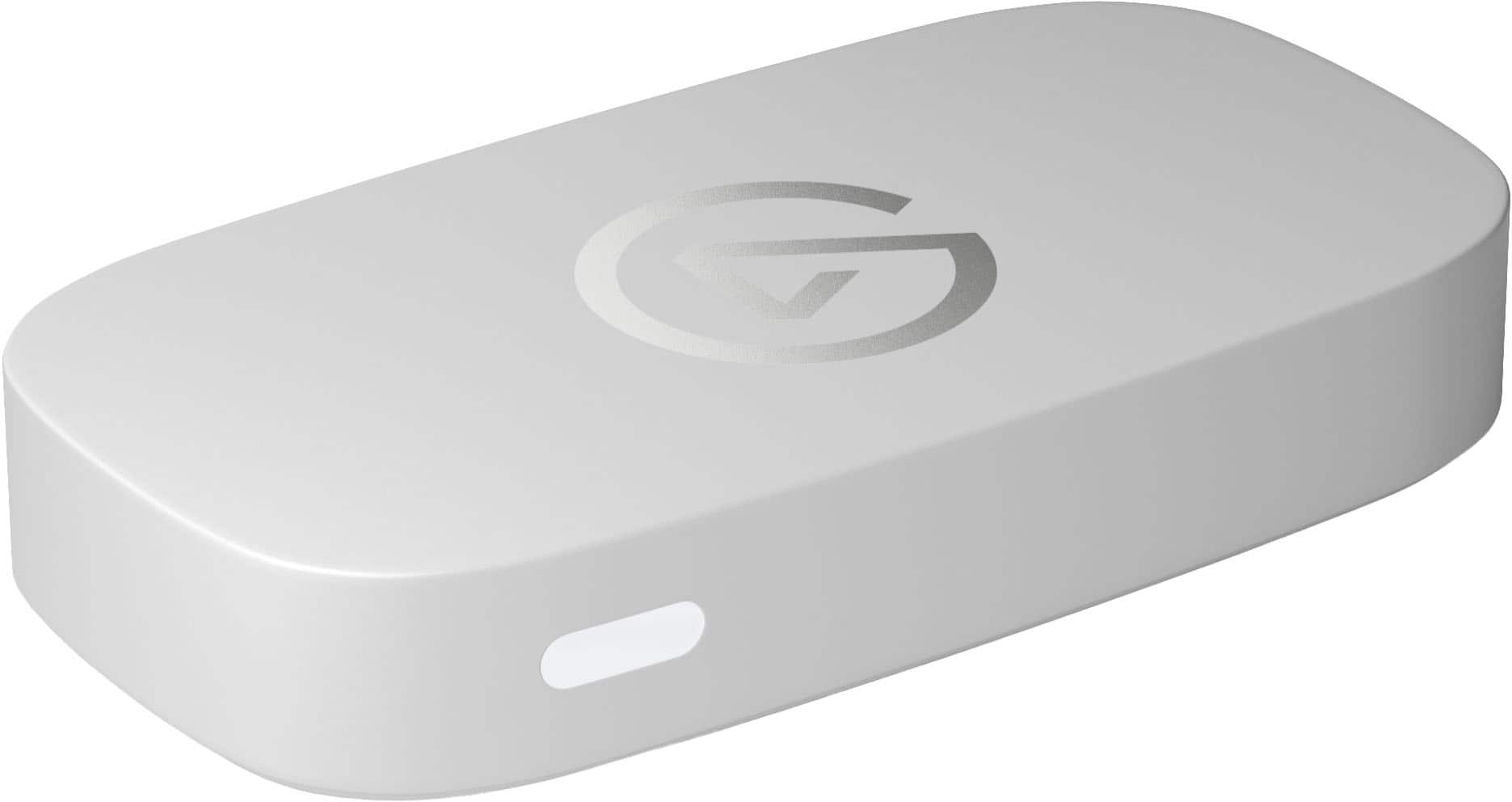
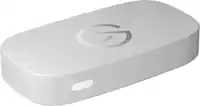
Elgato - Game Capture Neo - 4K60 HDR Passthrough, 1080p60 Capture – For Nintendo Switch 2/PS4/PS5/Xbox/PC/Mac/iOS - White
SKU: J39TSCPTCQLove it, its great and the white matches my pc. Great purchase....thing working perfectly fine ,I really didn’t have no issues at all to figure it out how it work, best...of the best
See all Capture Cards & DevicesProduct Description
A white capture device offering 4K60 HDR passthrough and 1080p60 recording for multiple gaming platforms.Your price for this item is $129.99 -
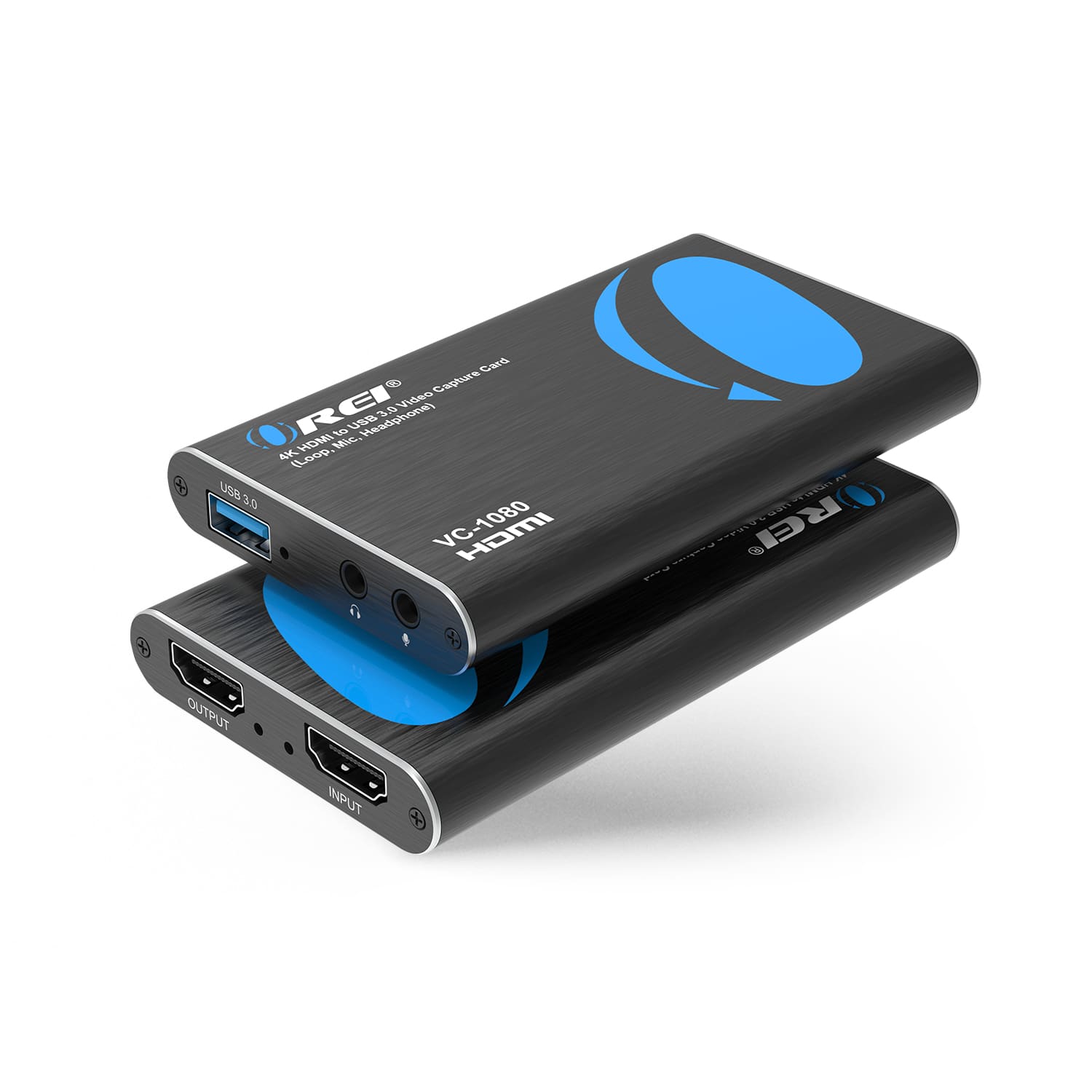
Orei - 4K HDMI to USB 3.0 Video Capture Card (Loop, Mic, Headphones) (VC-1080) - Black
SKU: J3GWPT7HL3I will say the capture isn’t the best but I’ve easily been able to fix that by putting it in CapCut and
See all HDMI ExtendersProduct Description
A compact black HDMI capture card offering 4K input, USB 3.0 output, and plug-and-play compatibility.Your price for this item is $24.95Save $35The previous price was $59.99 -
AVerMedia - X’TRA GO GC515 Capture Dock - Black
SKU: J3R84GFX2FWorks great!...It works great and is very durable! It connects to so many things and it’s easy to use it....Sometimes the wires get a little warm but other than that, great product!
See all Capture Cards & DevicesProduct Description
A versatile black capture dock enabling handheld gameplay recording up to 4K30 or 1080p120FPS without a computer.Your price for this item is $161.99 -
AVerMedia - Live Streamer Ultra HD - Black
SKU: J3R8WKCFXRSee all Capture Cards & DevicesProduct Description
An easy-to-use black video capture card delivering 4K ultra HD streaming quality for Windows users.Your price for this item is $179.99 -
Pyle - Full HD 1080p External Game Stream Capture Card | Digital Video & Gaming Recorder, Includes All Necessary Cables - Black
SKU: J7SGX38L3VSee all Capture Cards & DevicesProduct Description
A black external capture card that records and streams Full HD 1080p gaming and video content via USB 3.0.Your price for this item is $63.99 -
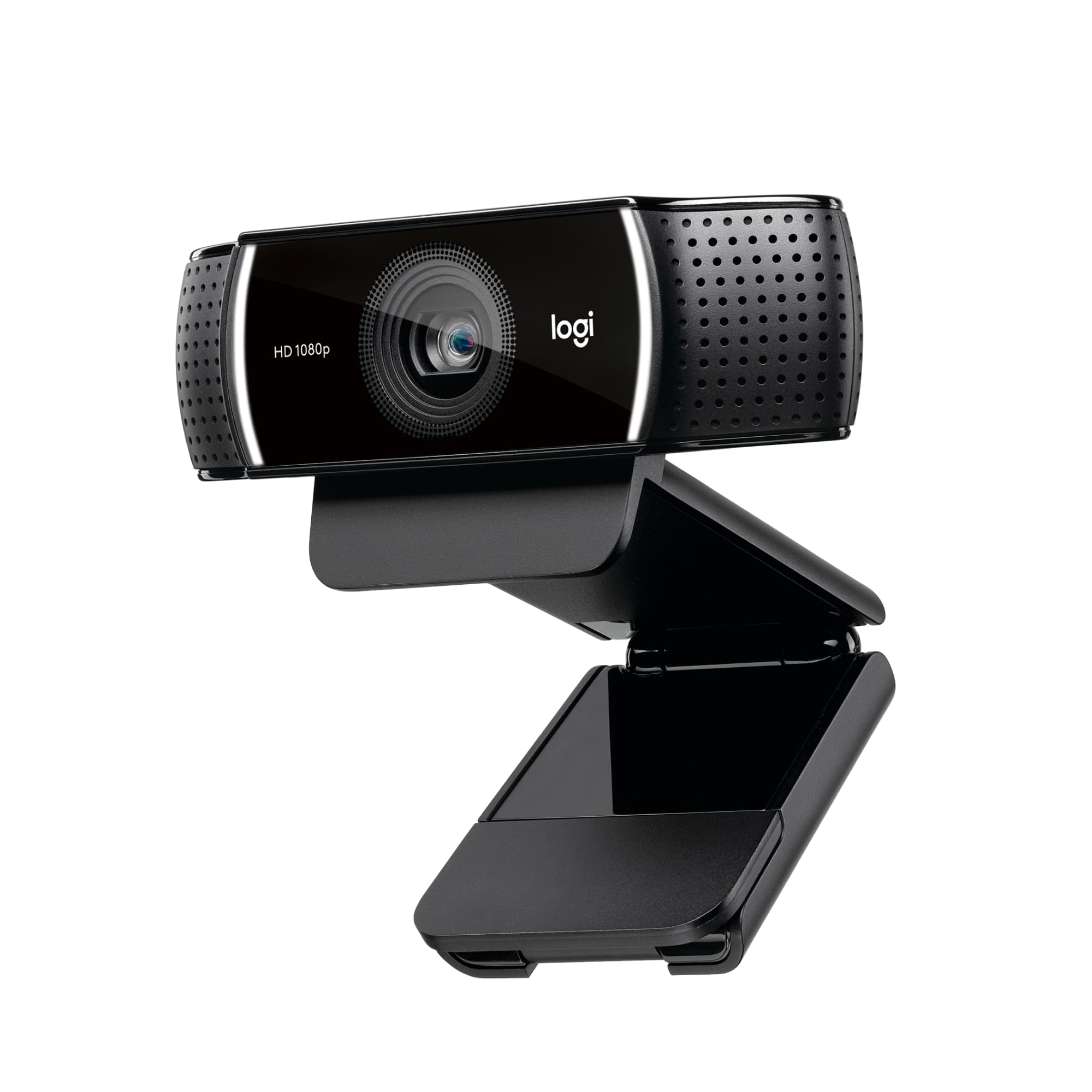
Logitech - C922 Pro Stream 1080 Video Streaming, Recording and Video Calling - Black
SKU: J7H7ZYCF44Great product and I love the curbside process by Best Buys.....Best Webcam...webcam is great and I love it....Best Buy recommended it and I looked at all of my choices and agreed this was the best one...
See all WebcamsProduct Description
A black streaming webcam offering 1080p video, autofocus, dual microphones, and easy plug-and-play setup.Your price for this item is $99.00Save $20The previous price was $119.99 -
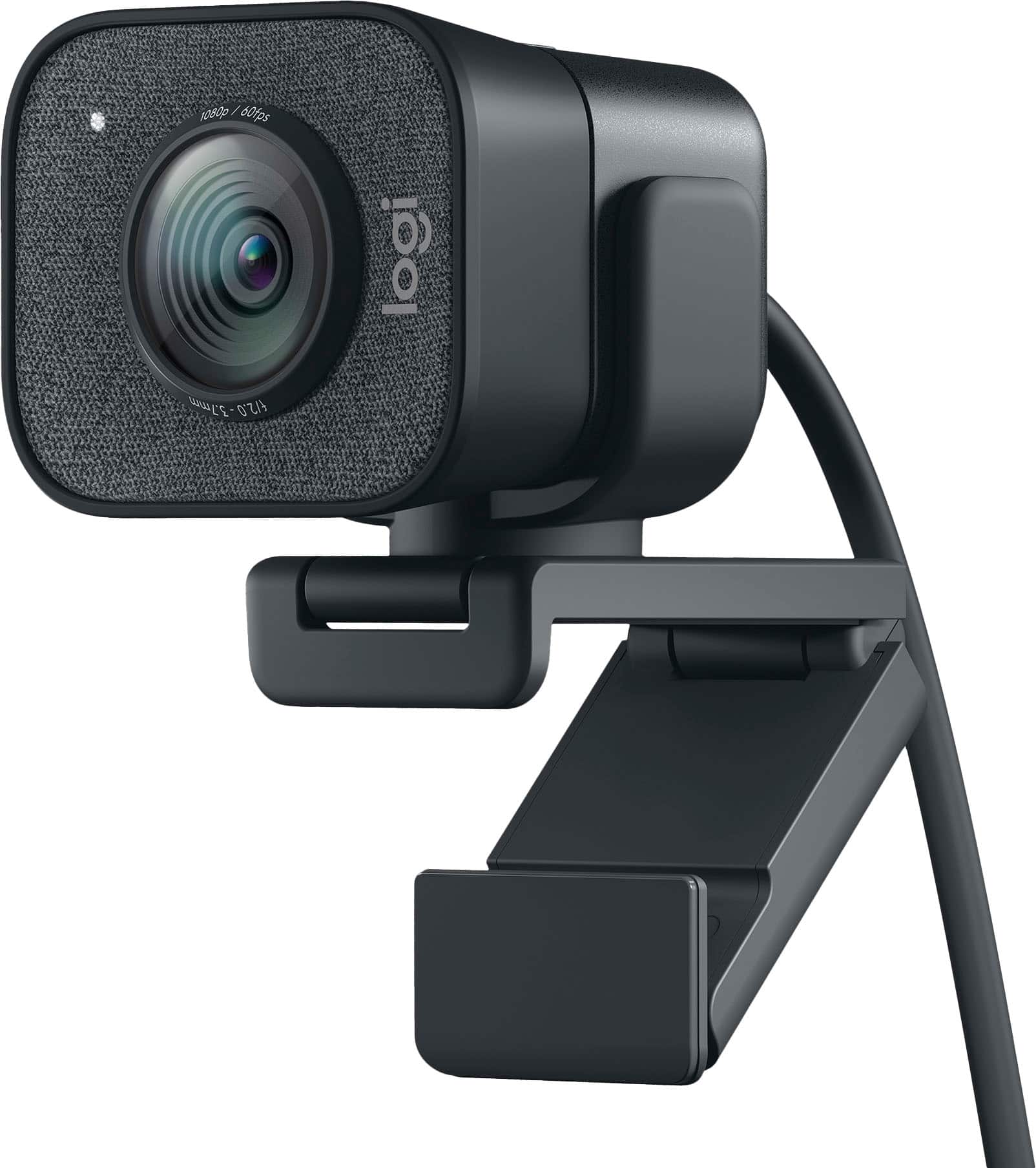
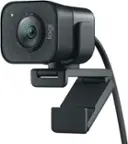
Logitech - StreamCam Plus 1080 Webcam for Live Streaming and Content Creation - Graphite
SKU: J7H7ZYXZ2PGreat picture...Absolutely love, use it everyday. Works great with streaming...Great canm...Best webcam i have ever used. Setup is easy. Software is user-friendly. Definitely worth the money
See all WebcamsProduct Description
A graphite webcam delivering smooth 1080p HD video at 60 fps with autofocus and built-in microphone.Your price for this item is $150.97Save $19The previous price was $169.99 -
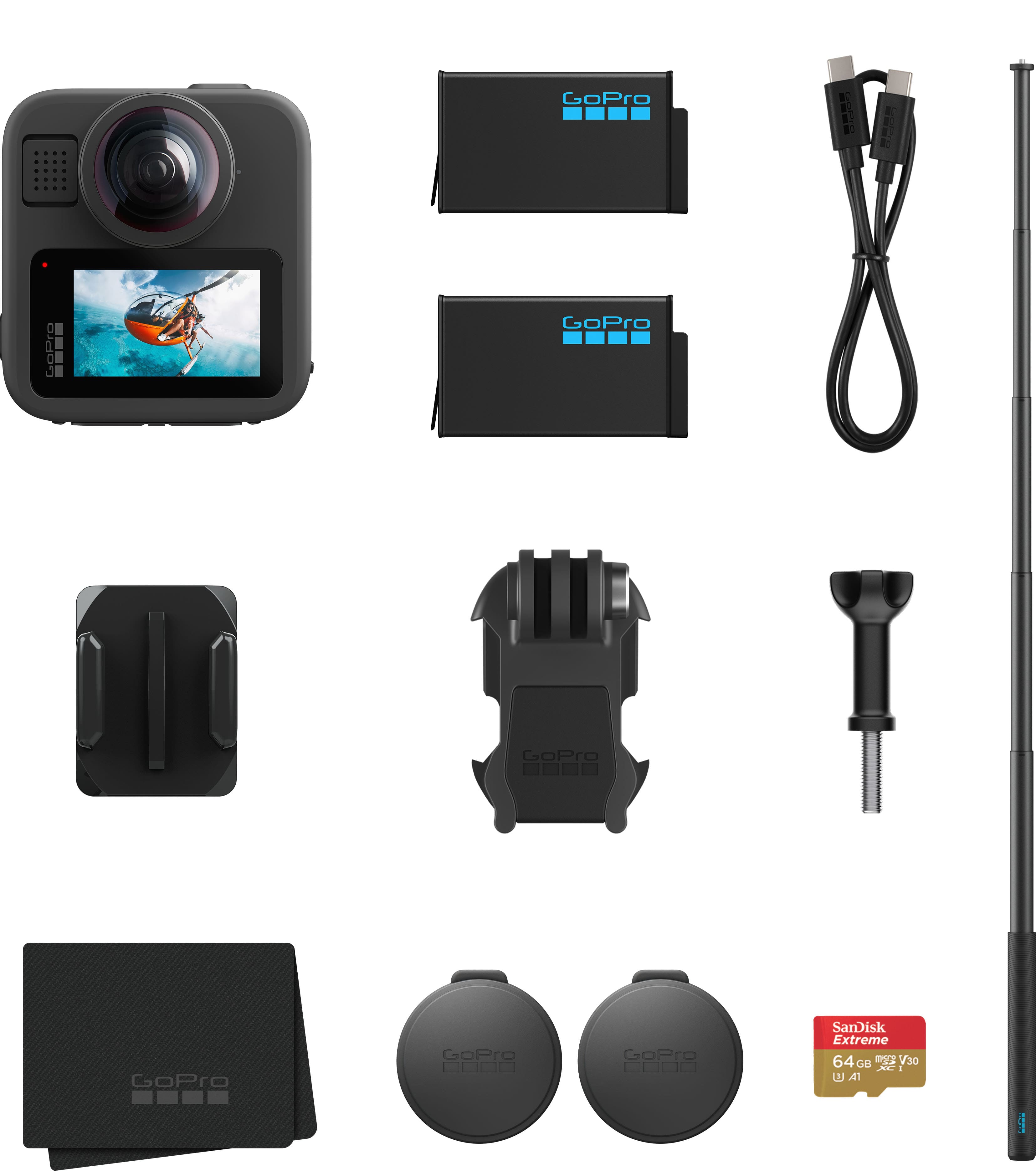
GoPro - MAX2 Action Camera Accessory Bundle - Black
SKU: J3GW35FPSFIf your looking for a great true 360 camera this is what you neeeeeeed best on the market works great...The best
See all 360 Degree CamerasProduct Description
A versatile black 360-degree action camera bundle with 8K video, extension pole, extra battery, and SD card.Your price for this item is $369.99Save $200The previous price was $569.99 -
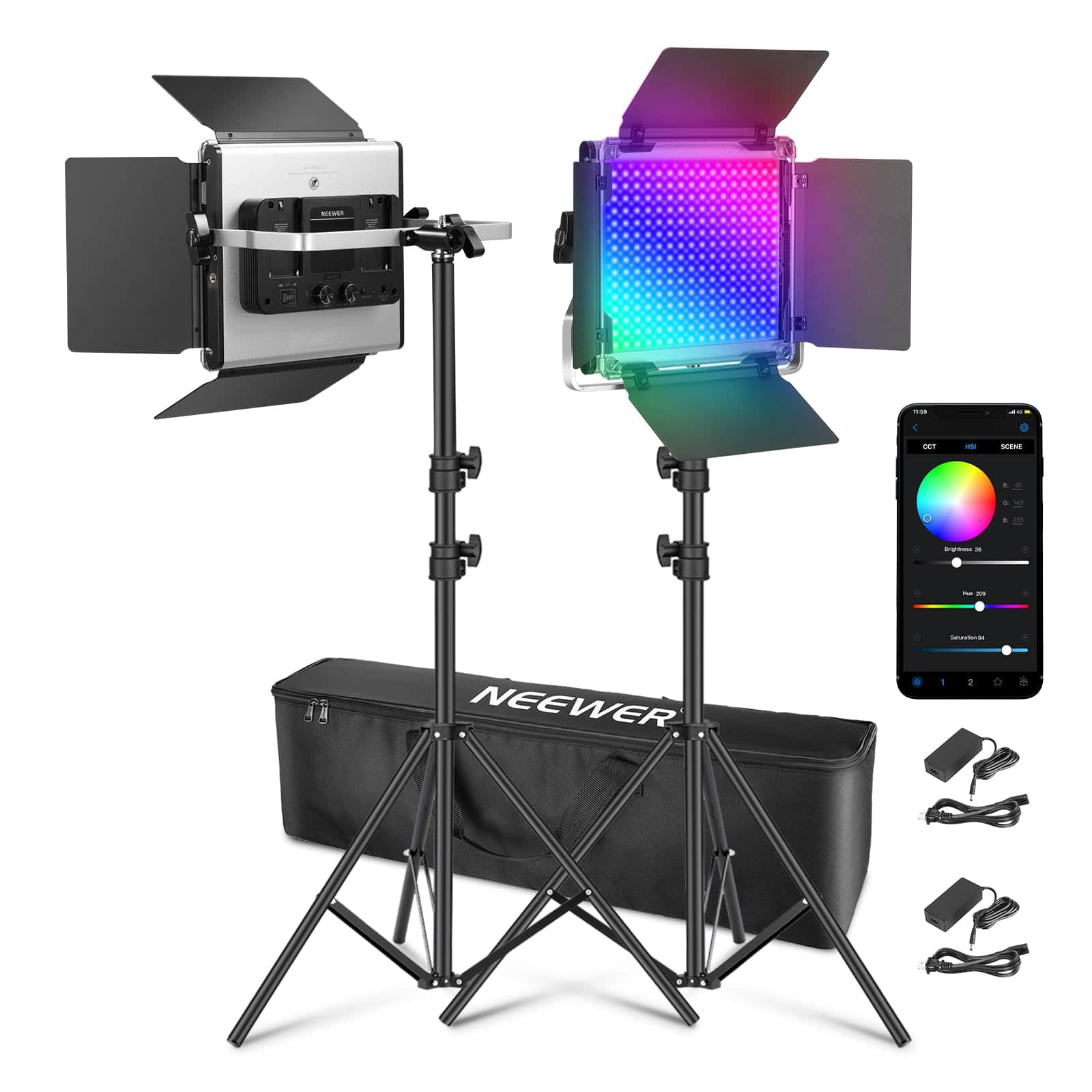
Neewer - Upgraded 660 PRO II RGB LED Light Kit (2-Pack) - APP Controlled 50W Panels with Tripods for Studio - Black
SKU: CZLV9F2VC6See all Studio Lighting & FlashesProduct Description
A pair of black RGB LED video lights with app control, 50W output, and adjustable color temperature.Your price for this item is $259.99Save $28The previous price was $287.99


Best Sellers



Related Pages
FAQ
When choosing a game capture device for YouTube, consider features like high-resolution capture (1080p or 4K), compatibility with your gaming platform (PC, PlayStation, Xbox, or Nintendo Switch), low-latency streaming, built-in audio mixing, and user-friendly software for editing and uploading your videos.
Yes, many game capture devices support live streaming directly to YouTube and other platforms. Look for models that offer integrated streaming software or support popular third-party applications like OBS Studio or XSplit for seamless broadcasting.
Some game capture devices handle video encoding internally, reducing the demand on your computer. However, for the best results—especially with high-resolution or high-frame-rate content—a moderately powerful computer is recommended to ensure smooth recording and streaming.
Yes, many game capture cards and devices are designed to work with multiple platforms, including PCs, PlayStation, Xbox, and Nintendo Switch. Be sure to check the product specifications to confirm compatibility with your specific gaming system.
Typically, you connect your gaming console to the capture device via HDMI, then connect the capture device to your computer using USB or PCIe (for internal cards). Most devices come with setup guides and software to help you configure your recording or streaming preferences.