Game Capture For Mac
-
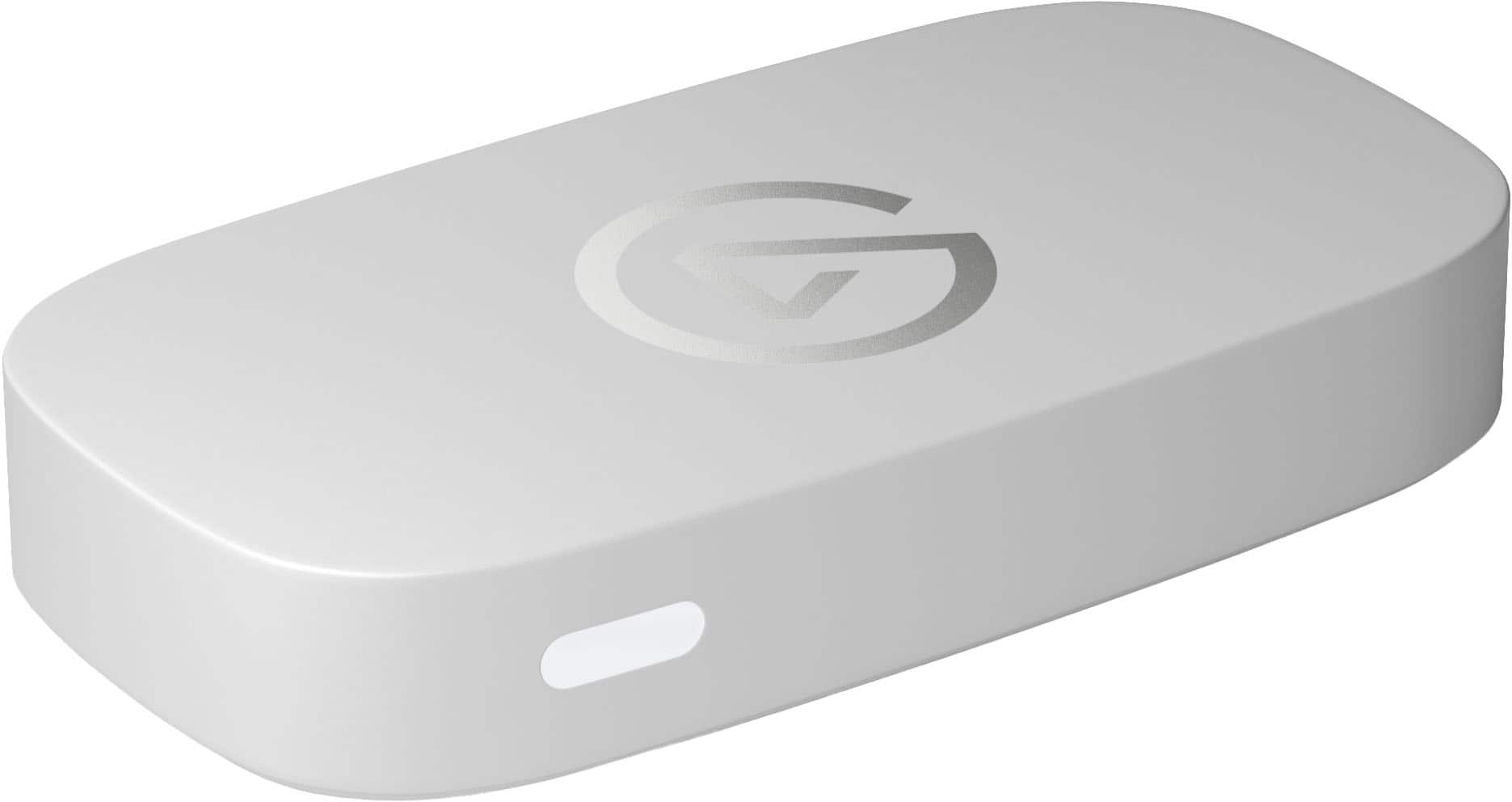
Elgato - Game Capture Neo - 4K60 HDR Passthrough, 1080p60 Capture – For Nintendo Switch 2/PS4/PS5/Xbox/PC/Mac/iOS - White
SKU: J39TSCPTCQthing working perfectly fine ,I really didn’t have no issues at all to figure it out how it work, best...Love it, its great and the white matches my pc. Great purchase....of the best
See all Capture Cards & DevicesProduct Description
A white capture device offering 4K60 HDR passthrough and 1080p60 recording for multiple gaming platforms.Your price for this item is $129.99 -
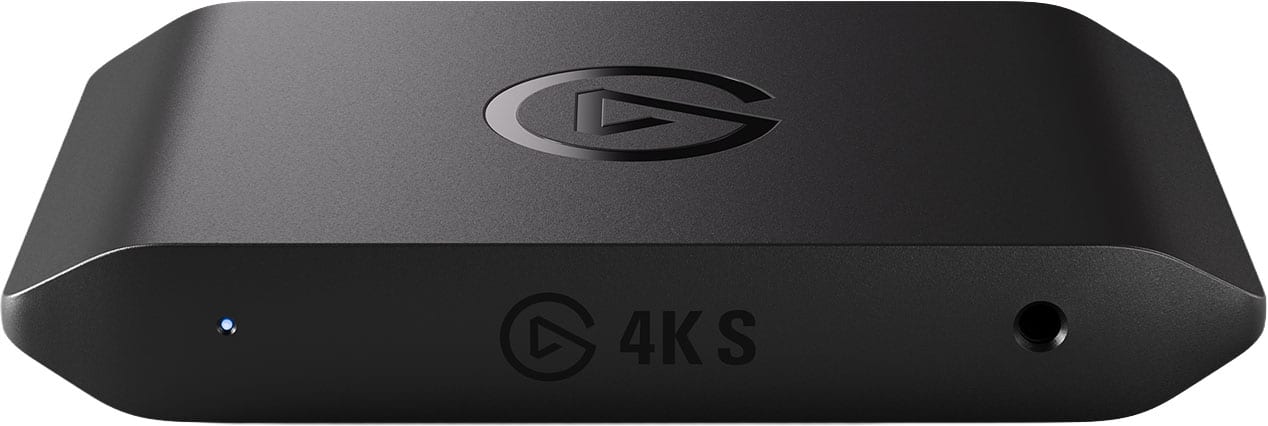
Elgato - 4K S – Ext Capture 4K60, 1440p120/1080p240 Passthrough and Capture for PS5, Xbox Series X/S, Switch 2, PC, Mac, iPad - Black
SKU: J39TSCS75QBest Capture Card Eveer...I love this device and Now I feel like a real youtuber now....Goes from my projector to a dock from Best Buy as well and works great.
See all Capture Cards & DevicesProduct Description
A sleek black external capture card delivering 4K60, 1440p120, and 1080p240 passthrough for seamless gameplay recording.Your price for this item is $159.99 -
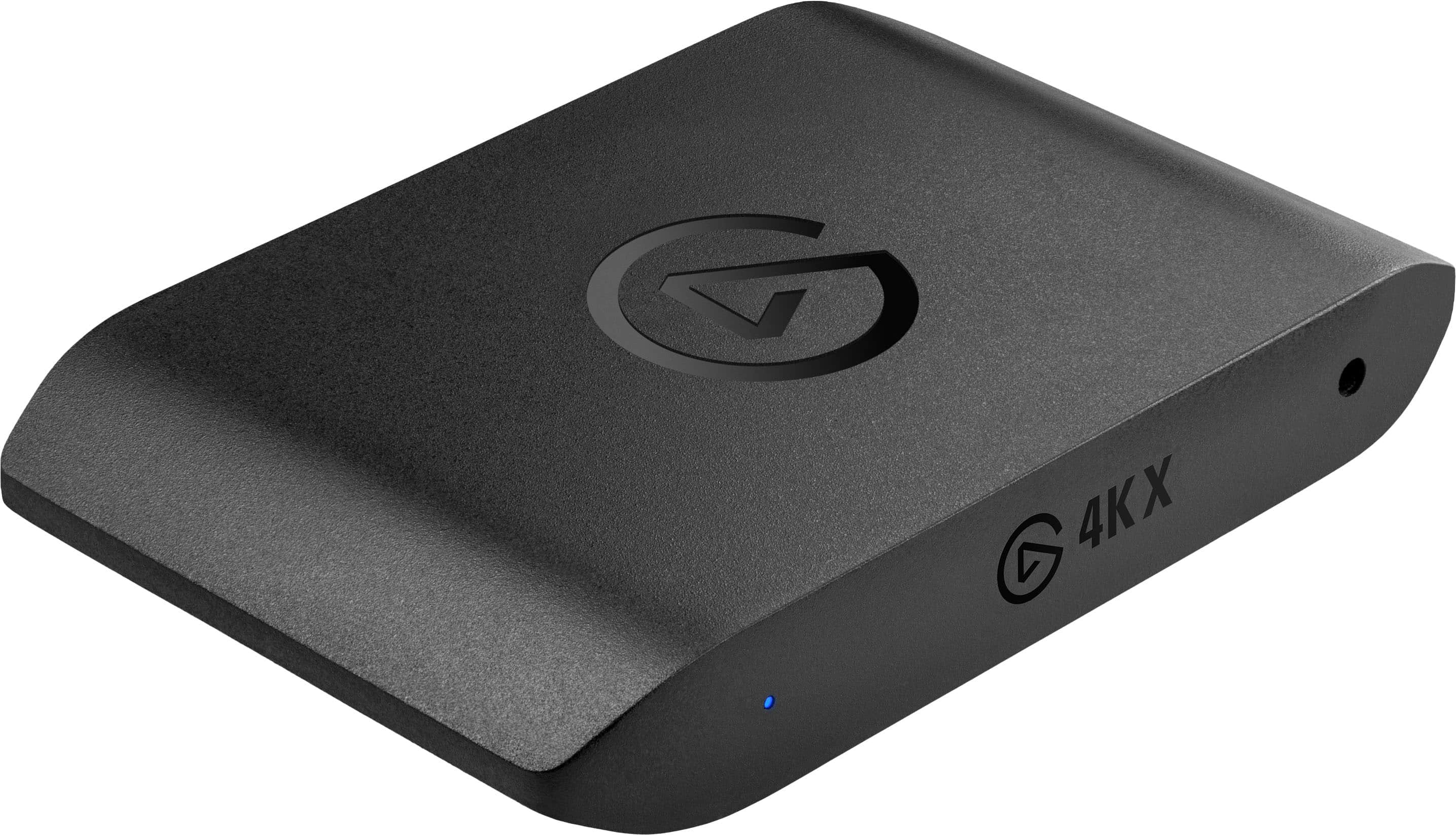
Elgato - 4K X 4K144 HDR10 External Capture Card with HDMI 2.1 for Nintendo Switch 2, PS5, PS4/Pro, Xbox, PC, and Mac - Black
SKU: J39QHTCY8FLove this device. It's bar far the best in its class....Best purchase so far. I love using since the day I first used it.
See all Capture Cards & DevicesProduct Description
A powerful black external capture card delivering 4K144 HDR10 recording with HDMI 2.1 and ultra-low latency.Your price for this item is $249.99 -
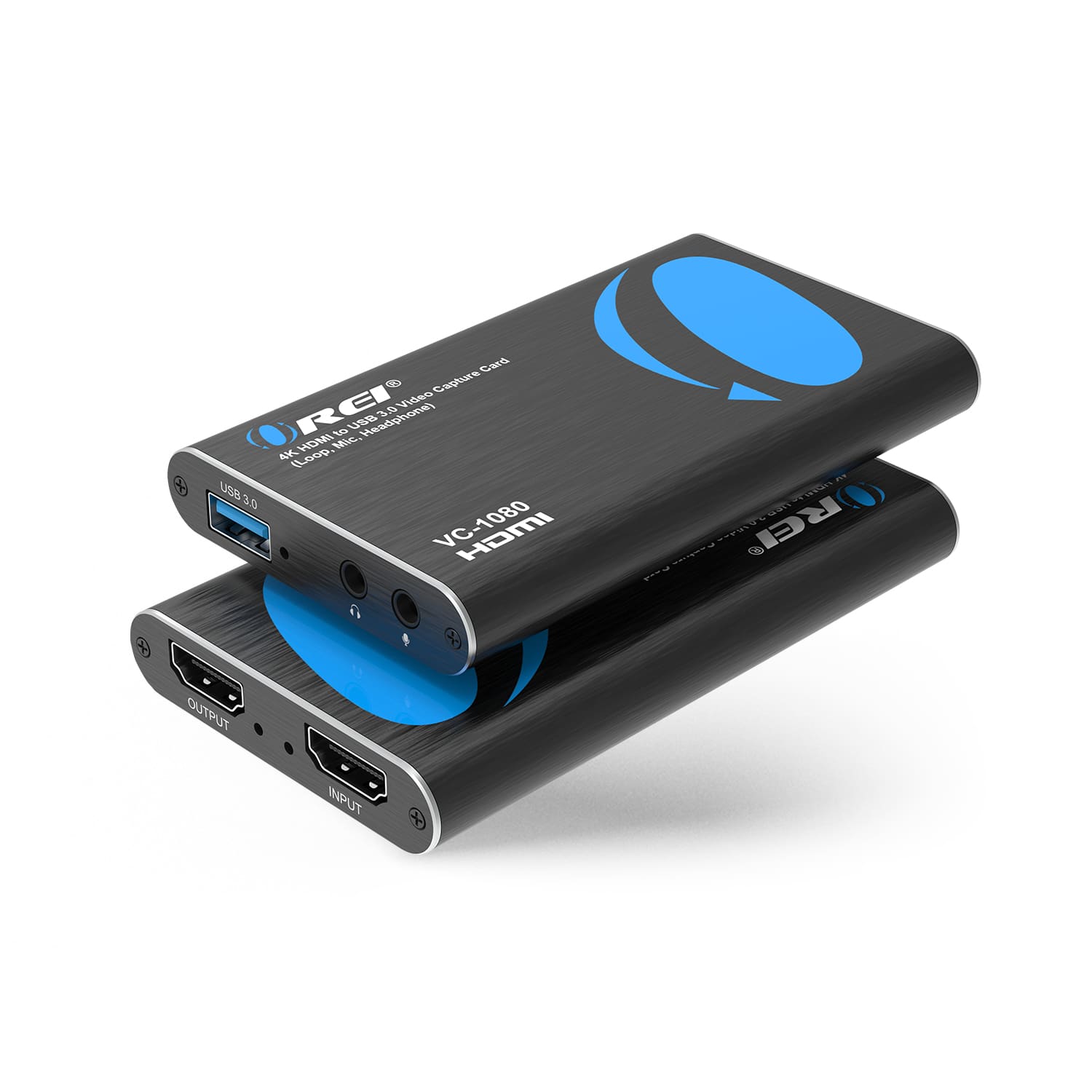
Orei - 4K HDMI to USB 3.0 Video Capture Card (Loop, Mic, Headphones) (VC-1080) - Black
SKU: J3GWPT7HL3I will say the capture isn’t the best but I’ve easily been able to fix that by putting it in CapCut and
See all HDMI ExtendersProduct Description
A compact black HDMI capture card offering 4K input, USB 3.0 output, and plug-and-play compatibility.Your price for this item is $24.95Save $35The previous price was $59.99 -
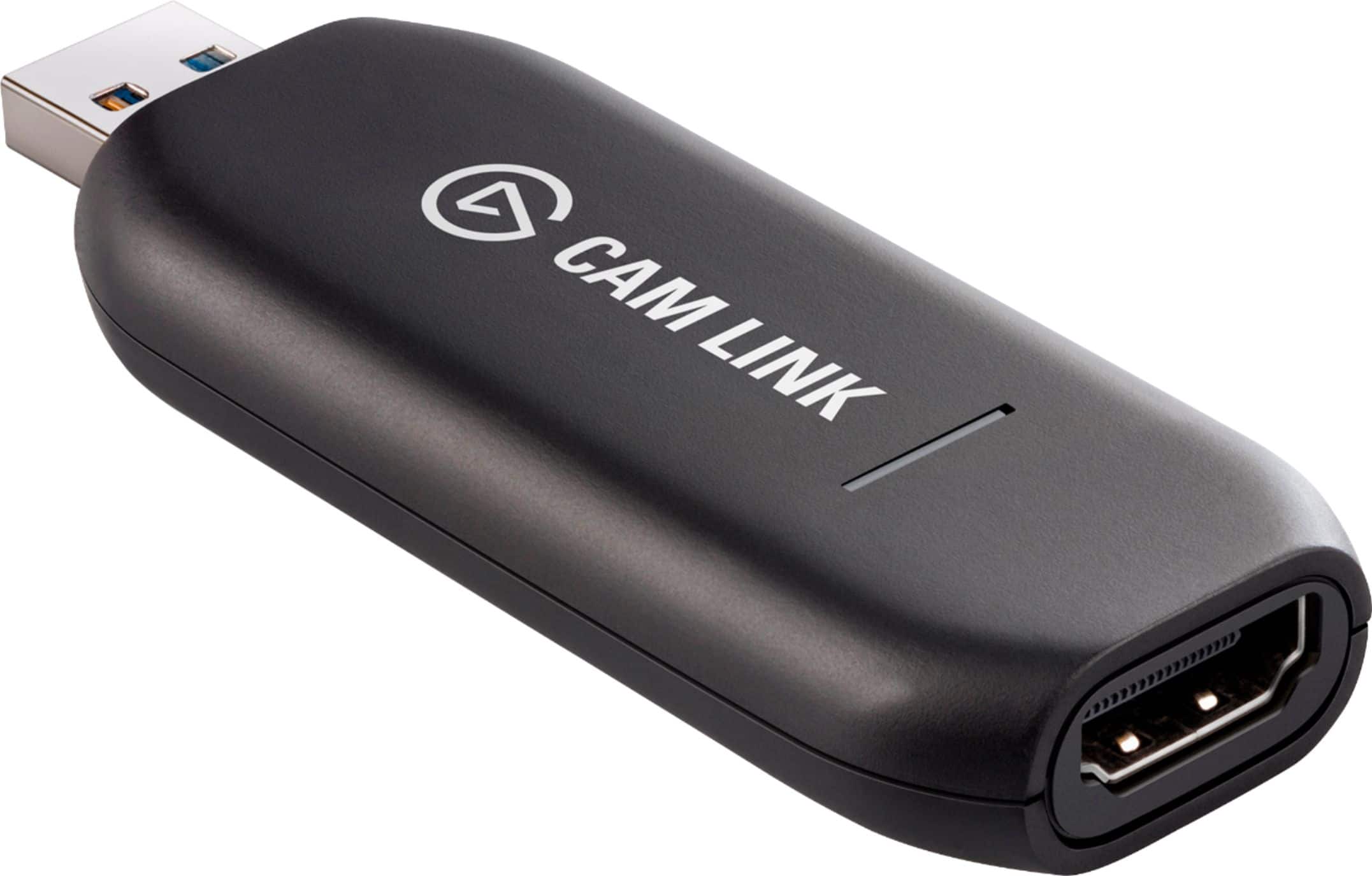
Elgato - Cam Link 4K – Windows & macOS - Black
SKU: J363LW7SYXThe best way to make your dslr a webcam...This thing works great!!! I love it!!! My video quality is awesome in my streaming setup!...Best in the business. No need for extra downloads. Straight to the...
See all Capture Cards & DevicesProduct Description
A black HDMI-to-USB device that lets you stream or record 4K video from cameras with ultra-low latency.Your price for this item is $99.99 -
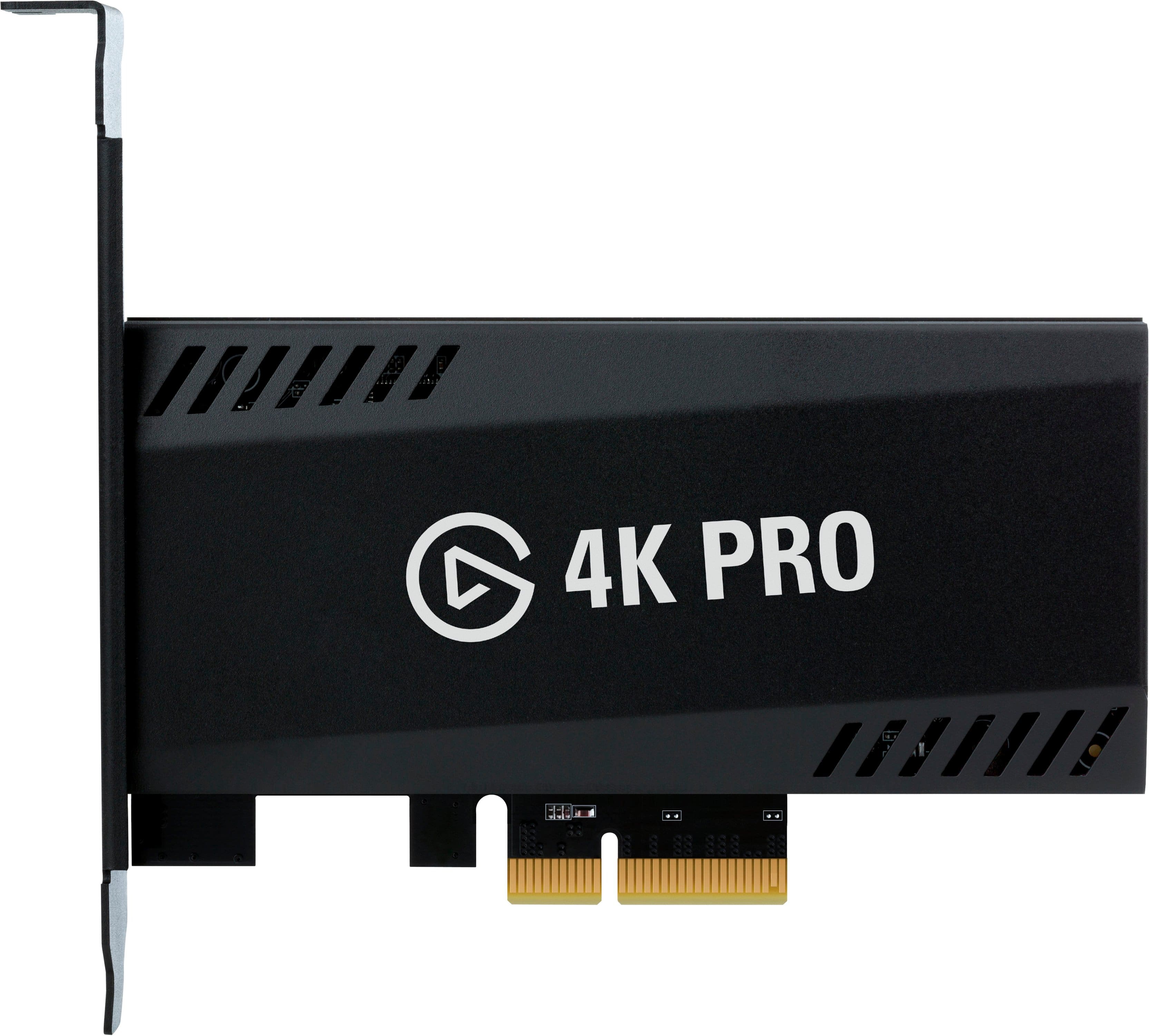
Elgato - 4K Pro – 8K60 Passthrough/4K60 Capture for PC, Nintendo Switch 2, PS5, Xbox Series X with HDMI 2.1, VRR, HDR10 - Black
SKU: J39QHTCYG3Best capture video...The best video capture on the market in love it thanks...Best Streaming Piece...This is amazing I love it, everything I want best ever Really helped me with my streaming
See all Capture Cards & DevicesProduct Description
A black capture card offering 8K60 passthrough, 4K60 capture, HDMI 2.1, VRR, and HDR10 support.Your price for this item is $299.99
Best Sellers







Related Pages




FAQ
When choosing a game capture device for your Mac, consider features such as compatibility with macOS, input and output resolution support (like 1080p or 4K), frame rate capabilities, low-latency performance, and software support for editing and streaming.
Yes, many game capture devices for Mac are compatible with popular streaming platforms such as Twitch, YouTube, and Facebook Live. Be sure to check that the device's software supports your preferred platform and integrates with streaming tools like OBS Studio.
Most game capture devices come with their own software, but many are also compatible with third-party applications like OBS Studio or Streamlabs. Always verify software compatibility with your macOS version before purchasing.
Game capture devices for Mac often connect via USB, USB-C, or Thunderbolt ports. Some models may also offer HDMI passthrough for direct connection to your gaming console or camera.
Yes, several game capture devices are designed to work with a variety of platforms, including gaming consoles like PlayStation, Xbox, and Nintendo Switch, as well as PC and Mac computers. Check the product specifications to ensure multi-platform compatibility.