Google Chromecast HDMI Streaming Media Player
-
WiiM - Amp Multiroom Streaming Amplifier with AirPlay, Google Cast, Alexa, Voice Control, Silver
SKU: J2FWXYPRW3See all Power AmplifiersProduct Description
A silver streaming amplifier offering 60W Hi-Res audio, AirPlay 2, Chromecast, HDMI, and voice control.Your price for this item is $329.99 -
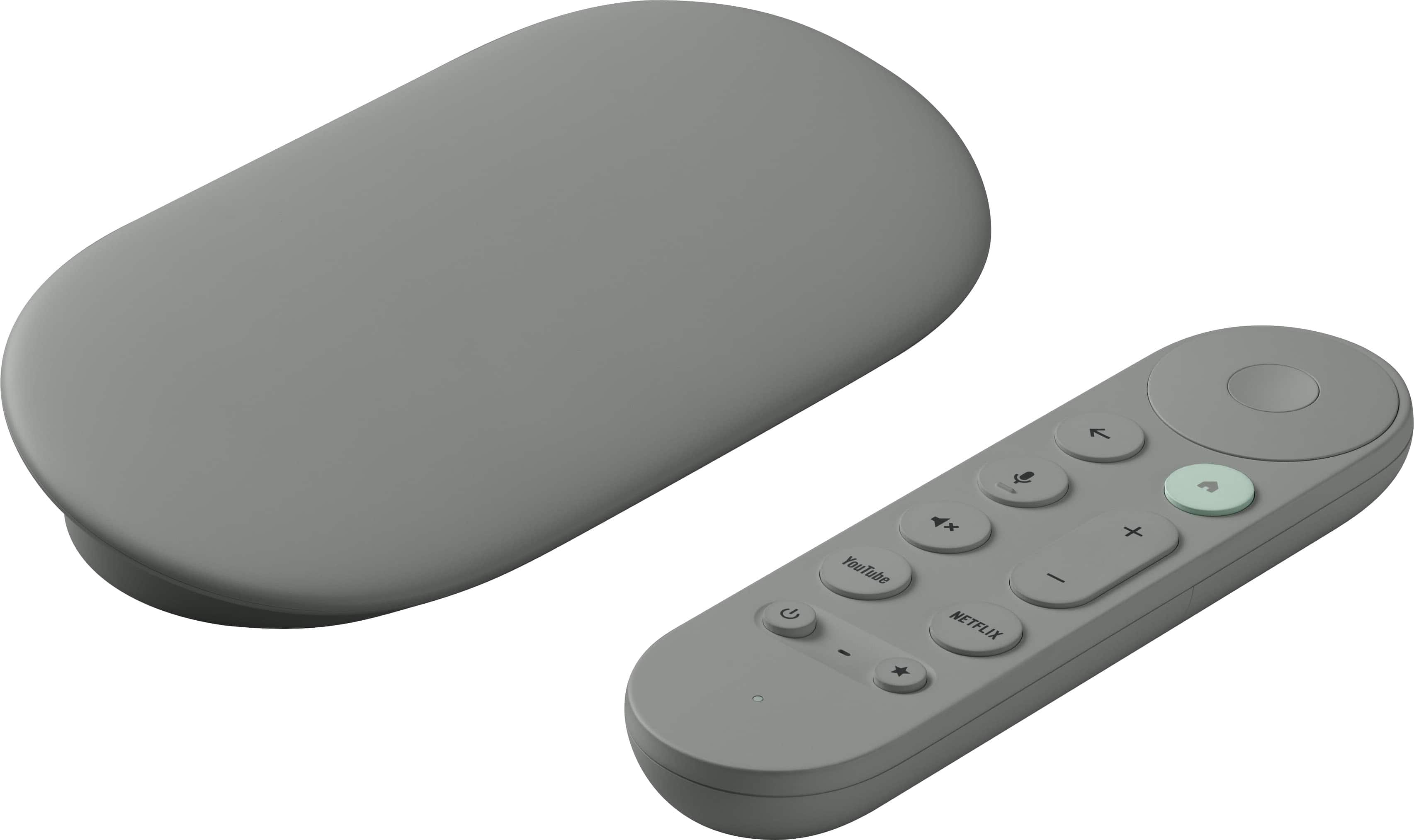
Google - TV Streamer 4K - Fast Streaming Device in 4K HDR - 32 GB of Storage - Hazel
SKU: J3GT5ZSHC5Best android device !!...Best android device on the market !! Very fast and very reliable!! Love it !!...Works great...Love the clean look and performs well. I use wireless and it's great
See all Streaming DevicesProduct Description
A fast 4K HDR streaming device in hazel with 32GB storage, Dolby Atmos, and Google Assistant.Your price for this item is $149.99 -
Sylvox - 22" 12V RV Smart TV with Built-in DVD Player – Full HD 1080p Google TV, AC/DC Powered Television for Camper (Marine)
SKU: J3GWCCZRC8So far so good we will see how it does latter on . hopefully it still works great...Great size & colour.
See all All Flat-Screen TVsProduct Description
A versatile smart TV with Full HD display, built-in DVD player, and triple-protection for marine environments.Your price for this item is $299.00 -
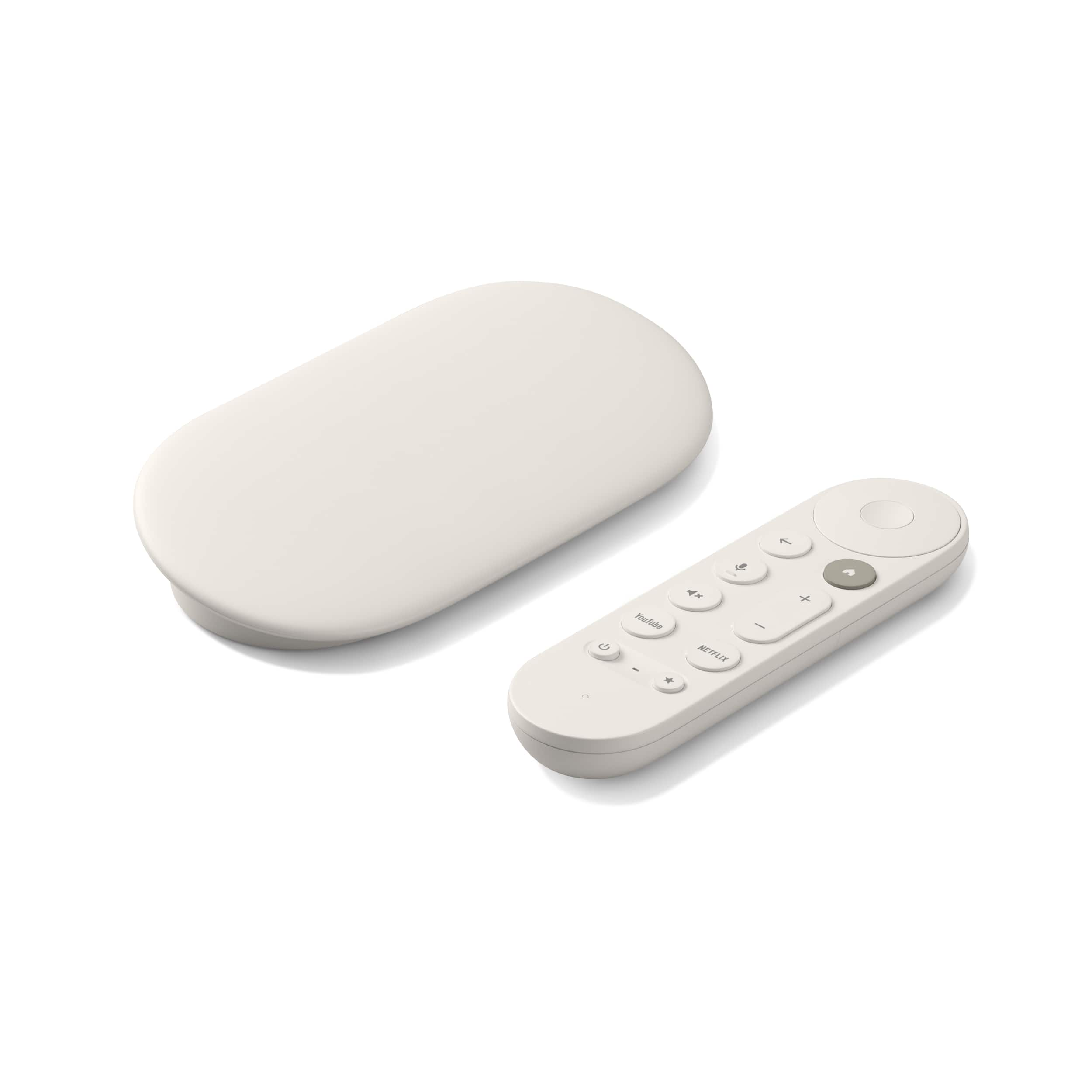
Google - TV Streamer 4K - Fast Streaming Device in 4K HDR - 32 GB of Storage - Porcelain
SKU: J3GT5ZSHCQThe best we love it, easy to connect works great worth the money....Great product with a great discount from best buy....Love this
See all Streaming DevicesProduct Description
A porcelain-colored 4K streaming device with Dolby Atmos, HDR support, Bluetooth, and a remote control included.Your price for this item is $149.99 -
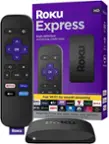
Roku - Express | HD Streaming Media Player with High Speed HDMI Cab
SKU: J3PFCJQ38QSee all Streaming DevicesProduct Description
An easy-to-use HD streaming device offering 1080p resolution and access to over 100,000 movies and shows.Your price for this item is $79.99 -
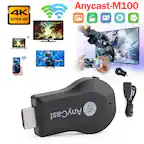
Topteng - 4K M100 WiFi Display Dongle - Wireless HDMI Streaming Stick for TV, Airplay/Miracast/DLNA, for iOS/Android/Windows - Black
SKU: J3R9F7YYL4See all Streaming DevicesProduct Description
A compact black wireless HDMI dongle enabling seamless 4K streaming and screen mirroring across multiple platforms.Your price for this item is $20.99Save $18The previous price was $38.99 -
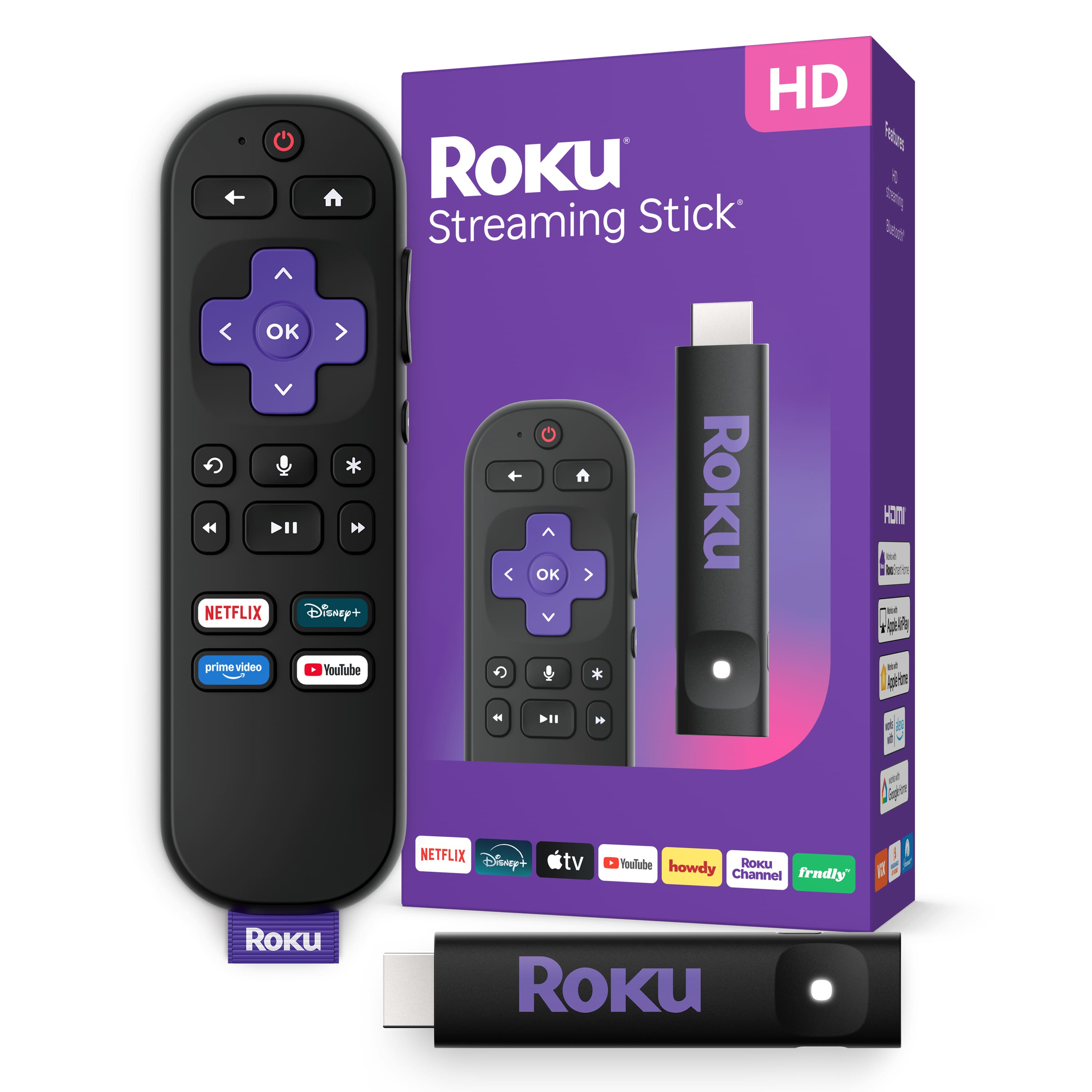
Roku - Streaming Stick - HD Streaming Device for TV with Voice Remote - Black
SKU: J3PFCJQ6STI love it and the sales person was great in selecting the one that was best for...Great price...Love this product will always shop Best Buy FOREVER
See all Streaming DevicesProduct Description
A sleek black HD streaming media player with voice remote, USB power, and compatibility with major smart assistants.Your price for this item is $24.99Save $15The previous price was $39.99




Best Sellers
Related Pages



FAQ
The Google Chromecast HDMI Streaming Media Player is compatible with most TVs that have an available HDMI port, and it can be controlled using Android or iOS smartphones and tablets, as well as Windows, Mac, and Chromebook computers.
Yes, Chromecast allows you to cast videos, music, and photos directly from your mobile device to your TV using supported apps, such as YouTube, Netflix, Spotify, and more.
Yes, Chromecast relies on a Wi-Fi network to stream content from your devices to your TV. Both your Chromecast and casting device must be connected to the same Wi-Fi network.
Google Chromecast supports a wide range of streaming services, including Netflix, YouTube, Disney+, Hulu, Spotify, HBO Max, Google Play Movies & TV, and many more.
Yes, Chromecast works with Google Assistant-enabled devices, allowing you to use voice commands to play, pause, or search for content on your TV.