Hard Drives For HP Computers
-
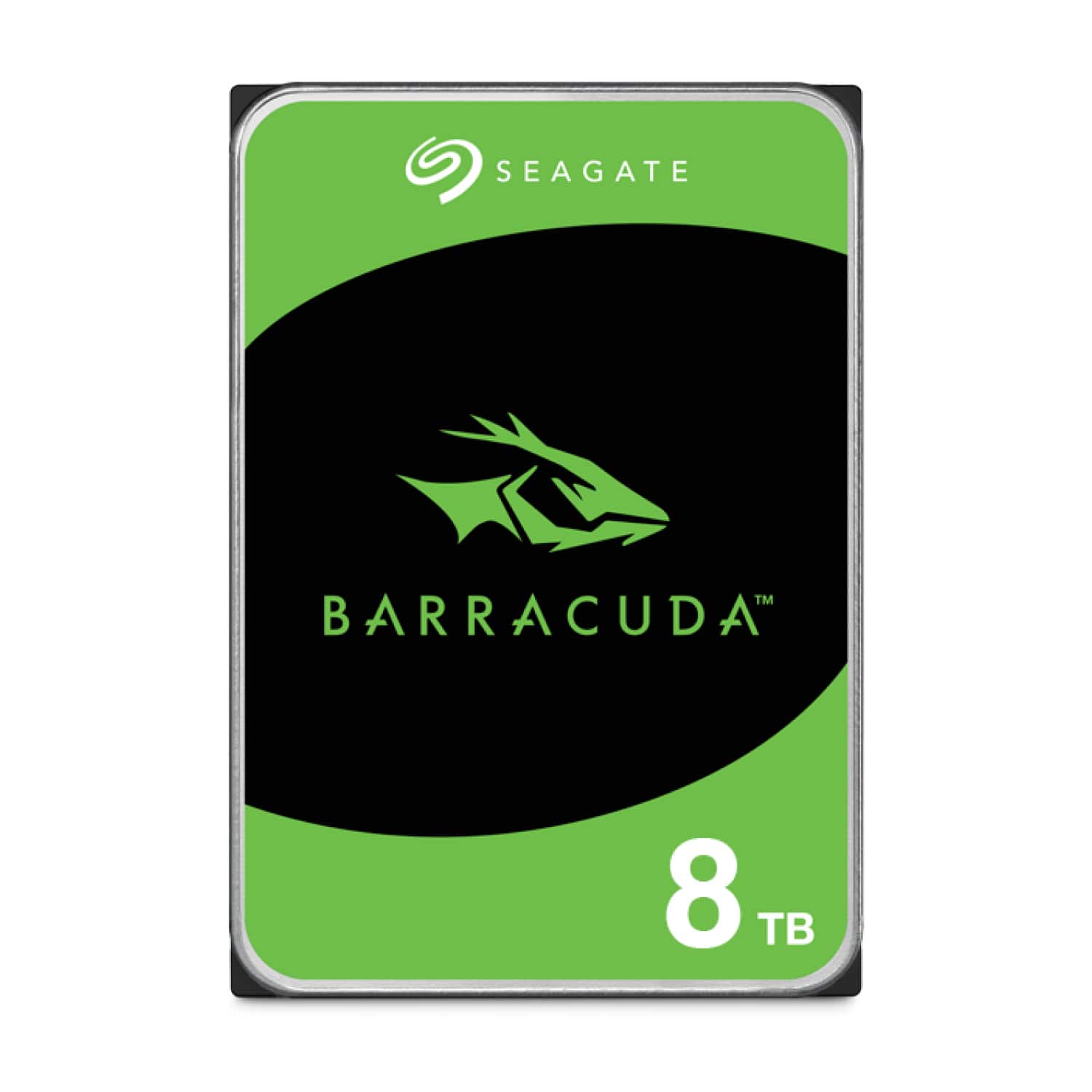
Seagate - Barracuda 8TB Internal Hard Drive for Desktops
SKU: J37C5HKG8FBest HDD...I love it slways!Price was reasonable....Best 8gb best...Seagate hdd is best hard drive for long time in this industry recommend it
See all Internal Hard DrivesProduct Description
A reliable 8TB internal 3.5-inch hard drive with 5400 RPM speed, ideal for desktop storage needs.Your price for this item is $249.99Save $30The previous price was $279.99 -
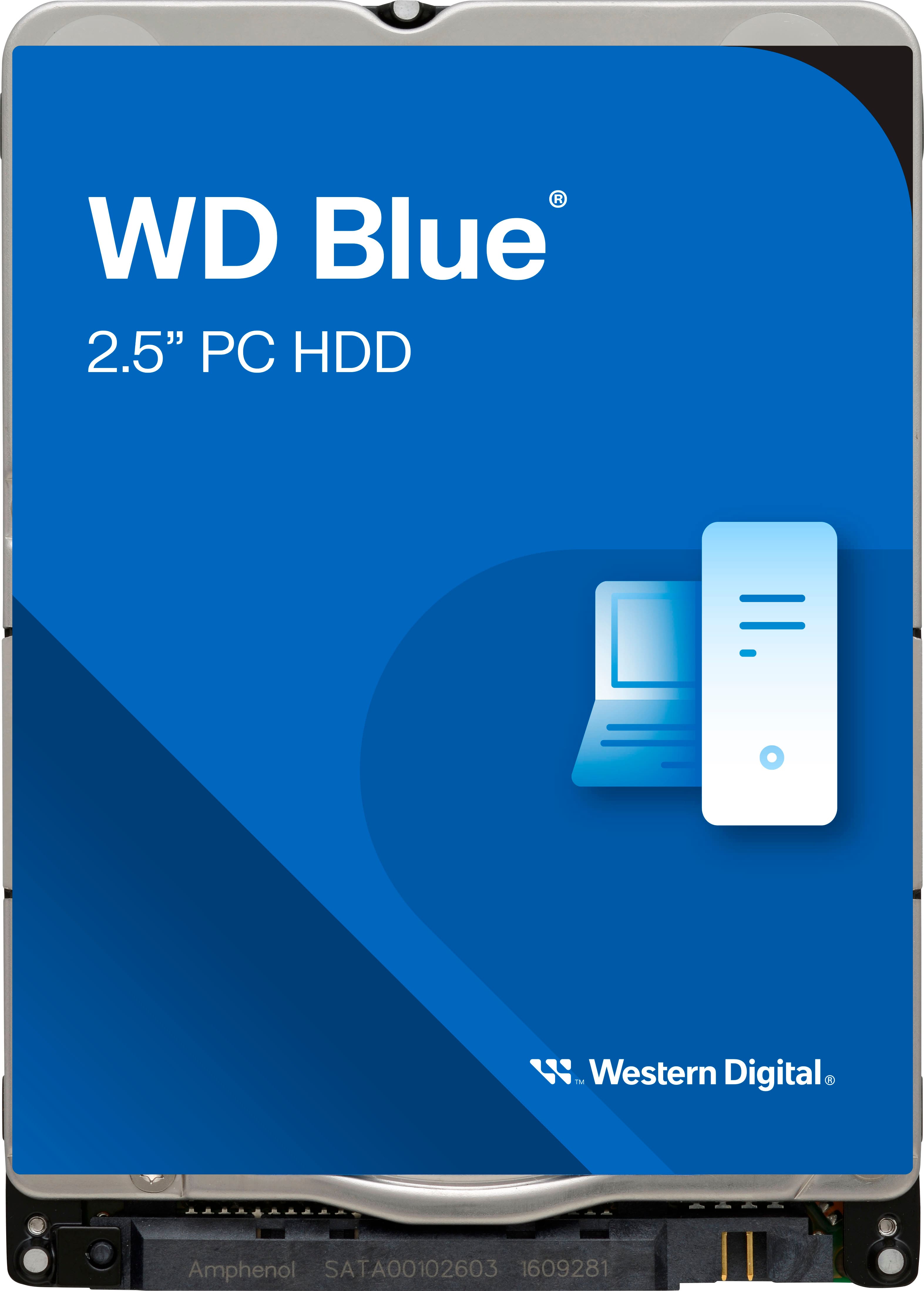
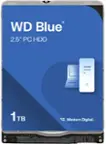
WD - Blue 2TB PC Internal Hard Drive for Laptops
SKU: JXTHCJ5343This one works great for that kind of usage.
See all Internal Hard DrivesProduct Description
A blue 2TB internal hard drive for laptops, featuring 5400 rpm speed for efficient, quiet operation.Your price for this item is $204.99 -
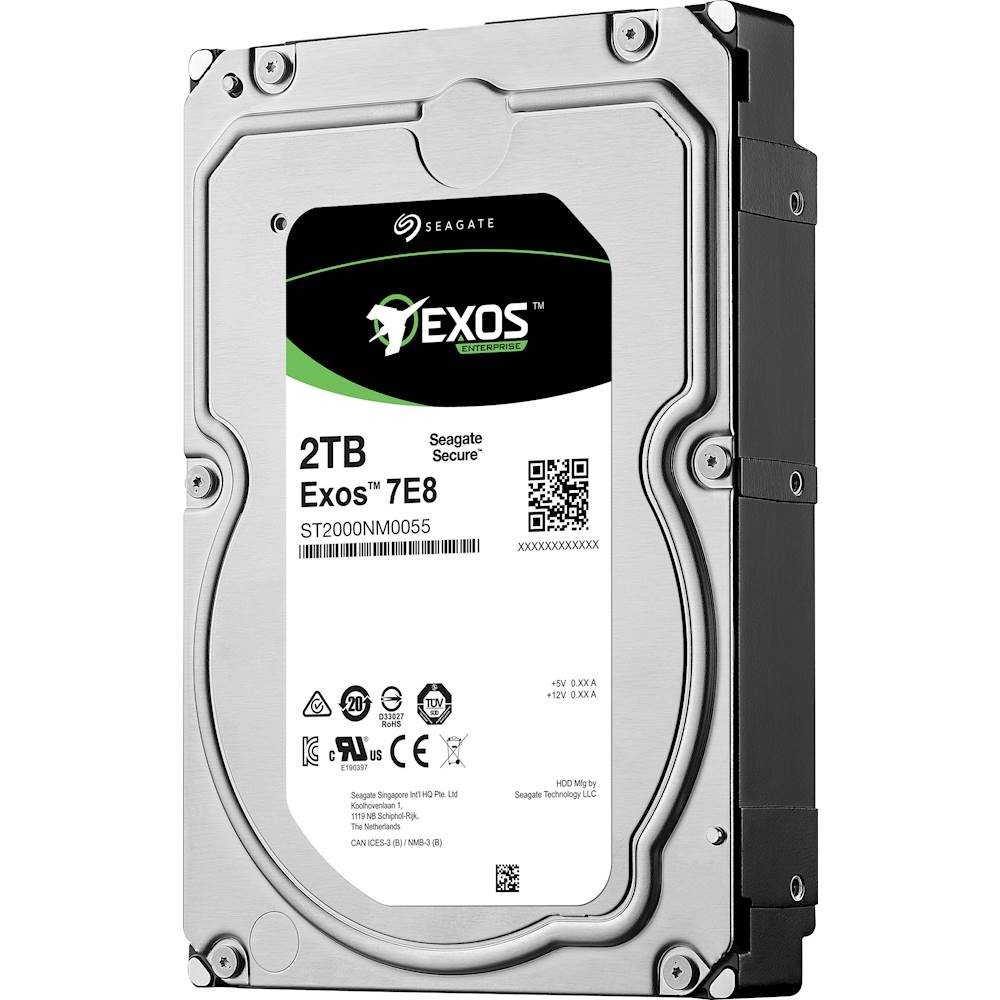
Seagate - Enterprise Capacity 3.5 HDD V.5 2TB Internal SATA Hard Drive for Desktops
SKU: J37C5HQ68RSee all Internal Hard DrivesProduct Description
A high-performance internal SATA hard drive in blue, multi, and silver with 2TB capacity and 7200 rpm speed.Your price for this item is $195.18 -
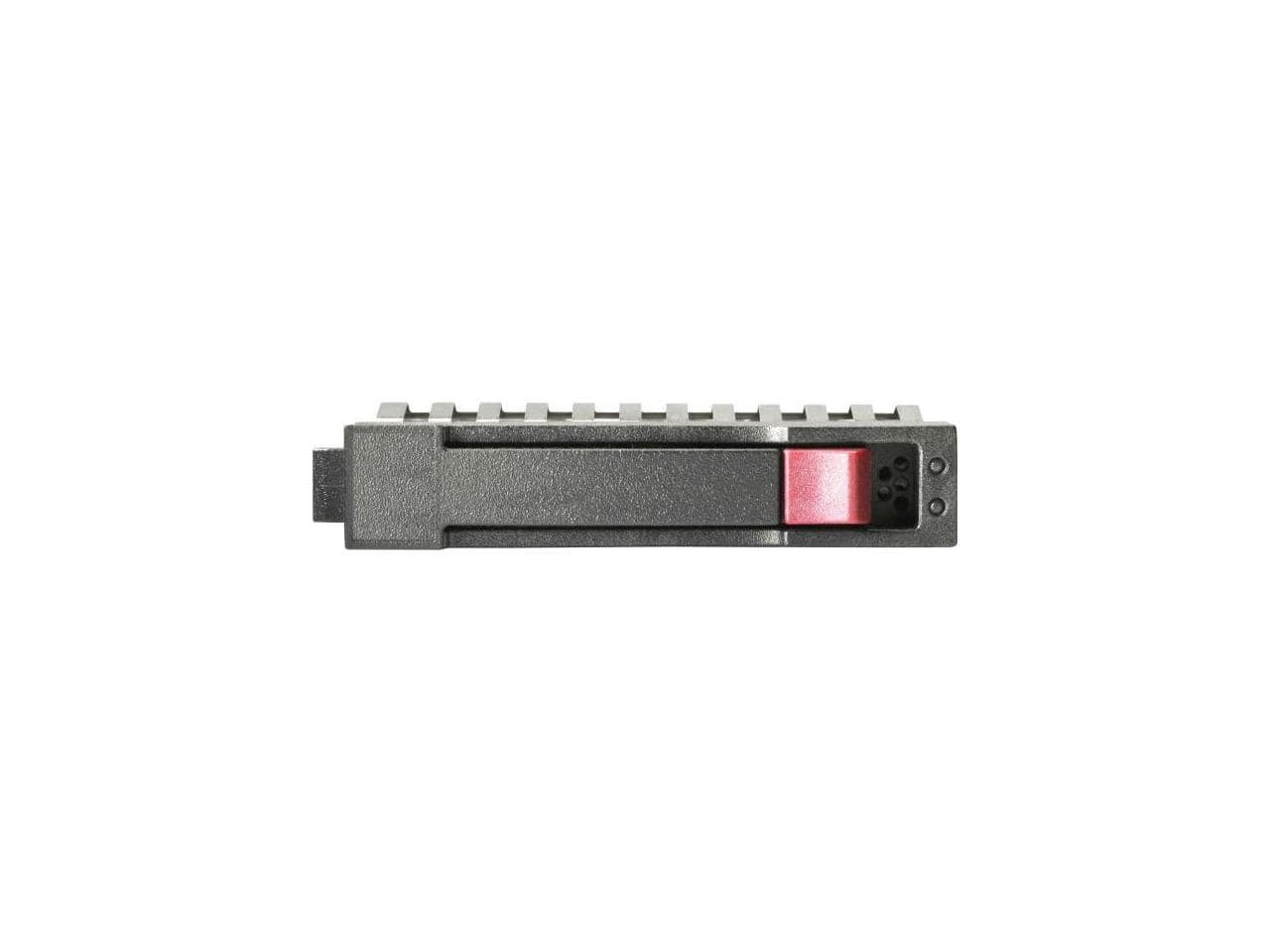
HPE Aruba - HPE 1.20 TB Hard Drive 2.5" SAS 10000rpm Internal Hard Disk Drive R0Q55A
SKU: JJ82GKP6T3See all Internal Hard DrivesProduct Description
A high-performance 1.20TB internal SAS hard drive with 10,000rpm speed for reliable data storage.Your price for this item is $483.55 -
Seagate - Barracuda 4TB Internal Hard Drive for Desktops
SKU: J37C5HK32ZGreat storage solution...Great value for the money....It was also out of stock so I got a refund and went searching Best Buy was the only place that had one
See all Internal Hard DrivesProduct Description
A high-capacity 4TB internal HDD with 190MB/sec transfer speed, 256MB cache, and secure erase features.Your price for this item is $159.99Save $30The previous price was $189.99 -
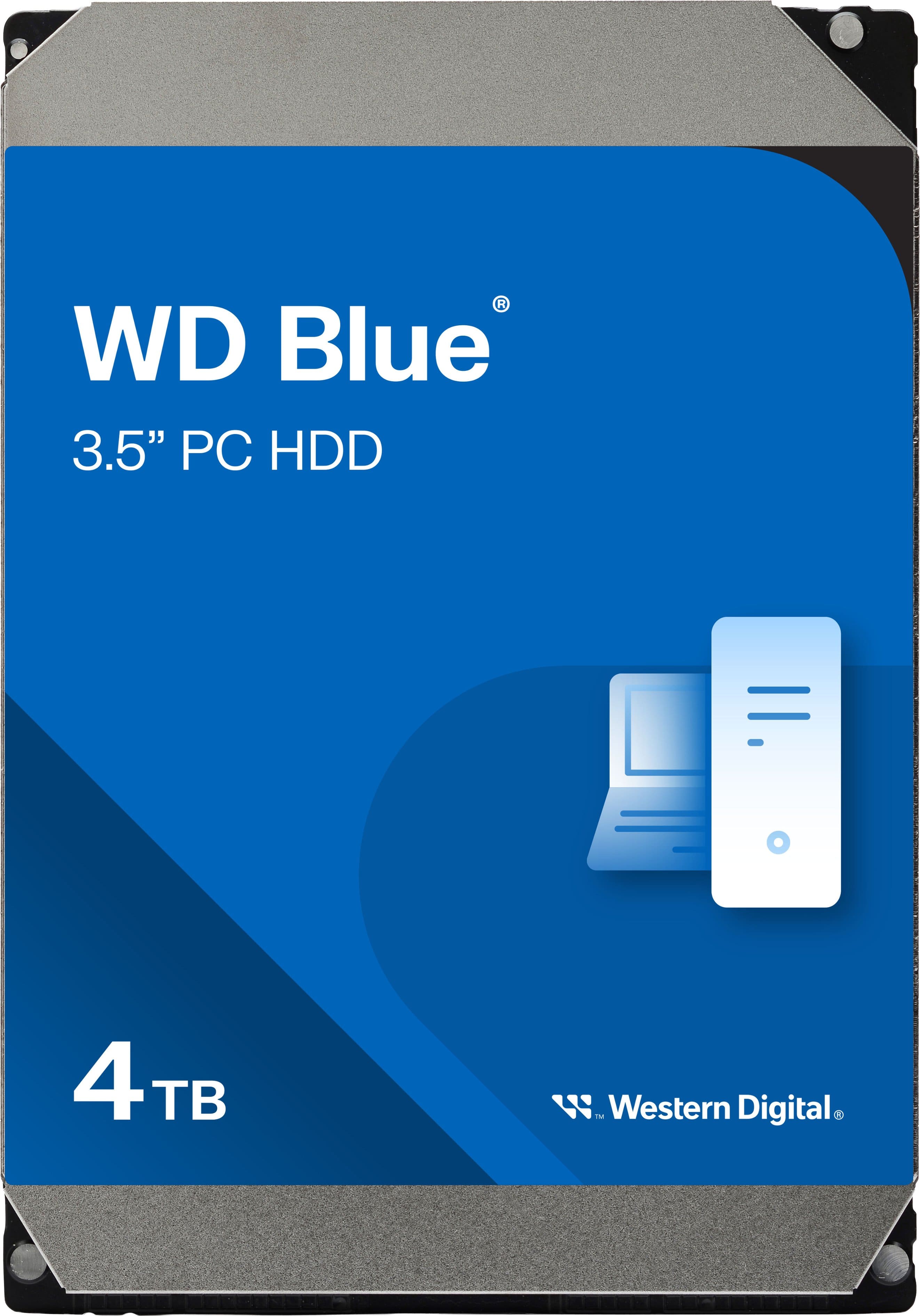
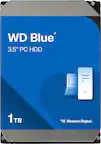
WD - Blue 4TB PC Internal Hard Drive for Desktops
SKU: JXTHCC7V3SGreat companion.Handling carrying and usage .Love it...The best upgrade yet!!
See all Internal Hard DrivesProduct Description
A reliable blue 4TB internal HDD with 5400 RPM speed, ideal for desktop storage and office use.Your price for this item is $179.99 -
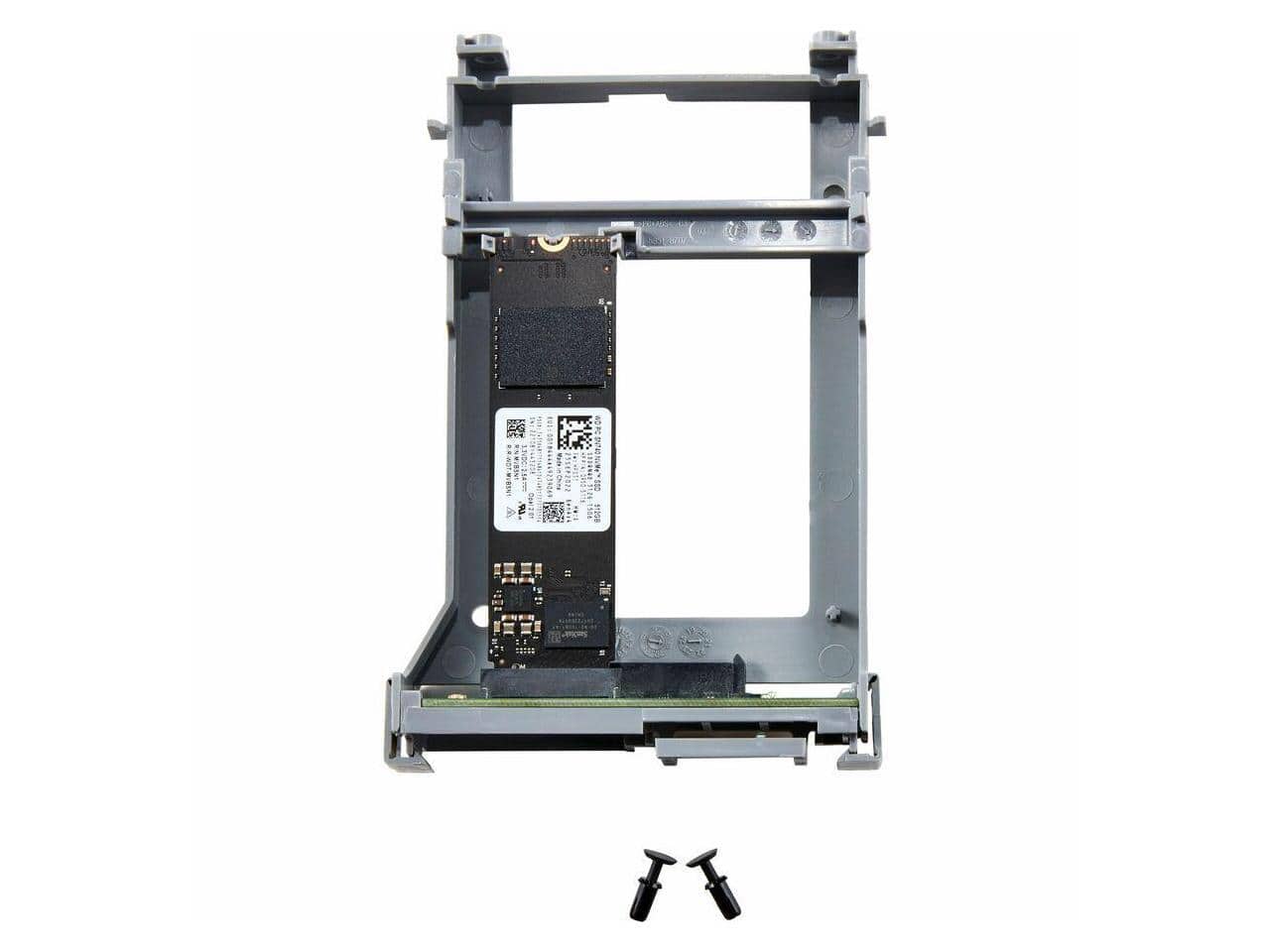
HP - 512 GB Solid State Drive TAA Compliant 766R7A
SKU: JJGG7ZLJH2See all Internal SSDsProduct Description
A TAA-compliant internal solid state drive offering 512GB of reliable, high-speed storage.Your price for this item is $398.30Save $170The previous price was $569.00 -
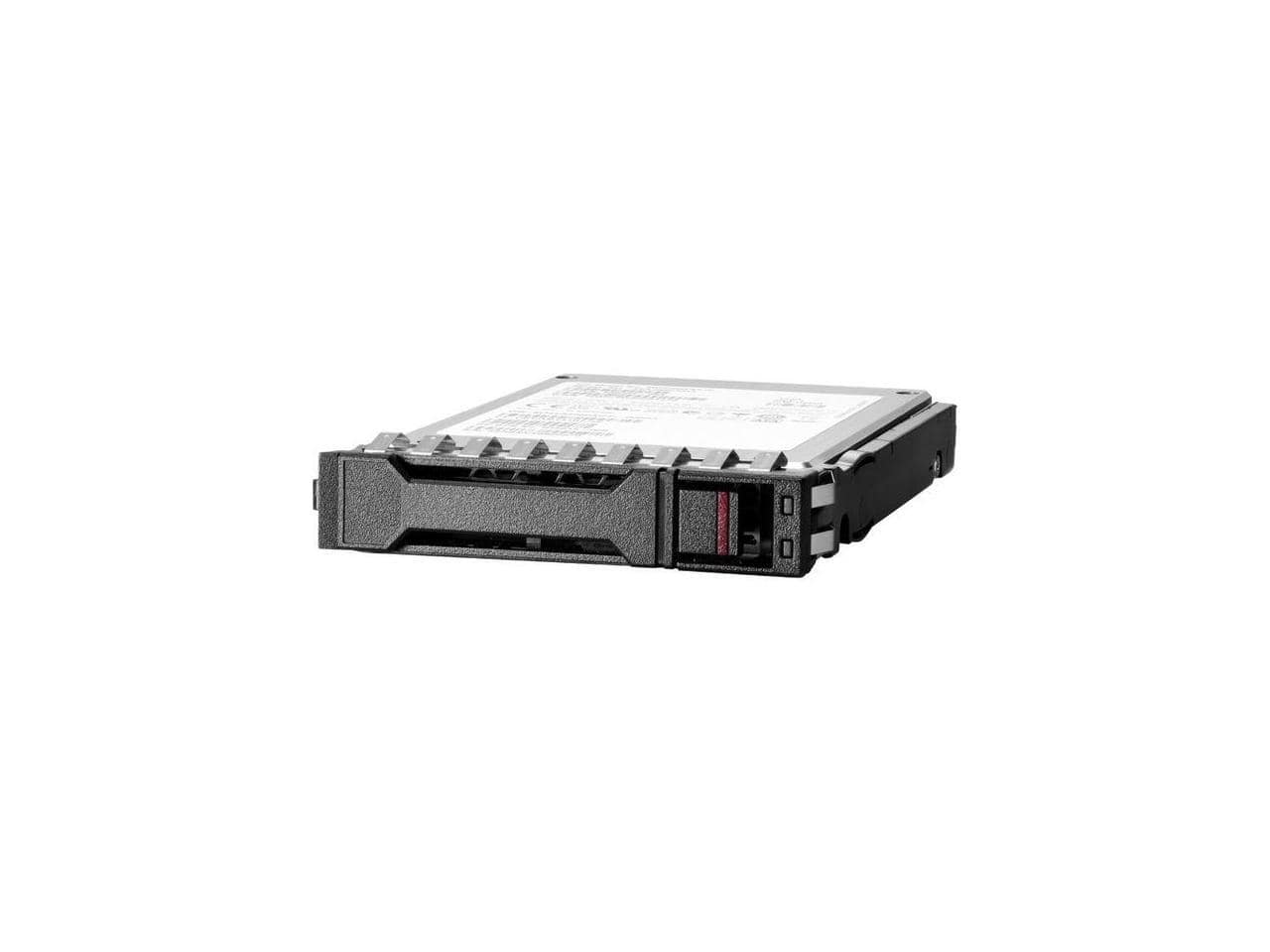
HPE Aruba - HPE 960GB 2.5" SATA Internal Solid State Drive P40498B21
SKU: JJ82GKZR39See all Internal SSDsProduct Description
A high-performance 960GB 2.5" SATA internal SSD designed for reliable data storage and fast access.Your price for this item is $1,027.35Save $51The previous price was $1,078.72 -
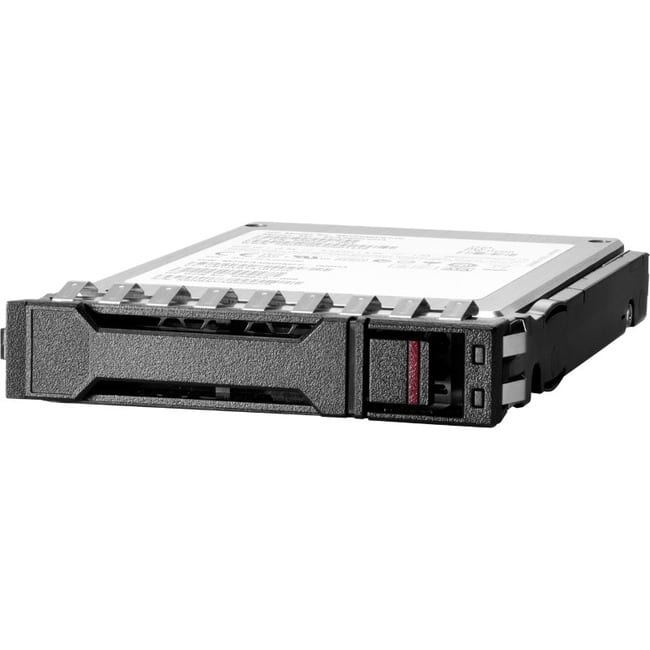
HP - HPE 300 GB Hard Drive - 2.5" Internal - SAS (12Gb/s SAS) - 10000rpm - 512n Format
SKU: JJ82GK485KSee all Internal Hard DrivesProduct Description
A 300GB internal 2.5" SAS hard drive offering 12Gb/s data transfer speed for reliable storage.Your price for this item is $223.91

Best Sellers

Related Pages







FAQ
These hard drives are compatible with many HP desktop and laptop models. To ensure compatibility, please check the interface (such as SATA or NVMe) and form factor (such as 2.5-inch or M.2) required by your specific HP computer model.
Yes, you can use these hard drives to upgrade your HP computer for increased storage capacity or improved performance. Make sure to back up your data and consult your HP computer’s manual for installation instructions.
Most hard drives come unformatted or with a generic file system. You may need to initialize and format the drive according to your HP computer’s operating system after installation.
Installation difficulty depends on your HP computer model. Many HP desktops and some laptops offer tool-less access, while others may require basic tools. Detailed instructions are often available in your HP device’s support documentation.
Upgrading or replacing the hard drive in your HP computer may or may not affect your warranty. It’s best to review your HP warranty terms or consult HP support before making any hardware changes.