HDMI Cable For iPhone
-
Satechi - USB-C to HDMI 2.1 8K Cable (2m/6.5ft) - 8K@60Hz, 4K@120Hz, Thunderbolt 3/4 for MacBook Pro/Air, iPad, iPhone
SKU: J3GWC4CCWQGreat...Works great...This cable is another great example of that approach.Highly recommended for anyone looking to eliminate
See all Monitor & Video CablesProduct Description
A braided aluminum USB-C to HDMI 2.1 cable supporting 8K@60Hz and 4K@120Hz video output.Your price for this item is $49.99 -
Alogic - USBC CABLE - USBC / HDMI
SKU: BSG7ZGC7VVSee all Cables & ConnectorsProduct Description
A versatile cable that connects USB-C devices to HDMI displays for seamless video and audio transmission.Your price for this item is $32.99 -
Belkin - COMPONENTS AV10089BT12 CABLE,HDMI,HDMI/DVID,12 FEET
SKU: JXWP4K6FS7See all Cables & ConnectorsProduct Description
A 12-foot HDMI cable offering reliable high-definition video and audio connectivity for monitors and devices.Your price for this item is $30.99 -
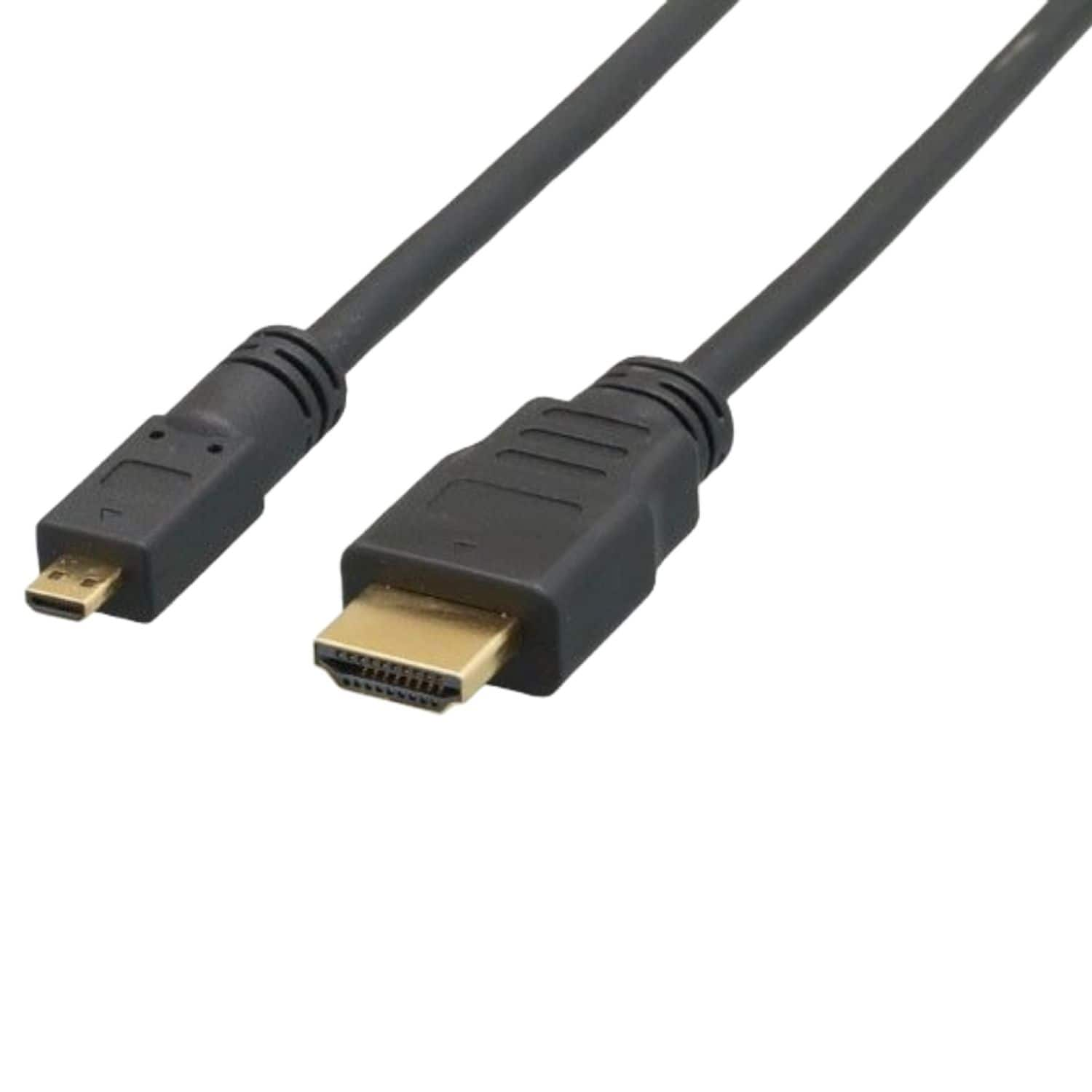
Sanoxy - 15ft Micro-HDMI to HDMI Cable - Black
SKU: B8SKTQ99LPSee all HDMI CablesProduct Description
A black cable enabling high-speed 4K video and audio connection from Micro-HDMI devices to HDTVs.Your price for this item is $18.99 -
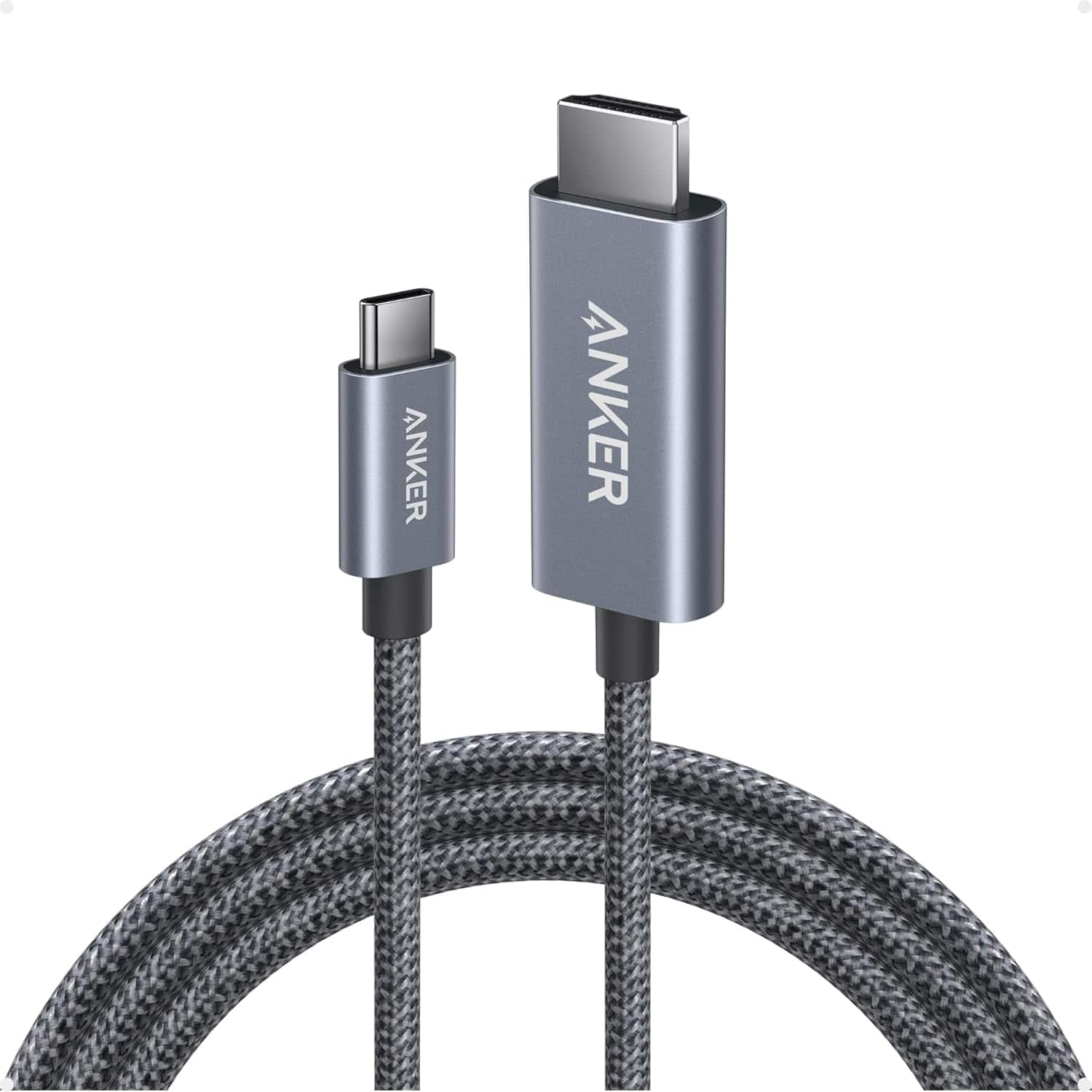
Anker - HDMI Cable, 4K@60Hz Ultra-Fast Nylon-Braided USB C to HDMI Cord - Black
SKU: JJ858R3PFVSee all Monitor & Video CablesProduct Description
A black nylon-braided USB-C to HDMI cable supporting 4K at 60Hz with advanced shielding for reliable connectivity.Your price for this item is $21.99 -
Sanoxy - 1ft Micro-HDMI to HDMI Cable - Black
SKU: B8SKTQ99YCSee all HDMI CablesProduct Description
A black cable that connects Micro-HDMI devices to HDMI displays, supporting 4K, 3D, and Ethernet features.Your price for this item is $14.99 -
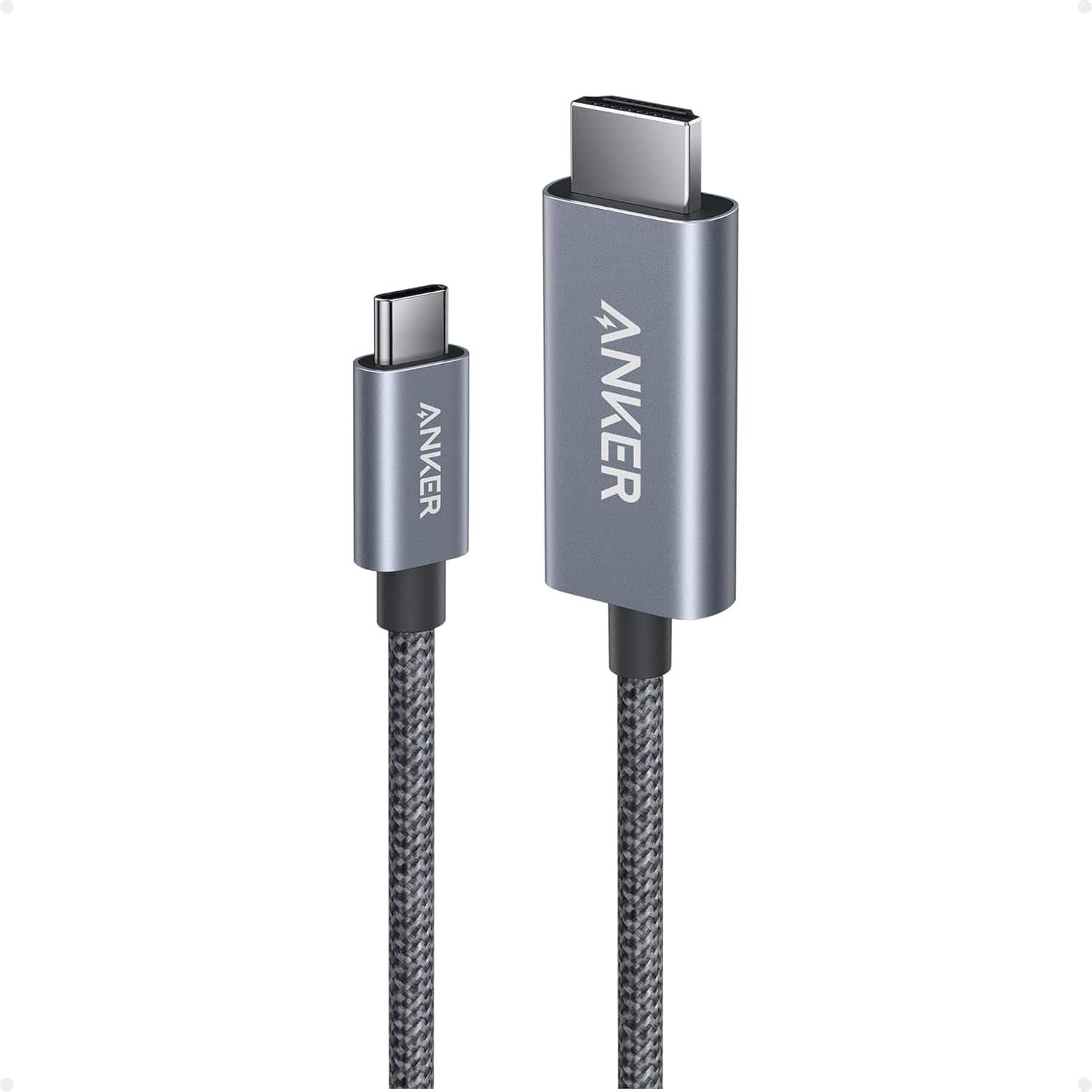
Anker - HDMI Cable, 4K@60Hz Ultra-Fast Nylon-Braided USB C to HDMI Cord - Black
SKU: JJ858R3PFGSee all Monitor & Video CablesProduct Description
A black nylon-braided USB-C to HDMI cable supporting 4K at 60Hz with advanced shielding for reliable connections.Your price for this item is $17.99 -
Acer - USB C to HDMI Cable for Home Office 6.6FT (4K@60Hz), High-Speed Type C to HDMI 2.0 Braided Cord - Gray
SKU: JJ8V8HX8Y3Less than 1 minute to set up Works greatMirrors my Google Pixel 9a phone perfectlyto TV...Great price with a super fast delivery here on a Saturday which is my birthday too....Great Deliverygrea...Works...
See all Cables & ConnectorsProduct Description
A high-speed gray braided USB-C to HDMI 2.0 cable supporting 4K at 60Hz for versatile connectivity.Your price for this item is $12.99Save $1The previous price was $13.99 -
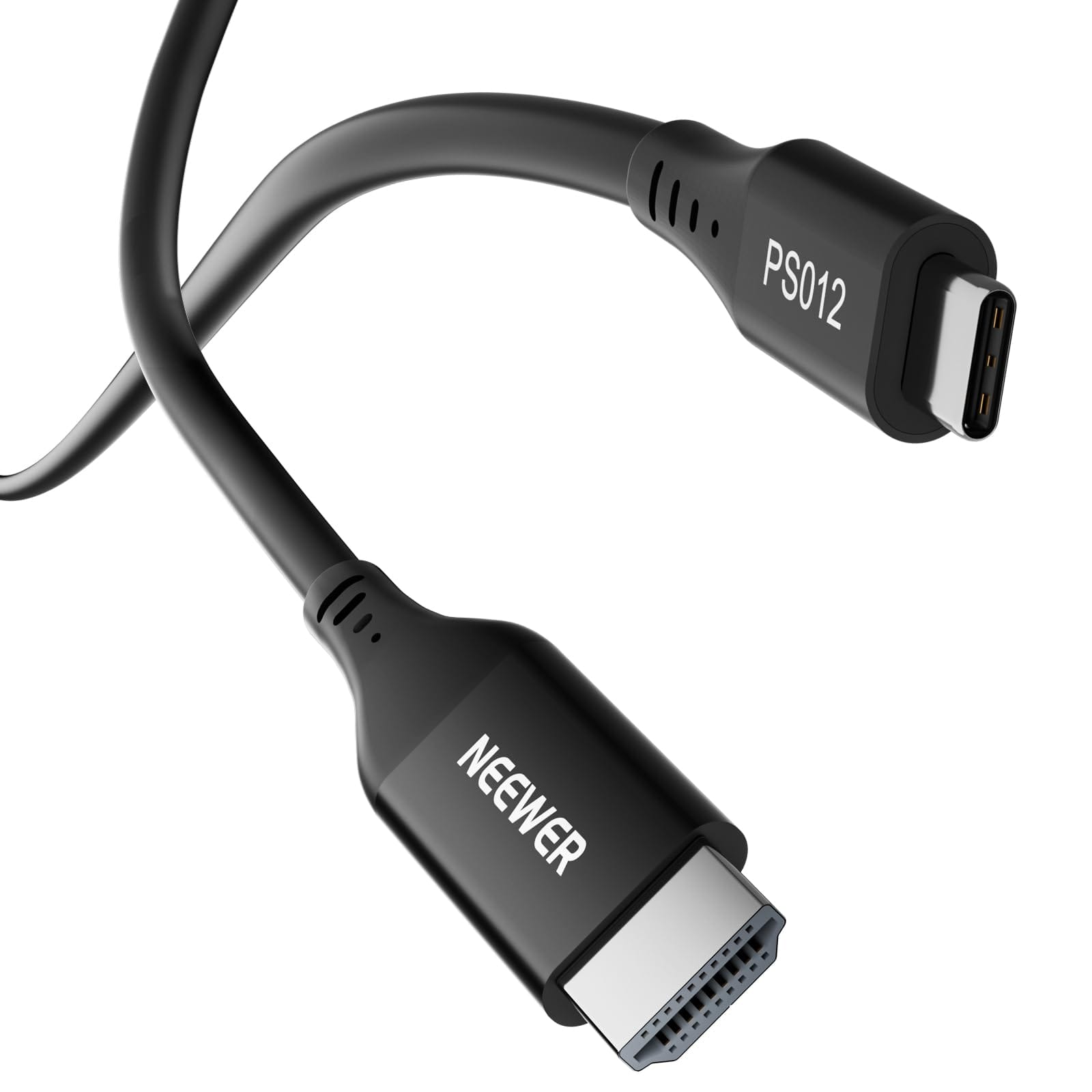
Neewer - PS012 35cm USB-C to HDMI 2.0 4K Cable - Black
SKU: CZLV9F3XGFSee all Monitor & Video CablesProduct Description
A high-speed black USB-C to HDMI 2.0 cable supporting 4K resolution at 60Hz for versatile connectivity.Your price for this item is $10.49Save $2The previous price was $12.99



Best Sellers


Related Pages


FAQ
Yes, you can connect your iPhone to your TV using an HDMI cable along with a compatible Lightning to HDMI adapter. This setup allows you to mirror your iPhone’s screen or stream videos directly to your TV.
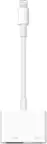
To use an HDMI cable with your iPhone, you'll need a Lightning to Digital AV Adapter. This adapter connects to your iPhone’s Lightning port and provides an HDMI output for your cable.
Most modern iPhones with a Lightning port are compatible with HDMI cable connections when used with the appropriate Lightning to HDMI adapter. Please check your iPhone’s port type before purchasing.
Yes, many Lightning to HDMI adapters include a pass-through Lightning port, allowing you to charge your iPhone while it is connected to an HDMI cable.
When your iPhone is connected to your TV via an HDMI cable, you can display videos, photos, apps, presentations, games, and more, mirroring your iPhone’s screen onto the larger display.