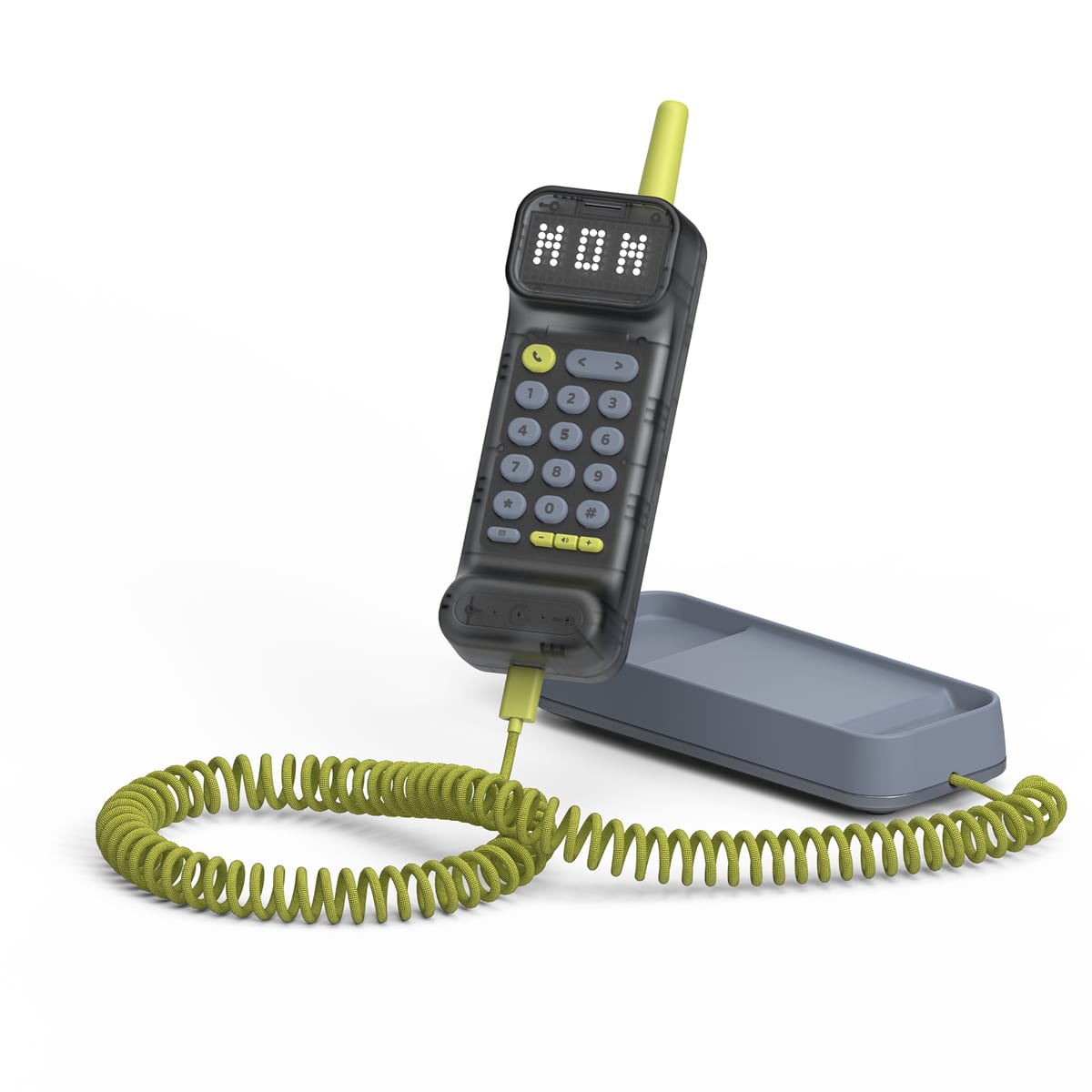
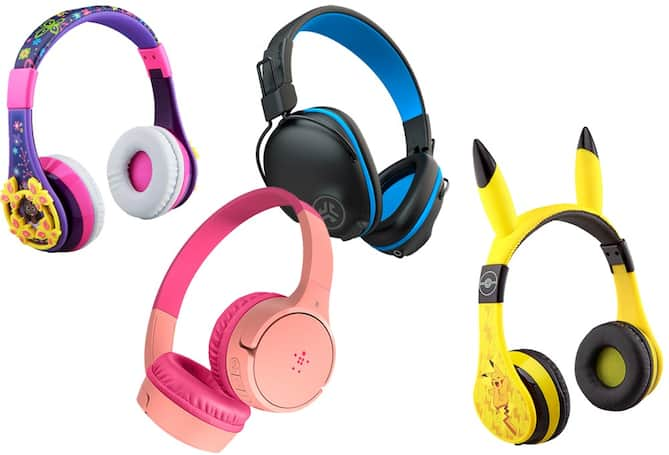
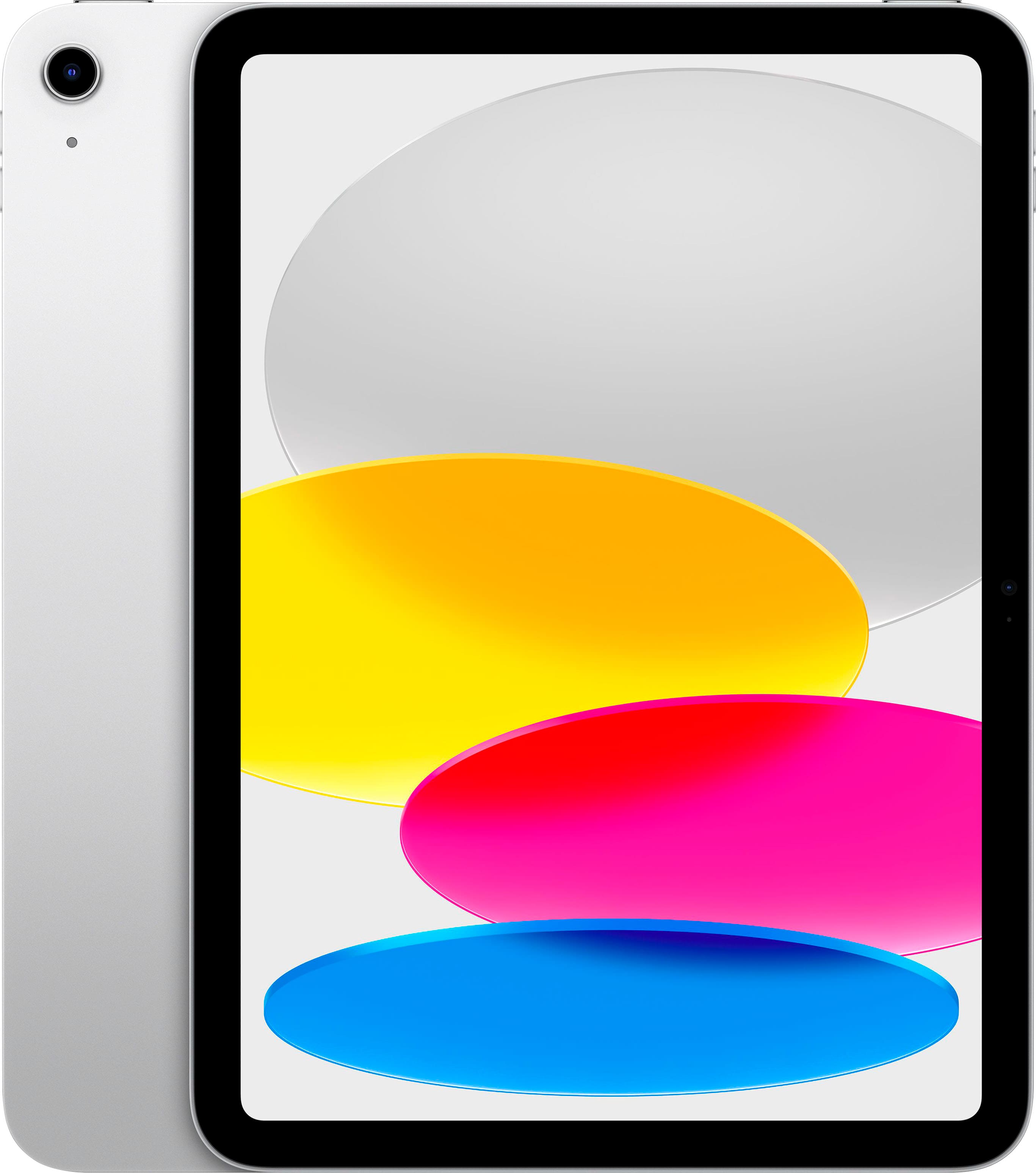
iPhones For Kids
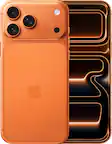
Compare iPhones for kids by price, screen size, and storage to find a good fit for a first phone or an upgrade. Think about how your child will use the phone to stay in touch, and explore parental controls for managing screen time, app access, and purchases.



iPhones For Kids
FAQs
An iPhone can connect to Wi-Fi for downloading apps, browsing websites, streaming content, and using services such as iMessage and FaceTime. A cellular plan is needed for regular cellular calls, SMS messaging, and mobile data when Wi-Fi is unavailable.
Apple Family Sharing lets family members share eligible App Store purchases, subscriptions, and iCloud+ storage while using separate Apple Accounts. A family organizer can create an Apple Account for a child and add it to the family group. Availability varies by app and subscription.
Kids can use calendar, reminder, note-taking, dictionary, and classroom apps on an iPhone. Built-in apps such as Notes and Files can organize notes and documents, while the App Store offers additional learning tools. Check app compatibility and school requirements before downloading.
Kids can choose wallpapers, customize the Lock Screen, add widgets, and organize apps into folders. They can also select ringtones and adjust the appearance of supported apps. Available customization options depend on the iPhone model and installed iOS version.
The Photos app lets kids create albums, mark favorites, and search their photo library. They can group pictures by activities, school projects, or family events. With iCloud Photos enabled, photos and videos can also sync across devices signed in to the same Apple Account.