Mac Hubs
-
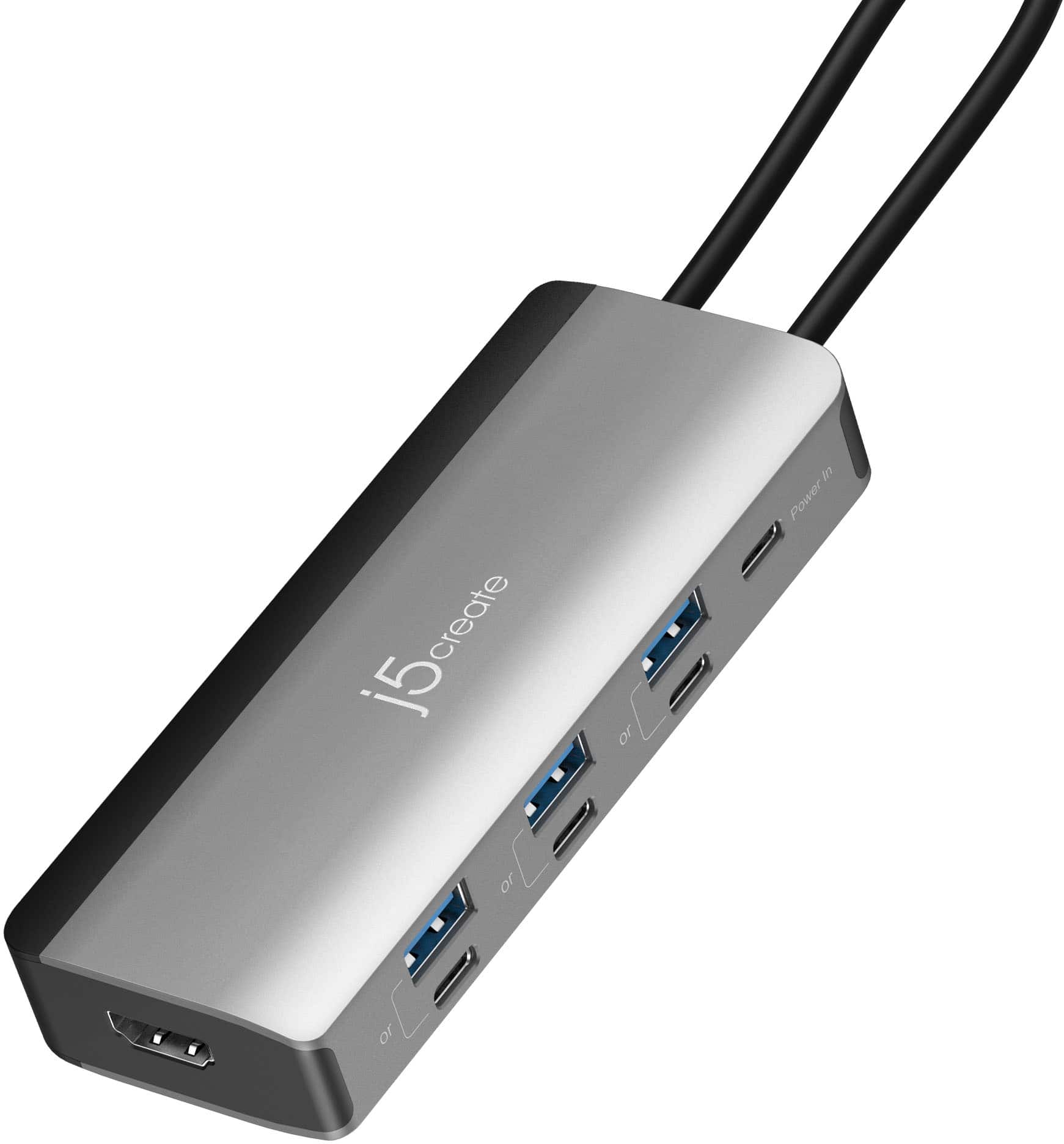
j5create - Flexible Ports USB-C® 4K144 HDMI™ Hub - Slim 8 in 1 for Windows, macOS, Chrome OS - Space Gray
SKU: J36445R6GZGreat traveling hub for your device that needs extra ports. Very small and easy to use....Definitely a Best Buy best price...Works great. Love how the plug docks inside the adapter to keep it clean
See all Docking StationsProduct Description
A space grey hub offering 4K HDMI, seven USB ports, and PD charging for versatile device connectivity.Your price for this item is $59.99 -
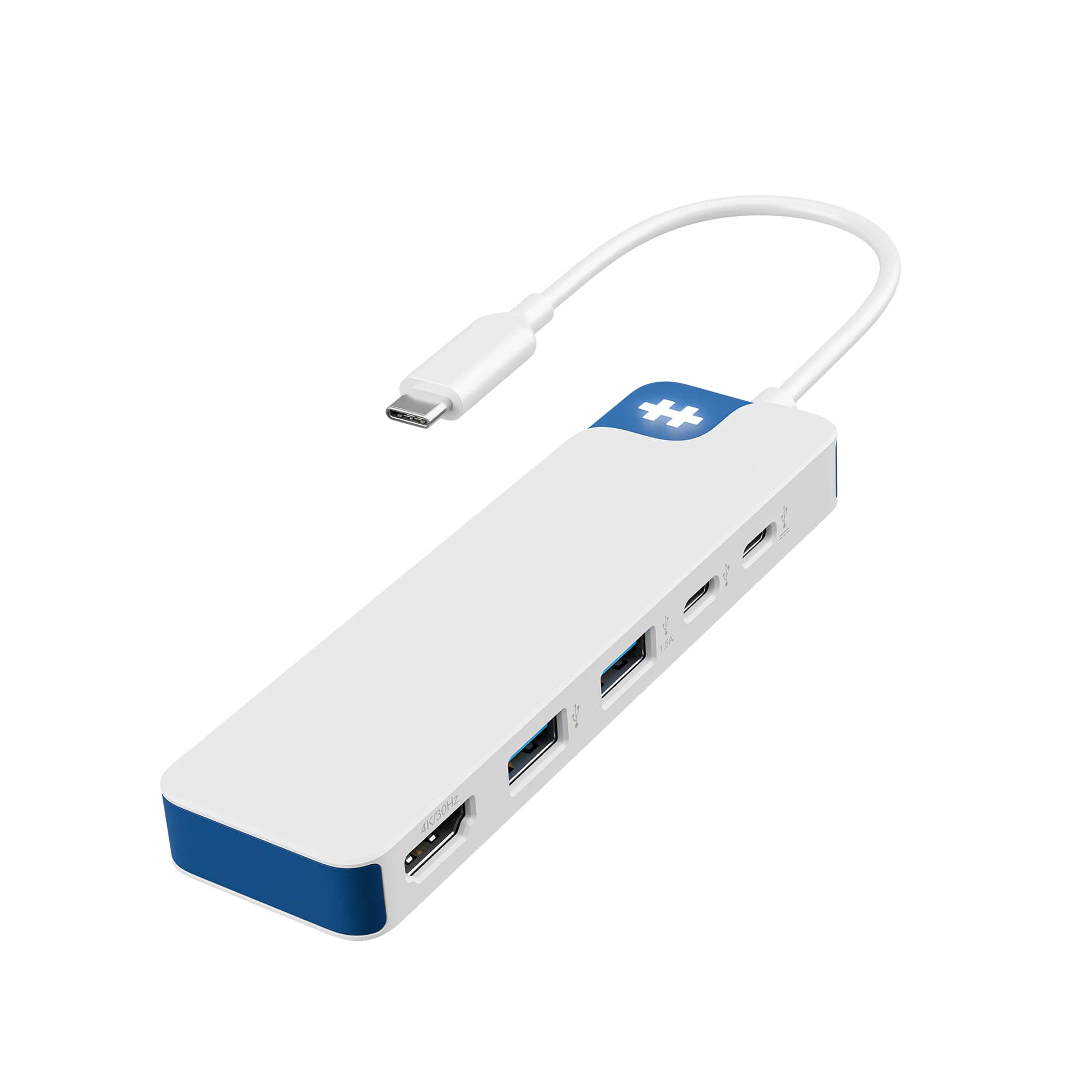
Hyper - HyperDrive Flex 5 Port USB-C Hub - Blue
SKU: J3GWPJ24XWThis is a great hub for any computer. I like the compact design....One of best buy’s many useful computer accessories....The best adapter...This adapter is the best one I’ve ever bought it let me connect...
See all USB HubsProduct Description
A sleek blue USB-C hub with 5 ports, 4K monitor support, and 100W Power Delivery.Your price for this item is $34.99 -
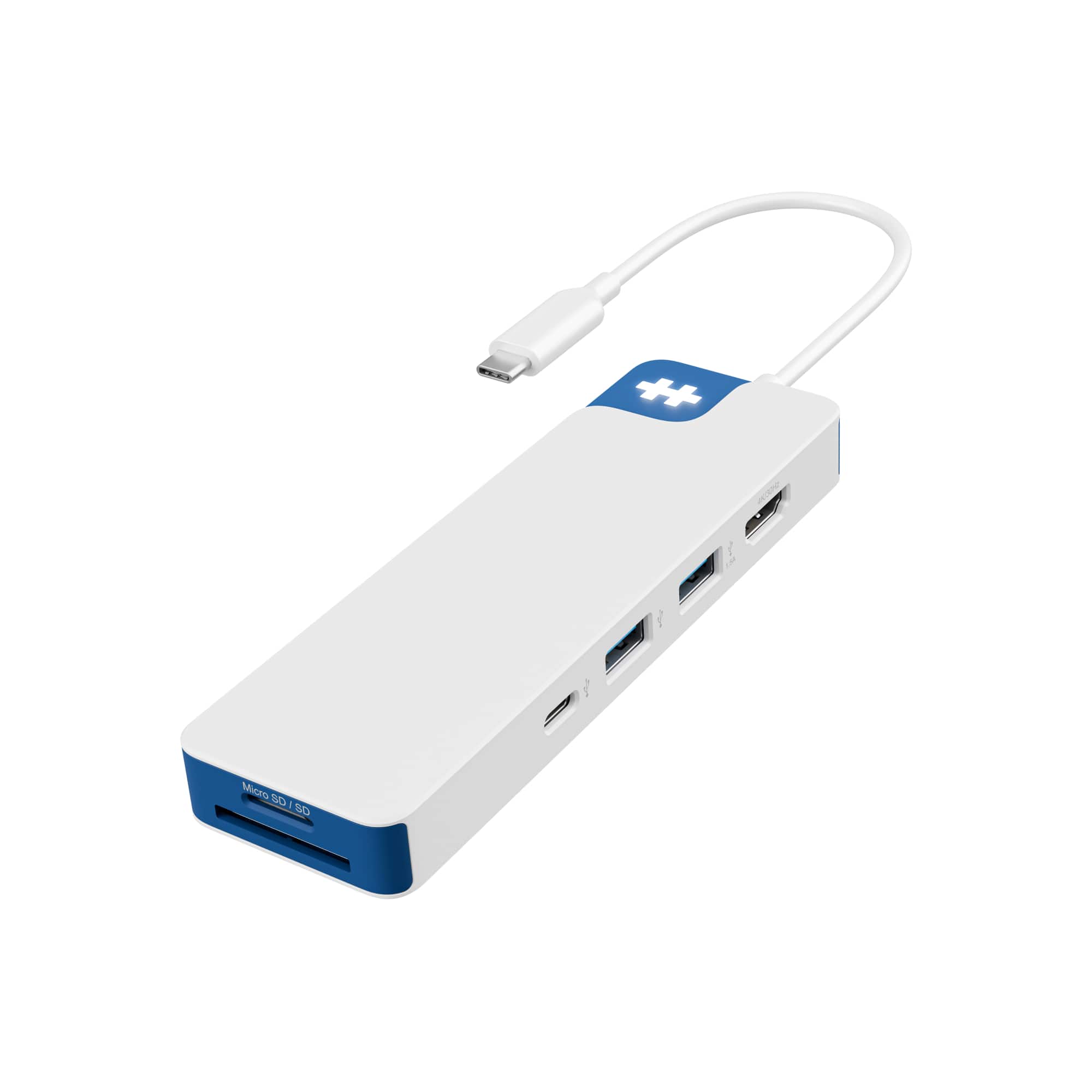
Hyper - HyperDrive Flex 8 Port USB-C Hub - Blue
SKU: J3GWPJ24XSLove it...Love how compact it is...Very compact & works great! Can connect multiple devices at once.
See all USB HubsProduct Description
A sleek blue USB-C hub with 8 ports, 4K monitor support, 100W Power Delivery, and recycled materials.Your price for this item is $44.99 -
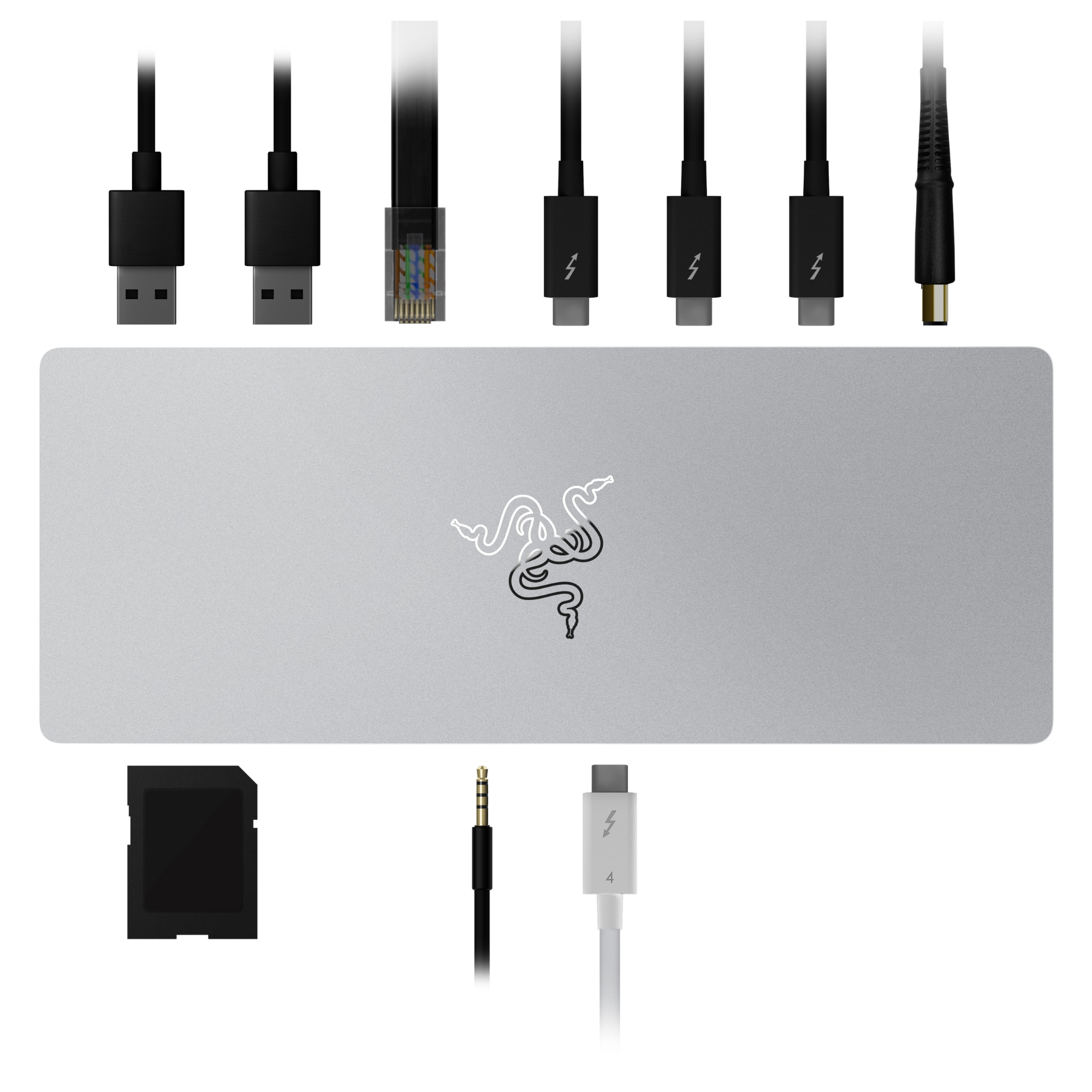
Razer - Thunderbolt 4 Certified Dock with 10 Ports for PC and Mac - Mercury
SKU: J3GTVWW2VGDo keep in mind that the Best Buy product description is inaccurate....It's also a great Dex dock for Samsung....Great dock. Incorrect Description....Great combination of ports....Works Great
See all Docking StationsProduct Description
A sleek mercury-colored dock offering 10 ports, Thunderbolt 4 connectivity, and dual 4K video output.Your price for this item is $267.99Save $52The previous price was $319.99 -
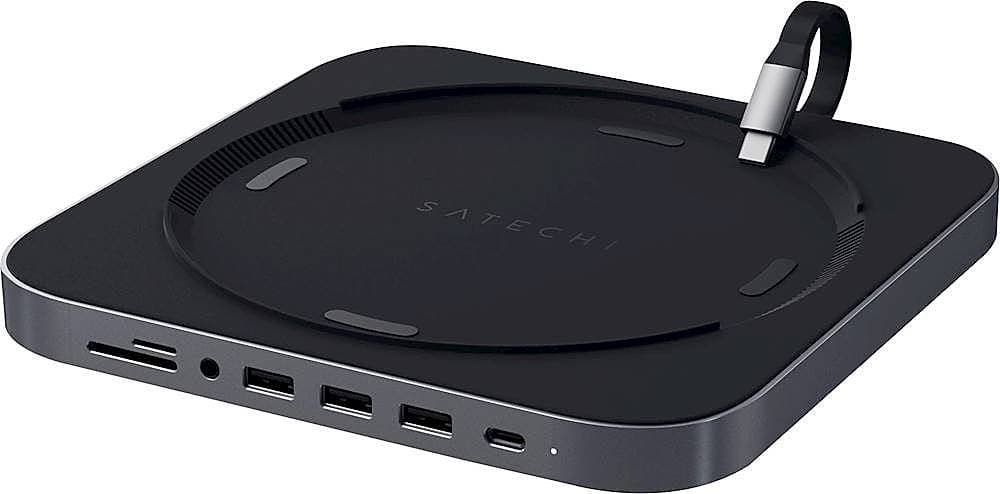
Satechi - Type-C Aluminum Stand and Hub for Mac Mini & Mac Studio - USB-C Data Port, Micro/SD Card Reader, 3 USB 3.0 & Audio Jack - Space Gray
SKU: J3KXL7X69KBest products...Best Accessory
See all Docking StationsProduct Description
An aluminum space gray hub that adds USB-C, USB 3.0, SD card, and audio ports to your Mac.Your price for this item is $79.99 -
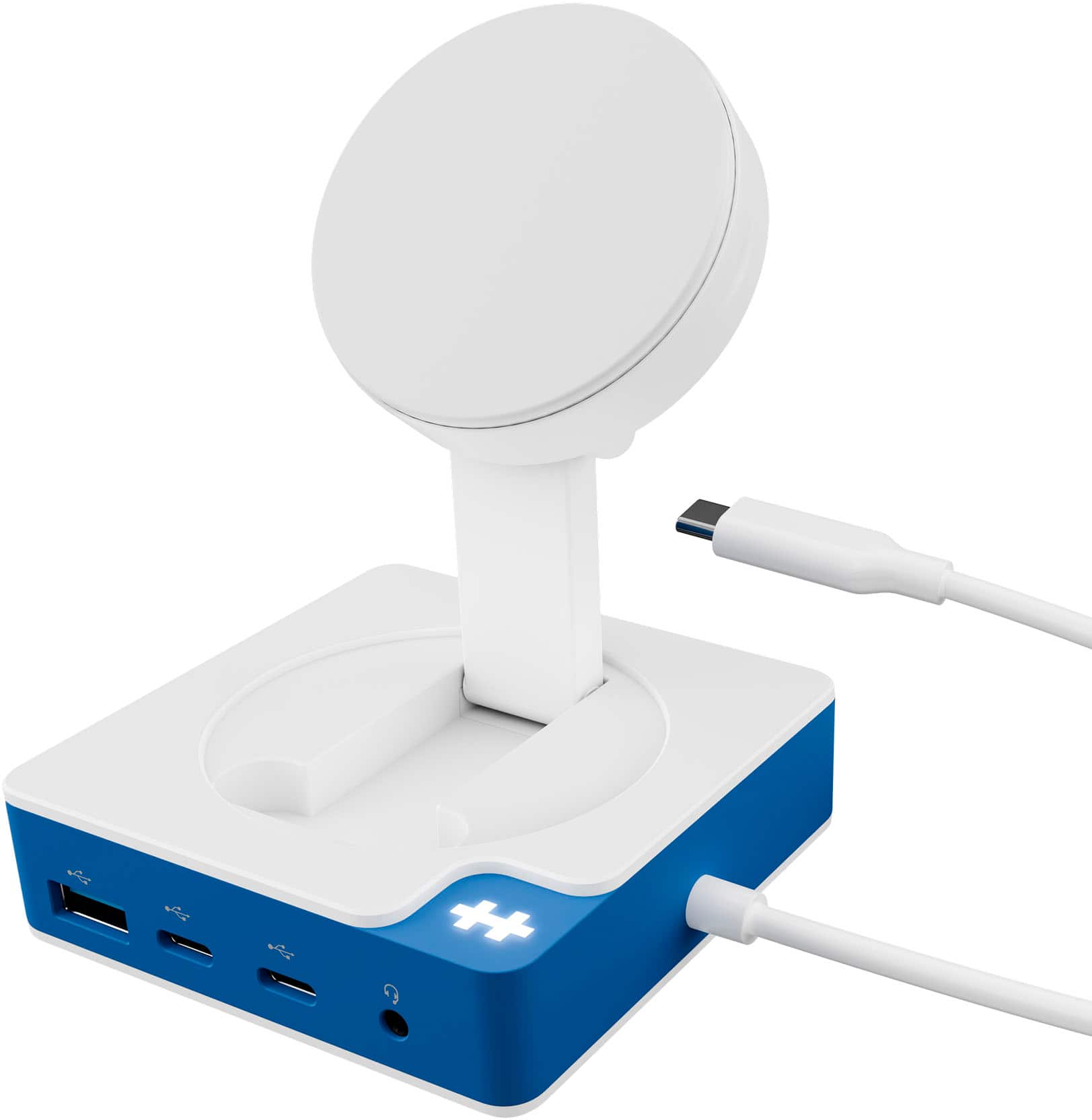
Hyper - HyperDrive Flex MagCharge 5 Port USB-C Hub with Phone Charger - Blue
SKU: J3GWPJ2429Love my new all in one charger. It works great and saves me from having to have multiple chargers...Pretty good all u need to have the best desktop experience especially witch samsung dex
See all USB HubsProduct Description
A blue USB-C hub offering Qi wireless charging, 4K display support, and 100W power delivery.Your price for this item is $69.99 -
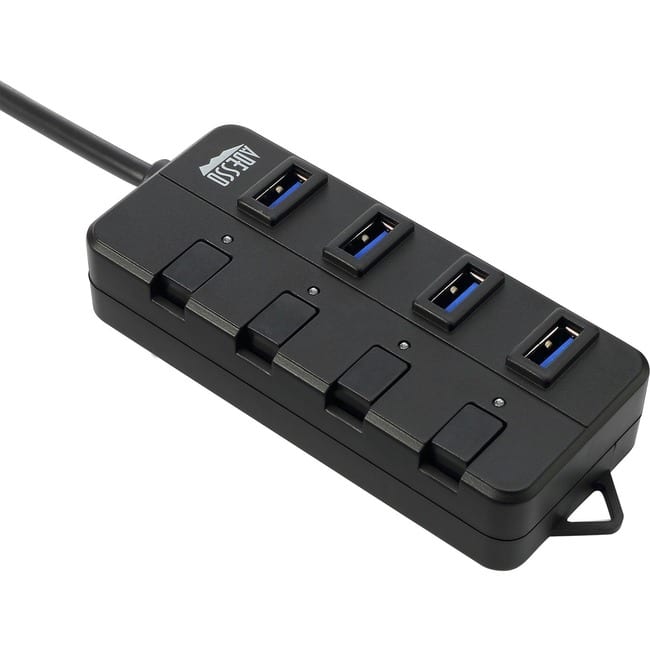
Adesso - 4-ports USB 3.0 Hub - USB - External - 4 USB Port(s) - 4 USB 3.0 Port(s) - PC, Mac - Black,Gray
SKU: J32P877RKVSee all USB HubsProduct Description
A compact black and gray USB 3.0 hub with four ports and individual power-saving switches.Your price for this item is $26.99 -
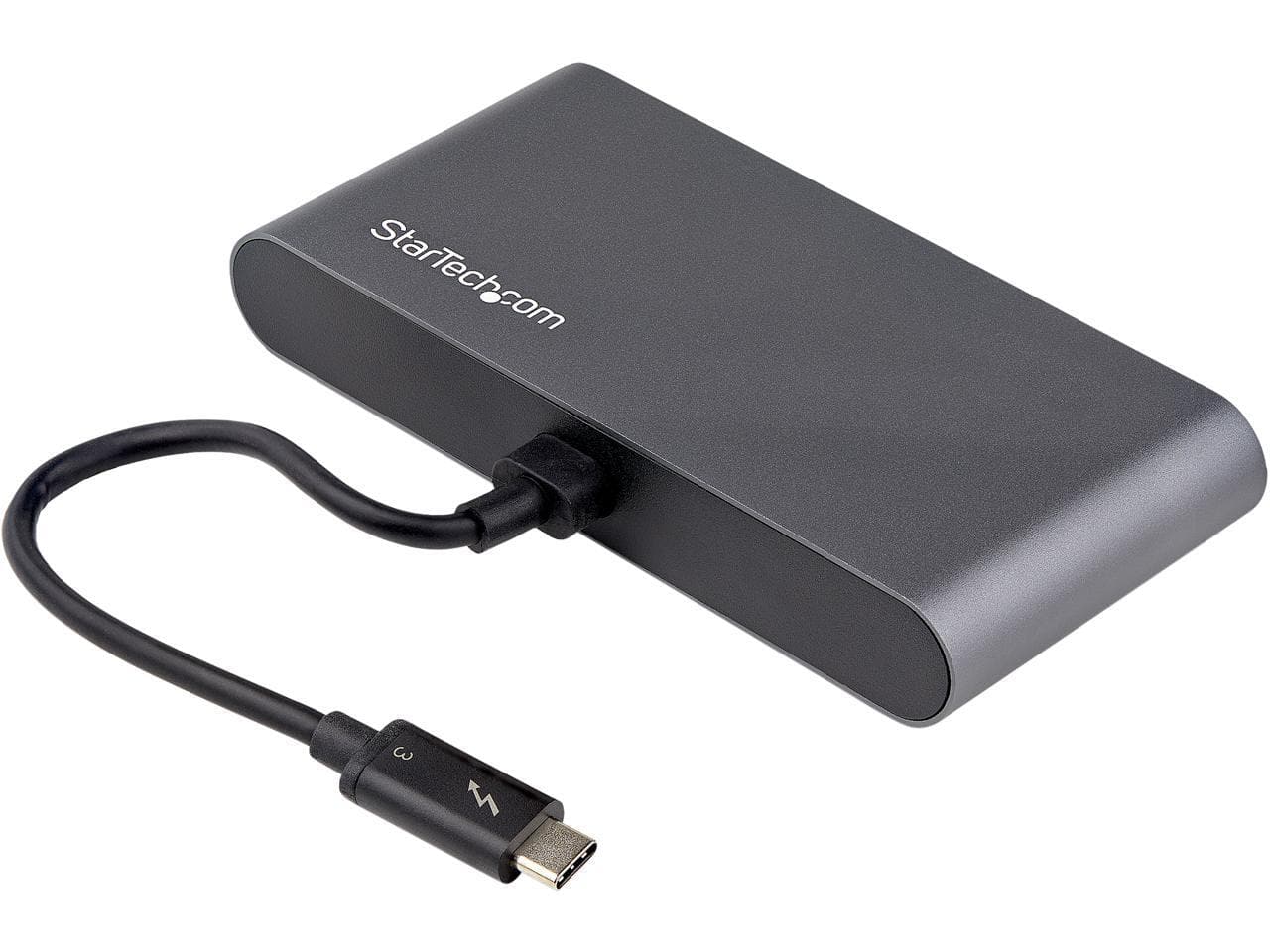
StarTech.com - Thunderbolt 3 Mini Dock - Dual 4K HDMI, USB-A Hub, GbE, 28cm Cable - Mac/Windows (TB3DKMHDL)
SKU: J7PHYXJZ4TSee all Docking StationsProduct Description
A portable black mini dock offering dual 4K HDMI, USB-A hub, and Gigabit Ethernet connectivity.Your price for this item is $105.13 -
ViewSonic - VP2788-5K 27 IPS 5K UHD Mac- Ready Monitor (Thunderbolt4,USB HUB, HDMI, DP) - Black
SKU: J37H88V533See all All MonitorsProduct Description
A sleek black 27" IPS monitor with 5K UHD resolution, Thunderbolt 4 connectivity, and ergonomic stand.Your price for this item is $929.99 -
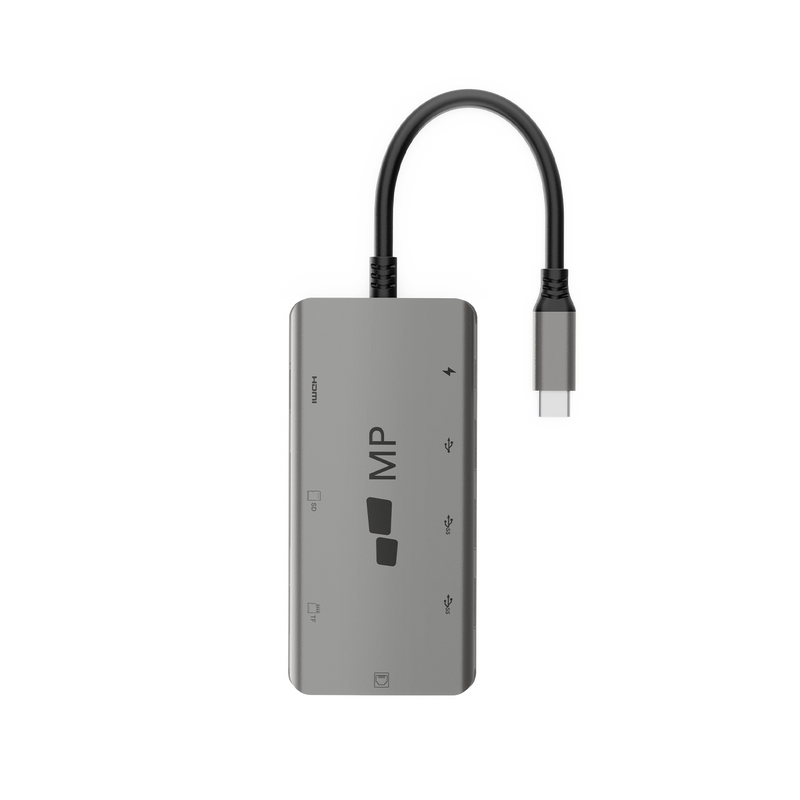
Mobile Pixels - 8-1 Hub - Gray
SKU: J3R8Q2T6WVSee all Cables & ConnectorsProduct Description
An 8-in-1 gray hub offering versatile connectivity for USB-C laptops, tablets, and mobile phones.Your price for this item is $59.99Save $10The previous price was $69.99

Best Sellers






Related Pages





FAQ
Mac hubs typically feature a variety of ports such as USB-C, USB-A, HDMI, SD and microSD card readers, Ethernet, and sometimes audio jacks. This allows you to connect multiple devices and peripherals to your MacBook or iMac with ease.
Most Mac hubs are designed to work with MacBook models that have USB-C or Thunderbolt 3/4 ports. Always check the compatibility details on the product page to ensure the hub will work with your specific Mac model.
Many Mac hubs offer HDMI or DisplayPort outputs, allowing you to connect one or more external monitors. The number of displays supported may depend on your Mac’s hardware capabilities and the hub’s specifications.
Most Mac hubs are plug-and-play, meaning they do not require any additional software or drivers. Simply connect the hub to your Mac, and it should be ready for use immediately.
Many Mac hubs support pass-through charging, allowing you to charge your MacBook while using the hub. However, charging speeds can vary based on the hub’s power delivery capabilities and the power adapter you use.