Docking Stations For MacBook
-
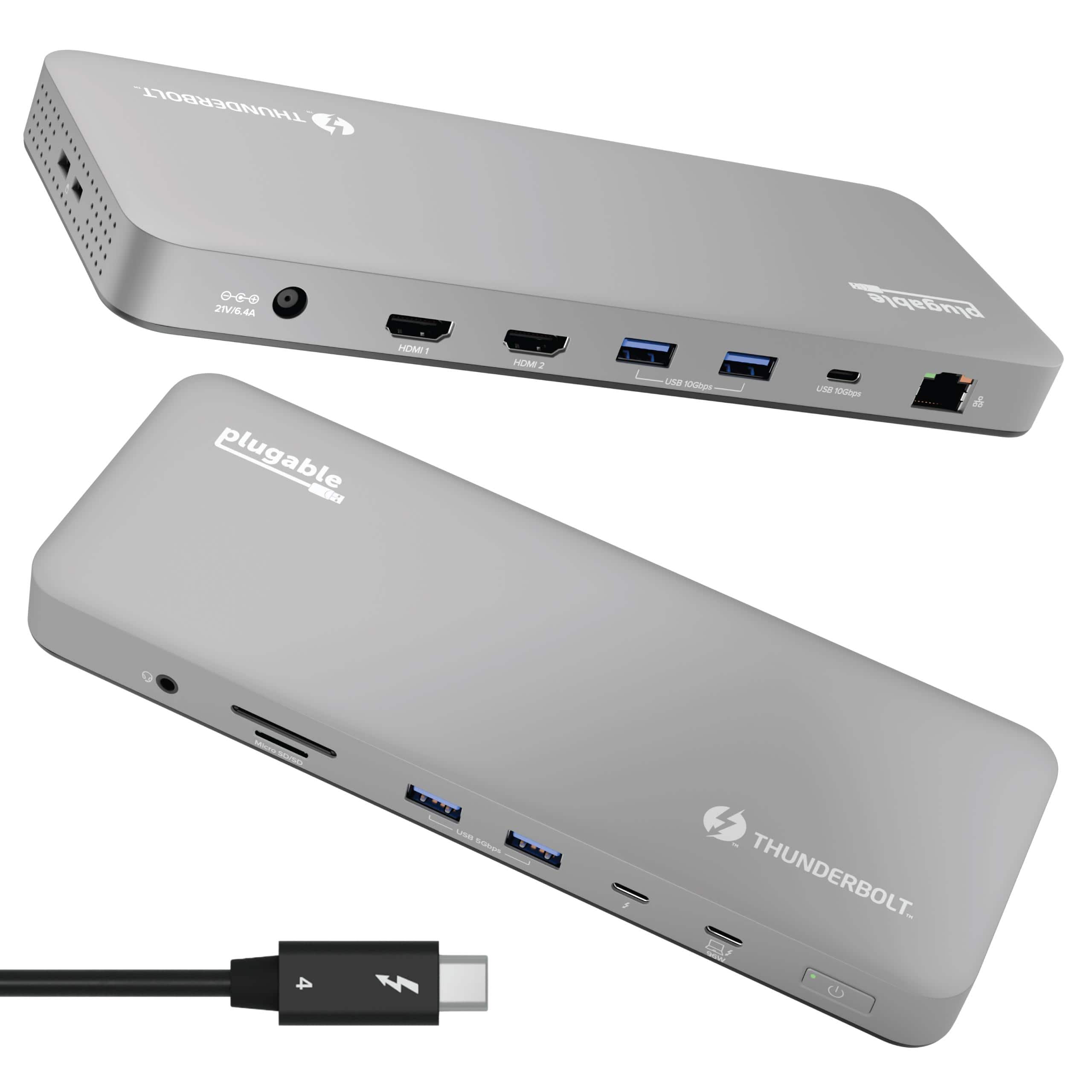
Plugable - Thunderbolt 4 Dock for M4 MacBook Air & Pro: 100W Charging, 4K HDMI Dual Monitor or Single 6K - Space Gray
SKU: J3YLP624W9See all Docking StationsProduct Description
A sleek space gray aluminum dock offering Thunderbolt 4 connectivity, dual 4K HDMI, and 100W charging.Your price for this item is $199.95 -
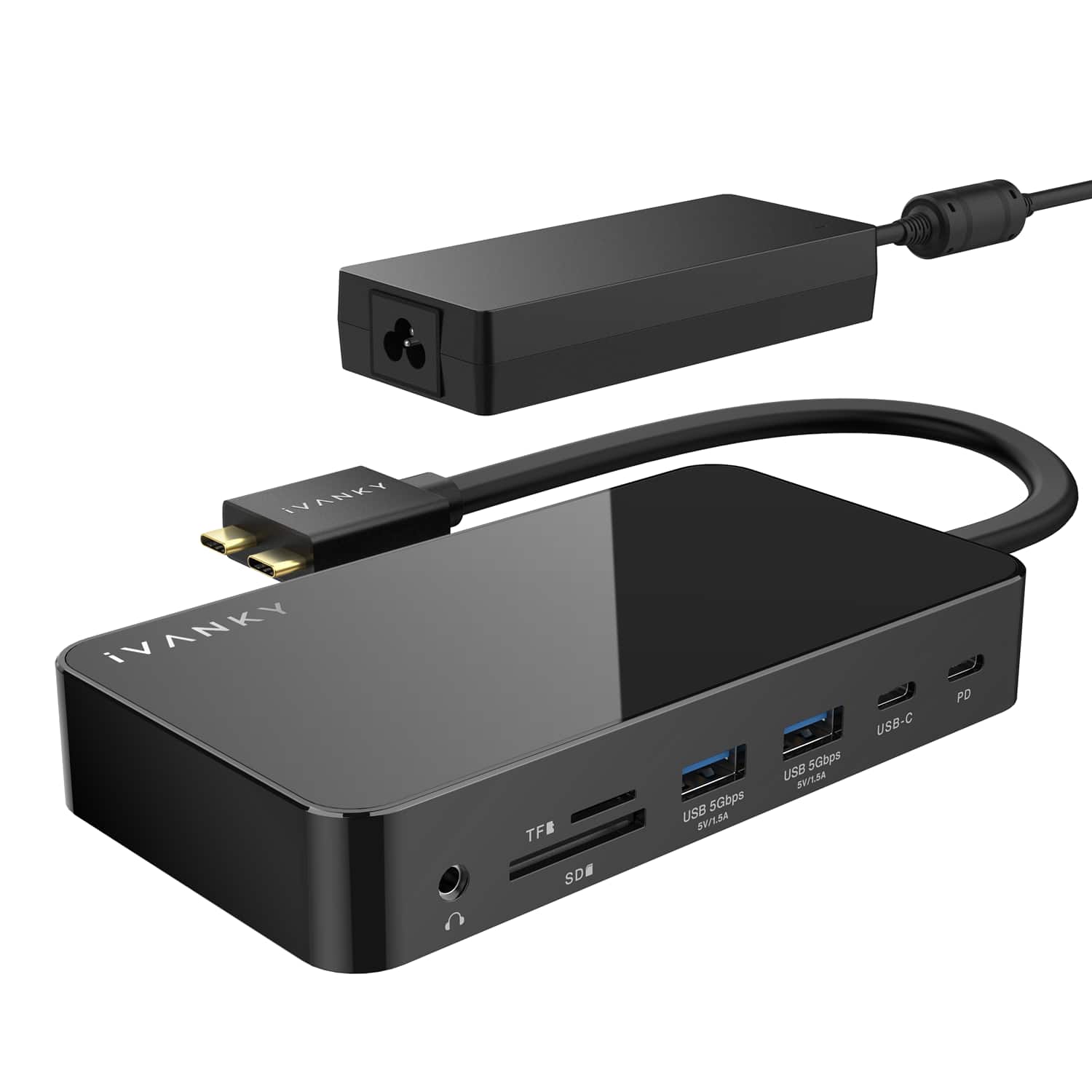
iVANKY - 12-in-2 Dual 4K FusionDock Docking Station for MacBook Pro with 150W Power Adapter - Black
SKU: CZTZ2F27V5See all Docking StationsProduct Description
A black vertical docking station supporting dual 4K displays, 6 USB ports, Ethernet, and 96W power delivery.Your price for this item is $139.99 -
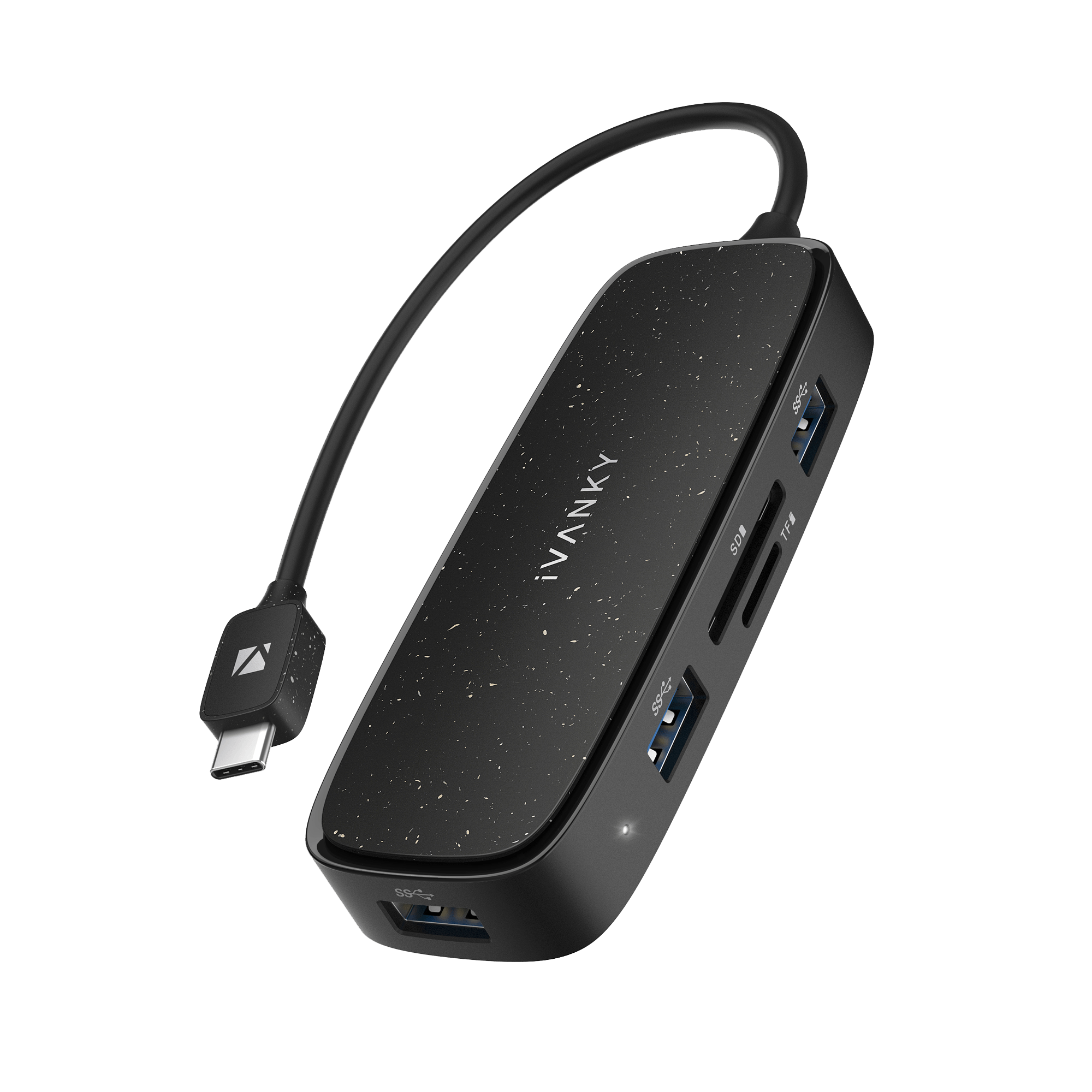
iVANKY - Classic 7-in-1 USB-C Hub Docking Station For PC Laptop MacBook
SKU: CZTZ2F2JWWSee all Docking StationsProduct Description
A versatile 7-in-1 USB-C hub that adds multiple ports and display support for laptops and PCs.Your price for this item is $14.99 -
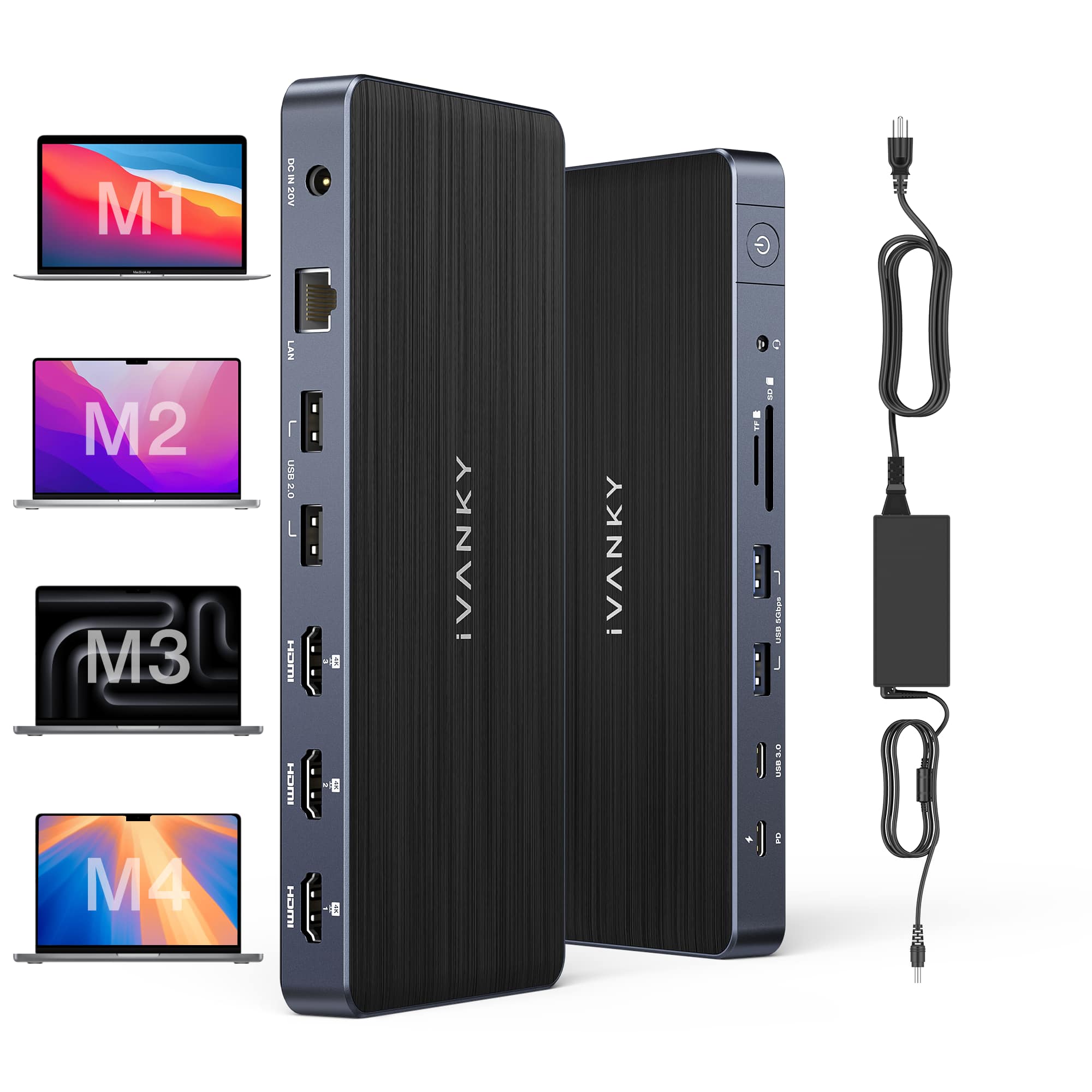
iVANKY - 12-in-2 FusionDock 1 for M1-M5 MacBook Pro Docking Station, Dual 4K@120Hz Monitor, 96W PD Charging, 150W Power Adapter
SKU: CZTZ2FCVT6See all Docking StationsProduct Description
A versatile docking station supporting dual 4K@60Hz displays, 6 USB ports, Ethernet, and 150W power delivery.Your price for this item is $124.99 -
iVANKY - FusionDock 14-in-1 Docking Station with 180W Power Adapter, Triple 4K@60Hz Monitor For Macbook
SKU: CZTZ2F27QJSee all Docking StationsProduct Description
A versatile 14-in-1 docking station supporting triple 4K@60Hz monitors, 96W PD, and 2.5GbE for MacBooks.Your price for this item is $189.99 -
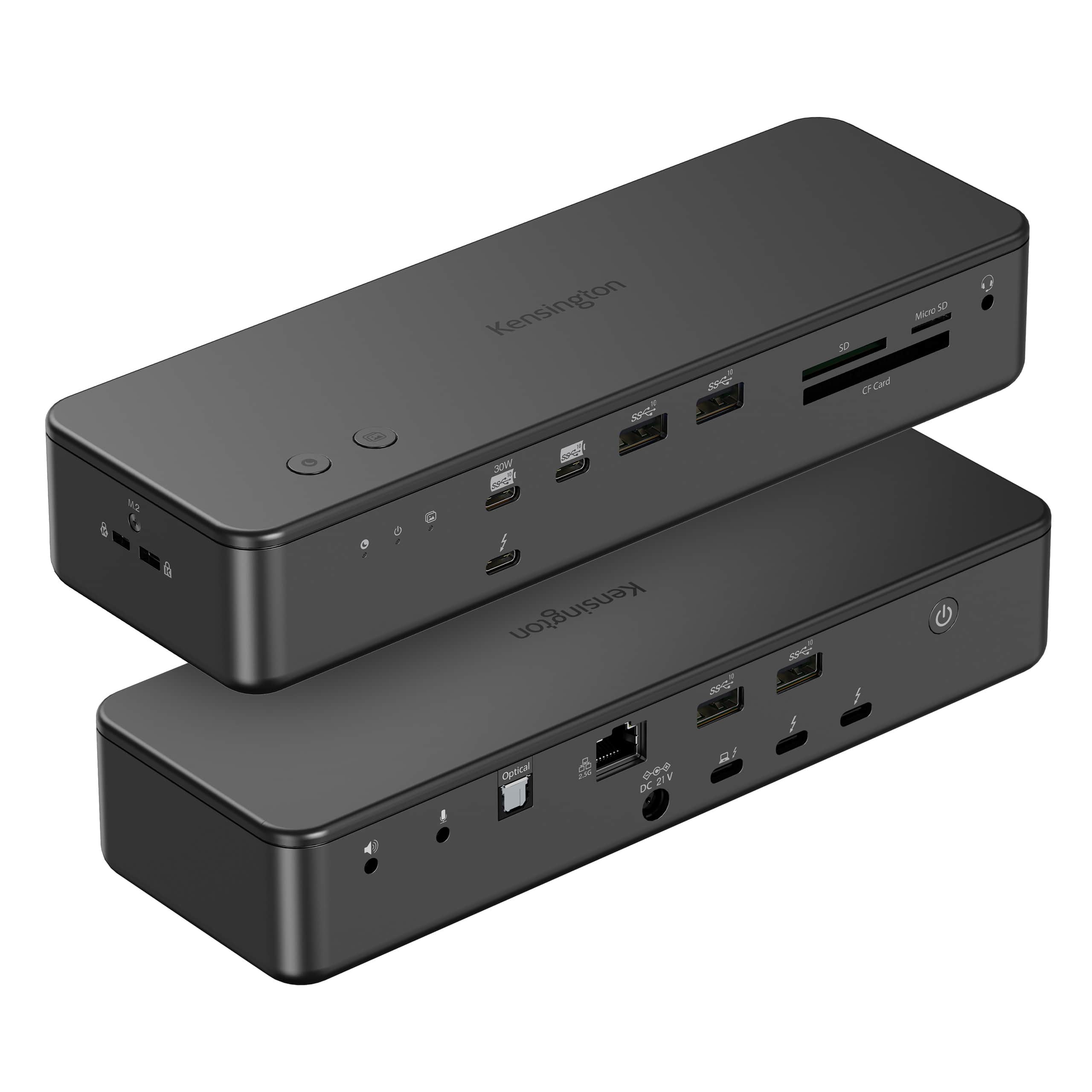
Kensington - EQ Pro Thunderbolt 5 Dock for MacBook, 19-in-1, Dual 6K at 60Hz, 140W Power, M.2 SSD Slot - K33612NA - Black
SKU: J7RJZWKGYQSee all Docking StationsProduct Description
A black, heat-dissipating Thunderbolt 5 docking station supporting up to four displays for seamless multitasking.Your price for this item is $449.99 -
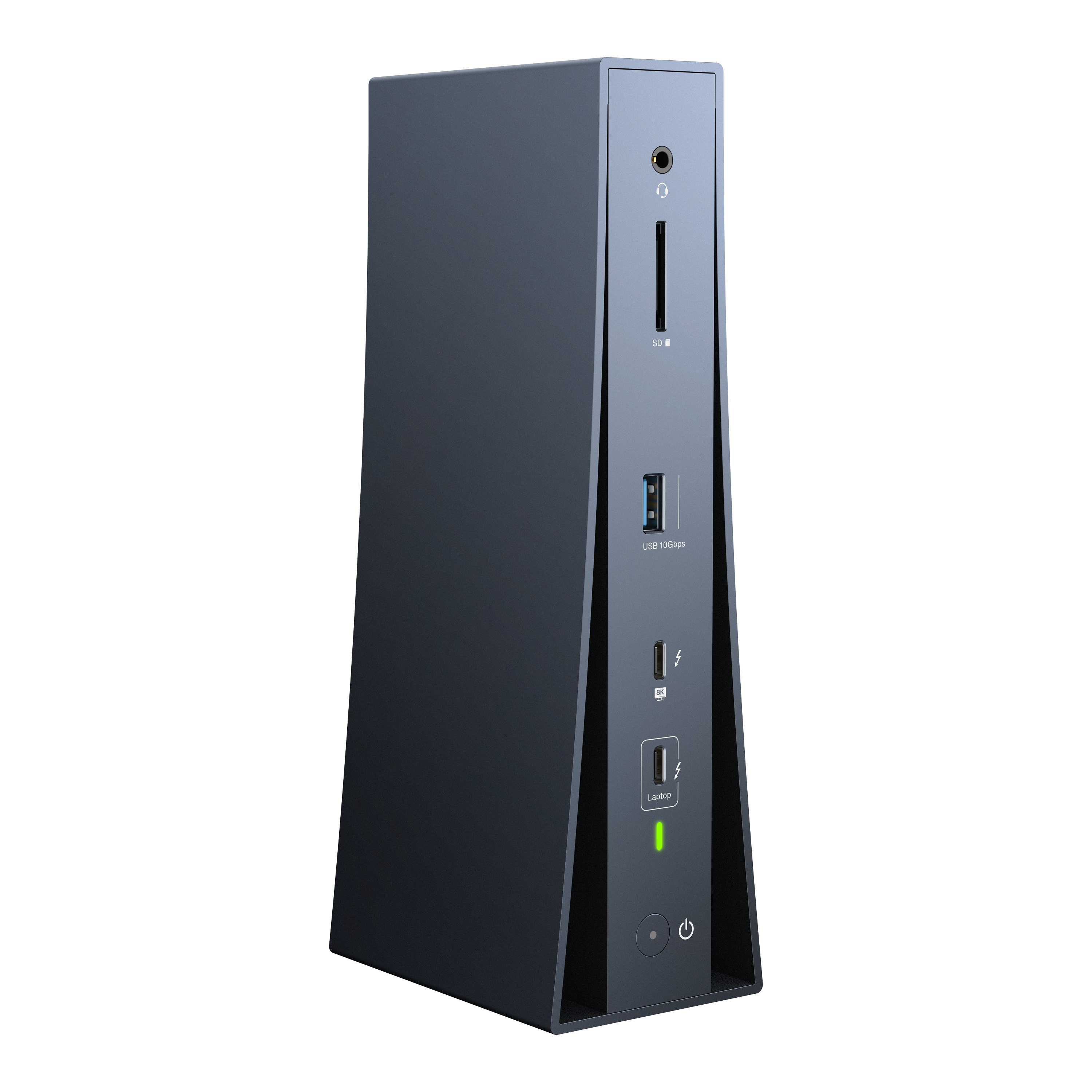
iVANKY - FusionDock Dual 6K/8K Display Thunderbolt 5 Docking Station for MacBook and Windows
SKU: CZTZ2F2CC3See all Docking StationsProduct Description
A vertical Thunderbolt 5 dock supporting dual 6K/8K displays, 180W power, and 2.5GbE connectivity.Your price for this item is $242.24Save $197The previous price was $439.99 -
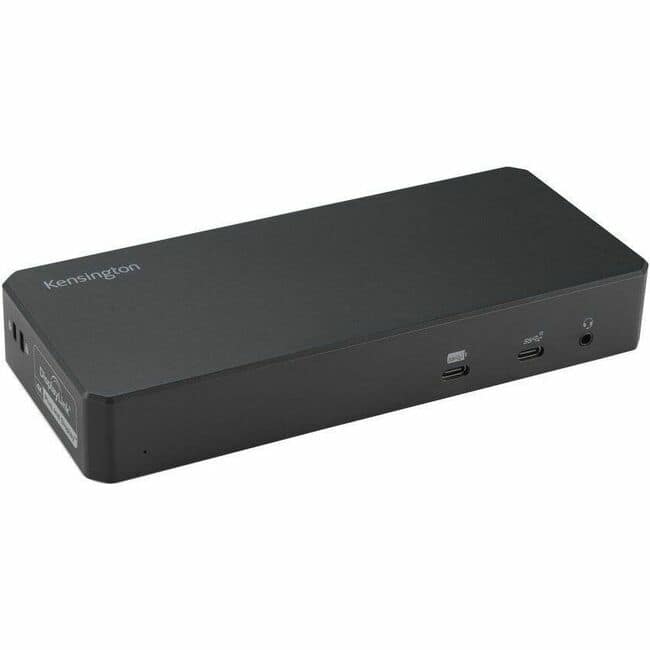
Kensington - SD4790-MAC EQ USB-C Triple 4K Docking Station for MacBook - for Earset, Smartwatch, Smartphone, Notebook
SKU: J7RJZKQ9FSSee all Docking StationsProduct Description
A powered black USB-C docking station supporting triple 4K displays for enhanced productivity and connectivity.Your price for this item is $329.55 -
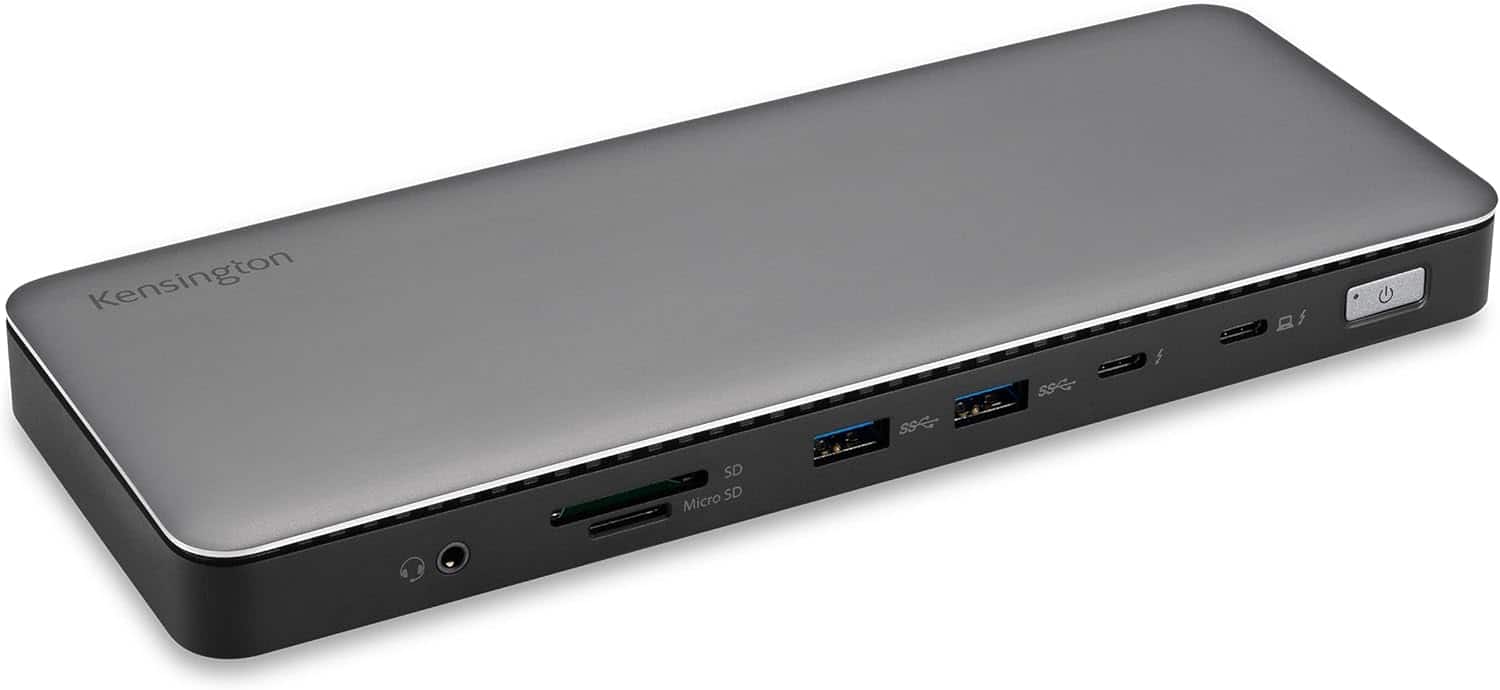
Kensington - SD5760T Thunderbolt 4 Dock, 100W PD, 2 HDMI, SD/Micro SD Slots, for Windows & MacBook Pro - Black
SKU: J7RJZKQZKYSee all Docking StationsProduct Description
A black docking station offering Thunderbolt 4, dual HDMI, 100W power delivery, and SD/Micro SD slots.Your price for this item is $272.71Save $3The previous price was $276.23 -
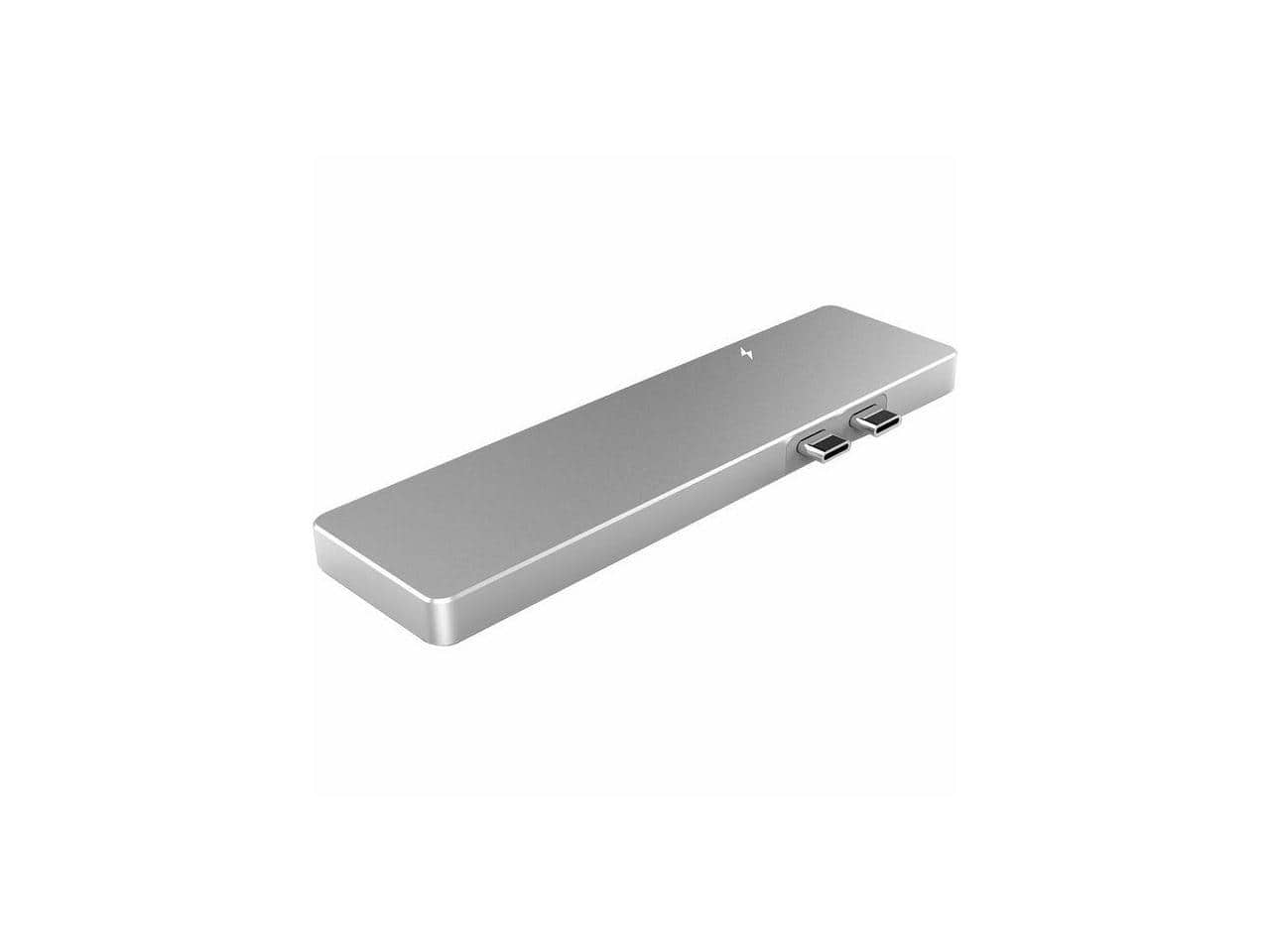
4XEM - Multi-Port Travel Docking Station for MacBook Pro 4XUHP3405M
SKU: J395JS6769See all Docking StationsProduct Description
A powered travel docking station supporting up to three displays for compatible MacBook Pro laptops.Your price for this item is $46.94

Best Sellers


Related Pages



FAQ
When choosing a docking station for your MacBook, consider the types and number of ports you need, such as USB-C, HDMI, Ethernet, and SD card readers. Also, check for compatibility with your MacBook model, support for dual monitors, power delivery (PD) for charging, and whether it supports high-speed data transfer.
Many docking stations are designed to be compatible with both MacBook Air and MacBook Pro models, especially those with USB-C or Thunderbolt 3/4 ports. Always verify the specific compatibility details in the product description to ensure it works with your MacBook model.
Yes, many docking stations support connecting two or more external monitors to your MacBook. Look for models that specify multi-display support and check the maximum resolution and refresh rates supported for each monitor.
Most modern docking stations with USB-C or Thunderbolt connectivity offer power delivery, allowing you to charge your MacBook while connected. Check the wattage supported by the docking station to ensure it meets your MacBook's charging requirements.
You can connect a wide range of devices and accessories to a MacBook docking station, including external monitors, keyboards, mice, printers, external hard drives, SD cards, Ethernet cables, and audio devices. The exact compatibility depends on the ports available on the docking station.