Nook Micro Sd
-
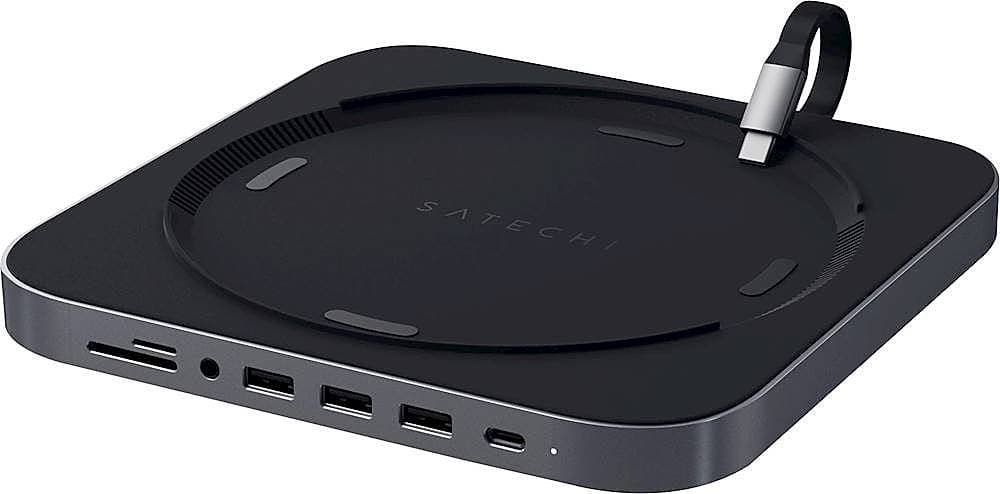
Satechi - Type-C Aluminum Stand and Hub for Mac Mini & Mac Studio - USB-C Data Port, Micro/SD Card Reader, 3 USB 3.0 & Audio Jack - Space Gray
SKU: J3KXL7X69KBest Accessory...Love it
See all Docking StationsProduct Description
An aluminum space gray hub that adds USB-C, USB 3.0, SD card, and audio ports to your Mac.Your price for this item is $59.99Save $20The previous price was $79.99 -
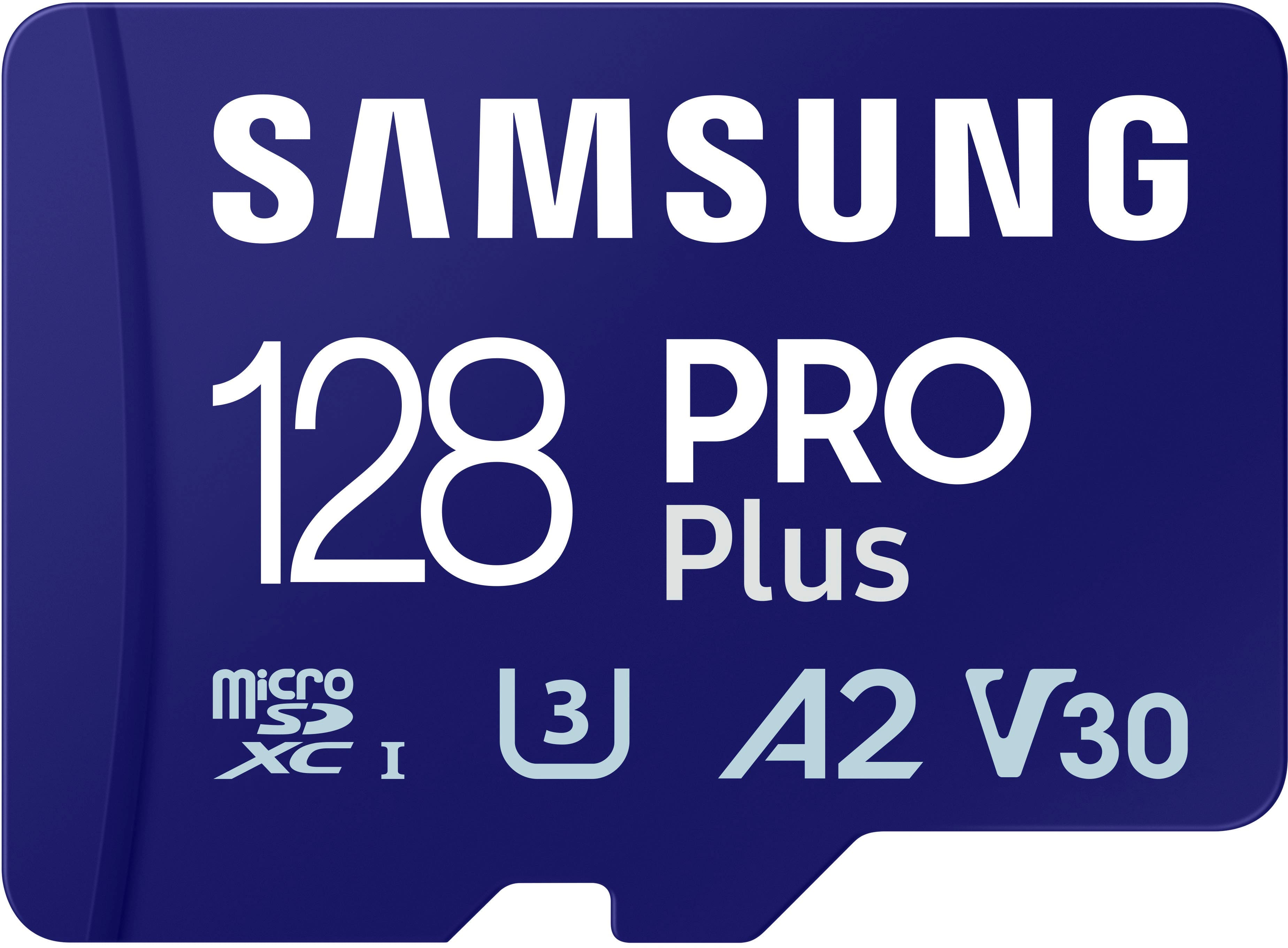
Samsung - Pro Plus 128 GB microSDXC Memory Card
SKU: J3ZYG2PH6CGreat...Worked great lightning fast. Replaced old tech, very happy 😊...Great product
See all microSDXCProduct Description
A high-speed 128GB microSDXC card with adapter, ideal for 4K video, gaming, and expanded storage.Your price for this item is $49.99 -
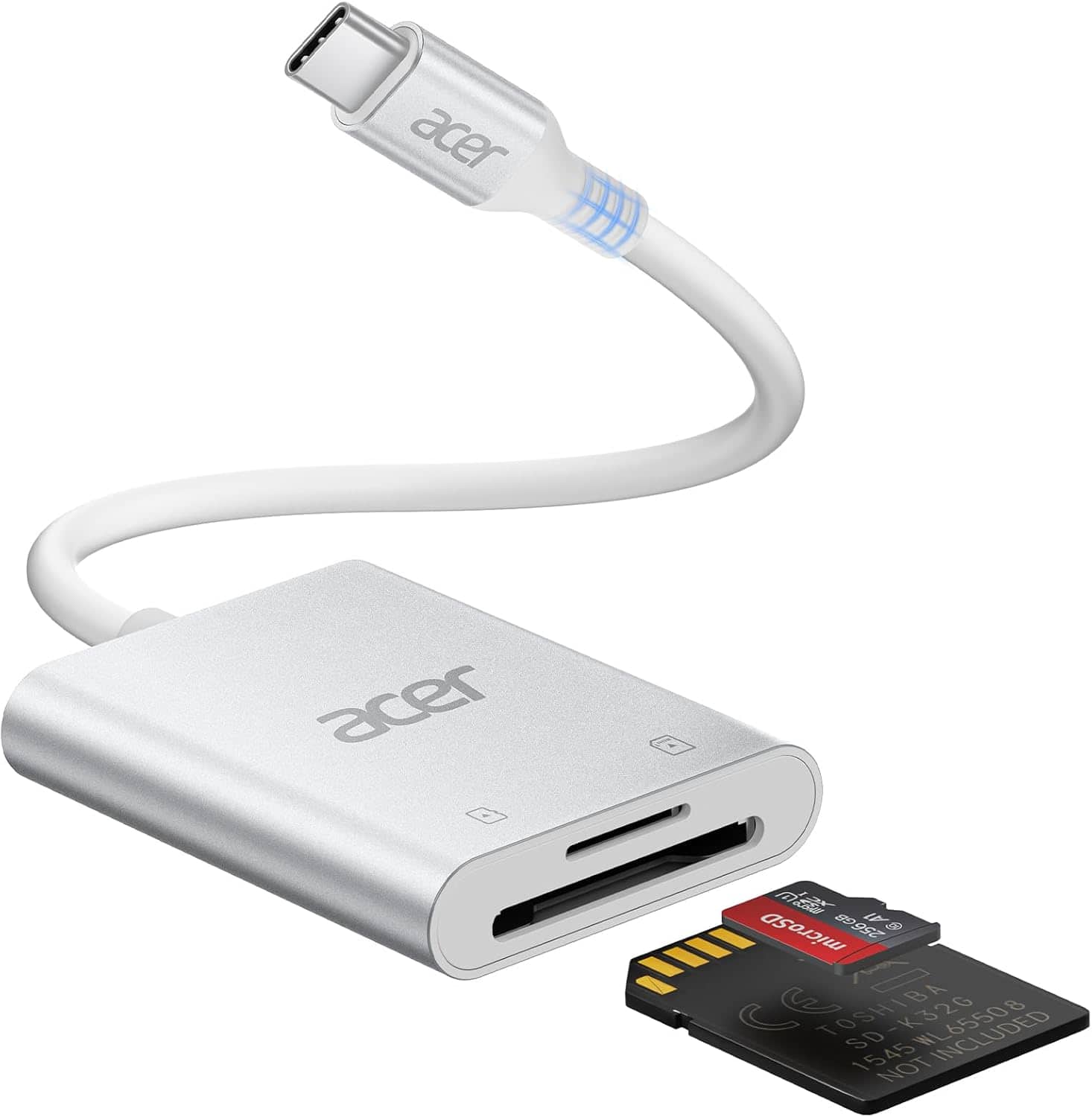
Acer - SD Card Reader USB C, Dual Slots Type C to Memory Card Reader, Aluminum Micro SD Card Camera Adapter - SLIVER
SKU: JJ8V8HLYX6See all Memory Card Readers & AdaptersProduct Description
A silver aluminum USB-C card reader with dual slots, supporting MicroSD, SDHC, and SDXC cards.Your price for this item is $15.99Save $10The previous price was $25.99
Best Sellers


Related Pages





FAQ
Yes, many Nook eReaders support microSD cards, allowing you to increase the available storage space for books, audiobooks, and other media.
You can store eBooks, PDFs, music, images, and other compatible files on a microSD card for use with your Nook device.
To insert a microSD card, locate the microSD slot on your Nook, gently slide the card in until it clicks into place, and follow any on-screen prompts to set it up.
Yes, you can transfer eBooks and other compatible files from your computer to your Nook by copying them onto the microSD card and then inserting it into your device.
Some Nook devices may require you to format a new microSD card before use. You can usually do this through the Nook's settings menu or using a computer.