Popular Cd Burning Software
-
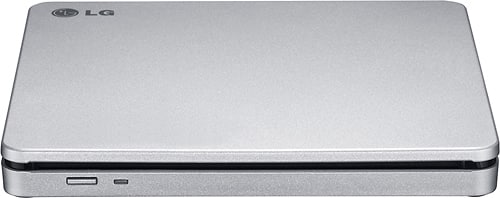
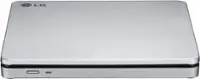
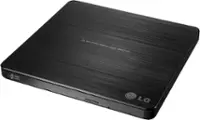
LG - 8x External Double-Layer DVD±RW/CD-RW SuperMulti Blade Drive - Silver
SKU: J7Y69525Y6Great product! Great service! Good prices. I love Best Buy!...I will shop at Best Buy from now and to infinity and beyond!...I love it and the customer service was great!!!!!!...Great visit
See all External DVD DrivesProduct Description
A slim, portable external DVD±RW/CD-RW drive in silver with 8x write speed for fast burning.Your price for this item is $62.99Save $12The previous price was $74.99 -
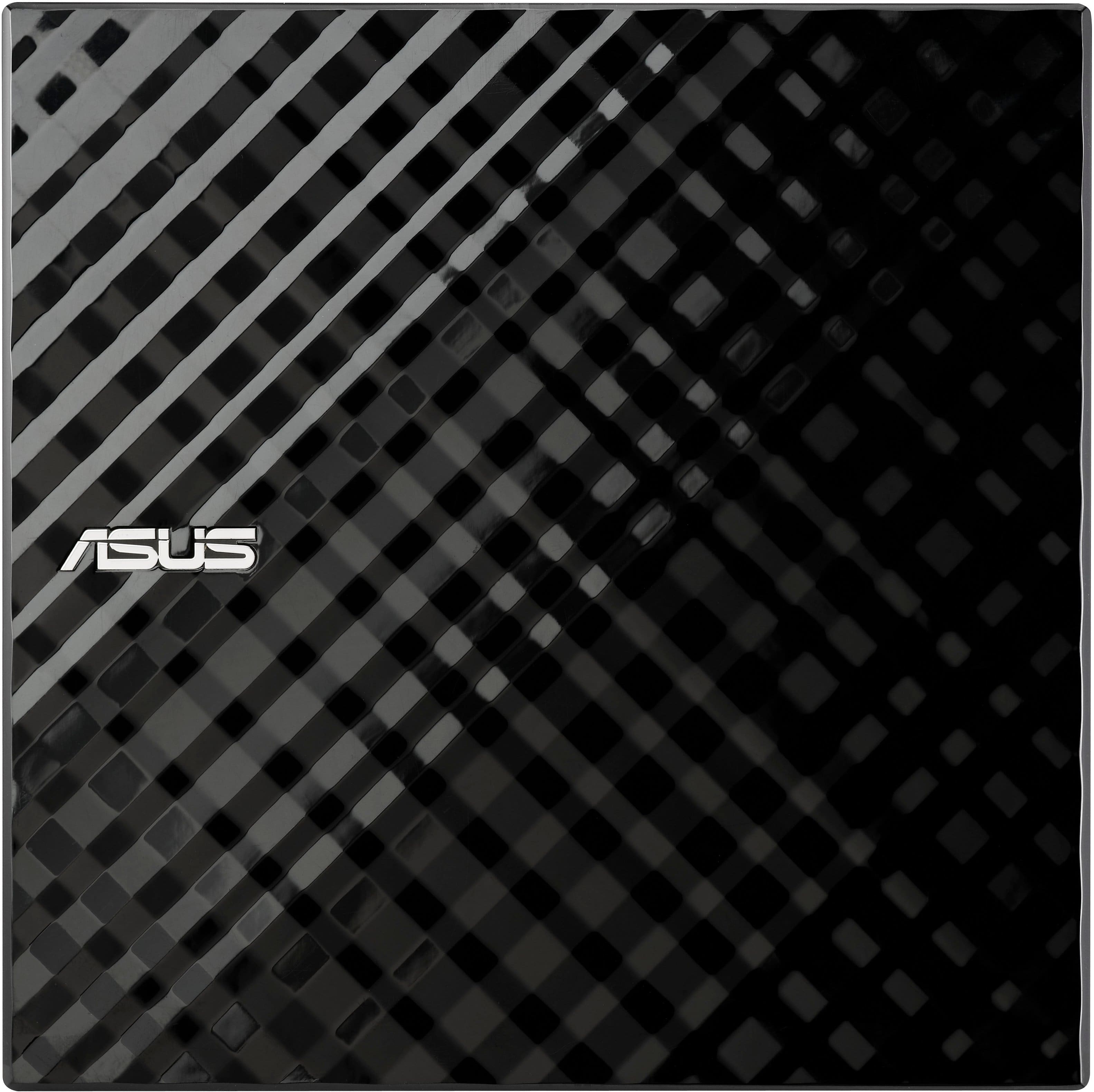
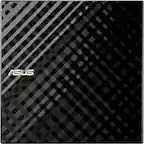
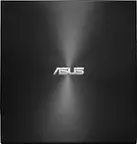
ASUS - External USB Double-Layer 8x DVD+RW/24x CD-RW Drive - Black
SKU: JX7JVF5HKZIt’s the best DvD usb player and I love it I love it so much lol...Great Movie...One of Mel Gibsons best movies. Great cast, great story.
See all External DVD DrivesProduct Description
A sleek black external USB drive offering fast DVD and CD burning with enhanced security features.Your price for this item is $32.99 -
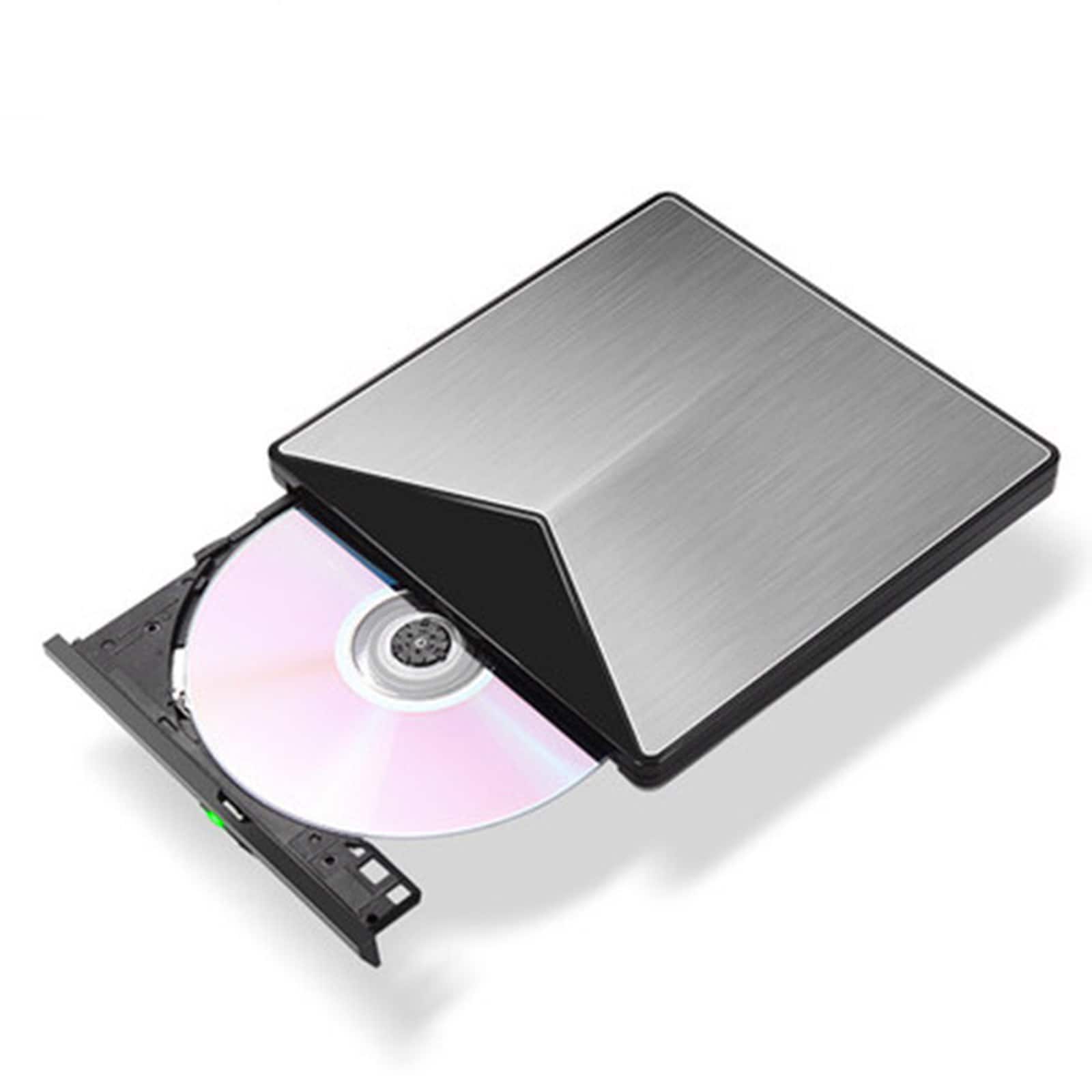
Topteng - Blu-ray Burner - External BD/DVD/CD Writer, Ultra Slim Aluminum, USB 3.0 for Mac & Windows - Gray
SKU: J3R9F7Y6HSSee all External DVD DrivesProduct Description
An ultra-slim gray aluminum external BD/DVD/CD writer with USB 3.0 for Mac and Windows compatibility.Your price for this item is $75.99 -
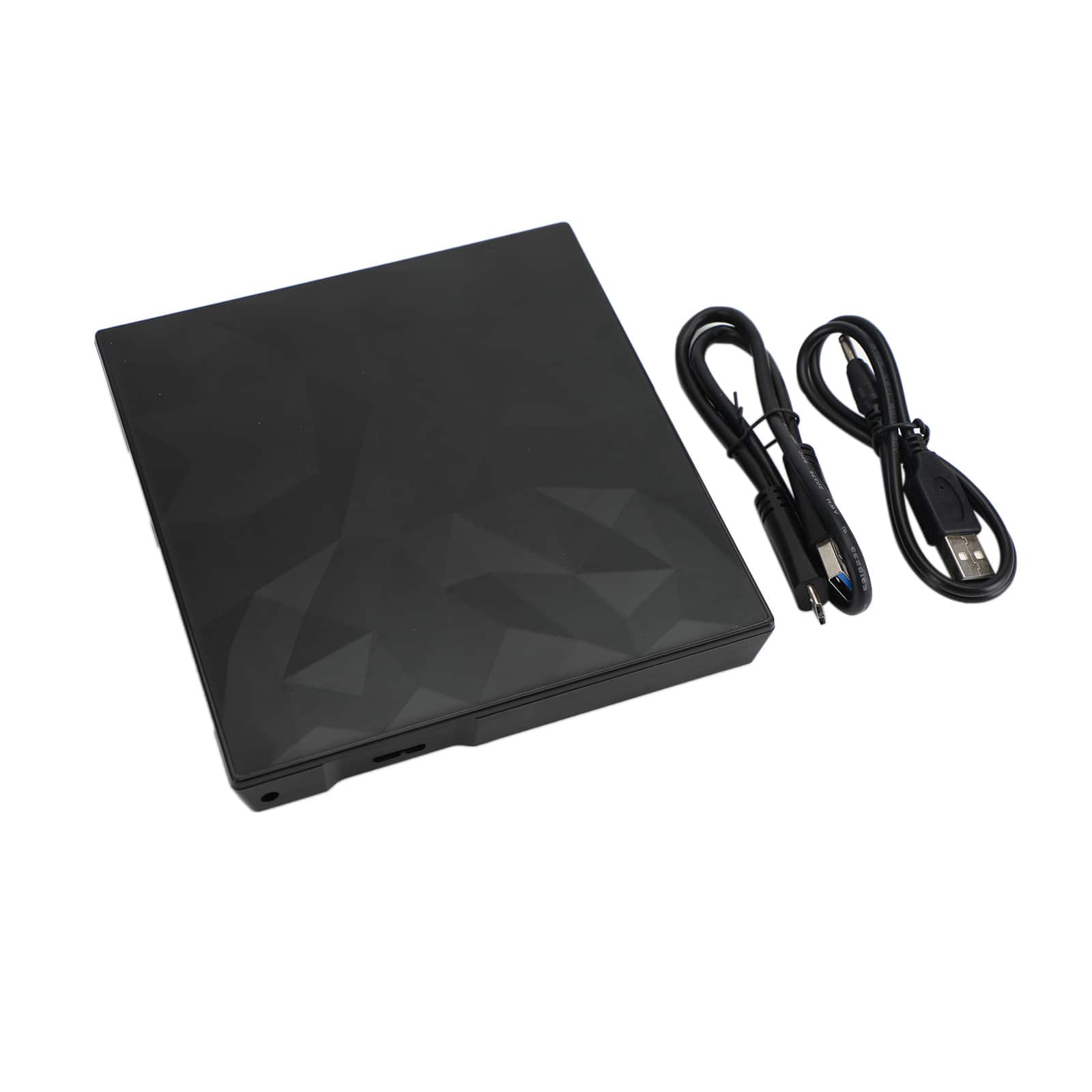
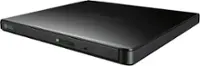
Topteng - Slim Portable External DVD Drive USB 3.0 - CD/DVD Burner Writer with Unique Design for Mac, Laptop, PC - Black
SKU: J3R9F7Y6RVSee all External DVD DrivesProduct Description
A sleek black external DVD drive with USB 3.0, wide-format compatibility, and a unique textured design.Your price for this item is $32.99
Best Sellers
Related Pages



FAQ
When choosing CD burning software, look for features such as support for various disc formats (CD-R, CD-RW), an easy-to-use interface, the ability to create audio, data, and video CDs, disc copying, and options for creating ISO images. Some software also offers advanced features like disc labeling and error checking.
Many popular CD burning software programs also support burning DVDs and Blu-ray discs. However, feature availability varies by software, so it’s important to check the product specifications to ensure compatibility with your preferred disc format.
Some CD burning software is designed specifically for Windows or Mac, while others offer cross-platform compatibility. Be sure to check the system requirements to ensure the software will work with your operating system.
Most CD burning software allows you to burn a wide range of file types, including music (MP3, WAV), documents, photos, videos, and data files. Some programs also support creating bootable discs and disc images (ISO files).
Yes, many CD burning software options include features for copying existing discs and creating backups of important data. You can often duplicate audio CDs, data CDs, and sometimes even protected discs, depending on the software’s capabilities.