Recording Mixers
-
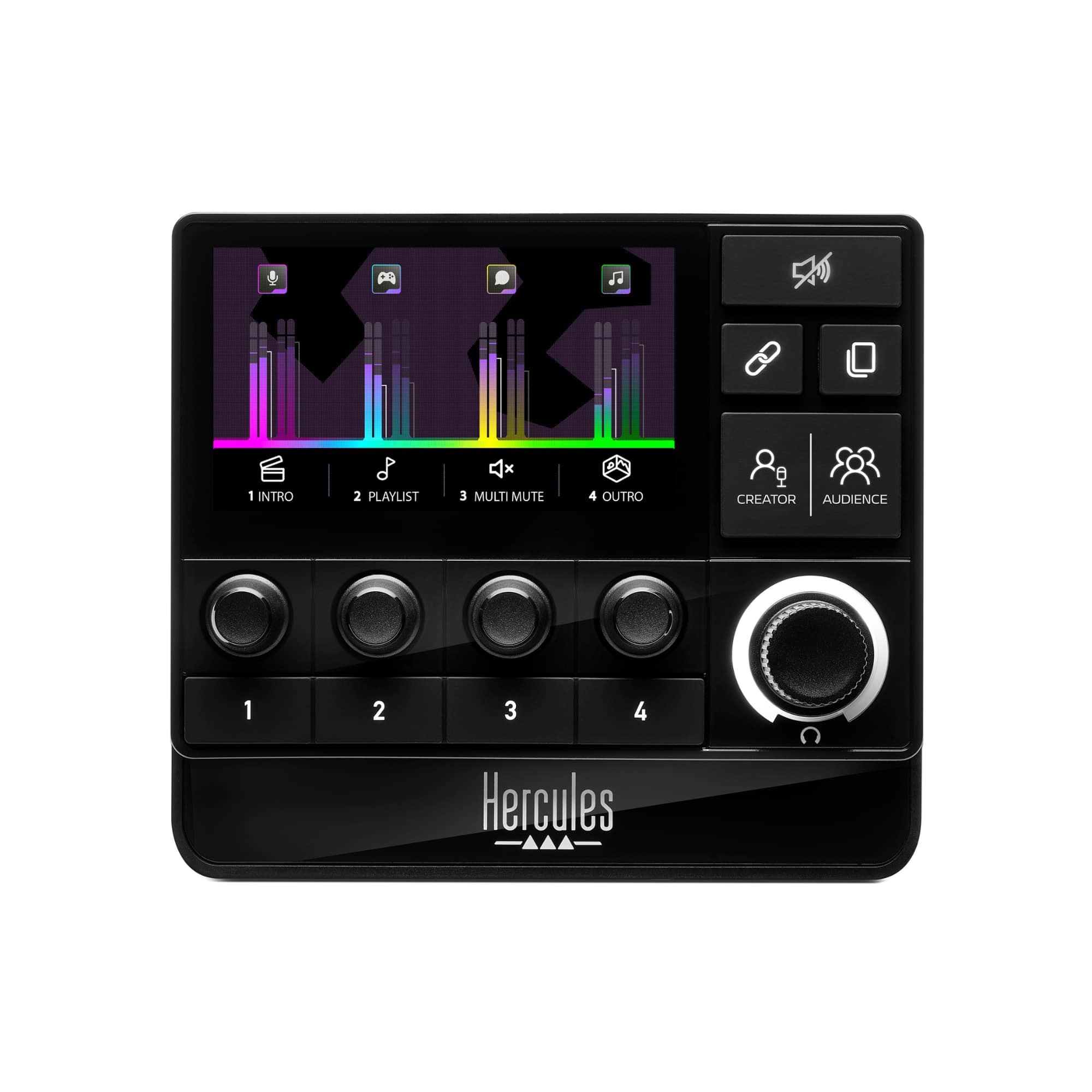
Hercules - Stream 200 XLR, Pro Audio Mixer for Advanced Content Creators, Streaming, and Gaming - Black
SKU: JXLH4642HVSee all Capture Cards & DevicesProduct Description
A black pro audio mixer with built-in LCD and sound card for real-time, customizable streaming control.Your price for this item is $299.99 -
Acoustica - Mixcraft 8 Home Studio - Windows [Digital]
SKU: JXKG7CVCKTLove this recording studio easy setup great value for the price...Great for home karaoke recordings
See all Music & Audio Editing SoftwareProduct Description
An easy-to-use Windows digital studio for recording, mixing, arranging loops, and editing audio or video.Your price for this item is $29.00Save $10The previous price was $39.00 -
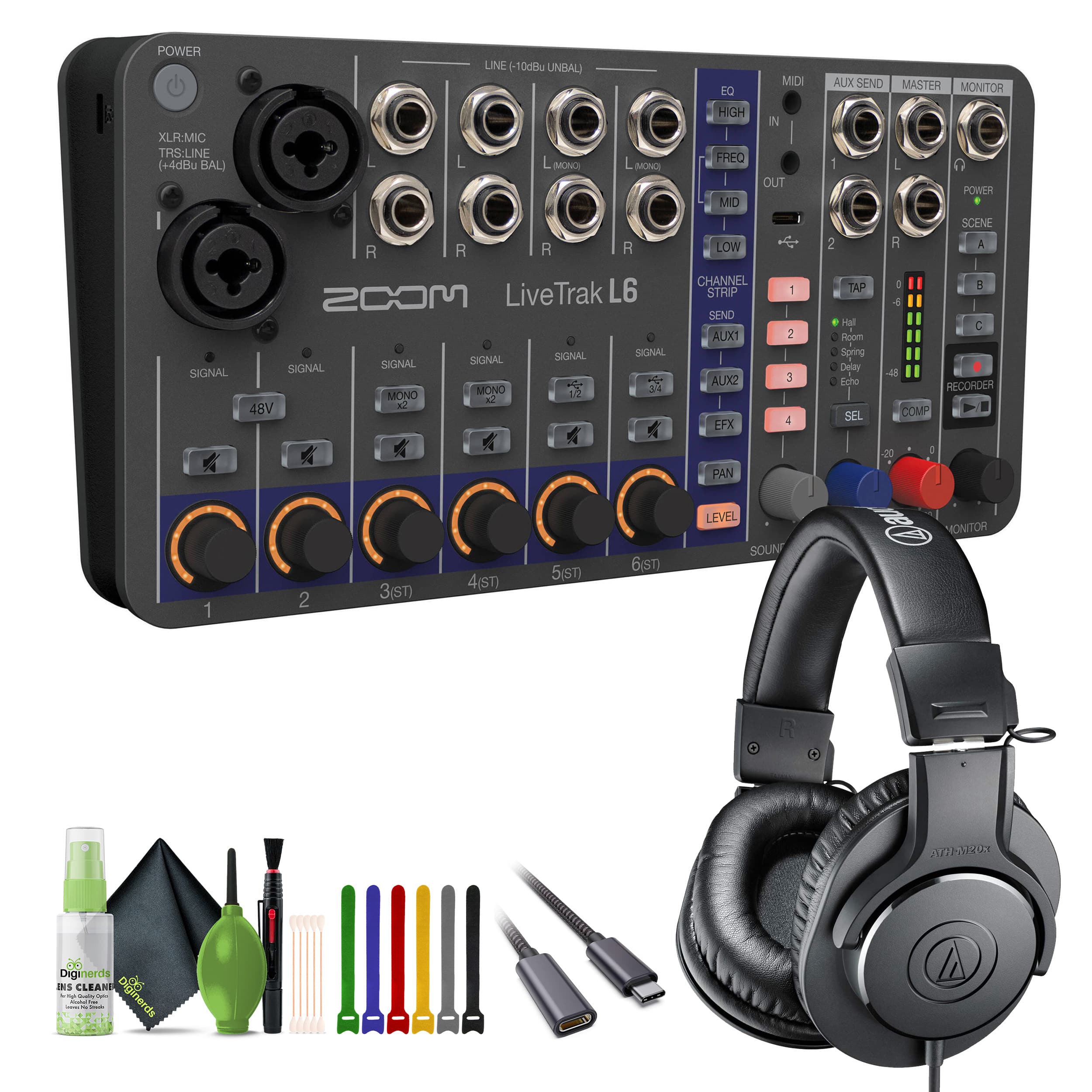
Zoom - LiveTrak L-6 Portable 6-Channel Digital Recorder, Studio Monitor Headphones - Black
SKU: J7QPQZTHYYSee all Voice RecordersProduct Description
A portable black digital mixer and recorder bundle with studio headphones, 12-track recording, and versatile connectivity.Your price for this item is $351.95 -
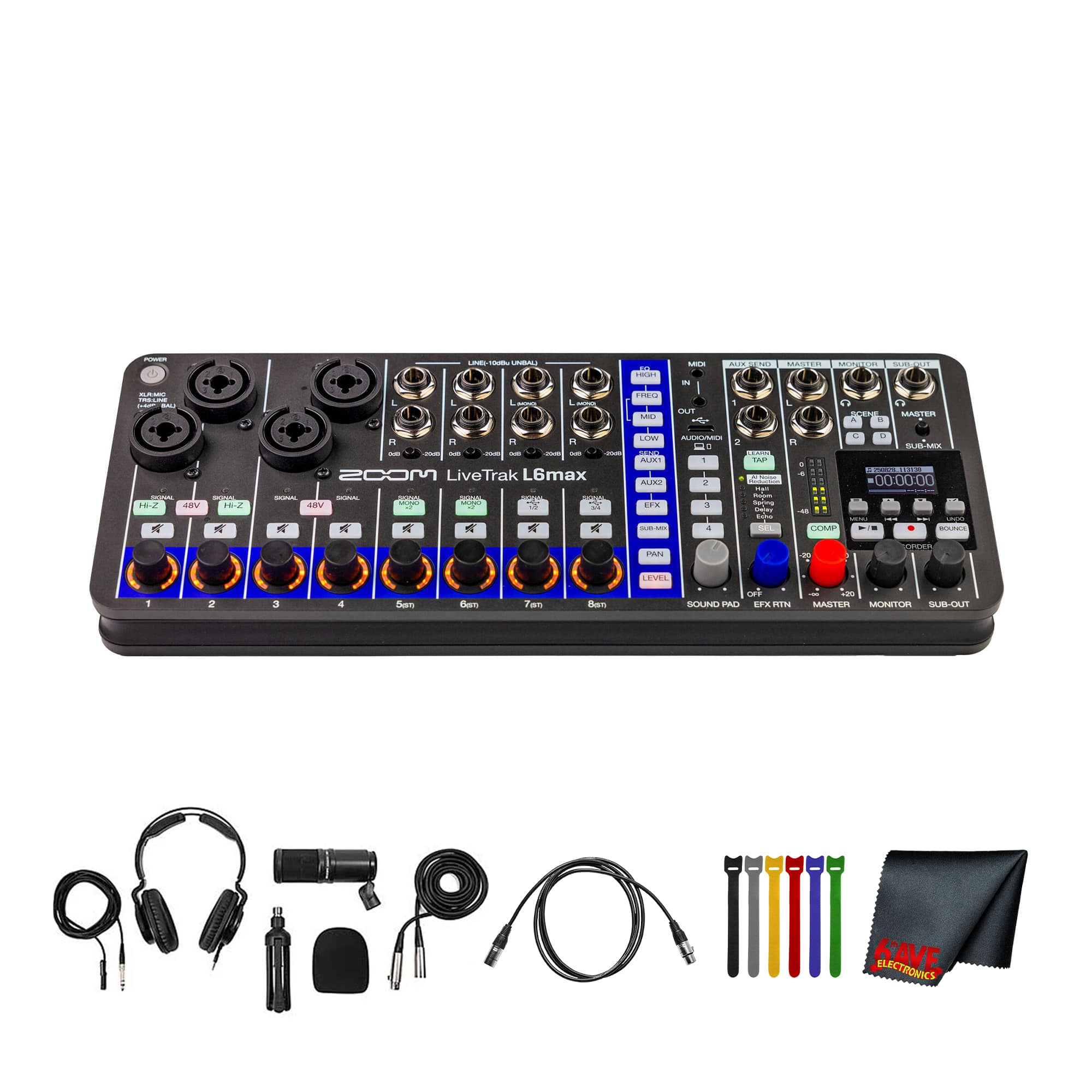
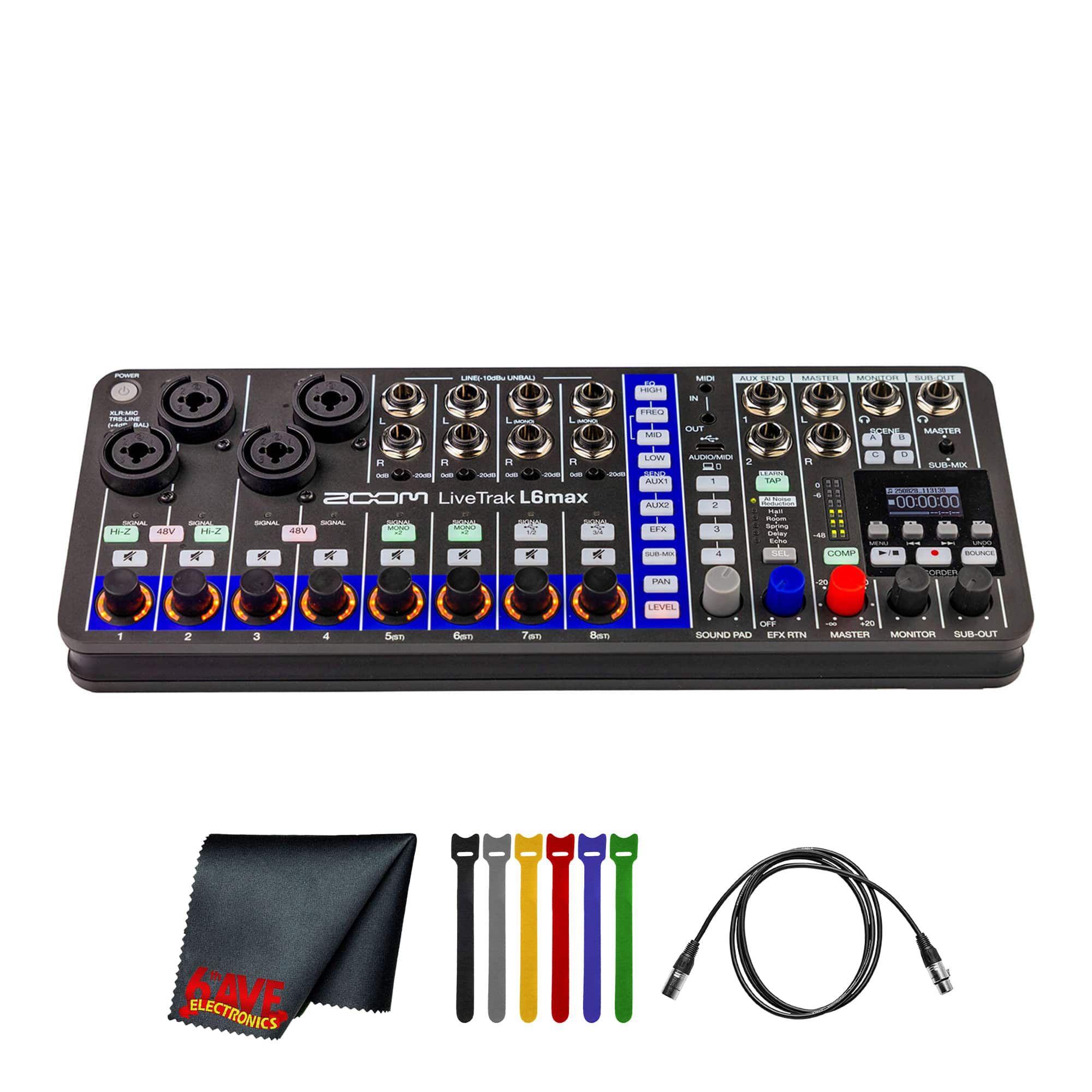
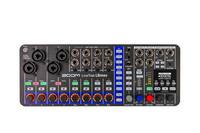
Zoom - LiveTrak L6max Portable 12-Channel Mixer & Recorder Bundle With Podcast Mic + More
SKU: JJGYT4C8CGSee all Voice RecordersProduct Description
A versatile 12-channel digital mixer and recorder with 32-bit float recording, MIDI, and multiple power options.Your price for this item is $524.98 -
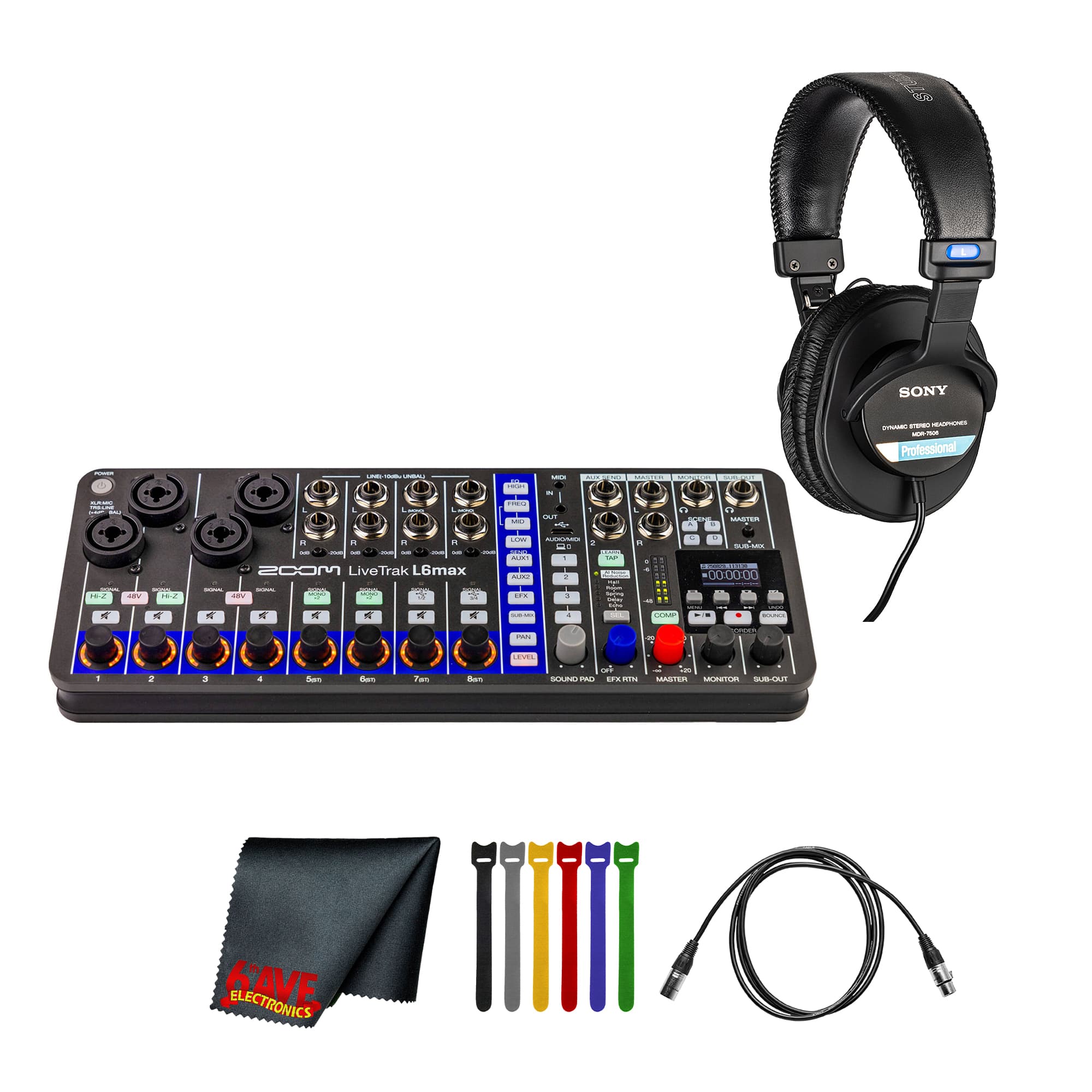
Zoom - LiveTrak L6max Portable 12-Channel Mixer and Recorder Bundle + Headphones + More
SKU: JJGYT4C8C7See all Voice RecordersProduct Description
A versatile 12-channel digital mixer and recorder with 32-bit float recording, MIDI, and multiple power options.Your price for this item is $476.95 -
Zoom - LiveTrak L6max Digital Mixer/Recorder, Battery Powered, 32-Bit Float, 12-Channels, 4 Combo + 8 Stereo Inputs, MIDI,
SKU: JJGYT4C8JWSee all Voice RecordersProduct Description
A versatile 12-channel digital mixer and recorder with 32-bit float, MIDI, and multiple power options.Your price for this item is $419.99 -
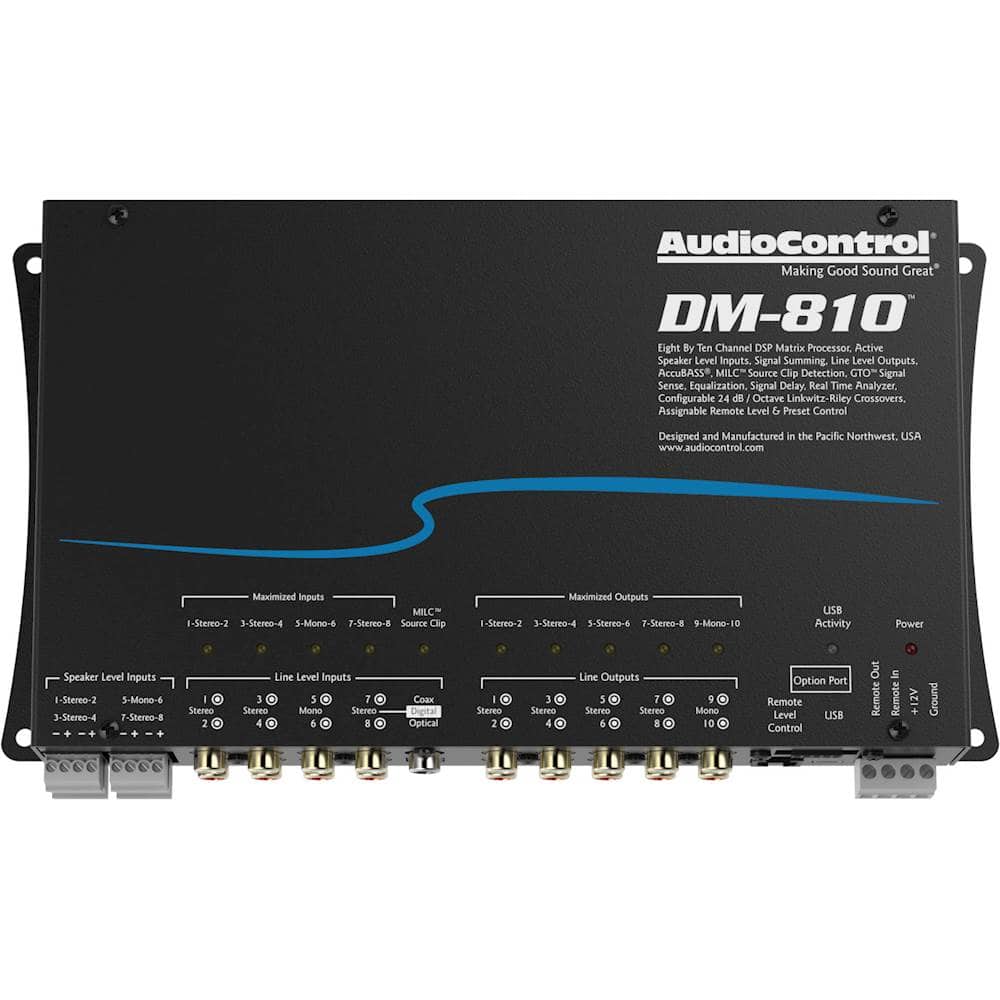
AudioControl - 8-Channel Input 10-Channel Output DSP Matrix Processor - Black
SKU: J3Q3PL4Y6KSee all PreampsProduct Description
A versatile black DSP matrix processor offering 8-channel input, 10-channel output, EQ, and Bluetooth compatibility.Your price for this item is $829.99 -
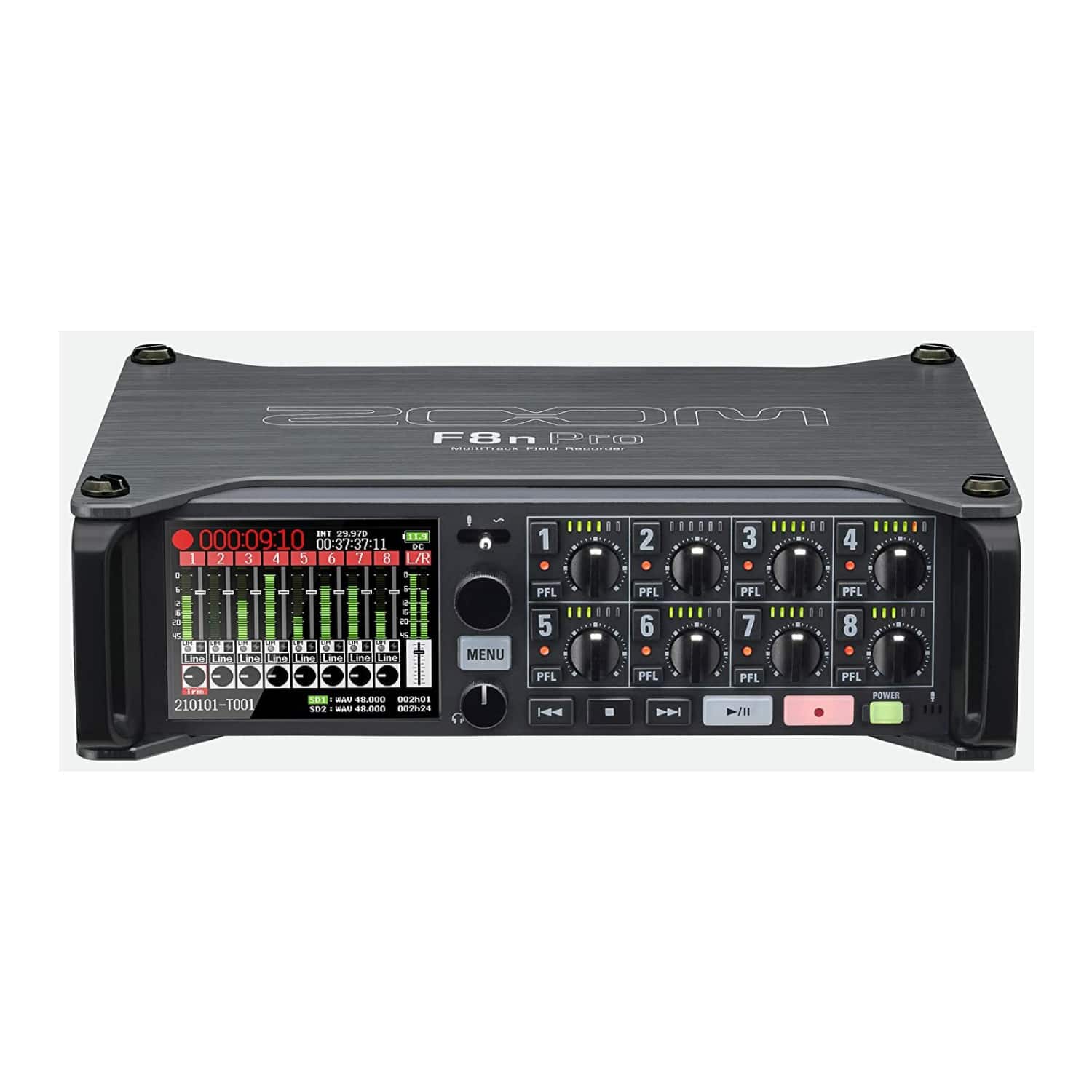
Zoom - F8n Pro Multi-Track Field Recorder
SKU: J3K5G4GH4LSee all Voice RecordersProduct Description
A professional 8-channel field recorder with 32-bit float recording, three outputs, and BWF-compatible WAV support.Your price for this item is $699.99Save $500The previous price was $1,199.99 -
Zoom - F6 Field Recorder - Black
SKU: J3K5G4GLGXSee all Voice RecordersProduct Description
A black six-channel field recorder offering USB connectivity, wireless control, and multiple memory card compatibility.Your price for this item is $749.99 -
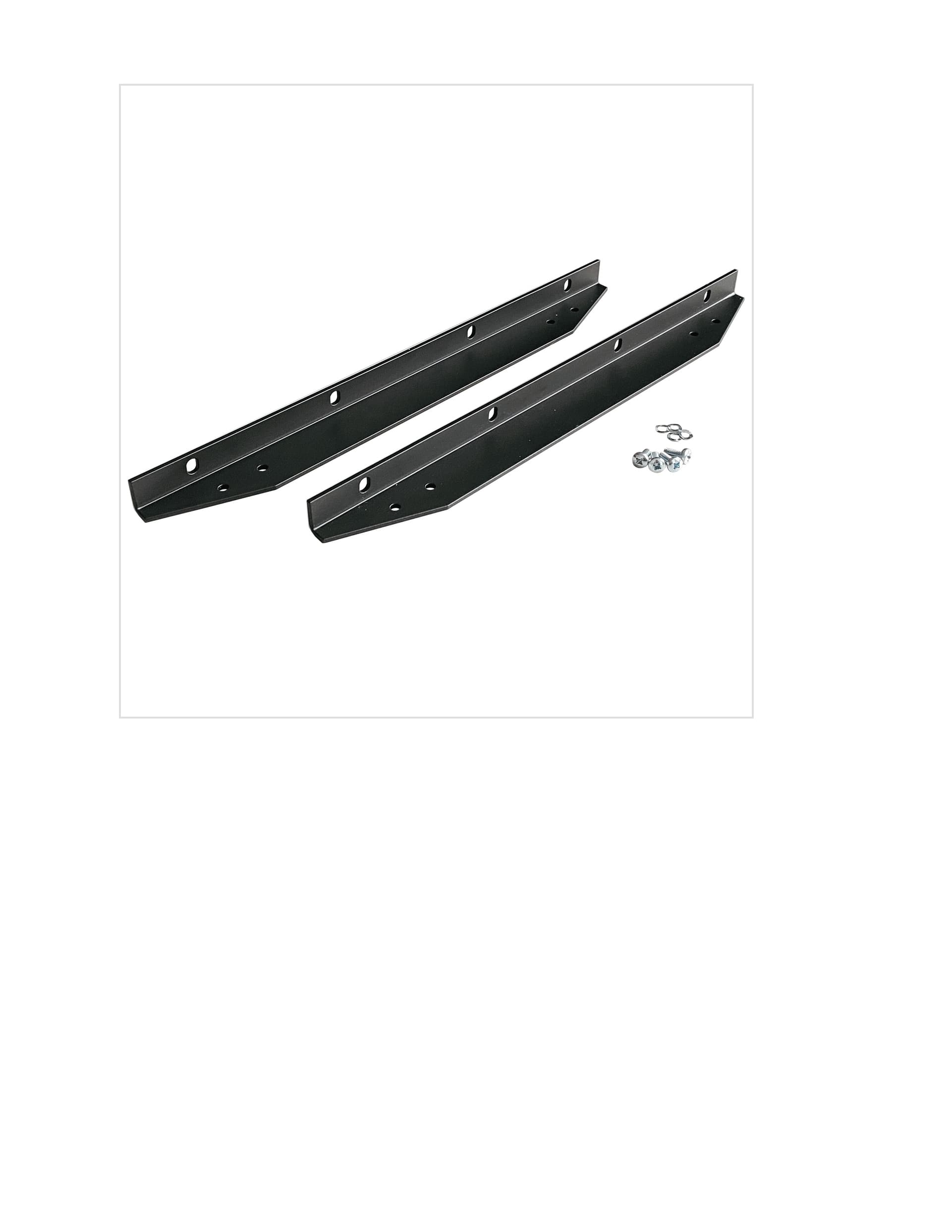
Solid State Logic - Rackmount Kit with Two Rack Ears for BiG SiX Mixer, Standard 19-Inch Rack Installation, 10U Rack Space Required - Black
SKU: J3W4RVRCQ5See all A/V Component Racks & ShelvingProduct Description
A pair of black rack ears designed for mounting your BiG SiX into a 10U, 19-inch rack.Your price for this item is $109.99
![Acoustica - Mixcraft 8 Home Studio - Windows [Digital]](https://pisces.bbystatic.com/image2/BestBuy_US/images/products/6427/6427997_sd.jpg)

Best Sellers


Related Pages






FAQ
When selecting a recording mixer, consider the number of channels, built-in effects, connectivity options (such as USB or Bluetooth), compatibility with your recording software, and the quality of preamps. Additional features like EQ controls, phantom power for condenser microphones, and onboard recording can also enhance your setup.
Yes, many recording mixers are versatile enough for both live sound and studio recording. Look for mixers with flexible routing options and robust connectivity to ensure seamless transitions between live and studio environments.
Analog mixers process audio signals using electrical circuits, offering a classic sound and tactile controls. Digital mixers, on the other hand, convert audio to digital signals, providing more advanced features like built-in effects, presets, and easier integration with computers and recording software.
Many modern recording mixers are compatible with popular digital audio workstation (DAW) software. Some come bundled with their own software, while others work with third-party DAWs. Check the mixer's specifications for compatibility and required drivers.
Most recording mixers have dedicated XLR inputs for microphones and 1/4-inch TRS or TS inputs for instruments. Simply plug your microphone or instrument cable into the appropriate input channel, adjust the gain and levels, and your mixer will route the audio signal for recording or live output.