SD Card Reader For Transferring Photos
-
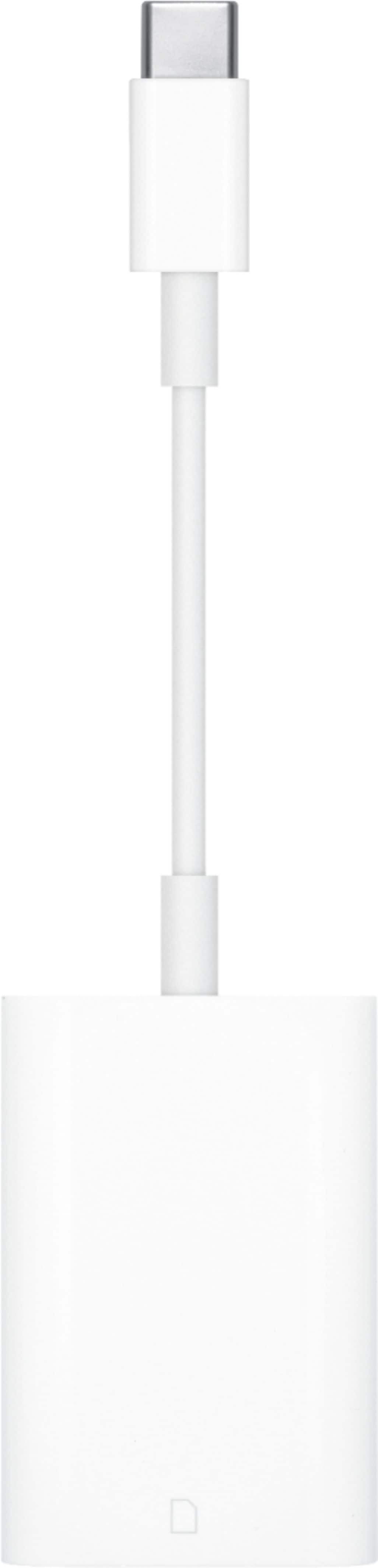
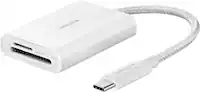
Apple - USB-C to SD Card Reader - White
SKU: JJGCQ3SP72Love this products in Best Buy....Love Best Buy
See all Memory Card Readers & AdaptersProduct Description
A white USB-C card reader that quickly transfers high-resolution photos and videos from UHS-II SD cards.Your price for this item is $39.00 -
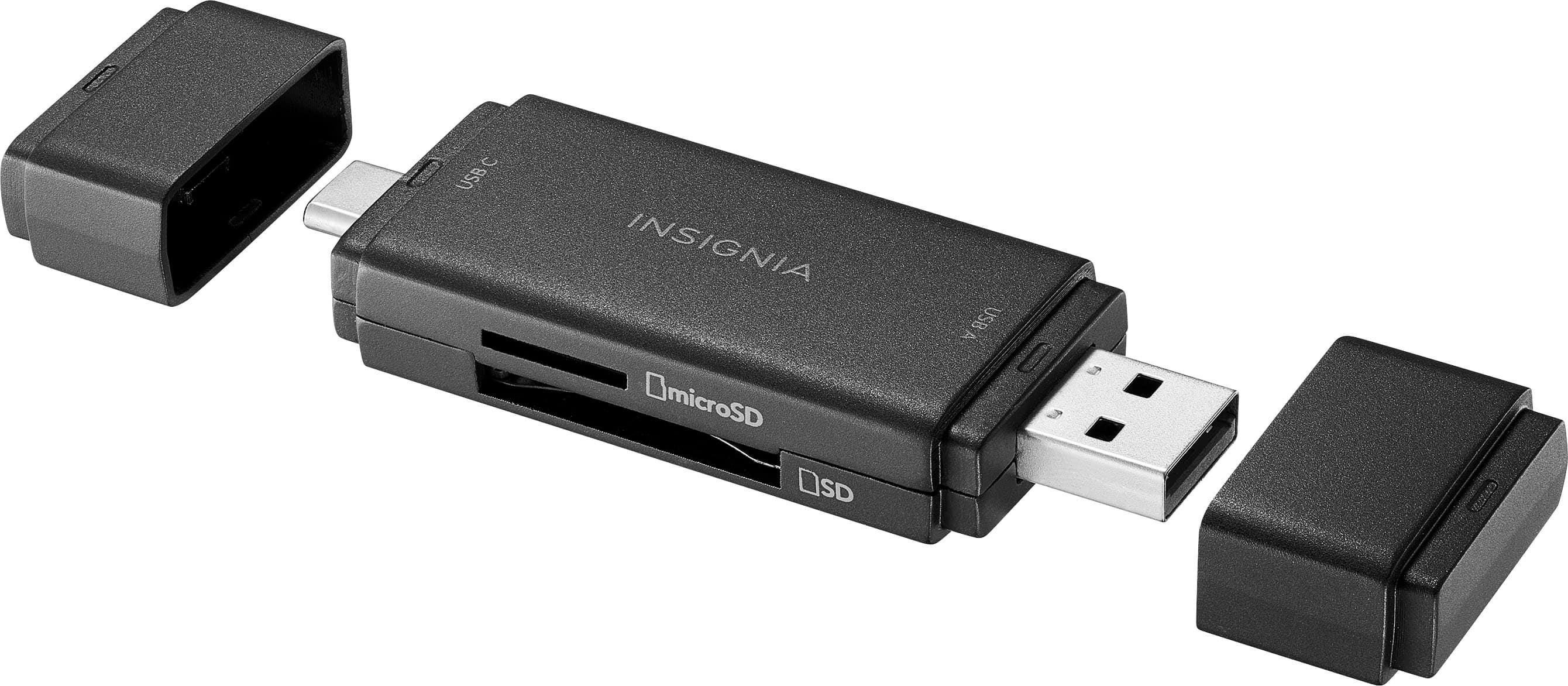
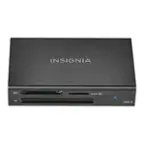
Insignia™ - USB-C/USB 3.0 to SD and microSD Memory Card Reader - Black
SKU: J2FPJKS8QWI love Best Buy!...Great customer service, I also bought two IPads this day along with cases and I could not be happier...Love it...Best Buy recount
See all Memory Card Readers & AdaptersProduct Description
A compact black card reader enabling fast SD and microSD transfers via USB-C or USB 3.0.Your price for this item is $24.99 -
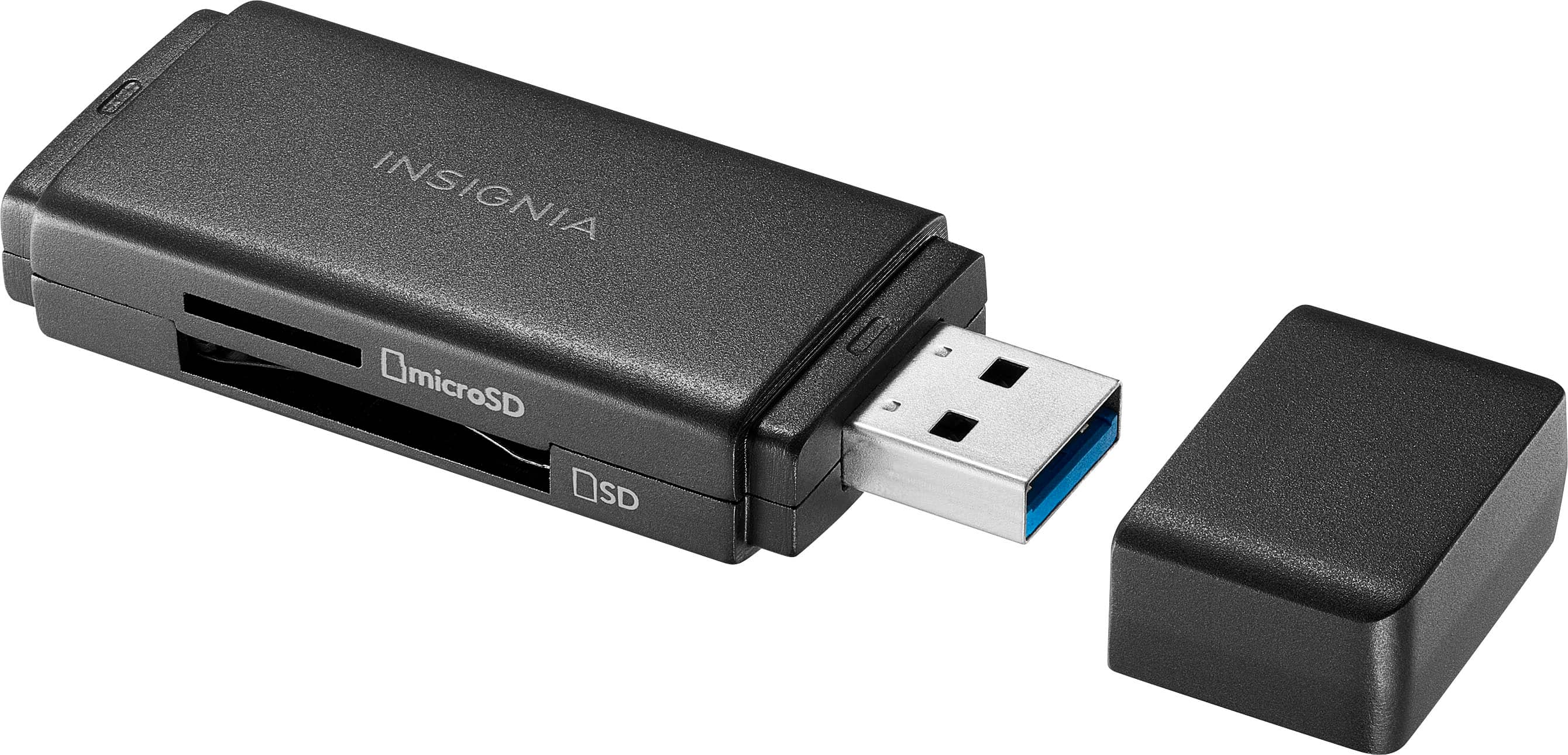
Insignia™ - USB 3.0 SD and microSD Memory Card Reader - Black
SKU: J2FPJKS8QJGreat product, easy to use,worked as advertised and as always great customer service from Best Buy....Great...Best connector memry card to TV and one of cheap and great
See all Memory Card Readers & AdaptersProduct Description
A compact black USB 3.0 card reader for fast SD and microSD file transfers and backups.Your price for this item is $19.99 -
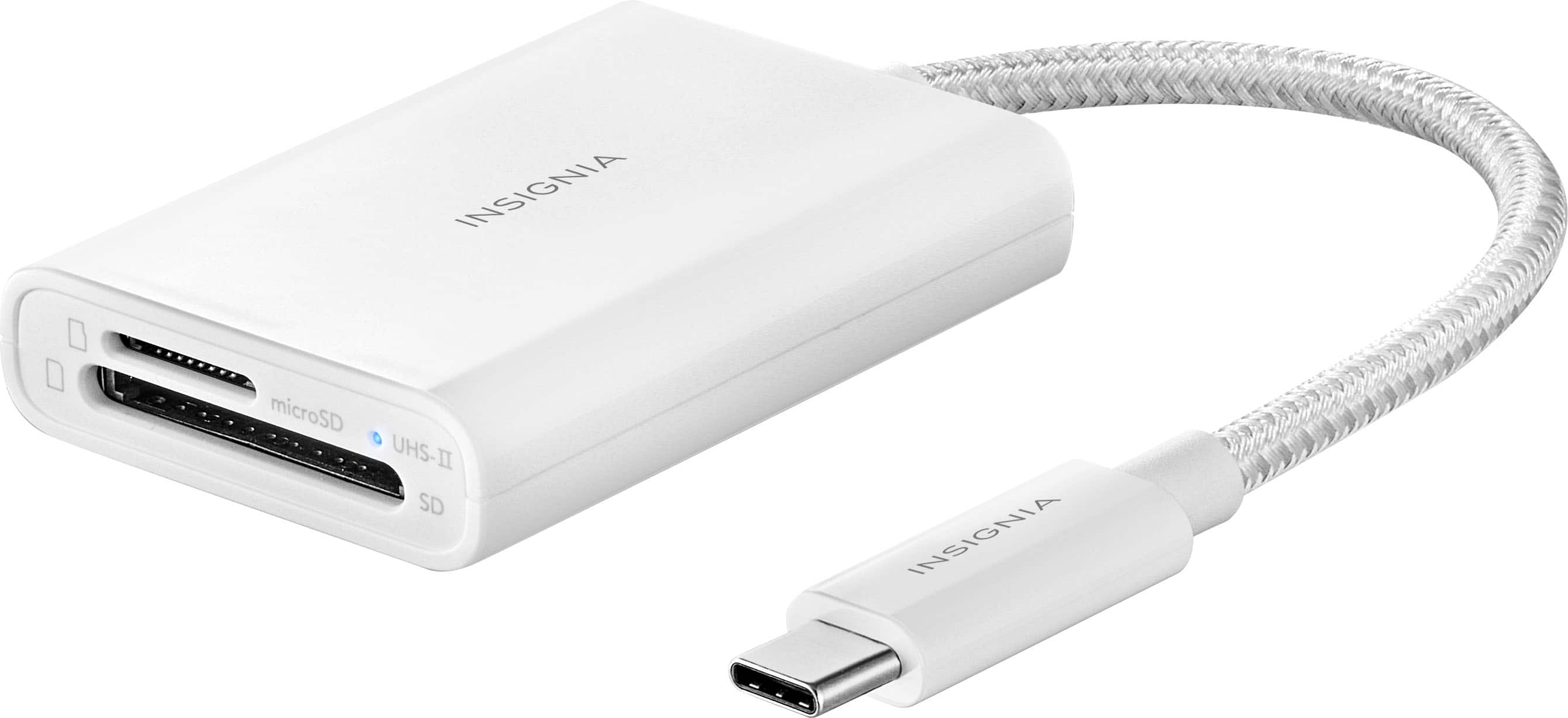
Insignia™ - USB-C-to-SD/microSD Dual-Slot Card Reader - White
SKU: J2FPJKS3W9Works great! Easy to use and buying thru best buy was easy also....Works great...Best thing I’ve bought to transfer my photos
See all Memory Card Readers & AdaptersProduct Description
A compact white USB-C card reader with dual SD/microSD slots and a blue LED indicator.Your price for this item is $27.99 -
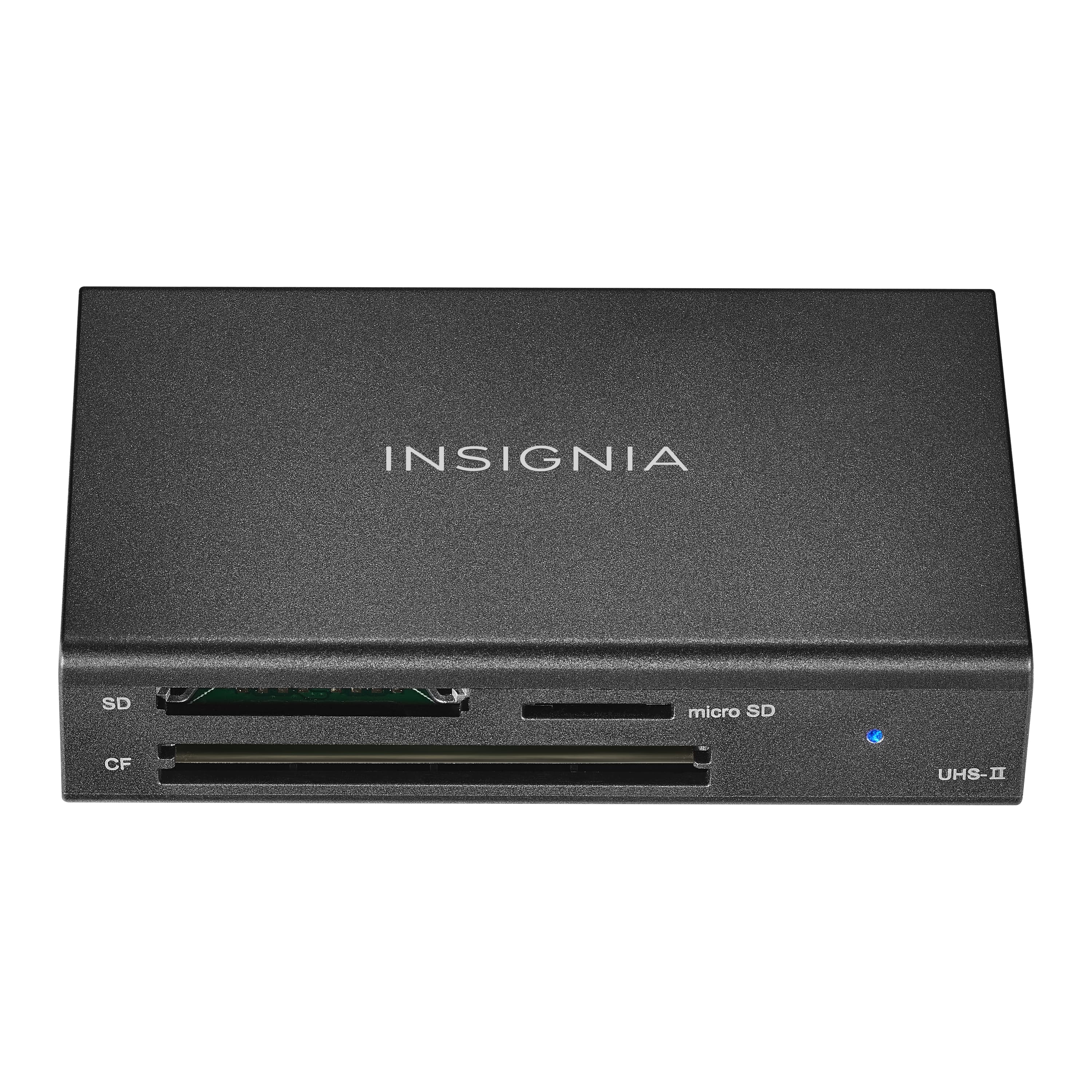
Insignia™ - USB-C to SD, microSD and CompactFlash Memory Card Reader - Black
SKU: J2FPJK97HLGreat employees...I love shopping at Best Buy....Great group....Best buy best place for camera needs...Works great. Best Buy is the best place to buy items for a camera, especially in my area.
See all Memory Card Readers & AdaptersProduct Description
A black USB-C memory card reader supporting SD, microSD, and CompactFlash cards with included USB cable.Your price for this item is $39.99 -
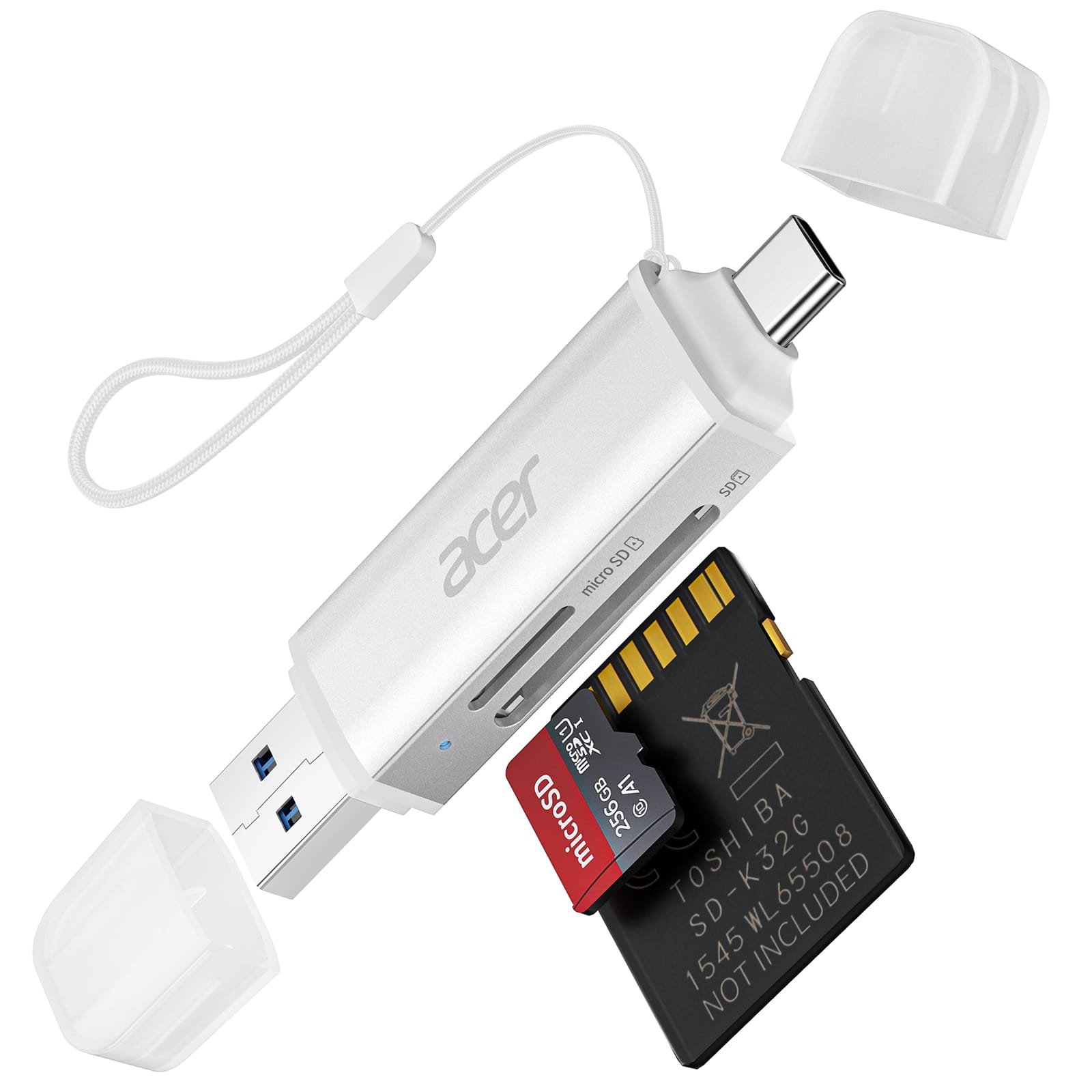
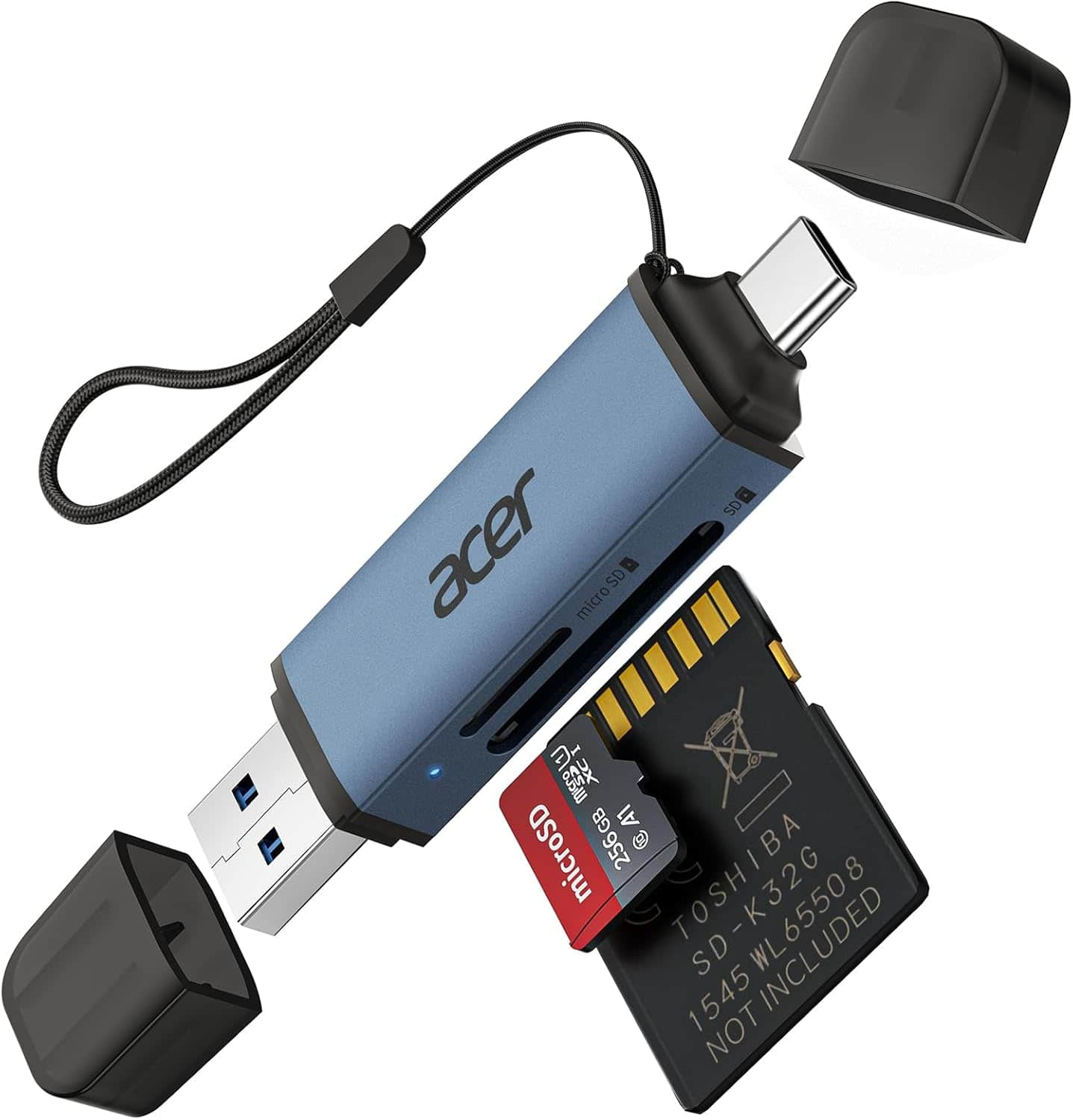
Acer - SD Card Reader USB C, Dual Slots USB 3.0 Type C to Micro SD Card Adapter, Memory Card Reader - Silver
SKU: JJ8V8H3LXVthe best purchase of 2025...i needed this card reader for a long time, it just works great....The best in the market
See all Memory Card Readers & AdaptersProduct Description
A silver dual-slot USB-C card reader offering plug-and-play access for MicroSD, SDHC, and SDXC cards.Your price for this item is $14.99 -
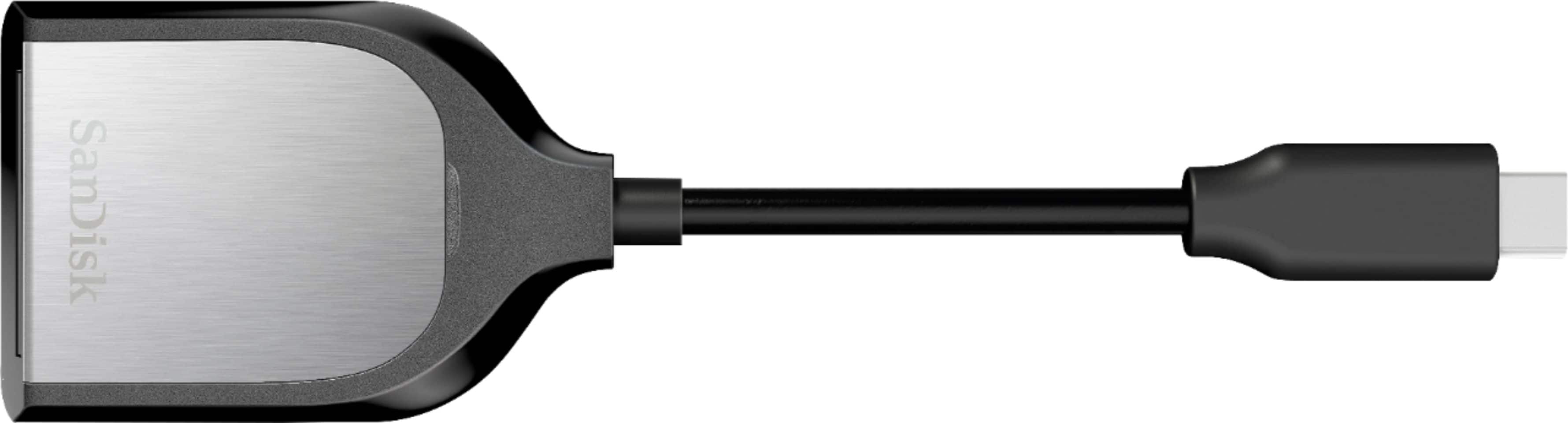
SANDISK - USB 3.0 SD UHS-II Card Reader - Silver
SKU: JXJ62CSGHQSee all Memory Card Readers & AdaptersProduct Description
A silver USB 3.0 card reader with Type-C connector for fast, plug-and-play SD UHS-II transfers.Your price for this item is $65.99Save $43The previous price was $109.00 -
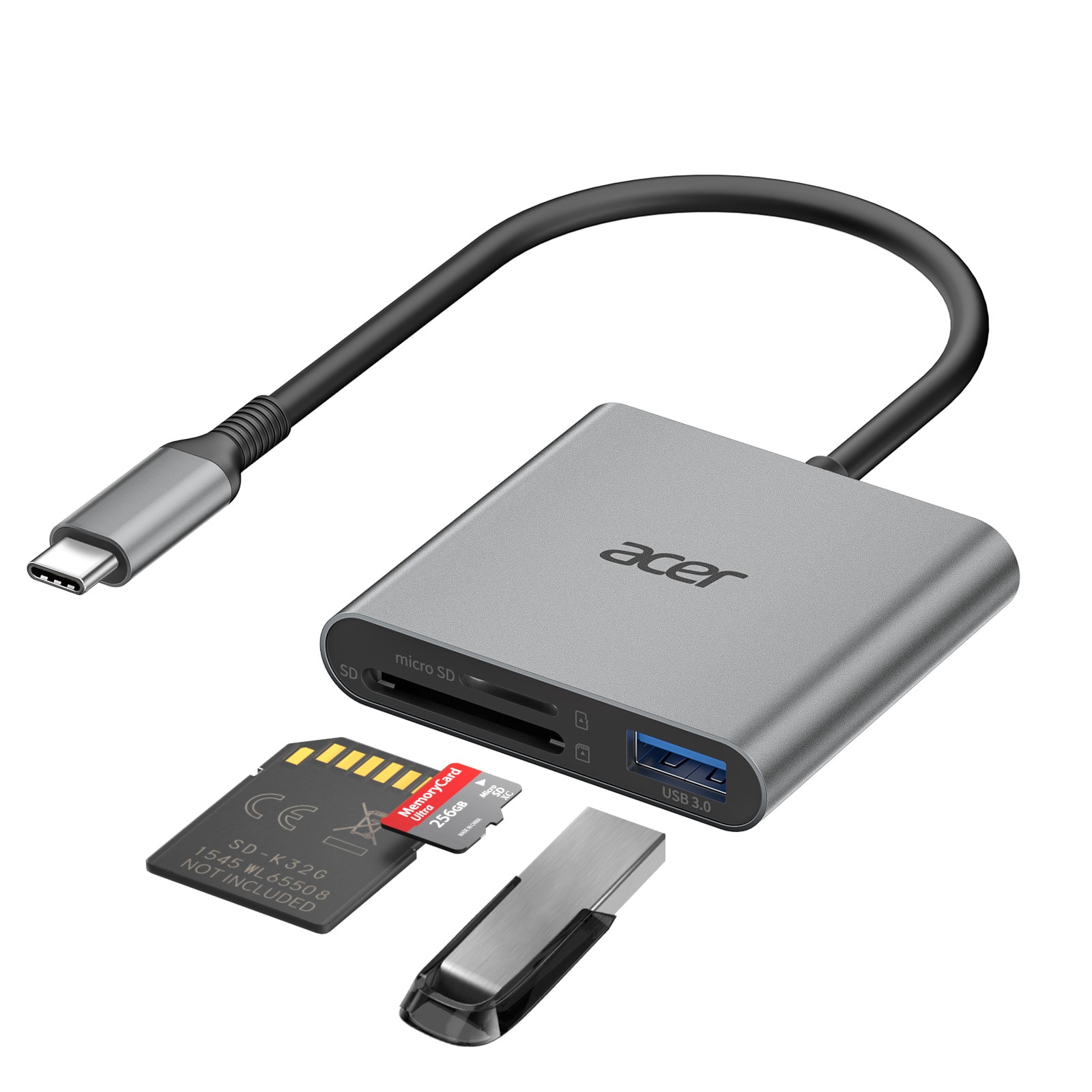
Acer - SD Card Reader USB C, 3 in 1 Memory Card Reader with Dual Slots & USB 3.0, Micro SD Card Adapter - Gray
SKU: JJ8V8H3L8SI so appreciate Best Buy’s good products that we can trust.Thank you!!!...Hunters love it
See all Memory Card Readers & AdaptersProduct Description
A gray 3-in-1 USB-C memory card reader with dual slots and USB 3.0 plug-and-play support.Your price for this item is $17.99Save $1The previous price was $18.99 -
Acer - SD Card Reader USB C, Dual Slots USB 3.0 Type C to Micro SD Card Adapter, Memory Card Reader - Blue
SKU: JJ8V8HGKL6amazing works great
See all Memory Card Readers & AdaptersProduct Description
A blue dual-slot USB-C and USB 3.0 adapter for MicroSD, SDHC, and SDXC memory cards.Your price for this item is $14.99 -
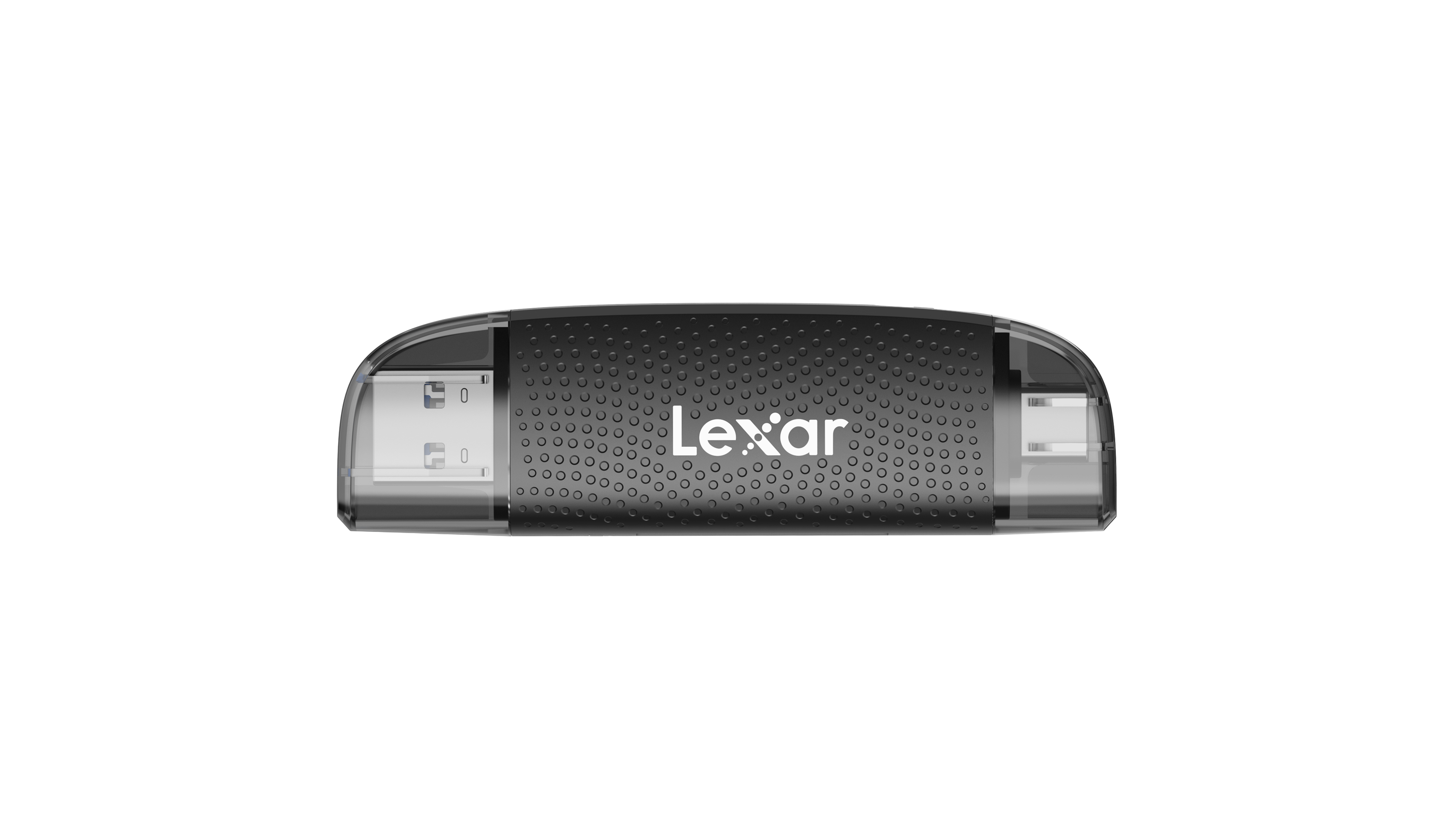
Lexar - Dual-Slot USB-A/C Reader, Up to 205MB/s Transfer Speed, Supports SD and microSD Cards - Black
SKU: J36XPK4Q6VWould definitely recommend this product, best one i got...We love it
See all Memory Card Readers & AdaptersProduct Description
A black dual-slot reader offering both USB-A and USB-C connectivity for versatile memory card transfers.Your price for this item is $14.99
Best Sellers



Related Pages


FAQ
An SD card reader is a device that allows you to access data stored on an SD (Secure Digital) memory card. To transfer photos, simply insert the SD card from your camera or device into the reader, then connect the reader to your computer or compatible device. You can then copy, move, or organize your photos as needed.
Most SD card readers are designed to be compatible with both Mac and Windows operating systems. They typically use standard USB or USB-C connections, making them easy to use across different platforms without requiring special drivers.
Many modern SD card readers come with adapters or connectors such as USB-C or micro-USB that allow you to connect them directly to smartphones and tablets. Make sure your mobile device supports OTG (On-The-Go) functionality for seamless photo transfers.
In most cases, no special software is required. Once the SD card is connected via the reader, your device should recognize it as external storage. You can then use your device’s built-in file manager or photo app to transfer images.
While most SD card readers are designed for standard SD cards, many also support other formats like microSD, miniSD, and sometimes CompactFlash cards through built-in slots or included adapters. Always check the specifications of the reader to ensure compatibility with your memory cards.