Smartphone Navigation
-
Celestron - Starsense Explorer 8-inch Dobsonian Telescope - Smartphone App Enabled
SKU: J7L3WVQY62See all TelescopesProduct Description
An app-enabled Dobsonian telescope with Starsense technology for easy smartphone alignment and night sky navigation.Your price for this item is $879.00 -
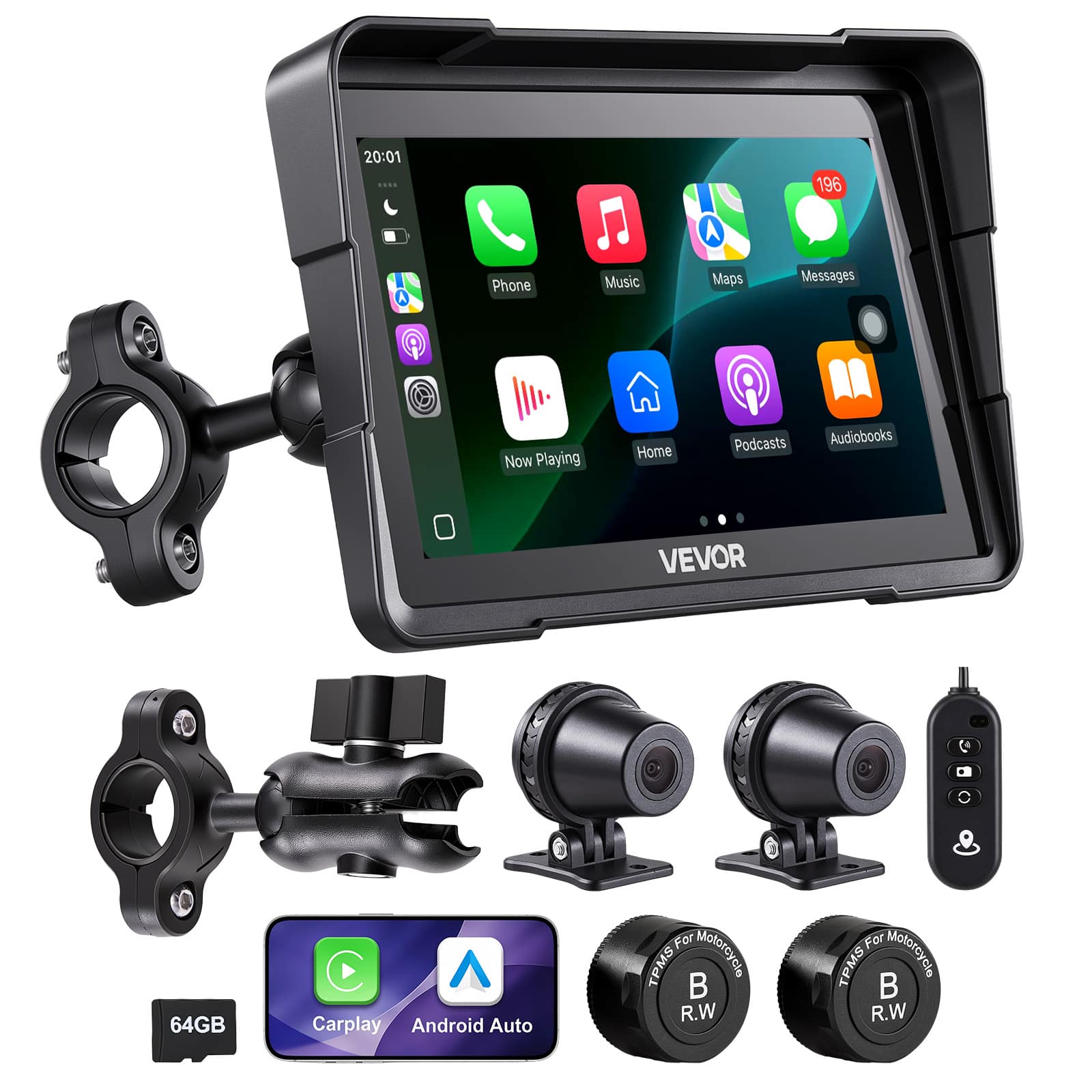
VEVOR - 7 Inch Wireless Motorcycle Carplay with Apple Carplay & Android Auto, HD Touchscreen GPS Navigation System - Black
SKU: JJGW4JWV83See all Car Digital Media Head UnitsProduct Description
A black wireless motorcycle display with Apple CarPlay, Android Auto, GPS navigation, dual Bluetooth, and IP67 waterproofing.Your price for this item is $193.90Save $49The previous price was $242.99 -
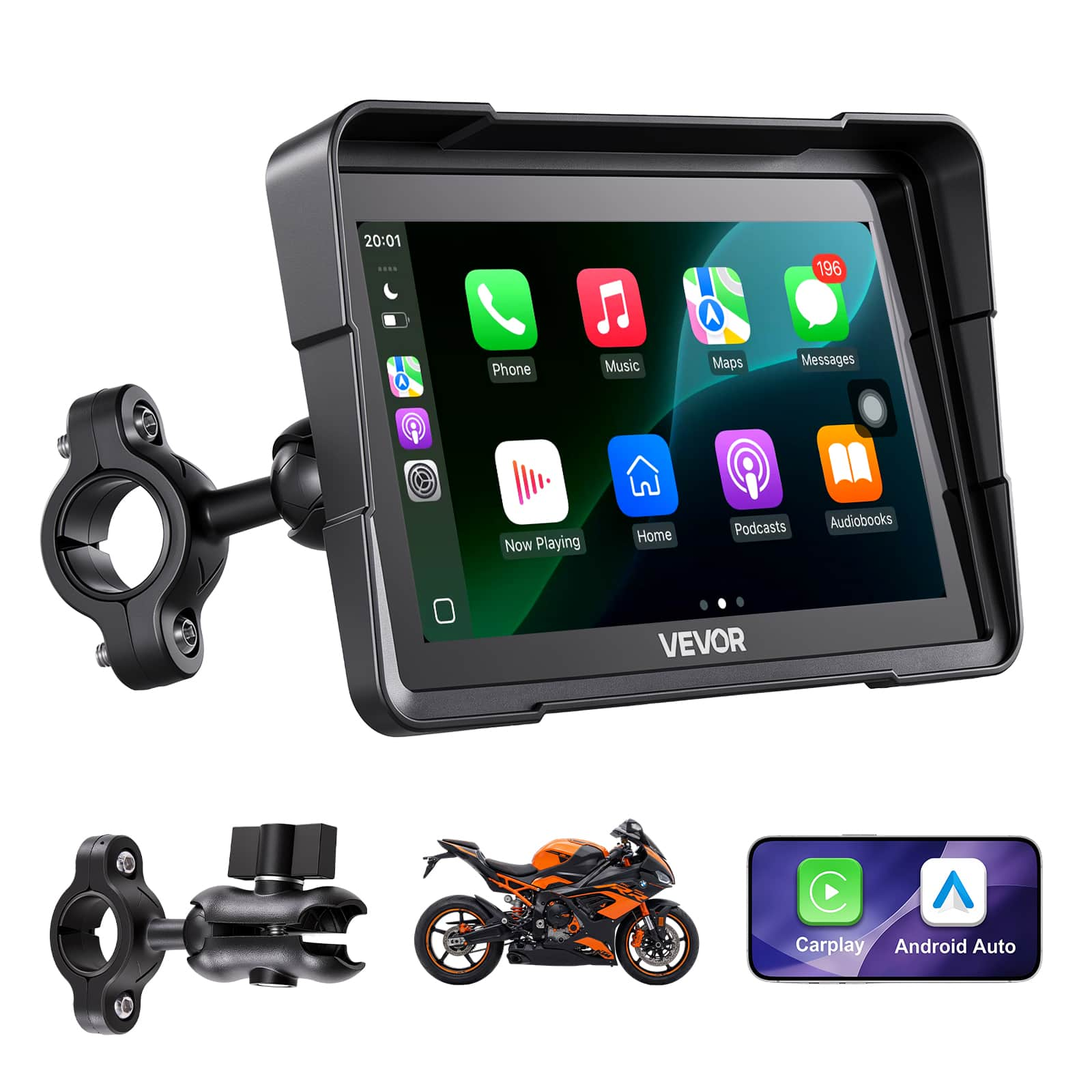
VEVOR - 7 Inch Wireless Motorcycle Carplay with Apple Carplay & Android Auto, HD Touchscreen GPS Navigation System - Black
SKU: JJGW4JKJR2See all Car Digital Media Head UnitsProduct Description
A black waterproof motorcycle touchscreen with wireless Apple CarPlay, Android Auto, Bluetooth connectivity, and GPS navigation.Your price for this item is $97.90Save $25The previous price was $122.99 -
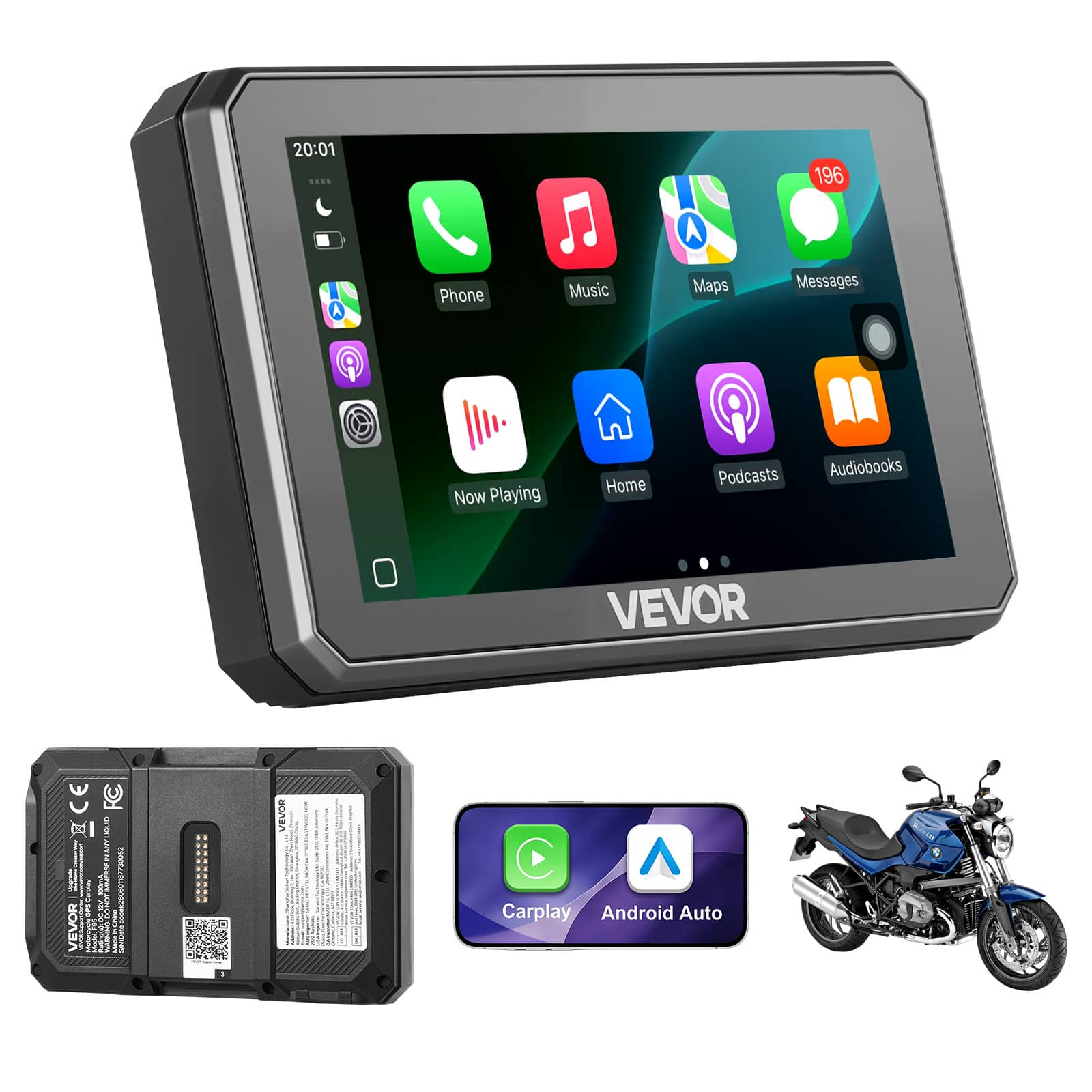
VEVOR - 5 Inch Wireless Motorcycle Carplay with Apple Carplay & Android Auto, HD Touchscreen GPS Navigation System - Black
SKU: JJGW4JK2GTSee all Car Digital Media Head UnitsProduct Description
A black wireless motorcycle display with Apple CarPlay, Android Auto, navigation, Bluetooth, and IP67 waterproof protection.Your price for this item is $265.99Save $67The previous price was $332.99 -
Alpine - 6.5" - Android Auto/Apple CarPlay - Built-in Navigation - Bluetooth - In-Dash CD/DVD/DM Receiver - Black
SKU: J3XV89X69QBest Buy said I was out of luck. Luckily, I contacted the manufacturer and was back in business....Product was even more than i expected, and service was the best i ever had. Thank you so much!...But...
See all Car Digital Media Head UnitsProduct Description
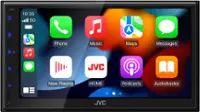
A black in-dash receiver with 6.5" touchscreen, built-in navigation, Bluetooth, CD/DVD, and smartphone integration.Your price for this item is $999.95Save $0The previous price was $999.99


Best Sellers

Related Pages




FAQ
When choosing a smartphone navigation app, look for features such as real-time traffic updates, offline map access, voice-guided directions, route customization, and integration with your preferred transportation methods like walking, cycling, or public transit.
Many smartphone navigation apps offer offline map functionality, allowing you to download maps in advance and navigate without an active internet connection. Check the app’s settings to see if this feature is available and download the necessary maps before your trip.
To keep your smartphone charged, consider using a car charger, portable power bank, or wireless charging mount. These accessories ensure your device stays powered throughout your journey, especially when using battery-intensive navigation features.
Yes, many navigation apps support voice commands, allowing you to input destinations, change routes, or get updates without touching your phone. This hands-free functionality enhances convenience and helps keep your focus on the road.
If your vehicle supports Apple CarPlay or Android Auto, you can mirror navigation apps from your smartphone to your car’s infotainment display. This provides a larger, easier-to-read map and allows for safer, more convenient navigation while driving.