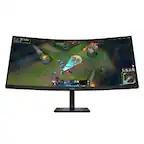
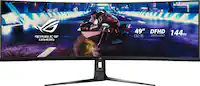
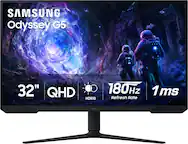
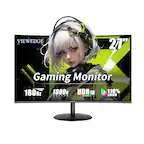
Thin-Bezel Gaming Monitors
Thin-bezel gaming monitors bring a streamlined look to your desk while keeping the focus on your games. Explore flat and curved designs, and compare resolution, refresh rate and connection options to find a match for your gaming system. For a cleaner setup, consider the stand’s footprint and cable placement alongside the slim frame.
Read More-
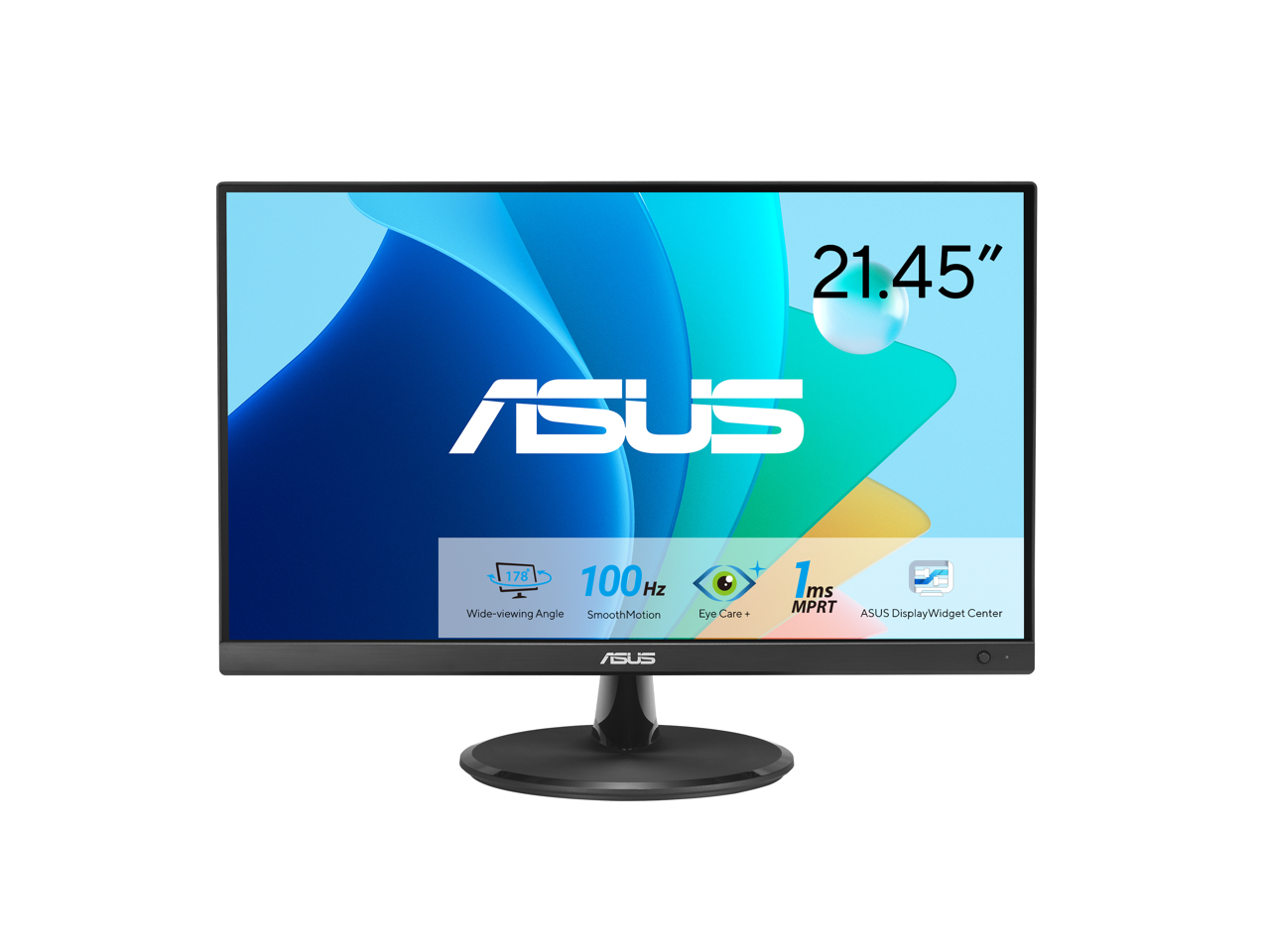
ASUS - VP227HF Gaming Monitor – 22" Full HD, 100Hz, 1ms, sRGB, Eye Care, Frameless - Black
SKU: JJGGLH3TK7See all Gaming MonitorsProduct Description
A black Full HD gaming monitor with 100Hz, 1ms MPRT, Adaptive-Sync, frameless design, and Eye Care.$104.99 Your price for this item is $104.99 -
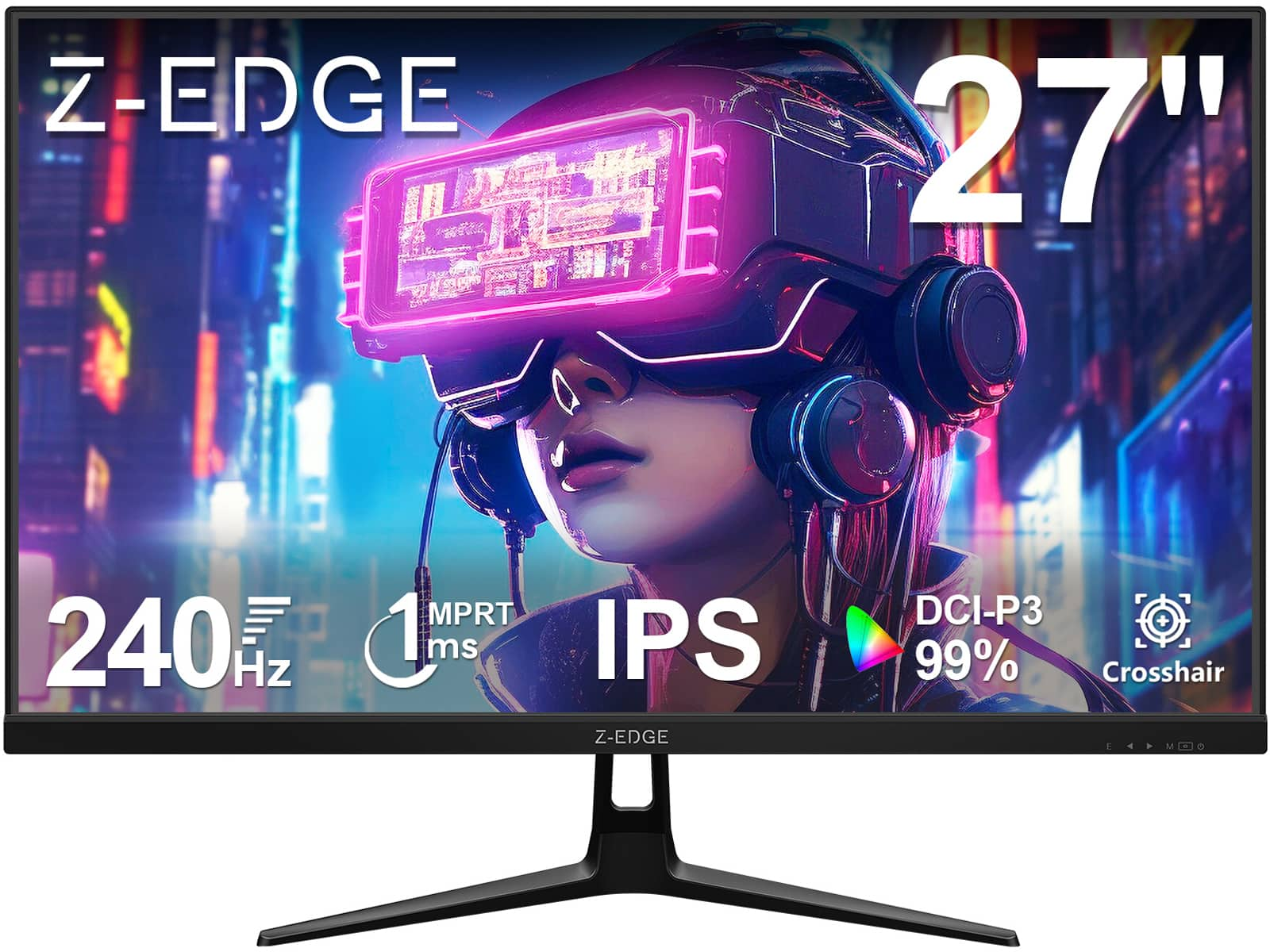
Z Z-Edge - 27 inch 1920 x 1080 Full HD 240Hz 1ms 16.7 Million Colors Flat Panel IPS Gaming Monitor - Black
SKU: J3LH5H89G6Moniter works great with a awesome 240 hz refresh rate which is perfect for games
See all Gaming MonitorsProduct Description
A black flat panel IPS gaming monitor offering 240Hz refresh rate, 1ms response, and HDR10 support.$132.99 Your price for this item is $132.99Save $47Was $179.99The previous price was $179.99 -
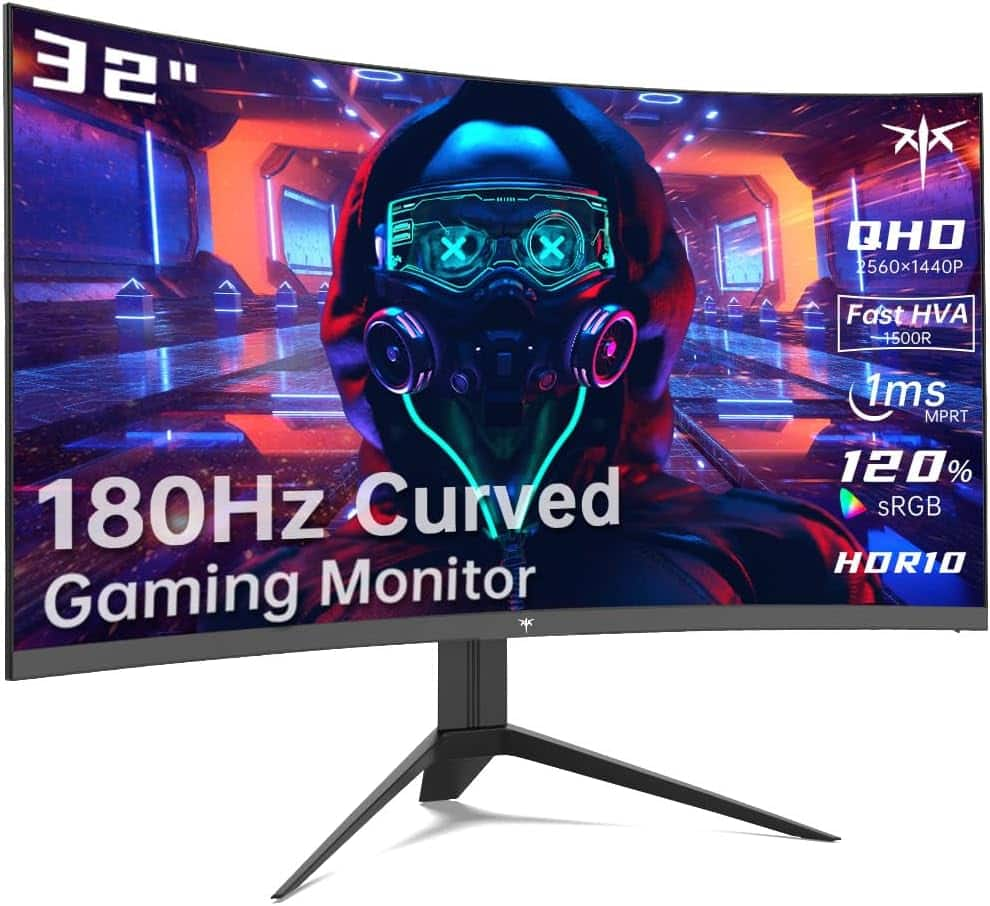
KTC - H32S17 32-inch Curved Gaming Monitor, 2K 180Hz 185Hz 1440P PC Monitor, 1500R Frameless, 1ms, HDR, FreeSync Premium - Black
SKU: CZYCLR87WHThe curved 32-inch screen is a great size and feels very immersive without taking up too much desk space...The picture is sharp, colors look great, and the high refresh rate makes gaming feel super smooth....
See all Curved Gaming MonitorsProduct Description
A black curved QHD monitor featuring 180Hz refresh rate, 1ms response time, HDR10, and FreeSync Premium.$189.99 Your price for this item is $189.99Save $110Was $299.99The previous price was $299.99 -
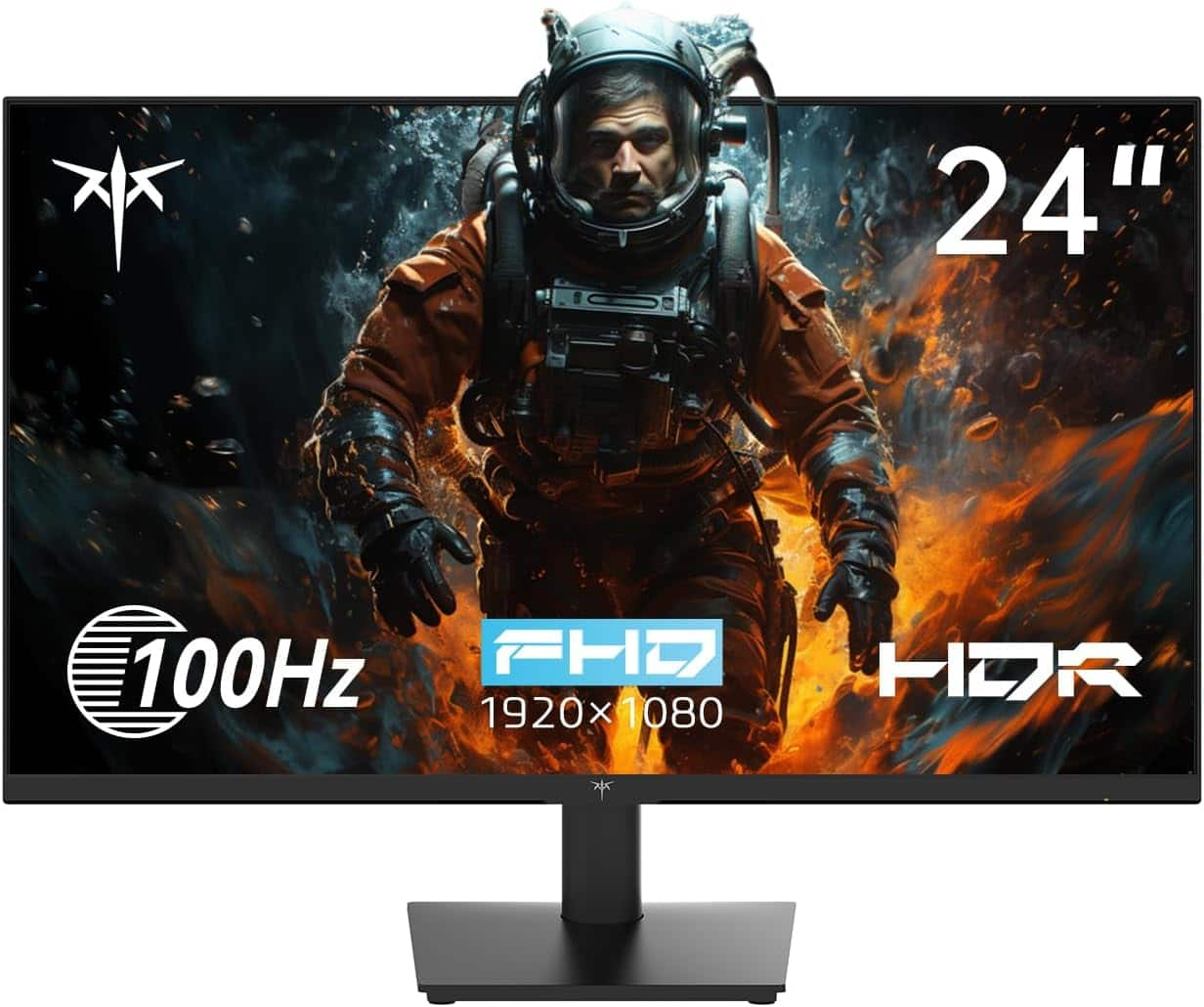
KTC - H24V13 24 Inch 1080P Full HD Computer Monitor, 100Hz HDR10 Frameless Gaming Monitor with Freesync, HDMI and VGA Ports - Black
SKU: CZYCLR3FS7See all Gaming MonitorsProduct Description
A black frameless LED monitor with 1080p resolution, 100Hz refresh rate, HDR10, and FreeSync support.$119.99 Your price for this item is $119.99 -
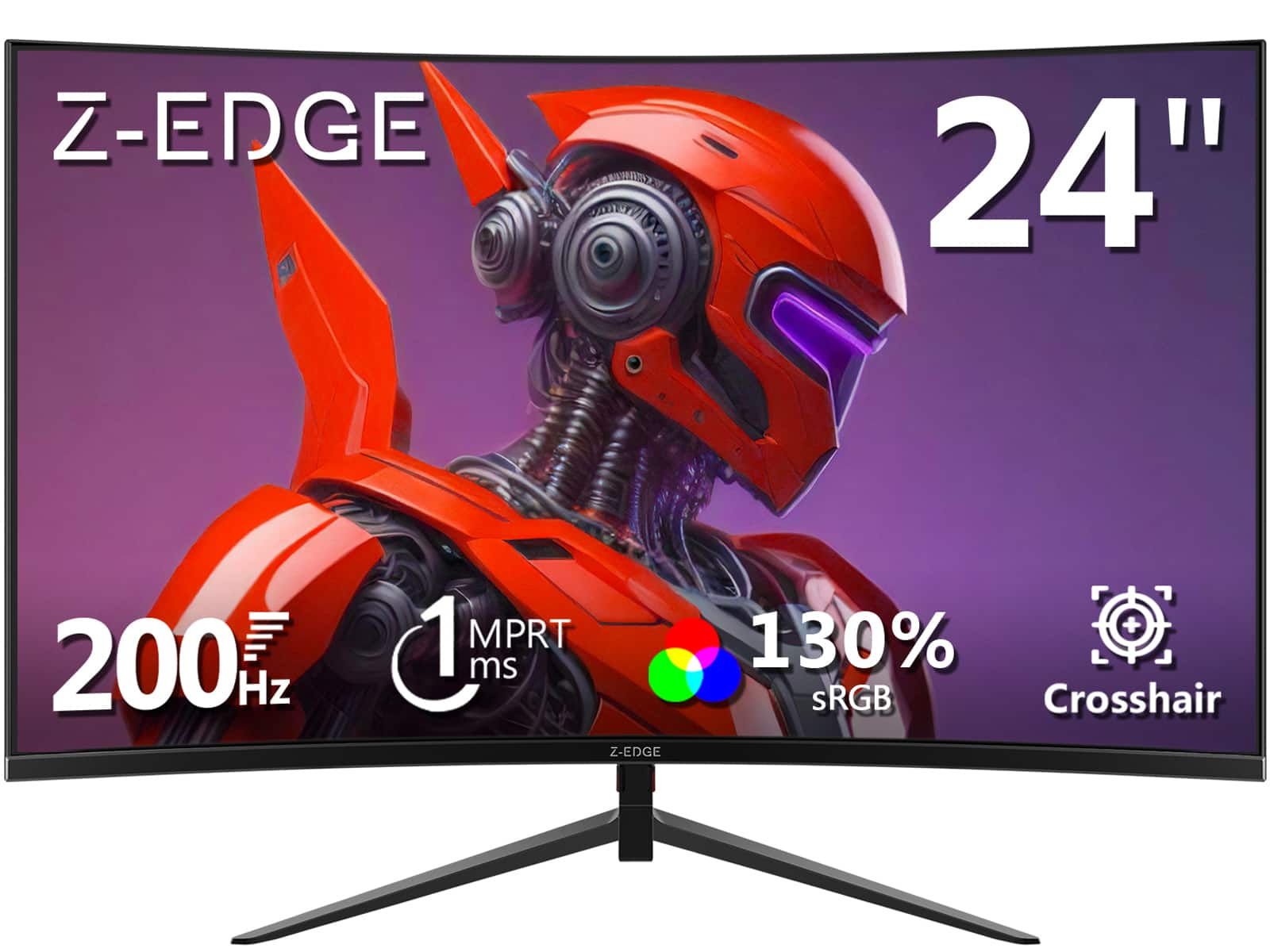
Z Z-Edge - 24" 1080P Full HD 200Hz 1ms Ultra Thin Frame Curved Gaming Monitor, FreeSync, HDMI 2.0, DP 1.4 - Black
SKU: J3LH5H8SZHGreat bang for the buck...Looks great no issues so far. Great bang for the bucks if you ask me....A little small, but looks good and works great.
See all Curved Gaming MonitorsProduct Description
A curved black gaming monitor with 200Hz refresh rate, 1ms response, FreeSync, and ultra-thin bezel design.$99.99 Your price for this item is $99.99Save $30Was $129.99The previous price was $129.99 -
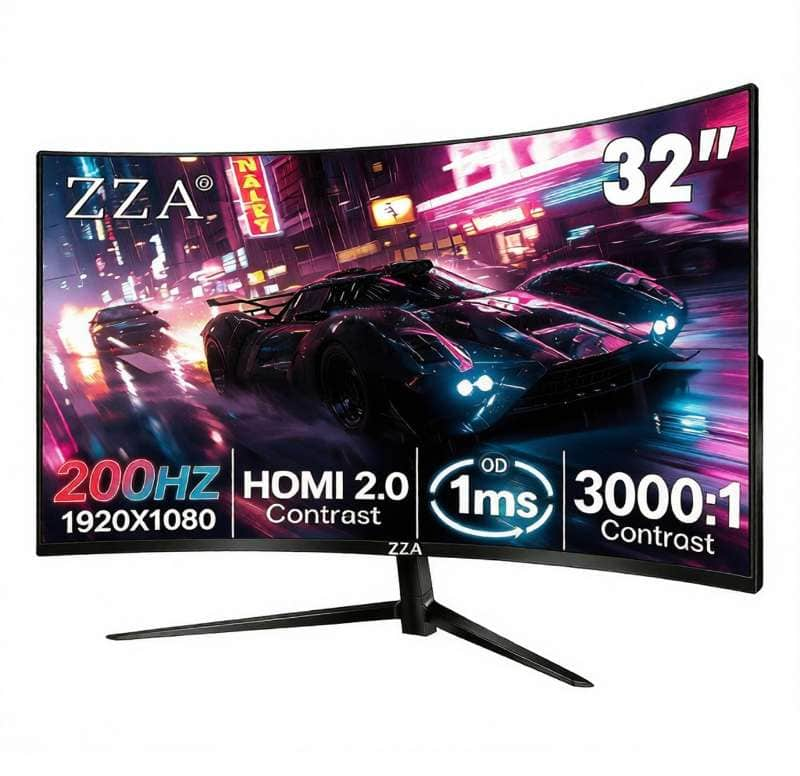
ZZA - 32" Curved FHD (1920 x 1080) Gaming Monitor, 180 Hz, Borderless - Black
SKU: JXVVC5VK7WSee all Curved Gaming MonitorsProduct Description
A black curved gaming monitor with FHD resolution, 180Hz refresh rate, VA panel, HDR10, and FreeSync.$172.99 Your price for this item is $172.99 -
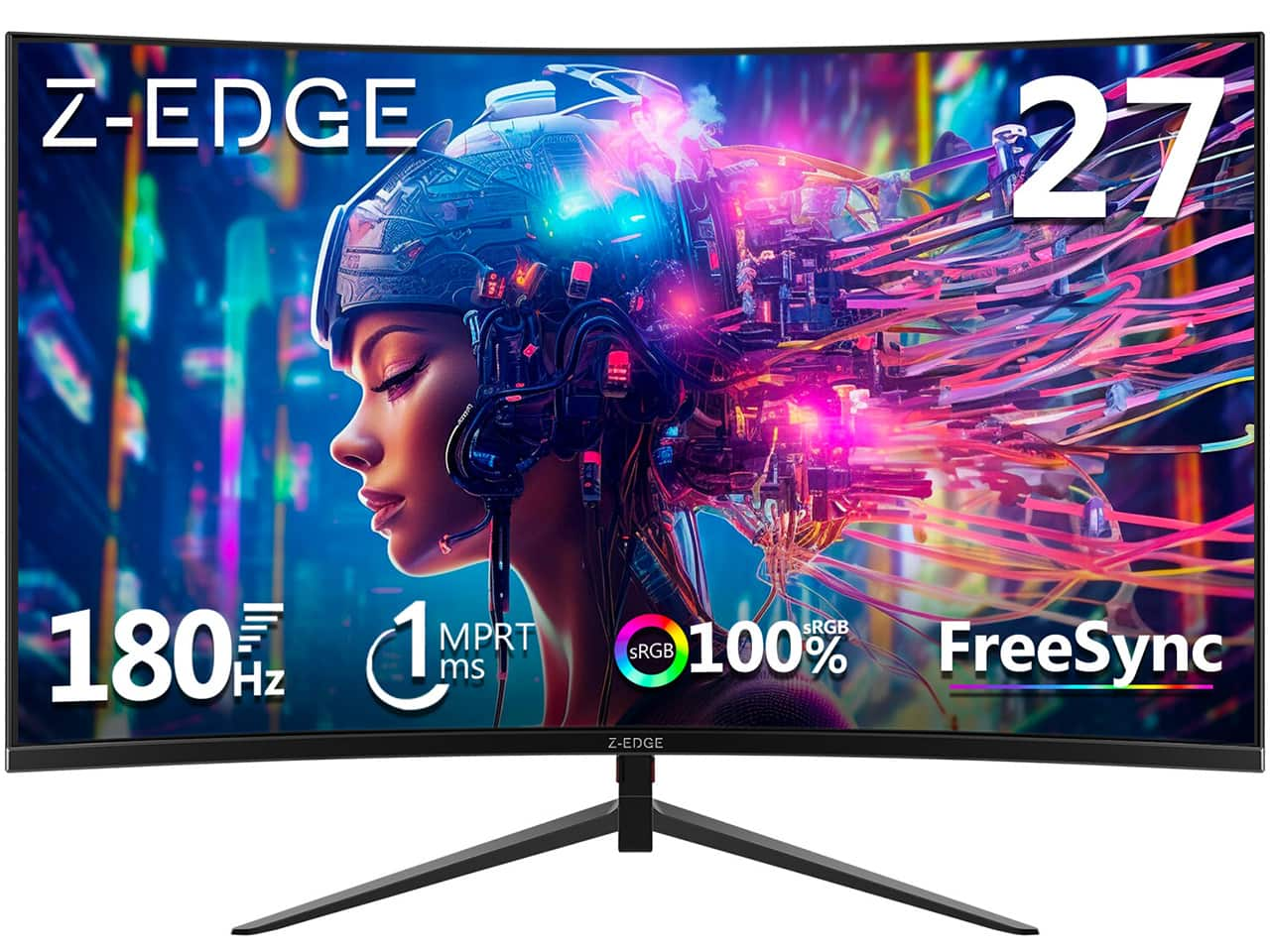
Z Z-Edge - UG27 27" 1080P 180Hz 1ms Curved Gaming Monitor, FreeSync Compatible, Ultra-Slim Bezel, HDMI 2.0, DP 1.4 - Black
SKU: J3LH5H8PJ6See all Curved Gaming MonitorsProduct Description
A curved black gaming monitor with 200Hz refresh rate, 1ms response, FreeSync, HDR10, and ultra-slim bezel.$119.99 Your price for this item is $119.99Save $30Was $149.99The previous price was $149.99 -
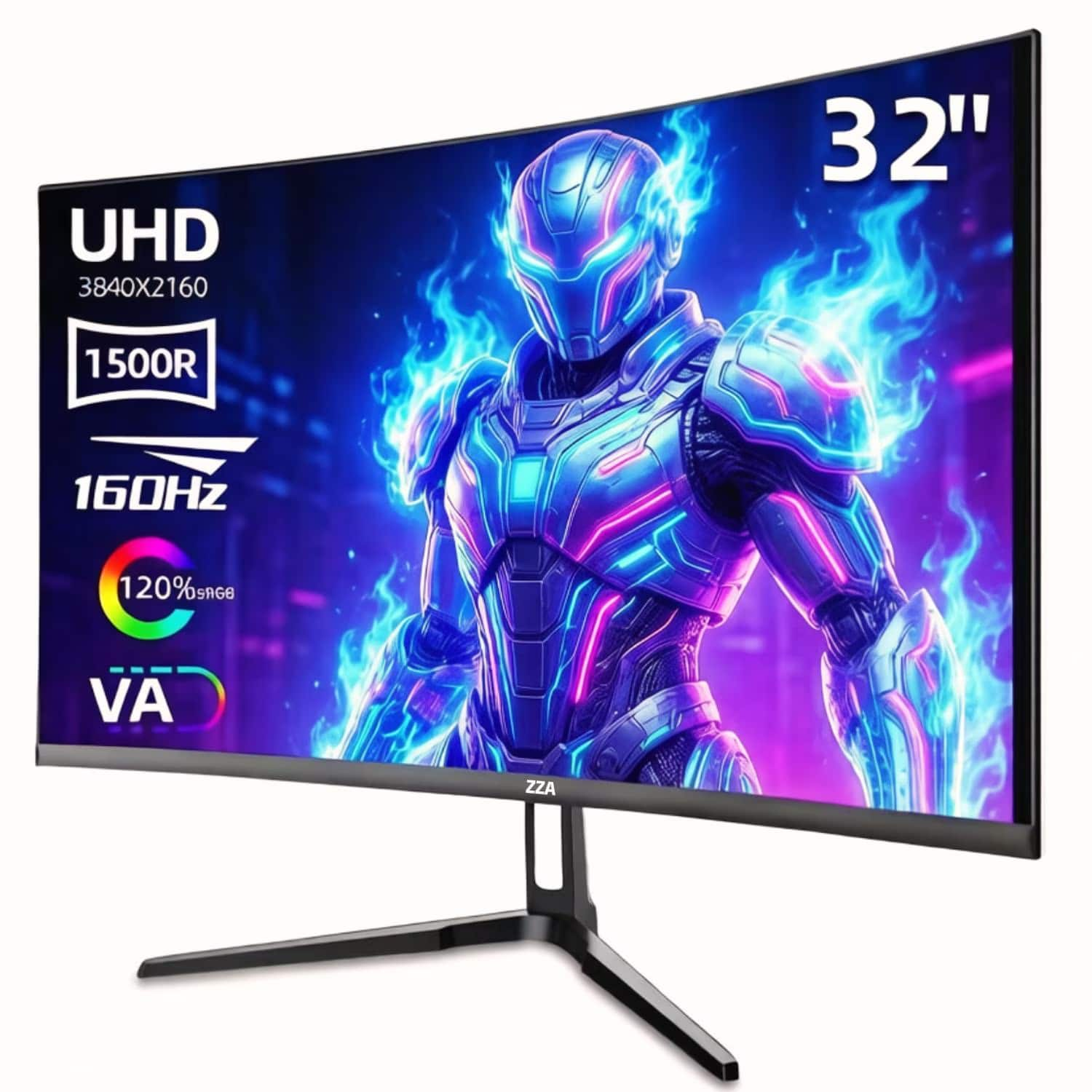
ZZA - 32" Curved UHD (3840 x 2160) Gaming Monitor, 160 Hz, Borderless - Black
SKU: JXVVC5VH5WSee all Curved Gaming MonitorsProduct Description
A black curved gaming monitor with 4K UHD resolution, 160Hz refresh rate, HDR10, and AMD FreeSync.$309.99 Your price for this item is $309.99Save $270Was $579.99The previous price was $579.99
Thin-bezel gaming monitors put more attention on the action and less on the frame around it. A narrow border gives a display a clean, understated profile, whether it sits beside a compact gaming tower or anchors a desk used for both play and work. In a racing game, that restrained edge keeps the track visually prominent; in an expansive adventure, it lets scenery fill more of the space in front of the player. The bezel itself does not increase resolution or improve gaming performance, but it can make a setup feel less visually crowded. The difference is especially noticeable with two or three monitors arranged side by side, where smaller borders reduce the interruption between screens. Separate displays still have visible seams, and a thin outer frame may surround a small inactive border within the panel, so “frameless” styling does not necessarily mean an image extends to the physical edge. Some designs also have narrow borders on three sides and a wider lower edge that houses controls or other components. Screen size, shape, and viewing distance contribute just as much to the overall experience. A more compact screen can suit a shallow desk and keep fast-moving action within an easy glance, while a larger display provides more room for detailed environments and multitasking. Curved screens can bring the sides of a wide image closer to the viewer, although the effect depends on the curvature, screen width, and seating position. Flat screens offer a familiar layout for gaming, documents, and shared viewing. For a coordinated multi-monitor arrangement, matching screen heights, resolutions, and border proportions helps create a more consistent appearance. Even similarly sized monitors can have different stand heights or panel dimensions, which matters when a game spans multiple displays or a second screen holds chat, maps, or streaming controls.
Behind the slim frame, display specifications determine how games look and feel. Refresh rate describes how often a screen can update its image each second, while the computer or console determines how many frames it can deliver. A higher refresh rate can make movement appear smoother when the connected hardware and game support it, particularly during quick turns in competitive shooters or rapid direction changes in sports games. Pixel response time is a separate consideration: slower transitions can leave visible trails behind moving objects, while aggressive response settings may introduce bright or dark outlines. Advertised response-time figures do not tell the whole story because measurement methods and operating modes vary. Adaptive synchronization can help reduce tearing by coordinating the display’s refresh behavior with compatible hardware, within the supported operating range. Resolution also affects the balance between detail and performance. More pixels can sharpen fine textures and text, but rendering them generally places greater demands on the gaming system. Screen size and seating distance influence how noticeable that additional detail becomes. Panel technology brings another set of trade-offs. Different LCD designs balance viewing angles, contrast, color reproduction, and motion handling differently, while OLED displays offer individually lit pixels and fast transitions but require attention to the manufacturer’s guidance on static images and panel care. A monitor used for long sessions with fixed toolbars, scoreboards, or desktop windows has different demands than one used mainly for varied, full-screen entertainment. High dynamic range performance also depends on brightness, contrast, color capability, and backlight control where applicable, rather than the HDR label alone. Connections complete the picture: the monitor input, source device, and cable must all support the desired combination of resolution and refresh rate. Console players benefit from checking supported display modes, while computer players may also need to confirm graphics settings before a high-refresh display operates at its intended capability.
A thin border can make a monitor look compact, but a comfortable fit depends on the entire assembly. Stand depth, base shape, and cable clearance all affect how much usable desk space remains for a keyboard, mouse pad, speakers, or controller dock. A broad base may provide reassuring stability yet occupy the spot where a keyboard naturally rests; a compatible monitor arm can free that surface while adding positioning flexibility. Mounting compatibility includes the attachment pattern, monitor weight, and the arm’s supported range, along with clearance for recessed connectors. Height adjustment, tilt, swivel, and pivot options can help place the screen comfortably without stacking objects beneath the stand. Materials and construction matter during everyday use, too. Plastic housings can keep weight manageable, while metal stands or reinforced supports may add rigidity; overall stability depends on the design rather than one material alone. Thin bezels are not intended as gripping surfaces, and moving a display by its frame can put pressure on the panel. Manufacturer-approved handling and cleaning methods help protect the screen coating and finish. Routine care generally involves turning the display off, using a clean, soft microfiber cloth, and avoiding direct sprays, abrasive cleaners, or pressure on the screen. Room lighting deserves attention as well: matte finishes can soften reflections, while glossier surfaces may show nearby lamps or windows more distinctly. On a shared work-and-play desk, readable text, accessible controls, and convenient input switching can be as useful as gaming-focused features. The broader selection of slim bezel monitors can also suit a coordinated workspace where gaming is only part of the daily routine. For a student, an enthusiastic player, or someone receiving a monitor as a gift, compatibility with existing equipment and the available desk space makes the choice more personal. The most satisfying setup combines the unobtrusive frame with the right screen characteristics, sturdy placement, and connections for the way it will actually be used.
Best Sellers
Related Pages
FAQ
Both terms describe displays with minimal framing around the screen. Frameless does not necessarily mean there is no visible border, so review product images and design details rather than relying on the label alone.
Refresh rate, measured in hertz, describes how many times a display can update its image each second. Response time, typically listed in milliseconds, describes pixel transitions; check the stated measurement method before comparing specifications.
Compare the monitor’s inputs with the outputs on your PC or console. Check the supported resolution and refresh rate for each connection, along with the cable requirements, because these can differ by port.
A thin bezel does not determine mounting compatibility. Check whether the monitor supports VESA mounting, then match its mounting pattern and weight to the arm’s requirements.
No. Bezel design describes the framing around the display, while curvature describes the shape of the screen itself. Thin-bezel gaming monitors can have either flat or curved screens.