Top Rated Laptop Cooling Pad
Find a top-rated laptop cooling pad to help improve airflow beneath your computer during work, study, or gaming. Compare options with your laptop’s size and desk setup in mind, and check customer reviews for feedback on cooling performance, noise, and comfort before choosing.
What to look for in a top-rated laptop cooling pad
Compare laptop fit, airflow, noise levels, and comfort to find a cooling pad that suits your setup.
1. Size and Compatibility
2. Airflow and Fan Controls
3. Noise Level and Power
4. Comfort and Portability
-
1
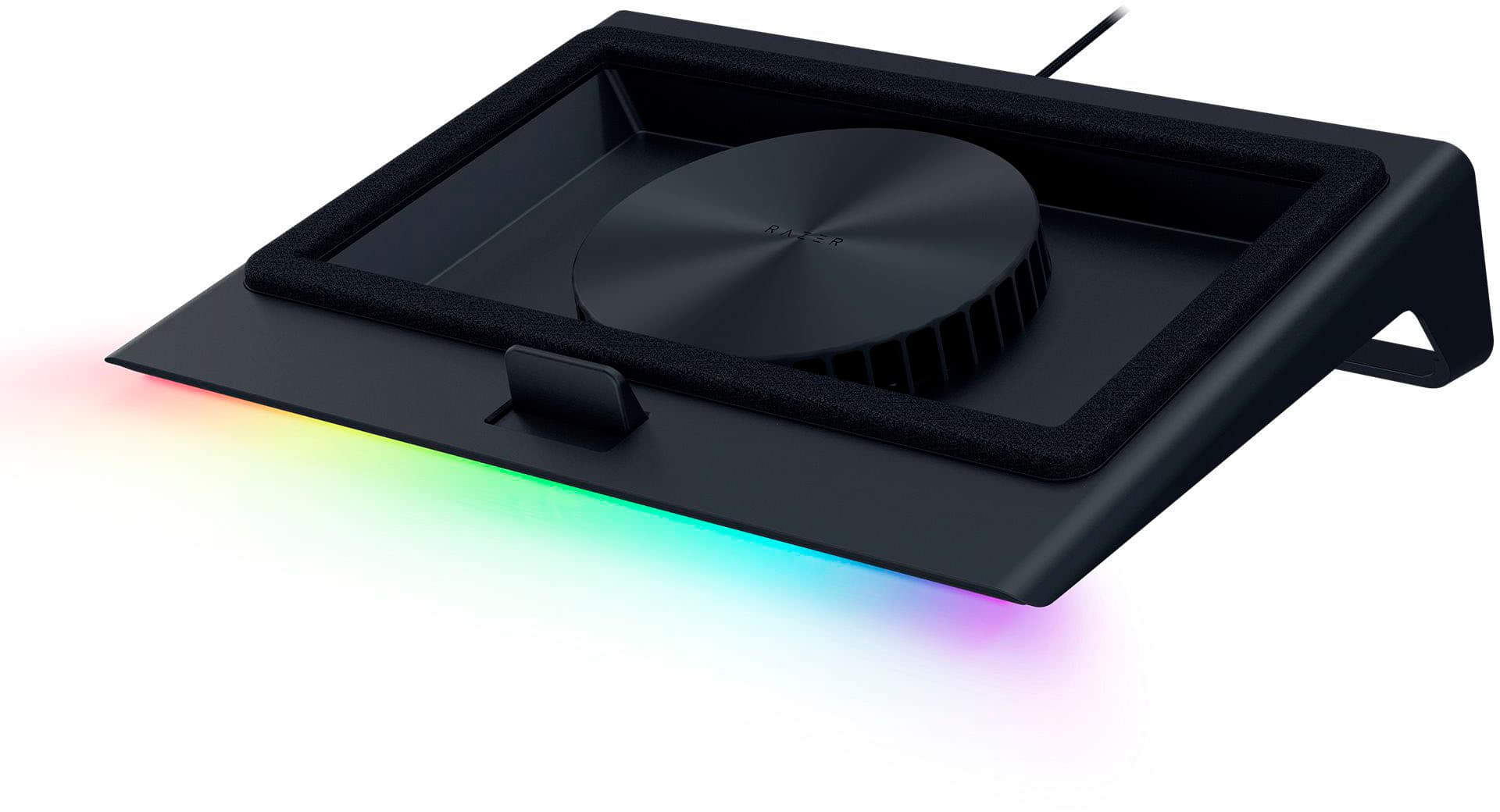
Razer - Laptop Cooling Pad with Intelligent Fan Control and Chroma RGB for Laptops 14 Inches to 18 Inches - Black
About this product
A black cooling pad with intelligent fan control, Chroma RGB lighting, and a 3-port USB hub.
What customers like
(223)$169.99 Your price for this item is $169.99 -
2
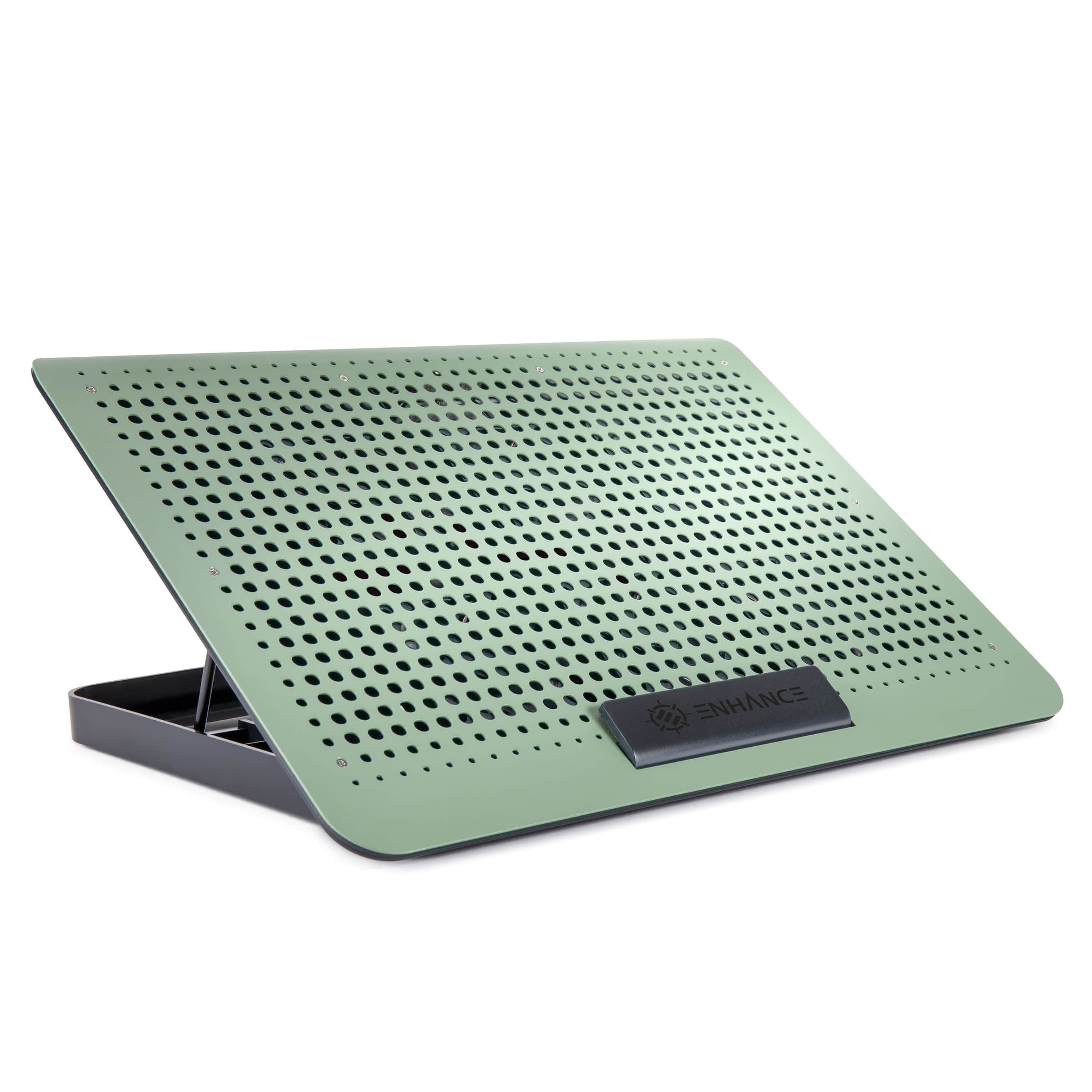
ENHANCE - Aluminum Laptop Cooling Pad, 6-Fan Cooler Stand for 17 in Laptops - Sage
About this product
A sage aluminum cooling stand with six fans, adjustable speed, seven height settings, and USB pass-through.
(1)$29.99Your price for this item is $29.99SAVE $2.00 -
3
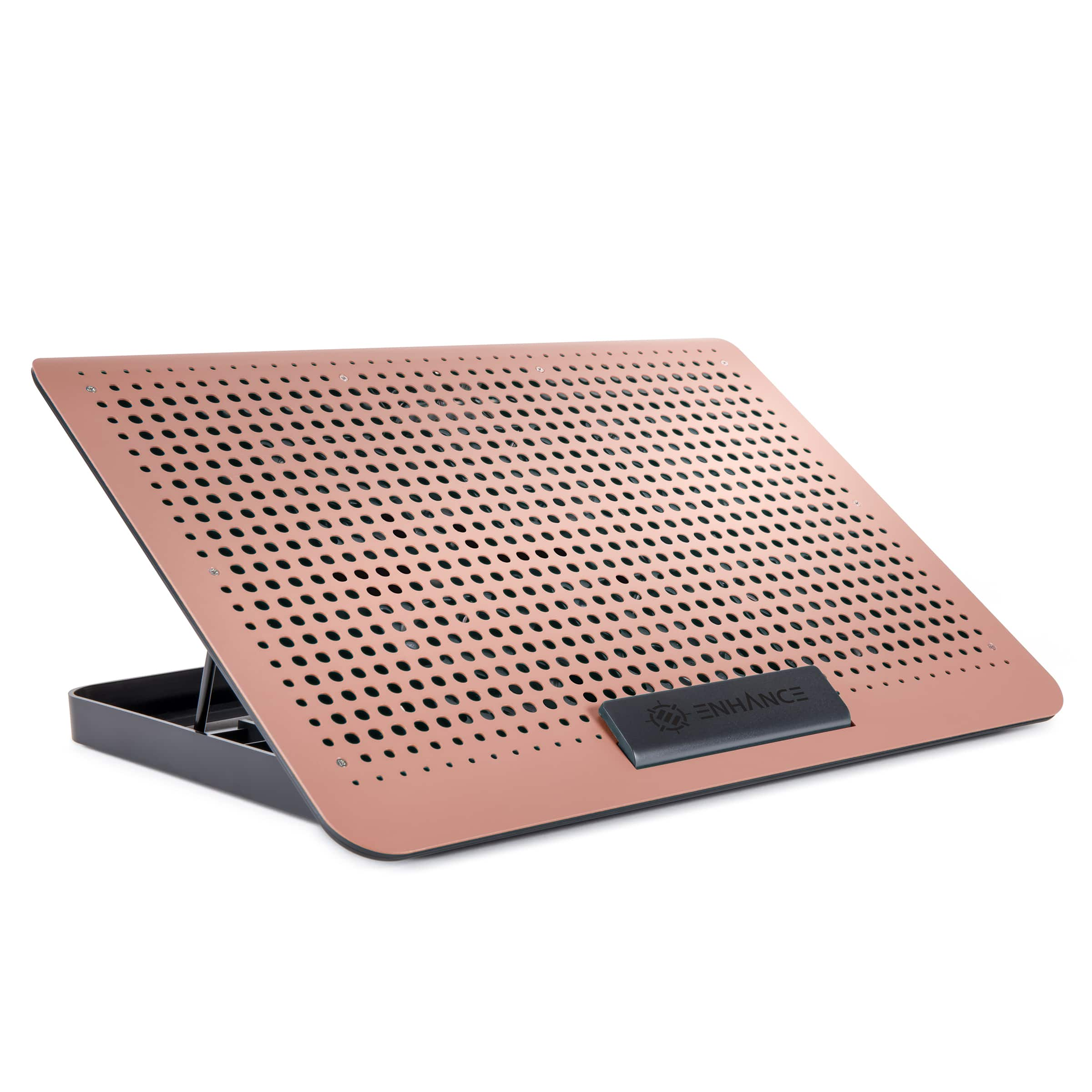
ENHANCE - Aluminum Laptop Cooling Pad, 6-Fan Cooler Stand for 17 in Laptops - Clay
About this product
A clay aluminum cooling stand with six fans, height adjustment, speed control, and USB pass-through.
(1)$29.99Your price for this item is $29.99SAVE $1.56 -
4

Targus - Dual Fan Chill Mat Cooling System - Black
About this product
A black USB-powered cooling mat with dual fans, ventilated grille, and rubber pads for laptop stability.
What customers like
(3,042)$39.99 Your price for this item is $39.99 -
5

Core Tech - RGB Gaming Laptop Cooling Pad K1 5V with 5.5" Turbo Fan for 15.6"-19.3" Laptops, 10 RGB Modes, Adjustable Stand - Black RGB
About this product
A black RGB cooling pad with a 5.5" turbo fan, 10 RGB modes, and adjustable ergonomic stand.
(1)$79.99 Your price for this item is $79.99 -
6
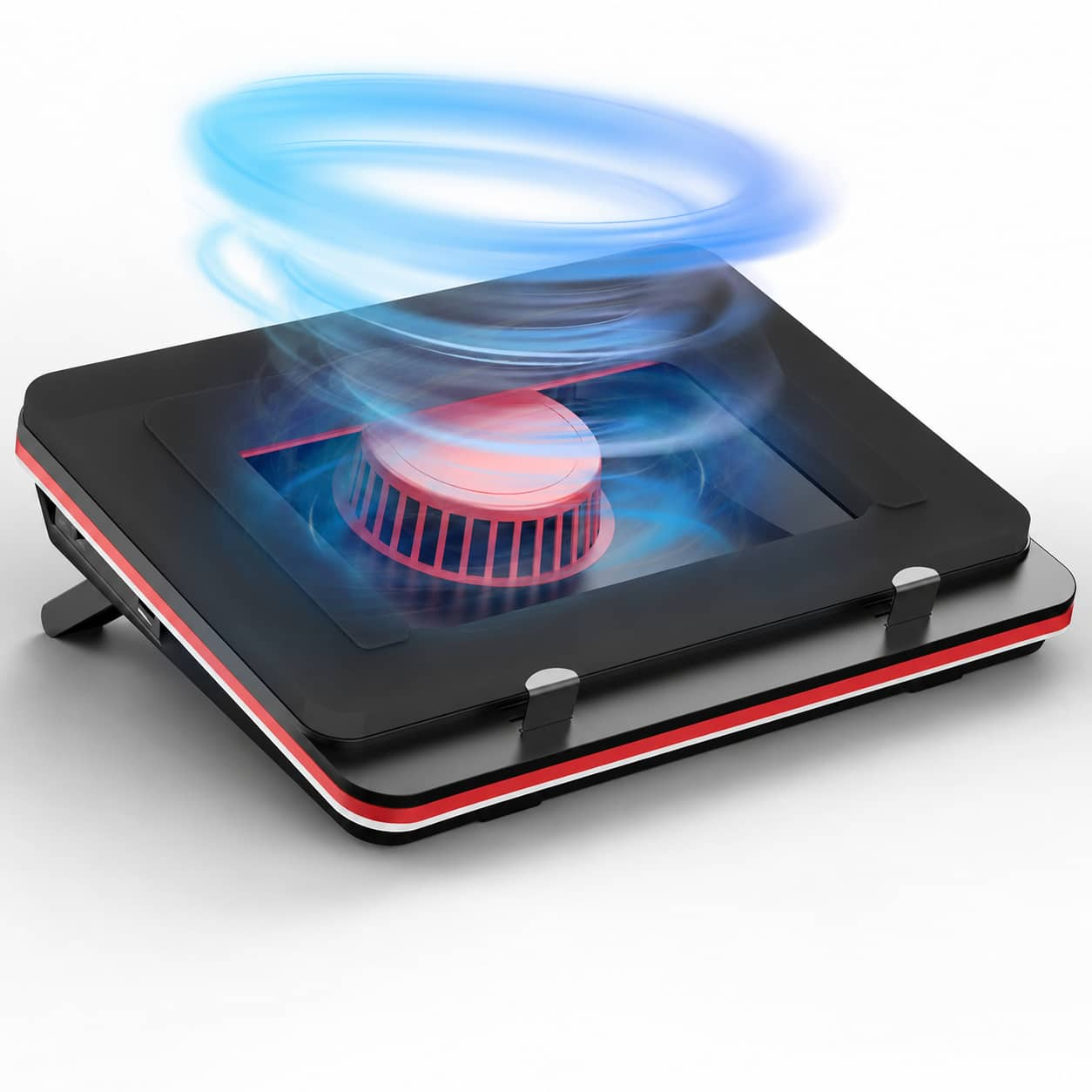
Core Tech - 4200 RPM Turbo-Fan Laptop Cooling Pad with Variable Speed, Sealed Foam and Dust Filter for 13–17.3-Inch Laptops - Black
About this product
A black metal-and-plastic cooling pad with 4200 RPM turbo fan, variable speed control, and dust filter.
(0)$137.98Your price for this item is $137.98SAVE $32.01 -
7
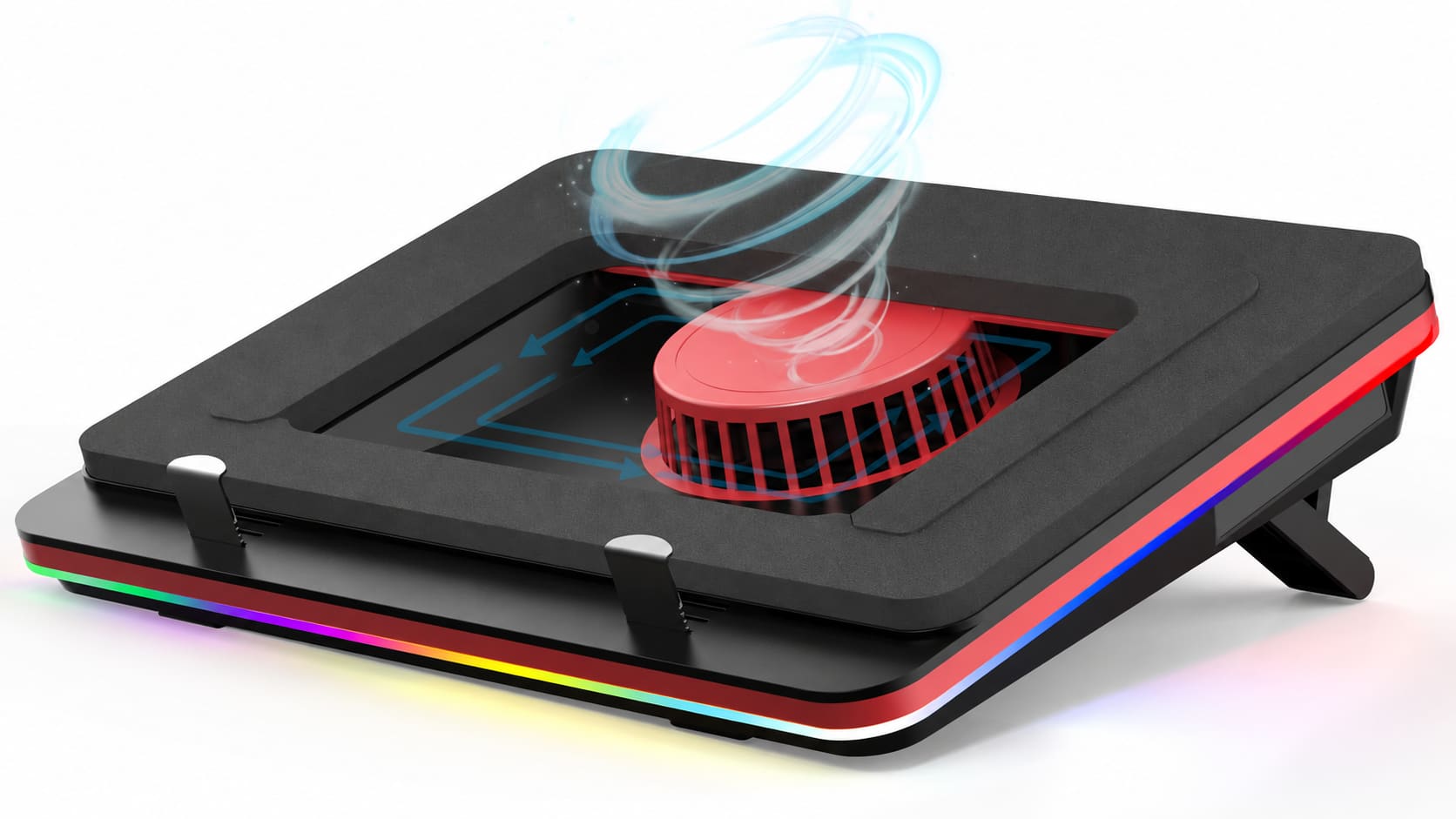
Core Tech - 5000 RPM RGB Turbo-Fan Laptop Cooling Pad with Variable Speed and Sealed Foam for 13–17.3-Inch Laptops - Black
About this product
A black metal-and-plastic cooling pad with 5000 RPM turbo fan, variable speed, RGB lighting, and adjustable support.
(0)$159.98Your price for this item is $159.98SAVE $50.01 -
8

Aluratek - Slim USB Laptop Cooling Pad - Black
About this product
A slim black metal cooling pad with USB connectivity that keeps laptops cool and provides an angled surface.
What customers like
(112)$29.37Your price for this item is $29.37SAVE $0.89 -
9
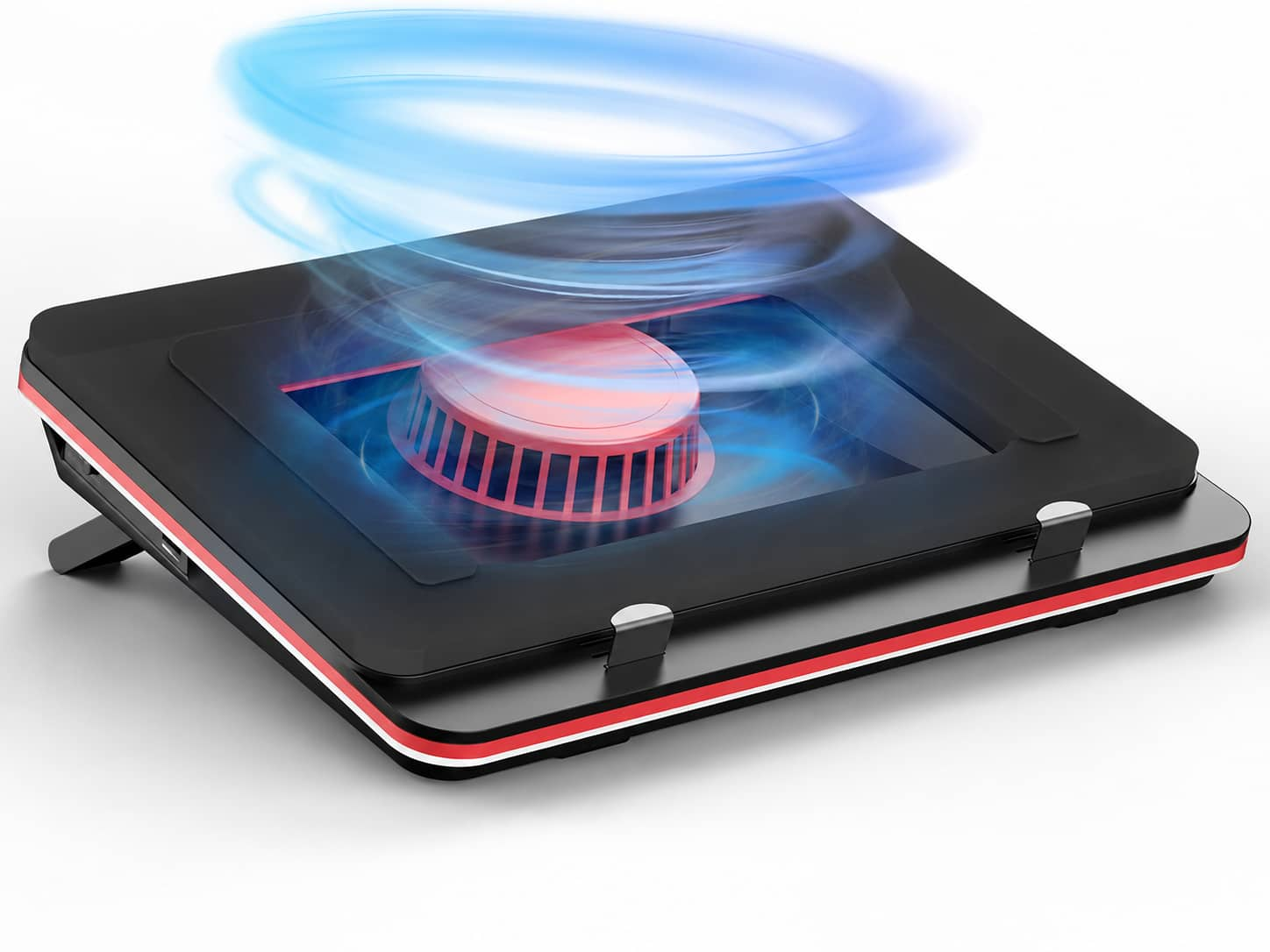
Core Tech - 5000 RPM Turbo-Fan Laptop Cooling Pad with Sealed Foam and 3-Port USB Hub for 13–17.3-Inch Laptops - Black
About this product
A black metal-and-plastic cooling pad with a 5000 RPM turbo fan, adjustable speed, and USB hub.
(0)$157.98Your price for this item is $157.98SAVE $32.01 -
10
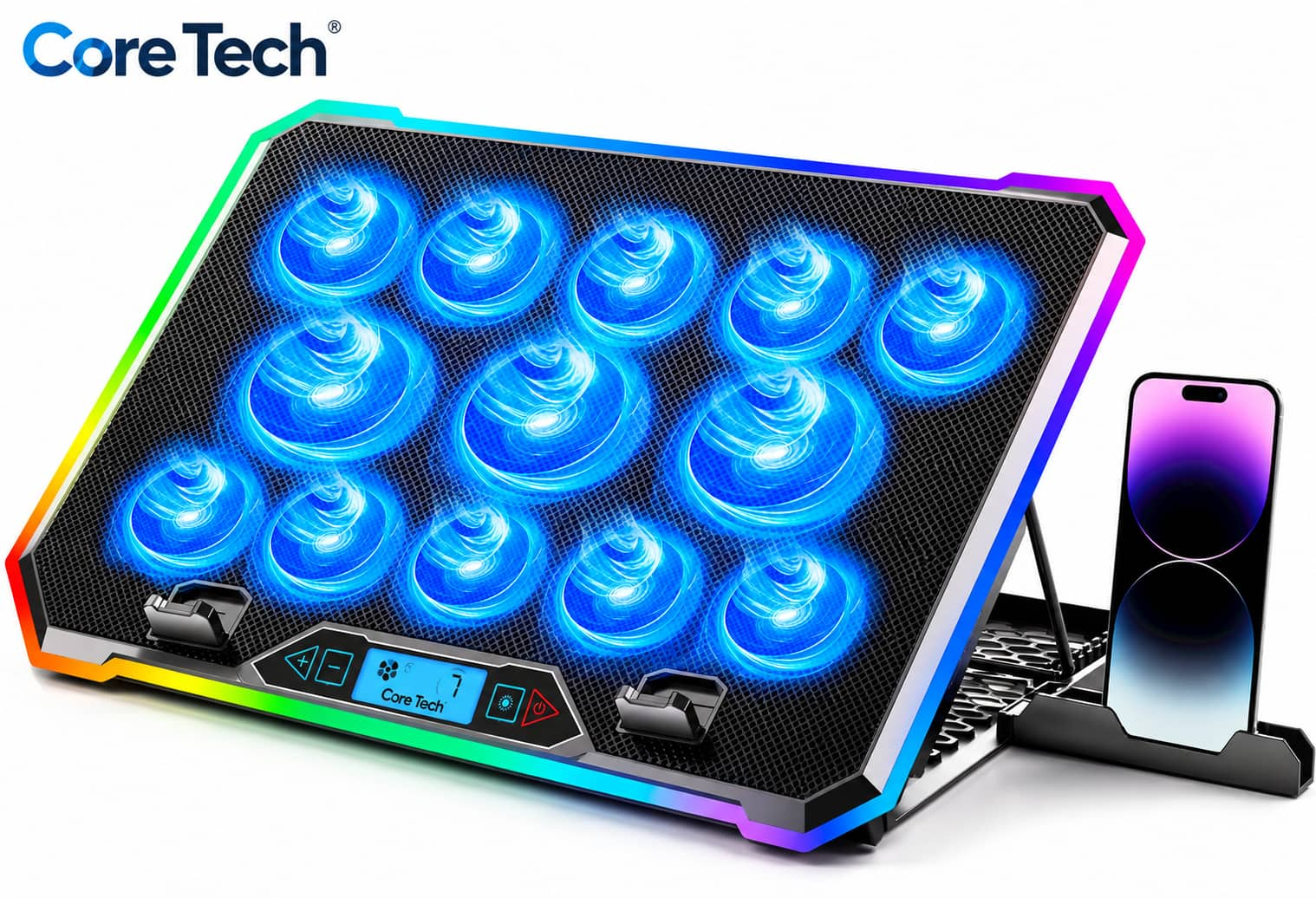
Core Tech - 13-Fan RGB Laptop Cooling Pad with LCD Controls, 9-Level Stand and 2 USB Ports for 15–21-Inch Laptops - Black
About this product
A black metal-and-plastic cooling pad with 13 fans, RGB lighting, LCD controls, nine-position stand, USB ports.
(0)$59.99Your price for this item is $59.99SAVE $30.00
Top Rated Laptop Cooling Pad
FAQs
Look for feedback about fan noise, build quality, control placement and ease of setup. Reviews that describe everyday use can provide helpful context beyond the overall star rating.
Many laptop cooling pads draw power through a USB connection to a laptop or a compatible external USB power source. Check the pad’s connection requirements and whether a power cable is included.
Depending on the design, controls may include a power switch, adjustable fan speeds and separate lighting settings. Some pads use physical buttons or dials, while others have a digital control panel.
Some laptop cooling pads include adjustable supports that let you change the laptop’s viewing and typing angle. If positioning matters to your setup, look for clearly listed adjustment options.
Some laptop cooling pads feature single-color or multicolor lighting, while others have no lighting. Available controls may let you change lighting modes or turn the lights off independently of the fans.