Wi-Fi Router Under $50
-
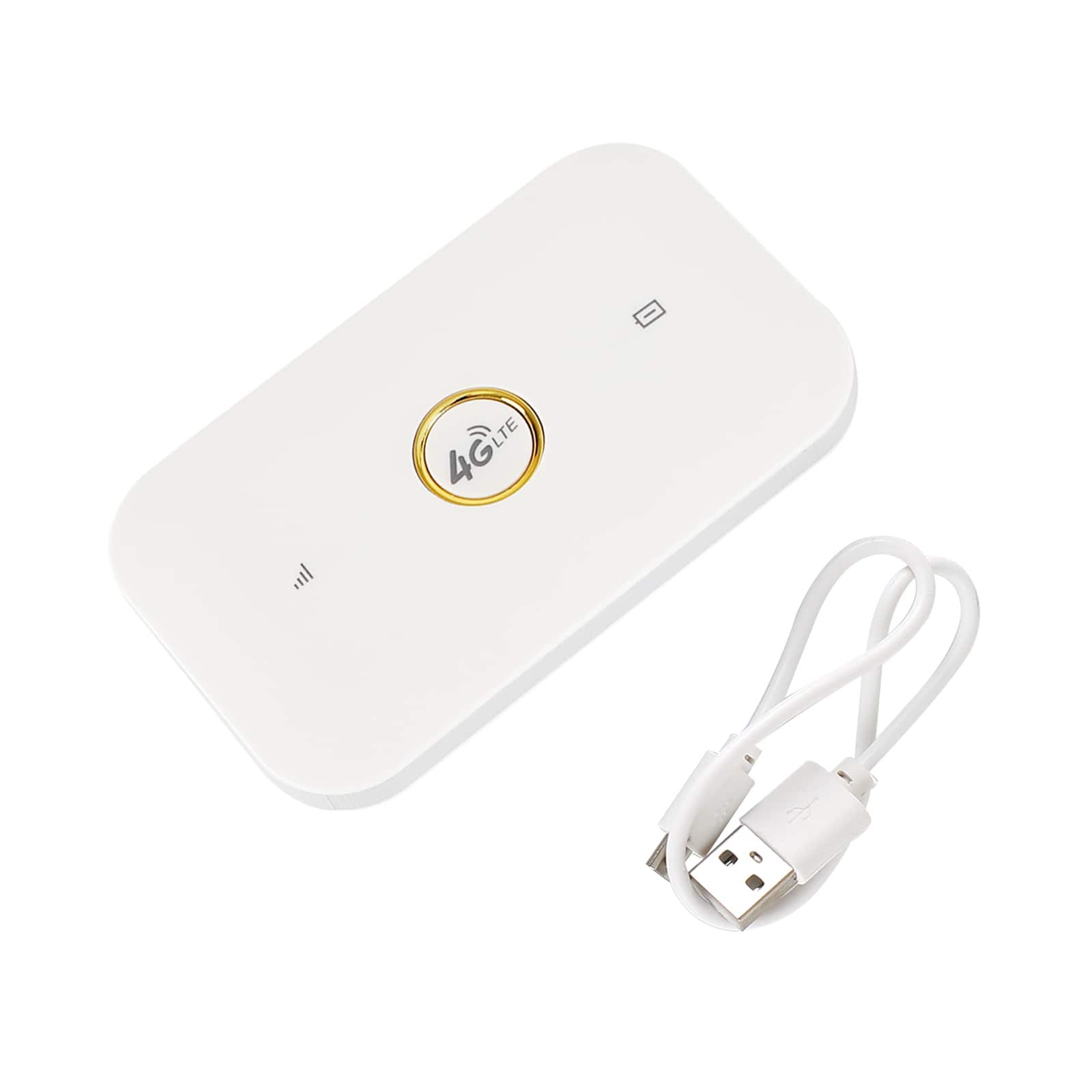
Topteng - Unlocked 4G LTE Mobile WiFi Hotspot Model E5573 - Portable Router, 100Mbps, 1500mAh Battery, Supports 5 Devices - White
SKU: J3R9F7YY7HSee all Mobile HotspotsProduct Description
A compact white 4G LTE portable WiFi hotspot supporting up to 5 devices with a 1500mAh battery.Your price for this item is $32.99Save $27The previous price was $59.99 -
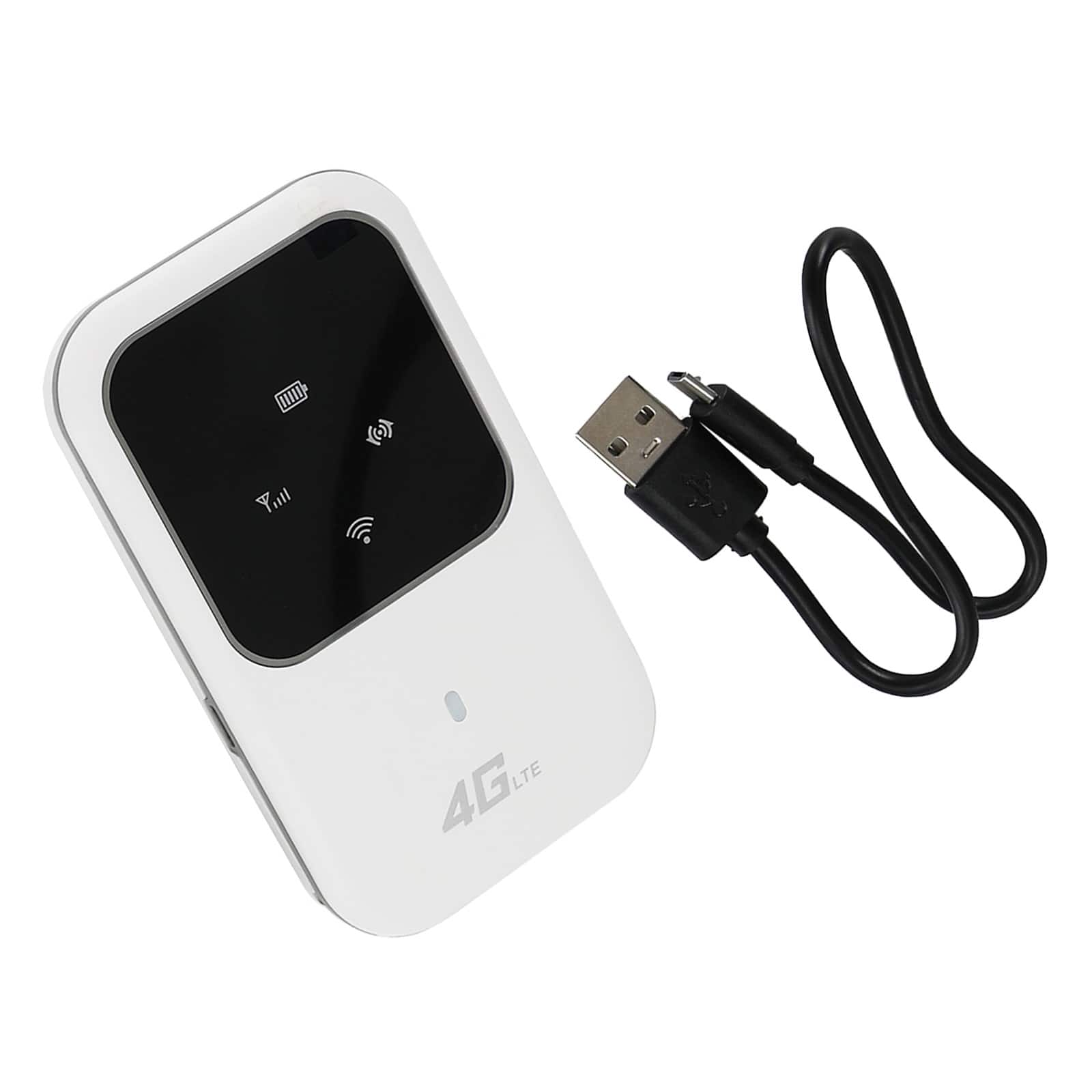
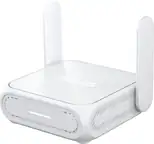
Topteng - H80 Unlocked 4G LTE Mobile WiFi Hotspot - Portable WIFI Router, 150Mbps, 5 Device Connectivity, 2400mAh Battery - White
SKU: J3R9F7YY7YSee all Mobile HotspotsProduct Description
A compact white 4G LTE mobile WiFi hotspot supporting up to 5 devices with a 2400mAh battery.Your price for this item is $26.99Save $16The previous price was $42.99 -
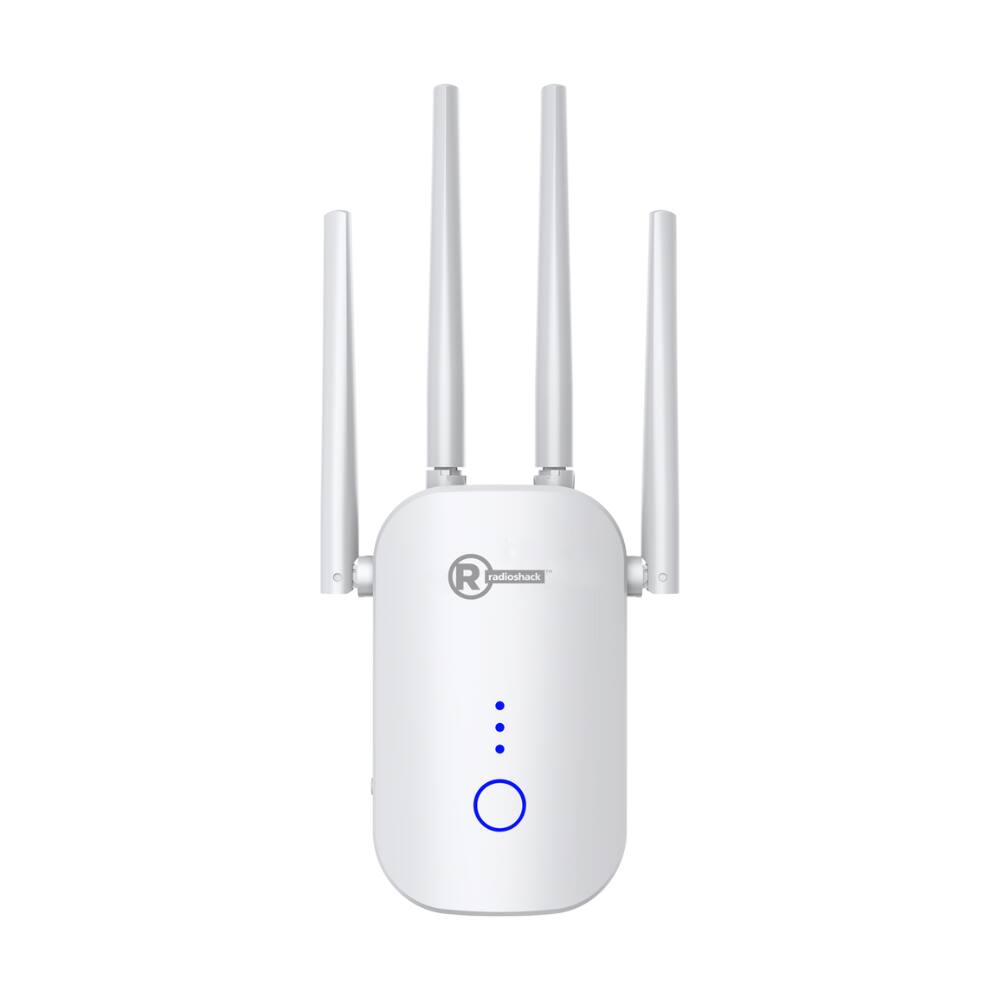
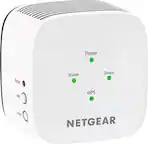
RadioShack - 1200 Mbps Wi-Fi Repeater - White
SKU: CFRJQSY8WKSee all Wi-Fi RoutersProduct Description
A dual-band white Wi-Fi repeater delivering up to 1200 Mbps for strong, reliable whole-home coverage.Your price for this item is $34.99 -
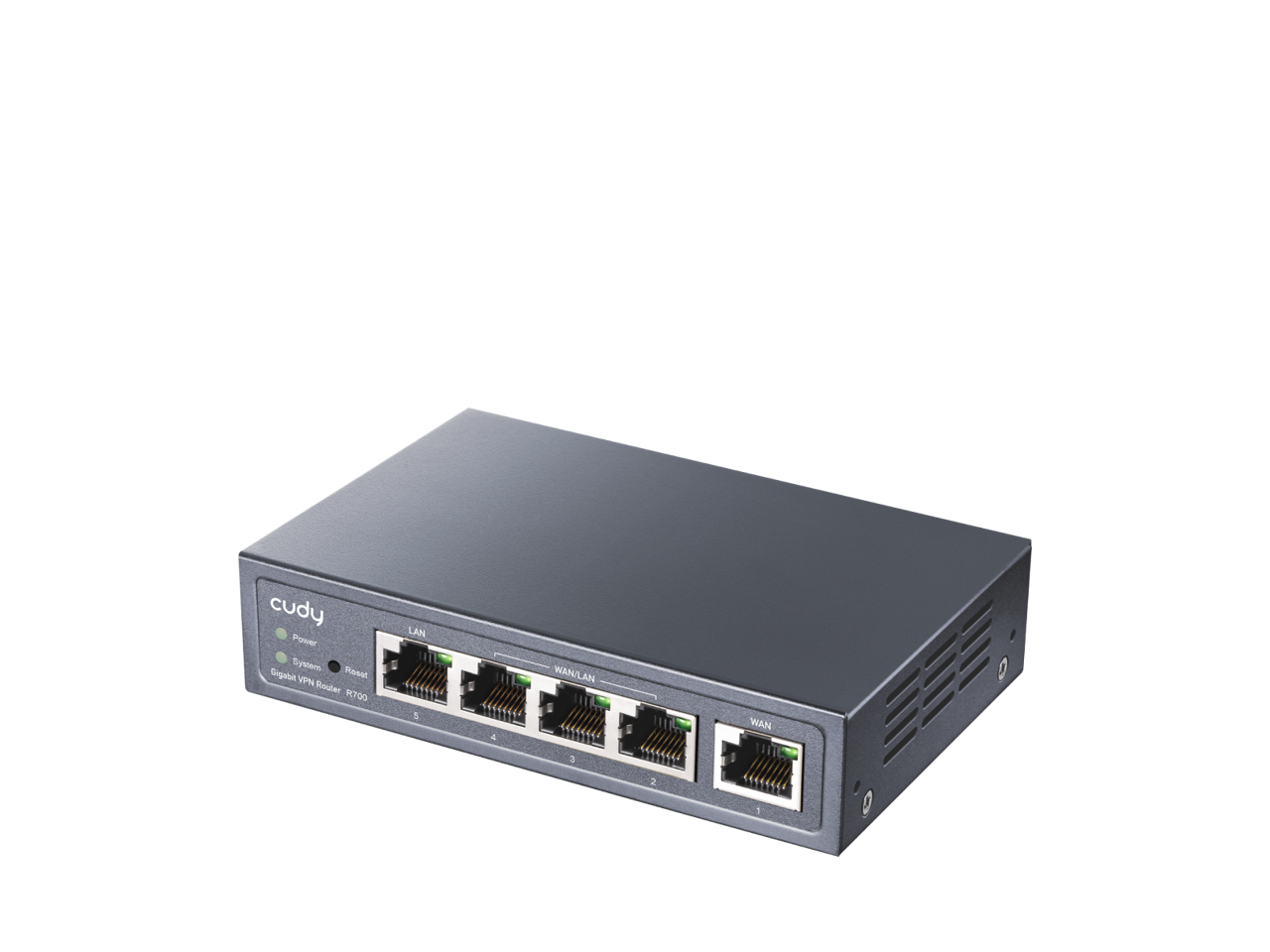
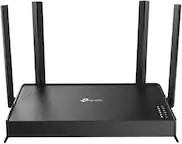
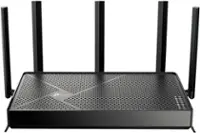
Cudy - R700 VPN Router - Black
SKU: JJ8HCLSHKPGreat VPN router for home use
See all Wi-Fi RoutersProduct Description
A black dual-band Wi-Fi 6 router with four Multi-WAN ports, advanced encryption, and parental controls.Your price for this item is $40.99Save $23The previous price was $63.99
Best Sellers

Related Pages


FAQ
When shopping for a Wi-Fi router under $50, look for essential features such as dual-band connectivity, WPA2 security, easy setup, multiple Ethernet ports, and compatibility with your internet service provider. Some models may also offer parental controls and guest network options.
Yes, many budget Wi-Fi routers can handle basic streaming and light online gaming. For the best experience, choose a router with dual-band support and at least 802.11ac (Wi-Fi 5) technology, which helps reduce lag and buffering on compatible devices.
Most Wi-Fi routers under $50 are compatible with popular smart home devices, including smart speakers, lights, and cameras. Ensure the router supports 2.4GHz and/or 5GHz bands, as many smart devices operate on these frequencies.
The number of devices a router can handle varies by model, but most routers under $50 support between 10 to 20 connected devices simultaneously. For optimal performance, consider the number of active users and devices in your household.
Single-band routers operate only on the 2.4GHz frequency, which is suitable for basic browsing and email. Dual-band routers provide both 2.4GHz and 5GHz frequencies, offering faster speeds and less interference, which is better for streaming and gaming. Many routers under $50 offer dual-band functionality.