Deals for every list.Start early, save early.Shop now

Main Content

Deals for every list.Start early, save early.Shop now

Main Content

Best Wi-Fi Router Under $300

Find the best Wi-Fi router under $300 for your home by comparing wireless routers based on coverage, speed capabilities, and device capacity. Consider your internet plan, home layout, and everyday activities—such as streaming, gaming, or working from home—to choose a router that fits your needs and budget.

What to look for in a Wi-Fi router under $300

Finding the best Wi-Fi router under $300 means balancing speed, coverage, device capacity and security for your home network.

1. Wi-Fi Speed and Standards

Choose a router that can support your internet plan’s speed and your streaming, gaming and video call needs. Newer standards, such as Wi-Fi 6 and Wi-Fi 6E, can improve performance with compatible devices, though actual speeds depend on your connection and network conditions.

2. Coverage and Home Layout

Consider your home’s size, layout and wall construction when comparing coverage claims. For multiple floors or hard-to-reach rooms, look for a router that supports mesh expansion, and factor the cost of additional units into your $300 budget.

3. Device Capacity and Connections

Count the phones, computers, smart home devices and other equipment that may connect at the same time. Compare Wi-Fi bands and Ethernet port speeds, especially if you want wired connections for a gaming console, desktop or TV.

4. Security and Total Cost

Look for WPA3 security, automatic firmware updates and guest network controls to help protect your network. Check whether parental controls or advanced security features require a subscription, and confirm compatibility with your internet service and modem before buying.

  1. 1

    About this product

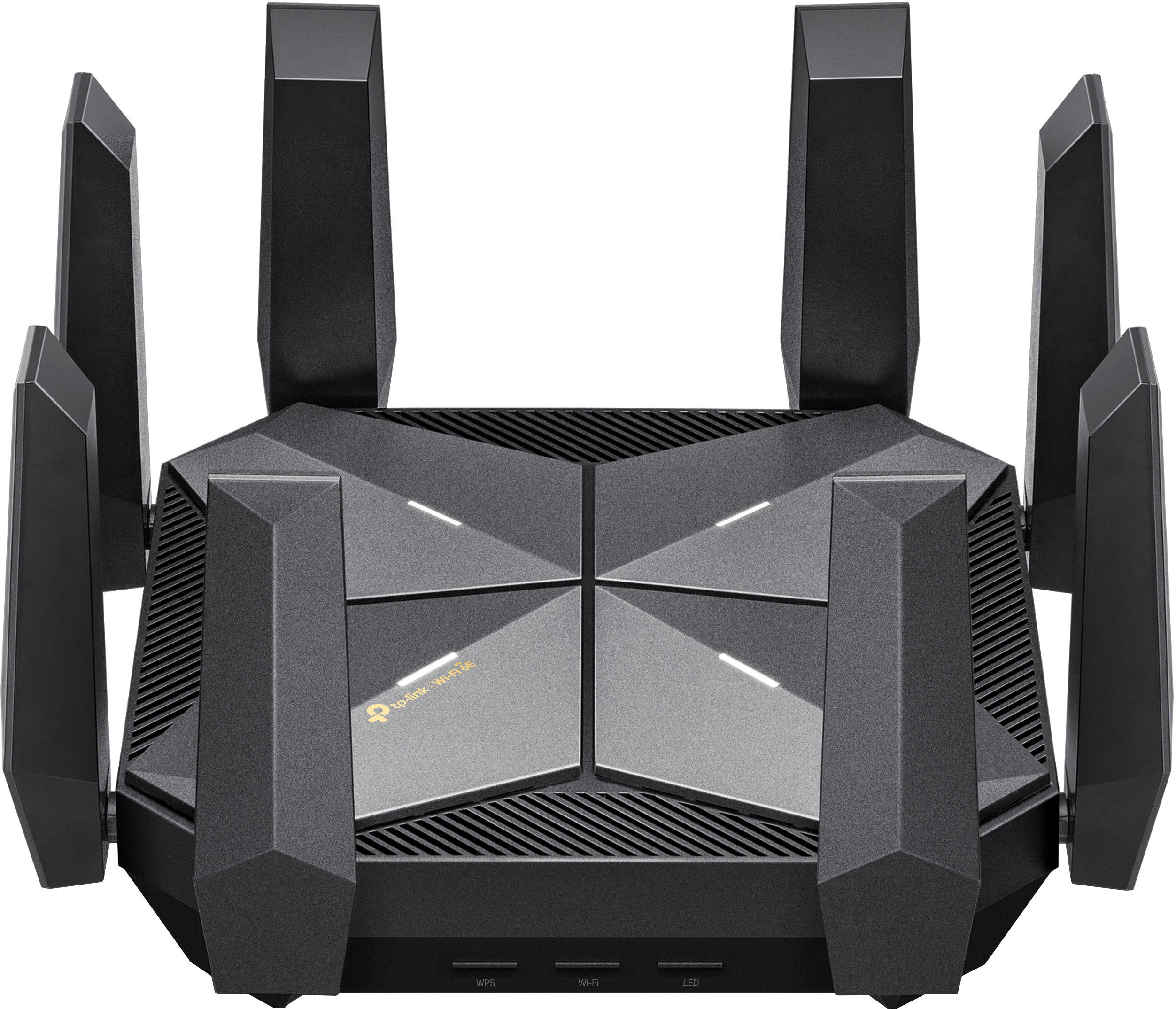
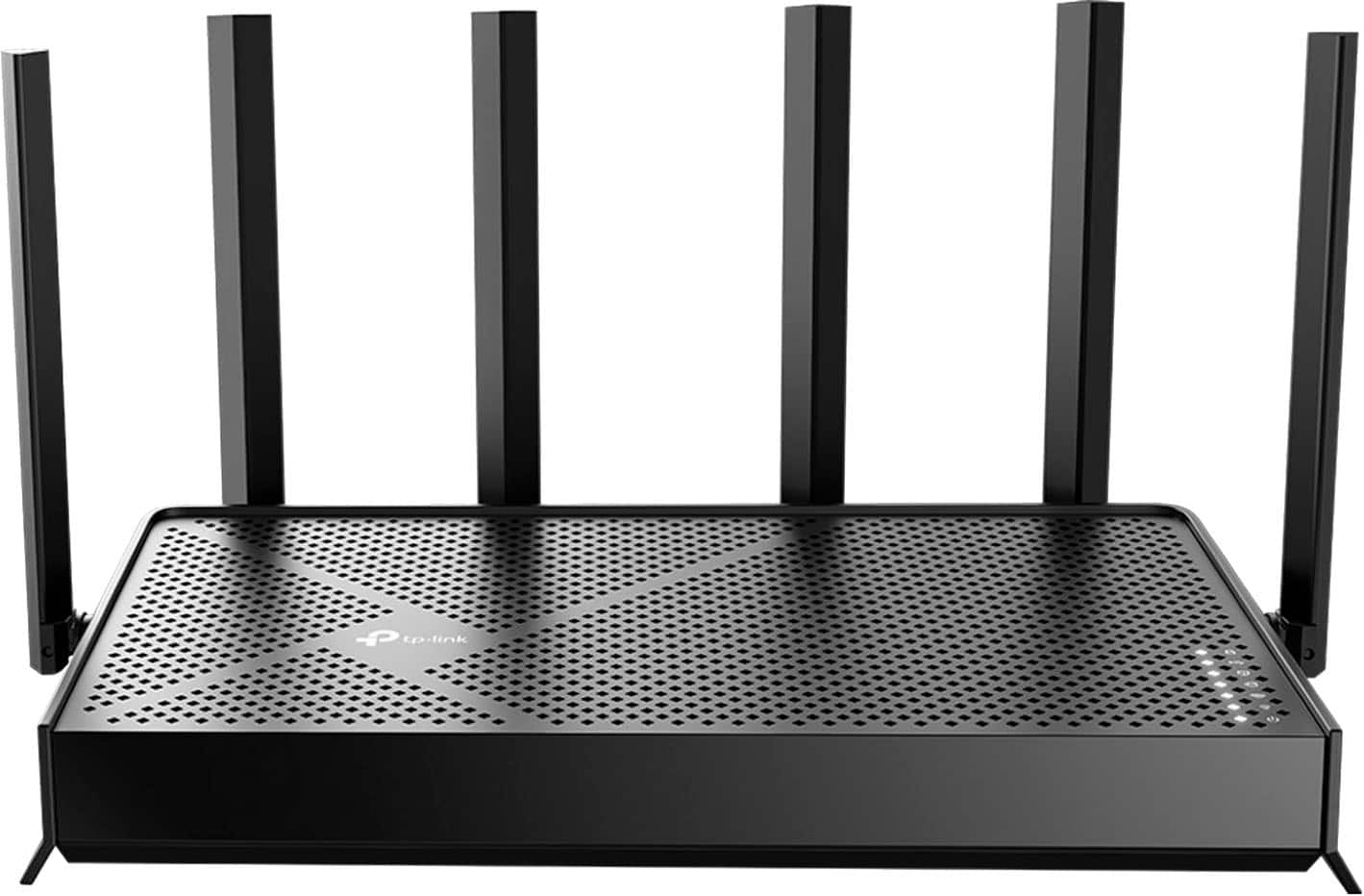
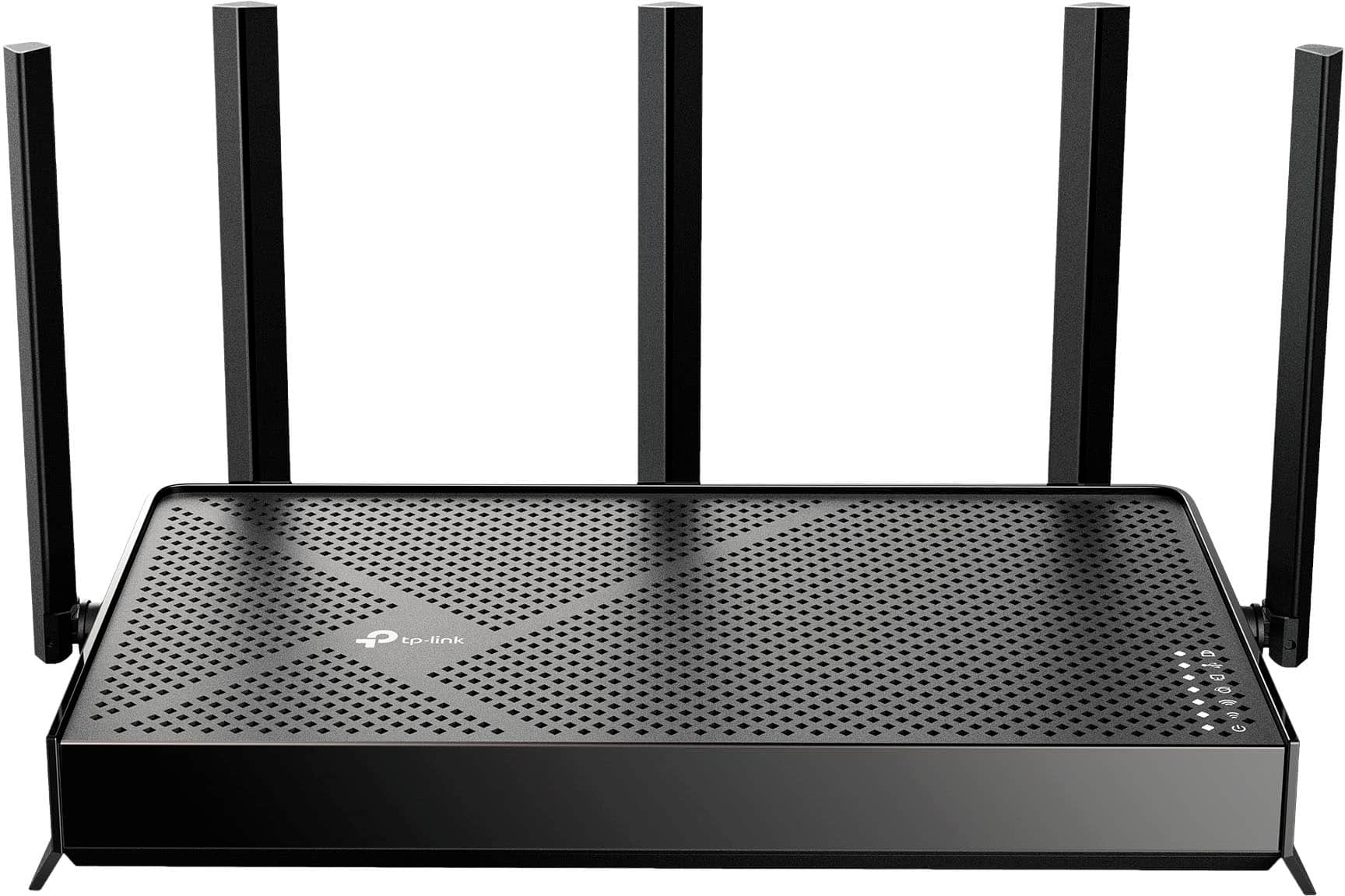
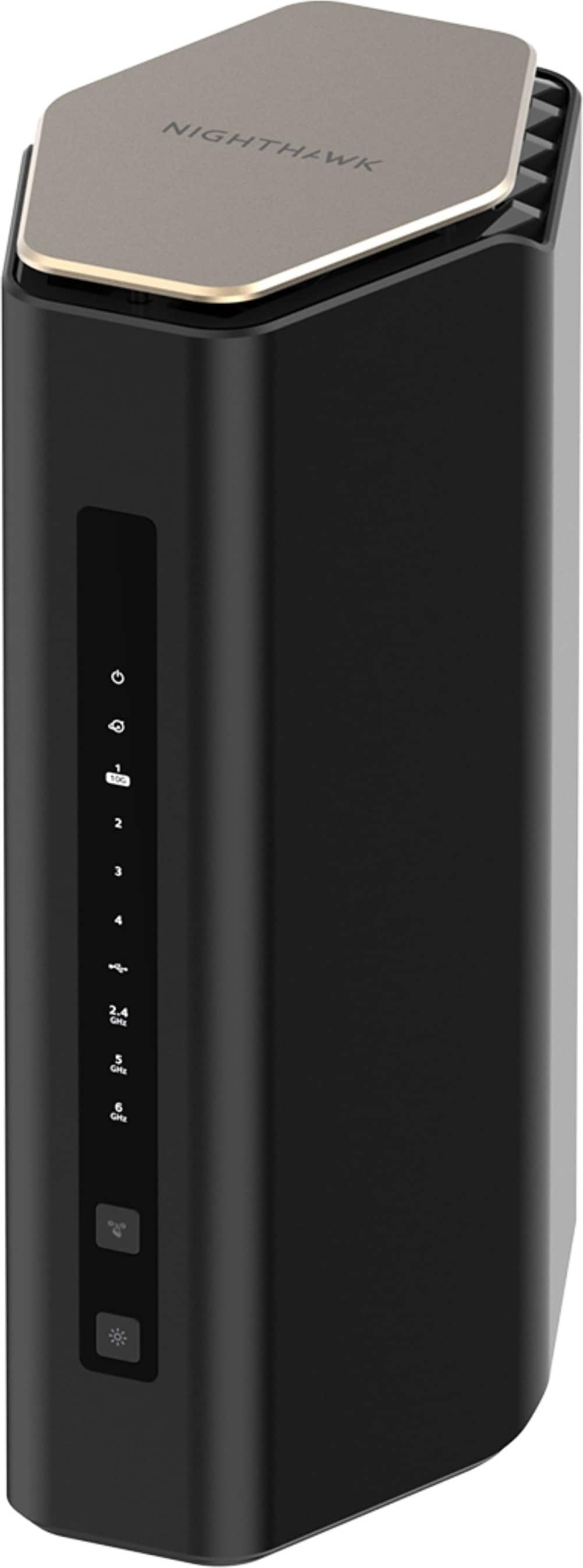
    A powerful black quad-band Wi-Fi 6E router with 8 antennas, dual 10G ports, and advanced security.

    A powerful black quad-band Wi-Fi 6E router with 8 antennas, dual 10G ports, and advanced security.

    (19)
    $249.99
    SAVE $49.01
    Your price for this item is $249.99
  2. 2

    About this product

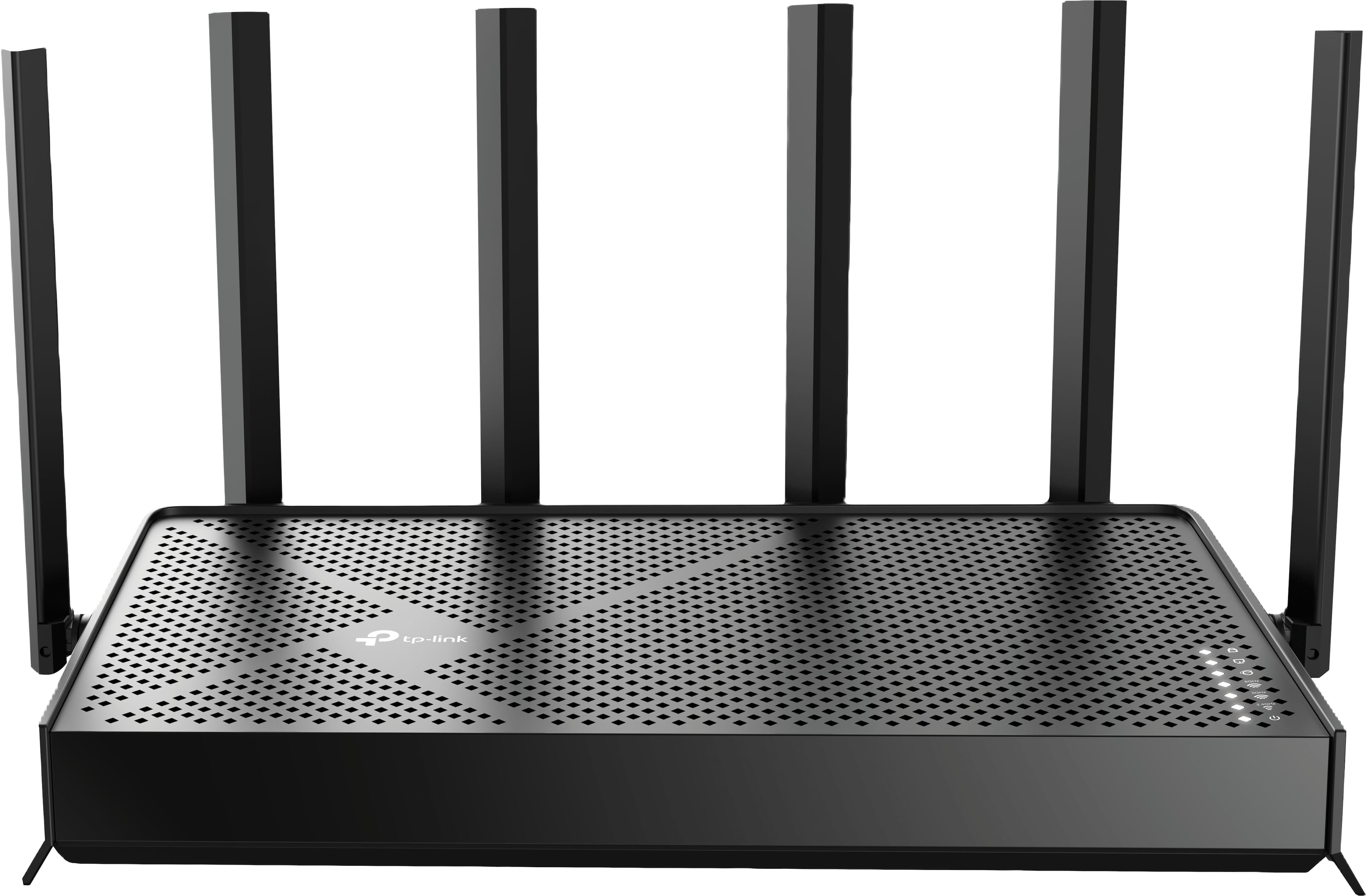
    A black tri-band Wi-Fi 7 router delivering up to 9.5 Gbps speeds with advanced security features.

    A black tri-band Wi-Fi 7 router delivering up to 9.5 Gbps speeds with advanced security features.

    (7)
    $199.99 Your price for this item is $199.99
  3. 3

    About this product

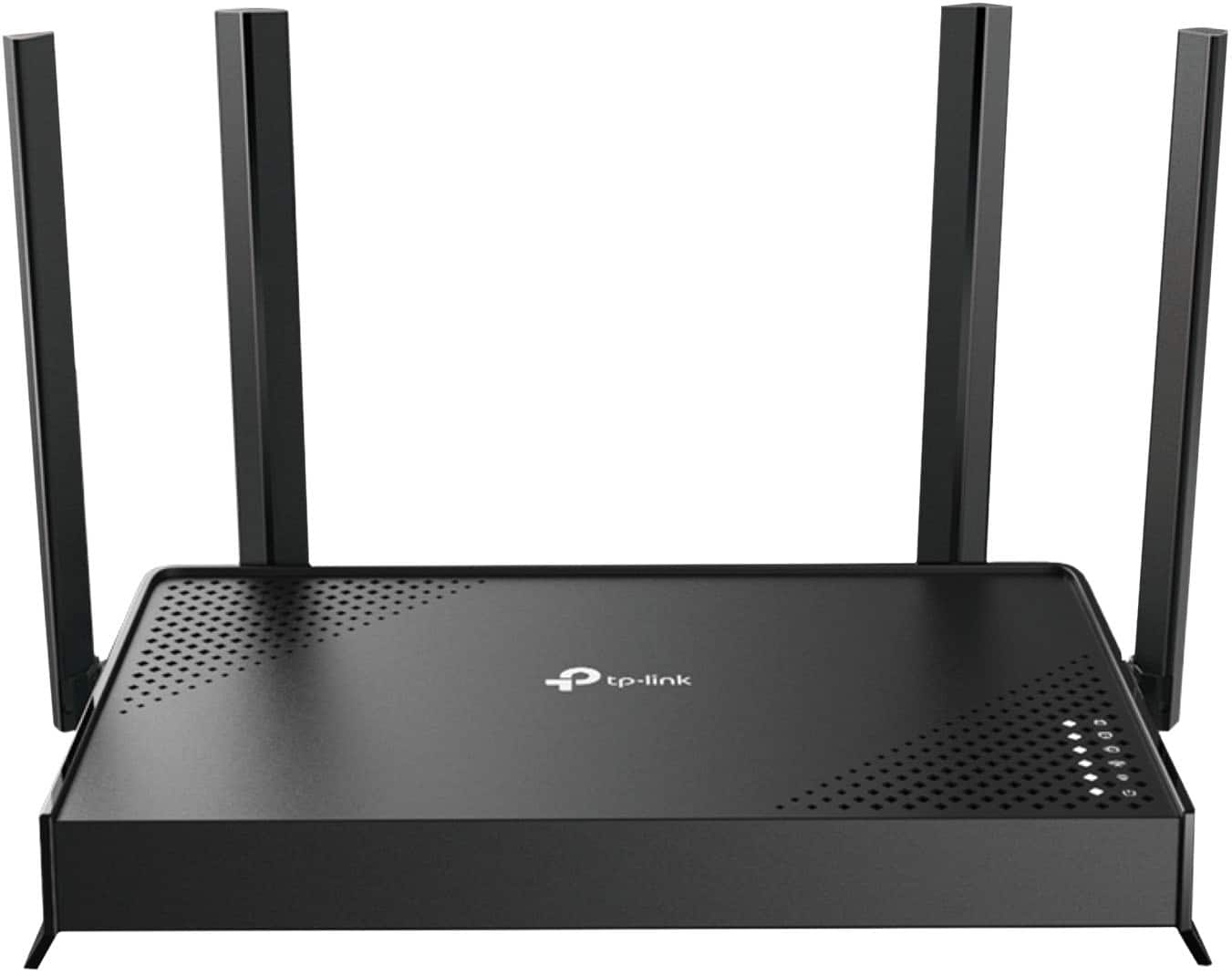
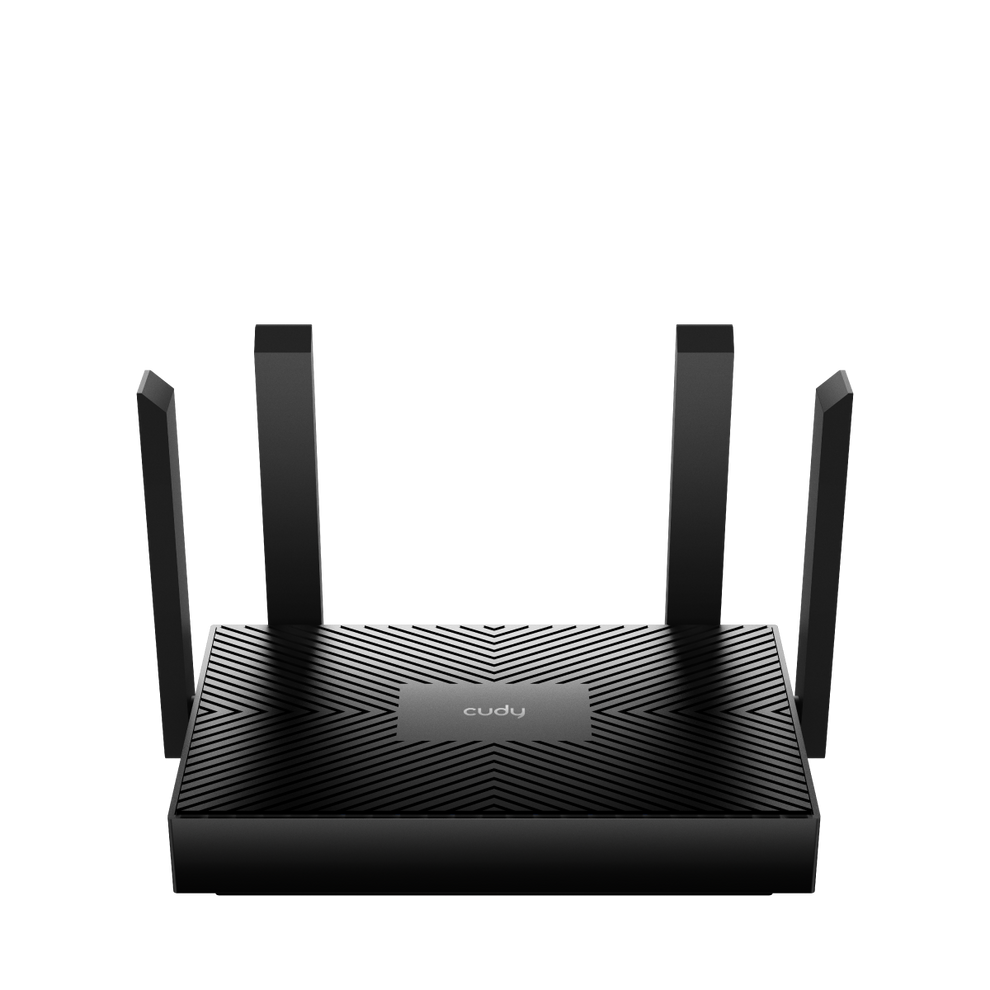
    A dual-band black Wi-Fi 7 router offering up to 3.5 Gbps speeds and four Gigabit ports.

    A dual-band black Wi-Fi 7 router offering up to 3.5 Gbps speeds and four Gigabit ports.

    What customers like

    • Improved speed and signal stability
    • Budget-friendly price
    • Great coverage area
    • Reliable and fast performance
    • Easy to set up
    (122)
    $99.99 Your price for this item is $99.99
  4. 4

    About this product

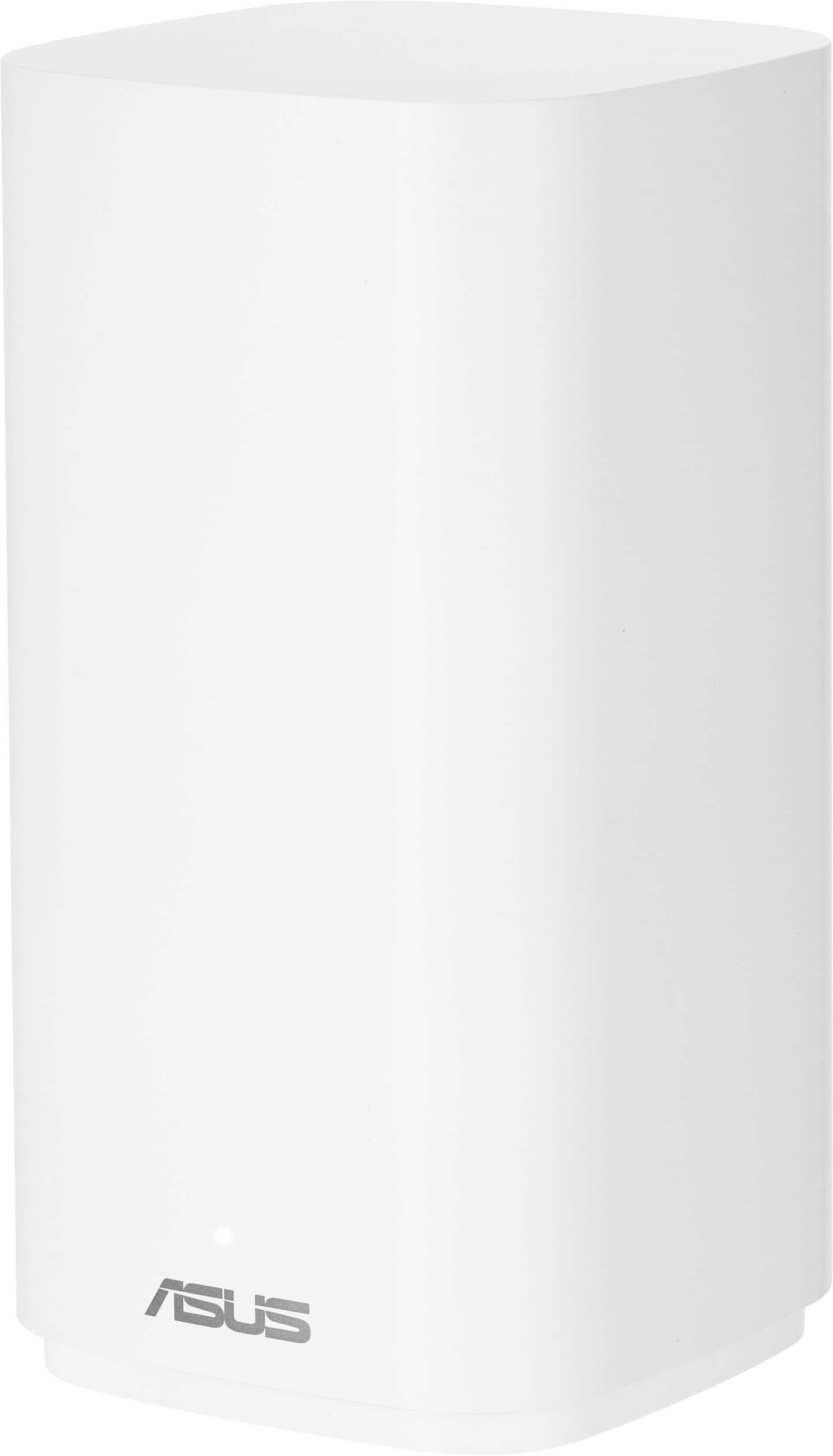
    A white dual-band outdoor router with Wi-Fi 7, AiMesh, IP65 water resistance, and advanced security features.

    A white dual-band outdoor router with Wi-Fi 7, AiMesh, IP65 water resistance, and advanced security features.

    (16)
    $179.99 Your price for this item is $179.99
  5. 5

    About this product

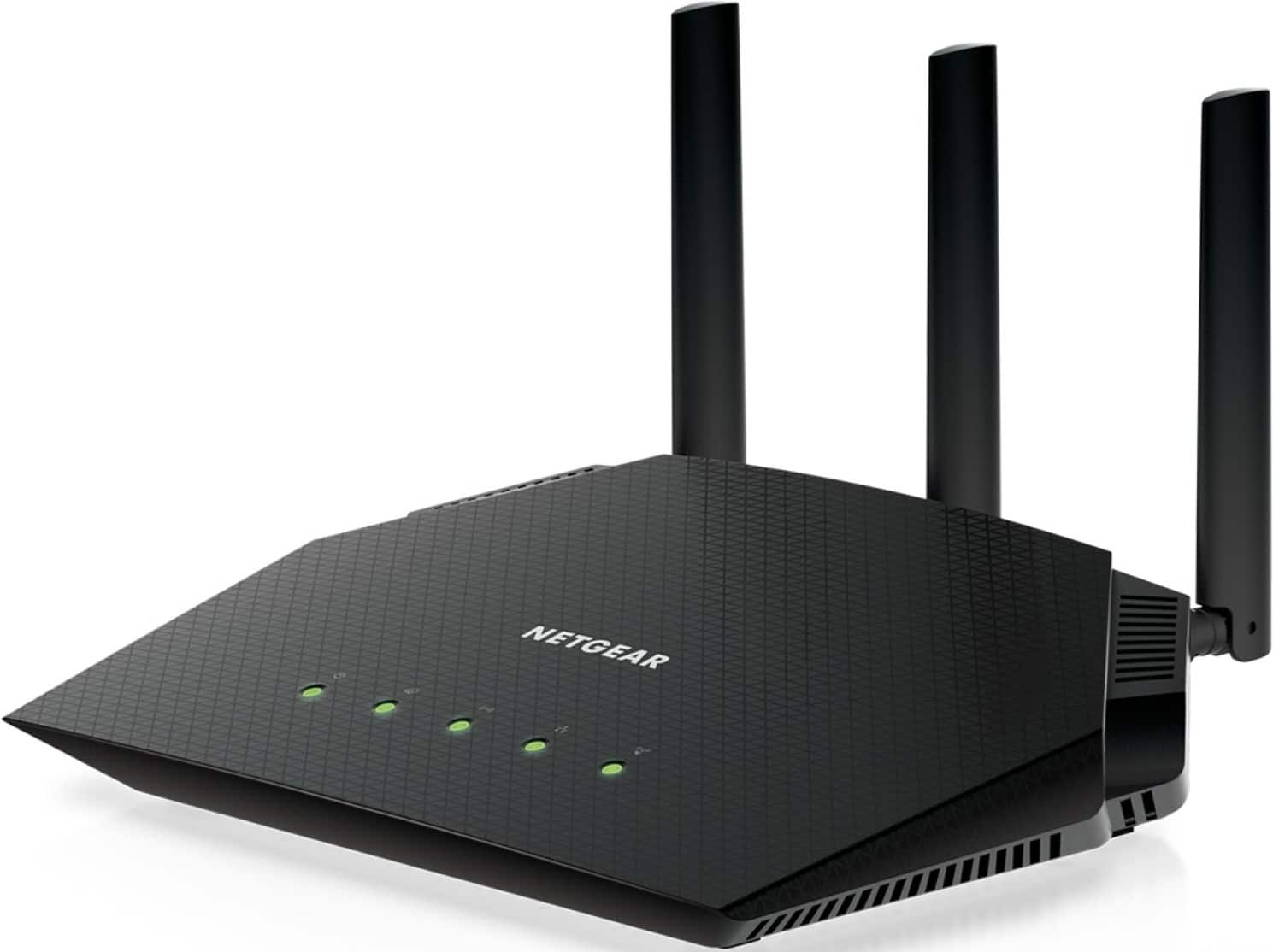
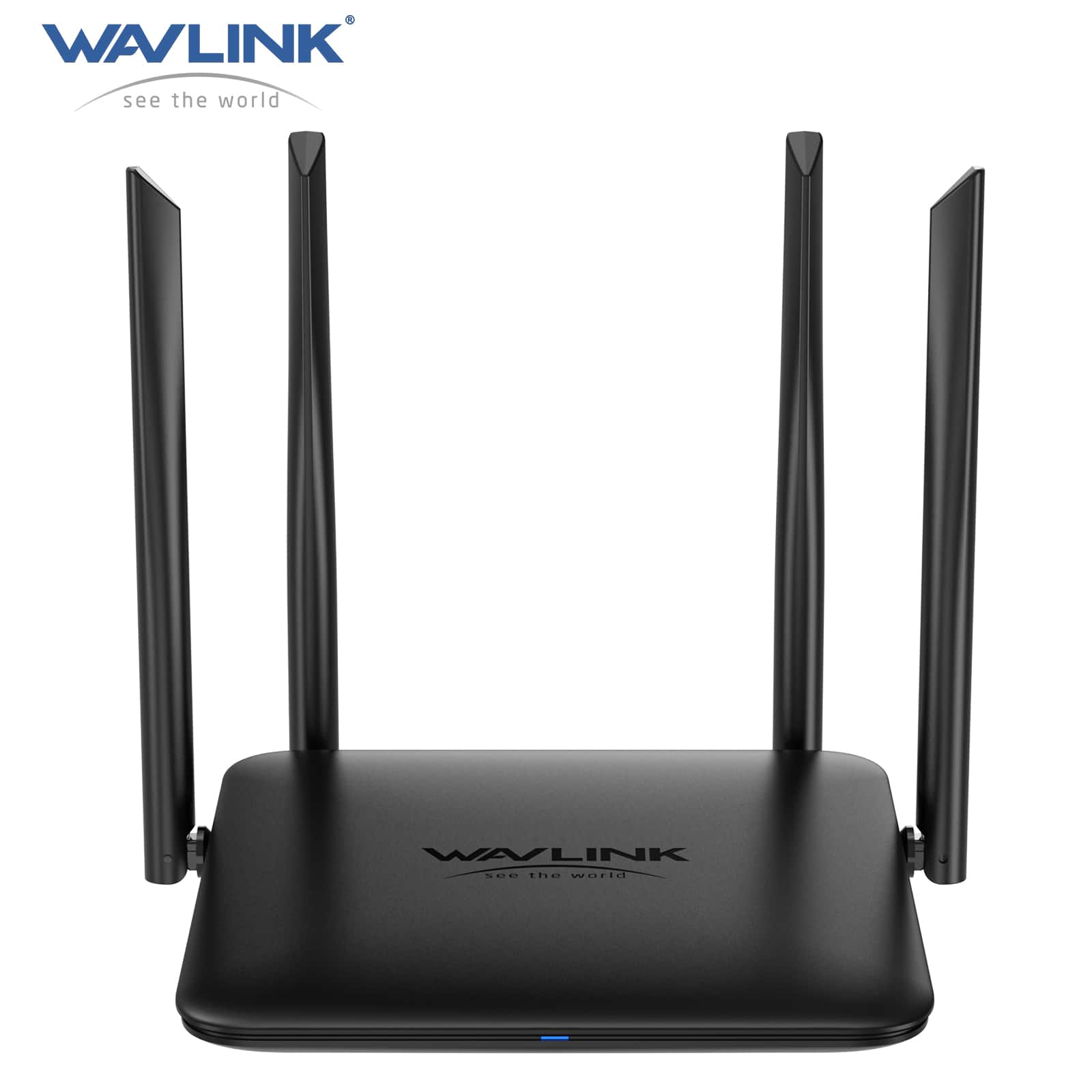
    A black dual-band Wi-Fi 6 router with WPA3 encryption, quad-core processor, and four LAN ports.

    A black dual-band Wi-Fi 6 router with WPA3 encryption, quad-core processor, and four LAN ports.

    What customers like

    • Robust security features and alerts
    • Fast speeds and seamless streaming
    • Good value for the price
    • Easy setup and configuration
    • Strong and reliable Wi-Fi coverage
    (147)
    $109.99 Your price for this item is $109.99
  6. 6

    About this product

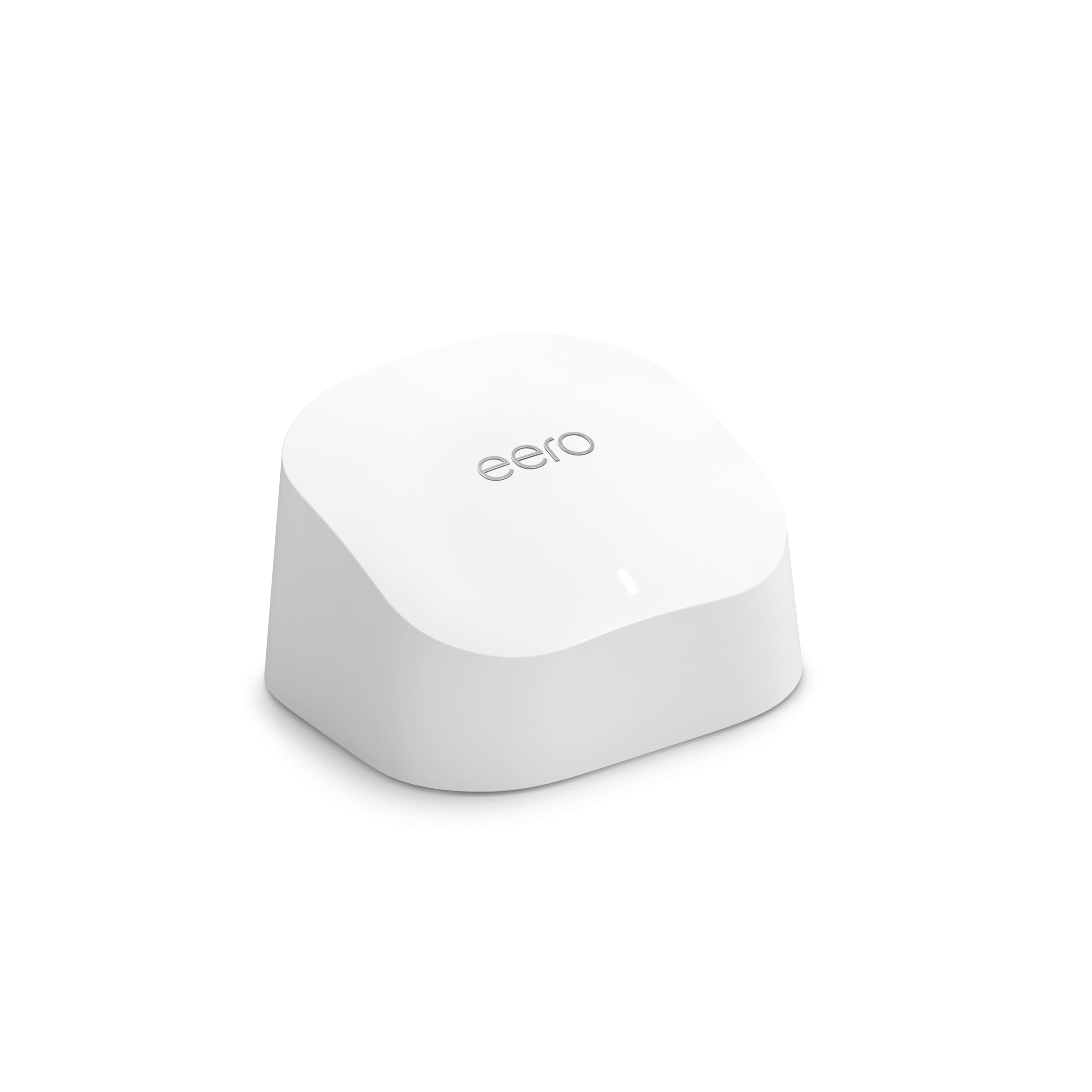
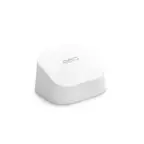
    A dual-band white mesh router delivering fast, reliable Wi-Fi 6 coverage with advanced security and parental controls.

    A dual-band white mesh router delivering fast, reliable Wi-Fi 6 coverage with advanced security and parental controls.

    What customers like

    • Easy and quick setup
    • Fast speeds and improved performance
    • Strong and reliable Wi-Fi coverage
    • Advanced security and parental controls
    • User-friendly and intuitive app
    (1,188)
    $71.99
    SAVE $18.00
    Your price for this item is $71.99
  7. 7

    About this product

    A high-speed black Wi-Fi 6 router offering stable, simultaneous streaming and gaming with advanced signal coverage.

    A high-speed black Wi-Fi 6 router offering stable, simultaneous streaming and gaming with advanced signal coverage.

    (0)
    $179.00 Your price for this item is $179.00
  8. 8

    About this product

    A dual-band mesh Wi-Fi system in Mist with built-in Google Assistant and advanced parental controls.

    A dual-band mesh Wi-Fi system in Mist with built-in Google Assistant and advanced parental controls.

    What customers like

    • Sleek and compact design
    • Easy setup process
    • Effective integration with smart home devices
    • Improved Wi-Fi coverage and signal strength
    • Fast and reliable internet speeds
    (6,289)
    $219.99 Your price for this item is $219.99
  9. 9

    About this product

    A tri-band mesh Wi-Fi 6E system in white offering gigabit+ speeds, parental controls, and app compatibility.

    A tri-band mesh Wi-Fi 6E system in white offering gigabit+ speeds, parental controls, and app compatibility.

    What customers like

    • Reliable and fast Wi-Fi 6E performance
    • Compact design with professional features
    • Supports gigabit+ speeds and wired backhaul
    • Wide and consistent coverage
    • Easy setup and user-friendly app
    (2,213)
    $149.99
    SAVE $50.00
    Your price for this item is $149.99
  10. 10

    About this product

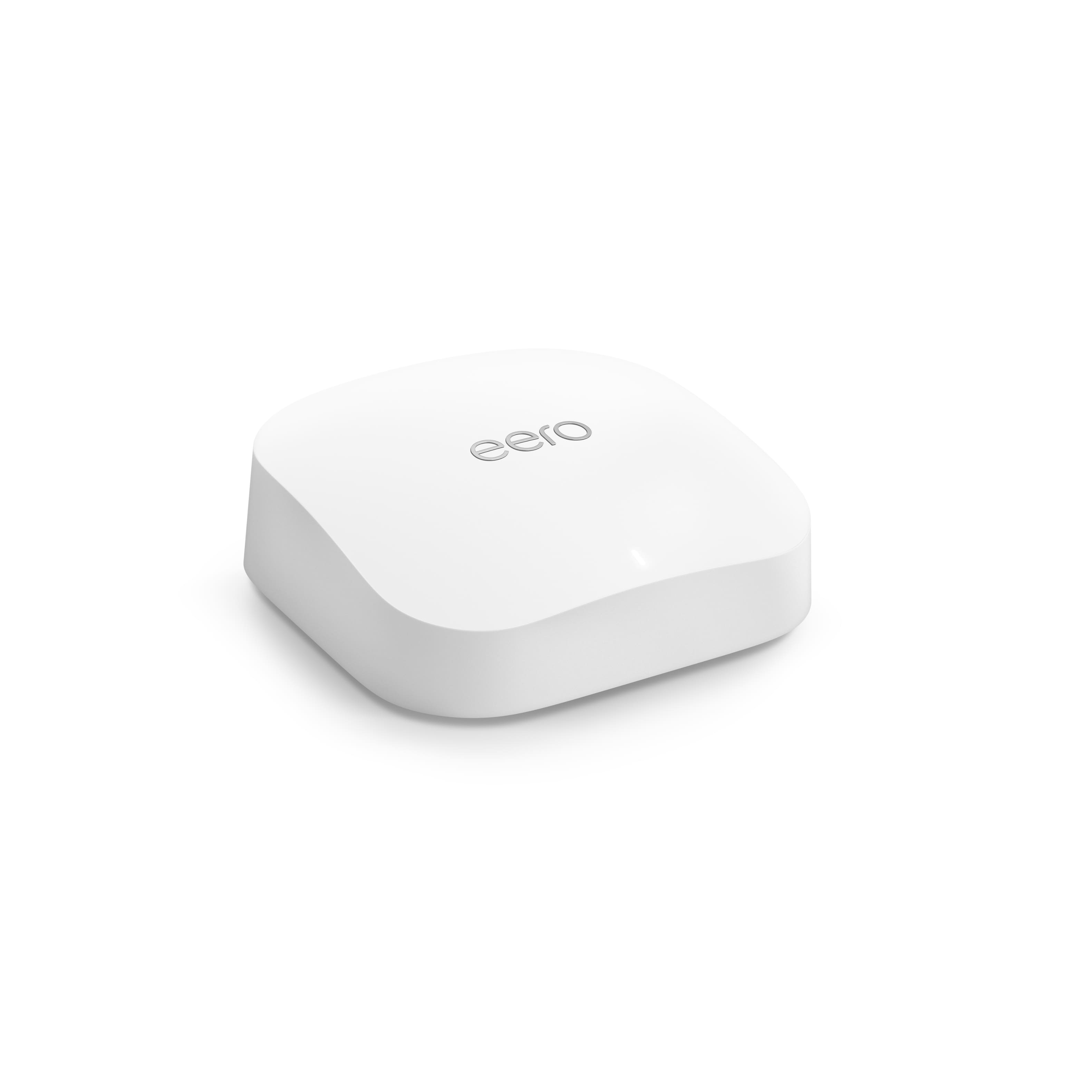
    A white Wi-Fi 6 mesh router supporting gigabit speeds, 75+ devices, WPA2/WPA3 encryption, and parental controls.

    A white Wi-Fi 6 mesh router supporting gigabit speeds, 75+ devices, WPA2/WPA3 encryption, and parental controls.

    (2)
    $94.99
    SAVE $45.00
    Your price for this item is $94.99

Best Wi-Fi Router Under $300

The best Wi-Fi router for a home is one that delivers dependable connections where daily life happens: a clear video meeting at the kitchen table, a movie streaming in the living room, and a game downloading in another room. Wireless performance depends on more than the largest speed printed on a box. The internet plan, connected devices, building layout, and router placement all influence the experience. Wi-Fi 6 routers offer capabilities designed to manage busy networks efficiently, while Wi-Fi 6E adds access to the 6 GHz band for compatible devices. Wi-Fi 7 introduces additional features, including Multi-Link Operation, which can allow compatible equipment to use multiple wireless links to improve performance or reliability. Support varies by router, client device, software, and configuration, so the wireless standard alone does not tell the whole story. Dual-band routers generally operate on 2.4 GHz and 5 GHz, while tri-band designs add another radio band; the exact combination matters because not every tri-band router includes 6 GHz. The 2.4 GHz band typically reaches farther but encounters more congestion, while 5 GHz often provides a useful balance of speed and coverage. The 6 GHz band offers additional spectrum for compatible devices, though walls and distance can limit its reach. Advertised wireless speeds commonly combine theoretical maximums across multiple bands rather than describe what a single laptop or phone will receive. Wired connections deserve equal attention. A multi-gigabit WAN port can accommodate an internet connection faster than gigabit Ethernet, while multi-gigabit LAN ports can support compatible computers, network storage, or wired networking equipment. Actual throughput still depends on the slowest connection in the path. For streaming, remote work, and everyday browsing, consistent coverage and responsive connections often matter more than an impressive aggregate speed rating. A router also needs to match the internet service setup: most cable connections still require a compatible modem, while fiber service typically connects through the provider’s optical network terminal or supplied equipment. Replacing a router does not necessarily replace those components.

A router’s fit within the home is both technical and physical. A compact apartment with an open floor plan presents a different challenge from a multistory house with brick walls, long hallways, or a detached workspace. Coverage estimates provide context, but they cannot fully account for concrete, metal ductwork, large appliances, neighboring networks, or the position of the internet connection. A centrally placed standalone router may serve a smaller home well, while a compatible mesh system can distribute wireless access through multiple nodes. Mesh is especially useful when a strong connection near the main router becomes unreliable at the far end of a hallway or upstairs bedroom. Nodes need a solid connection to the network themselves; placing one inside an existing dead zone may simply repeat an unreliable signal. Ethernet backhaul, when supported, lets compatible mesh units communicate over network cable and can reduce the wireless traffic used to connect them. Wireless backhaul performance depends on node placement, available bands, and the system’s design. Mesh compatibility is not universal, even between equipment that uses the same Wi-Fi generation. Physical dimensions, antenna clearance, and cable routing also affect everyday usability. Router housings commonly use lightweight plastic with ventilation openings, and some designs have external adjustable antennas while others keep antennas inside the enclosure. Neither appearance alone nor antenna count guarantees better coverage. An open shelf with room around the housing generally provides a more suitable location than a crowded cabinet, a spot behind a television, or the floor beside metal furniture. Care is straightforward: keep vents clear, remove surface dust according to the manufacturer’s instructions, and protect the equipment from spills. Stable placement also reduces strain on power cords and Ethernet connectors. For households with a desktop gaming setup, a work dock, or several entertainment devices, sufficient LAN ports can make a wired connection practical without adding extra networking equipment.

Network management and security features help determine how comfortably a router fits into daily routines. A household with phones, tablets, smart speakers, cameras, and connected lighting may have many devices online even when only a few people are actively using the network. Handling those connections reliably involves processing capability, wireless efficiency, software quality, and the amount of traffic each device generates—not just a headline device count. Quality of Service controls can prioritize selected traffic, such as a video call or gaming session, when the network is busy, but they cannot create additional internet bandwidth. A wired Ethernet connection remains a useful option for a stationary gaming computer or work setup when consistent latency is important. Guest networking can provide visitors with internet access without sharing the primary network credentials, while supported device-isolation features can add separation for connected household equipment. WPA3 security is worth considering where devices support it, with compatibility settings sometimes necessary for older equipment. Automatic firmware updates, clear security settings, and an understandable update policy contribute to long-term usability. Parental controls may include schedules, website filtering, or device-level pauses, although capabilities vary and filters are not a substitute for supervision. App-based setup can simplify installation and routine changes, while a browser-based interface may offer more detailed configuration; account requirements and remote-management options differ. When a router operates alongside an internet provider’s gateway, supported bridge or access point settings can help avoid overlapping routing functions, though changes may affect provider-managed features. Reliable networking benefits students submitting assignments, remote workers sharing large files, and households balancing entertainment with connected security devices. For another collection of home networking options, explore Best Router Under 1000. Across router types, a good match brings together appropriate coverage, compatible wireless features, useful wired connections, and controls that make sense for the people who will manage the network. Those practical details help keep the connection dependable beyond the initial setup.

FAQs