Best Router Under 1000
Find the best router under $1,000 for your home by comparing Wi-Fi routers based on supported speeds, coverage, and device capacity. Match your choice to your internet plan, home layout, and streaming or gaming needs, and consider wired connections and security settings to help narrow your options.
What to look for in a router under $1,000
To find the best router under $1,000 for your home, compare wireless performance, coverage, wired connections, and security features against your needs and budget.
1. Wi-Fi Performance
2. Coverage And Expandability
3. Wired Connections
4. Security And Network Management
-
1
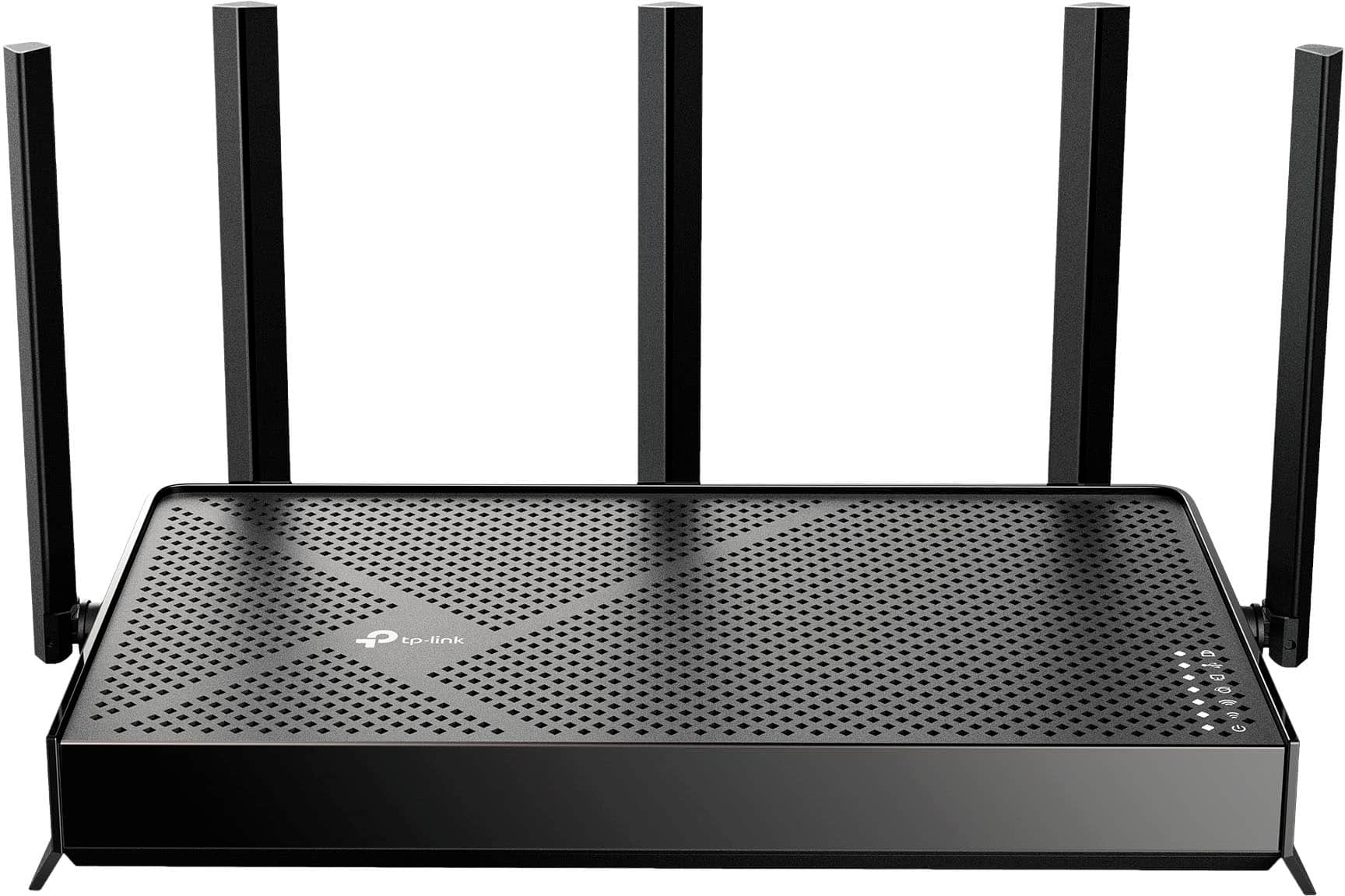
TP-Link - Archer BE5000 Dual-Band Wi-Fi 7 Router - Black
About this product
A dual-band black router featuring Wi-Fi 7, 5.0 Gbps speeds, multi-gig ports, and smart home compatibility.
What customers like
(137)$119.99Your price for this item is $119.99SAVE $20.00 -
2
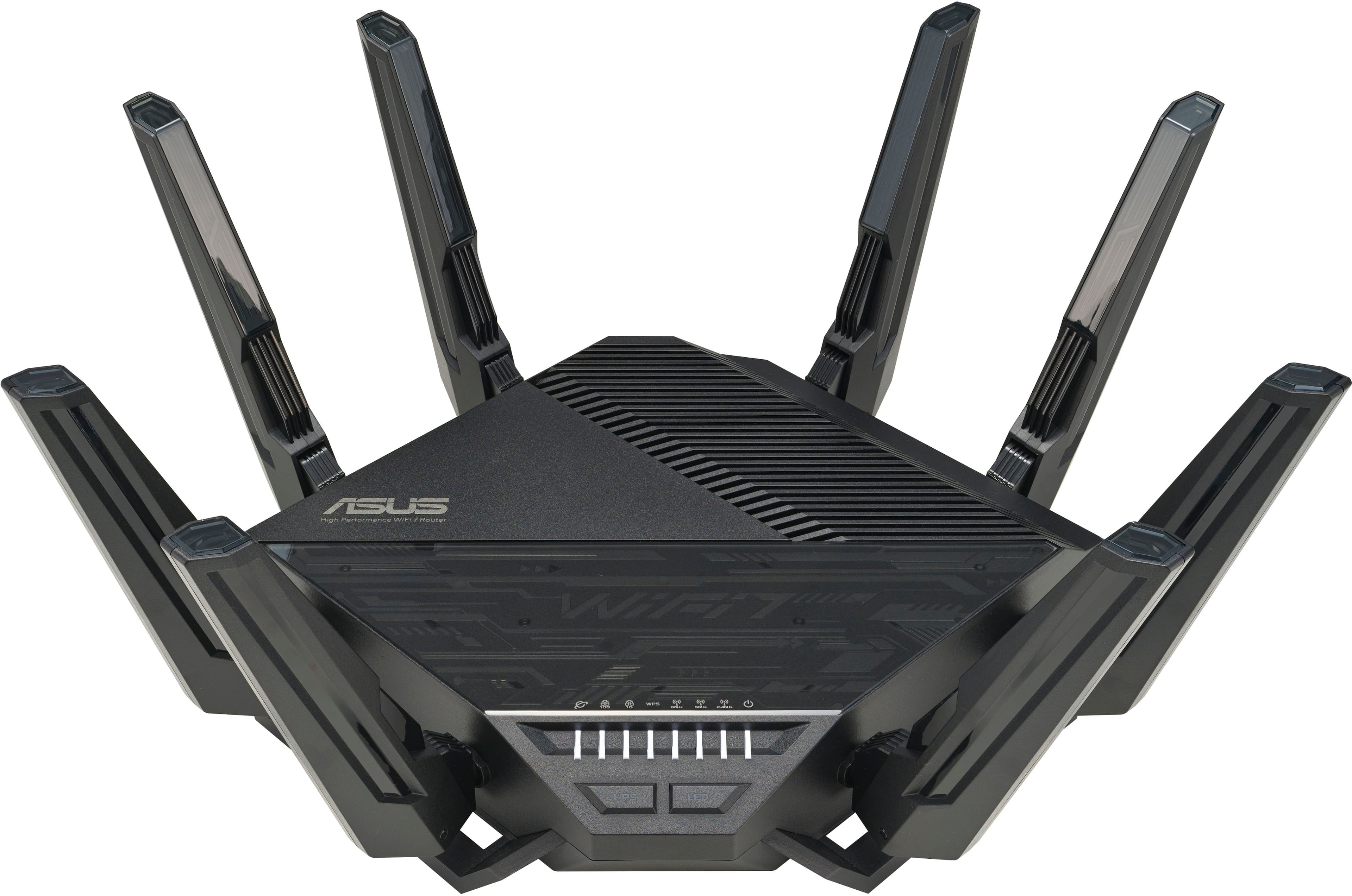
ASUS - RT-BE96U BE19000 Tri-Band Wi-Fi 7 Router - Black
About this product
A high-performance black tri-band Wi-Fi 7 router with dual 10 Gbps ports and advanced security features.
What customers like
(149)$629.99 Your price for this item is $629.99 -
3
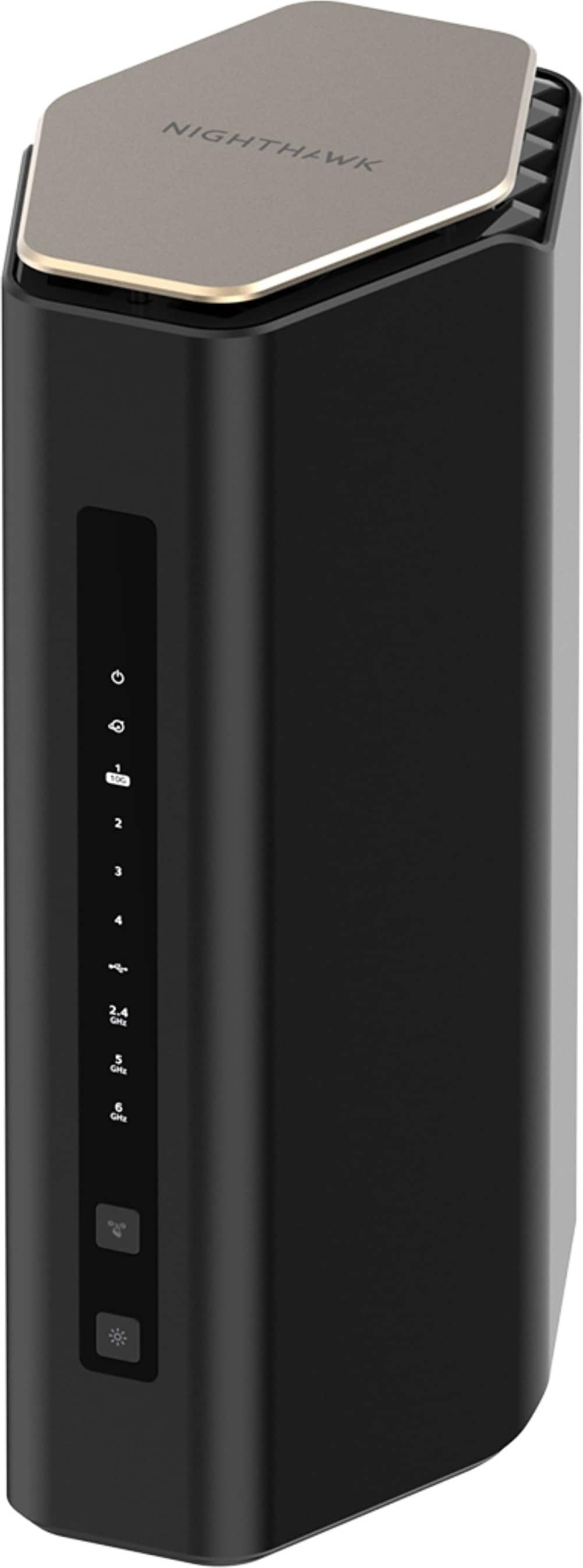
NETGEAR - Nighthawk WiFi 7 Router RS600 Up to 3,300 sq ft, 18 Gbps, Reliable Performance, Easy Set Up, 150 devices - Black
About this product
A black tri-band Wi-Fi 7 router delivering up to 18 Gbps with four LAN ports.
What customers like
(135)$499.99 Your price for this item is $499.99 -
4
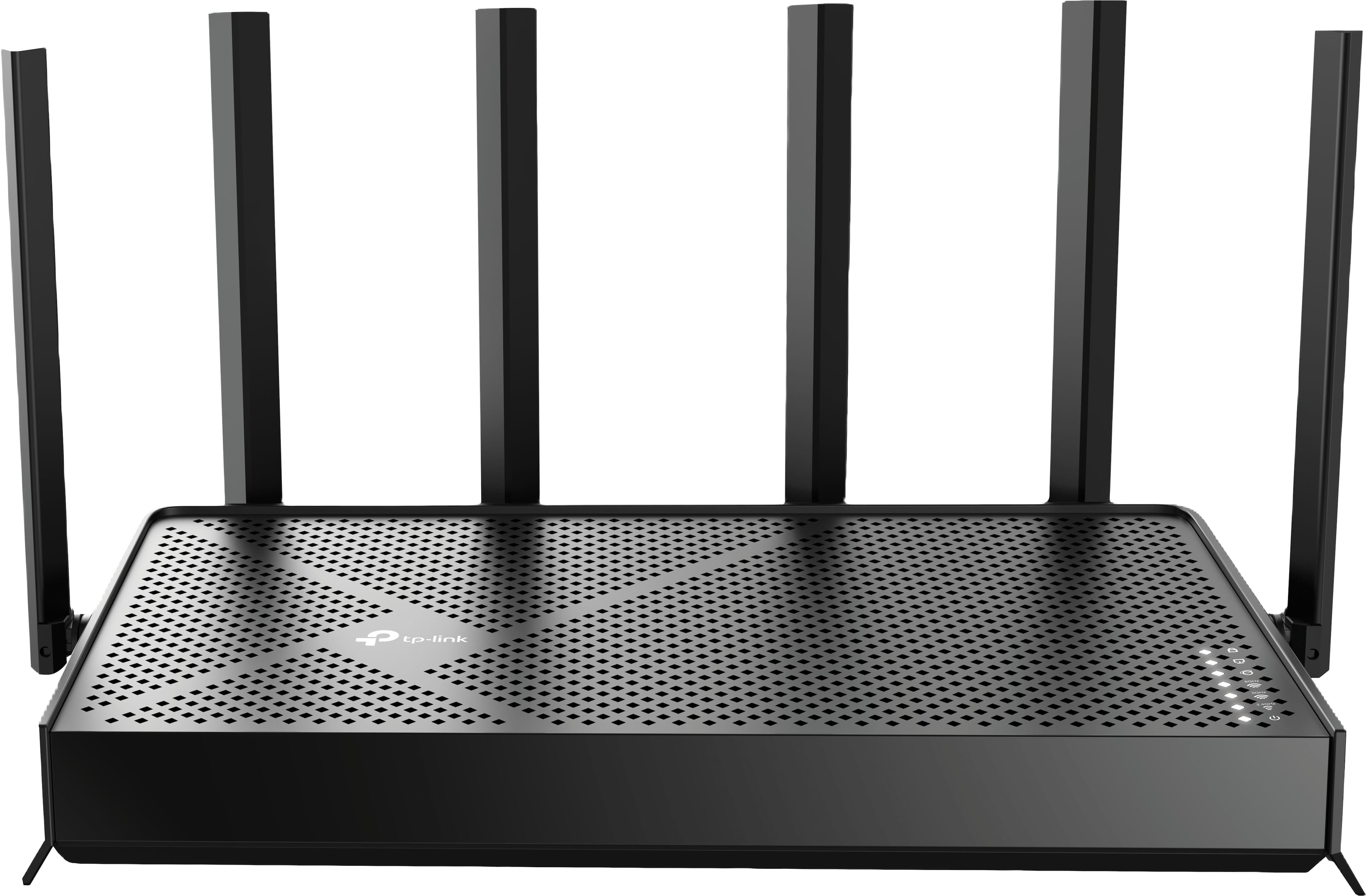
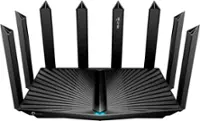
TP-Link - Archer BE9500 Tri-Band Wi-Fi 7 Router plus 1 Year of HomeShield Premium Service - Black
About this product
A black tri-band Wi-Fi 7 router delivering up to 9.5 Gbps speeds with advanced security features.
(7)$199.99 Your price for this item is $199.99 -
5
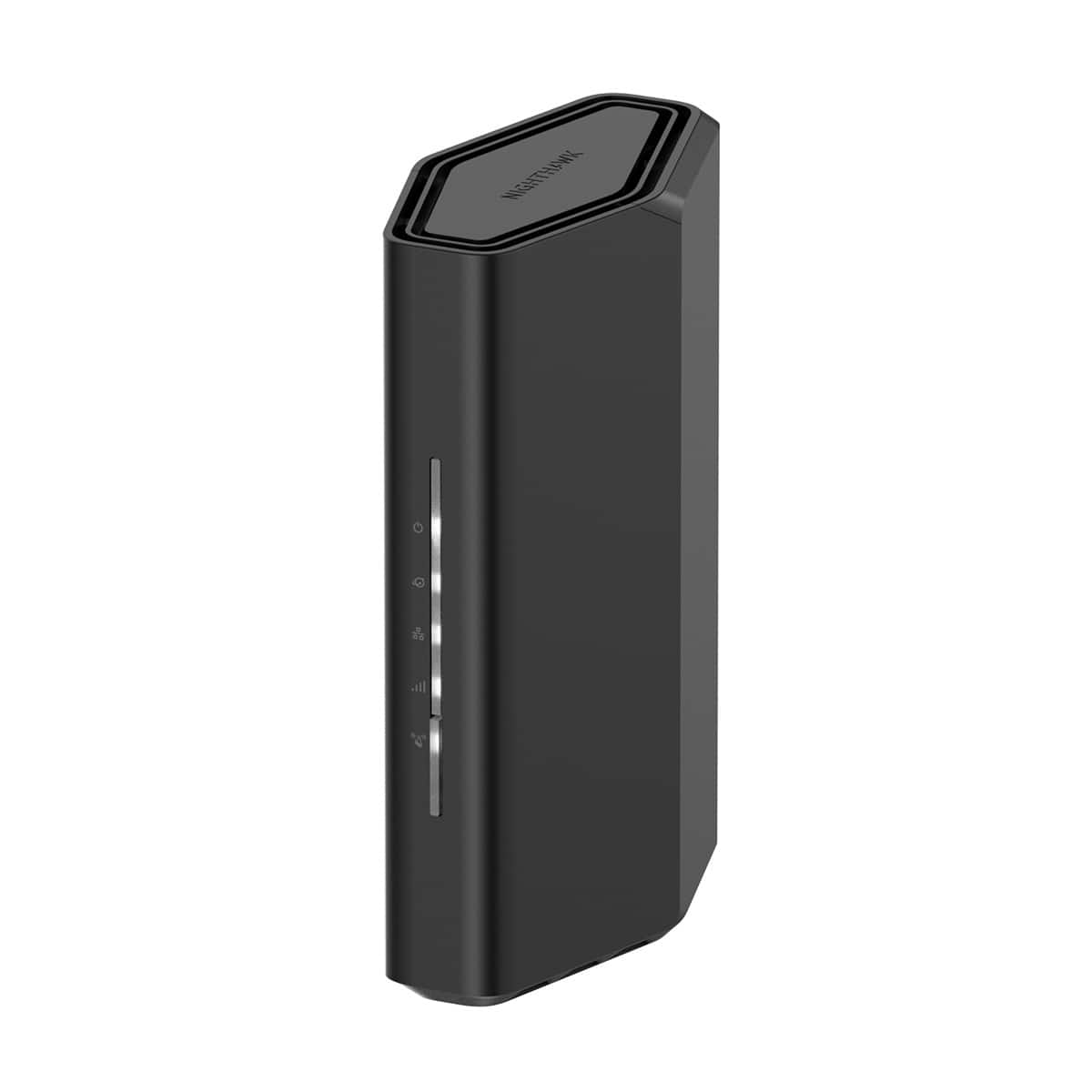
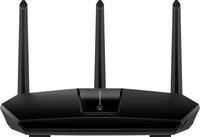
NETGEAR - Nighthawk WiFi 7 Router RS100 Up to 2,000 sq ft, 3.6 Gbps, Reliable Performance, Easy Set Up, 50 devices - Black
About this product
A dual-band Wi-Fi 7 router delivering speeds up to 3.6Gbps, four Ethernet ports, and app-based setup.
What customers like
(473)$149.99 Your price for this item is $149.99 -
6
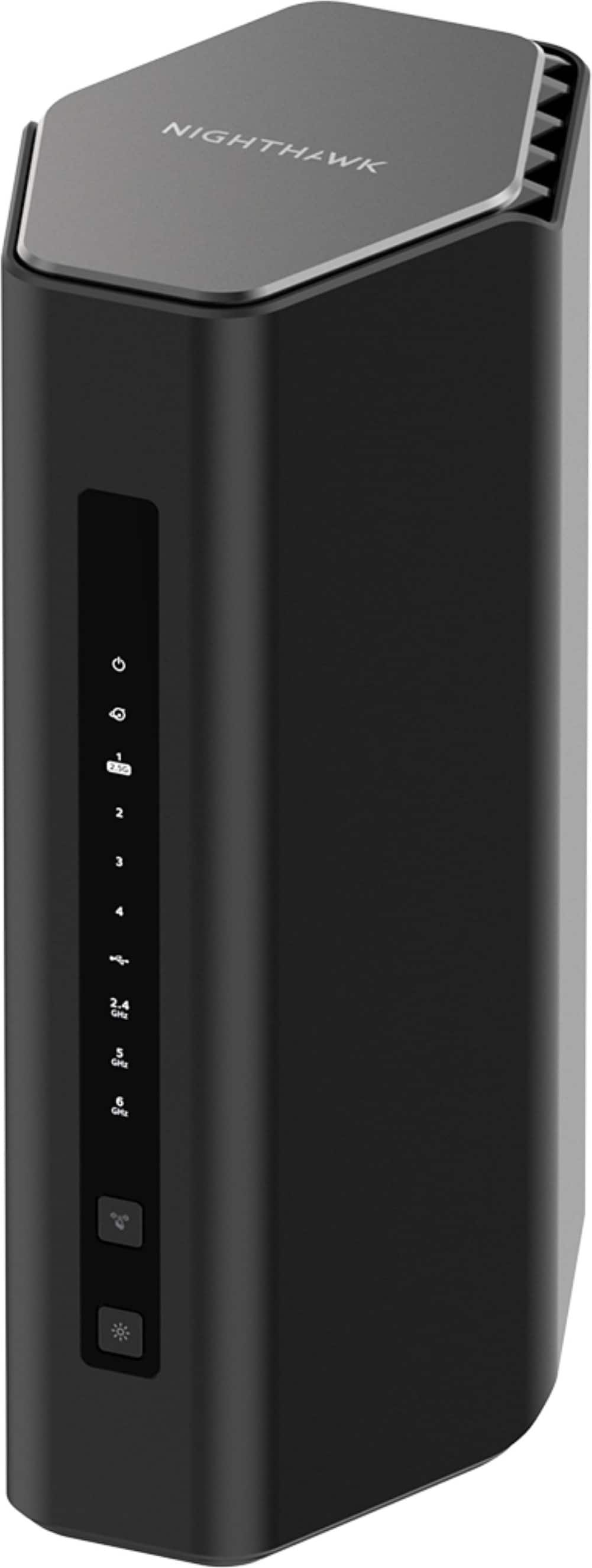
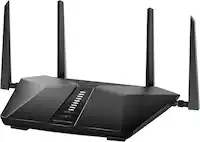
NETGEAR - Nighthawk WiFi 7 Router RS500 Up to 3,000 sq ft, 12 Gbps, Reliable Performance, Easy Set Up, 120 devices - Black
About this product
A black tri-band Wi-Fi 7 router delivering 12 Gbps with MU-MIMO, OFDMA, and Ethernet connectivity.
What customers like
(212)$399.99 Your price for this item is $399.99 -
7
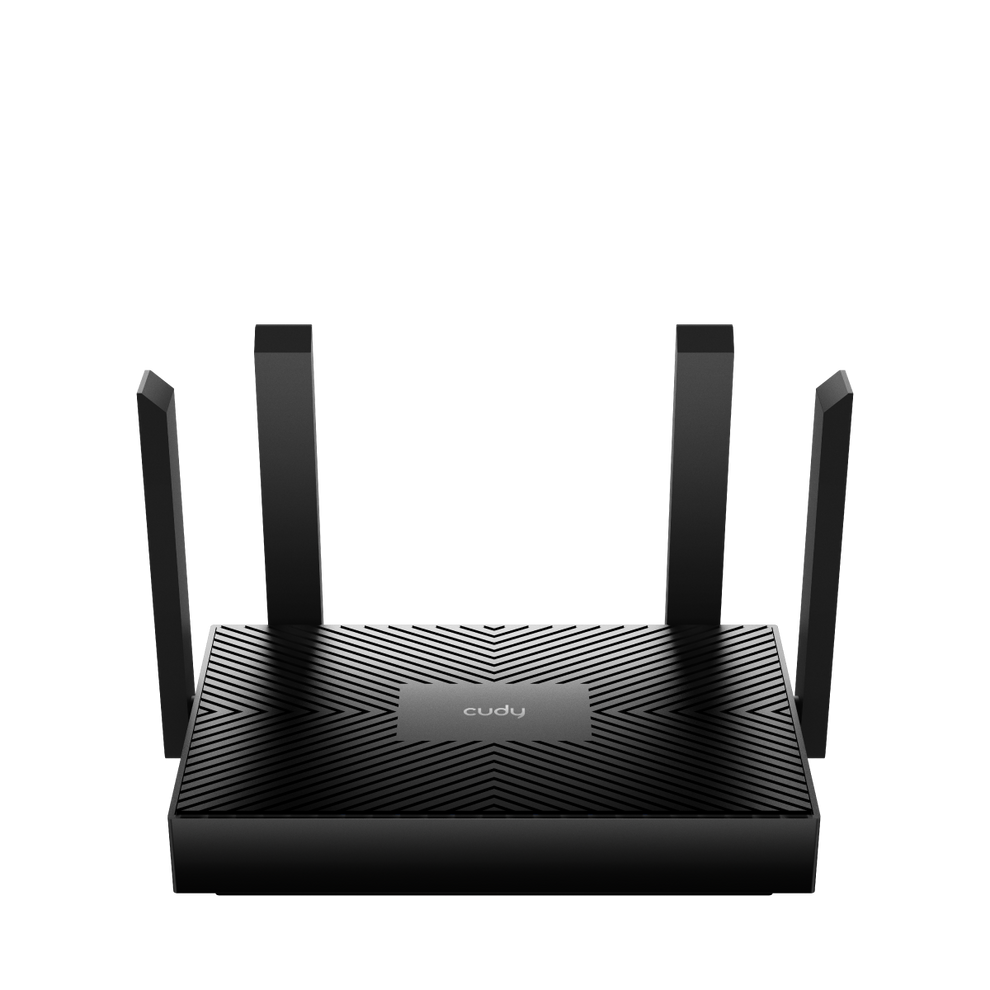
Cudy - AX1500 Mesh Wi-Fi 6 Router - Black
About this product
A black dual-band Wi-Fi 6 mesh router with four Gigabit ports, beamforming, and advanced parental controls.
(1)$34.99 Your price for this item is $34.99 -
8
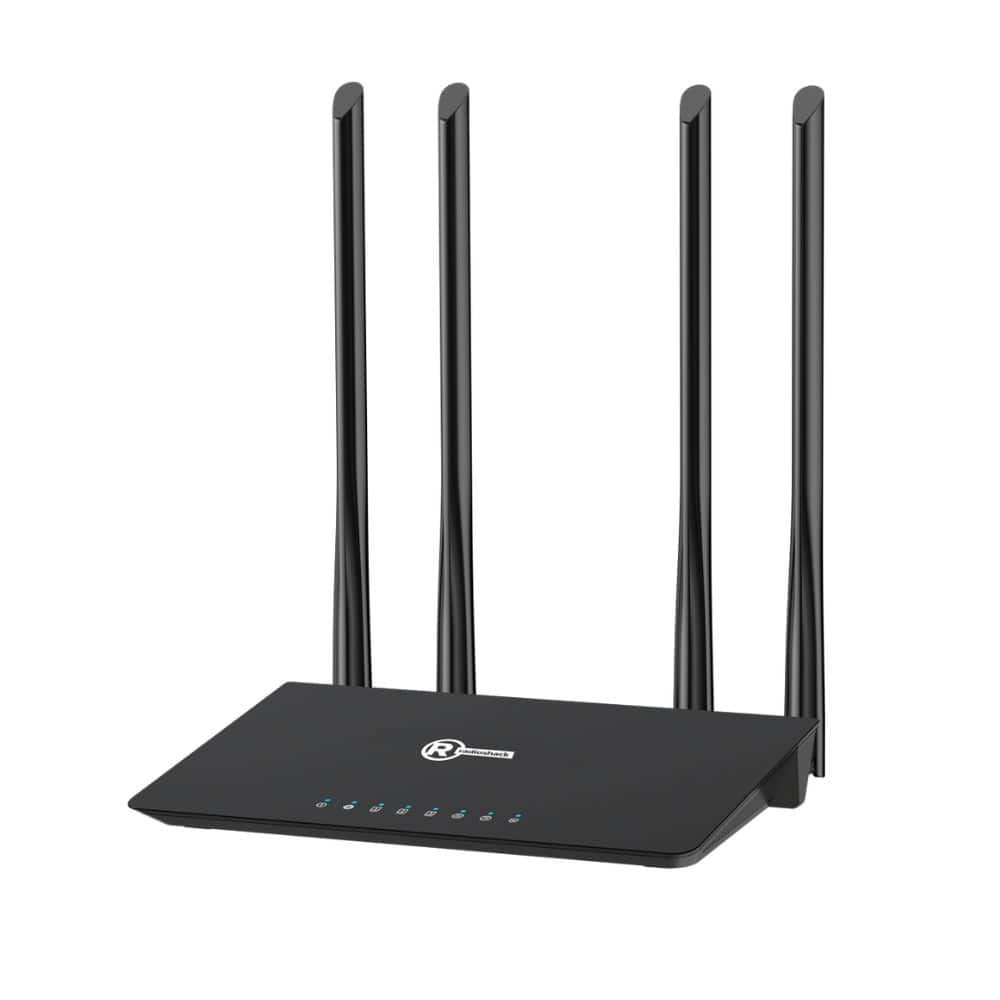
RadioShack - 1200 Mbps Wi-Fi Router - Black
About this product
A dual-band black Wi-Fi 5 router with four antennas for fast, reliable streaming and gaming connectivity.
(0)$79.99 Your price for this item is $79.99 -
9
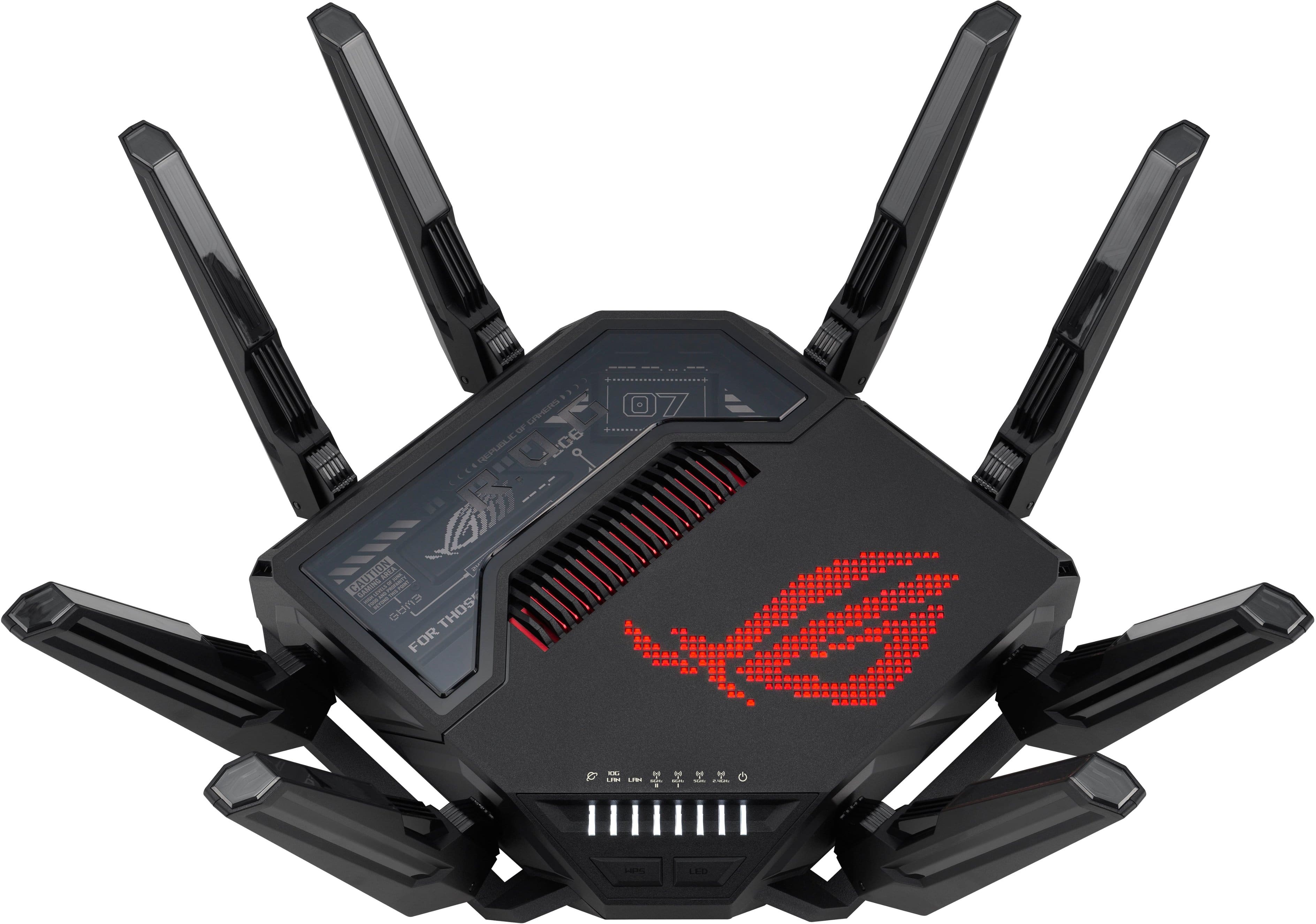
ASUS - ROG Rapture GT-BE98 Pro BE30000 Quad-Band Wi-Fi 7 Gaming Router - Black
About this product
A quad-band black gaming router with Wi-Fi 7, dual 10G ports, RGB lighting, and advanced security.
What customers like
(257)$684.99Your price for this item is $684.99SAVE $15.00 -
10
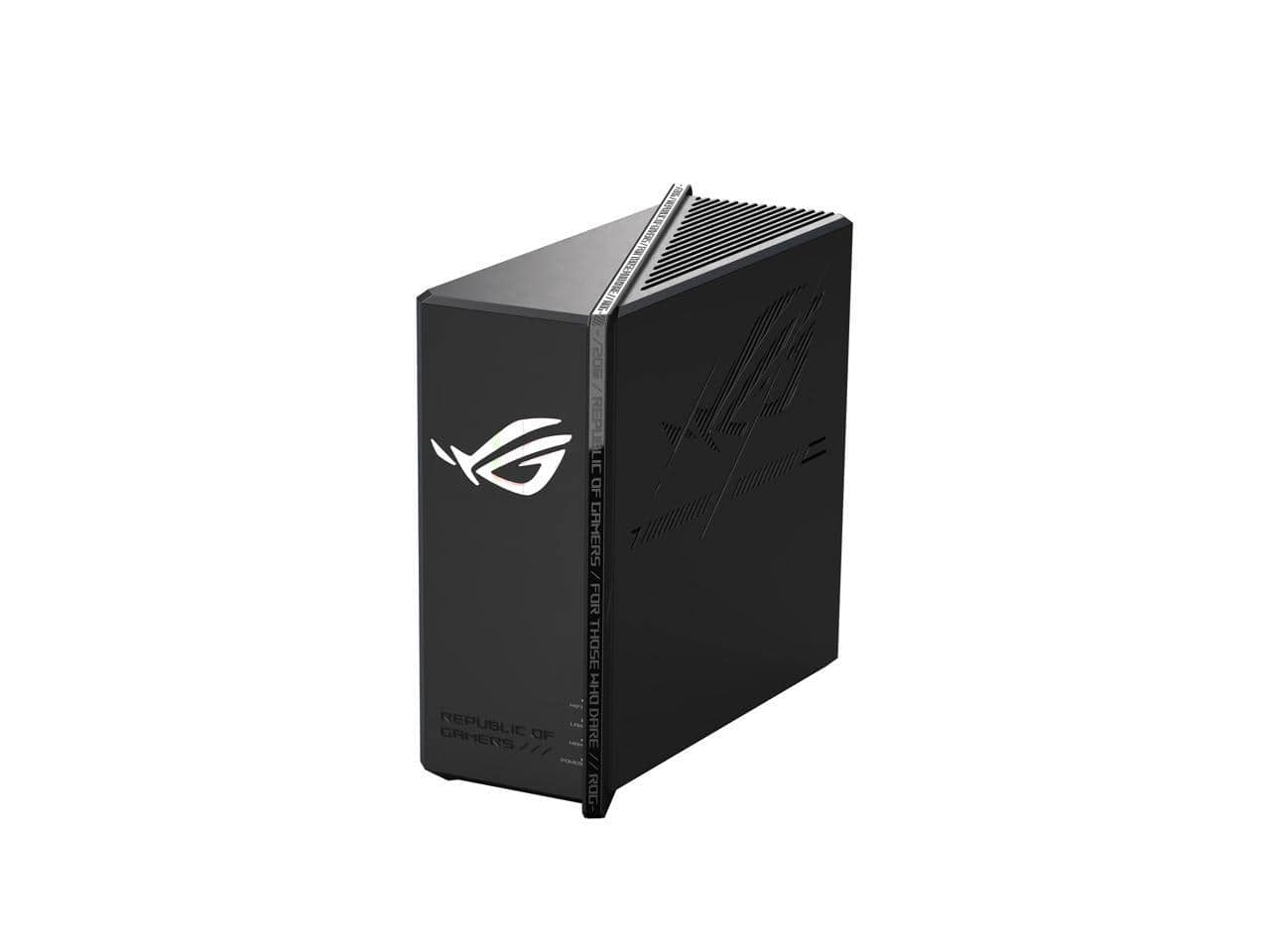
ASUS - ROG Strix GS-BE12000 WiFi 7 Router, 12000 Mbps, 20G Wired, 3000 sq ft, Quad-core CPU, Game Accel, Triple Security
About this product
A tri-band WiFi 7 router with 12000 Mbps speed, 20G wired, quad-core CPU, and triple security.
(1)$349.99Your price for this item is $349.99SAVE $50.00
Best Router Under 1000
FAQs
A modem connects to an internet service provider through a compatible cable or DSL connection. A Wi-Fi router manages your home network and connects devices through Wi-Fi or Ethernet. Some internet gateways combine modem and router functions in one device.
Dual-band routers typically use the 2.4 GHz and 5 GHz frequency bands. Tri-band routers add another band, which may be a second 5 GHz band or a 6 GHz band, depending on the model. A device must support a frequency band to connect to it.
Wi-Fi 6 operates on the 2.4 GHz and 5 GHz bands. Wi-Fi 6E extends Wi-Fi 6 technology to the 6 GHz band. Wi-Fi 7 is a newer standard that introduces features such as Multi-Link Operation, which allows compatible devices to use multiple wireless links.
Home routers commonly include a WAN or internet port for connecting to a modem or other internet source, plus LAN Ethernet ports for wired devices. Some models also have USB ports for supported functions such as sharing files from an attached storage drive. Port types and functions vary by router.
Depending on the router, its companion app may let you set up a network, change the Wi-Fi network name, view connected devices, create a guest network, and schedule internet access. Some routers also offer a browser-based dashboard for managing settings.